
PvP Essentials Model – Transforms Combat Blocks with Clear 3D Visuals

 0


PvP Essentials Model replaces standard block visuals with custom three-dimensional shapes and animated textures. This pack upgrades blocks frequently used in player combat, redstone builds, and trap setups across your worlds. You get clear visual cues on functional objects like comparators, buttons, composters, and doors during fast-paced matches.
Features:
- Adds 172 custom three-dimensional models for competitive and functional blocks.
- Includes 2107 texture files with built-in moving animations.
- Reworks redstone comparators with distinct powered, unpowered, and subtraction states.
- Provides physical depth changes for buttons in both default and pressed positions.
- Displays seven distinct fill stages inside composters as items accumulate.
- Updates utility blocks such as cauldrons, cobwebs, and calibrated sculk sensors.
- Constructs acacia doors using separate multi-part corner models for clean placement visuals.
How to Use:
- Enable the pack inside your Resource Packs menu and move it to the top of the active list.
- Place an acacia door on the ground to inspect the custom upper and lower panel models.
- Attach a button to any solid block and press it to see the active pressed animation model.
- Place a redstone comparator on the floor and toggle subtract mode to watch the torch needles shift.
- Fill a composter with seeds or plants to watch the interior contents rise through each fill level.
- Place cobwebs and cauldrons inside your arena to check their updated geometric shapes.
Requirements:
- Minecraft 1.13 to 26.2
Screenshots:
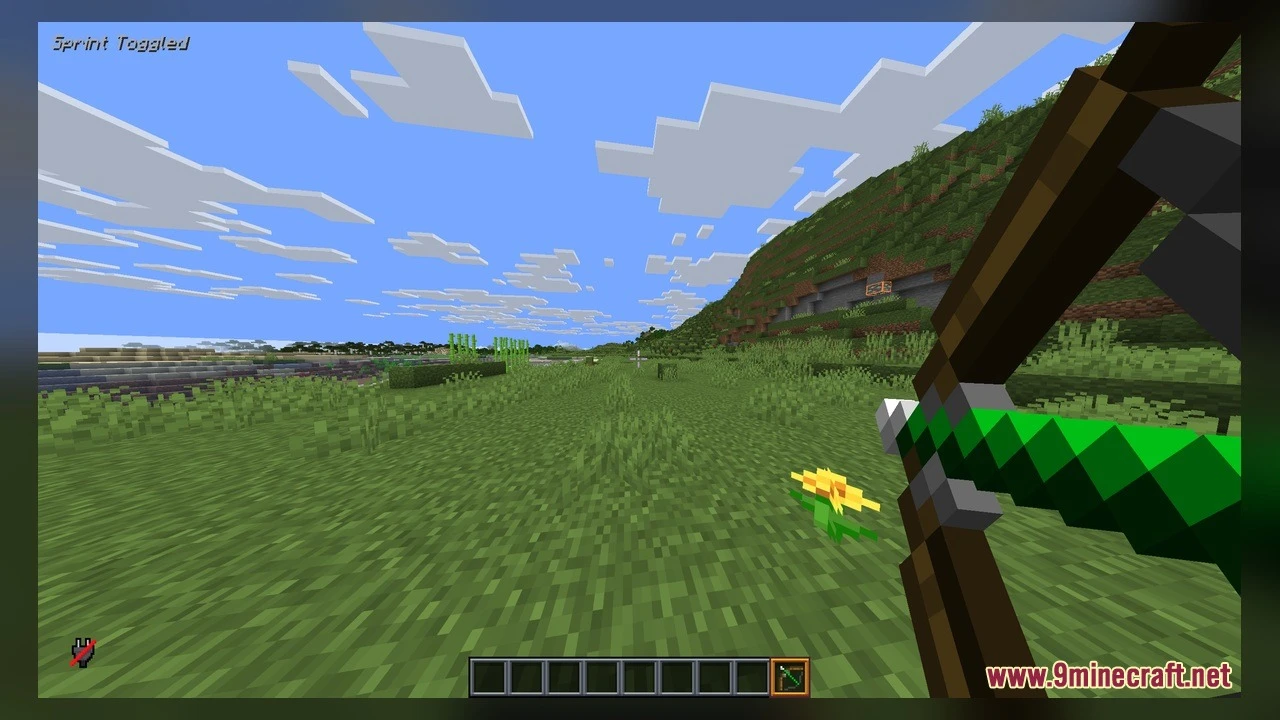
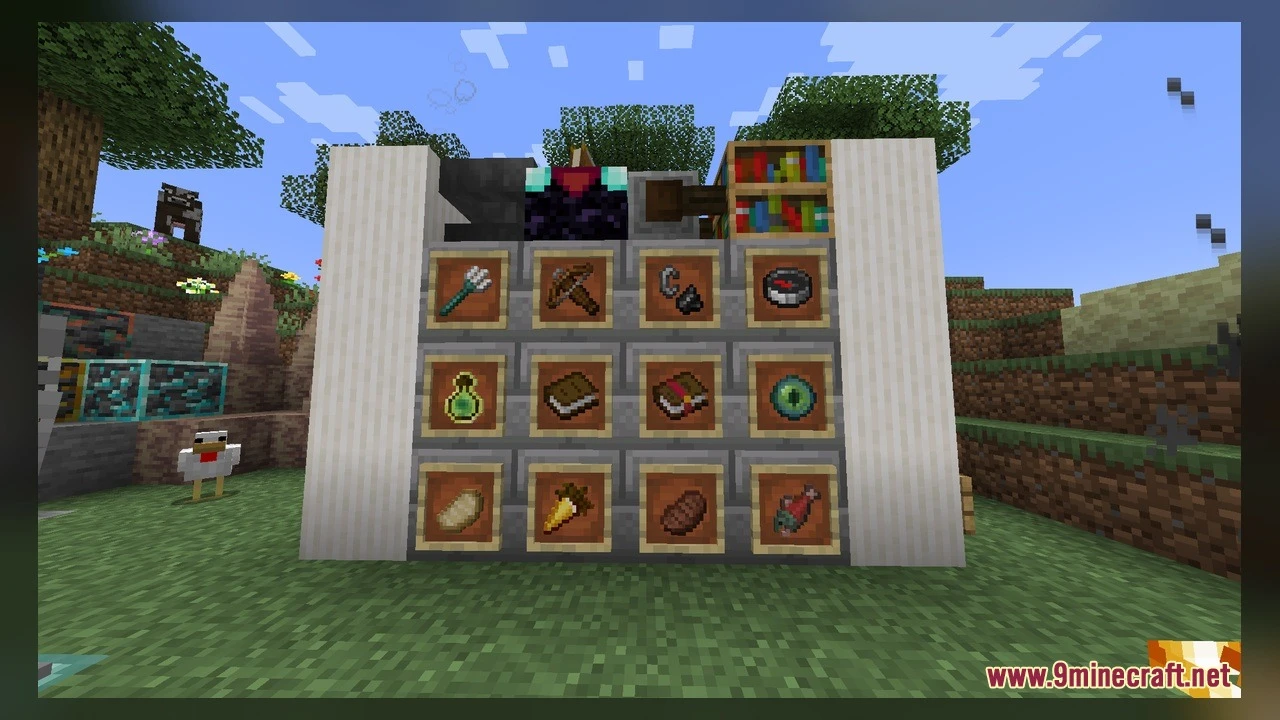
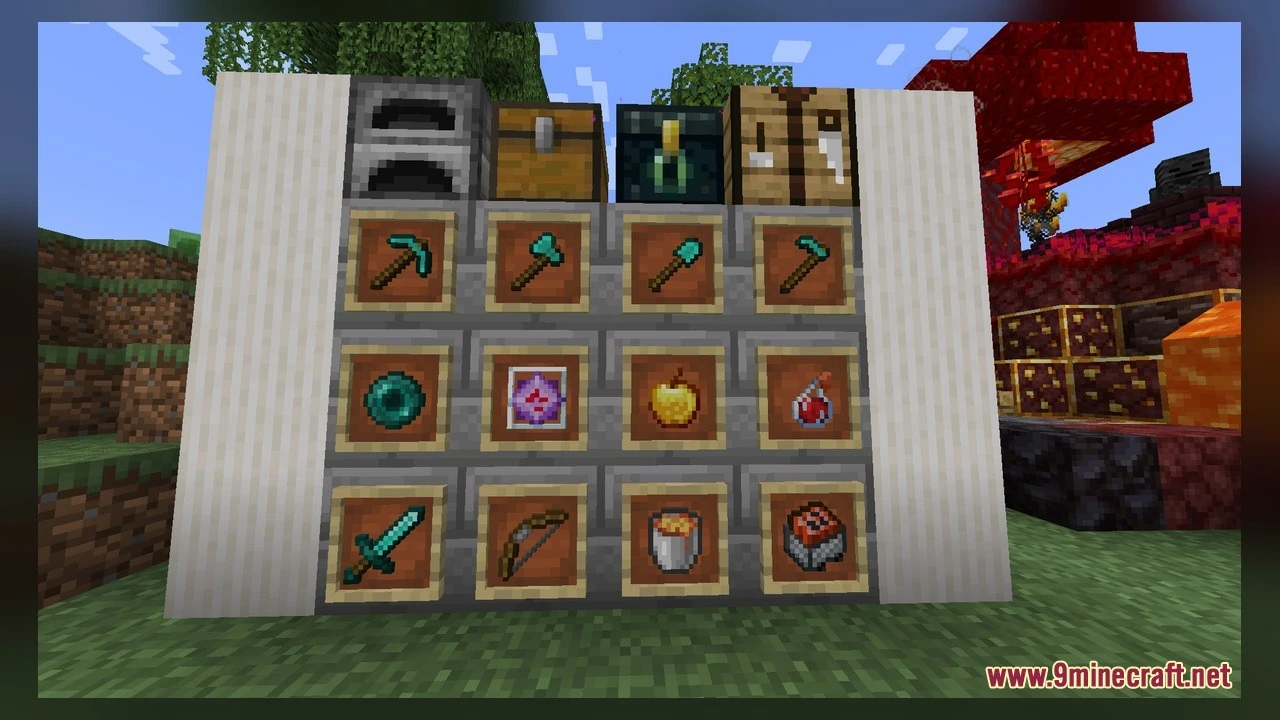
PvP Essentials Model Download Links
Click to rate this post!
[Total: 0 Average: 0]
You May Also Like
Picked for this page
 Arty Reindeer Jenny Mod Model
 Enchanted Wood Furniture Model
 School Classroom Furniture Pack Model
 Wooden Pack Om 1 Model
 Gym Furniture Pack Volume 1 Model
 Egyptian Furniture Pack Model
 Vending Furniture Pack Model
 Windows Decoration Volume 1 Model
 Restaurant Decoration Pack Volume 1 Model
 Human Era Vanilla Military Model – Adds Classic Firearms and Military Gear
 WU_SHUANGCB’s Zombie Skin Model – Transforms Zombies with Heavy Viral Weapons
 Simplistic 3D Doors Model – Adds Clean Depth to Vanilla Entryways
Most viewed in Models over the last 7 days
 Jenny Mod Skin Pack Mega Collection – 310+ Characters
 The Most Complete Collection of Jenny Mod Resources – Models, Animations, Structures,…
 Albedo Rework Jenny Mod Model
 Power Model – Custom Girl for PleasureCraft Mod
 Ram Model – Custom Girl for PleasureCraft Mod
 100+ Custom Animations For Jenny Mod
 Galath Rework Model – Custom Girl for PleasureCraft Mod
 Steve (Jenny & Zoey) Pack Jenny Mod Model
 Albedo Jenny Mod Model
 Fern Jenny Mod Model
 750 Models Addon for Yes Steve Model Mod
 Alex Model – Custom Girl for PleasureCraft Mod
More from Models
 MiniWorld Model – Transforms Functional Blocks with Retro 3D Animations
 3D Dripstone Model – Transforms Pointed Dripstone Into Clean Blocky Shapes
 MacePvP Essentials Model – Adds Clean 3D Blocks for Competitive Battles
 SMP PvP Essentials Model – Adds Animated 3D Blocks for Battles
 Yuushya 16x Model – Adds Realistic 3D Block Shapes and Animated Details
 Anti Xray Model – Blocks Transparent Texture Cheats for Fair Mining
 Vanilla Glowing Ore Borders Model – Illuminates Hidden Ores in Caves
 Minecraft HD Fan Updated By Mrdhobbs Model – Adds Crisp 3D Blocks
 Starfall Pack Model – Unleashes Star Serpent Boss
 Whimscape X Hold My Items Model – Adds Whimscape Styled 3D Models
 Bare Bones X Nether Exoticism Model – Adds Vibrant 3D Nether Flora
 SMRT Trains Model – Brings Authentic Seoul Subway Trains to Custom Rails

This post has no comments yet. Be the first — your comment will appear here.