
3D Dripstone Model – Transforms Pointed Dripstone Into Clean Blocky Shapes

 0


3D Dripstone Model replaces the flat vanilla pointed dripstone with full three-dimensional shapes. The pack changes how stalactites and stalagmites look in caves and builds. Every stage of dripstone growth now features clean blocky depth instead of flat crossed planes. It also updates the pointed dripstone view when held in hand or placed inside an inventory slot.

Features:
- Replaces flat cross-texture dripstone shapes with clean 3D block models.
- Adds unique 3D models for all dripstone growth stages, including base, frustum, middle, tip, and merged tips.
- Updates hanging stalactites pointing down as well as floor stalagmites pointing up.
- Includes a custom 3D inventory model for pointed dripstone items.
- Works directly with the standard vanilla dripstone texture.
How to Use:
- Place the downloaded pack file inside your resourcepacks folder and activate it in the Resource Packs menu.
- Travel underground into a Dripstone Caves biome or pick up pointed dripstone in Creative mode.
- Place pointed dripstone on the underside of a ceiling block to view the downward base, frustum, middle, and tip stages.
- Stack pointed dripstone upward from the ground to see the upward base, frustum, middle, and tip models.
- Connect a downward dripstone pillar with an upward pillar to check the custom tip merge shape.
- Hold pointed dripstone in your hand or open your inventory to see the 3D item model.
Screenshots:


3D Dripstone Model Download Links
Click to rate this post!
[Total: 0 Average: 0]
You May Also Like
Picked for this page
 Arty Reindeer Jenny Mod Model
 The Forgotten Terrors V1 Model
 Capra The Goat Demon Model
 Old Horse Model – Restores Classic Retro Horse Models and Animations
 WU_SHUANGCB’s Zombie Skin Model – Transforms Zombies with Heavy Viral Weapons
 Create Energistics Model – Transforms Digital Storage Into Clockwork Machinery
 Diamond SMP Essentials Model – Transforms Utility Blocks with 3D Shapes
 Redstone Torch Backport Supporter Model – Adds Modern Redstone Circuit Models
 Vanilla Glowing Ore Borders Model – Illuminates Hidden Ores in Caves
 Grass Model – Transforms Plain Ground with 3D Flowers, Pebbles, and Sticks
 Vanilla PVP Essentials Model – Brings Clean 3D Overlays for Combat
 Simplistic 3D Doors Model – Adds Clean Depth to Vanilla Entryways
Most viewed in Models over the last 7 days
 Jenny Mod Skin Pack Mega Collection – 310+ Characters
 The Most Complete Collection of Jenny Mod Resources – Models, Animations, Structures,…
 Albedo Rework Jenny Mod Model
 Power Model – Custom Girl for PleasureCraft Mod
 Ram Model – Custom Girl for PleasureCraft Mod
 100+ Custom Animations For Jenny Mod
 Galath Rework Model – Custom Girl for PleasureCraft Mod
 Steve (Jenny & Zoey) Pack Jenny Mod Model
 Fern Jenny Mod Model
 Albedo Jenny Mod Model
 750 Models Addon for Yes Steve Model Mod
 Alex Model – Custom Girl for PleasureCraft Mod
More from Models
 Minecraft Transit Railway – Brings Automated Light Rail to Cities
 3D Remix Model – Adds Animated Layers and Depth to Classic Blocks
 British Rail Class 153 Model – Brings Rural Diesel Trains to Railways
 British Rail Classes 323 & 157 Model – Adds Realistic British Commuter Trains
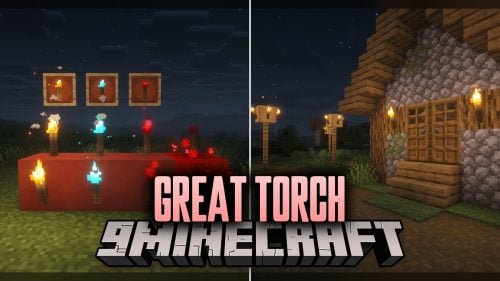 Great Torch Model – Transforms Torches and Redstone Into Realistic 3D Shapes
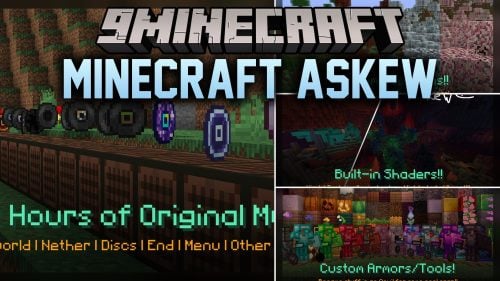 Minecraft Askew Model – Brings Animated 3D Shapes to Classic Blocks
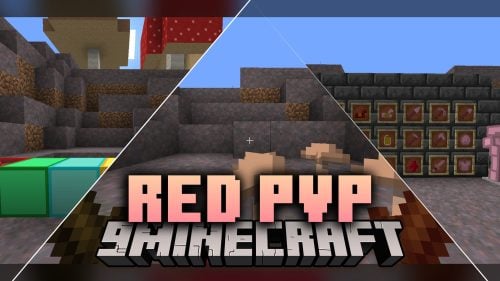 Red PVP Model – Brings Animated Crimson Gear and Custom 3D Weapons
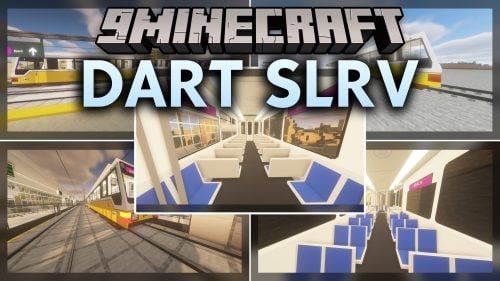 DART SLRV Model – Brings Modern Light Rail Trains to Transit Networks
 MTR4 – Brings Authentic Japanese Commuter Trains to Modern City Railways
 MTR Universal Intercoupling Model – Adds Realistic Train Car Connectors
 Spider Environment Model – Drops Dynamic Attack Spider
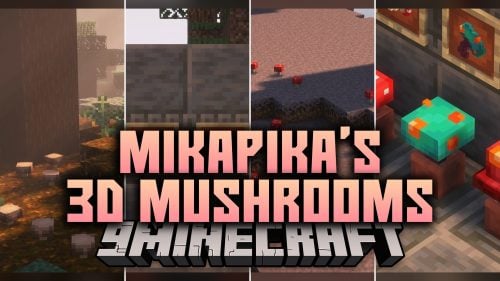 Mikapika’s 3D Mushrooms Model – Adds Volumetric Depth to Forest Mushrooms

This post has no comments yet. Be the first — your comment will appear here.