


Ranged Wireless Redstone Mod (26.2, 1.20.1) – Transmit And Receive Redstone Waves
 1,929
1,929
 0
0


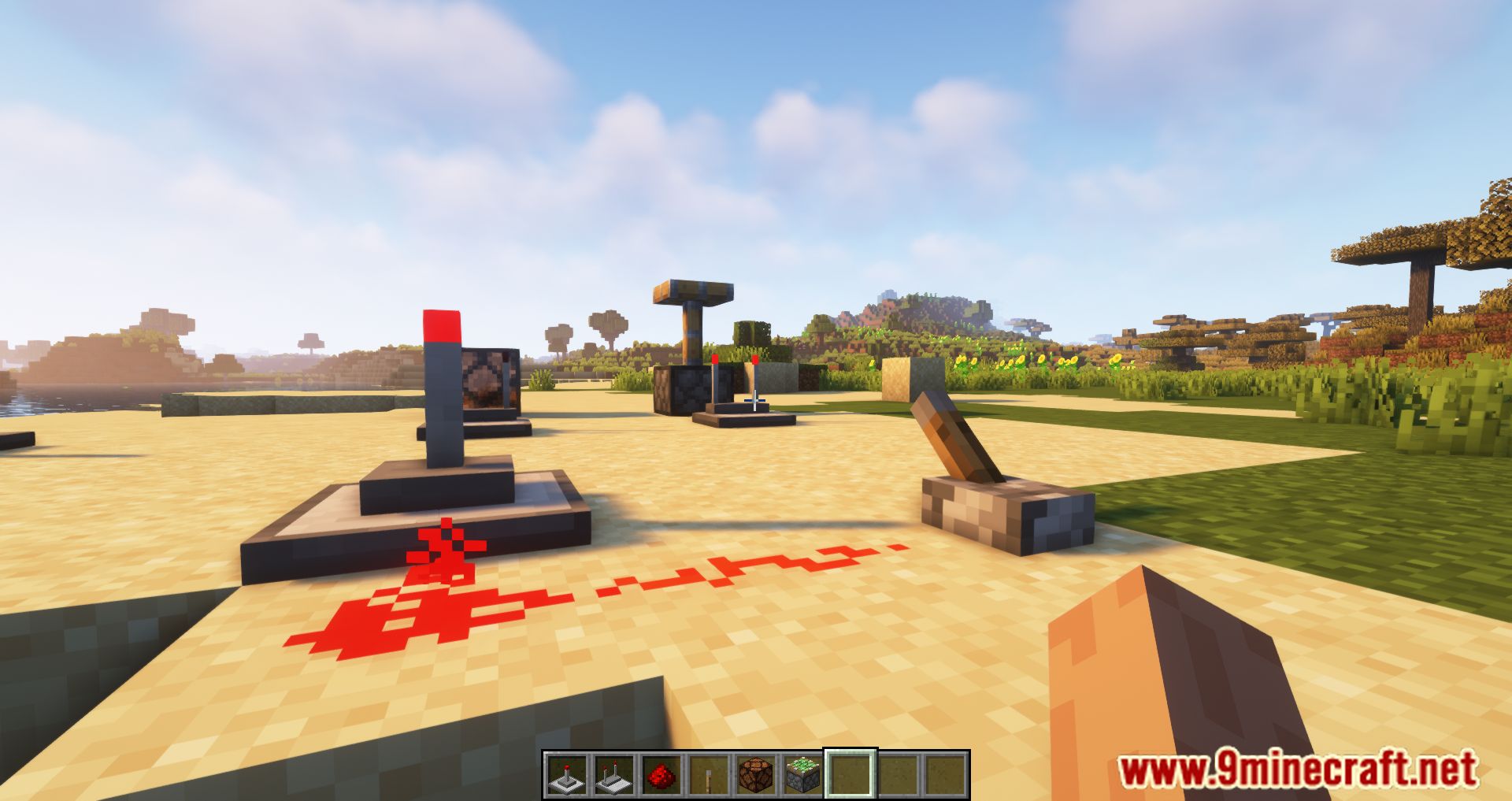
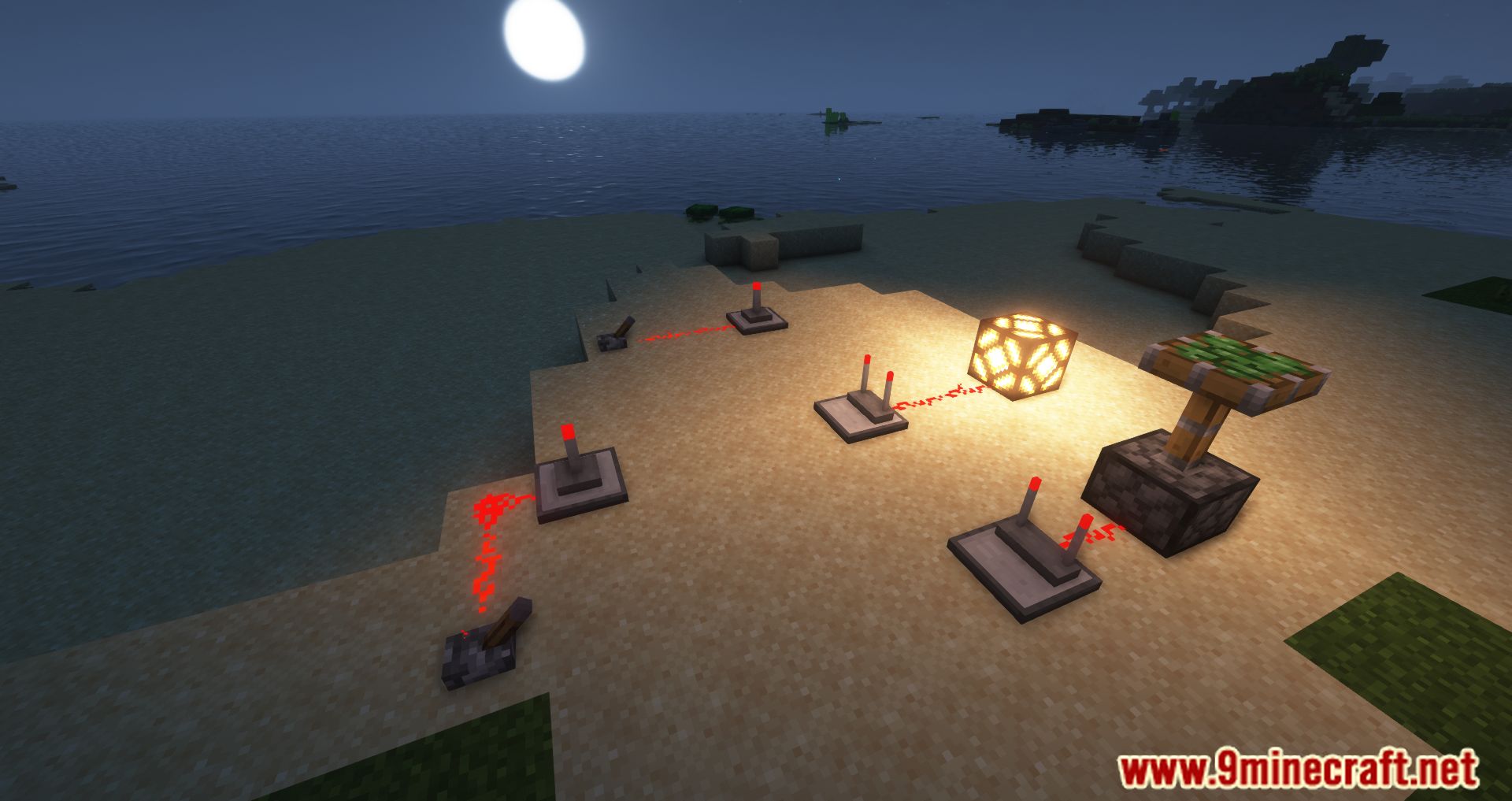
Ranged Wireless Redstone adds transmitters and receivers to send redstone signals across distances without physical wires. You can set up these blocks to connect machines over a limited range. It also works with the Tiny Redstone mod to provide smaller components for compact circuits.
Features:
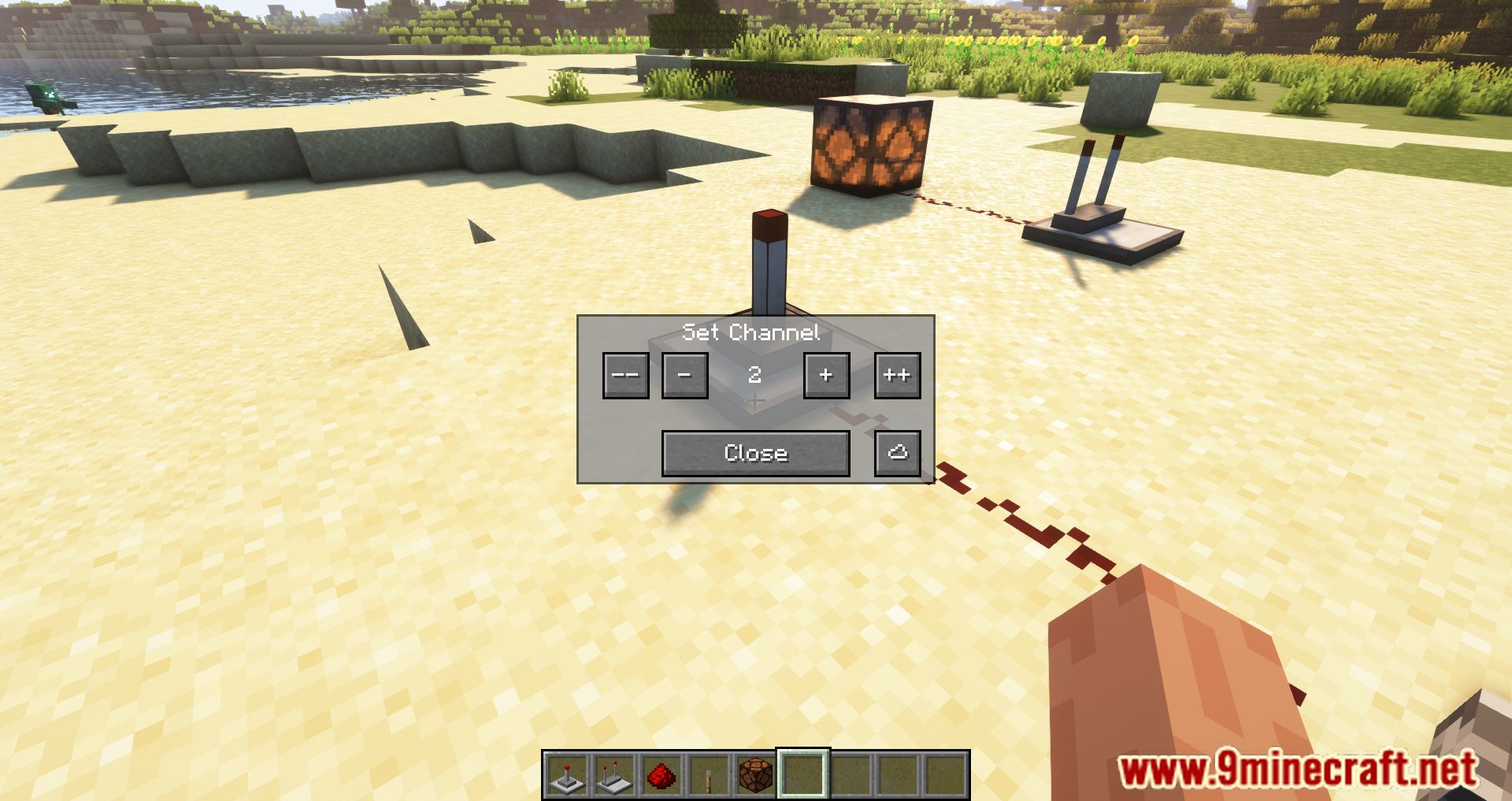
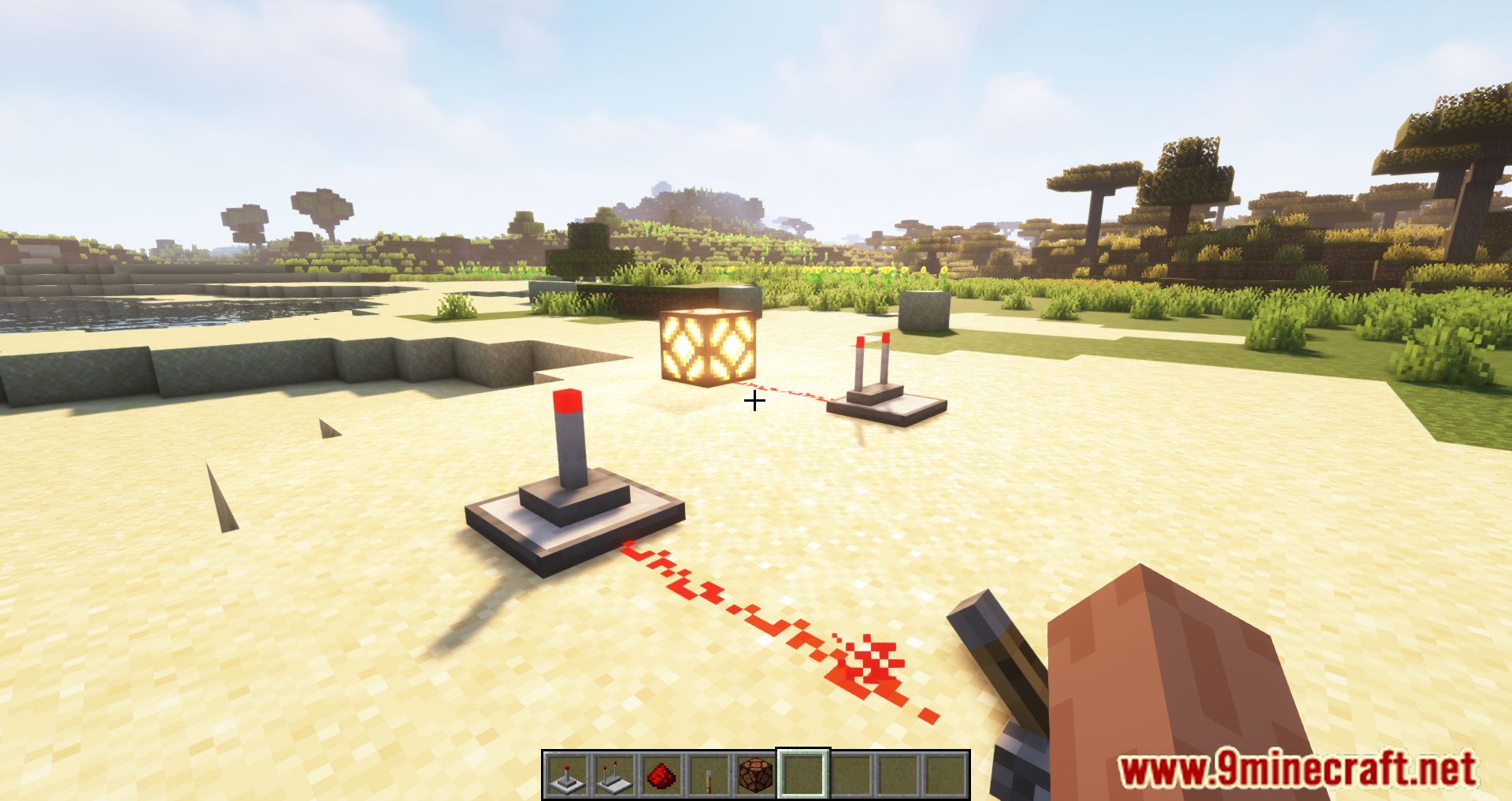
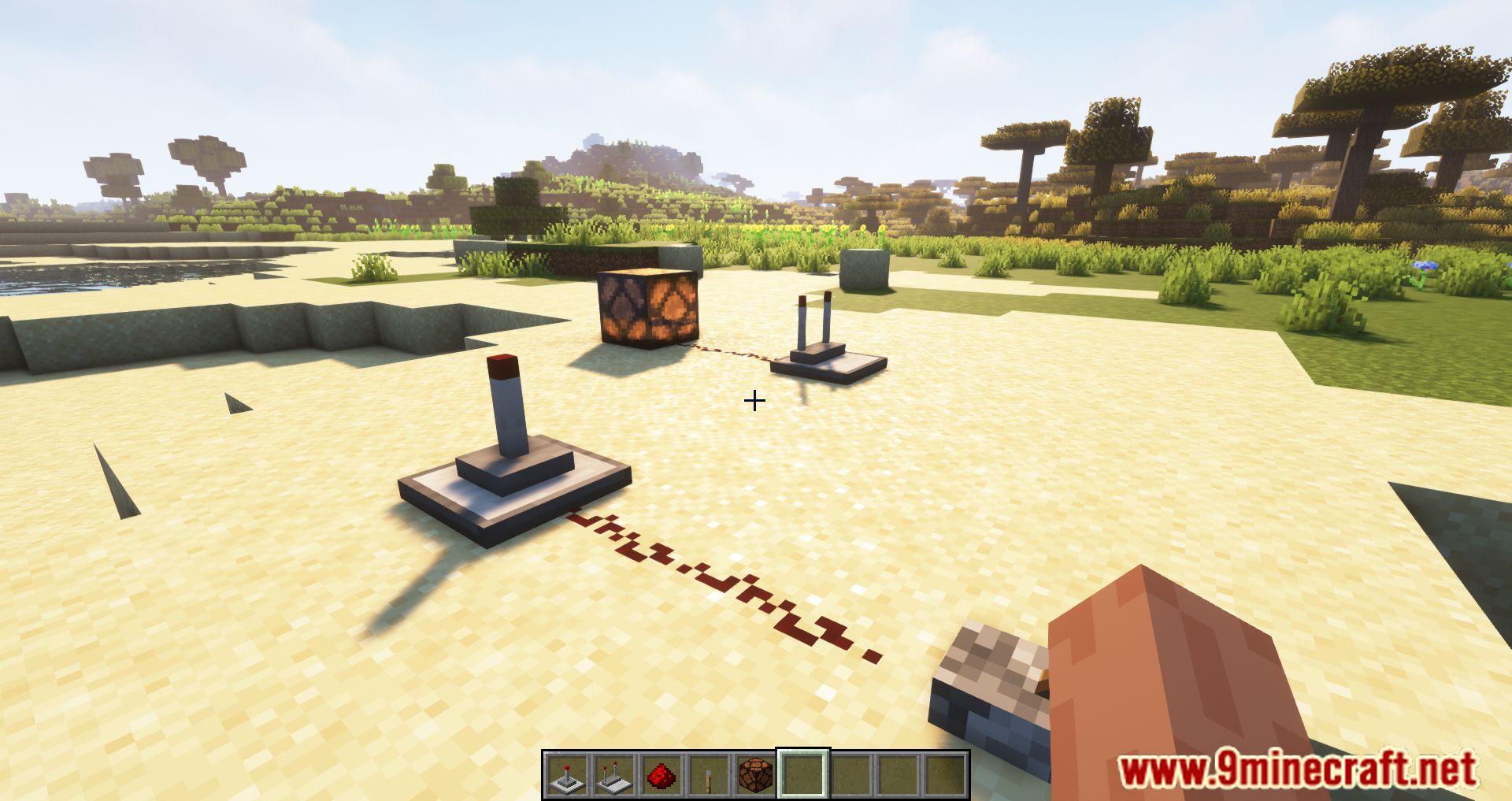
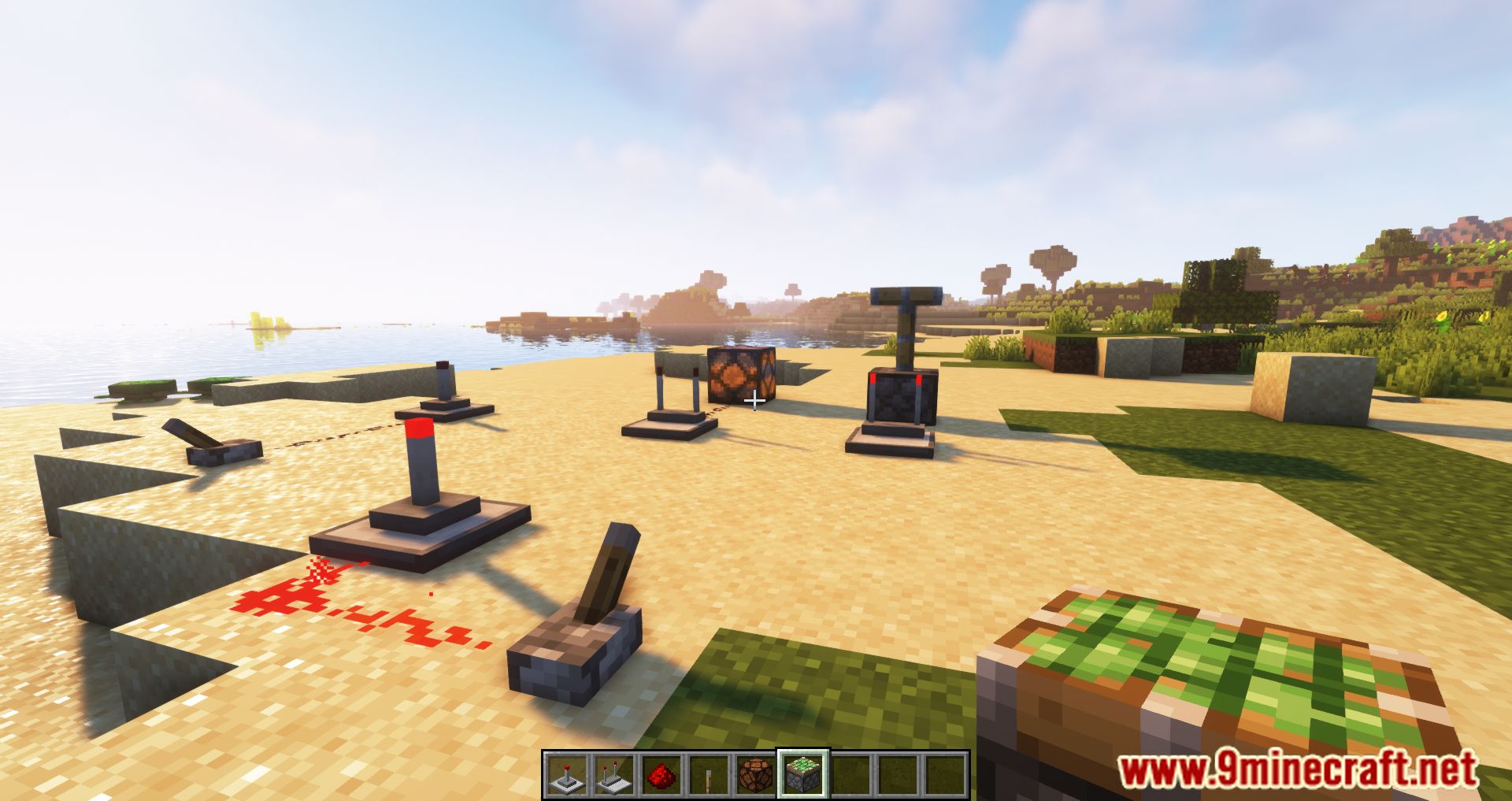
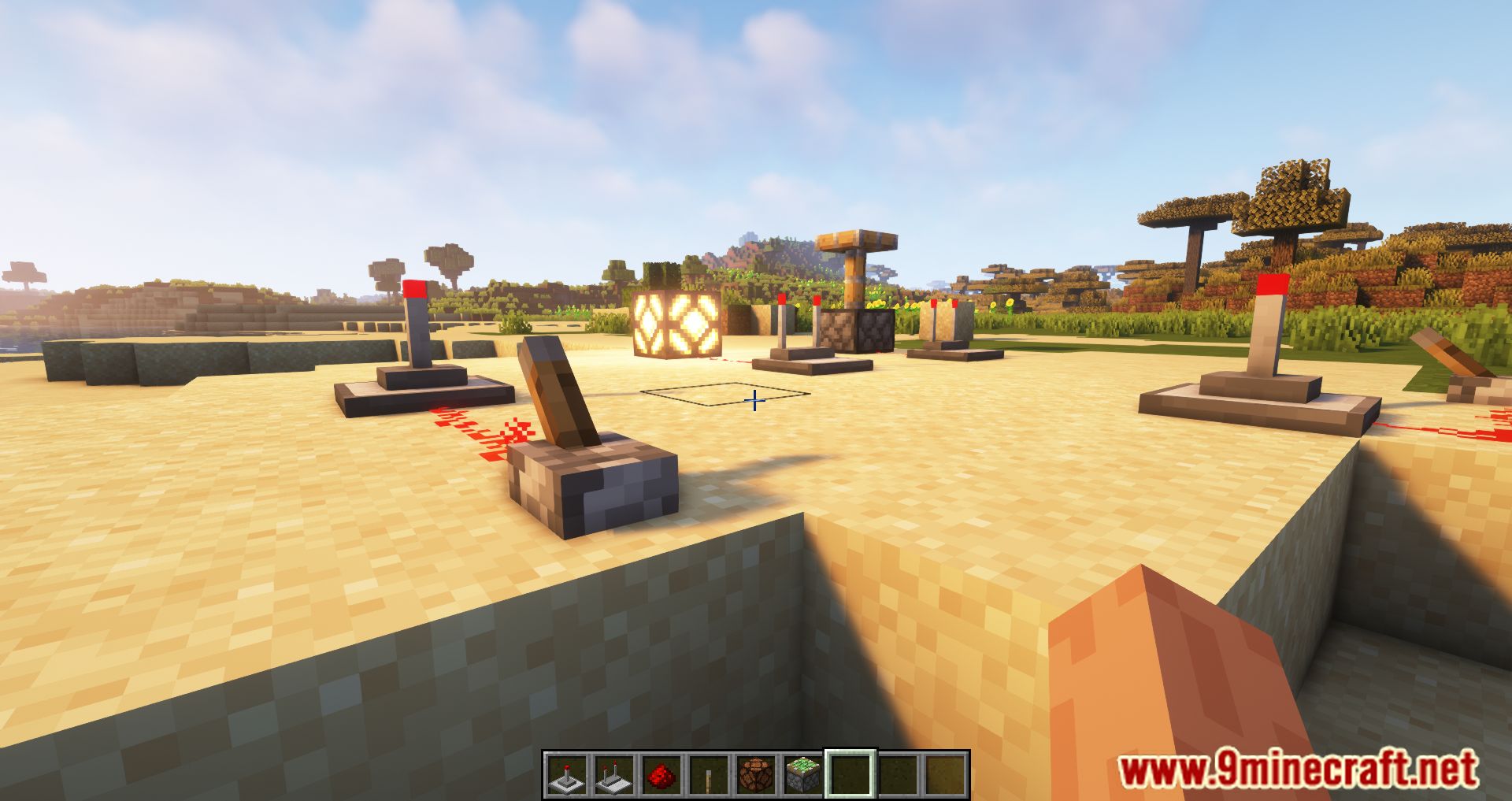
- Wireless Redstone Transfer: Adds transmitter and receiver blocks to send redstone power over a distance without physical dust.
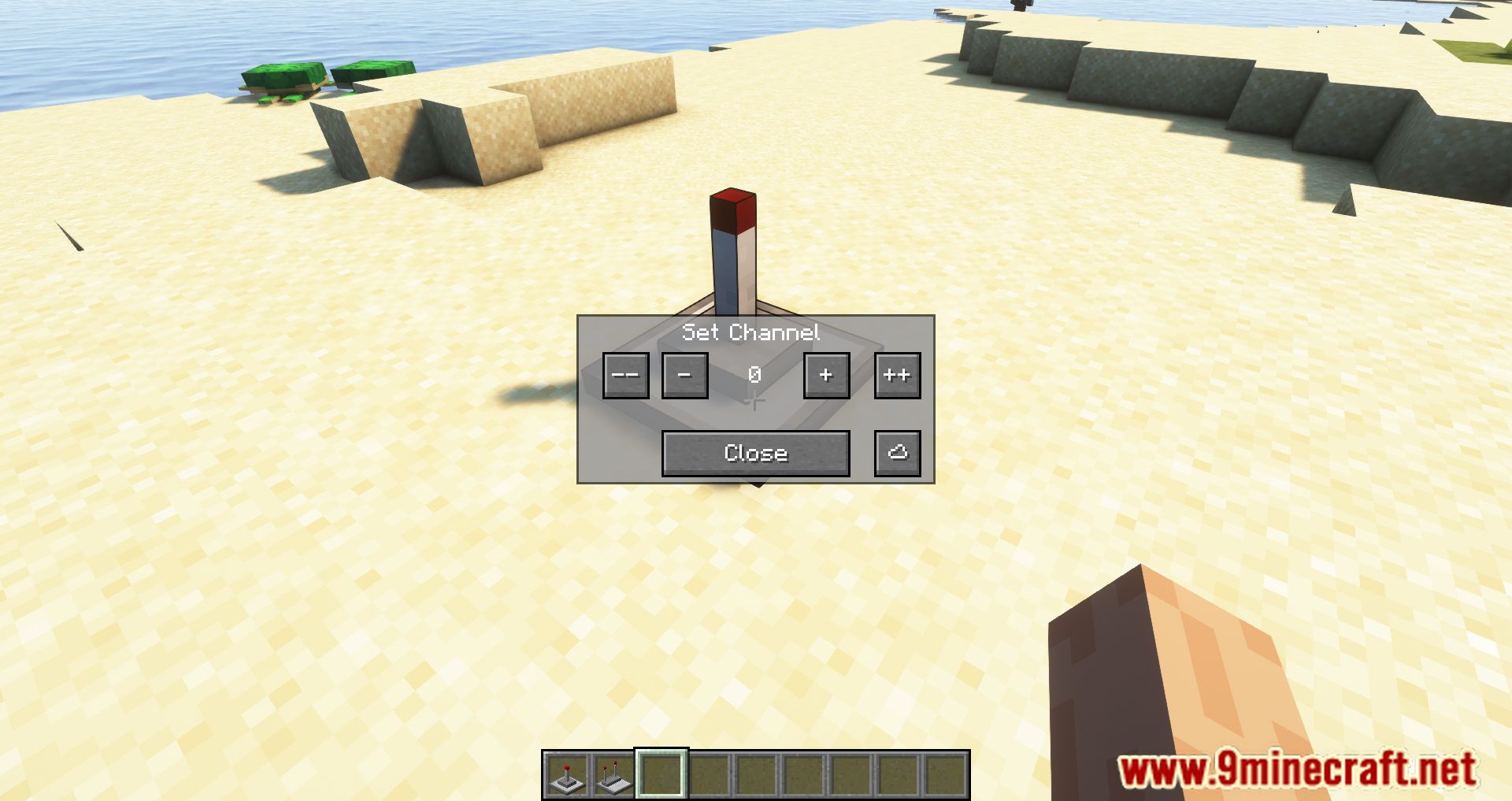
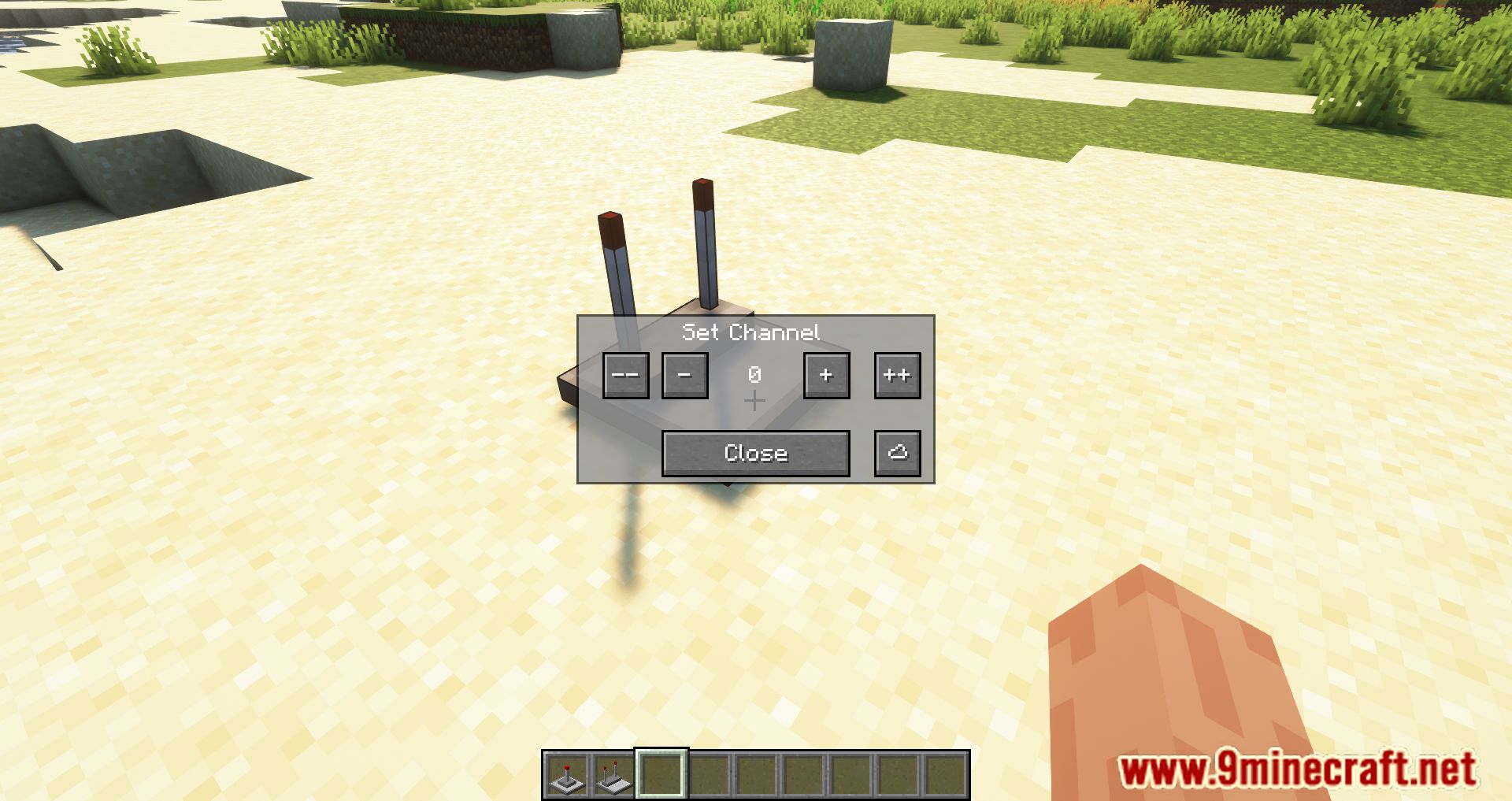
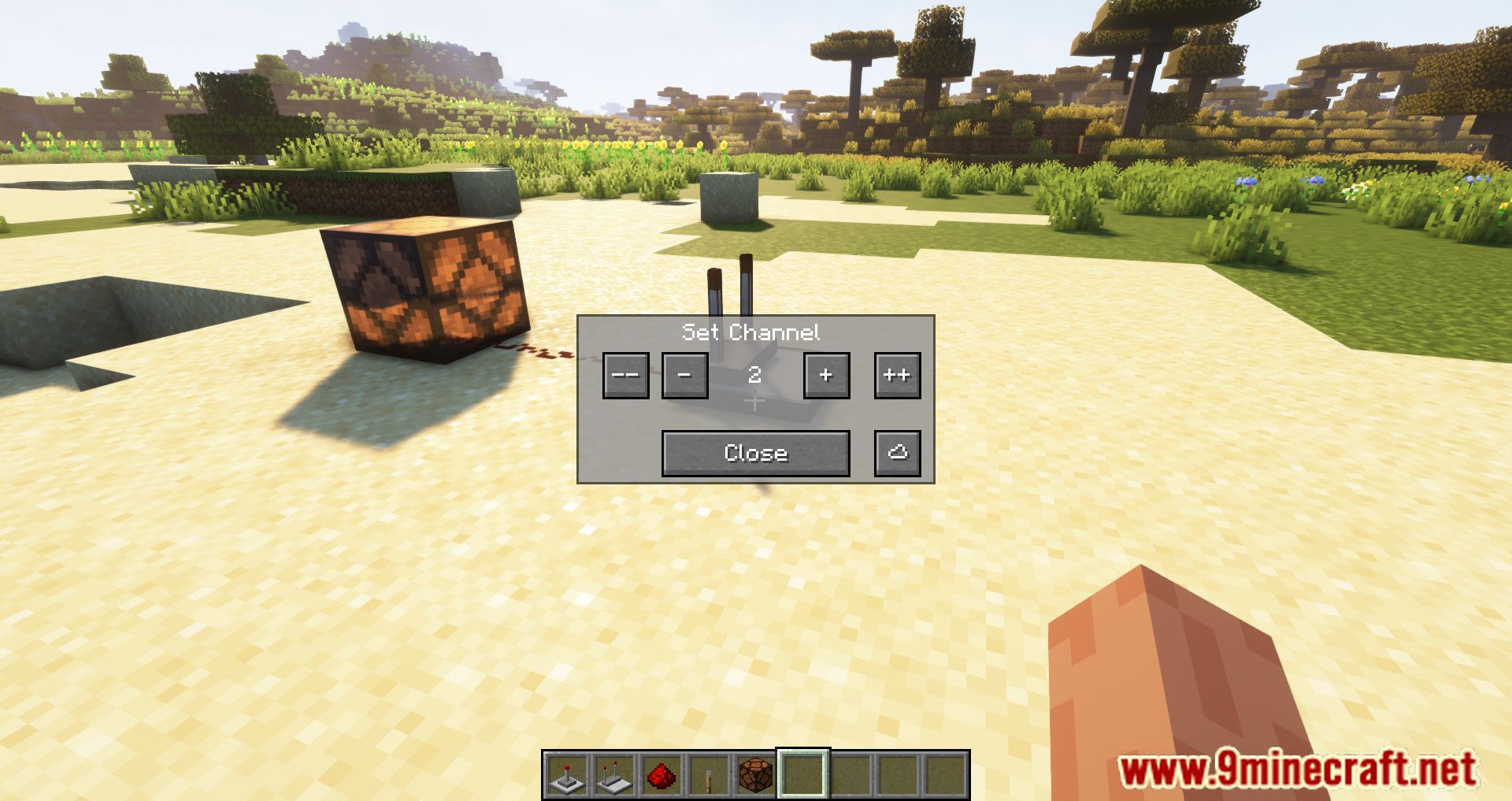
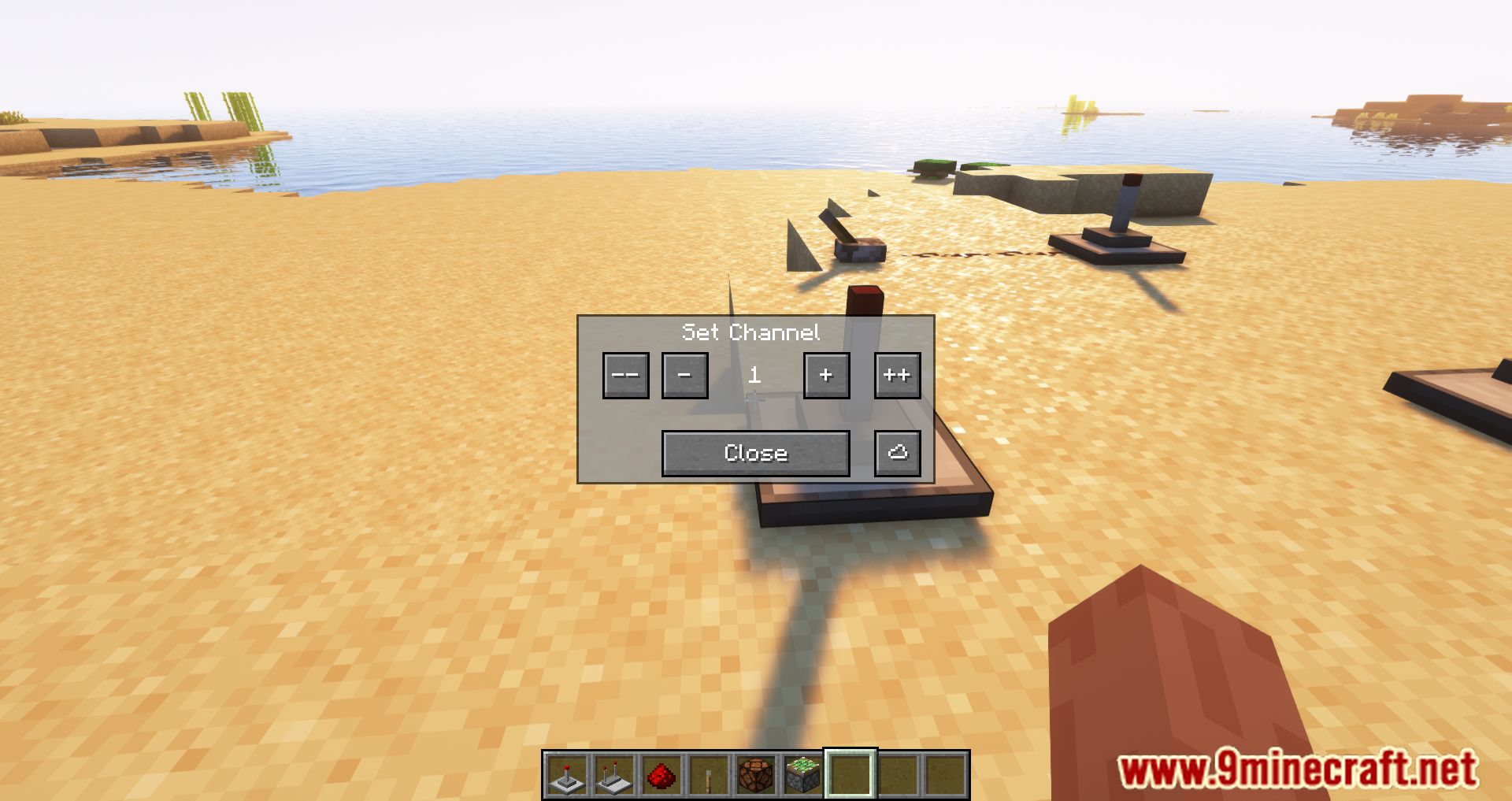
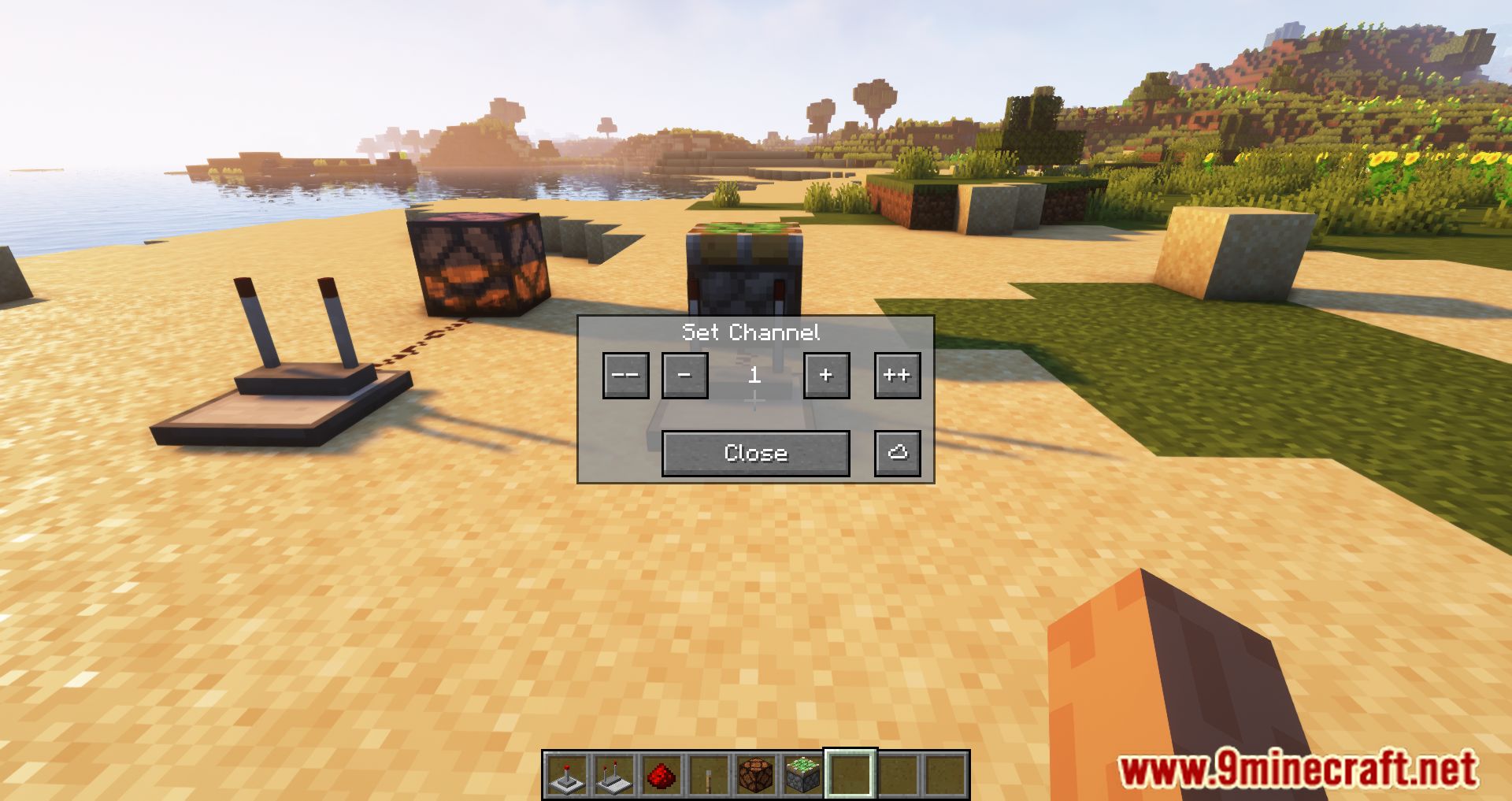
- Unlimited Channels: Right-click the blocks to open a menu and assign them a specific channel number. Receivers only activate if they match the transmitter’s channel.
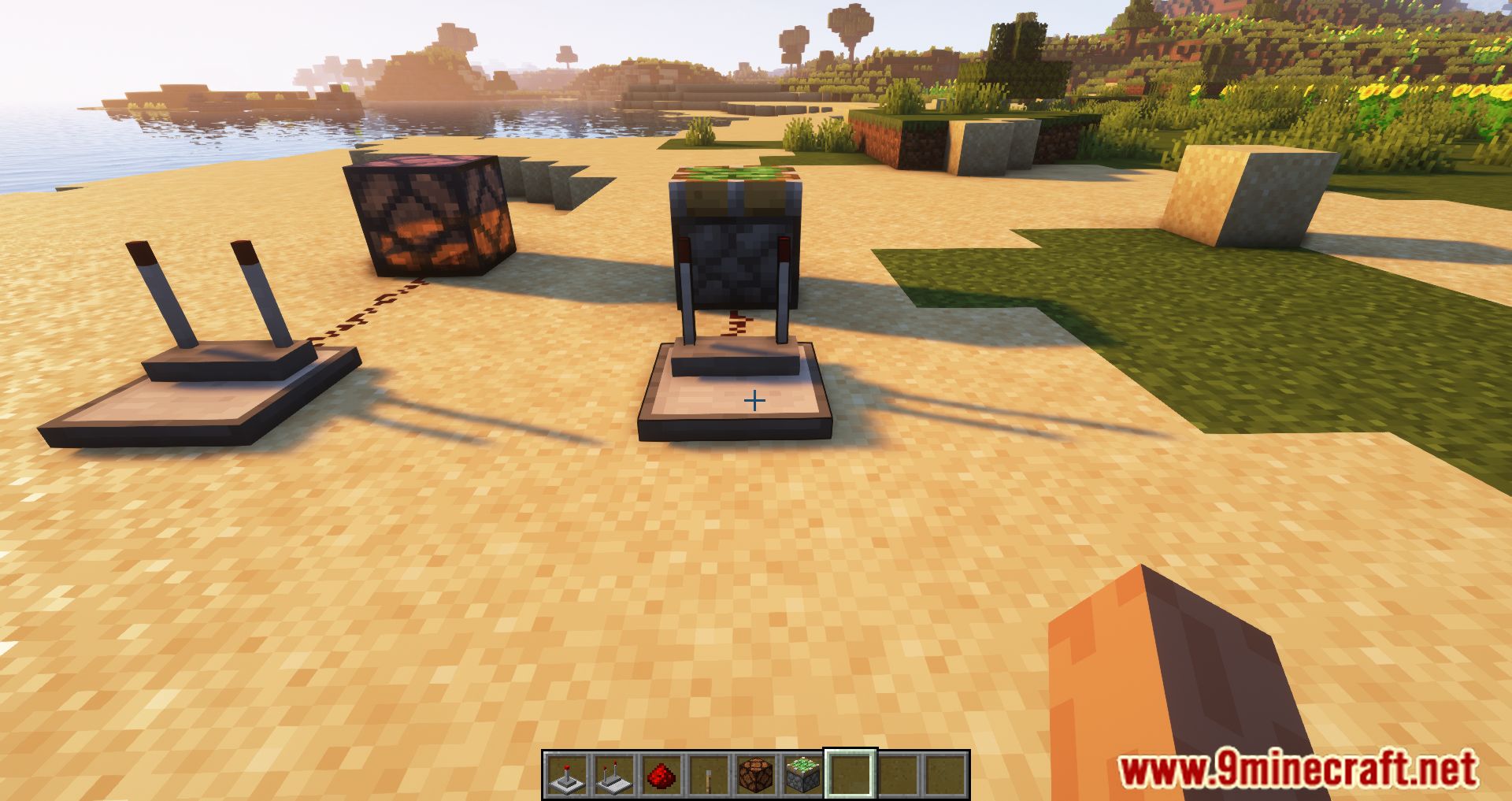
- Tiny Redstone Blocks: Adds tiny transmitters and receivers that fit on panels if you have the Tiny Redstone mod installed. These have a default range of 64 blocks.
- Distance Limits: Transmitters send signals up to 256 blocks by default. The distance can be changed in the server settings.
- Signal Strength: If multiple transmitters use the same channel, the receiver outputs the highest redstone signal it detects.
- Dimension Restriction: Wireless signals cannot travel between different dimensions.
- Network Viewer Menu: Click the cloud icon in the block menu to see a list of all active transmitters and their coordinates.
- Clean Up Button: Server operators can use this tool to remove broken or deleted transmitters from the network list.
Screenshots:
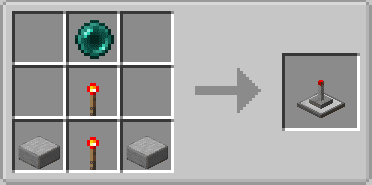
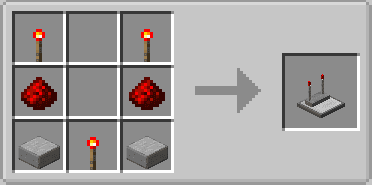
Crafting Recipes:
How to Install:
New to Minecraft? Follow our step-by-step guide to install Mods on your PC.View Guide
Requirements:


Ranged Wireless Redstone Mod Download Links
For Minecraft 26.2
For Minecraft 26.1.2, 26.1.1, 26.1
For Minecraft 1.21.1, 1.21
For Minecraft 1.20.1, 1.20
For Minecraft 1.19.3
For Minecraft 1.19.2, 1.19.1, 1.19
For Minecraft 1.18.2, 1.18.1, 1.18
For Minecraft 1.17.1
For Minecraft 1.16.5
Click to rate this post!
[Total: 0 Average: 0]
You May Also Like


















This post has no comments yet. Be the first — your comment will appear here.