


Ray Tracing Testing Place Map (26.2, 1.20.1) – Stress Test Realistic Lighting
 0
0
 0
0

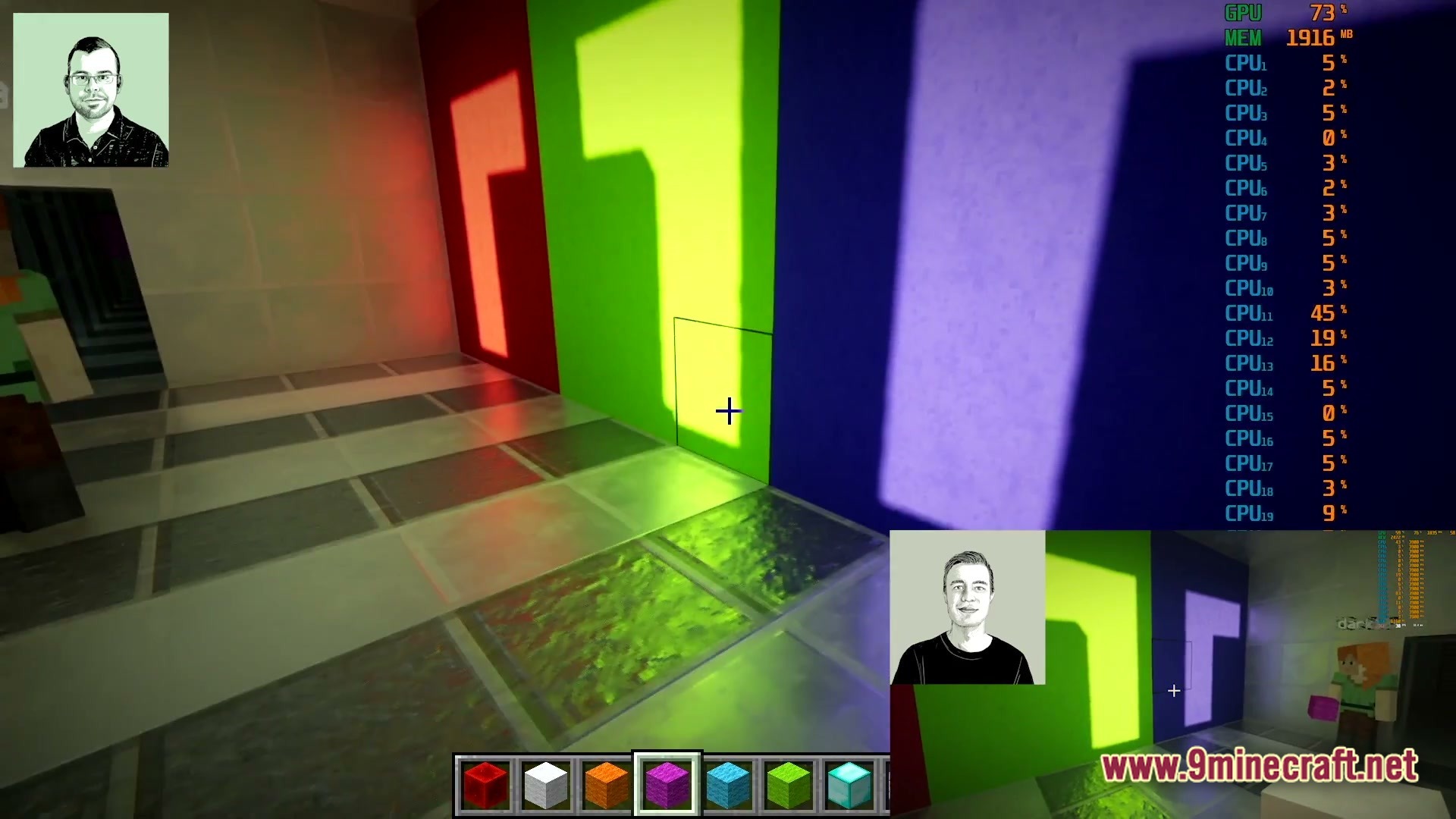
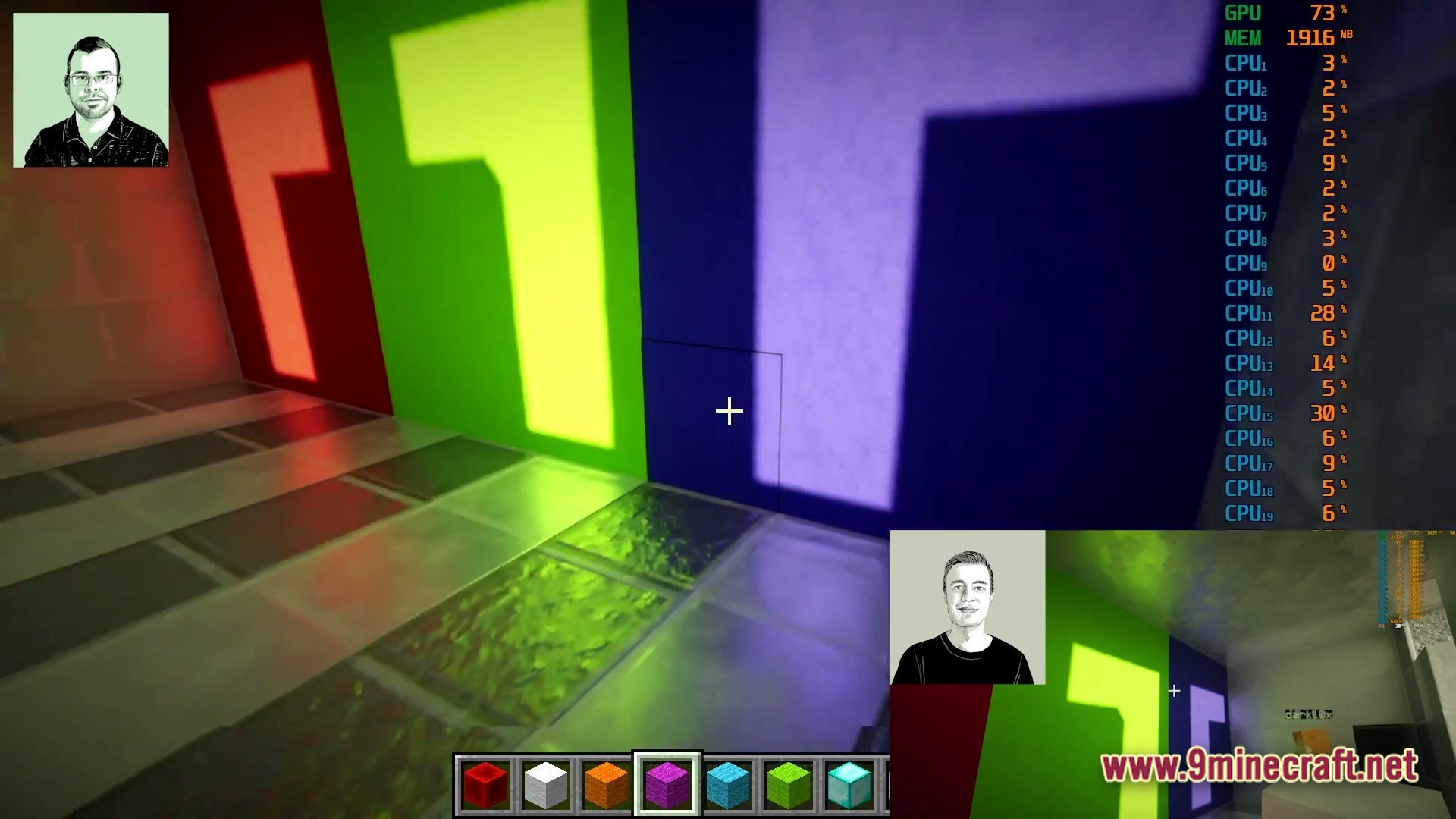
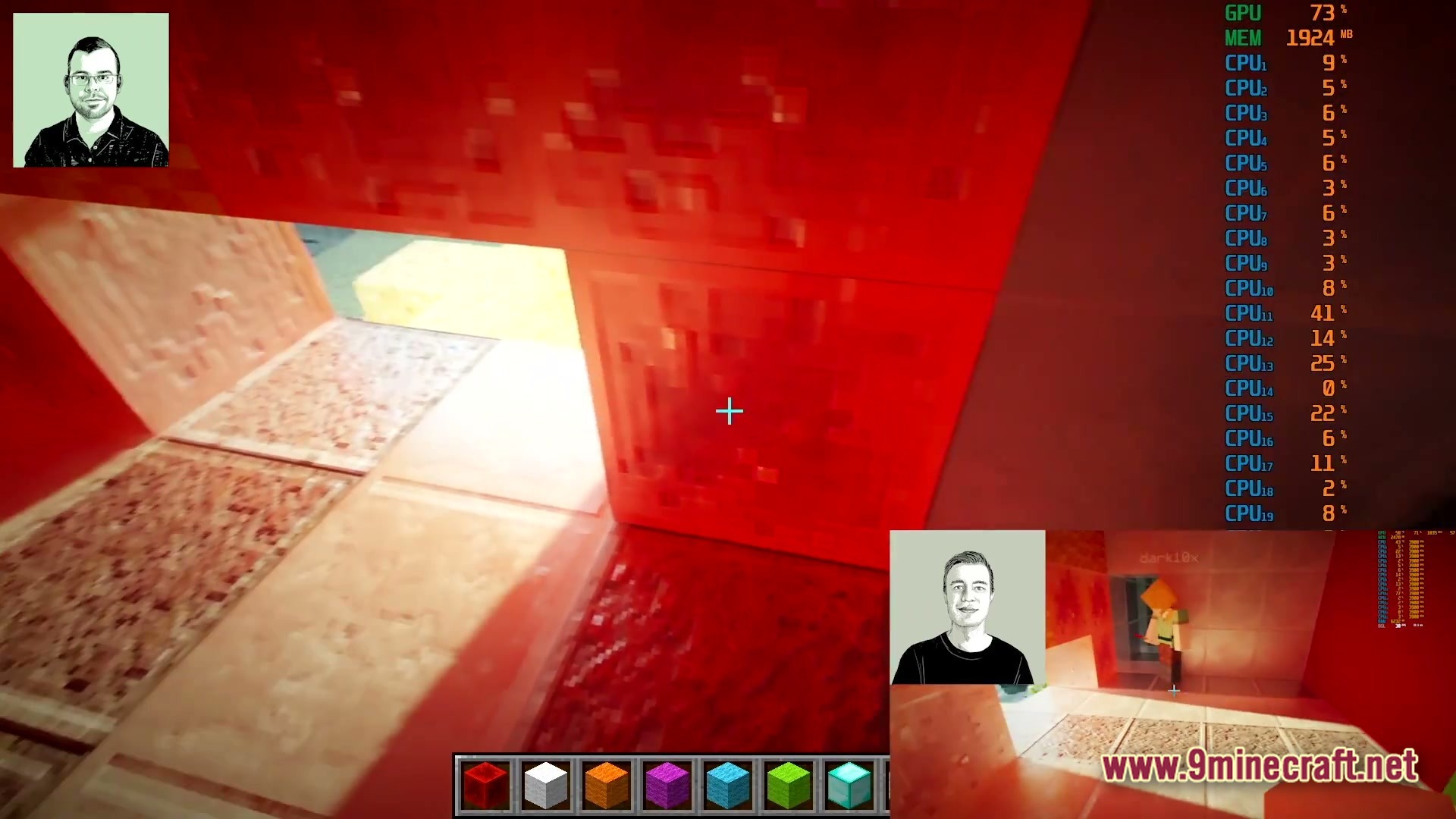
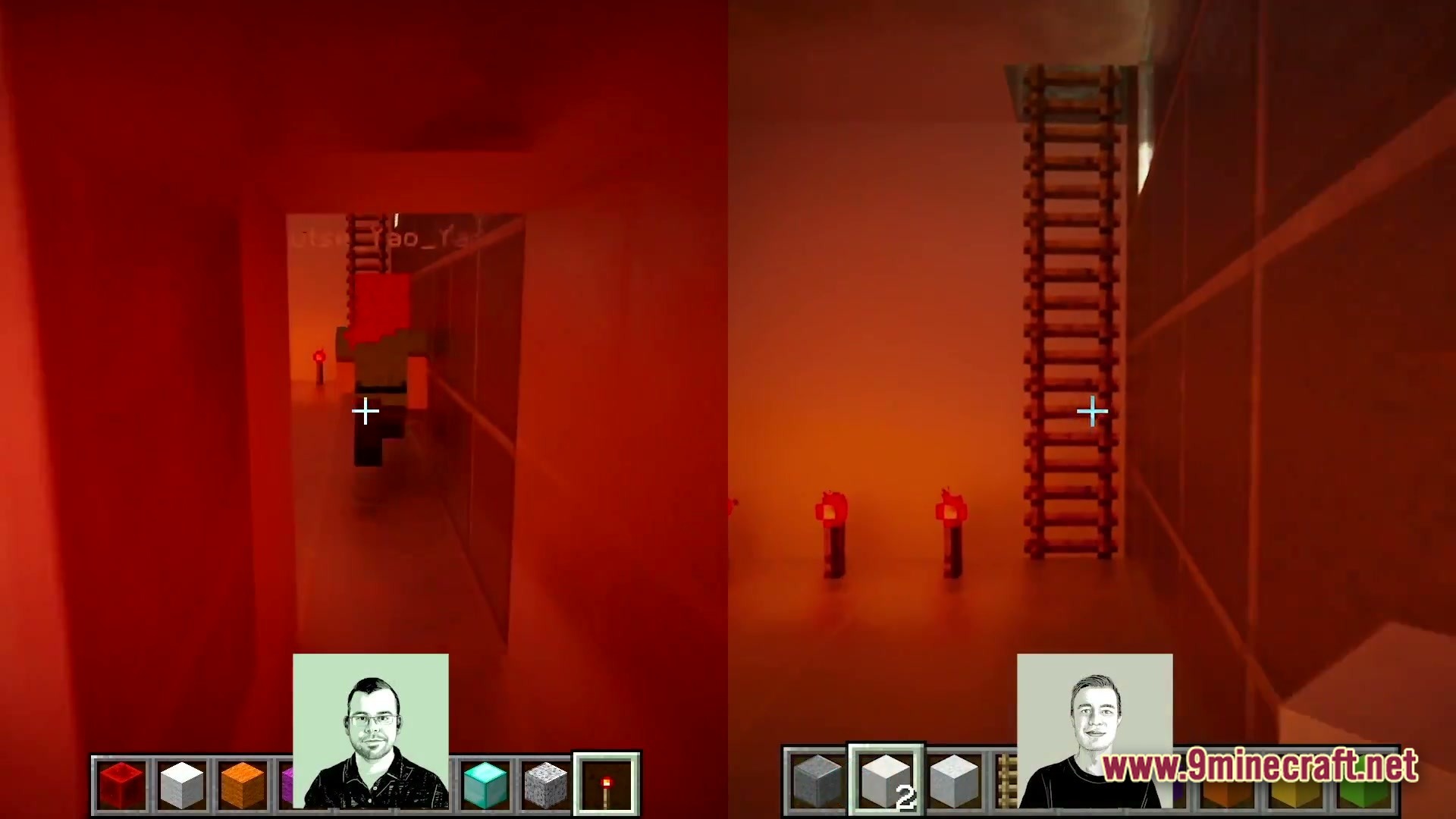
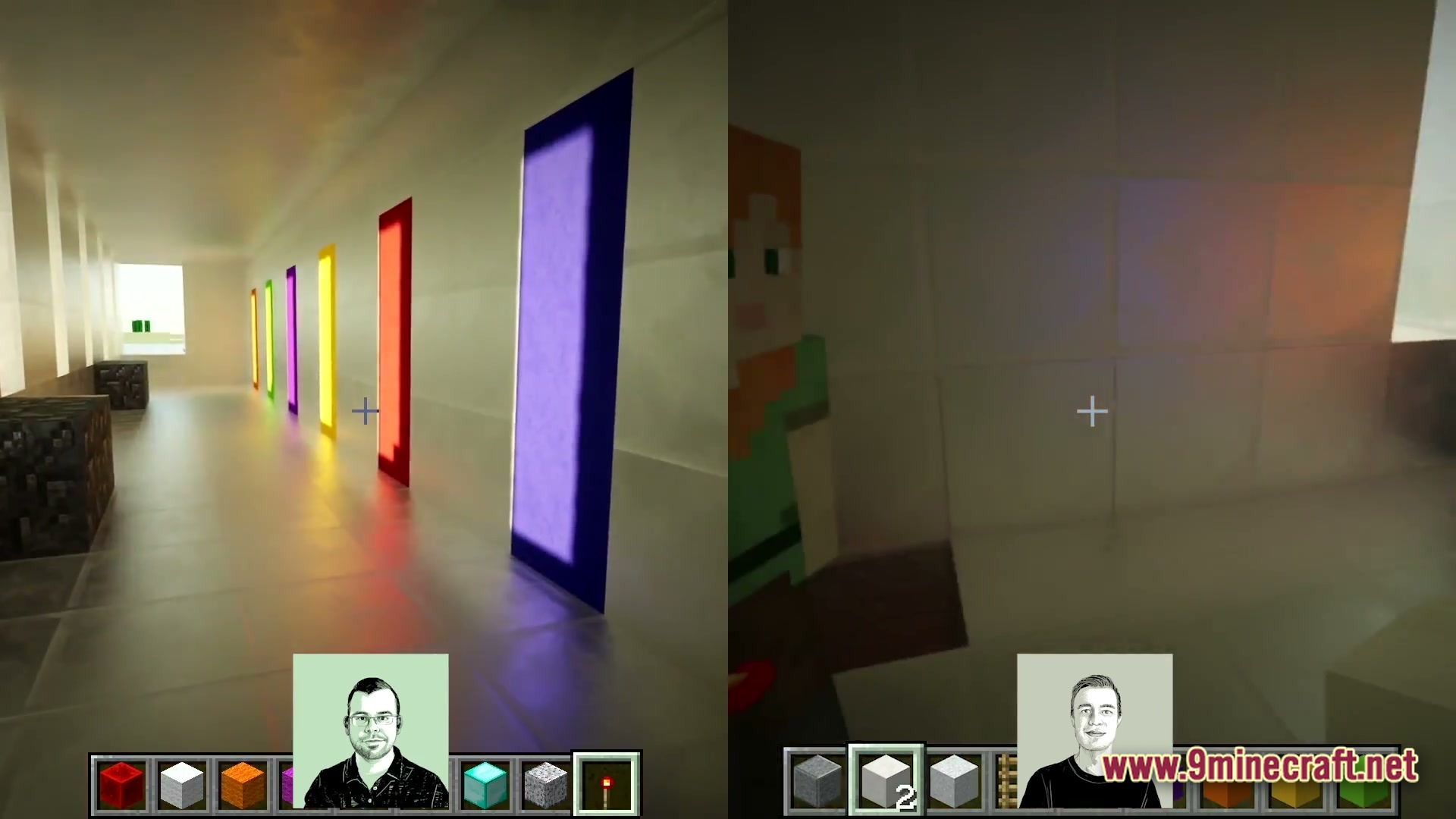
Ray Tracing Testing Place gives you a dedicated room to test realistic lighting in Minecraft. This map works with path-traced Java shaders and Bedrock RTX packs. You can walk around different areas to see how blocks handle glow, shadows, and colored light reflections. It helps you check your visual setup without having to build your own test world. You can spot frame rate changes and visual glitches in a clean environment.
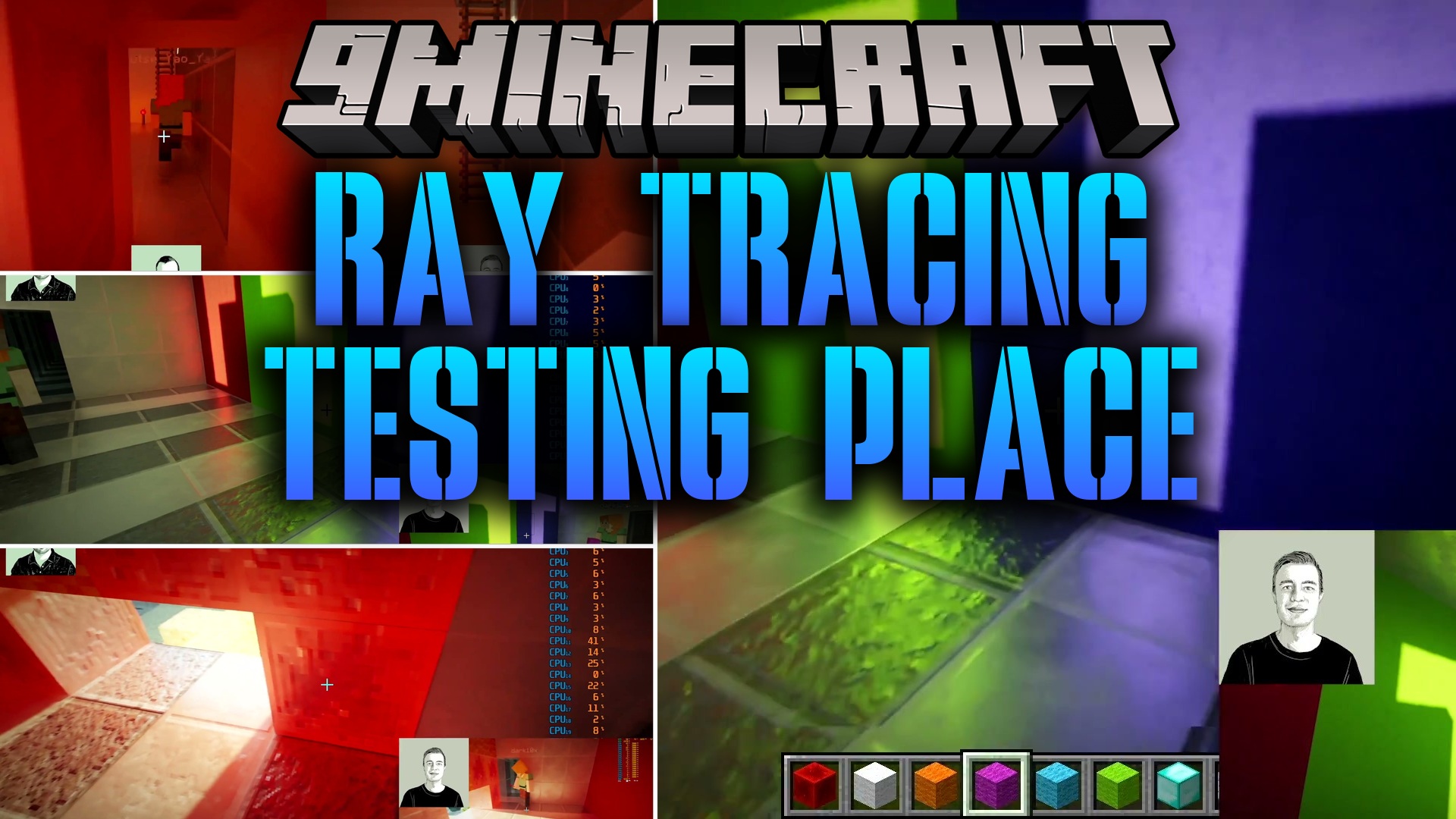
Features:
- Provides clean test rooms to check lighting, shadows, and reflections.
- Works with path-traced Java shaders and Bedrock RTX packs.
- Includes different block setups to see how light passes through glass and reflects off walls.
- Lets you monitor your frame rate in controlled lighting scenes.
- Saves you time by giving you pre-built testing zones.
How to Play:
- Turn on your favorite shader or RTX pack in your video settings.
- Load into the world and walk through the test rooms.
- Look closely at the shadows, colored lights, and reflective surfaces.
- Adjust your graphics settings to find the best balance of looks and speed.
Screenshots:
How to Install:
New to Minecraft? Follow our step-by-step guide to install Maps on your PC.View Guide
Ray Tracing Testing Place Map Download Links
Click to rate this post!
[Total: 0 Average: 0]
You May Also Like














This post has no comments yet. Be the first — your comment will appear here.