


Recursive Resources Mod (1.21.8, 1.20.1) – Organize Your Minecraft Packs

 0
0 

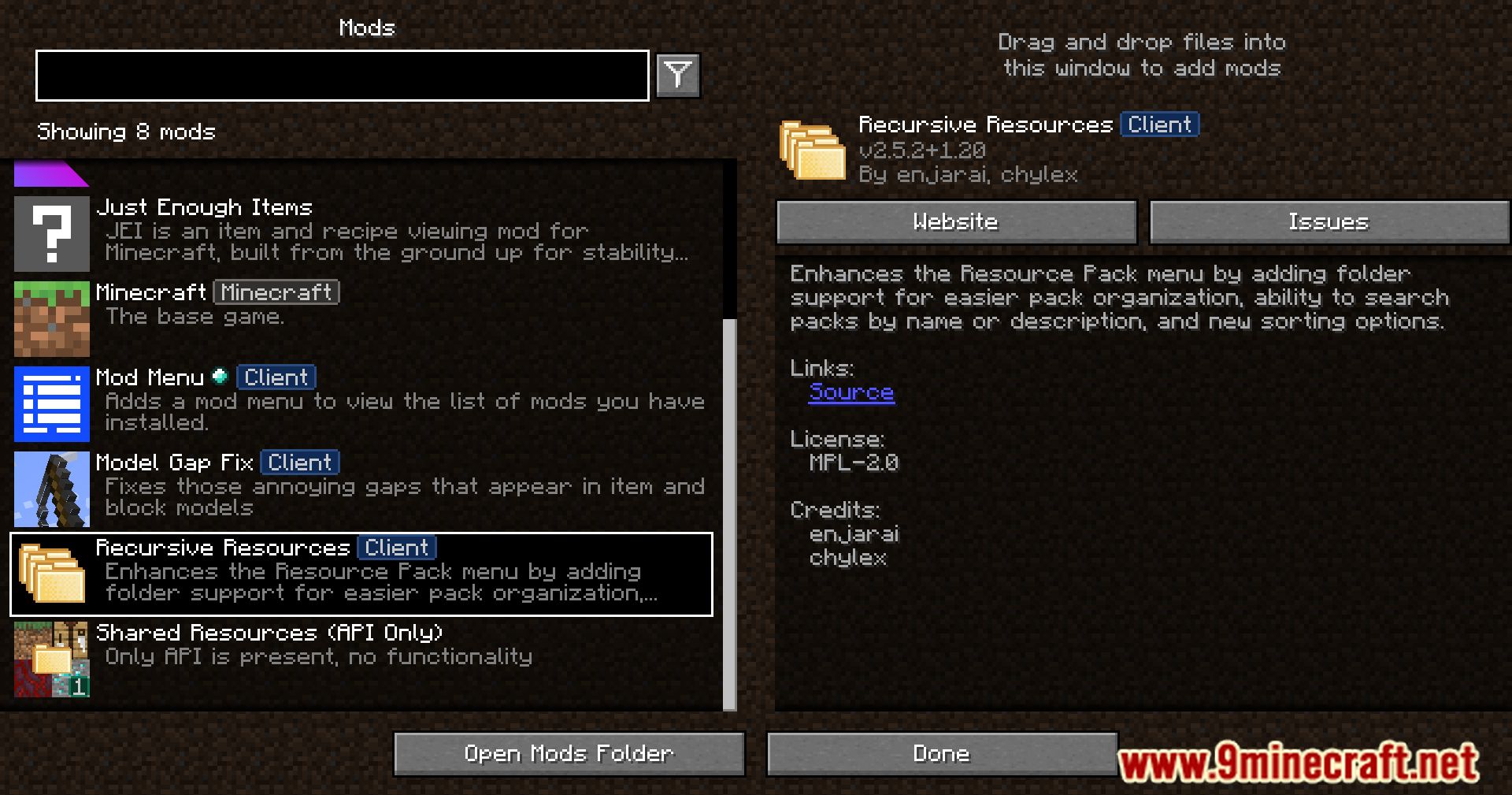
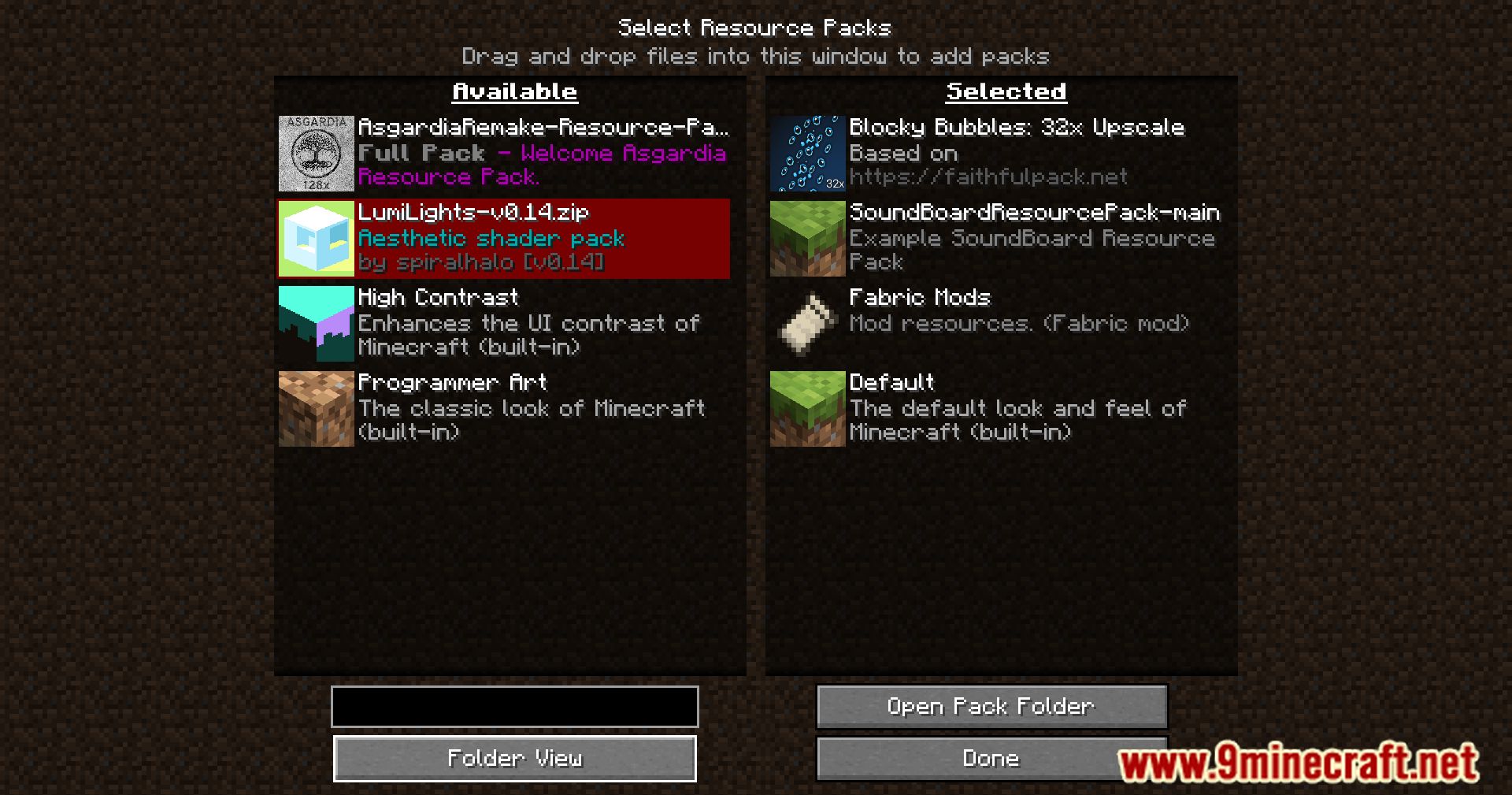
Recursive Resources Mod enhances the vanilla resource pack menu, catering especially to power users with numerous Quality of Life features. This mod allows for better organization and management of resource packs directly within the game, making it easier to customize and switch between different setups.
Features:
- Organize resource packs into folders and navigate them directly in-game.
- Customize folders with custom icons, ordering, and pseudo-symlinking.
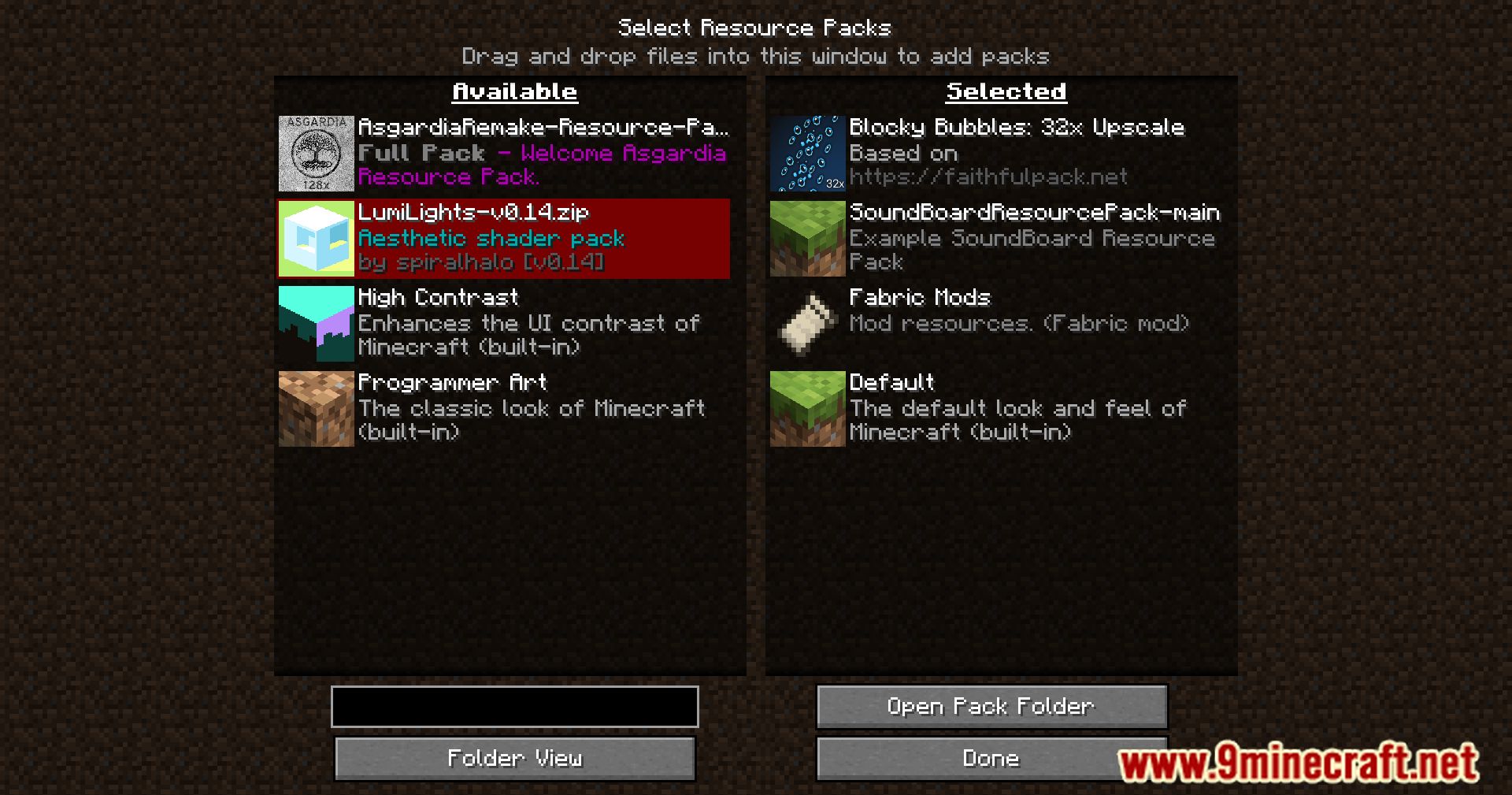
- Enable or disable all resource packs in a folder at once, creating functional “profiles”.
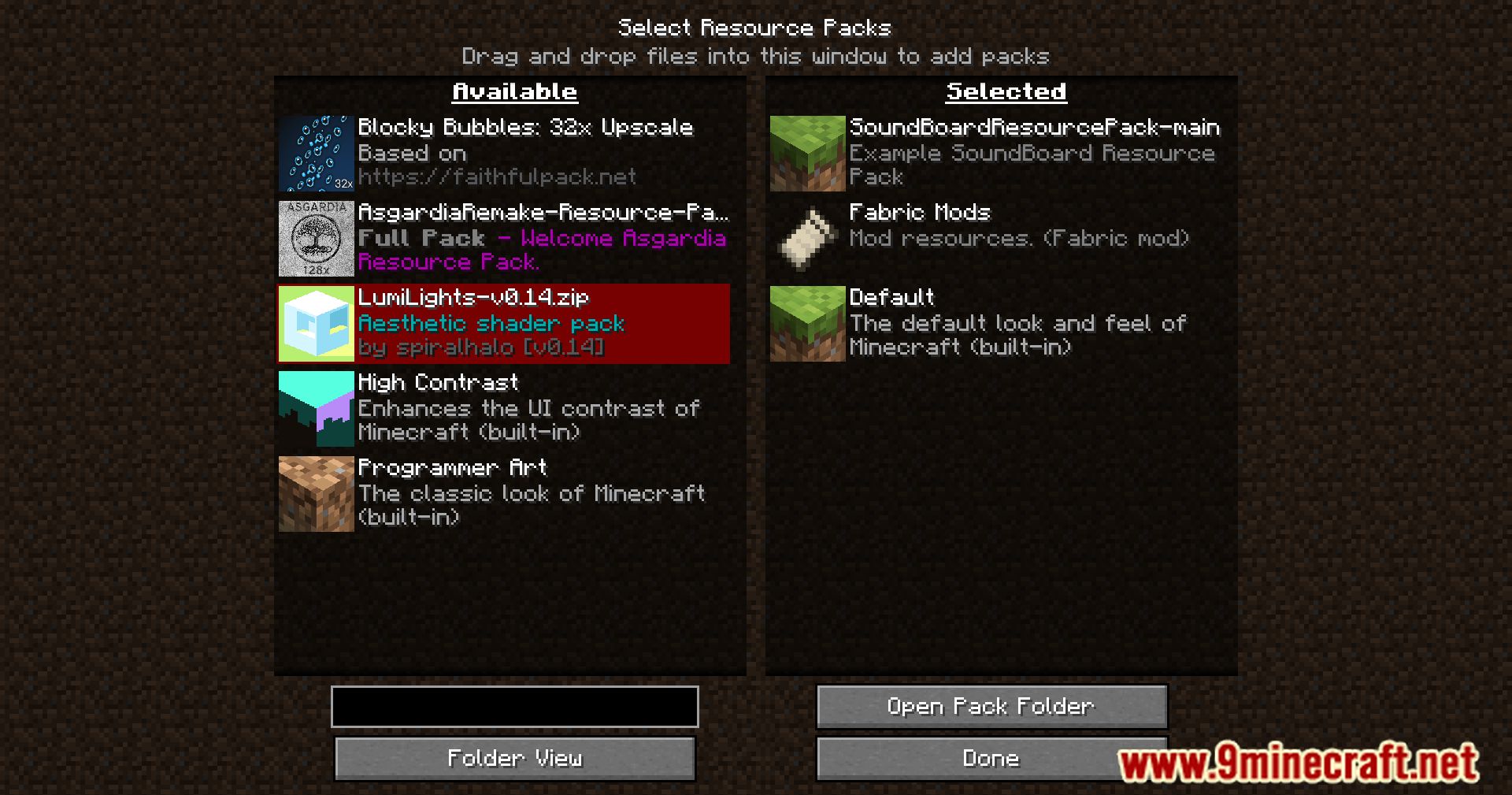
- Choose between folder view (navigate folders) and flat view (all packs shown in a single list).
- Search resource packs by name or description with wildcard support.
Folders
The mod introduces folder-based organization. Any subfolders created inside .minecraft/resourcepacks are displayed in-game, allowing easy navigation. Changes to folder structure are updated in real time, but folders and packs must be managed using an external file browser. Unzipped resource packs are still recognized correctly.
Quick Enable/Disable
New buttons appear at the top of the resource pack list to quickly enable or disable all packs in the current folder. You can also hover over a folder icon to enable all packs within that folder. Packs are applied in the folder’s listed order, which can be customized using the folder.json file.
Folder Icons
Add a custom icon to any folder by placing an image named icon.png inside it. This image will appear in the resource pack menu and helps identify folders quickly.
folder.json Configuration
The folder.json file defines additional folder properties. It is automatically created when a new folder is accessed. A typical structure looks like this:
{
  "icon": "icon.png",
  "description": "",
  "packs": [
    "circular hotbar.zip",
    "Not Microsoft"
  ],
  "hidden": false
}
- icon – File name of the icon used for this folder.
- description – Text shown under the folder’s name.
- packs – List of packs in this folder, defining their order.
- hidden – If true, hides the folder from the list.
Removing a pack from this list will automatically add it back if its file remains in the folder.
Pseudo-symlinks
The packs field can reference resource packs outside the current folder, allowing a pack to appear in multiple folders without duplicating files. Example:
{
  "icon": "icon.png",
  "description": "",
  "packs": [
    "vanillatweaks packs/VanillaTweaks_general.zip",
    "circular hotbar.zip",
    "Not Microsoft"
  ],
  "hidden": false
}
This configuration makes the VanillaTweaks_general.zip pack appear both in the vanillatweaks packs folder and in the current folder.
Screenshots:
How to Install:
New to Minecraft? Follow our step-by-step guide to install Mods on your PC.View Guide
Requirements:
Recursive Resources Mod Download Links
For Minecraft 1.18.2
Fabric version: Download from Server 1 – Download from Server 2
For Minecraft 1.19.2, 1.19.1, 1.19
Fabric version: Download from Server 1 – Download from Server 2
For Minecraft 1.19.3
Fabric version: Download from Server 1 – Download from Server 2
For Minecraft 1.19.4
Fabric version: Download from Server 1 – Download from Server 2
For Minecraft 1.20.1, 1.20
Fabric version: Download from Server 1 – Download from Server 2
For Minecraft 1.20.2
Fabric version: Download from Server 1 – Download from Server 2
For Minecraft 1.20.4, 1.20.3
Fabric version: Download from Server 1 – Download from Server 2
For Minecraft 1.21.1, 1.21
Fabric version: Download from Server 1 – Download from Server 2
For Minecraft 1.21.3, 1.21.2
Fabric version: Download from Server 1 – Download from Server 2
For Minecraft 1.21.4
Fabric version: Download from Server 1 – Download from Server 2
For Minecraft 1.21.8, 1.21.7, 1.21.6
Fabric version: Download from Server 1 – Download from Server 2
You May Also Like





This post has no comments yet. Be the first — your comment will appear here.