
RotrBLOCKS Model – Adds Real 3D Leaves and Detailed Candle Models

 0


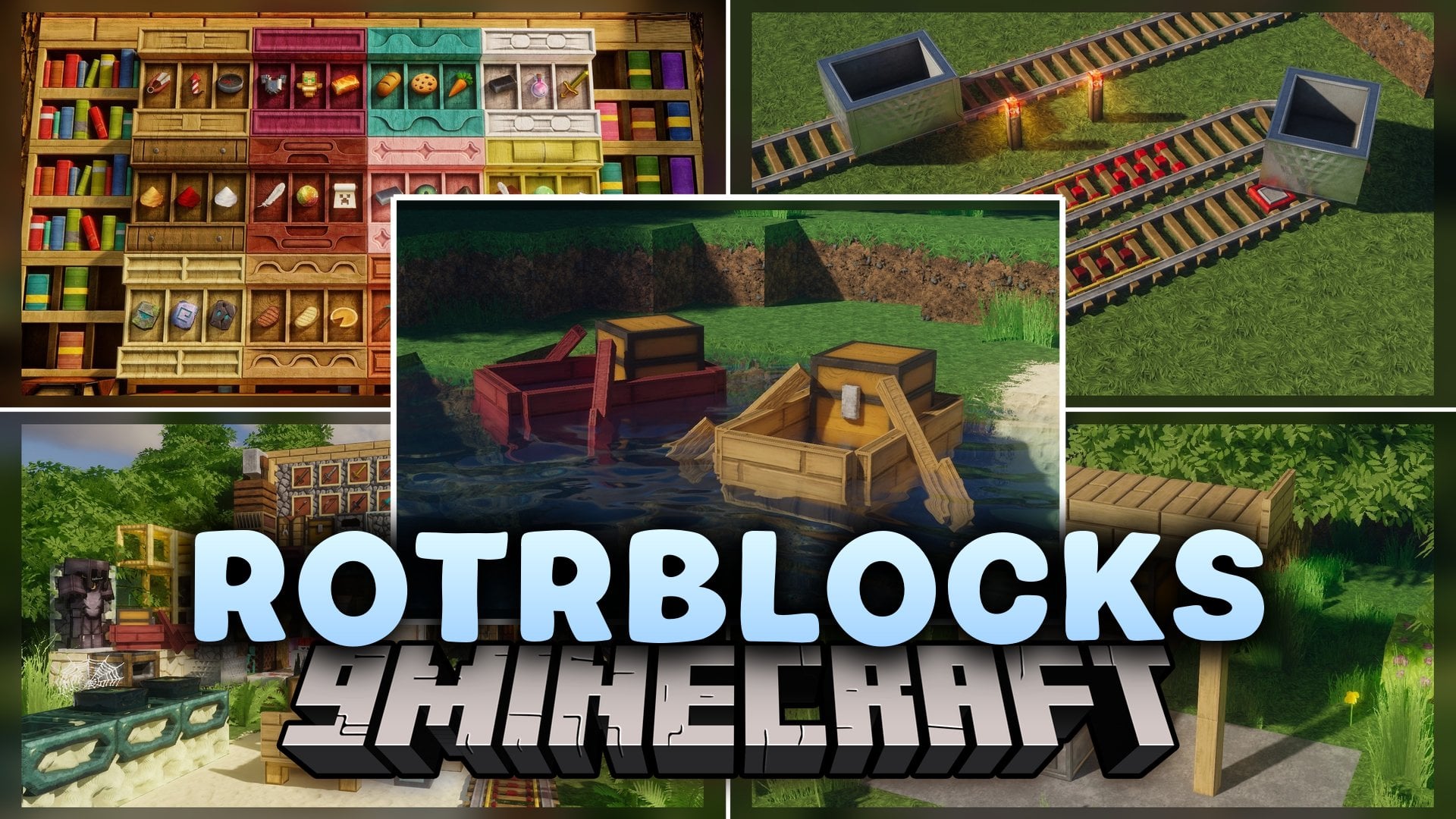
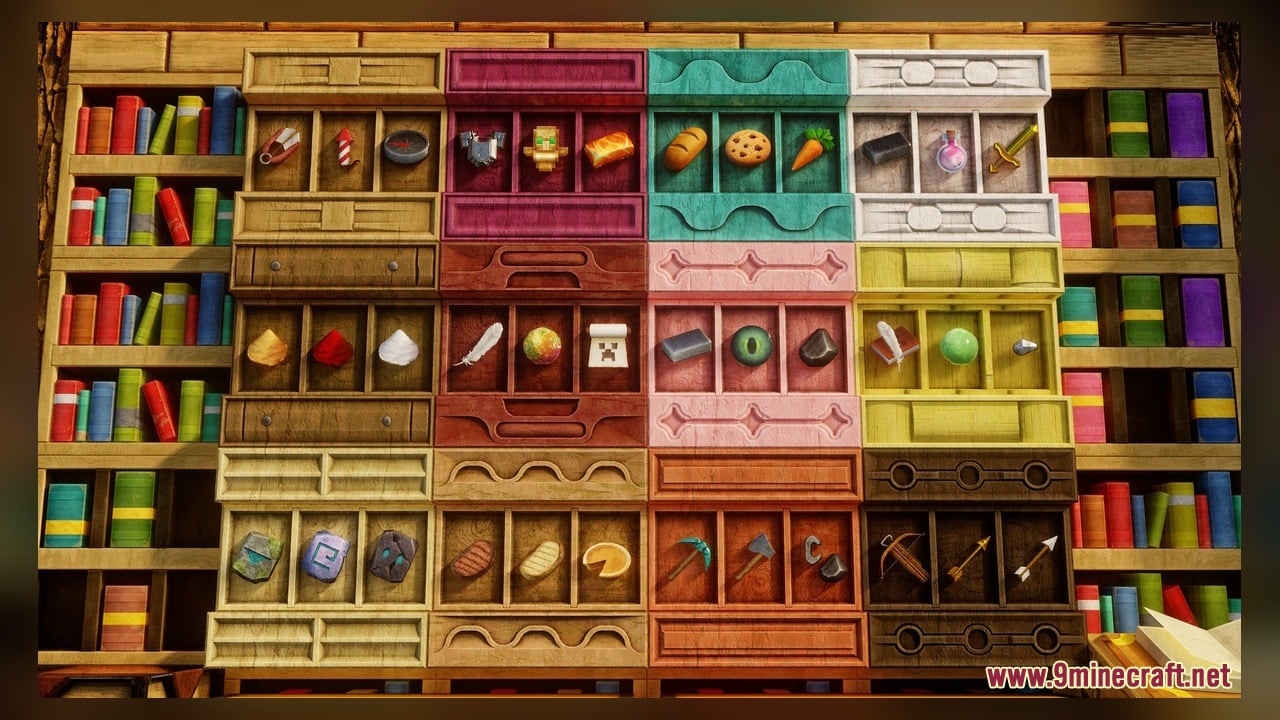
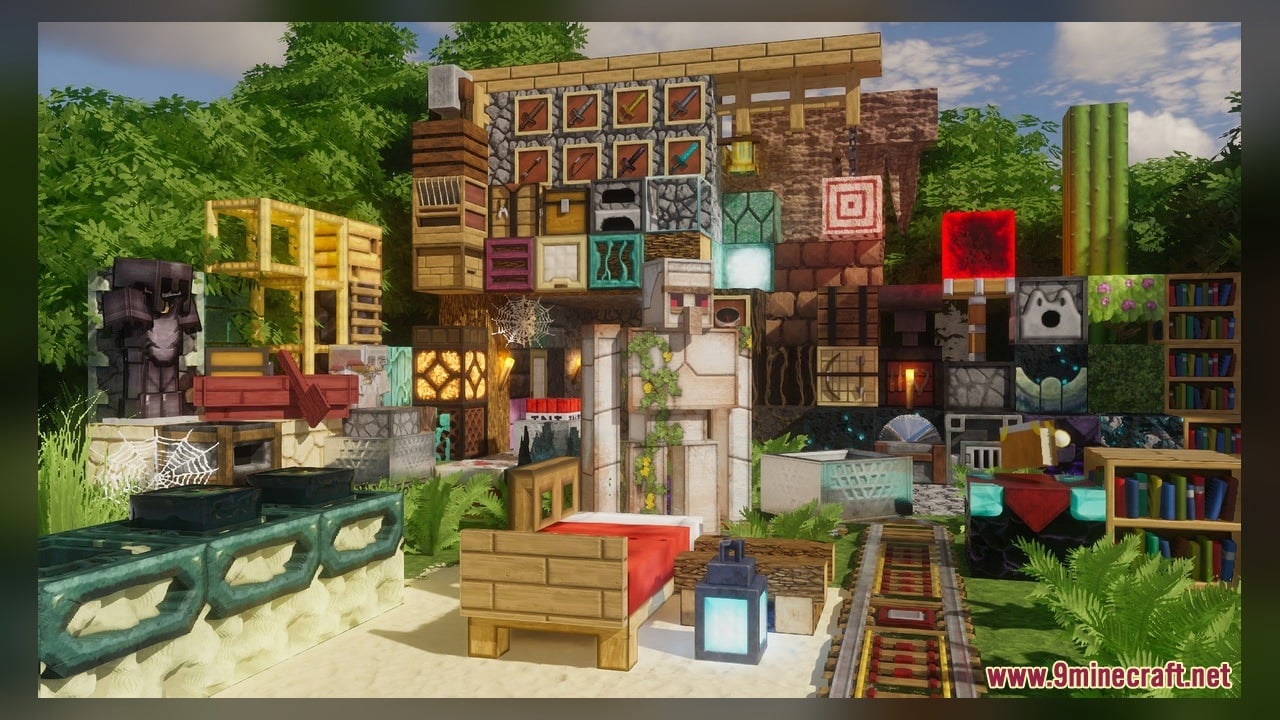
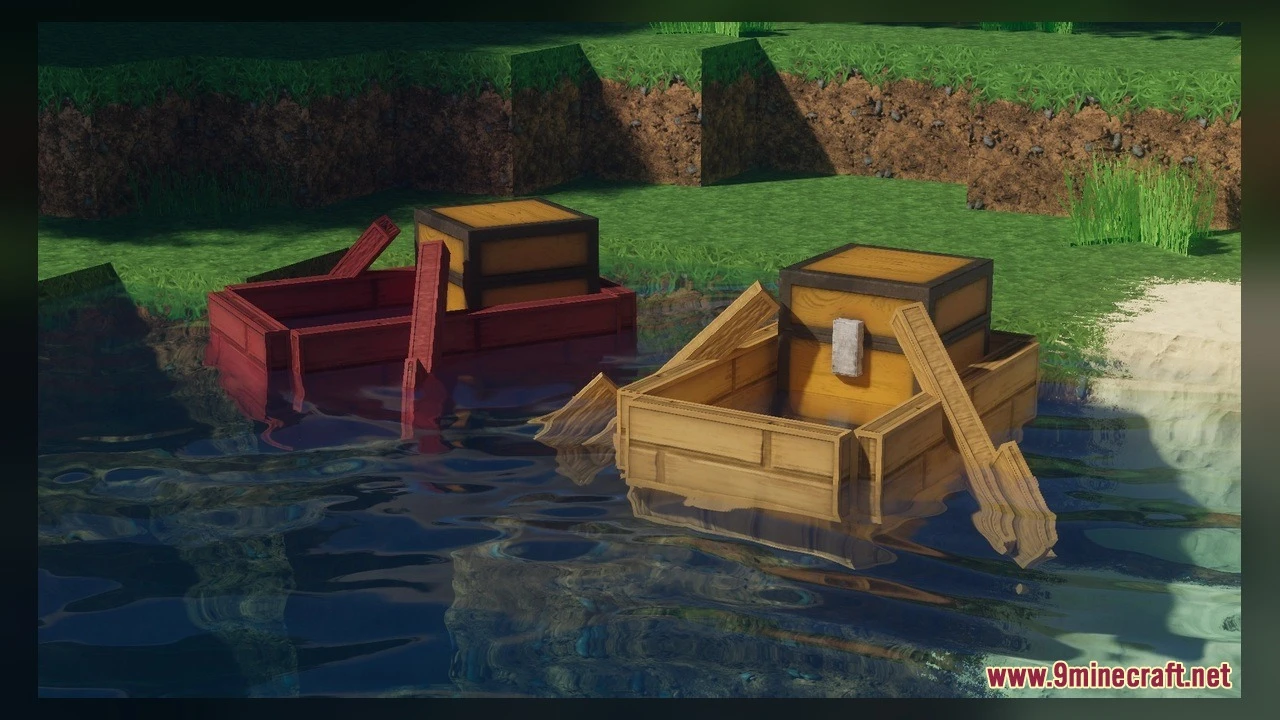
RotrBLOCKS Model adds 3D leaves and detailed candle models to your world. It is a PBR/POM pack that keeps the vanilla style and makes it look much better. The pack uses 128x textures. It includes 224 custom 3D models and 5535 texture files, plus animated textures.
Features:
- 3D Leaves: Leaves use real 3D models instead of flat squares. The pack has three 3D leaf styles and a separate birch leaves model.
- Candle Models: Candles get new models in many colors. You see one, two, three, or four candles, each with a lit version.
- Candle Cakes: Cakes with a candle on top get their own model, and each one has a lit version too.
- PBR and POM: Blocks get extra depth and detail while the vanilla look stays the same.
- 128x Textures: Blocks look sharper and cleaner than the default 16x.
- Includes 224 custom 3D models and 5535 texture files, so many blocks look new.
- Adds animated textures that bring parts of the world to life.
How to Use:
- Put the pack file in your
resourcepacksfolder. Open Options, then Resource Packs, and move the pack to the selected side. - Walk up to any tree and look at the leaves from up close. They now have a 3D shape. Check a birch tree too, because birch leaves have their own model.
- Make a candle from string and honeycomb. Dye it to pick a color, such as black, blue, or brown.
- Place one candle on the ground. Then click the same spot with more candles to make two, three, and four. Watch the model change each time.
- Light the candles with flint and steel. The lit models show a different look from the unlit ones.
- Put a candle on top of a cake and light it to see the candle cake models. Look around the world for animated textures as you play.
Requirements:
- A Minecraft version that can play animated textures.
Screenshots:
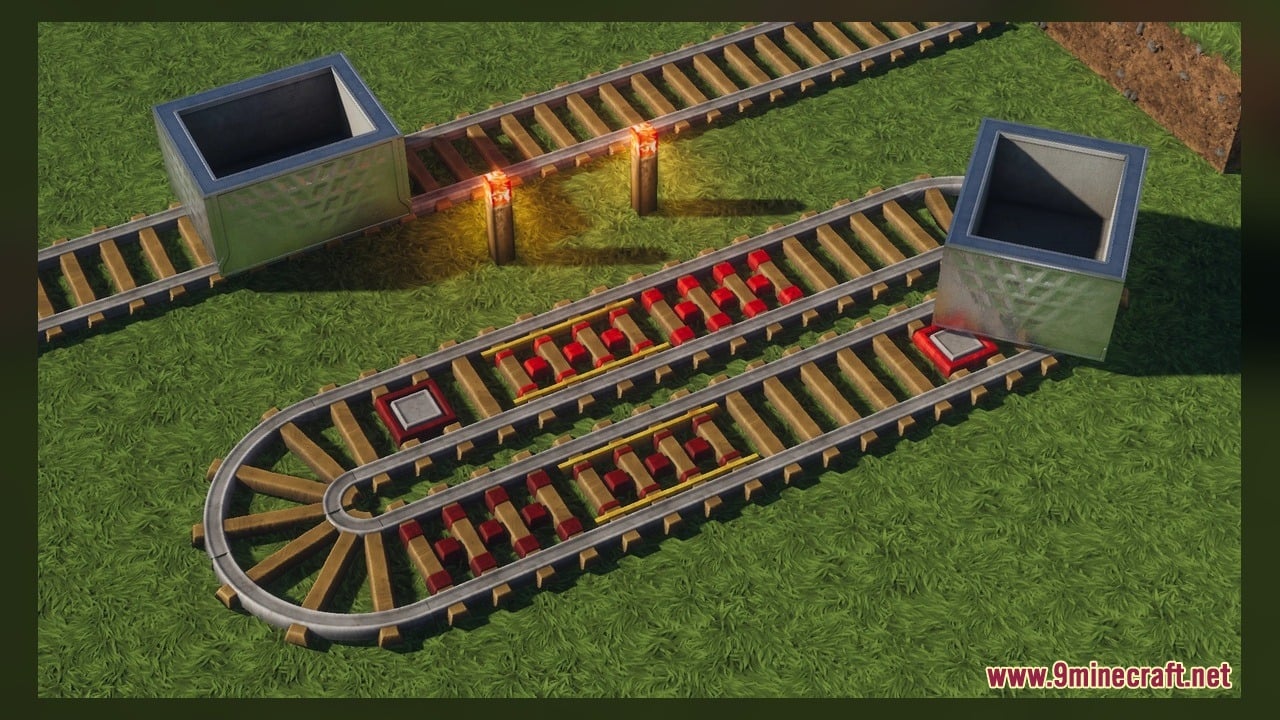
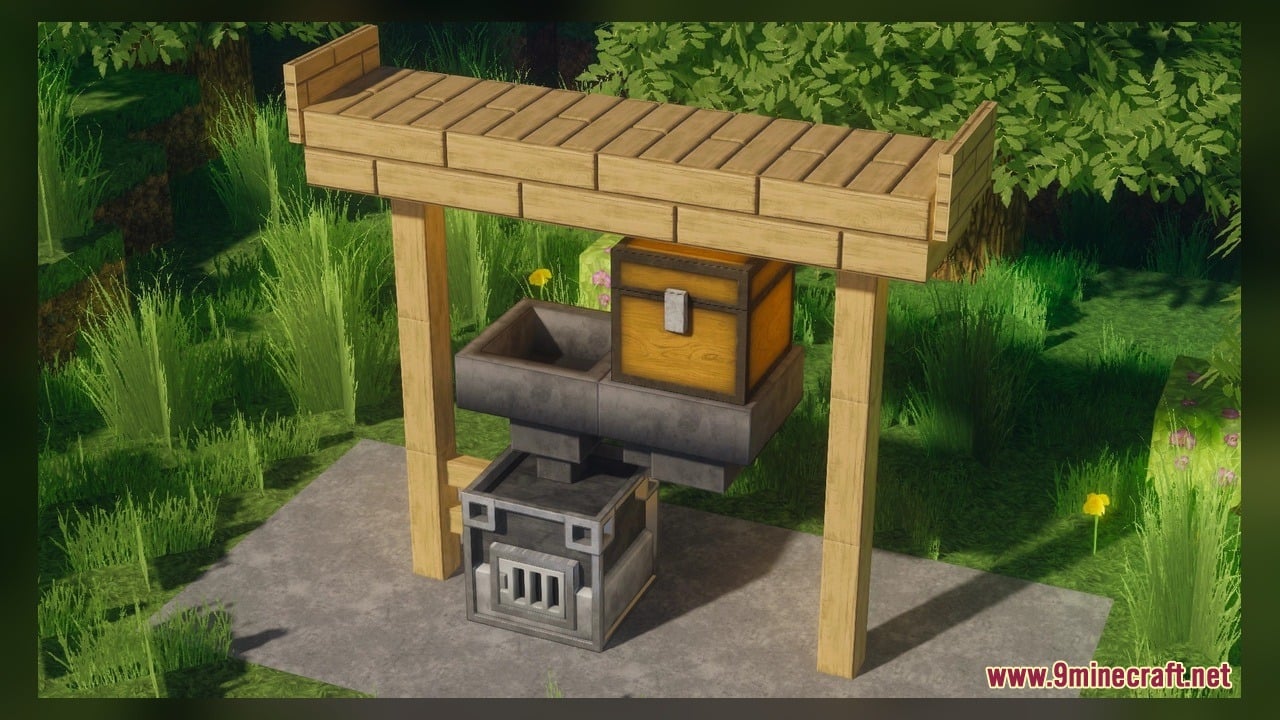
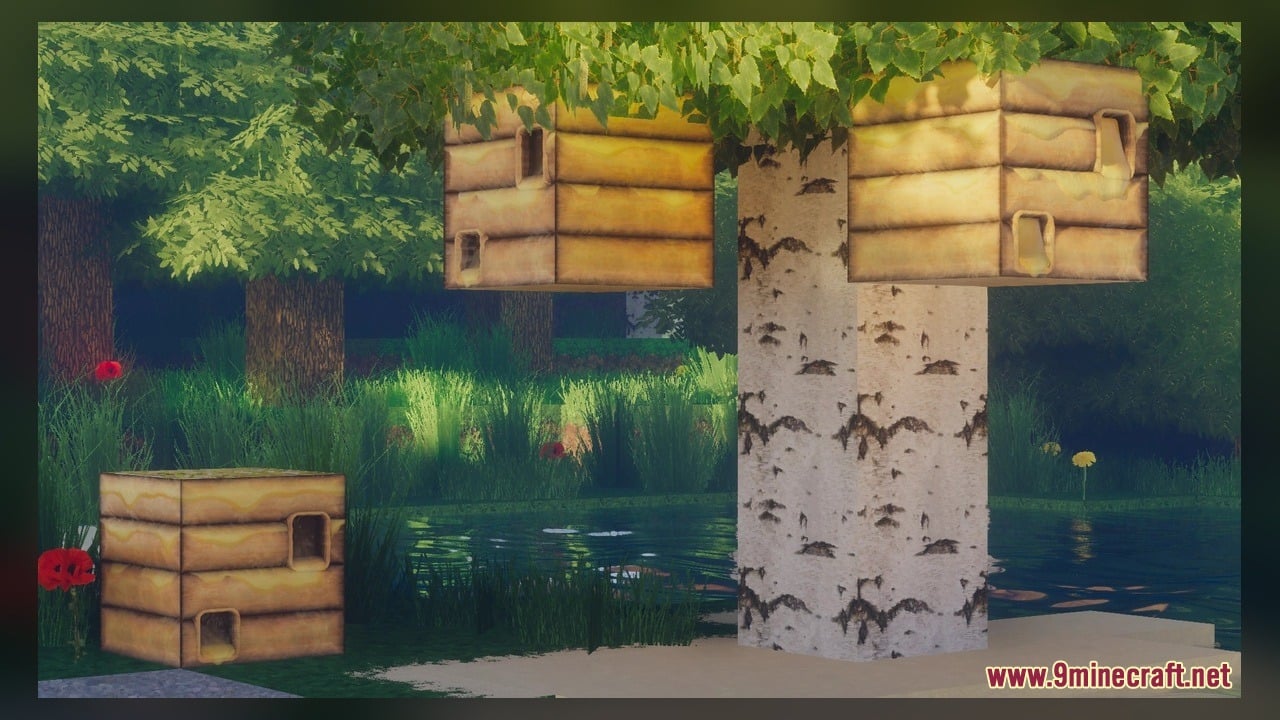
RotrBLOCKS Model Download Links
Click to rate this post!
[Total: 0 Average: 0]
You May Also Like
Picked for this page
 Arty Reindeer Jenny Mod Model
 GhibliBlocks 512x Model – Transforms World Blocks Into Painterly Anime Art
 Overly Realistic Base Resources Model – Brings Custom 3D Block Overlays
 S.O.M Model – Adds 118 Custom 3D Models for Leaves, Redstone and Nether Plants
 Ultimate Redstone Model – Brings Animated 3D Parts to Redstone Machines
 Faithless Model – Adds 698 Custom 3D Models While Keeping the Vanilla Look
 Looshy Model – Adds 30 Custom 3D Models to Redstone, Torches, and Lanterns
 New Default Model – Adds Thousands of 3D Block Models with Animated Fire
 Crimson Curse Infection Model – Transforms Blocks Into Living Nether Terrors
 Simplistic 3D Doors Model – Adds Clean Depth to Vanilla Entryways
 Rb’s Legendary Model – Adds 286 Custom 3D Models to Blocks and Items
 Classic Faithful 32x Model – Brings Classic 32x Detail and 3D Redstone Blocks
Most viewed in Models over the last 7 days
 Jenny Mod Skin Pack Mega Collection – 310+ Characters
 The Most Complete Collection of Jenny Mod Resources – Models, Animations, Structures,…
 Albedo Rework Jenny Mod Model
 Power Model – Custom Girl for PleasureCraft Mod
 Galath Rework Model – Custom Girl for PleasureCraft Mod
 750 Models Addon for Yes Steve Model Mod
 Ellie Rework Jenny Mod Model
 Femboy Ellie Rework Jenny Mod Model
 Ram Model – Custom Girl for PleasureCraft Mod
 100+ Custom Animations For Jenny Mod
 Ellen Model – Custom Girl for PleasureCraft Mod
 Alex Model – Custom Girl for PleasureCraft Mod
More from Models
 MaskyEnchantedItems Model – Transforms Enchanted Weapons Into 3D Gear
 Lushier Forests Model – Brings Dense 3D Foliage to Vanilla Woodlands
 Visible Tripwires Model – Adds Bright Wool Cords to Spot Traps
 Ghastling Baby Model – Adds Adorable Flying Pet
 AE-Light-UI Multi-module Model – Brings Animated Futuristic Storage Cells
 Pixel Perfection X FARMER’S DELIGHT Model – Brings Rustic 3D Kitchen Visuals
 Bare Bones X Immersive Weathering Model – Brings Clean Vibrant Block Models
 3D Crossbow And Bow Model – Brings Detailed Reload Visuals to Archery
 Verdant Verdure Model – Transforms Flat Grass Blocks Into Bushy Foliage
 Lil Creepers Model – Spawns Adorable Explosive Variants
 Dedsafio Tools 3 Model – Equips Custom Event Gear for Survival Battles
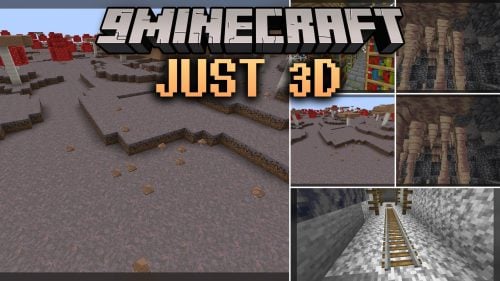 Just 3D Model – Brings Layered Physical Depth to Familiar Minecraft Blocks

This post has no comments yet. Be the first — your comment will appear here.