


DarkTitleBar Mod (1.21.5, 1.20.1) — Играйте в оконном режиме без яркой рамки
 274
274
 0
0


🌐 Вы читаете эту статью на Русский. Хотите переключить?
📖 Читать на английском (оригинал)Или выберите нужный:
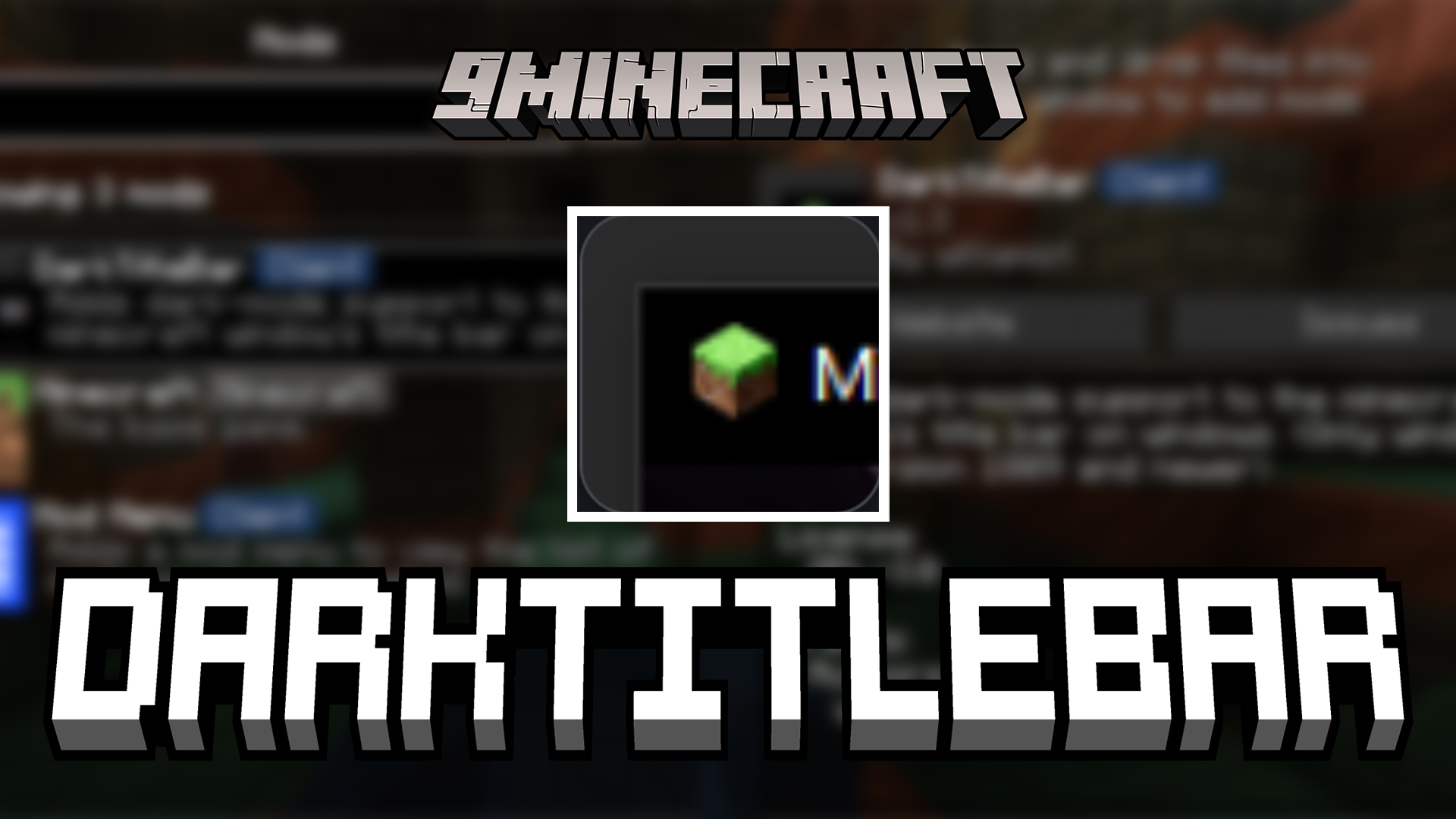
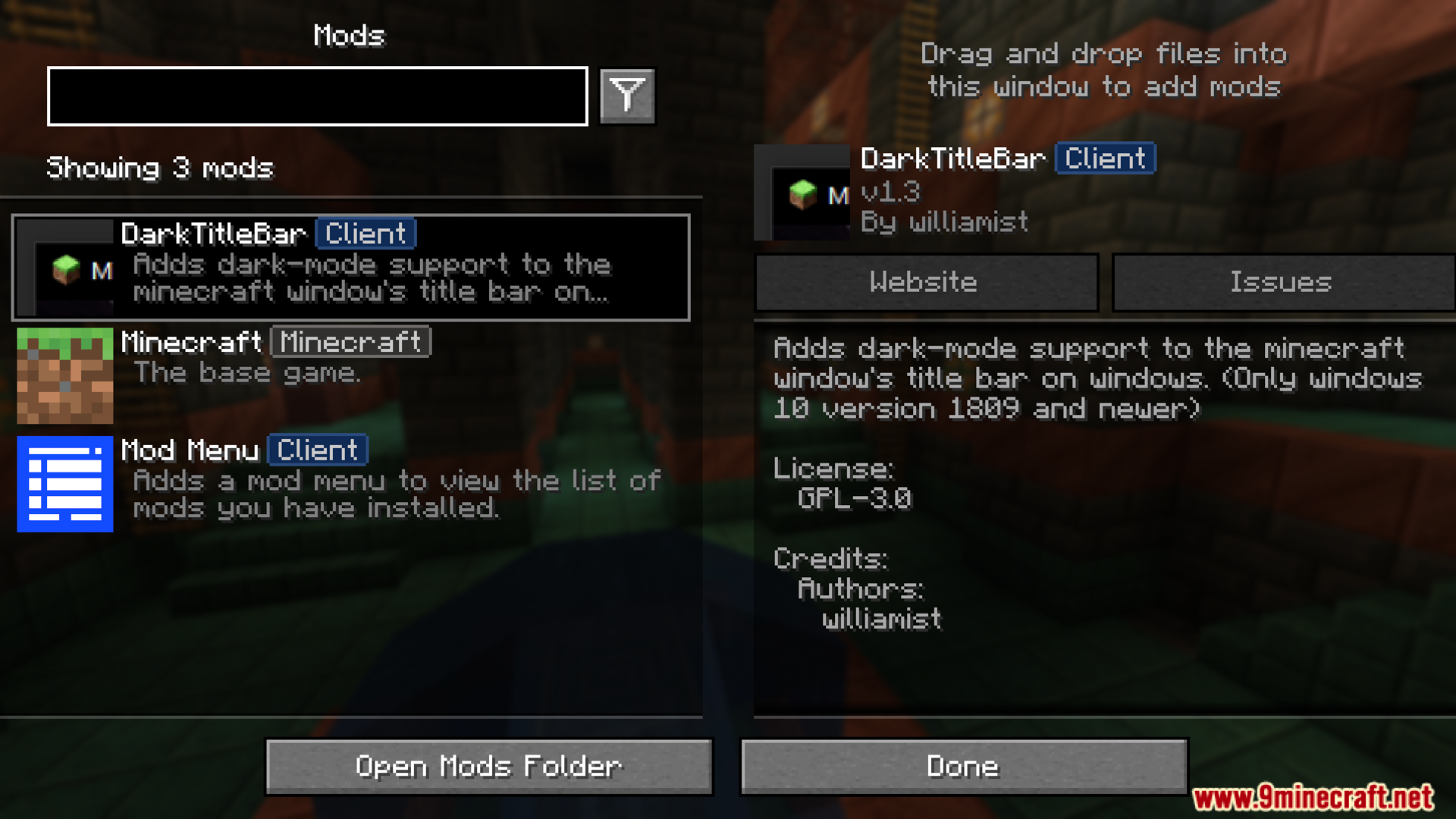
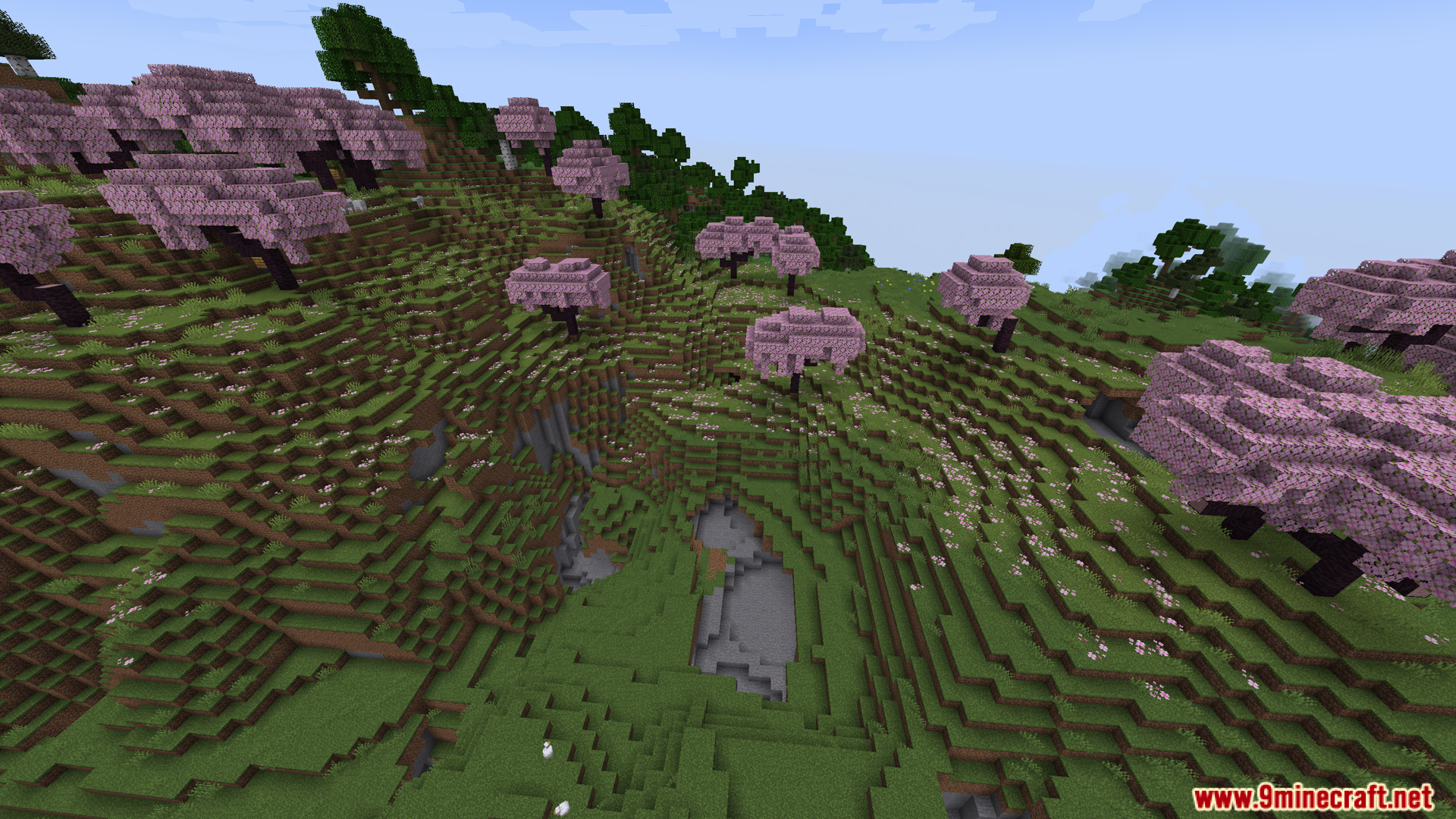
DarkTitleBar Mod меняет верхнюю рамку окна Minecraft в соответствии с вашими настройками темной темы. Если вы играете на Windows 10 или новее с включенным темным режимом, этот мод заменяет ярко-белую полосу заголовка на темную. Это позволяет игре гармонично вписаться в остальное экранное пространство. Как видно на наших скриншотах, эта небольшая визуальная правка сохраняет аккуратный вид окна, гуляете ли вы по вишневой роще или исследуете глубокое ущелье.
Особенности:
- DarkTitleBar Mod меняет верхнюю рамку окна Minecraft с ярко-белой на темную.
- Включается автоматически, если в вашей системе Windows уже установлена темная тема.
- Для работы требуется компьютер под управлением Windows 10 (версия 1809) или более свежее обновление.
- Прекрасно работает сам по себе, не требуя дополнительного файла Fabric API.
- Приводит игровое окно в соответствие с общим темным оформлением вашего рабочего стола.
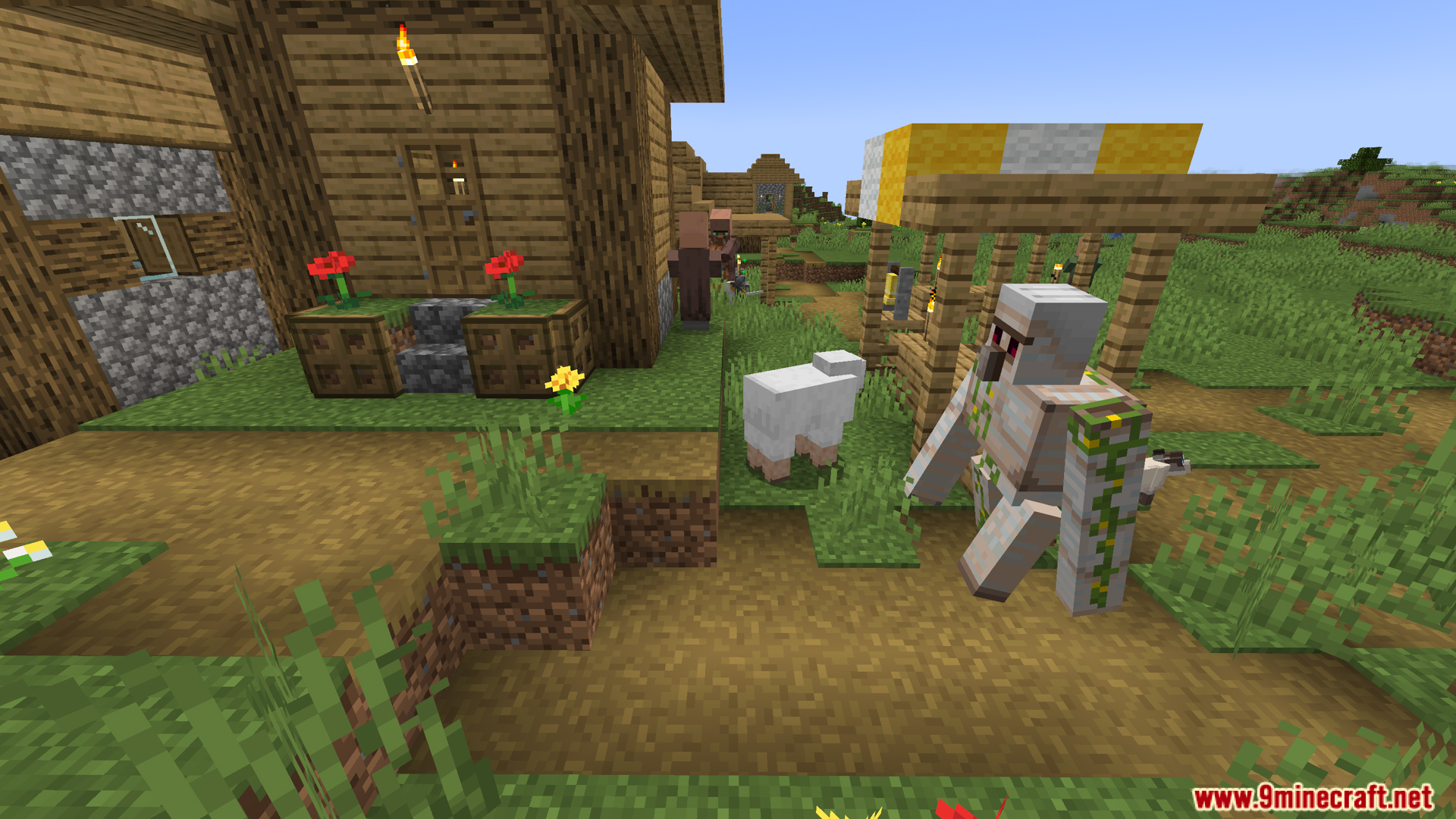
Скриншоты:
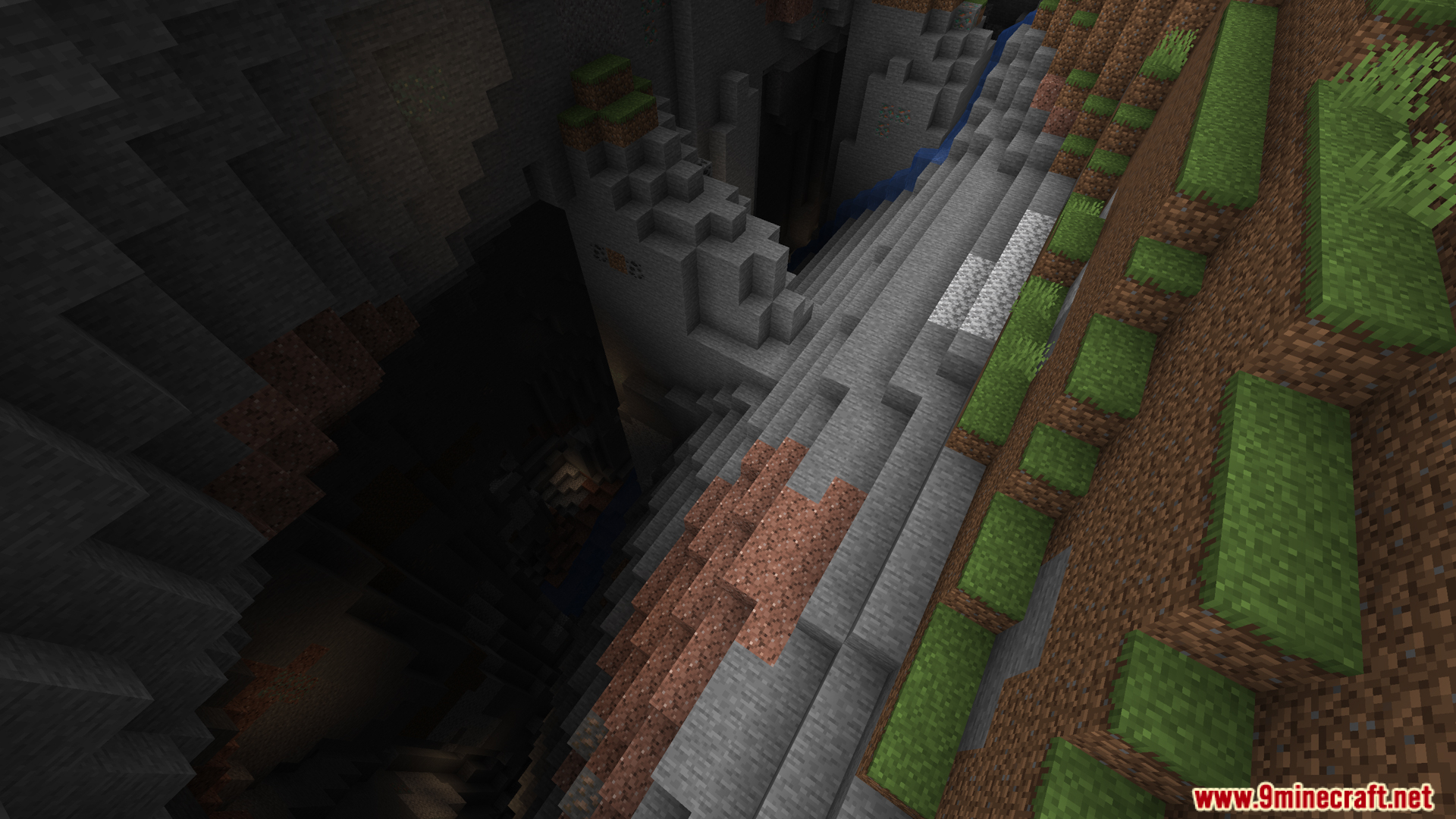
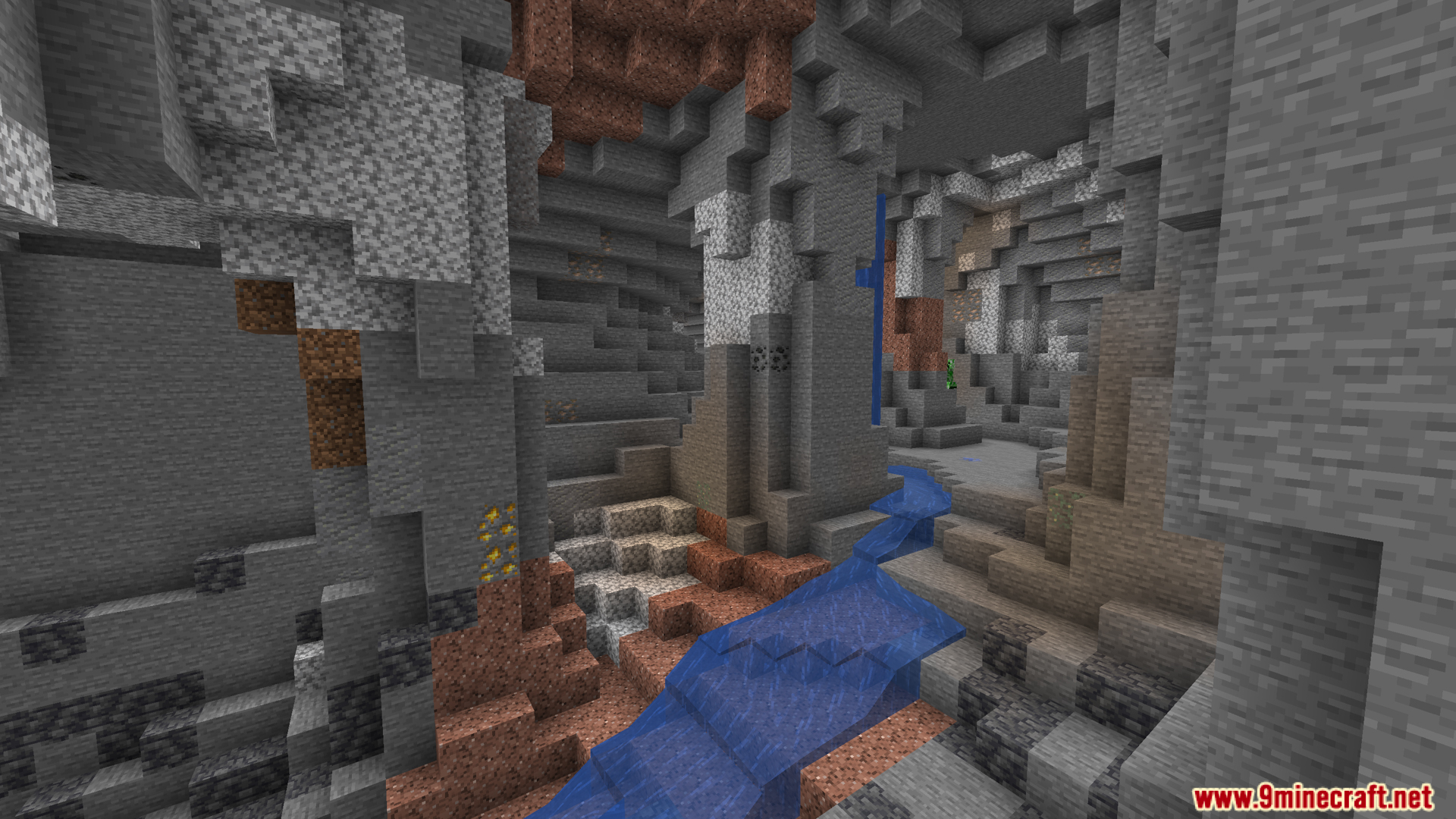
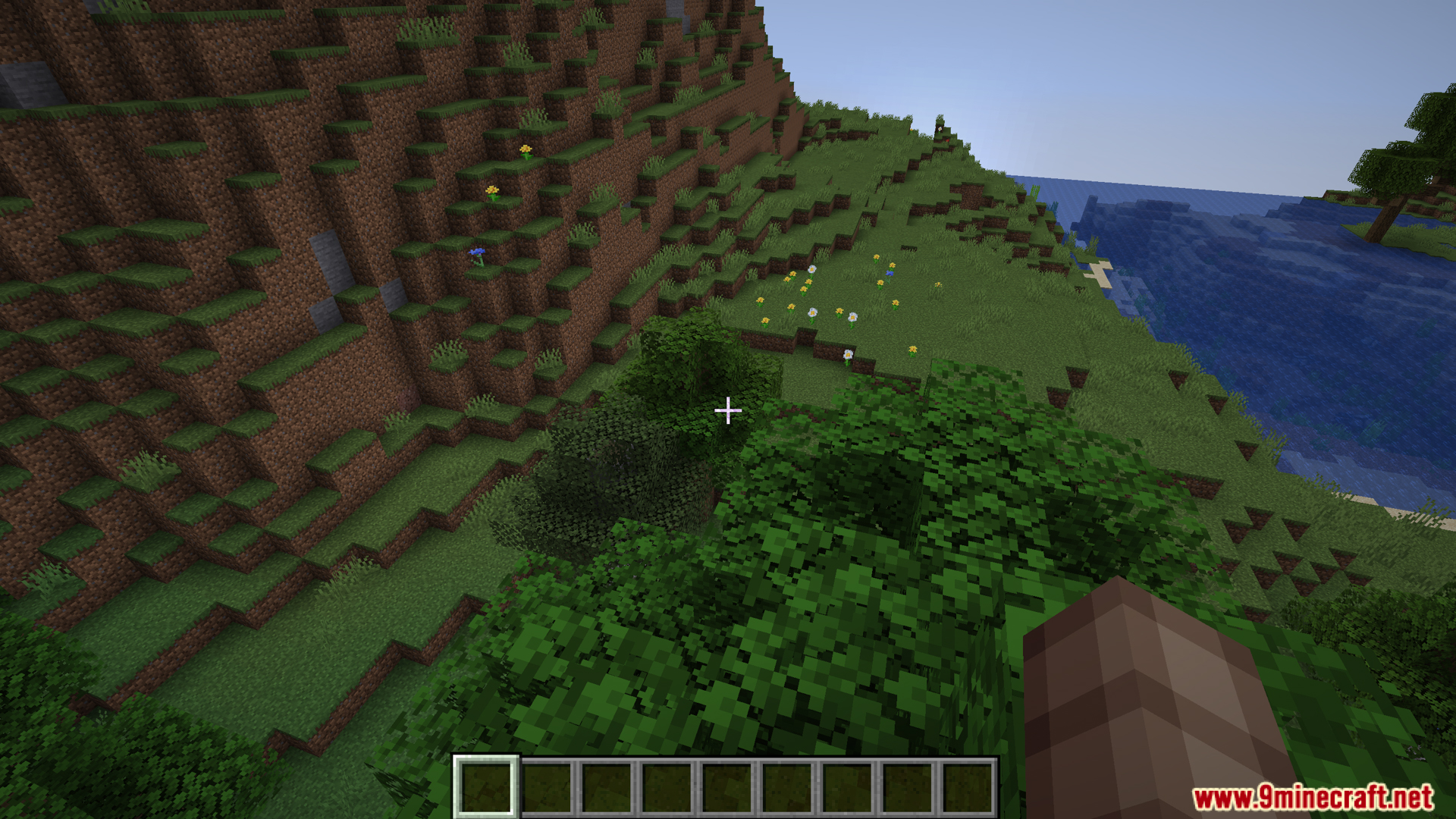
Как установить:
Впервые в Minecraft? Следуйте нашей пошаговой инструкции, чтобы установить Mods на ПК.Инструкция
DarkTitleBar Mod Ссылки на скачивание
Для Minecraft 1.21.5, 1.21.4, 1.21.3, 1.21.1, 1.21
Версия Fabric: Скачать с сервера 1 – Скачать с сервера 2
Для Minecraft 1.20.4, 1.20.2, 1.20.1, 1.20
Версия Fabric: Скачать с сервера 1 – Скачать с сервера 2
Нажмите, чтобы оценить эту публикацию!
[Total: 0 Average: 0]
Вам также может понравиться




У этой записи пока нет комментариев. Будьте первым — ваш комментарий появится здесь.