
Rustic Greenhouse Schematic (1.19.x) – Cozy Overgrown Plant House Build
 13
 0


Rustic Greenhouse Schematic gives you a cozy brick, glass, and wood building for your Minecraft world. It looks like an old plant house that has been sitting in nature for years. You can place potted plants inside and add grass or vines outside to make it look older. The build is small and uses normal game blocks, so it fits nicely into any backyard or farm area.
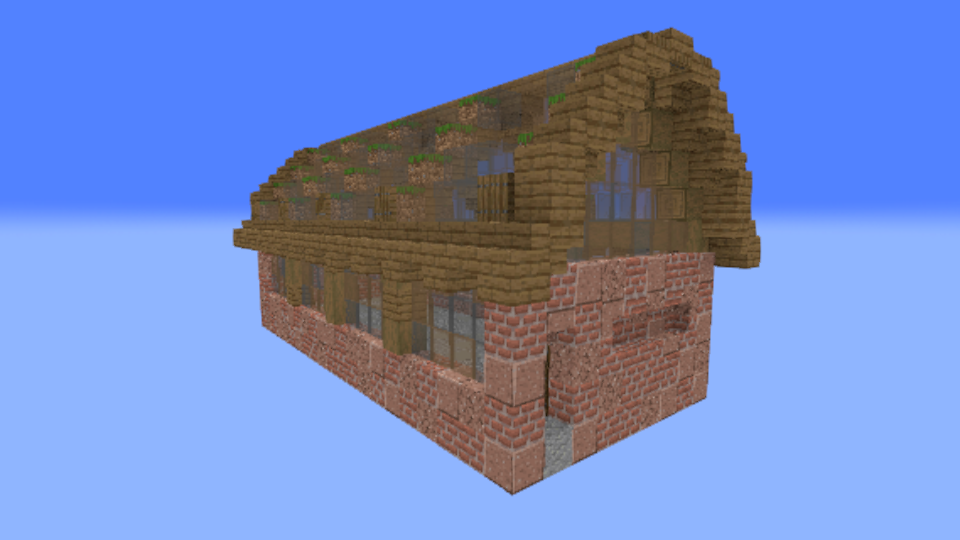
3D Preview & Editor:
Materials
22 types · 879 blocks
| Spruce Stairs | 100 | Brown Stained Glass | 73 | Bricks | 69 | |||
| Brown Stained Glass Pane | 69 | Stripped Spruce Log | 68 | Gray Stained Glass Pane | 59 | |||
| Gray Stained Glass | 55 | Spruce Slab | 47 | Light Gray Concrete | 41 | |||
| Grass Block | 40 | Grass | 40 | Granite | 38 | |||
| Andesite | 35 | Polished Granite | 31 | Stone | 30 | |||
| Cobblestone | 29 | Spruce Trapdoor | 16 | Brick Stairs | 13 | |||
| Spruce Planks | 13 | Granite Stairs | 5 | Spruce Door | 4 | |||
| Polished Granite Stairs | 4 | |||||||
How to place this schematic
.schem This is a WorldEdit schematic. It pastes instantly on a server or single-player world that has WorldEdit (or FastAsyncWorldEdit).
| 1 | Install WorldEdit — as a plugin on the server, or as a mod for single player. |
| 2 | Drop the .schem file into plugins/WorldEdit/schematics (server) or config/worldedit/schematics (client). |
| 3 | Run //schem load <file name>. |
| 4 | Stand where you want it and run //paste. Add -a to skip air blocks. |
Features:
- Cozy Design: Combines brick, glass, and wood blocks to create a classic plant house look.
- Overgrown Style: Looks like a forgotten building that belongs in a wild garden.
- You can customize the inside by placing your own potted plants and flowers.
- Players can add extra grass, leaves, and vines around the outside to match their world.
- Takes up a small 11 by 11 by 23 block space, making it easy to place anywhere.
- Uses exactly 879 normal blocks, so you do not need any extra add-ons to load it.
Schematic Specs:
 Minecraft1.19.x
 Dimensions11×11×23
 Total Blocks879
Rustic Greenhouse Schematic Download Links
For Minecraft 1.19.x
Click to rate this post!
[Total: 0 Average: 0]
You May Also Like
Picked for this page
 Pokémon Temple Arena Japanese Litematica Schematic (1.21.x) – Large Asian Fortress With Fighting Rin
 A Single Module of Cobble Farm Schematic (1.21.x) – Compact Vanilla Cobblestone Generator
 Four Masted Barque Schematic (1.21.x) – Large Sailing Ship Build With Four Masts
 Simple Medieval Survival House Schematic (1.21.x) – Large Medieval Home For Survival Players
 Oozing Slime Farm Snow Farm Schematic (1.21.x) – Compact Combined Slime And Snow Farm Build
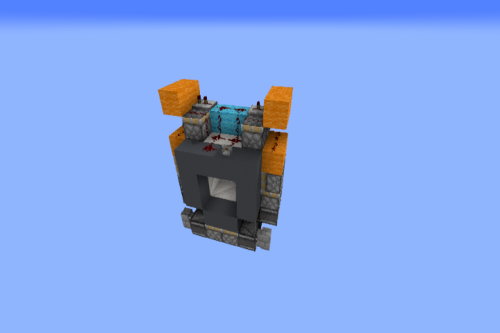 2×2 Flush Seamless Piston Door Schematic (1.21.x) – Hidden Redstone Entrance For Your Base
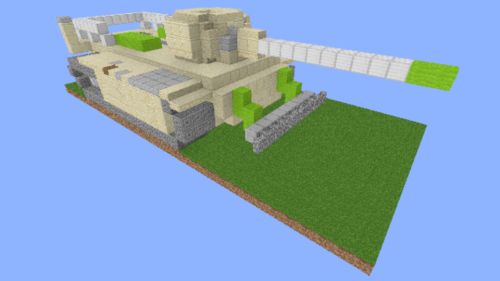 Marauder Tank Schematic (1.20.x) – Large Vanilla Military Vehicle Build
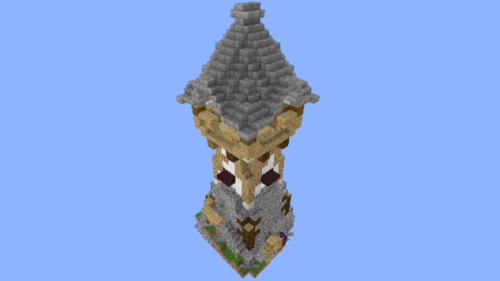 Tower 2 Schematic (1.20.x) – Tall Vanilla Minecraft Building Schematic
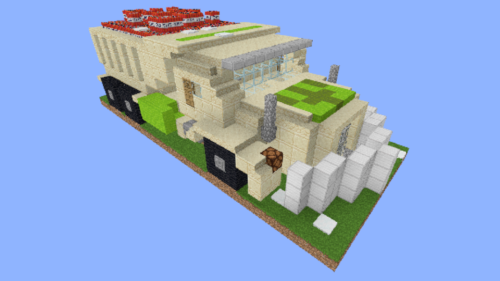 Bombtruck Schematic (1.20.x) – Large Vanilla Bomb Truck Build For Your World
 Medium House 5 Schematic (1.20.x) – Ready To Build Vanilla Home Layout
 Small House 10 Schematic (1.20.x) – A Compact Vanilla Home Blueprint For Players
 Big House 5 Schematic (1.20.x) – A Ready-Made Vanilla House Build
Most viewed in Schematics over the last 7 days
 Fastest Bonemeal Farm Donut Smp Schematic (1.21.x) – Fast Redstone Bonemeal Farm Build
 KelpFarmV9.9 Schematic (1.21.x) – Compact And Simple Seaweed Farm Build
 64 Module Cobblestone Farm Schematic (1.21.x) – Massive Automated Stone Gathering Build
 Gold Farm Schematic (1.21.x) – Automatic Nether Roof Gold Farm
 Villager Trading Hall Schematic (1.21.x) – Modern Shop Build For 48 Villagers
 Minutes End Base Before Spoke Null End Video Schematic (1.21.x) – Giant Unstable SMP End Base Schema
 Bamboo Farm Schematic (1.21.x) – Small Automated Redstone Bamboo Farm
 Best Railgun Tp Trap on Donutsmp Schematic (1.21.x) – Unescapable Multiplayer Redstone Trap Build
 36 Module Cobble Farm 18m per Hour Donut SMP Schematic (1.21.x) – Massive Automated Stone Generator
 Bamboss V2 800k Bamboo per Hour Schematic (1.21.x) – High Speed Automated Bamboo Farm Schematic
 Fastest Kelp Farm Donut Smp Schematic (1.21.x) – Compact Redstone Kelp Farm Design
 Donut Smp Stash and Regear Schematic (1.21.x) – Large Storage And Regear Room Build
More from Schematics
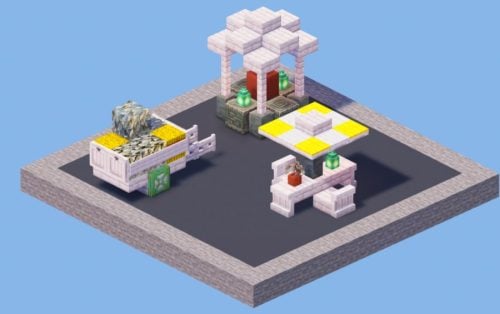 Outdoor Decorations Pack Schematic (1.21.x) – Medieval and Spooky Outdoor Decor Builds
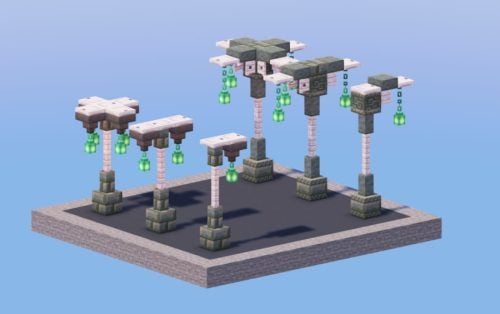 Street Lamps Pack Schematic (1.21.x) – Six Unique Designs for Medieval Districts
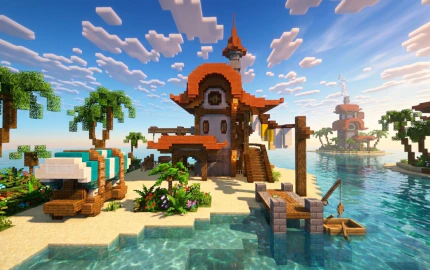 Pirate House 5 Schematic (1.21.x) – Cozy Tropical Beach House Schematic Build
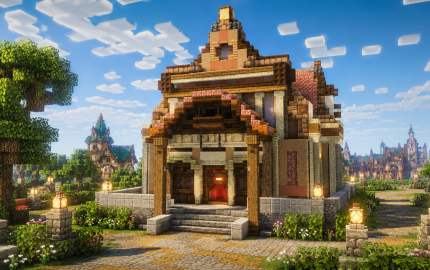 Medieval Bank Schematic (1.21.x) – Grand Medieval Bank for Roleplay Worlds
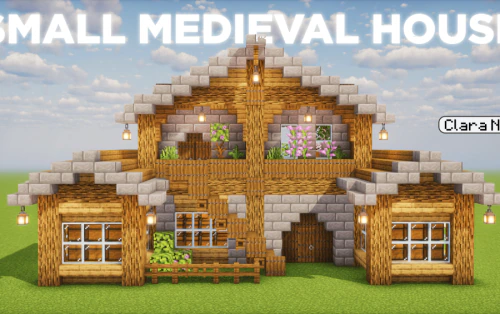 Cozy Small Medieval House Schematic (1.21.x) – Beautiful Medieval Starter Home For Your World
 Dragon Red 3d Schematic (1.21.x) – Large Red Dragon Build For RPG Worlds
 Kirby 3d Schematic (1.21.x) – Giant Pink Character Statue for Minecraft Worlds
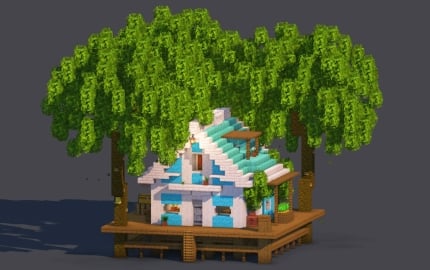 Tropical Stilt House Fully Decorated Interior Schematic (1.21.x) – Beautiful Beach Home
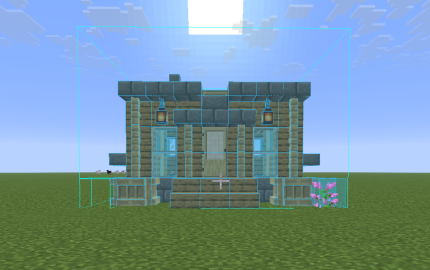 Starter House Schematic (1.21.x) – Cozy Modern Starter Home for Early Survival
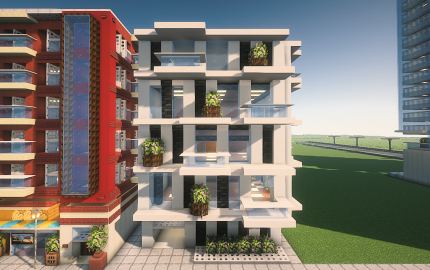 City Apartment Build Schematic (1.20.x) – Modern White Apartment for Your City
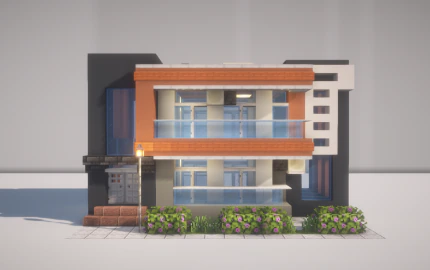 Modern Family House Schematic (1.20.x) – Stylish Contemporary Home for Modern Cities
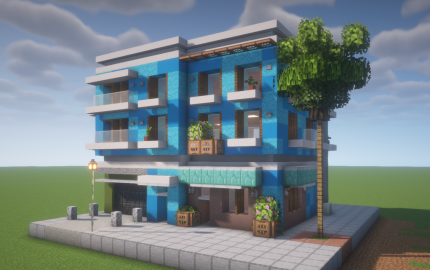 Apartment Schematic (1.20.x) – Stylish Blue Modern City Building

This post has no comments yet. Be the first — your comment will appear here.