


A Single Module of Cobble Farm Schematic (1.21.x) – Compact Vanilla Cobblestone Generator
 12
12
 0
0


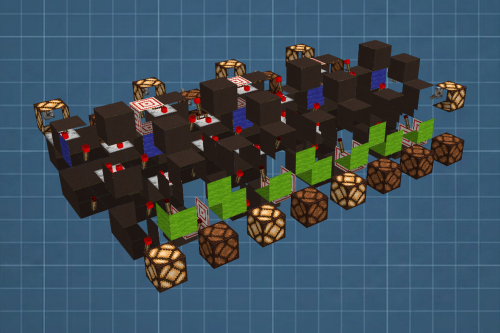
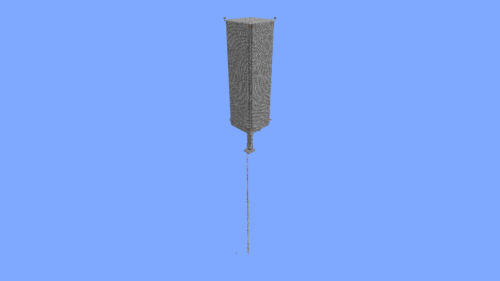
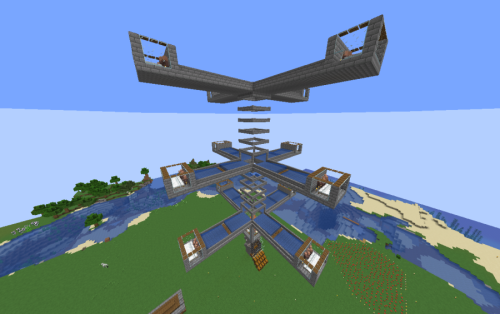
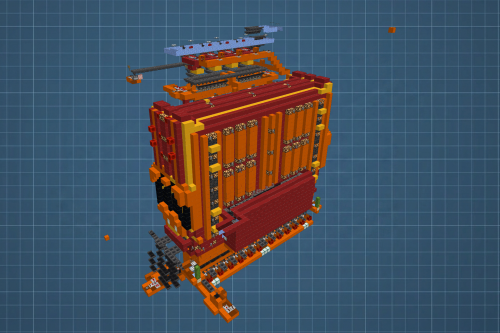
A Single Module of Cobble Farm Schematic gives you a ready-to-use building plan for a cobblestone generator. It saves you time by offering a compact 9x27x9 block design that you can easily bring into your world. This schematic uses 683 blocks in total and works perfectly in standard vanilla Minecraft. You can use this single piece to start your stone supply or build multiple modules side by side for a bigger farm.
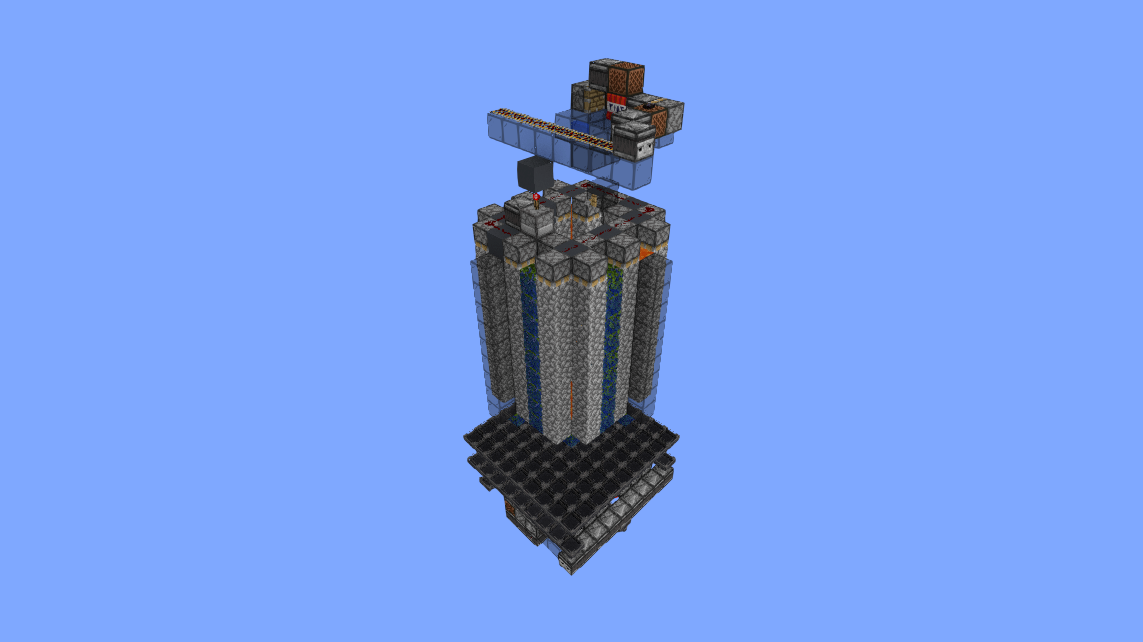
3D Preview:
Features:
- Offers a compact 9x27x9 block footprint that fits easily into small bases or underground rooms.
- Requires exactly 683 basic blocks to finish the entire machine.
- Works entirely in vanilla Minecraft with normal game rules.
- Gives you a steady supply of cobblestone for your other building projects.
- Acts as a single tileable piece, meaning you can place more of them next to each other to grow your farm.
Schematic Specs:
 Minecraft1.21.x
 Dimensions9×27×9
 Total Blocks683
How to Use:
- Put the downloaded file into the schematics folder inside your game directory.
- Open your game and press M to open the schematic menu.
- Load the cobble farm module from your list of saved blueprints.
- Move the blueprint outline to your chosen spot and follow the block placement guide to build it.
A Single Module of Cobble Farm Schematic Download Links
For Minecraft 1.21.x
Click to rate this post!
[Total: 1 Average: 5]
You May Also Like







This post has no comments yet. Be the first — your comment will appear here.