


Scannable Mod (1.20.4, 1.20.1) – Find Diamonds Without XRay

 0
0  April 20, 2025
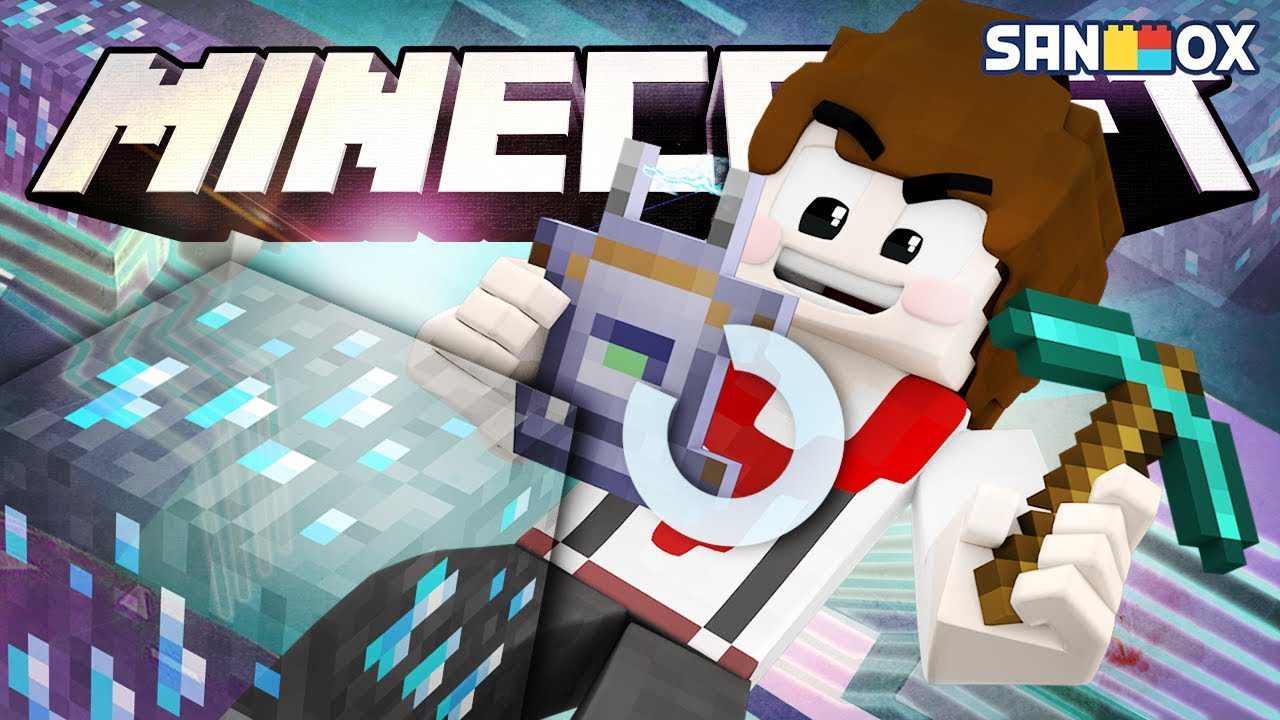
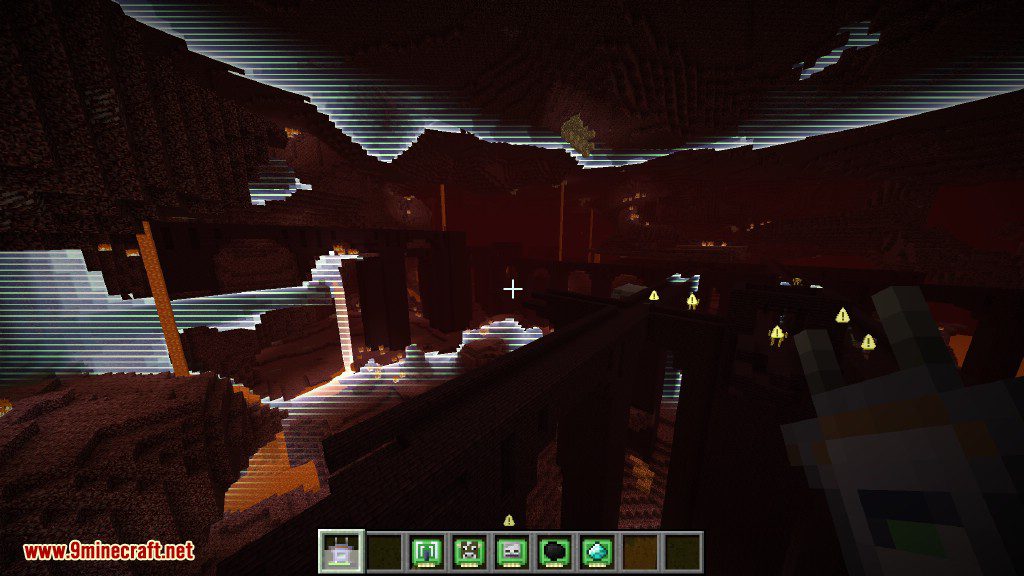
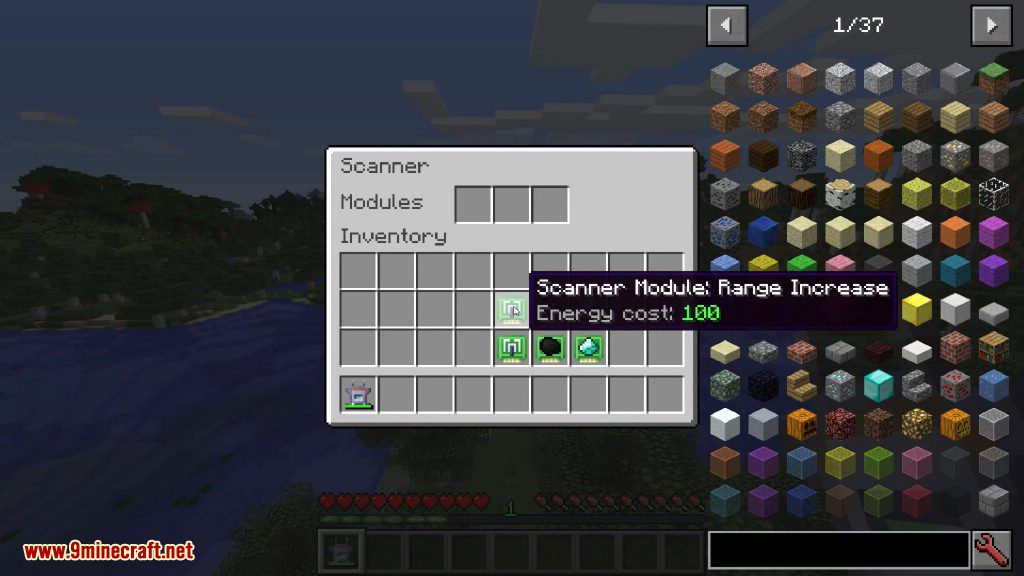
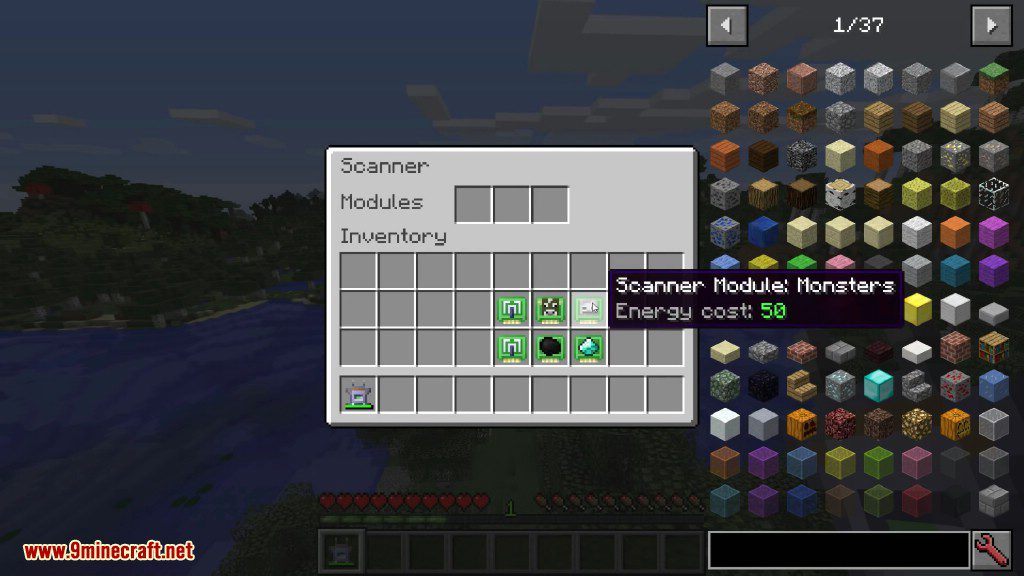
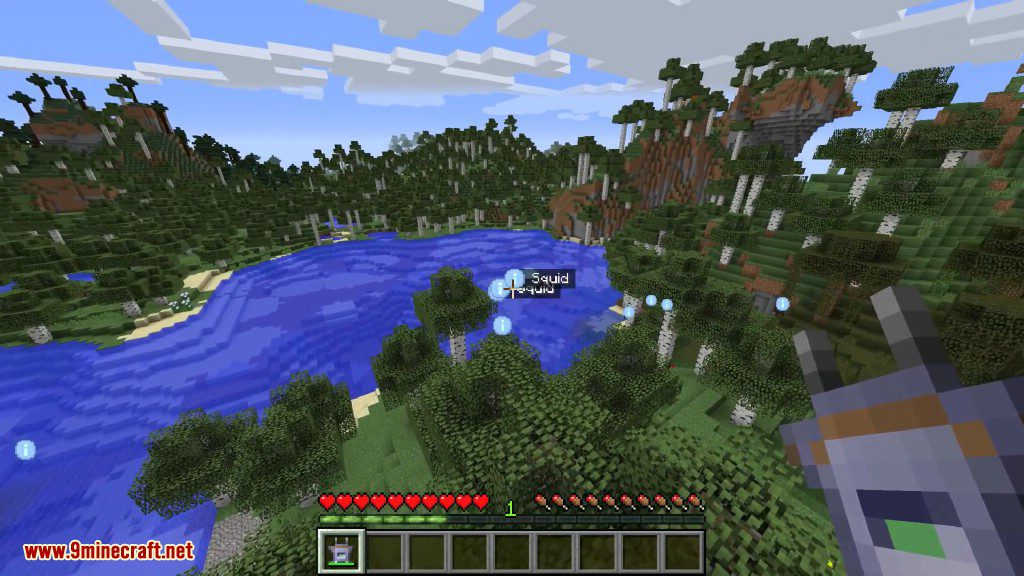
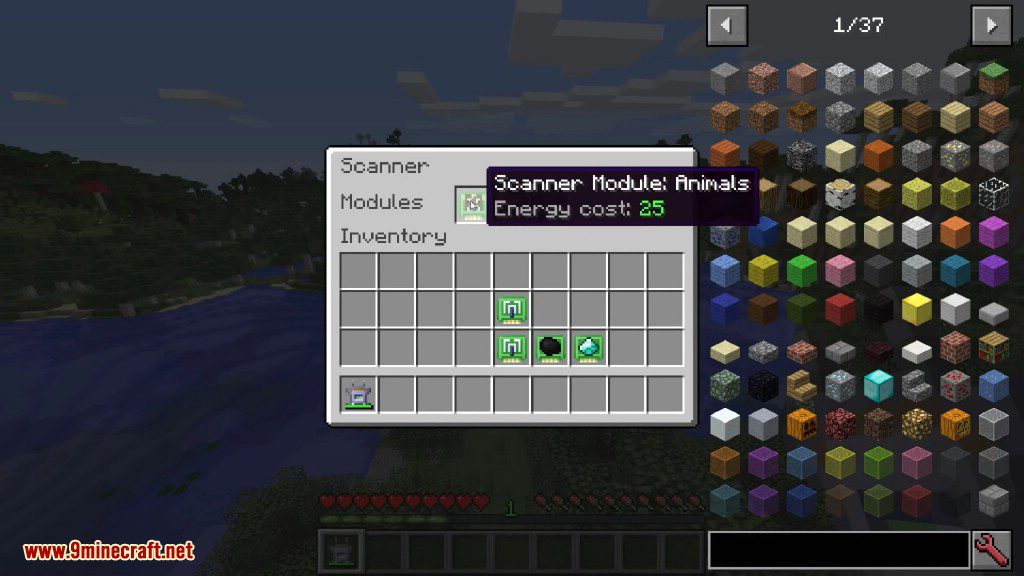
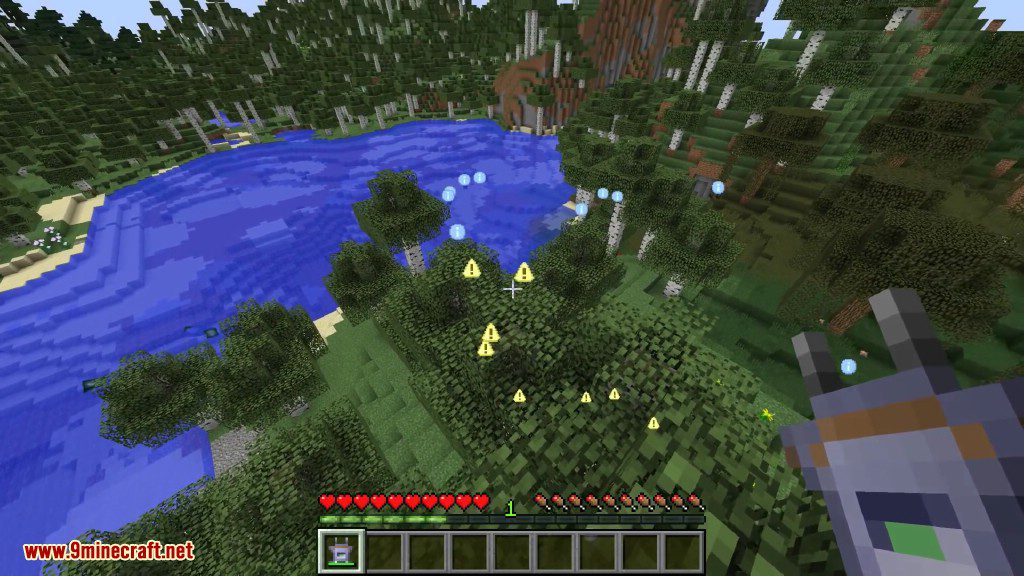
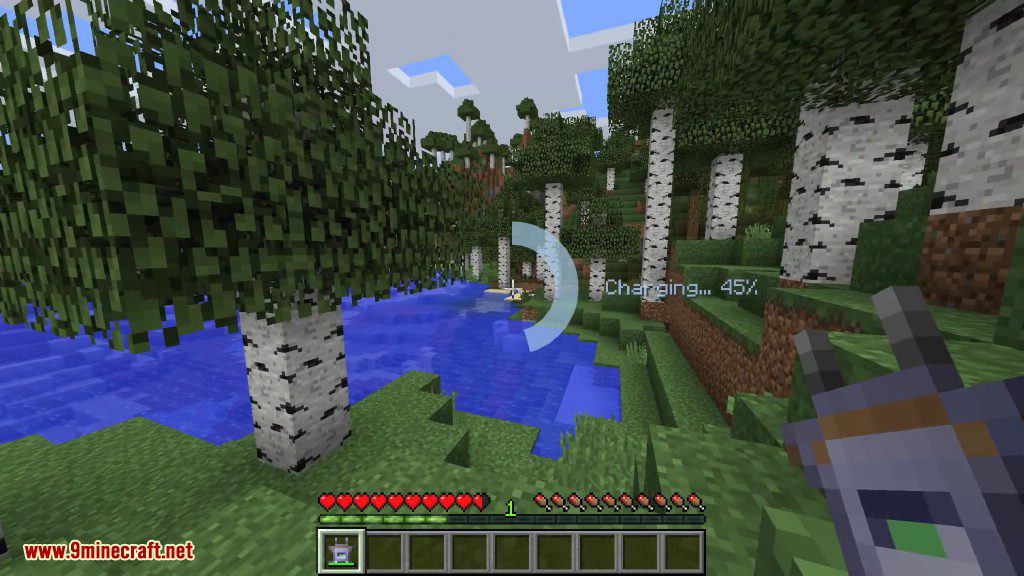
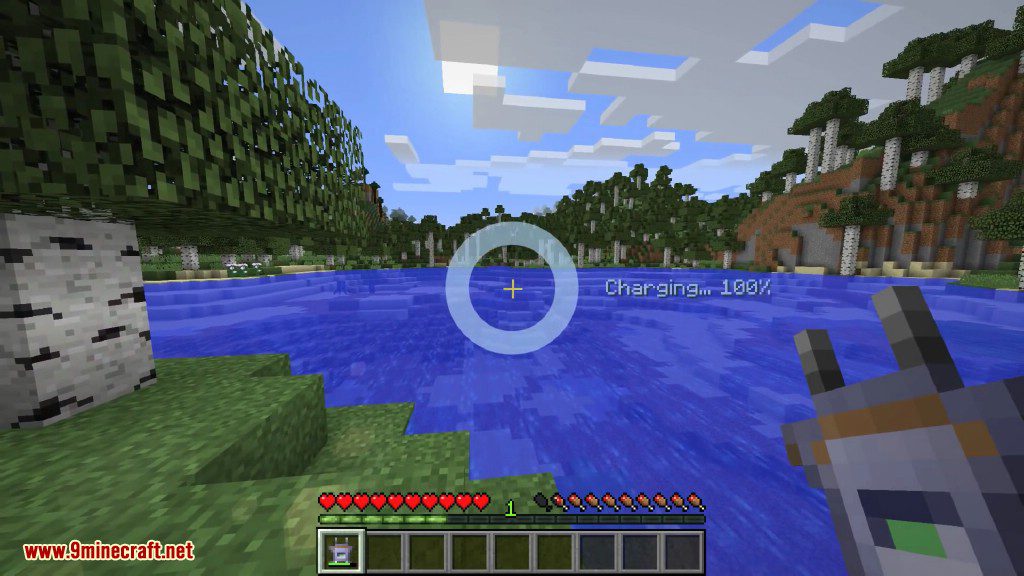
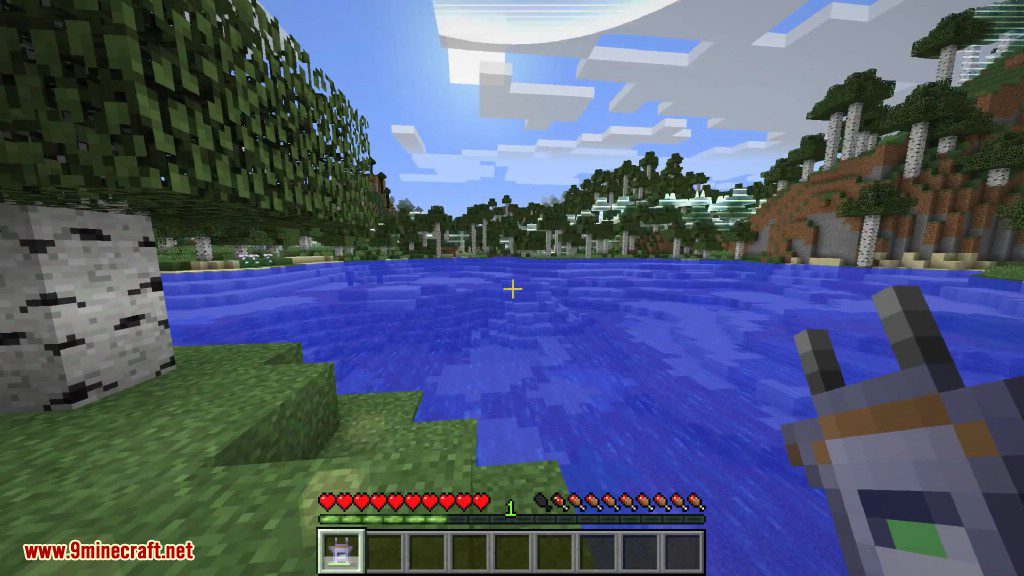
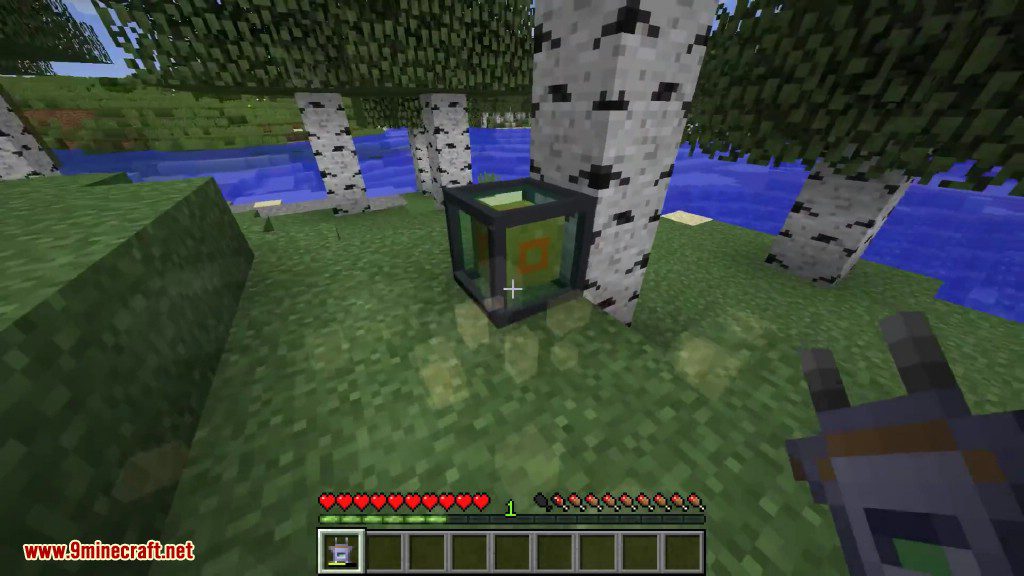
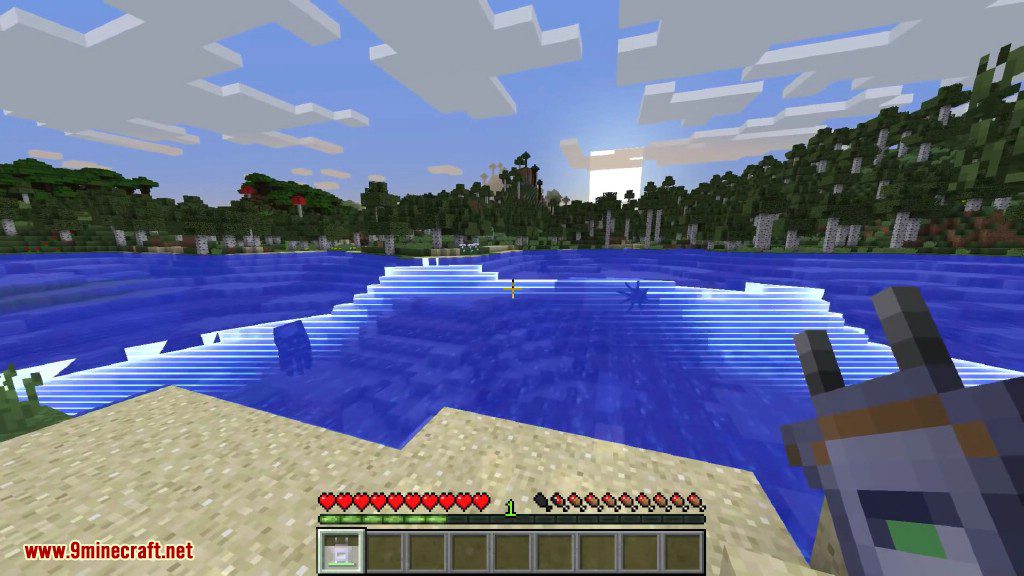
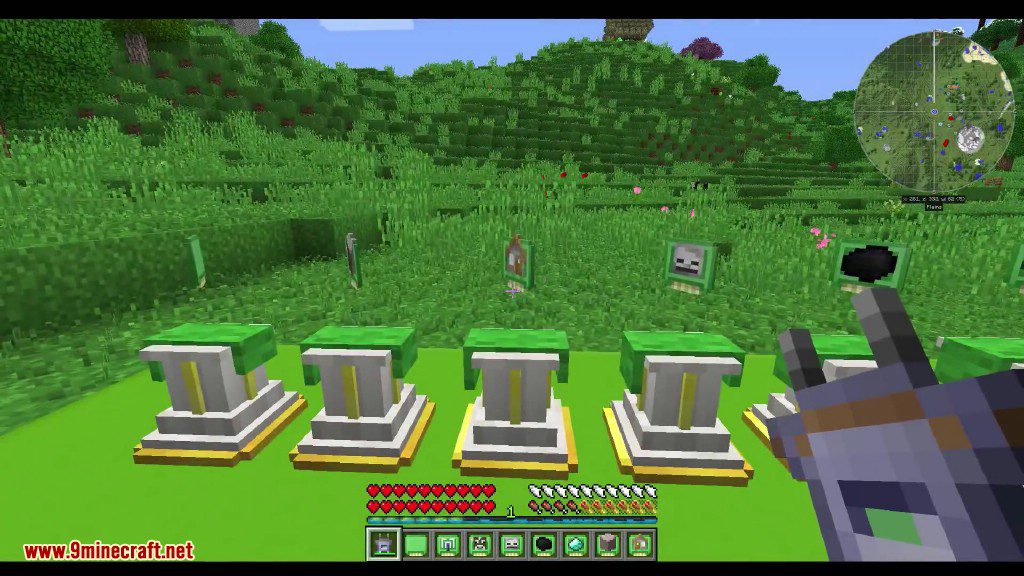
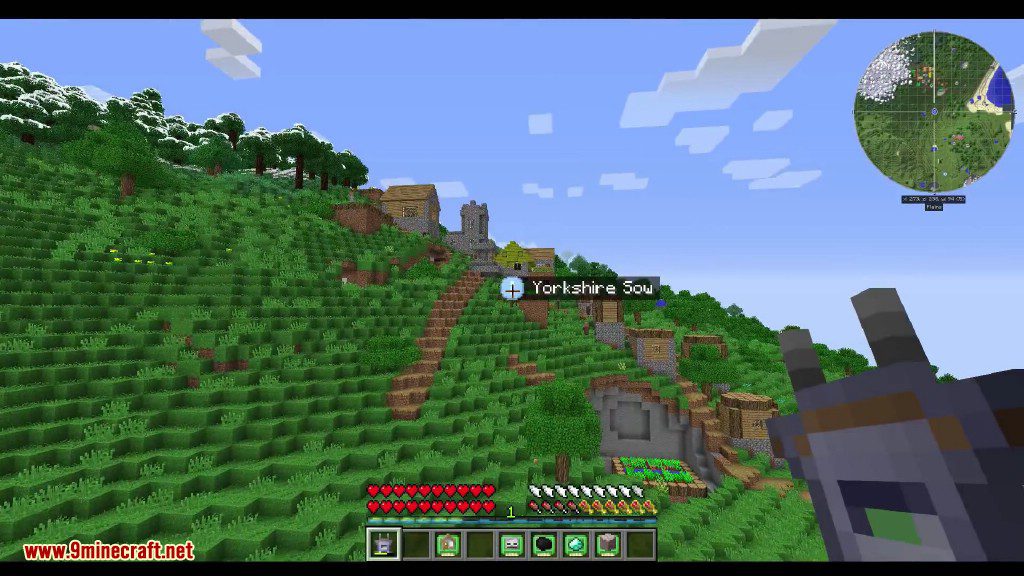
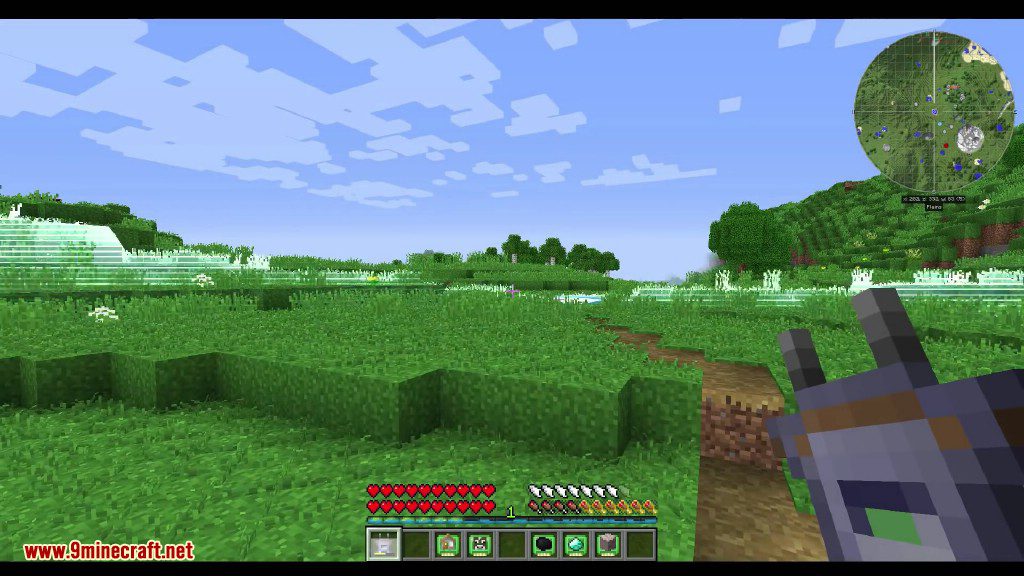
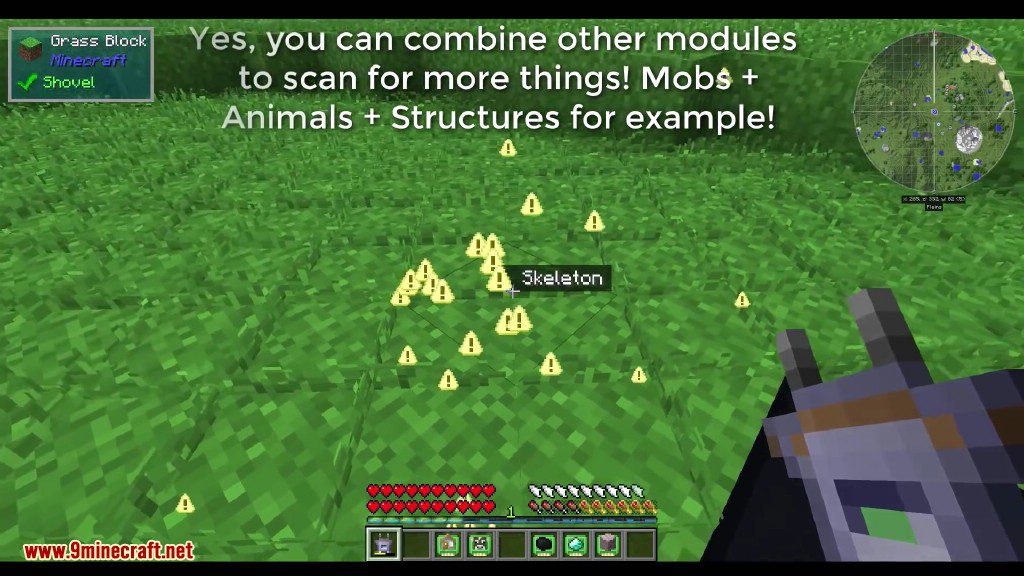
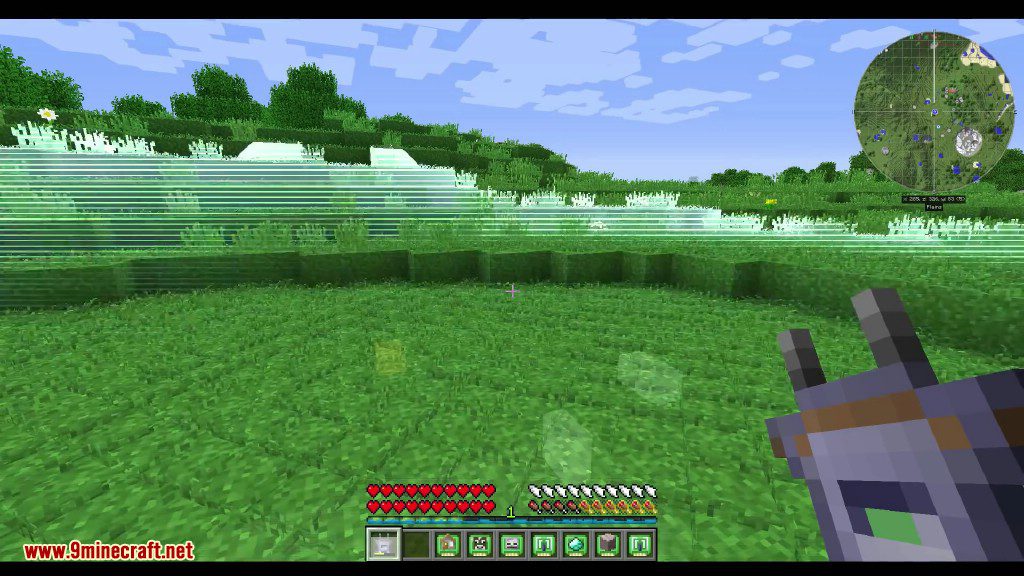
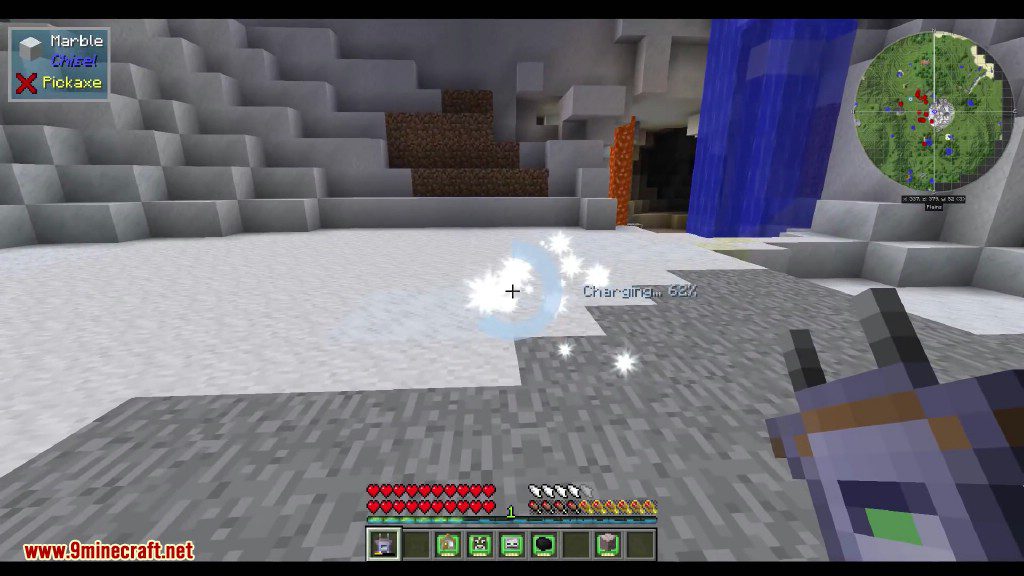
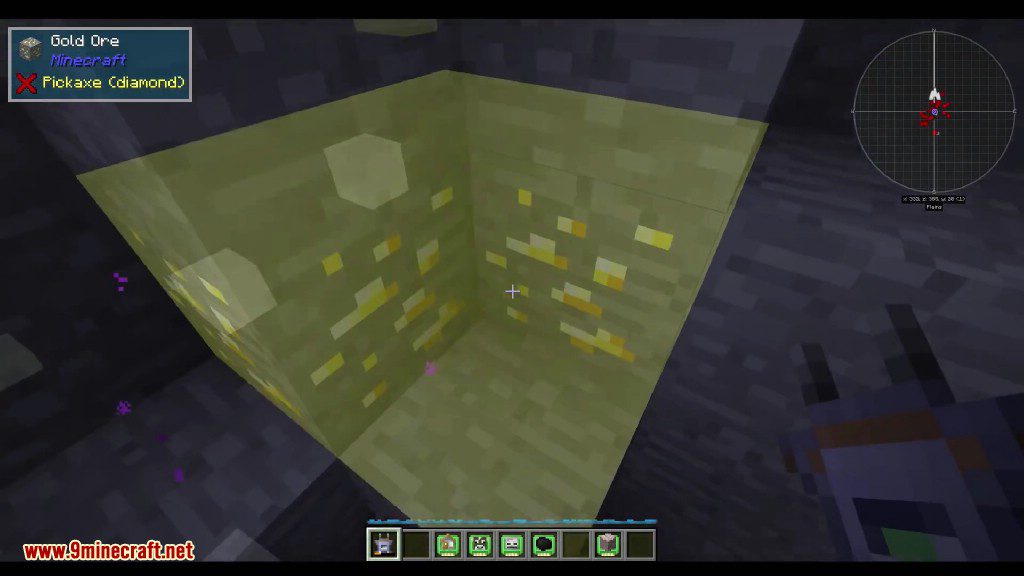
Scannable Mod gives you a special scanner item to find interesting things nearby. When you use it, the scanner highlights mobs and resources like animals, monsters, or ores on your screen. You can customize what the scanner looks for by installing up to three different modules at the same time.
Features:
- Detects friendly animals like cows and pigs.
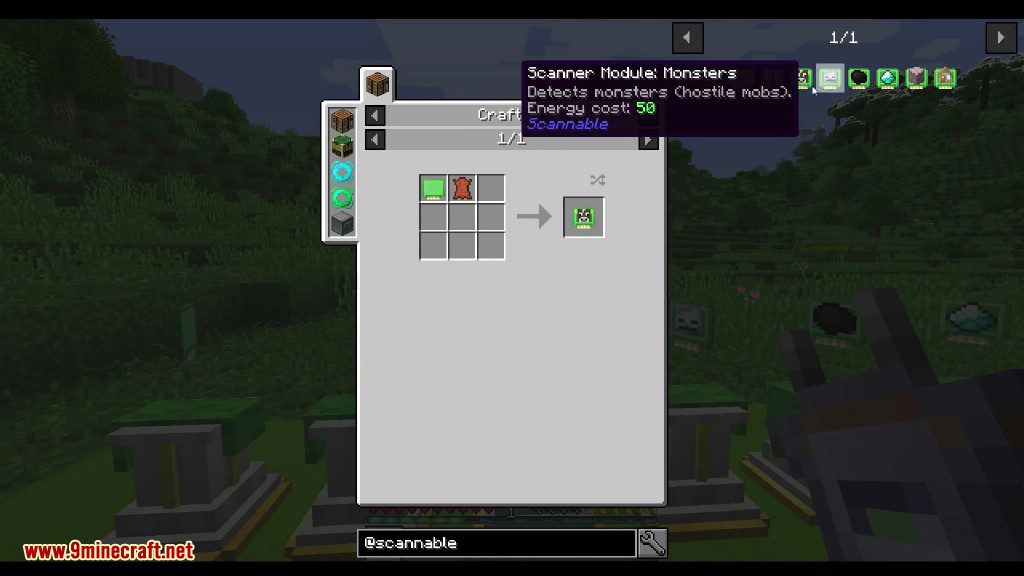
- Finds hostile monsters such as zombies and creepers.
- Lets you configure a module to find a specific mob.
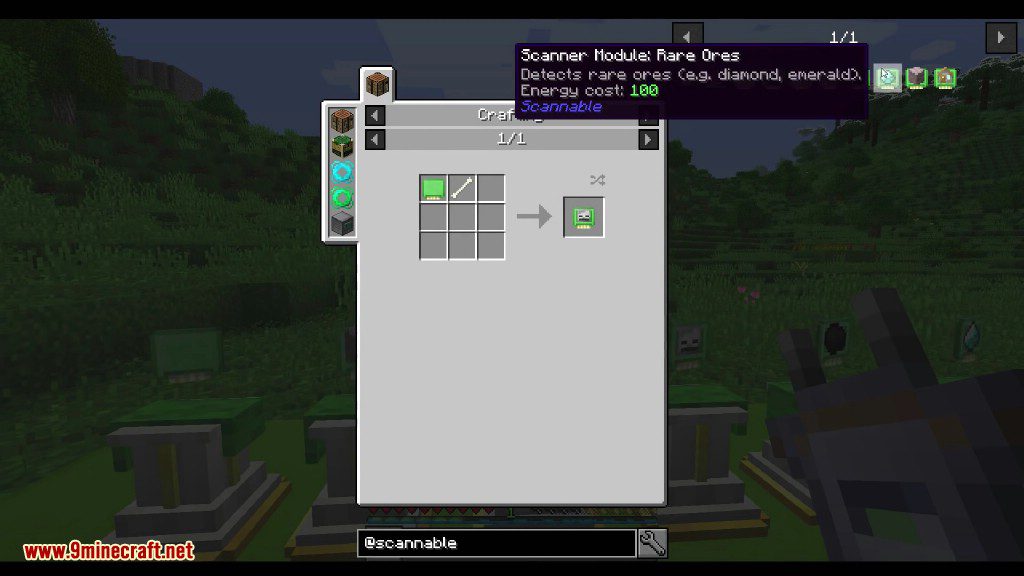
- Locates common ores like coal and iron, and rare ores like gold and diamond.
- Scans for fluids, including water and lava.
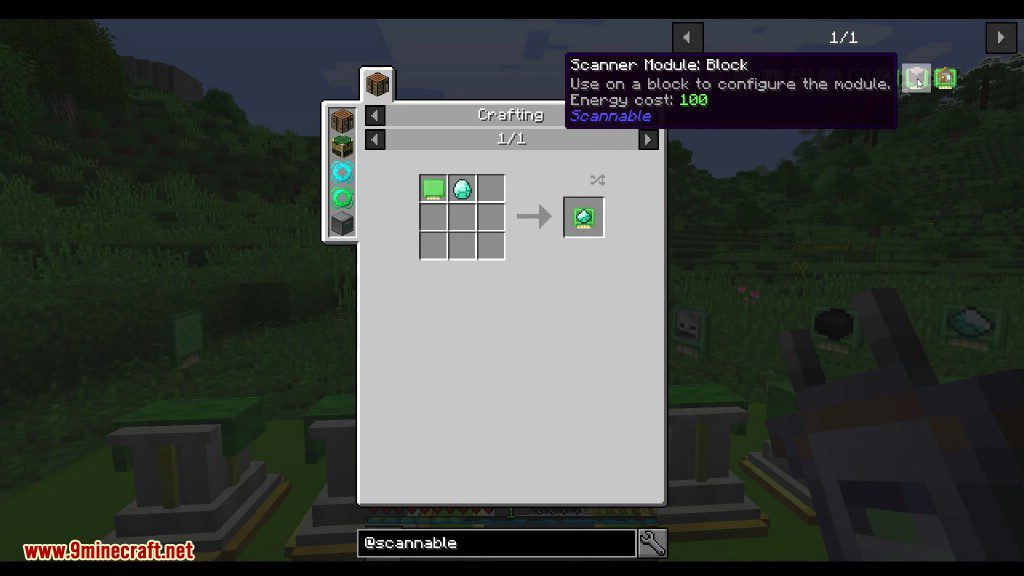
- Allows you to set a module to find a specific type of block.
- Increases the scanner’s detection area with a range booster module.
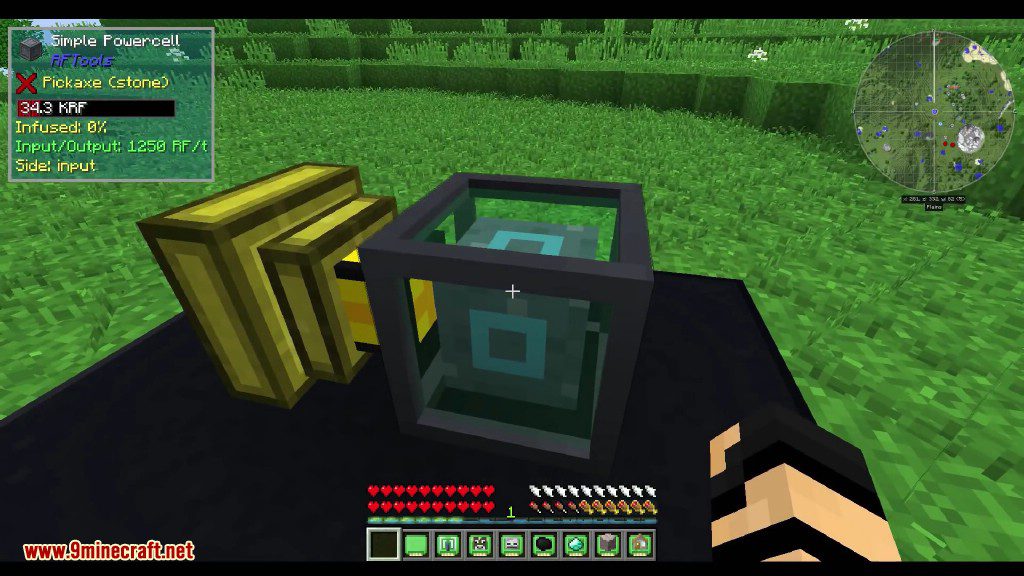
- The scanner uses Forge Energy and can be recharged using compatible blocks from other mods.
Configuration:
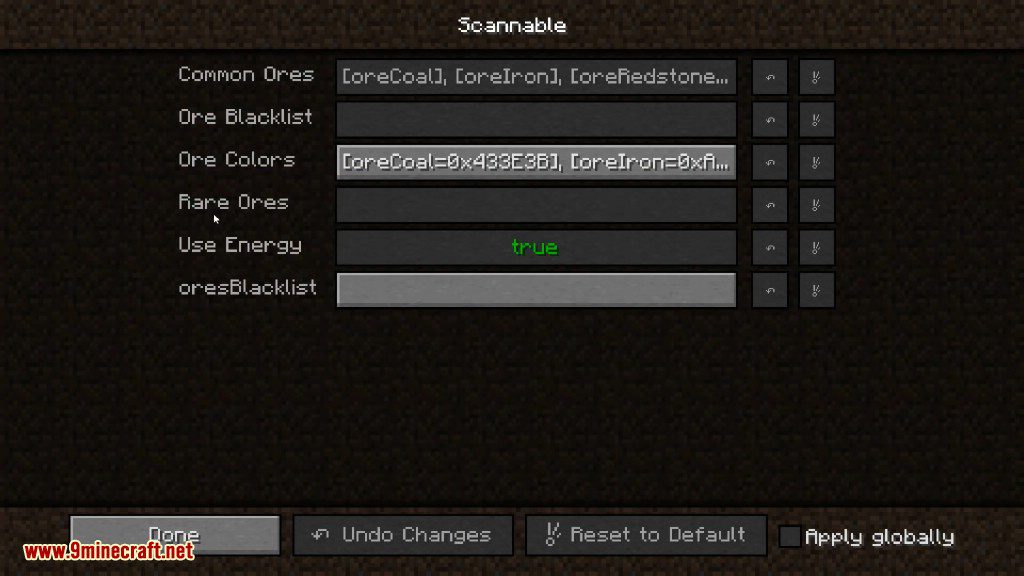
- The scanner’s energy usage can be turned off in the config file.
Crafting Recipes:
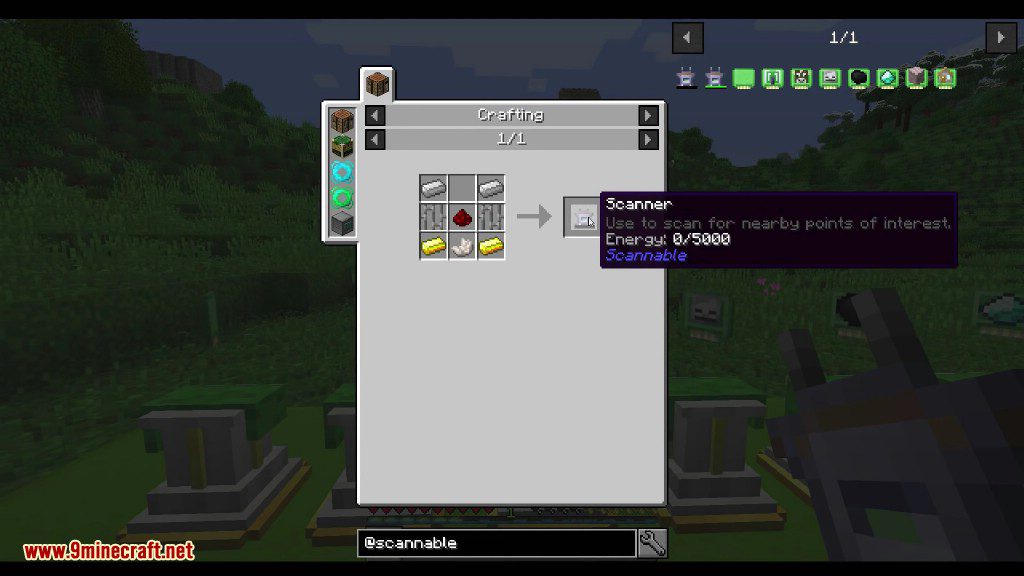
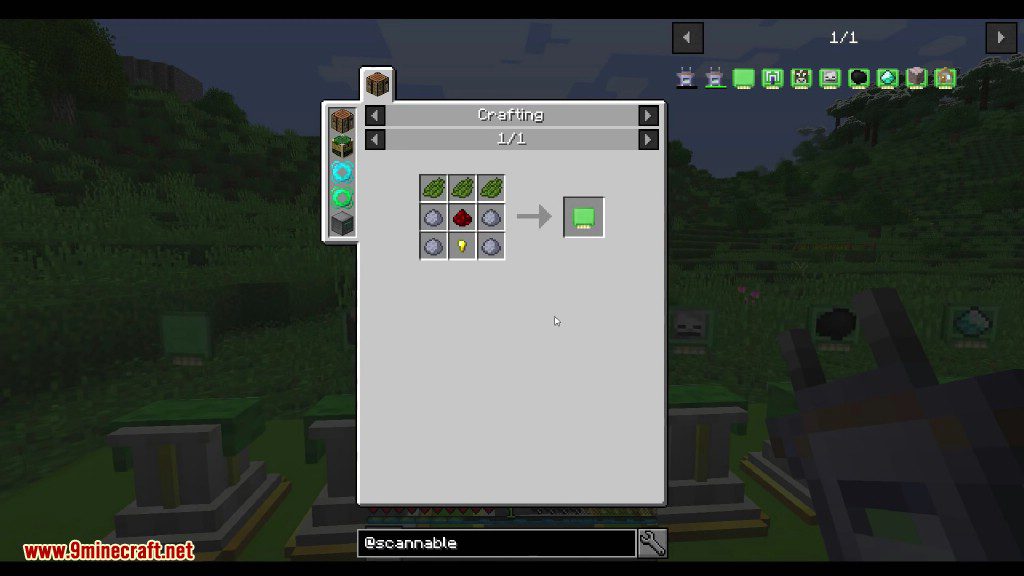
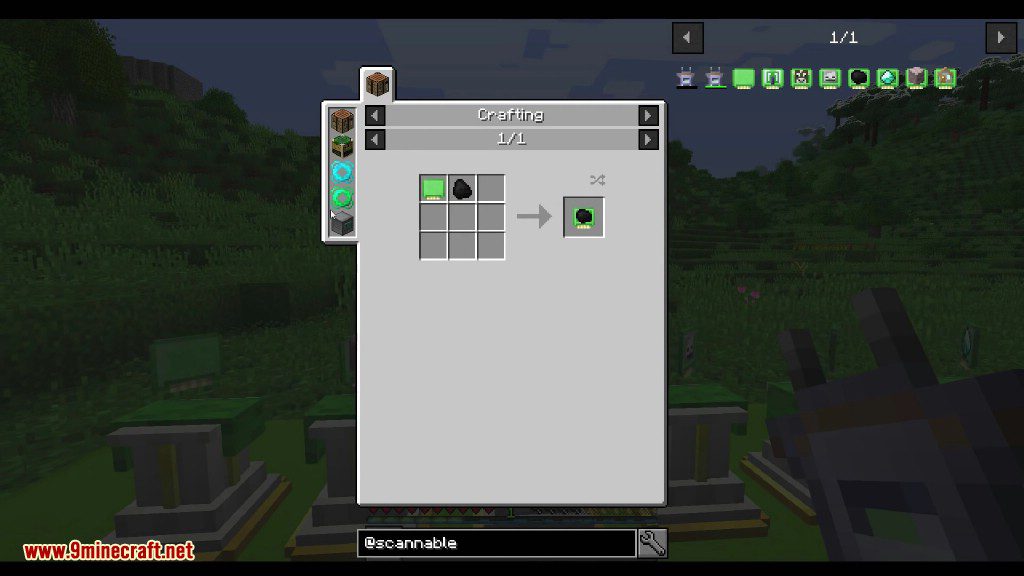
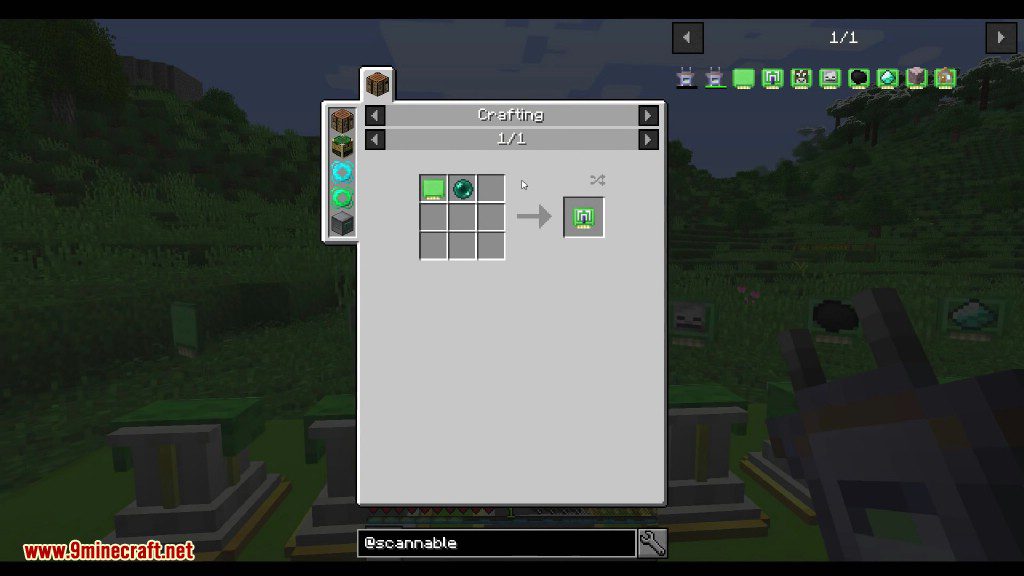
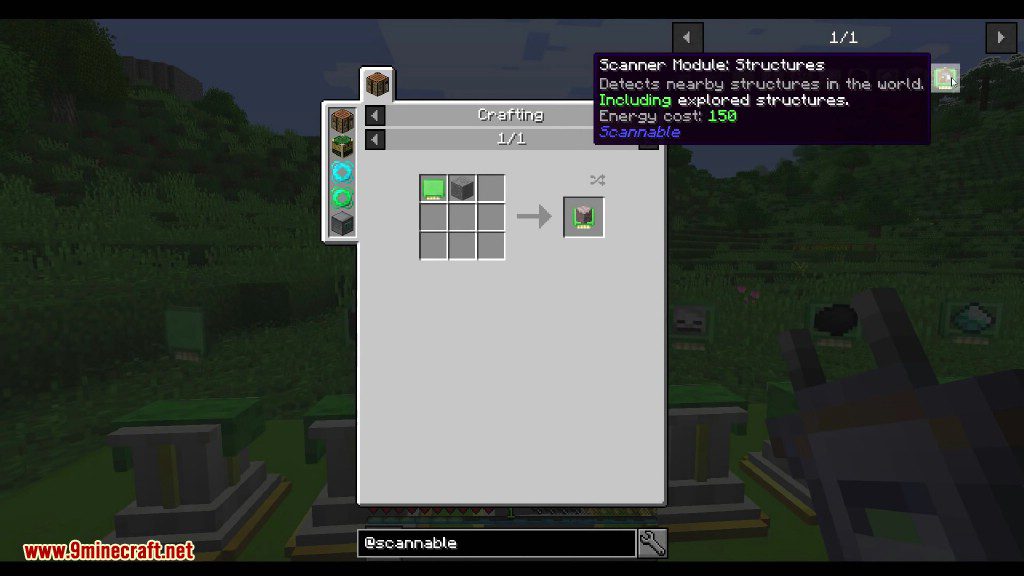
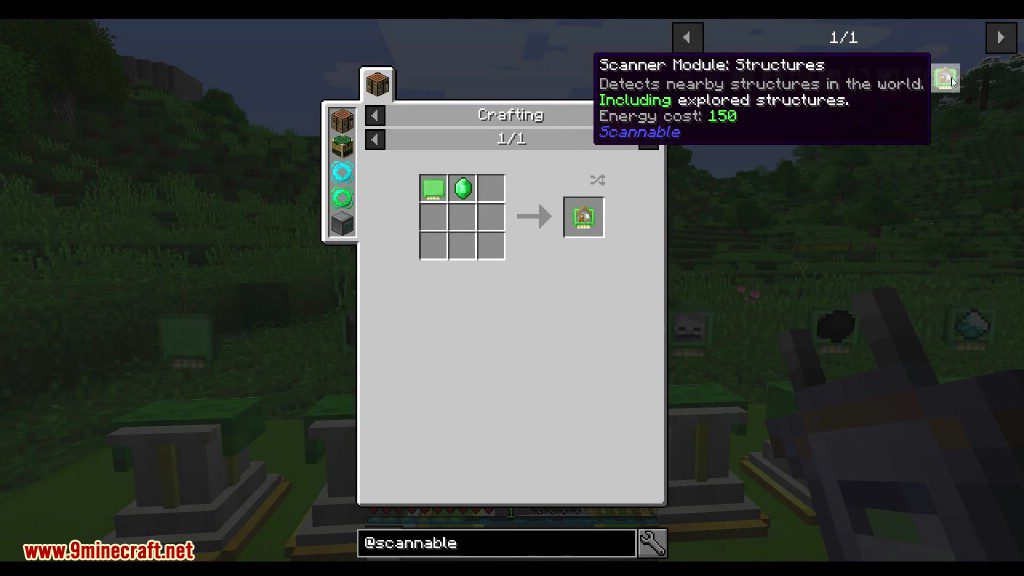
Recommend that you should install Just Enough Items to view the full recipes included in this mod
Screenshots:
How to Install:
New to Minecraft? Follow our step-by-step guide to install Mods on your PC.View Guide


Scannable Mod Download Links
For Minecraft 1.12.2
Forge version: Download from Server 1
For Minecraft 1.15.2
Forge version: Download from Server 1
For Minecraft 1.16.5
Forge version: Download from Server 1
For Minecraft 1.17.1
Forge version: Download from Server 1
For Minecraft 1.18.1
Forge version: Download from Server 1
For Minecraft 1.18.2
Forge version: Download from Server 1
Fabric version: Download from Server 1
For Minecraft 1.19.2
Forge version: Download from Server 1
Fabric version: Download from Server 1
For Minecraft 1.19.3
Forge version: Download from Server 1 – Download from Server 2
Fabric version: Download from Server 1 – Download from Server 2
For Minecraft 1.20.1, 1.20
Forge version: Download from Server 1 – Download from Server 2
Fabric version: Download from Server 1 – Download from Server 2
For Minecraft 1.20.2
Forge version: Download from Server 1 – Download from Server 2
Fabric version: Download from Server 1 – Download from Server 2
For Minecraft 1.20.4
Forge version: Download from Server 1 – Download from Server 2
NeoForge version: Download from Server 1 – Download from Server 2
Fabric version: Download from Server 1 – Download from Server 2
You May Also Like








This post has no comments yet. Be the first — your comment will appear here.