
Su 33 Red Schematic (1.21.x) – Functional Fighter Jet for Create Mod

 0


Su 33 Red Schematic provides a functional and survival-friendly fighter jet for your world. This build fits into a compact space while remaining fully ready for flight. It uses specific parts to keep the weight balanced and the lift realistic for the aeronautics physics system. You can fly this vehicle across your world using simple keyboard controls. The design focuses on looking good without being too hard to build or operate in a survival setting.

3D Preview & Editor:
Materials
49 types · 819 blocks
| Vanilla 4 | ||||||||
| Grindstone | 3 | Black Terracotta | 1 | Lever | 1 | |||
| Barrel | 1 | |||||||
| Create 17 | ||||||||
| Red Sail | 66 | Encased Chain Drive | 32 | Redstone Link | 25 | |||
| Gearbox | 21 | Fluid Pipe | 16 | Mechanical Bearing | 12 | |||
| Cogwheel | 10 | Andesite Encased Shaft | 8 | Shaft | 4 | |||
| Andesite Encased Cogwheel | 2 | Copper Valve Handle | 2 | Powered Toggle Latch | 1 | |||
| White Seat | 1 | Mechanical Pump | 1 | Creative Fluid Tank | 1 | |||
| Nixie Tube | 1 | Creative Motor | 1 | |||||
| Copycats 8 | ||||||||
| Copycat Layer | 224 | Copycat Slice | 36 | Copycat Block | 31 | |||
| Copycat Board | 19 | Copycat Slope Layer | 16 | Copycat Wall | 10 | |||
| Copycat Stacked Half Layer | 10 | Copycat Corner Slice | 1 | |||||
| Simulated 4 | ||||||||
| Red Symmetric Sail | 158 | Swivel Bearing | 2 | Redstone Accumulator | 1 | |||
| Linked Typewriter | 1 | |||||||
| Createbigcannons 4 | ||||||||
| Steel Autocannon Barrel | 3 | Fixed Cannon Mount | 1 | Steel Autocannon Breech | 1 | |||
| Steel Autocannon Recoil Spring | 1 | |||||||
| Aeronautics 3 | ||||||||
| White Envelope | 13 | Levitite | 1 | Light Blue Envelope | 1 | |||
| Rha 3 | ||||||||
| Hardsteelcoral | 12 | Hardsteelgravel | 7 | Hardsteelsnow | 5 | |||
| Createpropulsion 2 | ||||||||
| Platinum Fluid Vessel | 24 | Thruster | 16 | |||||
| Aeroworks 2 | ||||||||
| Stepper Servo | 8 | Mechanical Servo | 2 | |||||
| Createdieselgenerators 1 | ||||||||
| Diesel Engine | 3 | |||||||
| Createthrusters 1 | ||||||||
| Bi Directional Gearshift | 2 | |||||||
How to place this schematic
.nbt This is a Create mod schematic. The Schematicannon builds it for you, block by block, from the materials you load into it.
| 1 | Put the .nbt file in .minecraft/schematics. |
| 2 | Open a Schematic Table, drop in an Empty Schematic, pick the file and write it. |
| 3 | Hold the written schematic and position the outline in the world, then confirm. |
| 4 | Place a Schematicannon, load it with the building blocks and gunpowder for fuel, then hit play. |
About this build
| 1 | Load the schematic into your world using the Schematicannon or creative tools. |
| 2 | Ensure all required mods are installed so the jet has all its necessary parts. |
| 3 | Use the WASD keys to control the roll and direction of the jet while in the air. |
| 4 | Press Shift or Control to adjust the throttle and manage your flight speed. |
Features:
- Uses 819 total blocks to create a detailed and compact fighter jet.
- Fits within a 25x14x44 block area for easy placement in hangars or runways.
- Features a survival-friendly design that works with aeronautics lift mechanics.
- Includes functional propulsion systems for realistic flight across different biomes.
- Uses copycat blocks to manage weight while maintaining a sleek red appearance.
- Provides a balanced flying machine that is easy to handle for beginners.
Schematic Specs:
 Minecraft1.21.x
 Create Mod6.0.10
 Dimensions25×14×44
 Total Blocks819
 Top Blocks Used
Copycat Layer 224Red Symmetric Sail 158Hardsteelsnow 127Red Sail 66Hardsteelgrizzly 50
Screenshots:

Requirements:
 Create Mod Required
rha Required
createbigcannons Required
createpropulsion Required
aeronautics Required
aeroworks Required
createdieselgenerators Required
createthrusters Required
copycats Required
simulated Required
Su 33 Red Schematic Download Links
For Minecraft 1.21.x
Click to rate this post!
[Total: 0 Average: 0]
You May Also Like
Picked for this page
 Sauron’s Tower Schematic (1.21.x) – Giant Dark Fantasy Spire for Create
 Lore Accurate Artemis II Schematic (1.21.x) – Fly a Wooden Galleon Airship
 Powerplant 2.3 Million Su Schematic (1.21.x) – Massive Power Generator for Create Mod
 Hydraulic Press Tuff Farm Schematic (1.21.x) – Automated Tuff Resource Production System
 Tr 2 Raven Schematic (1.21.x) – Fly a Mechanical Helicopter in Your World
 Wheel Schematic (1.21.x) – Large Scale Custom Wheel for Create Mod
 Easy Hot Air Balloon Survival Friendly No Addons Schematic (1.21.x) – Simple Player Driven Flying
 Easy Survival Air Ship Schematic (1.21.x) – Colorful Flying Base for Survival Explorers
 Es64f4 Pkp Intercity Schematic (1.21.x) – Real Life Pkp Intercity Locomotive Build
 Analog Flight Computer Schematic (1.21.x) – Smooth Airship Control Redstone Build
 A Small Crewed Rocket Improved Schematic (1.21.x) – Better Design for Your Space Trips
 Ultimate All Metals Farm Masyaf 454 Schematic (1.21.x) – Build a Powerful Automatic Metal Farm
Most viewed in Create Mod Schematics over the last 7 days
 Arasaka Tower Schematic (1.21.x) – Massive Black Industrial Skyscraper Build
 Rail Gun Schematic (1.21.x)
 Fast Small Airship Steam Schematic (1.21.x) – Small and Fast Steam Powered Airship
 Copper Flying Ship That Can Also Act as a Normal Boat Schematic (1.21.x) – Dual Purpose Copper
 Starter Iron Farm Schematic (1.21.x) – Simple Early Game Iron Production Build
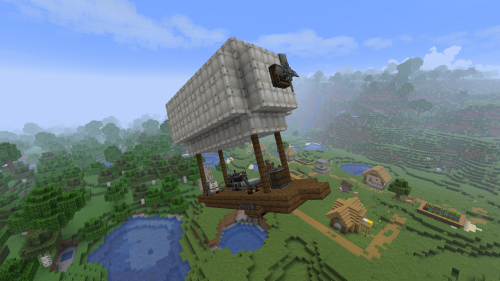 Basic Aeronautics Airship Schematic (1.21.x) – Small Flying Machine For Create
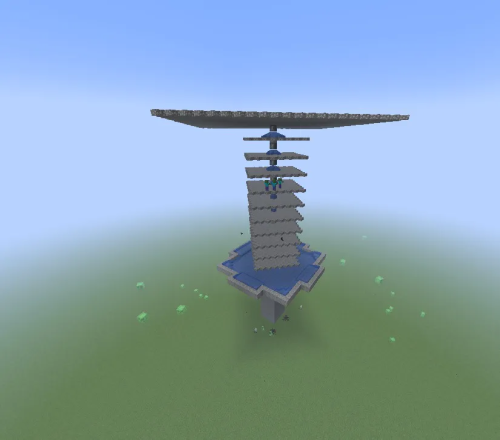 A Simple Mob Trap Schematic (1.21.x) – Build a Massive Automatic Mob Farm Structure
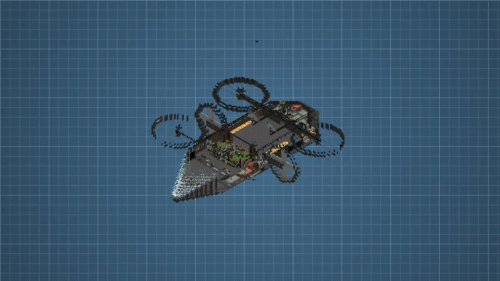 Avrora Schematic (1.21.x) – Massive Flying Base for Sky Travel
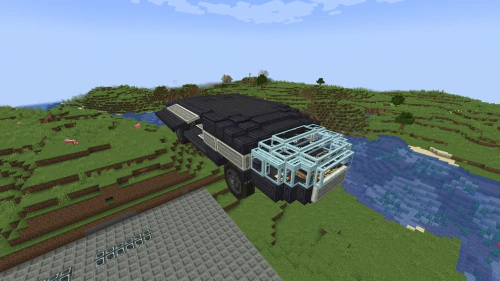 Project StarGaze Schematic (1.21.x) – Build and Drive Your Own Military Vehicle
 Large Submarine Schematic (1.21.x) – Build a Large Submarine for Travel
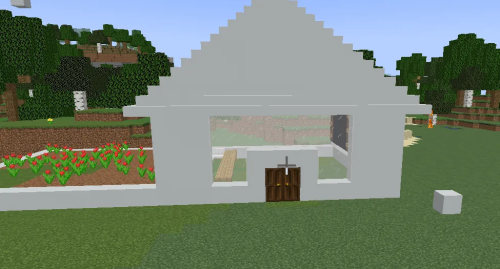 House That Has a Flower Area Schematic (1.20.x) – Cozy Home with Garden Spaces
 Agrimotor Schematic (1.21.x) – Build a Functional Create Mod Tractor
More from Create Mod Schematics
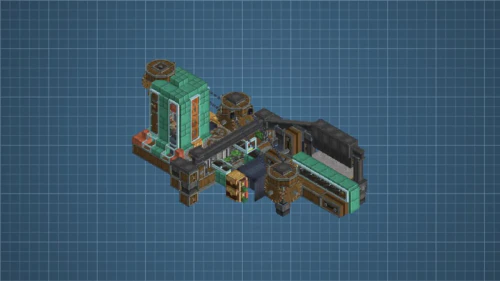 Aesthetic Copper and Zinc Farm Schematic (1.21.x) – Beautiful Resource Farming for Create Mod
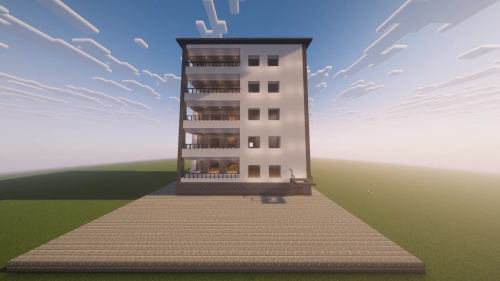 Modern Apartment Unfurnished Schematic (1.20.x) – Customizable Five Floor Building for Create Mod
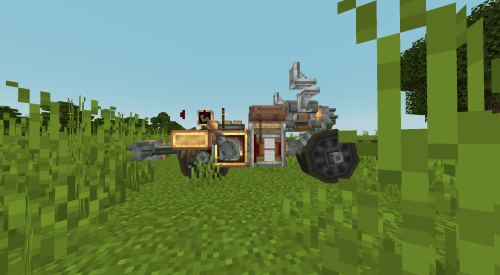 Cheap Survival Friendly Motorcycle Bike Schematic (1.21.x)
 Union Pacific Gtel Veranda Nbt Schematic (1.20.x) – Build a Legendary Gas Turbine Locomotive
 Gigantic Flying Base Schematic (1.21.x) – Massive Airship Base with Automatic Farms
 Simple Slow Small Airship Schematic (1.21.x) – Cheap Early Game Airship for Create
 The Nautilus Fully Survival Friendly Schematic (1.21.x) – Luxury Survival Submarine for Create Mod
 Flying Turret Schematic (1.21.x) – Powerful Flying Airship with a Rapid Fire Turret
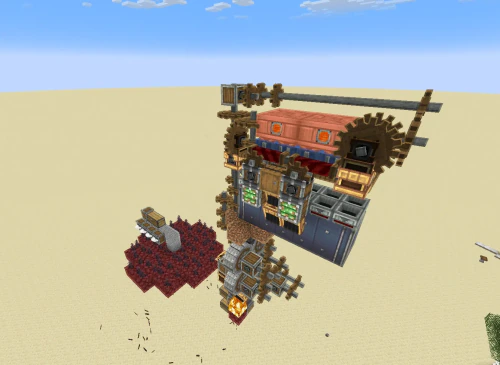 TNT Farm 10 Min Schematic (1.21.x) – Build a Fast Automatic TNT Factory
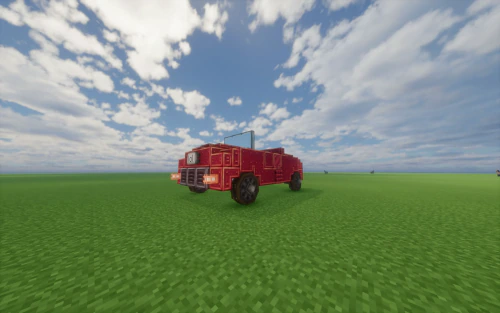 Small Red Convertible Survival Friendly Schematic (1.21.x) – Compact Red Car for Survival Worlds
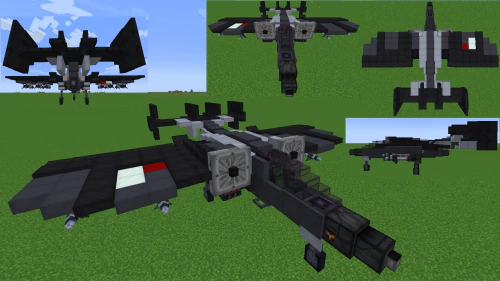 Ats Hussar V1 Schematic (1.20.x) – Build a Combat Jet with Create Mod
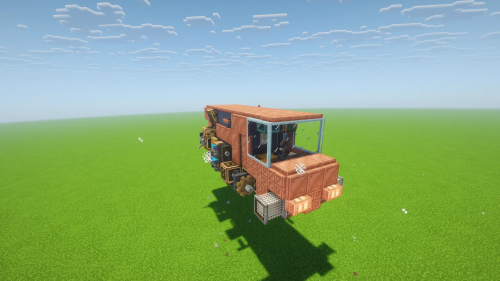 Hovercraft Cargo Mk1 Schematic (1.21.x) – Compact Cargo Vehicle Blueprint for Create

This post has no comments yet. Be the first — your comment will appear here.