


Survival Airship Schematic (1.21.x) – Compact Flying Base for Survival Worlds

 0
0 

Survival Airship Schematic provides a compact flying base for your survival world. This build uses parts from the Create mod and its addons to make a working vehicle. It includes a landing force module and steam vents for a realistic look. You can use this blueprint to quickly build a transport ship that carries you across the sky. The ship fits in a small space but has enough room for basic travel needs.
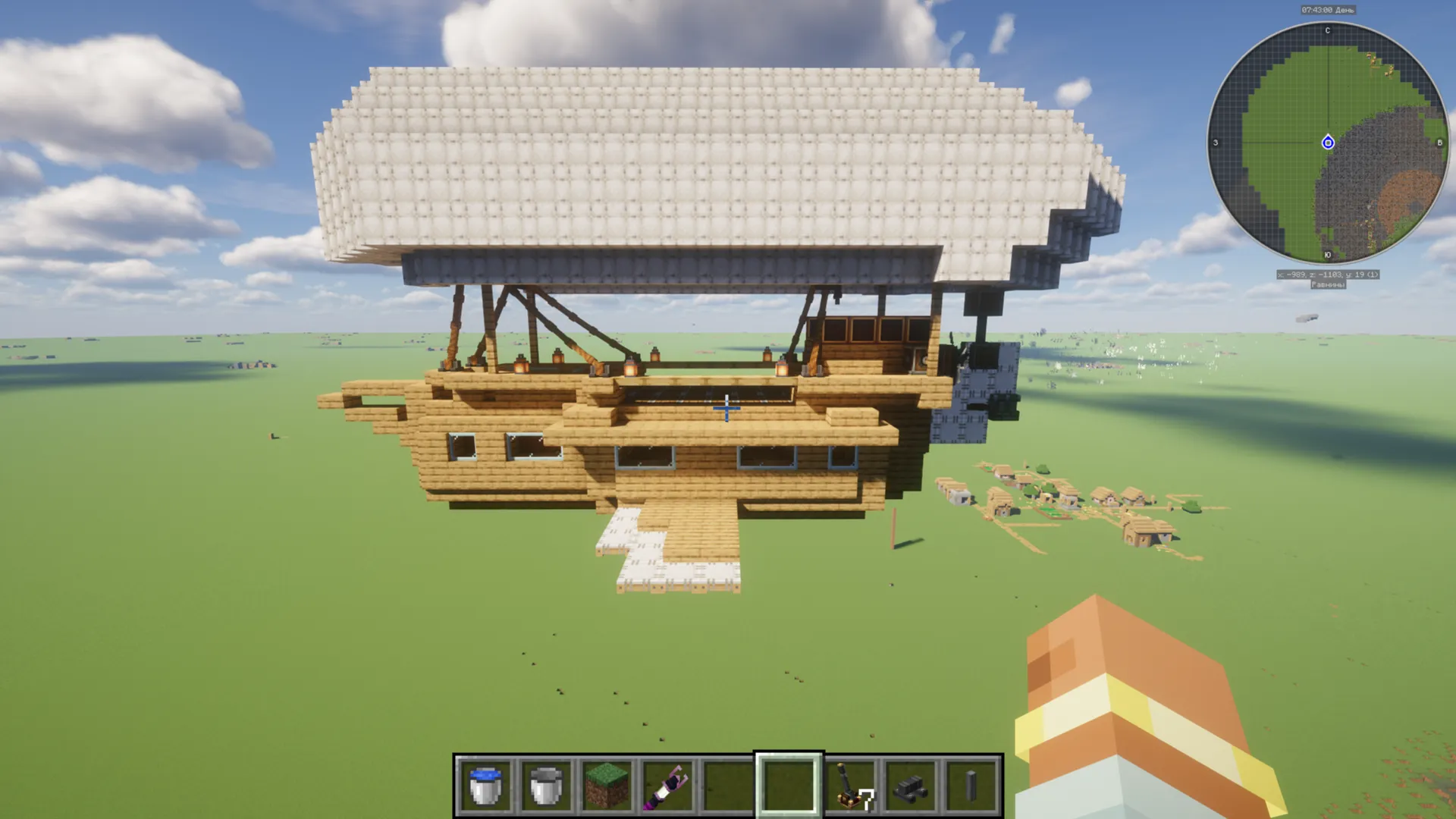
3D Preview:
Features:
- Provides a compact design measuring 32 blocks long and 16 blocks high.
- Includes a landing force module to help with touchdowns.
- Uses steam vents to give the airship a mechanical feel.
- Works with the Create mod and its addons to fly in your world.
- Built with 1,150 blocks in total for a detailed look.
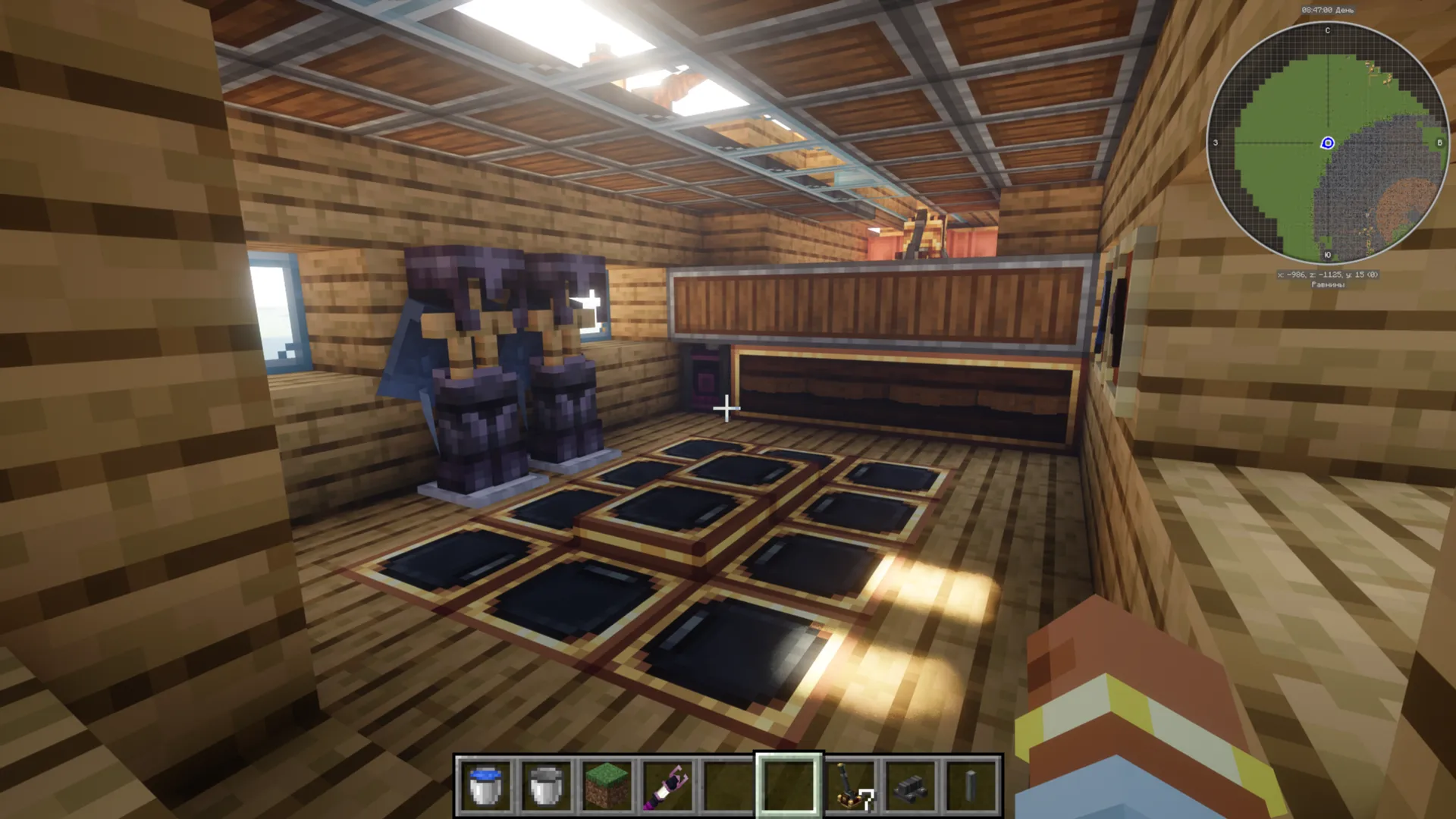
- Offers a small but functional interior for player transport.
Schematic Specs:
 Minecraft1.21.x
 Create Mod6.0.10
 Dimensions32×16×19
 Total Blocks1,150
 Top Blocks Used
White Envelope 483Oak Planks 216Copycat Trapdoor 134Oak Stairs 133Oak Slab 37
How to Use:
- Place the schematic file into your Minecraft folder under schematics.
- Use a Schematic Table to load the blueprint.
- Place a Schematicannon and put the loaded schematic inside.
- Provide the cannon with gunpowder and the necessary building materials.
- Activate the cannon to build the airship automatically.
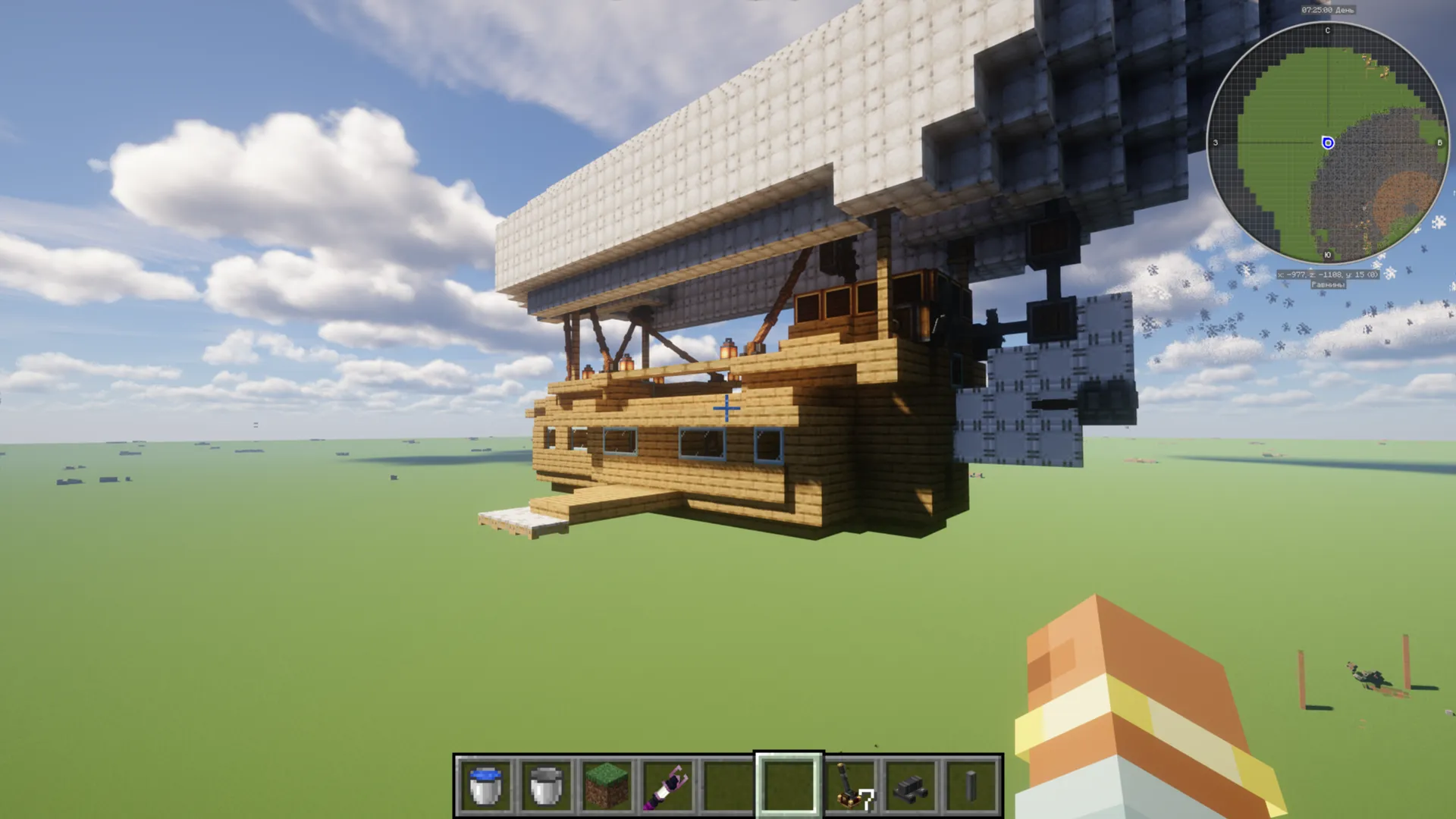
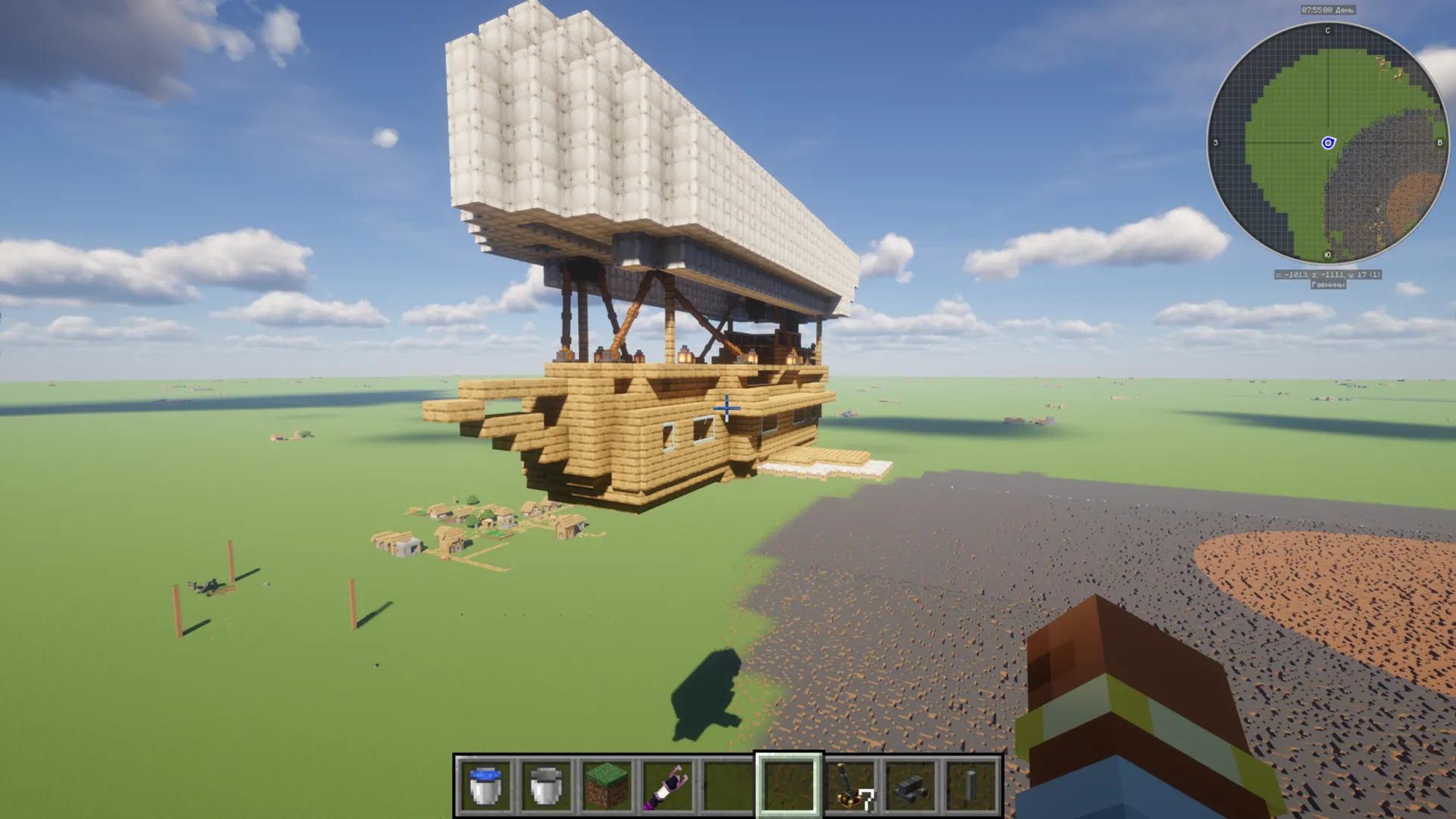
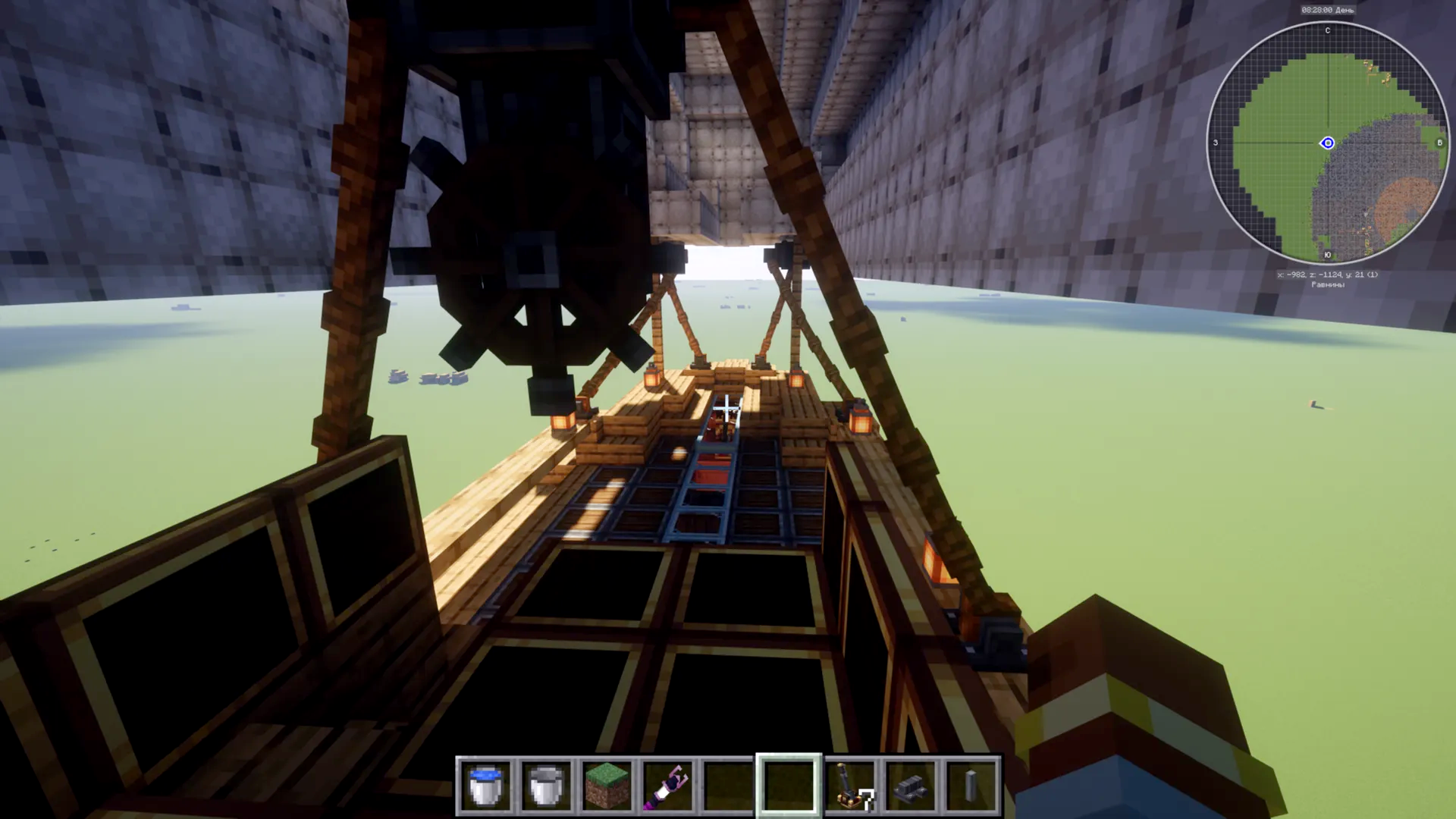
Screenshots:
Requirements:

Survival Airship Schematic Download Links
For Minecraft 1.21.x
Click to rate this post!
[Total: 0 Average: 0]
You May Also Like



This post has no comments yet. Be the first — your comment will appear here.