
Suzuki Lapin Schematic (1.21.x) – Vanilla Car Build For Modern Cities
 5
 0


Suzuki Lapin Schematic adds a large car model to your world. This build uses over 3,000 blocks to recreate the shape of a small car. You can place it on roads, in parking lots, or inside modern cities. The entire build uses vanilla blocks, meaning the blocks load without any extra addons. It comes as a Litematic file for quick pasting.
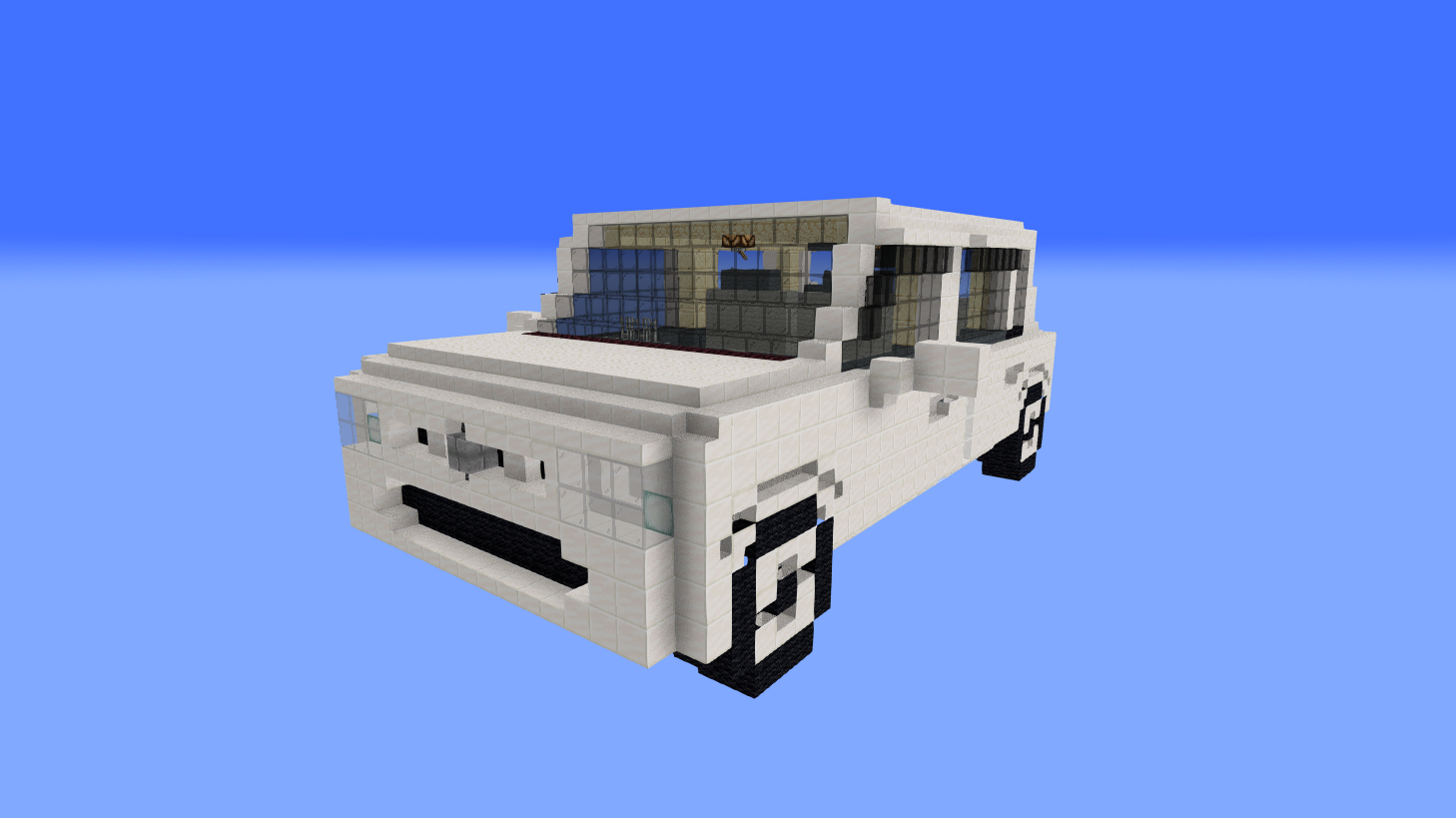
3D Preview & Editor:
Materials
27 types · 3,209 blocks
| Gray Wool | 865 | Quartz Slab | 510 | Quartz Block | 510 | |||
| Light Gray Wool | 249 | Black Stained Glass | 246 | Black Wool | 217 | |||
| Sandstone Slab | 174 | Quartz Stairs | 134 | Cut Sandstone | 57 | |||
| Stone Slab | 45 | Black Stained Glass Pane | 42 | Polished Andesite | 33 | |||
| Nether Brick Slab | 29 | Gray Carpet | 21 | Red Stained Glass | 12 | |||
| Light Gray Stained Glass | 12 | White Stained Glass | 10 | Iron Bars | 10 | |||
| Red Terracotta | 8 | Stone Button | 8 | Stone Brick Stairs | 5 | |||
| Anvil | 4 | Sea Lantern | 2 | Lever | 2 | |||
| Redstone Lamp | 2 | Tripwire Hook | 1 | Cobblestone Wall | 1 |
How to place this schematic
.litematic This is a Litematica schematic. You place it with the Litematica mod, which shows the build as a ghost overlay you fill in.
| 1 | Install Litematica (plus MaLiLib) for your Minecraft version. |
| 2 | Put the .litematic file in .minecraft/schematics. |
| 3 | In game press M → Load Schematics, pick the file, then Load. |
| 4 | Position the ghost preview, then build it by hand — or turn on Easy Place to place blocks straight from your hotbar. |
Features:
- Large Scale: Fills a space of 23 blocks wide, 15 blocks high, and 33 blocks long.
- Vanilla Blocks: Relies only on standard game blocks so the car loads in normal worlds.
- Places 3,209 blocks to form the shape of the vehicle.
- Serves as a great decoration for modern city streets or custom maps.
- Loads as a Litematic file using standard schematic tools.
- Features design details from Mugen assets to give the car a unique look.
Schematic Specs:
 Minecraft1.21.x
 Dimensions23×15×33
 Total Blocks3,209
Suzuki Lapin Schematic Download Links
For Minecraft 1.21.x
Click to rate this post!
[Total: 0 Average: 0]
You May Also Like
Picked for this page
 Fastest Kelp Farm Donut Smp Schematic (1.21.x) – Compact Redstone Kelp Farm Design
 Mega Mob XP Farm Schematic (1.21.x) – Massive Monster Farm Build With Zero Redstone
 Pokémon Temple Arena Japanese Litematica Schematic (1.21.x) – Large Asian Fortress With Fighting Rin
 Medieval Castle Undecorated Interior Schematic (1.21.x) – Medium Sized Medieval Castle With Empty Ro
 Twenture Emerald Spawner Farm Schematic (1.21.x) – Double Vindicator Spawner Emerald Farm Layout
 South China Street Gate Schematic (1.21.x) – Detailed Traditional Chinese Archway Build
 Cherry Blossom Manor 3 Schematic (1.20.x) – Large Vanilla Mansion Build For Your World
 Trampoline Schematic (1.21.x) – Working Redstone Trampoline Build Blueprint
 Minimal Medieval House Schematic (1.20.x) – A Simple Medieval Home For Your World
 Court House Schematic (1.20.x) – Ready To Build Vanilla Courtroom Structure
 Bench Schematic (1.21.x) – A Small Garden Bench For Your World
 Daihatsu Wake Schematic (1.21.x) – Compact Car Build For Your World
Most viewed in Schematics over the last 7 days
 Fastest Bonemeal Farm Donut Smp Schematic (1.21.x) – Fast Redstone Bonemeal Farm Build
 64 Module Cobblestone Farm Schematic (1.21.x) – Massive Automated Stone Gathering Build
 KelpFarmV9.9 Schematic (1.21.x) – Compact And Simple Seaweed Farm Build
 Gold Farm Schematic (1.21.x) – Automatic Nether Roof Gold Farm
 Villager Trading Hall Schematic (1.21.x) – Modern Shop Build For 48 Villagers
 Bamboo Farm Schematic (1.21.x) – Small Automated Redstone Bamboo Farm
 Best Railgun Tp Trap on Donutsmp Schematic (1.21.x) – Unescapable Multiplayer Redstone Trap Build
 Minutes End Base Before Spoke Null End Video Schematic (1.21.x) – Giant Unstable SMP End Base Schema
 Bamboss V2 800k Bamboo per Hour Schematic (1.21.x) – High Speed Automated Bamboo Farm Schematic
 36 Module Cobble Farm 18m per Hour Donut SMP Schematic (1.21.x) – Massive Automated Stone Generator
 Donut Smp Stash and Regear Schematic (1.21.x) – Large Storage And Regear Room Build
 Unstable SMP S Bomer Schematic (1.21.x) – Large Bomber Machine Build For Worlds
More from Schematics
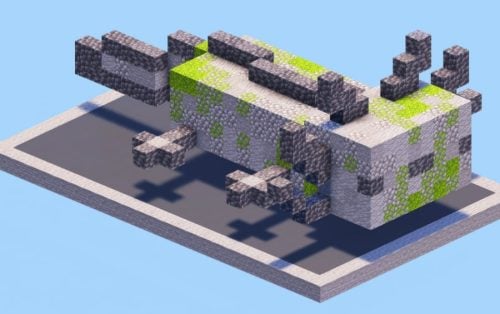 Axolotl Stone Sculpture Schematic (1.21.x) – Cute Stone Axolotl Statue for Your Town
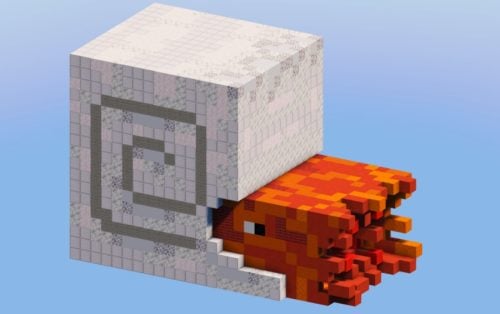 Nautilus with Iron Armor Schematic (1.21.x) – Build A Giant Nautilus Statue Easily
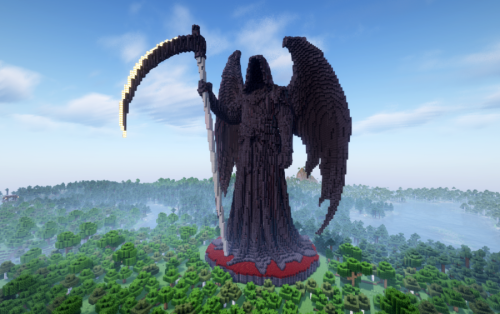 Minecraft Death Reaper Statue V02 Free Schem Schematic (1.19.x) – Giant Grim Reaper Statue
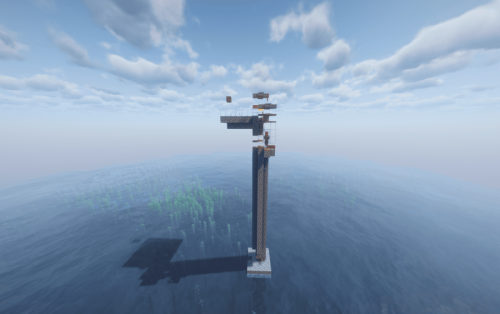 Easy and Compact Raid Farm and 26 Java Schematic (1.21.x) – Build a Small and Efficient Raid Farm
 Small Parking Schematic (1.21.x) – Modern Parking Lot With Small Trees
 Asian Cherry Blossom Sword Nether Portal Schematic (1.21.x) – Beautiful Asian Style Sword Portal Bui
 Castle by PinkMullet Schematic (1.21.x) – Build a Massive Vanilla Castle
 1000 Patreon Members Cake Download Free Schematic (1.21.x) – A Massive Celebration Cake For Minecraf
 Dark Greek Temple Schematic (1.21.x) – Small Deepslate Temple For Greek Districts
 Small Dark Medieval Tower Schematic (1.21.x) – Simple Gothic Tower For Medieval Towns
 Pale Oak Tree Nether Portal Schematic (1.21.x) – Spooky Nether Portal Inside a Pale Oak Tree
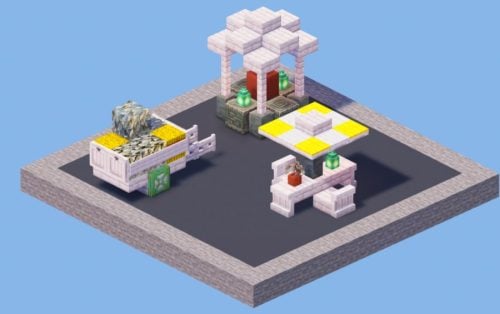 Outdoor Decorations Pack Schematic (1.21.x) – Medieval and Spooky Outdoor Decor Builds

This post has no comments yet. Be the first — your comment will appear here.