
Tank SolarT02 Schematic (1.21.x) – Functional Military Tank with Dual-Track Controls
 22
 0


Tank SolarT02 Schematic brings a powerful military vehicle to your world using the Create Mod. It lets you drive a tank with a realistic dual-track system that feels like a real machine. This build includes a working turret and weapons to help you fight enemies. You can control everything from inside the cockpit using a special typewriter system. The design is compact and fits perfectly into any military base or battlefield. It uses several addons to make the tank look and act like a real vehicle.

3D Preview & Editor:
Materials
62 types · 330 blocks
| Vanilla 11 | ||||||||
| Polished Deepslate Stairs | 24 | Iron Block | 9 | Lever | 5 | |||
| Bamboo Wall Sign | 5 | Polished Deepslate | 4 | Barrel | 4 | |||
| Spruce Wall Sign | 2 | Cherry Wall Sign | 2 | Mangrove Sign | 1 | |||
| Bamboo Sign | 1 | Mangrove Hanging Sign | 1 | |||||
| Create 24 | ||||||||
| Copycat Panel | 60 | Industrial Iron Block | 11 | Shaft | 10 | |||
| Belt | 7 | Cogwheel | 6 | Encased Chain Drive | 5 | |||
| Black Seat | 4 | Mechanical Plough | 4 | Gearbox | 4 | |||
| Depot | 3 | Andesite Encased Shaft | 3 | Andesite Belt Funnel | 3 | |||
| Mechanical Harvester | 2 | Large Cogwheel | 2 | Mechanical Arm | 2 | |||
| Brass Ladder | 1 | Lectern Controller | 1 | Rotation Speed Controller | 1 | |||
| Redstone Link | 1 | Clipboard | 1 | Andesite Encased Large Cogwheel | 1 | |||
| Andesite Encased Cogwheel | 1 | Brass Funnel | 1 | Analog Lever | 1 | |||
| Simulated 11 | ||||||||
| Iron Handle | 16 | Modulating Linked Receiver | 13 | Rope Connector | 9 | |||
| Black Nameplate | 6 | Directional Gearshift | 4 | Black Portable Engine | 4 | |||
| Physics Assembler | 3 | Linked Typewriter | 2 | Analog Transmission | 2 | |||
| Swivel Bearing | 2 | Velocity Sensor | 1 | |||||
| Createbigcannons 9 | ||||||||
| Steel Cannon Barrel | 4 | Fixed Cannon Mount | 2 | Steel Autocannon Barrel | 2 | |||
| Steel Autocannon Recoil Spring | 2 | Steel Autocannon Breech | 2 | Steel Cannon Chamber | 2 | |||
| Cannon Mount | 1 | Built Up Steel Cannon Barrel | 1 | Steel Quickfiring Breech | 1 | |||
| Copycats 4 | ||||||||
| Copycat Board | 12 | Copycat Slab | 11 | Copycat Trapdoor | 10 | |||
| Copycat Stairs | 3 | |||||||
| Create Connected 2 | ||||||||
| Linked Lever | 1 | Linked Throttle Lever | 1 | |||||
| Tracks 1 | ||||||||
| Track Mount | 20 | |||||||
How to place this schematic
.nbt This is a Create mod schematic. The Schematicannon builds it for you, block by block, from the materials you load into it.
| 1 | Put the .nbt file in .minecraft/schematics. |
| 2 | Open a Schematic Table, drop in an Empty Schematic, pick the file and write it. |
| 3 | Hold the written schematic and position the outline in the world, then confirm. |
| 4 | Place a Schematicannon, load it with the building blocks and gunpowder for fuel, then hit play. |
| 1 | Use the Schematicannon to build the tank in your world or place it manually. |
| 2 | Read the signs inside the build for specific assembly instructions to make sure everything works. |
| 3 | Sit at the typewriter in the cockpit or turret to start controlling the tank. |
| 4 | Press Q and A to move the left track forward or backward. |
| 5 | Press E and D to move the right track forward or backward. |
| 6 | Use the Arrow Keys (Up, Down, Left, Right) to aim the turret at your targets. |
| 7 | Press Space to fire the main cannon and Shift to use the machine gun. |
Features:
- Dual-Track Movement: Controls the left and right tracks separately for realistic turning and driving.
- Includes a rotatable turret that moves in all directions using the arrow keys.
- Features a main cannon and a machine gun for different combat needs.
- Provides a detailed interior with a cockpit and typewriter control stations.
- Uses copycat blocks and big cannons for a high-quality military look.
- Offers a compact 9x9x18 size that is easy to place in your world.
- Works with either Create: Copycats or Create: Connected for the visual design.
Schematic Specs:
 Minecraft1.21.x
 Create Mod6.0.10
 Dimensions9×9×18
 Total Blocks330
 Top Blocks Used
Screenshots:


Requirements:

Tank SolarT02 Schematic Download Links
For Minecraft 1.21.x
You May Also Like
Picked for this page
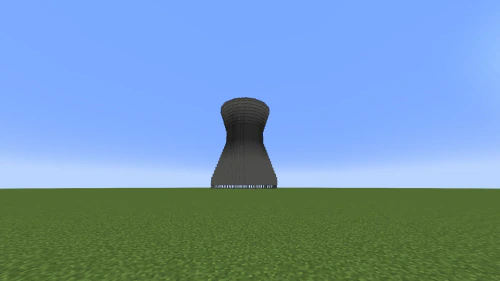 Big Cooling Plant Schematic (1.21.x) – Massive Cooling Tower for Industrial Factory Builds
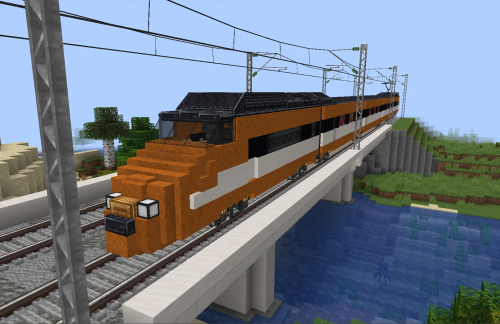 Train Tgv 100 Schematic (1.21.x) – French High Speed Passenger Train Build
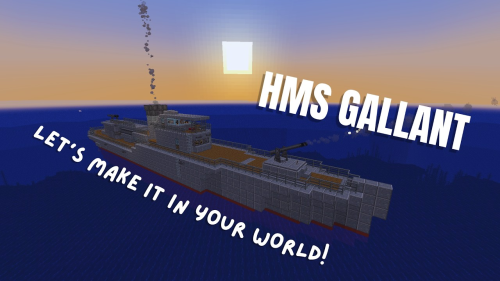 Gallant Class Destroyer Schematic (1.21.x) – Massive Naval Warship for Your Fleet
 Wheel Schematic (1.21.x) – Large Scale Custom Wheel for Create Mod
 Small Subway Station Schematic (1.21.x) – Build a Pokemon Style Subway Station Easily
 Compact Diesel Engine Schematic (1.21.x) – Small Diesel Power Solution for Factories
 Mid Game XP and Gold Farm by Ugx Schematic (1.20.x) – Compact Gold and XP Factory
 Easy Survival Air Ship Schematic (1.21.x) – Colorful Flying Base for Survival Explorers
 Modular Turbine Intake Schematic (1.21.x) – Efficient Intake Design for Modular Turbines
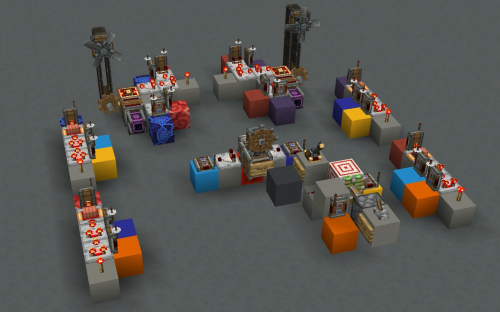 Analog Flight Computer Schematic (1.21.x) – Smooth Airship Control Redstone Build
 Mini Truck for Base Schematic (1.21.x) – Compact Diesel Truck for Base Logistics
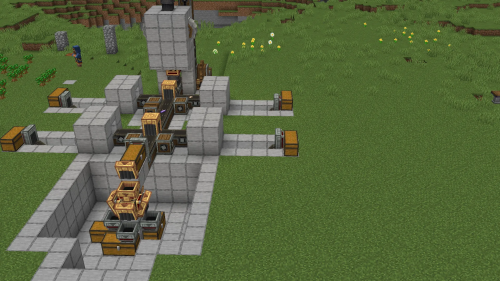 Ultimate All Metals Farm Masyaf 454 Schematic (1.21.x) – Build a Powerful Automatic Metal Farm
Most viewed in Create Mod Schematics over the last 7 days
 Copper Flying Ship That Can Also Act as a Normal Boat Schematic (1.21.x) – Dual Purpose Copper
 Arasaka Tower Schematic (1.21.x) – Massive Black Industrial Skyscraper Build
 Rail Gun Schematic (1.21.x)
 Starter Iron Farm Schematic (1.21.x) – Simple Early Game Iron Production Build
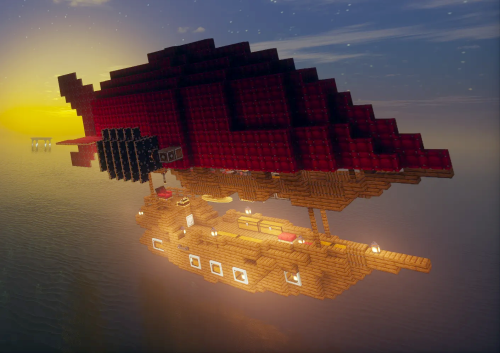 Fast Small Airship Steam Schematic (1.21.x) – Small and Fast Steam Powered Airship
 Agrimotor Schematic (1.21.x) – Build a Functional Create Mod Tractor
 Large Submarine Schematic (1.21.x) – Build a Large Submarine for Travel
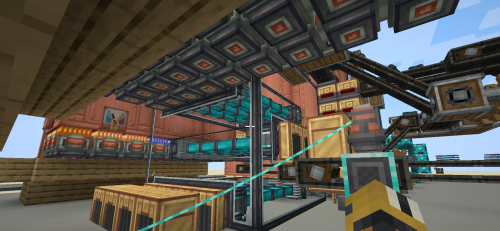 Ultimate Nuclear Reactor Schematic (1.21.x) – High Power Reactor Build for Create
 F16 Falcon Schematic (1.21.x)
 A Simple Mob Trap Schematic (1.21.x) – Build a Massive Automatic Mob Farm Structure
 Mini Copper Robot Schematic (1.21.x) – Compact Industrial Robot Build for Create Mod
 Areis 65 Aries Heavy RV Build Schematic (1.21.x)
More from Create Mod Schematics
 Modern Apartment Unfurnished Schematic (1.20.x) – Customizable Five Floor Building for Create Mod
 Cheap Survival Friendly Motorcycle Bike Schematic (1.21.x)
 Union Pacific Gtel Veranda Nbt Schematic (1.20.x) – Build a Legendary Gas Turbine Locomotive
 Gigantic Flying Base Schematic (1.21.x) – Massive Airship Base with Automatic Farms
 Simple Slow Small Airship Schematic (1.21.x) – Cheap Early Game Airship for Create
 The Nautilus Fully Survival Friendly Schematic (1.21.x) – Luxury Survival Submarine for Create Mod
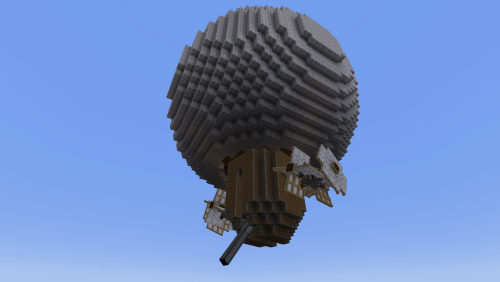 Flying Turret Schematic (1.21.x) – Powerful Flying Airship with a Rapid Fire Turret
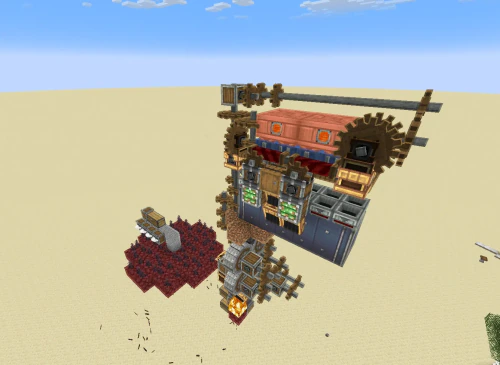 TNT Farm 10 Min Schematic (1.21.x) – Build a Fast Automatic TNT Factory
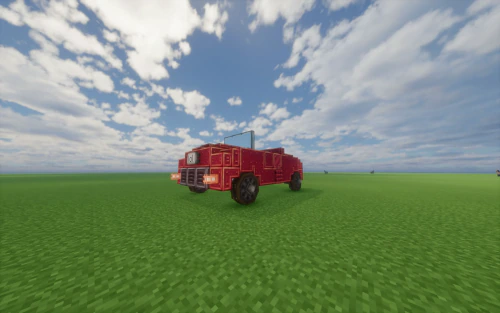 Small Red Convertible Survival Friendly Schematic (1.21.x) – Compact Red Car for Survival Worlds
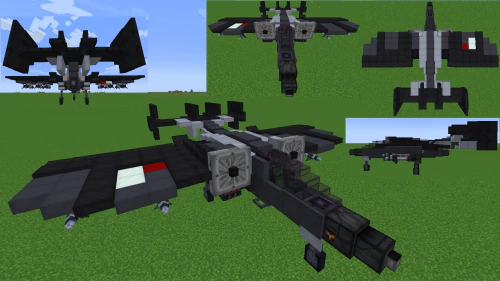 Ats Hussar V1 Schematic (1.20.x) – Build a Combat Jet with Create Mod
 Hovercraft Cargo Mk1 Schematic (1.21.x) – Compact Cargo Vehicle Blueprint for Create
 Montaña Con Marcas DE Recorrido Para Trenes Schematic (1.21.x) – Large Mountain Train Track

This post has no comments yet. Be the first — your comment will appear here.