


Load Support Mod (1.21.8, 1.21.1) – หมดปัญหาเปิด Modpack แล้วเกมเด้ง

 0
0 

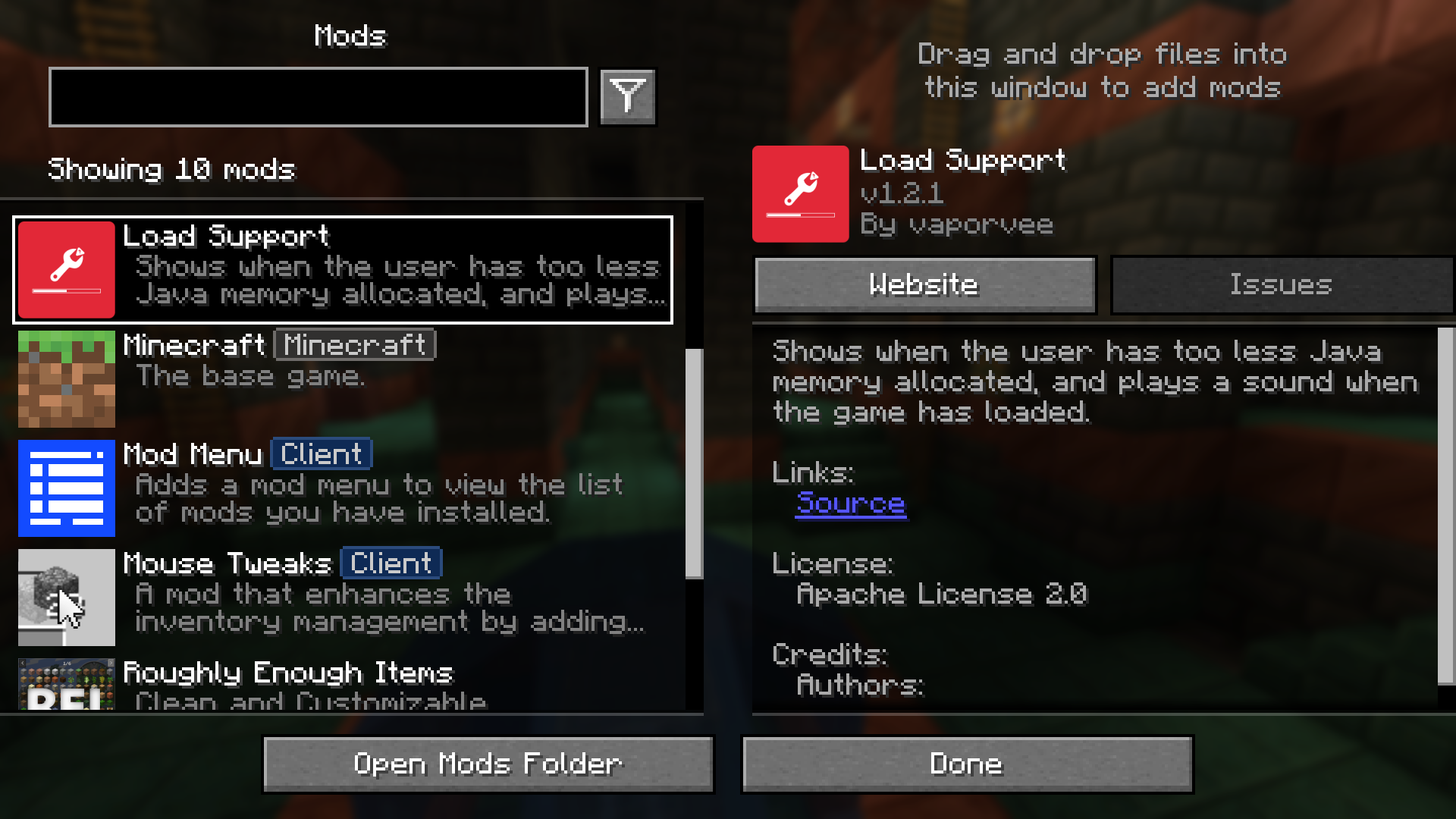
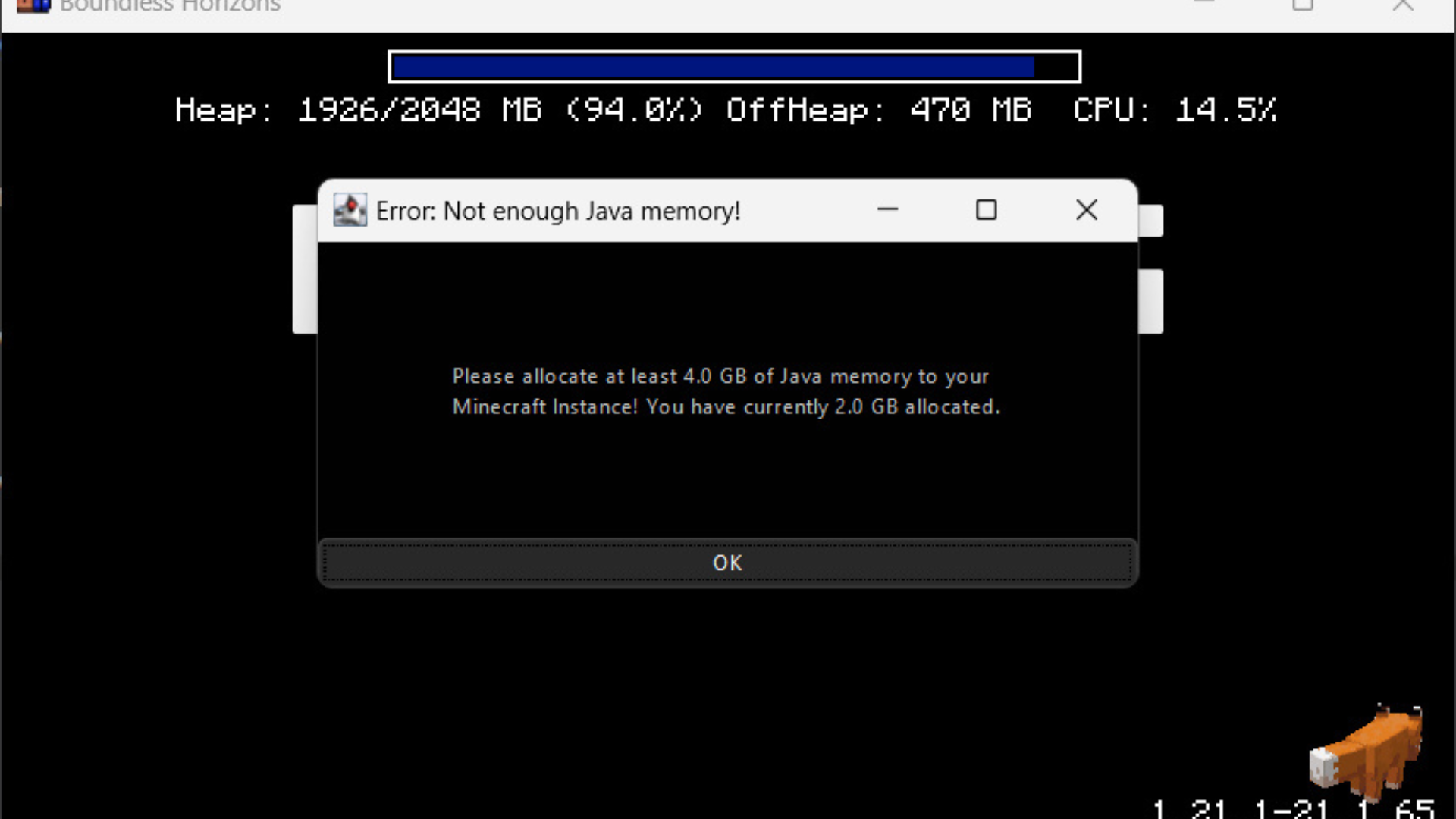
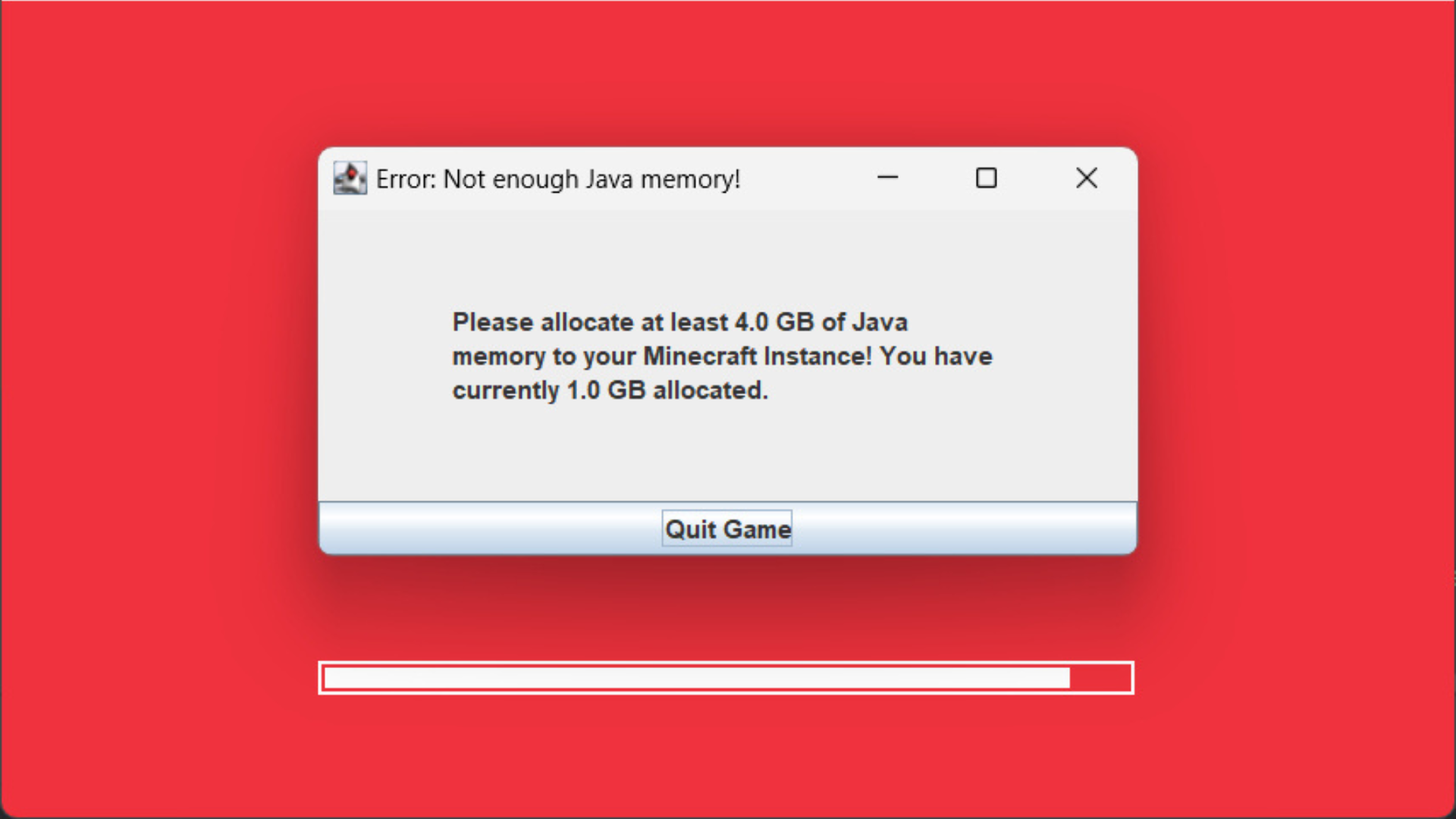
Load Support Mod จะช่วยแจ้งเตือนคุณหากคุณตั้งค่าหน่วยความจำ Java (RAM) ให้กับ Minecraft ไม่เพียงพอ มอดนี้จะแสดงข้อความแจ้งเตือนทันทีเพื่อให้คุณไม่ต้องเสียเวลารอจนเกมเด้ง (Crash) นอกจากนี้ยังมีระบบเล่นเสียงแจ้งเตือนเมื่อเกมโหลดเสร็จแล้ว ซึ่งมีประโยชน์มากเวลาที่คุณเปิดเกมทิ้งไว้ในพื้นหลังแล้วไปทำอย่างอื่น
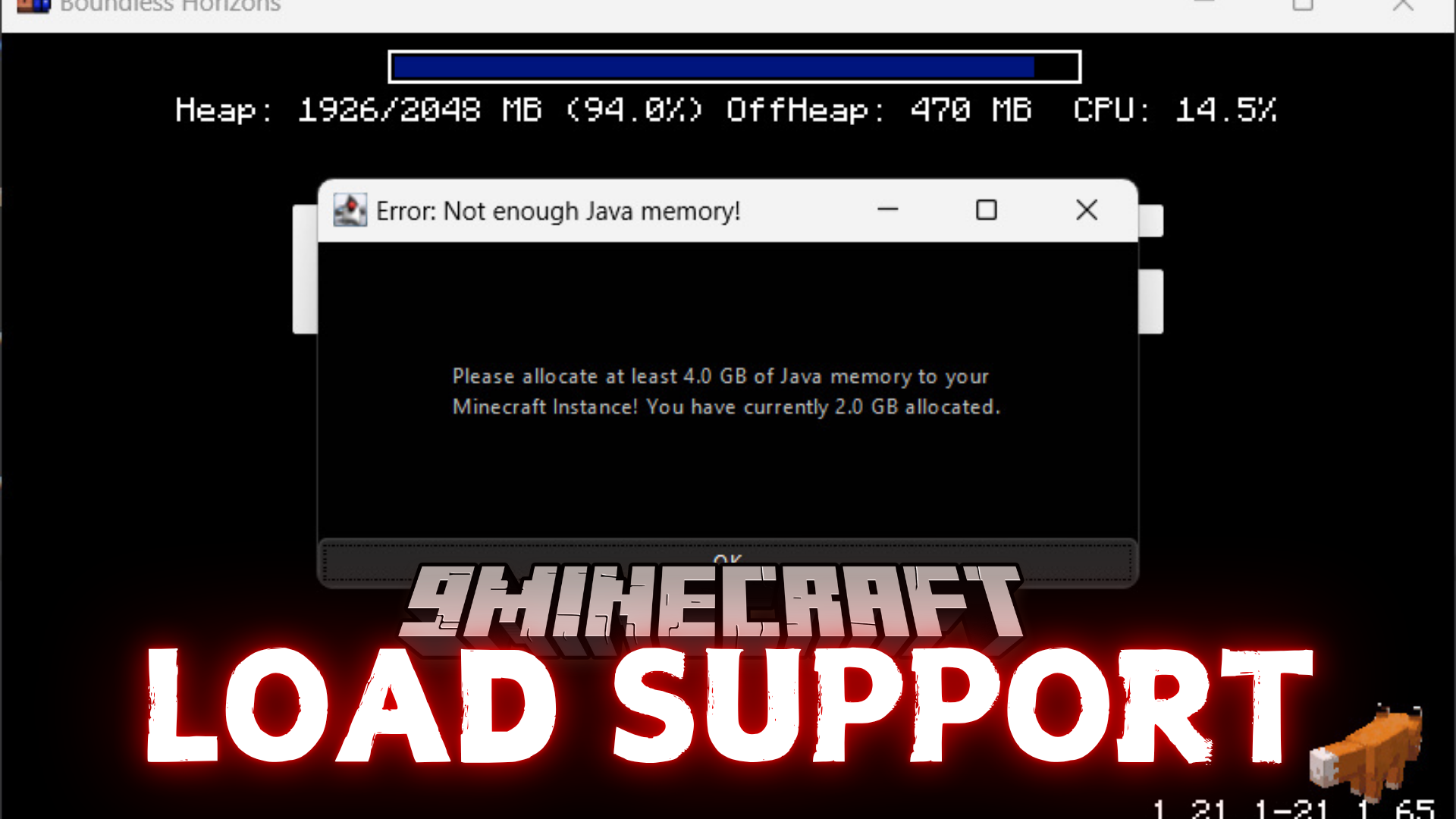
ฟีเจอร์เด่น:
- แสดงคำเตือนทันทีหากหน่วยความจำ Java ที่เลือกไว้ต่ำเกินไป
- บล็อกหน้าต่างเกมเพื่อให้แน่ใจว่าคุณจะเห็นคำเตือนเรื่องหน่วยความจำ
- เล่นเสียงแจ้งเตือนเมื่อ Minecraft โหลดเสร็จสมบูรณ์
การตั้งค่า (Configuration):
คุณสามารถเปลี่ยนการตั้งค่าได้ในไฟล์ config/loadsupport.toml โดยมีตัวเลือกดังนี้:
loadFinishSound = "minecraft:ui.toast.challenge_complete"
minMemory = 4.0
errorTitle = "Error: Not enough Java memory!"
errorMinMemory = "Please allocate at least {minMemory} GB of Java memory to your Minecraft instance!"
errorCurrentMemory = "You have currently {currentMemory} GB allocated."
memoryInfoLink = "https://github.com/vaporvee/LoadSupport/wiki/How-to-allocate-more-memory-to-your-Minecraft-instance"
ในส่วนของข้อความ {minMemory} และ {currentMemory} จะถูกแทนที่ด้วยค่าจริงโดยอัตโนมัติ
ภาพตัวอย่าง:

วิธีติดตั้ง:
เพิ่งเริ่มเล่น Minecraft ใช่ไหม? ทำตามคู่มือทีละขั้นตอนของเราเพื่อติดตั้ง Mods บน PC ของคุณดูคู่มือ

Load Support Mod Download Links
For Minecraft 1.21.8, 1.21.7, 1.21.6
Fabric Version: Download from Server 1 – Download from Server 2
NeoForge Version: Download from Server 1 – Download from Server 2
For Minecraft 1.21.5, 1.21.4, 1.21.3, 1.21.1, 1.21
Fabric Version: Download from Server 1 – Download from Server 2
NeoForge Version: Download from Server 1 – Download from Server 2
คุณอาจชอบสิ่งเหล่านี้





โพสต์นี้ยังไม่มีความคิดเห็น มาเป็นคนแรก — ความคิดเห็นของคุณจะปรากฏที่นี่