


Re Skin Mod (1.20.1, 1.19.2) – เปลี่ยนสกินตัวละครได้ทันทีในเกม

 0
0 

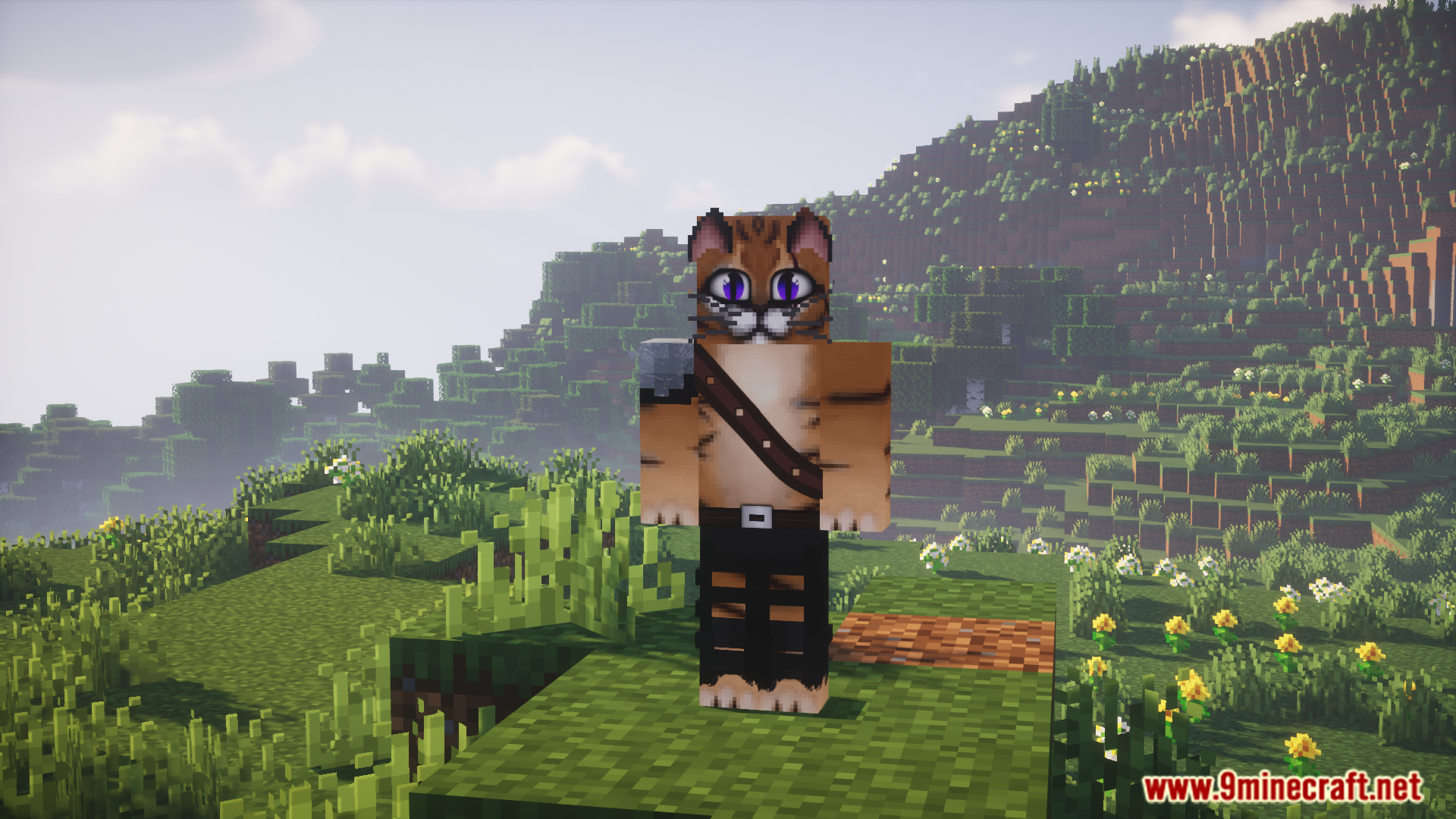
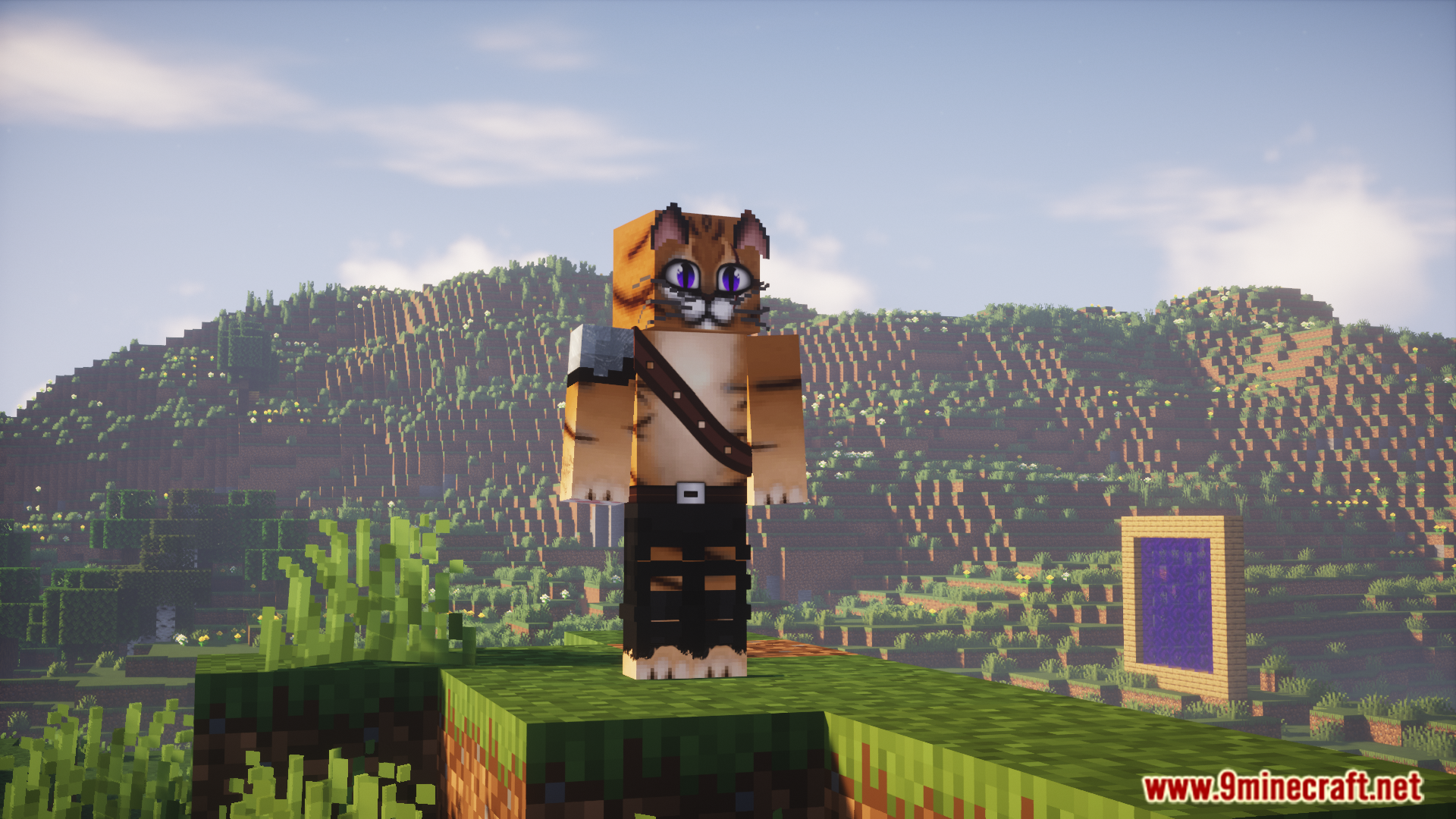
Re Skin Mod ช่วยให้คุณเปลี่ยนสกินตัวละครได้โดยตรงภายในเกมผ่านคำสั่ง มอดนี้รองรับสกินแบบ HD ดังนั้นคุณจึงสามารถใช้สกินที่มีความละเอียดสูงและมีรายละเอียดคมชัดมากได้ สิ่งที่คุณต้องมีเพียงแค่ลิงก์ตรง (Direct Link) ของรูปภาพสกินเท่านั้น นอกจากนี้ยังใช้งานร่วมกับมอดอื่นๆ ที่เปลี่ยนโมเดลตัวละครอย่าง Mo’ Bends ได้อีกด้วย
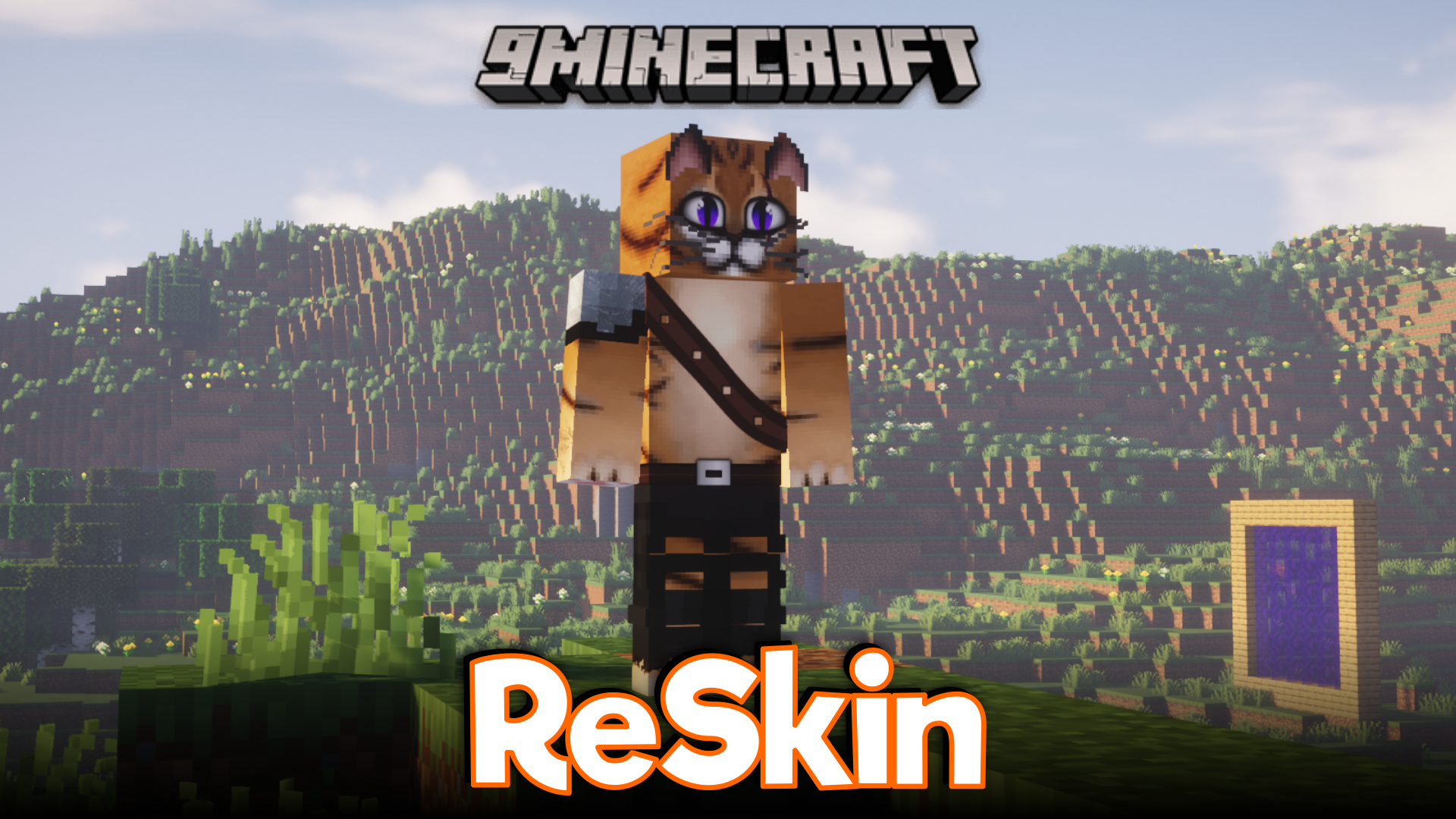
ฟีเจอร์เด่น:
- เปลี่ยนสกินในเกมได้ตลอดเวลาด้วยคำสั่งง่ายๆ
- รองรับสกินความละเอียดสูง (HD) เพื่อรูปลักษณ์ที่ละเอียดกว่าเดิม
- รองรับขนาดสกินที่หลากหลายตามสัดส่วนมาตรฐานของ Minecraft
- ใช้งานร่วมกับมอดที่ปรับแต่งโมเดลตัวละครได้เป็นอย่างดี
คำสั่ง (Commands):
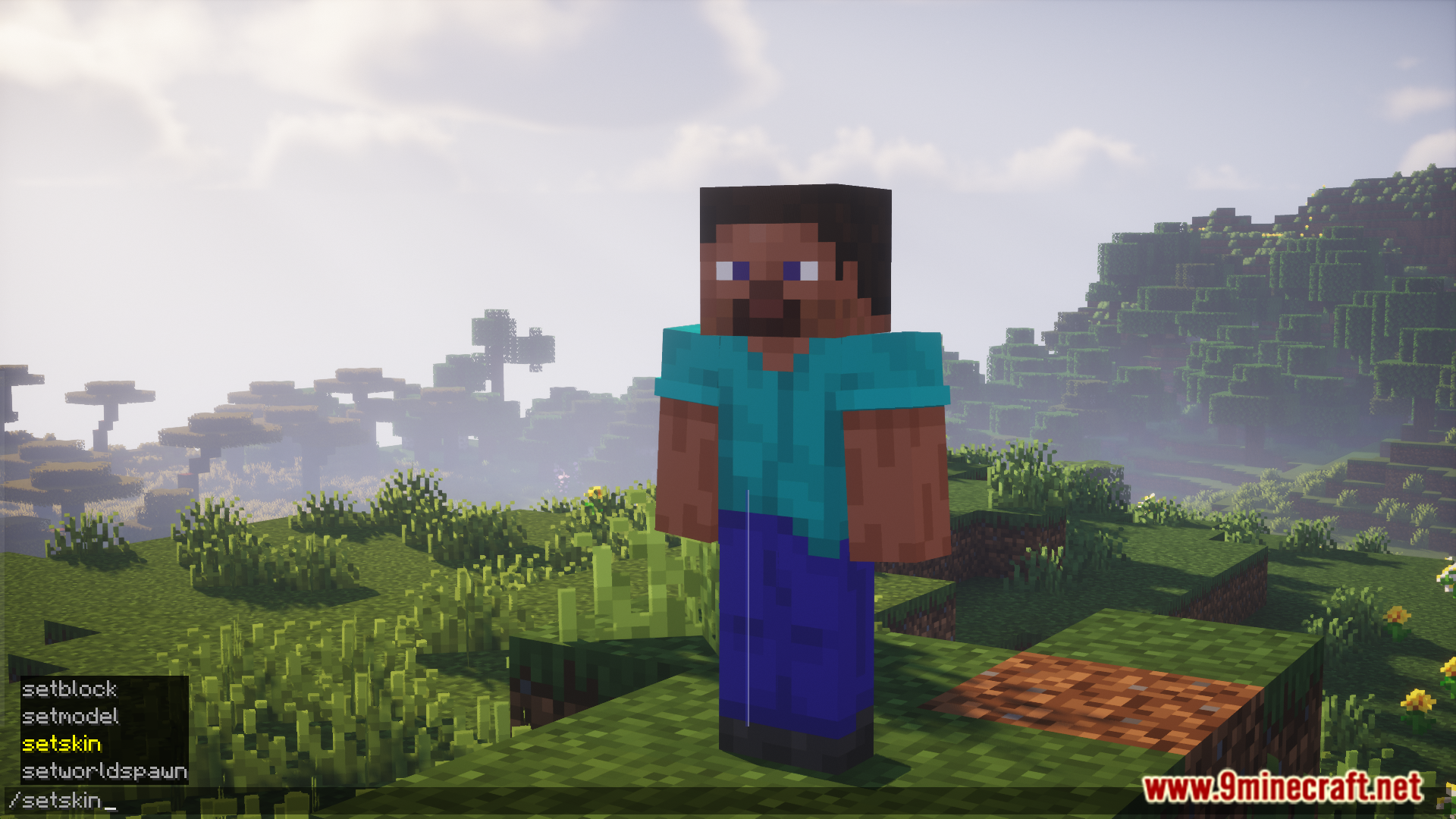
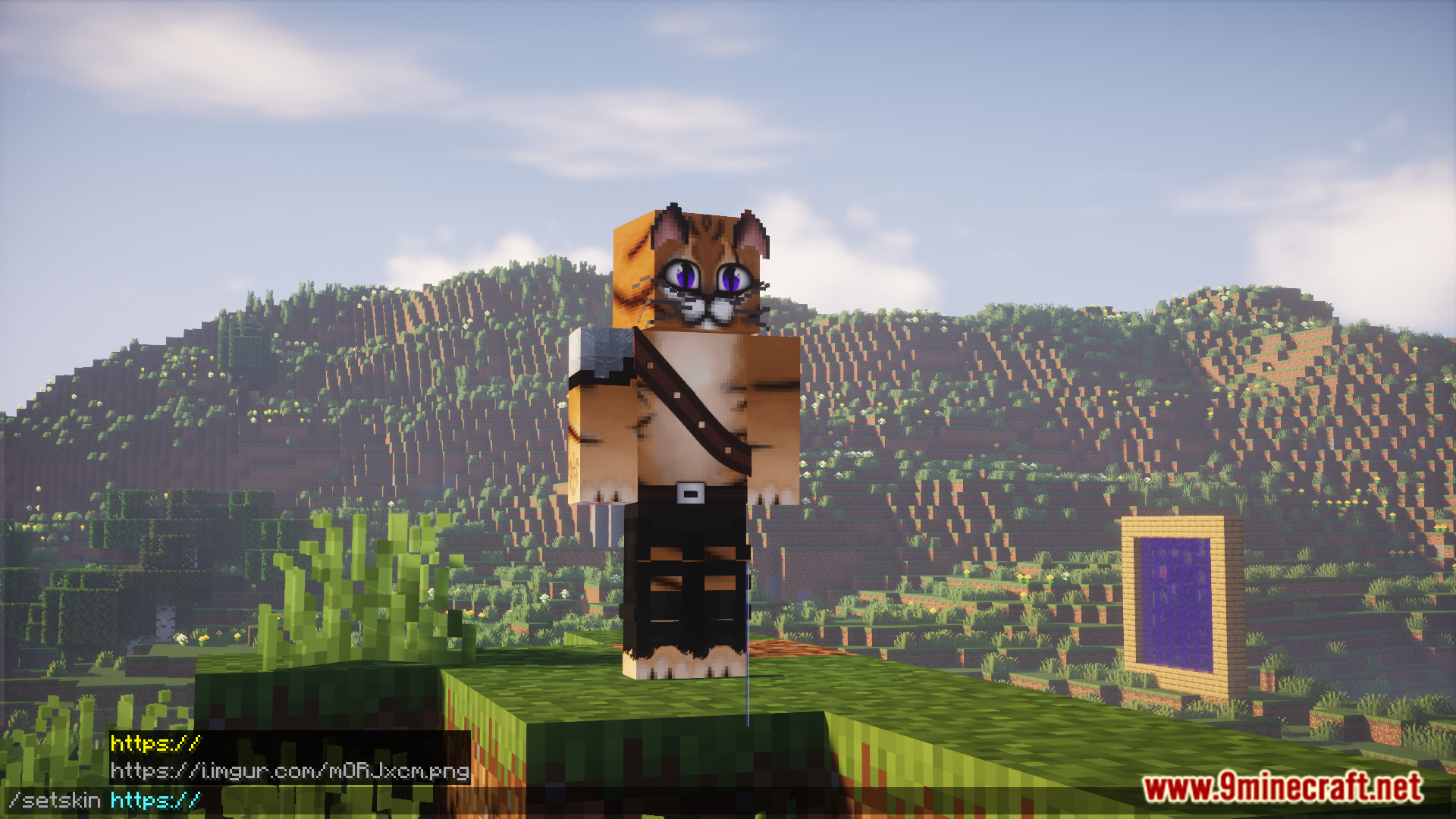
/setskin (url): เปลี่ยนสกินของตัวเอง/setskin (url) (player): เปลี่ยนสกินให้ผู้เล่นคนอื่น/clearskin: รีเซ็ตสกินกลับเป็นค่าเริ่มต้น/clearskincache: โหลดสกินใหม่และล้างแคชรูปภาพ
วิธีใช้งาน:
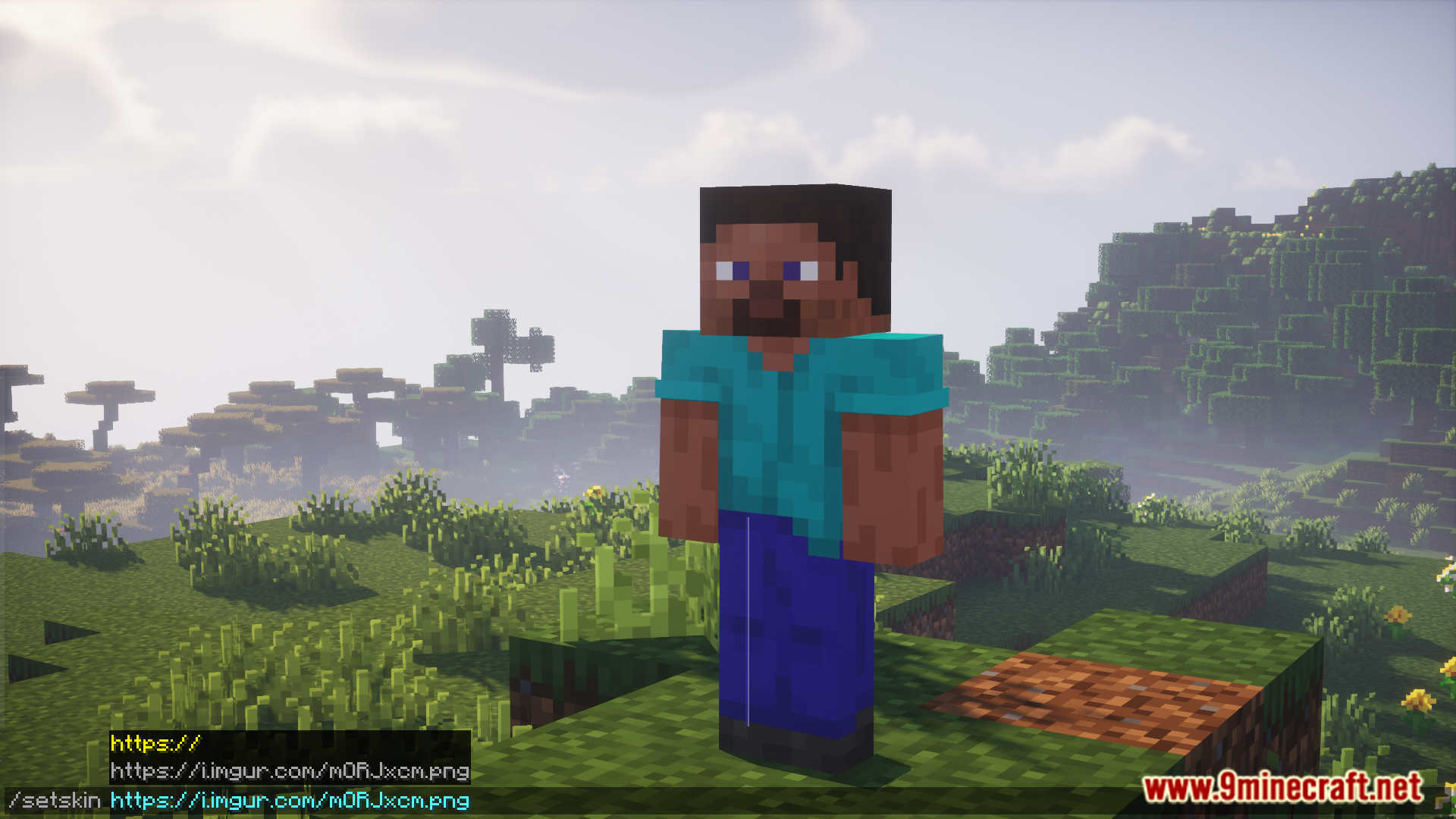
- หาสกินที่ต้องการจากอินเทอร์เน็ตแล้วคัดลอกลิงก์รูปภาพโดยตรง (URL ต้องลงท้ายด้วยไฟล์รูปภาพ เช่น .png)
- หากใช้เว็บไซต์อย่าง Imgur ให้คลิกขวาที่รูปแล้วเลือก “Copy Image Address”
- ในเกม Minecraft ให้เปิดช่องแชทแล้วพิมพ์คำสั่ง
/setskinตามด้วย URL ที่คัดลอกมา
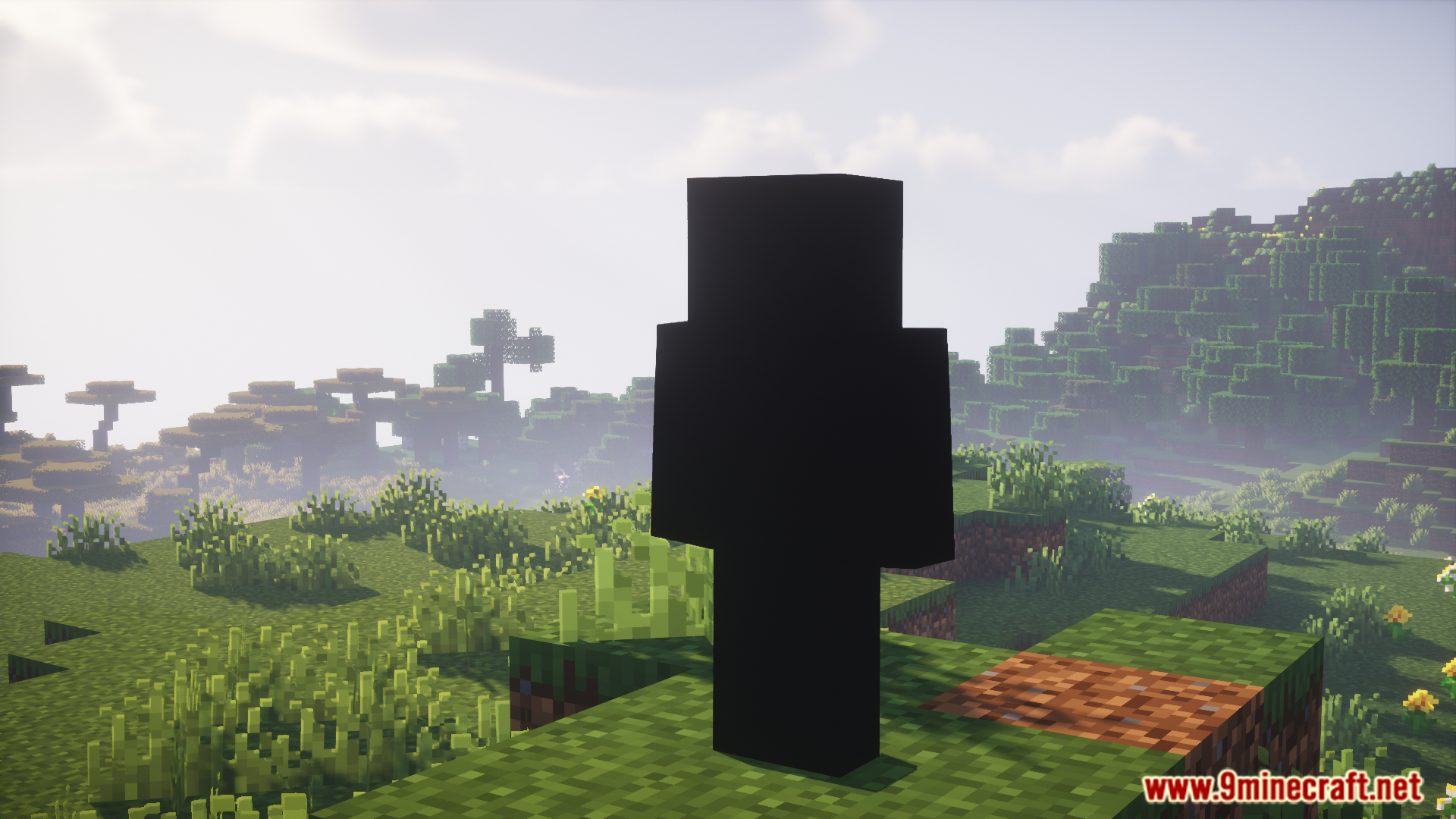
ภาพสกรีนช็อต:
วิธีติดตั้ง:
เพิ่งเริ่มเล่น Minecraft ใช่ไหม? ทำตามคู่มือทีละขั้นตอนของเราเพื่อติดตั้ง Mods บน PC ของคุณดูคู่มือ
ข้อกำหนด:
Re Skin Mod ลิงก์ดาวน์โหลด
สำหรับ Minecraft 1.20.1, 1.20
Forge/NeoForge version: Download from Server 1 – Download from Server 2
สำหรับ Minecraft 1.19.3, 1.19.2
Forge version: Download from Server 1 – Download from Server 2
สำหรับ Minecraft 1.18.2
Forge version: Download from Server 1 – Download from Server 2
สำหรับ Minecraft 1.17.1
Forge version: Download from Server 1 – Download from Server 2
Fabric version: Download from Server 1 – Download from Server 2
สำหรับ Minecraft 1.16.5
Forge version: Download from Server 1 – Download from Server 2
สำหรับ Minecraft 1.12.2
Forge version: Download from Server 1 – Download from Server 2
คุณอาจชอบสิ่งเหล่านี้



โพสต์นี้ยังไม่มีความคิดเห็น มาเป็นคนแรก — ความคิดเห็นของคุณจะปรากฏที่นี่