


StepUp Mod (1.20.4, 1.19.4) – เดินขึ้นเนินได้ง่ายๆ ไม่ต้องกดกระโดด
 1,213
1,213
 0
0


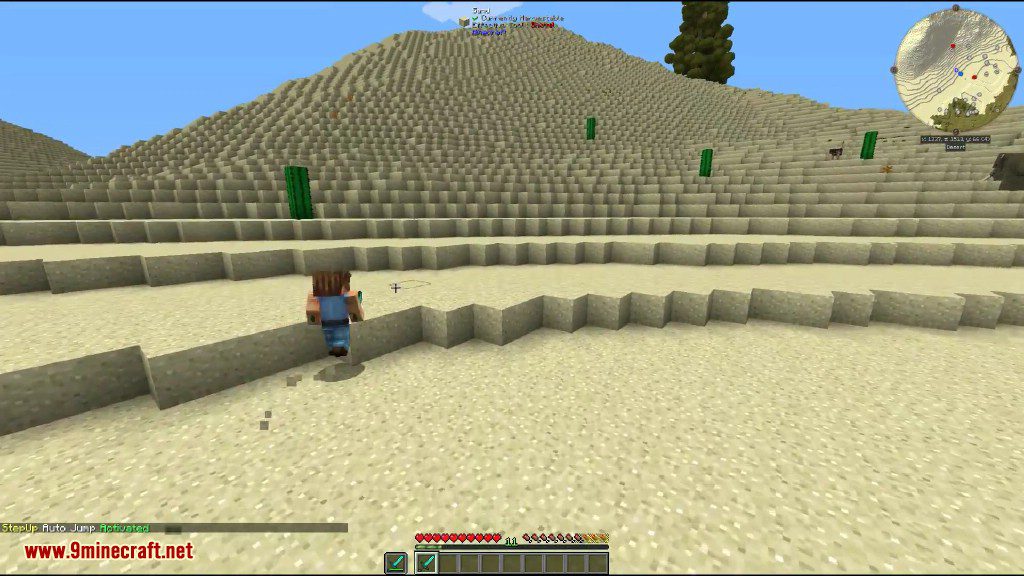
StepUp Mod ช่วยให้คุณเดินขึ้นบล็อกที่มีความสูงหนึ่งบล็อกได้ทันทีโดยไม่ต้องกดกระโดด ทำให้การเคลื่อนที่ไปรอบๆ โลก Minecraft รู้สึกลื่นไหลและรวดเร็วยิ่งขึ้น มอดนี้ยังให้คุณสลับโหมดการใช้งานได้ถึง 3 แบบ: ฟีเจอร์ Step-up ของตัวมอดเอง, ระบบ Auto-jump ปกติของ Minecraft หรือจะปิดระบบช่วยกระโดดทั้งหมดเลยก็ได้
ฟีเจอร์เด่น:
- เดินขึ้นบล็อกเดี่ยวได้โดยอัตโนมัติโดยไม่ต้องกระโดด
- สลับไปใช้ระบบ Auto-jump มาตรฐานของ Vanilla Minecraft ได้
- ปิดฟีเจอร์ช่วยกระโดดทั้งหมดได้อย่างสมบูรณ์
- ใช้งานได้ทั้งในโลก Single-player และบนเซิร์ฟเวอร์ Multiplayer
วิธีใช้งาน:
- กดปุ่ม H เพื่อสลับโหมดระหว่างตัวเลือก Auto-jump ทั้ง 3 แบบ
- สามารถเปลี่ยนปุ่มกด (Keybind) ได้ในเมนู Controls หากคุณต้องการใช้ปุ่มอื่น
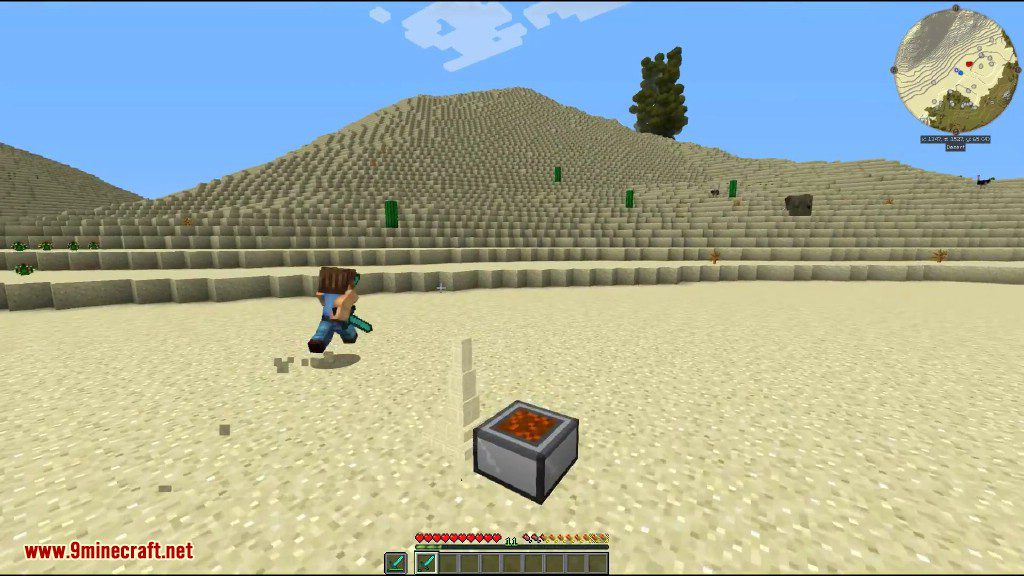
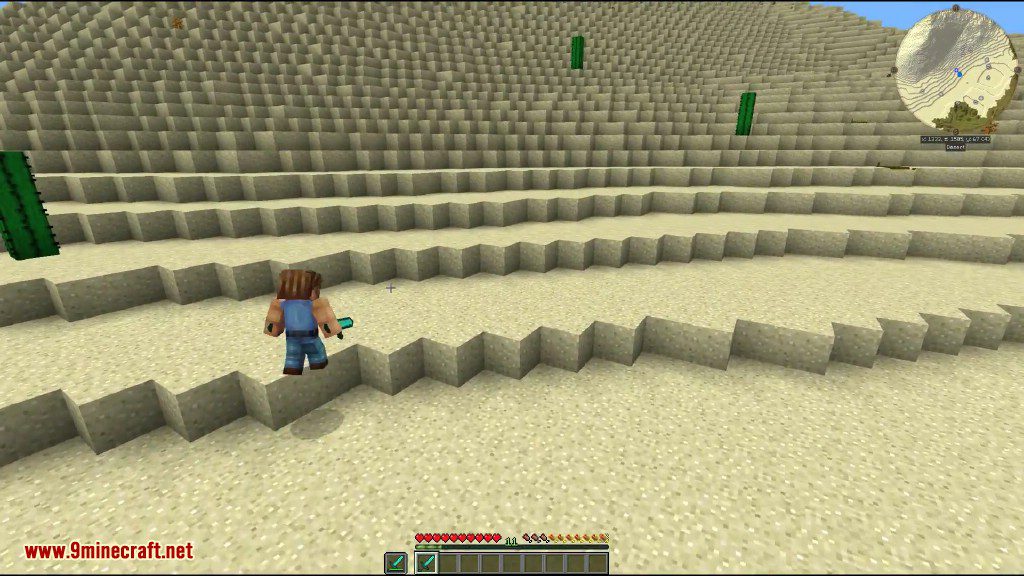
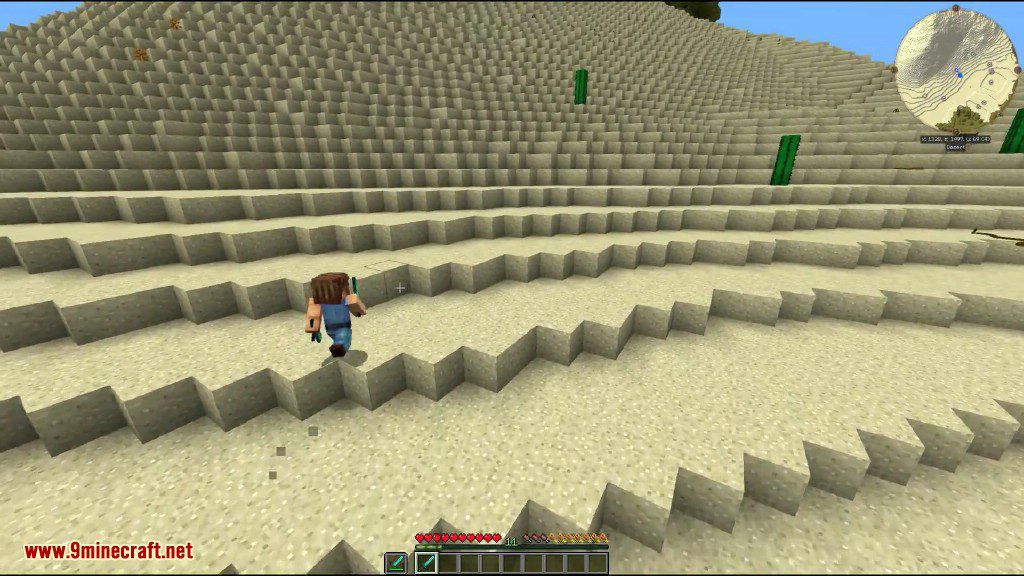
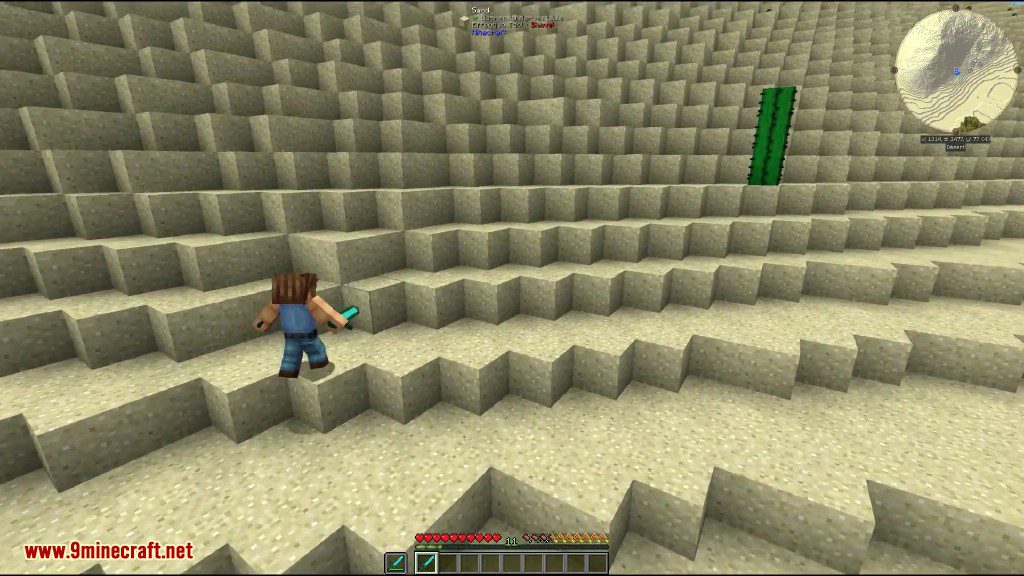
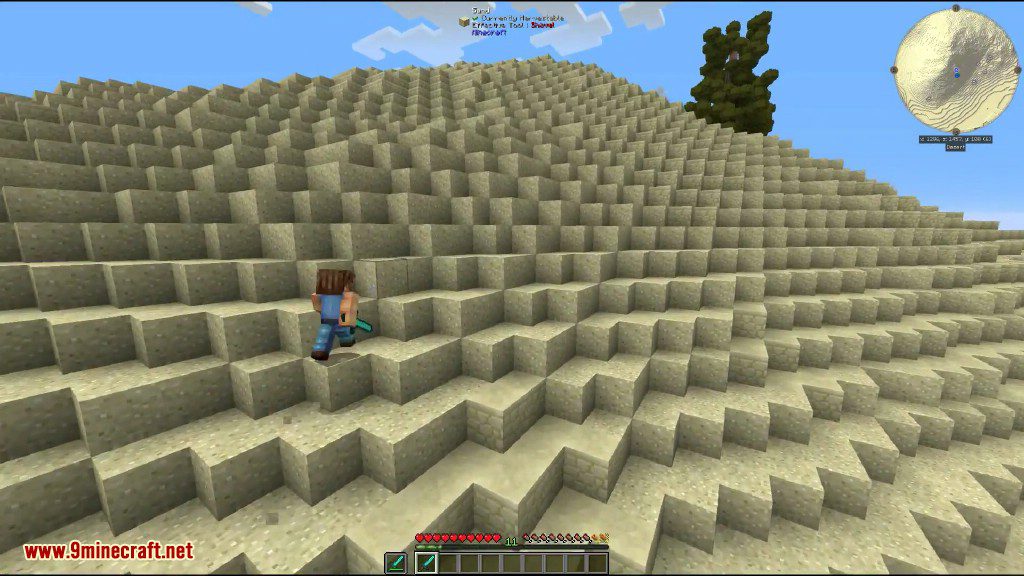
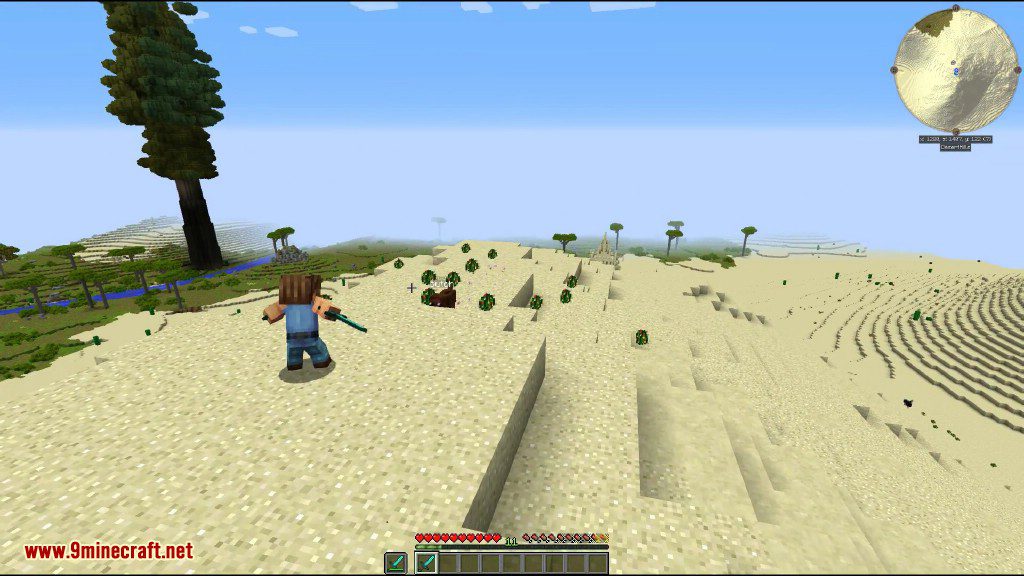
ภาพตัวอย่าง (Screenshots):
วิธีติดตั้ง:
เพิ่งเริ่มเล่น Minecraft ใช่ไหม? ทำตามคู่มือทีละขั้นตอนของเราเพื่อติดตั้ง Mods บน PC ของคุณดูคู่มือ
StepUp Mod Download Links
For Minecraft 1.20.4, 1.20.3
Fabric version: Download from Server 1 – Download from Server 2
For Minecraft 1.20.1, 1.20
Fabric version: Download from Server 1 – Download from Server 2
For Minecraft 1.19.4
Fabric version: Download from Server 1 – Download from Server 2
For Minecraft 1.19.3
Fabric version: Download from Server 1 – Download from Server 2
For Minecraft 1.19.2
Fabric version: Download from Server 2
For Minecraft 1.19.1
Fabric version: Download from Server 2
For Minecraft 1.19
Fabric version: Download from Server 1
For Minecraft 1.18.2
Fabric version: Download from Server 1
For Minecraft 1.18.1
Fabric version: Download from Server 1
For Minecraft 1.17.1
Forge version: Download from Server 1
For Minecraft 1.16.5
Forge version: Download from Server 1
For Minecraft 1.15.2
Forge version: Download from Server 1
For Minecraft 1.14.4
Forge version: Download from Server 1
For Minecraft 1.12.2, 1.11.2, 1.10.2
Forge version: Download from Server 1
For Minecraft 1.9.4
Forge version: Download from Server 1
For Minecraft 1.8.9
Forge version: Download from Server 1
For Minecraft 1.7.10
Forge version: Download from Server 1
คุณอาจชอบสิ่งเหล่านี้


โพสต์นี้ยังไม่มีความคิดเห็น มาเป็นคนแรก — ความคิดเห็นของคุณจะปรากฏที่นี่