


What’s Your Build Mod (1.21.1, 1.20.1) – ส่องไอเทมและชุดเซ็ตของผู้เล่นคนอื่น

 0
0 

🌐 คุณกำลังอ่านบทความนี้ในภาษา ไทย ต้องการเปลี่ยนไหม?
📖 อ่านต้นฉบับภาษาอังกฤษหรือเลือกภาษาที่คุณต้องการ:
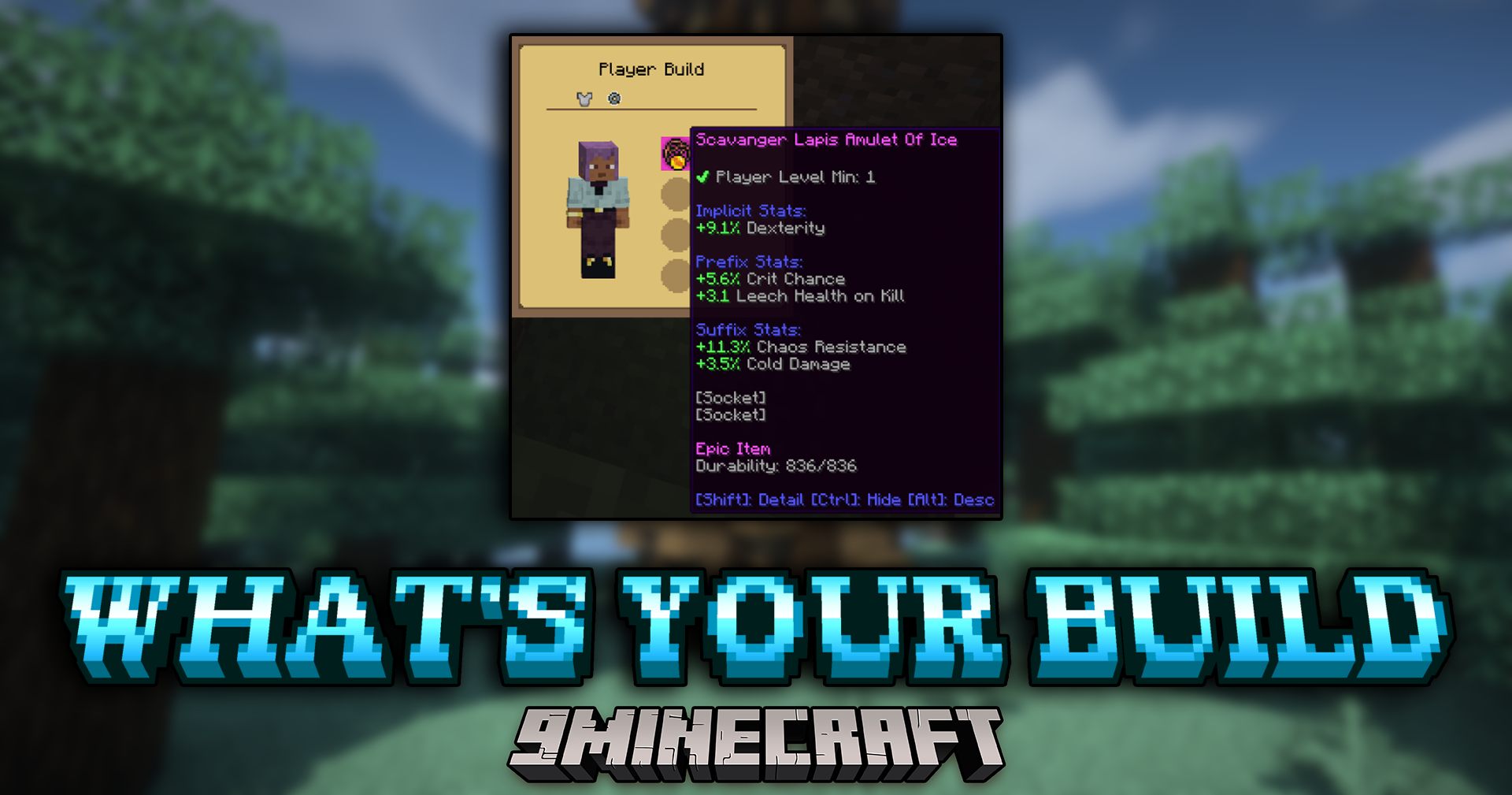
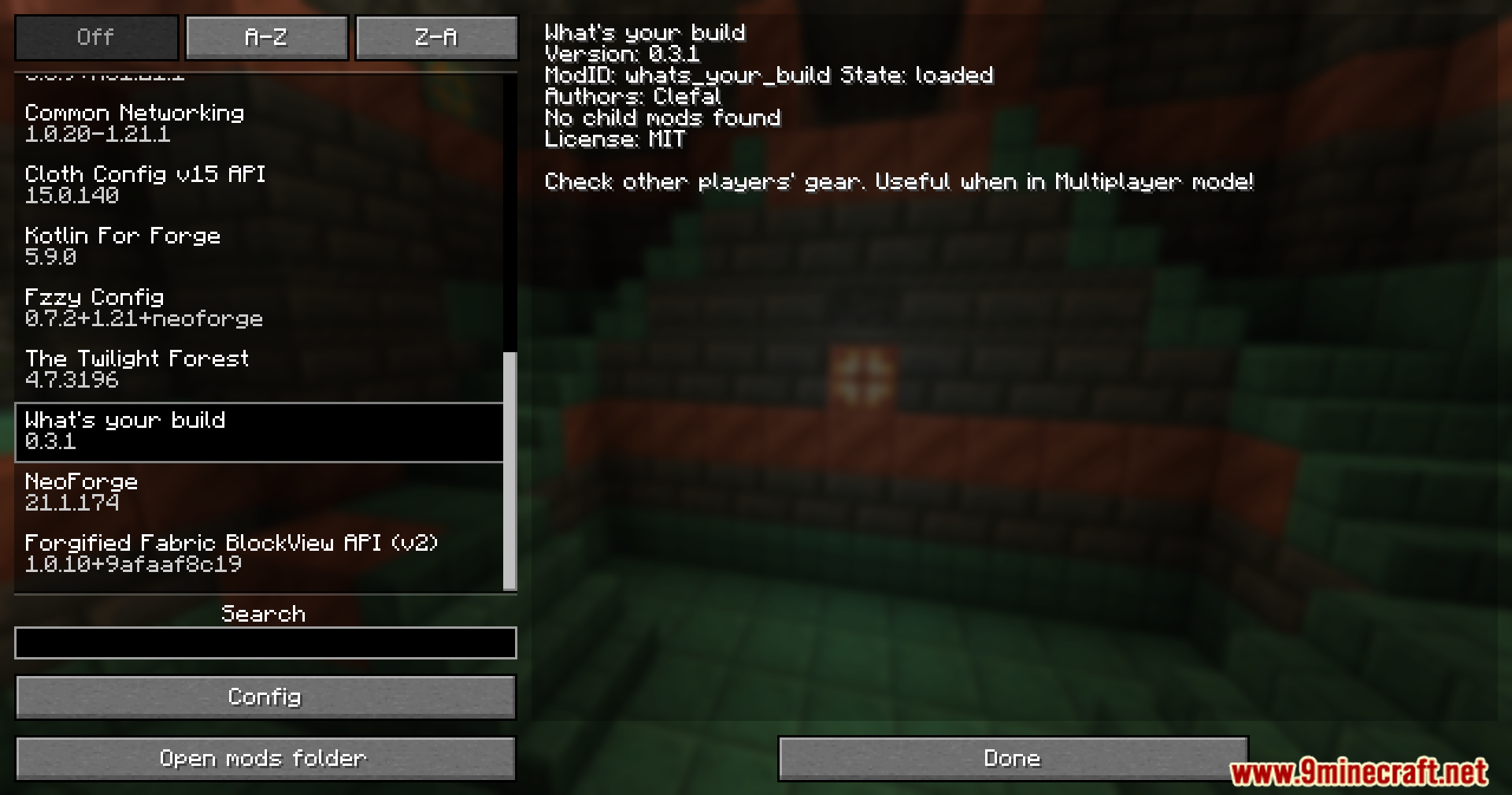
What’s Your Build Mod ช่วยให้คุณสามารถตรวจสอบไอเทมสวมใส่ที่ผู้เล่นคนอื่นกำลังใช้งานอยู่ในโหมด Multiplayer ได้ มอดนี้มีประโยชน์มากสำหรับ Modpack ที่ไอเทมมีค่าสถานะ (Stats) และความสามารถพิเศษเฉพาะตัว ทำให้คุณเห็นได้ทันทีว่าเพื่อนของคุณกำลังใช้อะไรอยู่
ฟีเจอร์เด่น:
- ส่องดูชุดเกราะและไอเทมที่ผู้เล่นคนอื่นสวมใส่อยู่
- เพิ่ม Loadout Barrel บล็อกสำหรับเก็บและจัดการชุดเซ็ตอุปกรณ์ของคุณเอง
- สร้าง Gear Builds ที่แตกต่างกันและบันทึกไว้ในเมนูของถัง (Barrel)
- สวมใส่ชุดที่บันทึกไว้ได้อย่างรวดเร็วเพียงกดปุ่ม “Wear” ในหน้าอินเตอร์เฟซของถัง
- รองรับมอด Curios โดยมีการเพิ่มเมนูใหม่เพื่อดูไอเทมในช่องเสริมเหล่านั้น
วิธีใช้งาน:
- หากต้องการดูของของผู้เล่นคนอื่น ให้เล็งเป้า (Crosshair) ไปที่ตัวผู้เล่นคนนั้น
- กดปุ่มกลางของเมาส์ (Middle-mouse button) เพื่อเปิดหน้าต่างดูอุปกรณ์
- หากต้องการจัดการชุดของตัวเอง ให้คราฟต์และวาง Loadout Barrel
- เปิดถังเพื่อสร้างเซ็ตอุปกรณ์ต่างๆ และเก็บไอเทมสำหรับเซ็ตนั้นๆ ไว้
ภาพสกรีนช็อต:





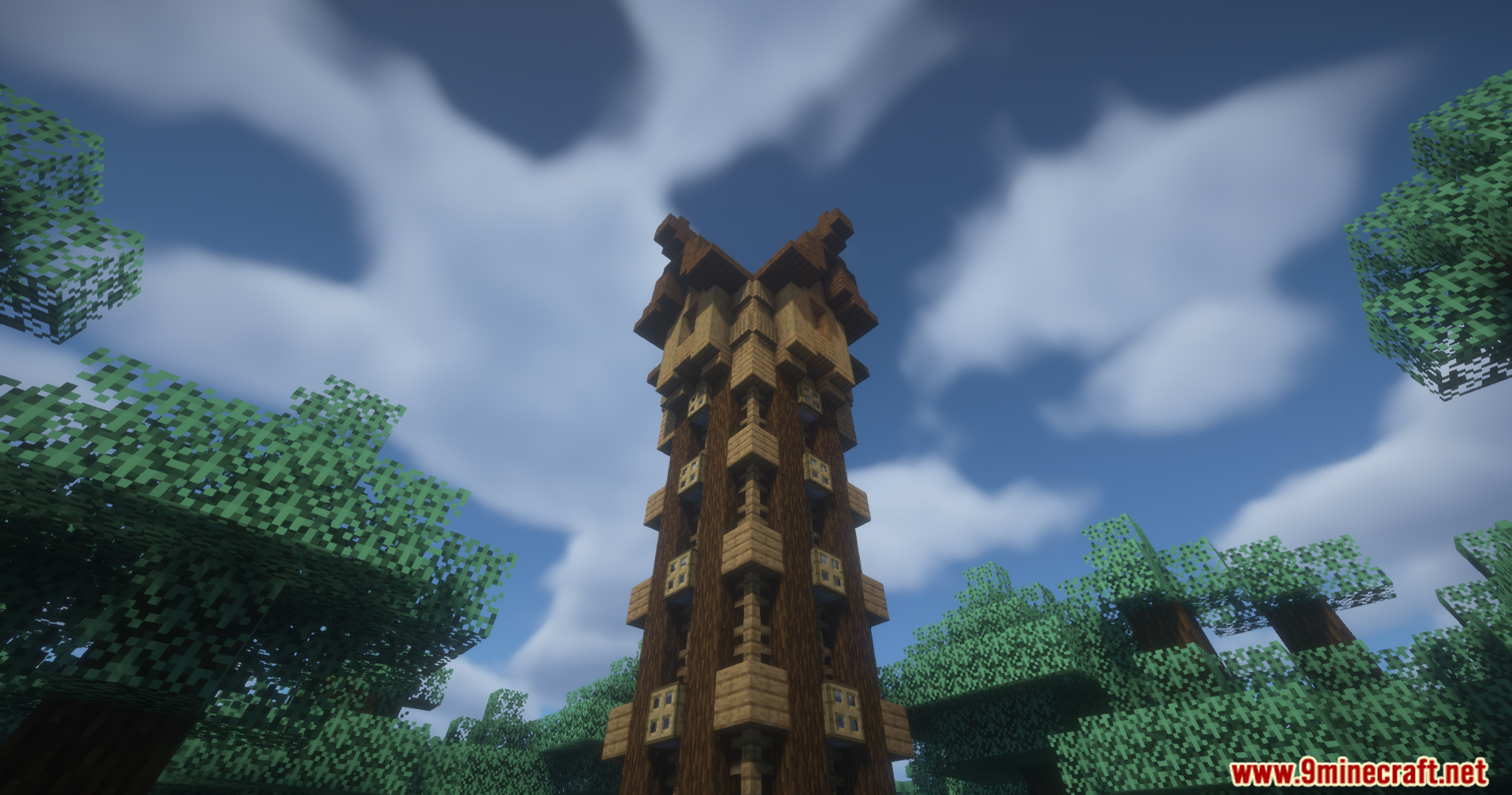
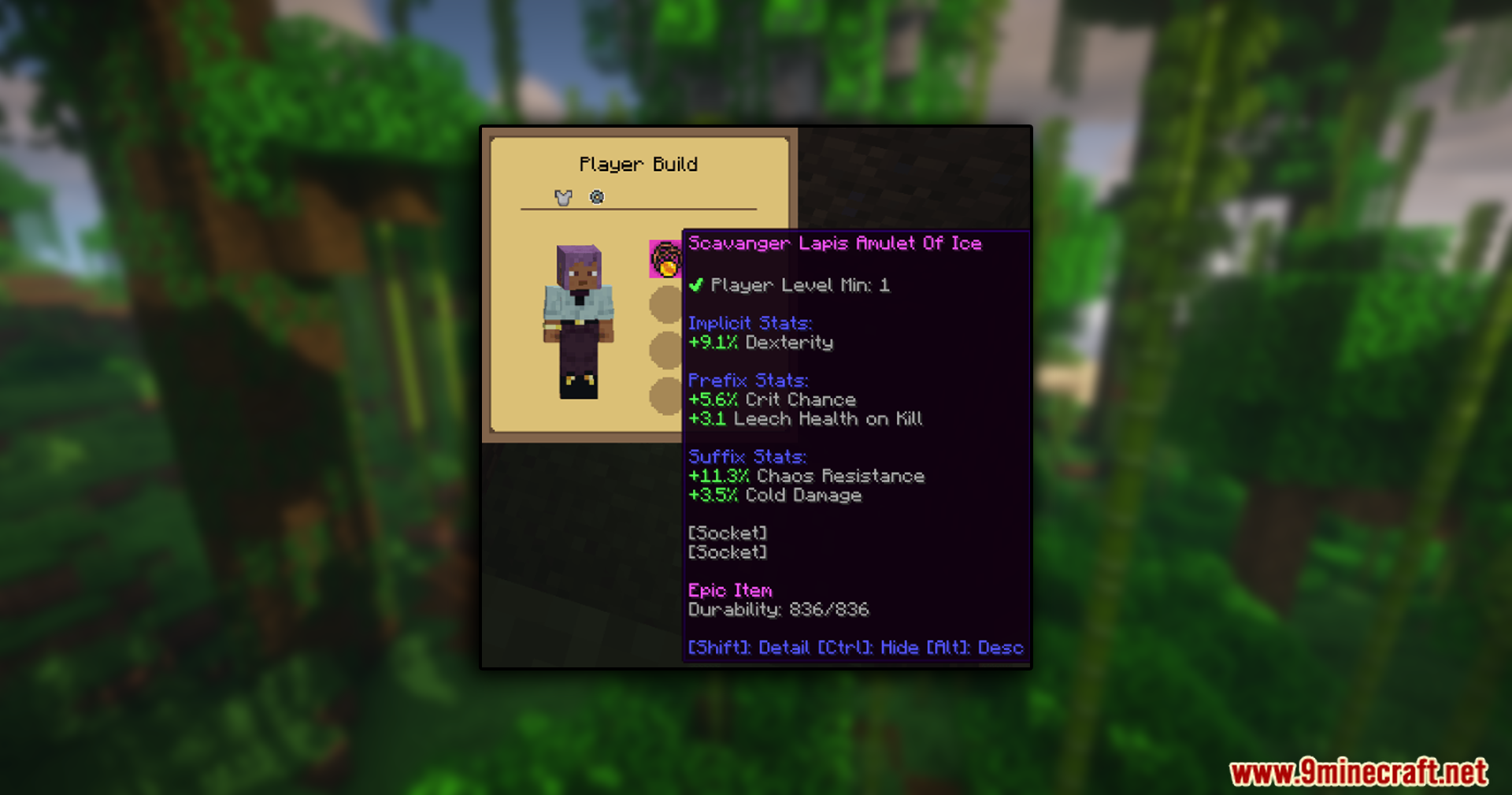
วิธีติดตั้ง:
เพิ่งเริ่มเล่น Minecraft ใช่ไหม? ทำตามคู่มือทีละขั้นตอนของเราเพื่อติดตั้ง Mods บน PC ของคุณดูคู่มือ
ข้อกำหนด:

What’s Your Build Mod Download Links
For Minecraft 1.21.4
Fabric Version: Download from Server 1 – Download from Server 2
NeoForge Version: Download from Server 1 – Download from Server 2
For Minecraft 1.21.1, 1.21
Fabric Version: Download from Server 1 – Download from Server 2
NeoForge Version: Download from Server 1 – Download from Server 2
For Minecraft 1.20.1, 1.20
Forge Version: Download from Server 1 – Download from Server 2
Fabric Version: Download from Server 1 – Download from Server 2
คลิกเพื่อให้คะแนนโพสต์นี้!
[Total: 2 Average: 5]
คุณอาจชอบสิ่งเหล่านี้










โพสต์นี้ยังไม่มีความคิดเห็น มาเป็นคนแรก — ความคิดเห็นของคุณจะปรากฏที่นี่