
TNT (26+) – Detonate Colossal Blasts
 66
 0

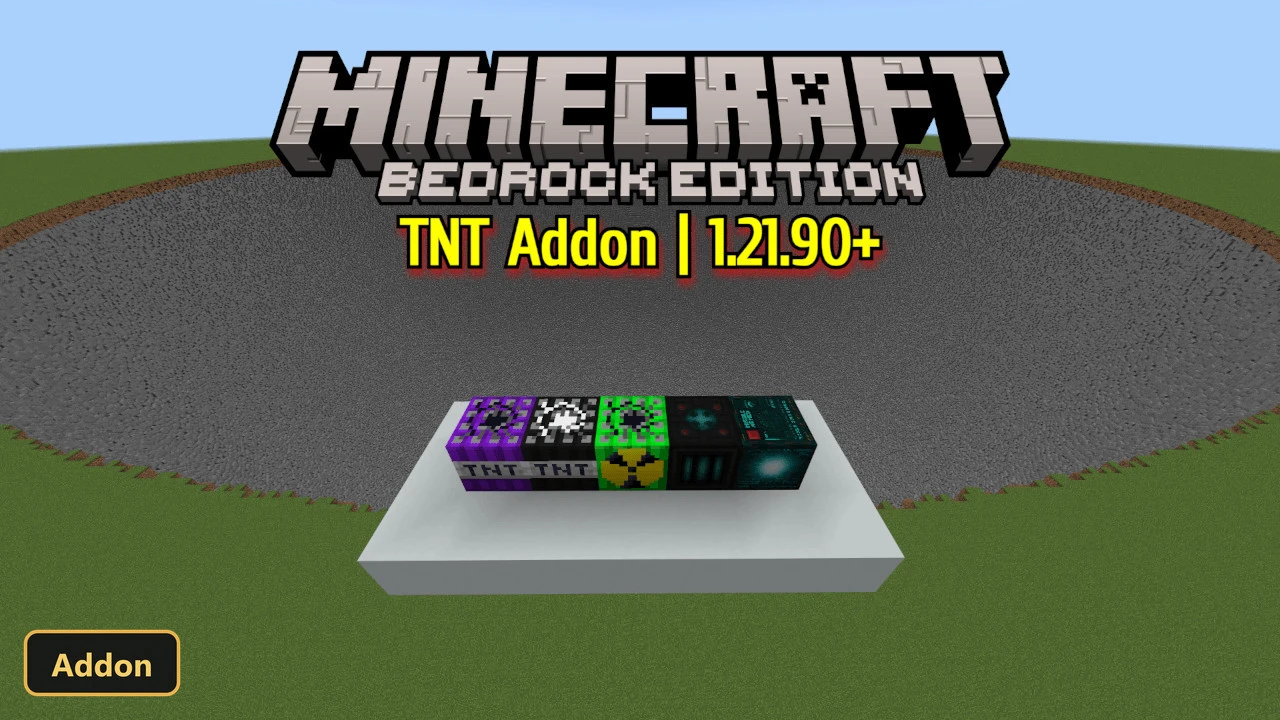
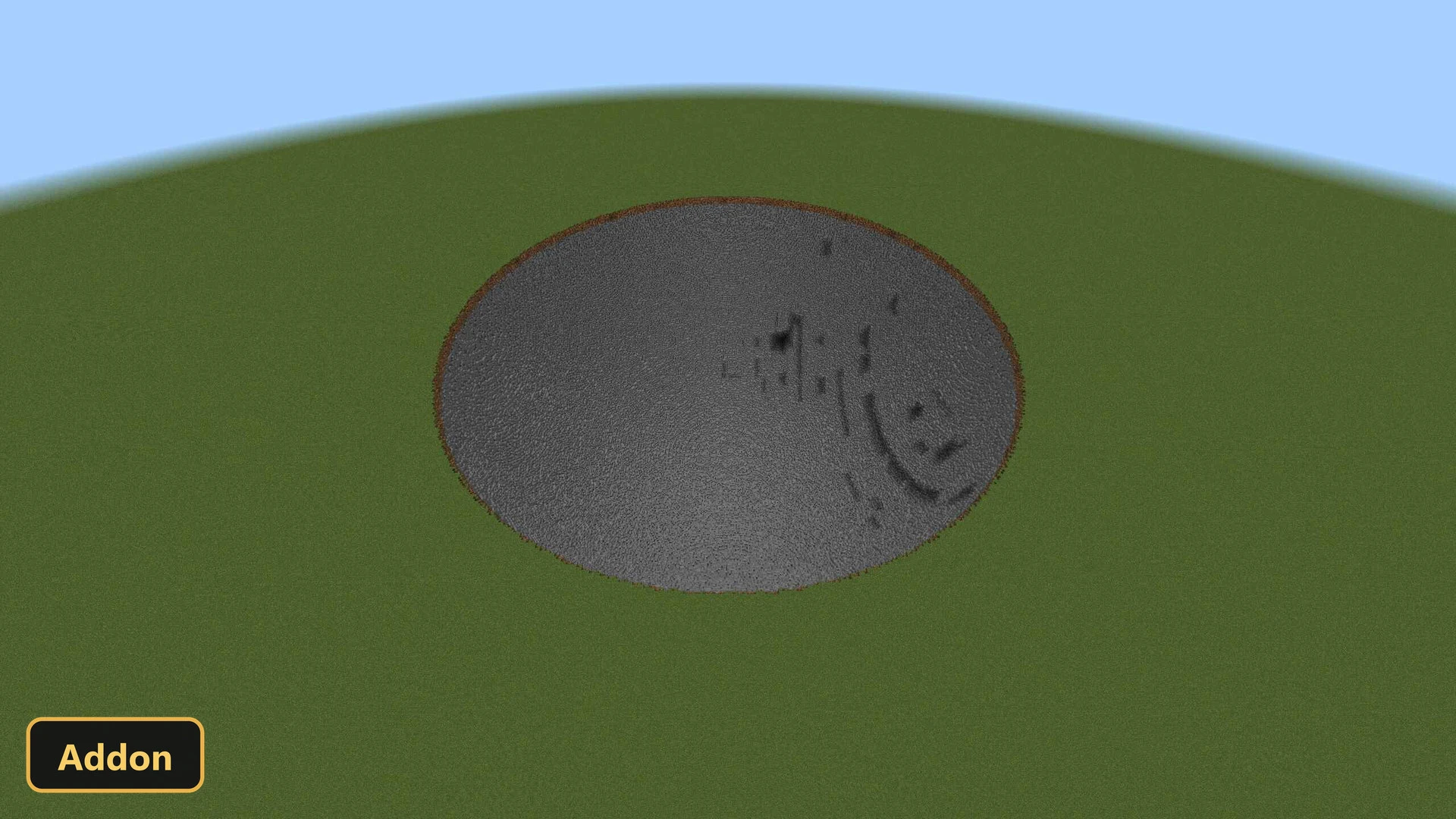
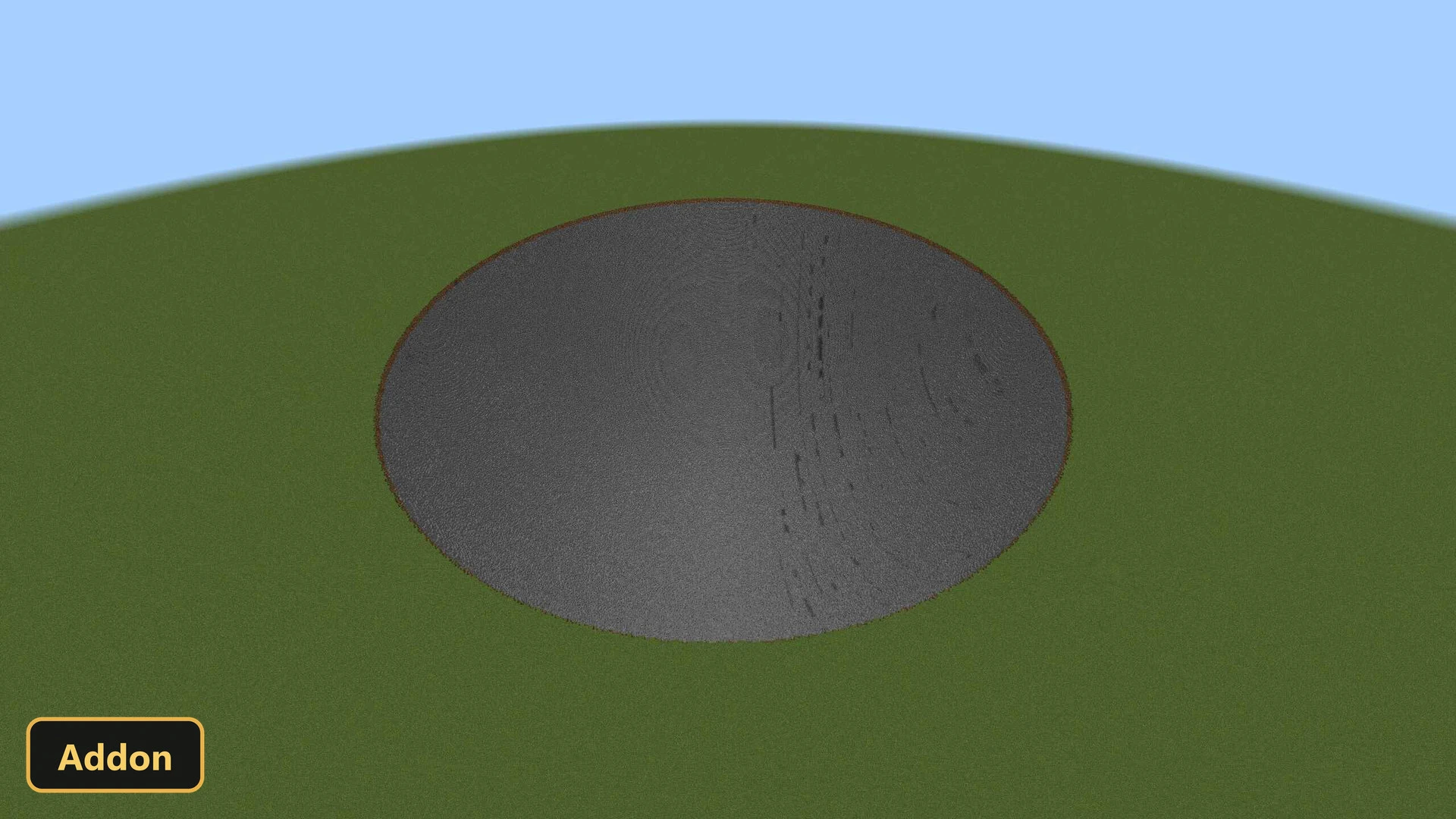
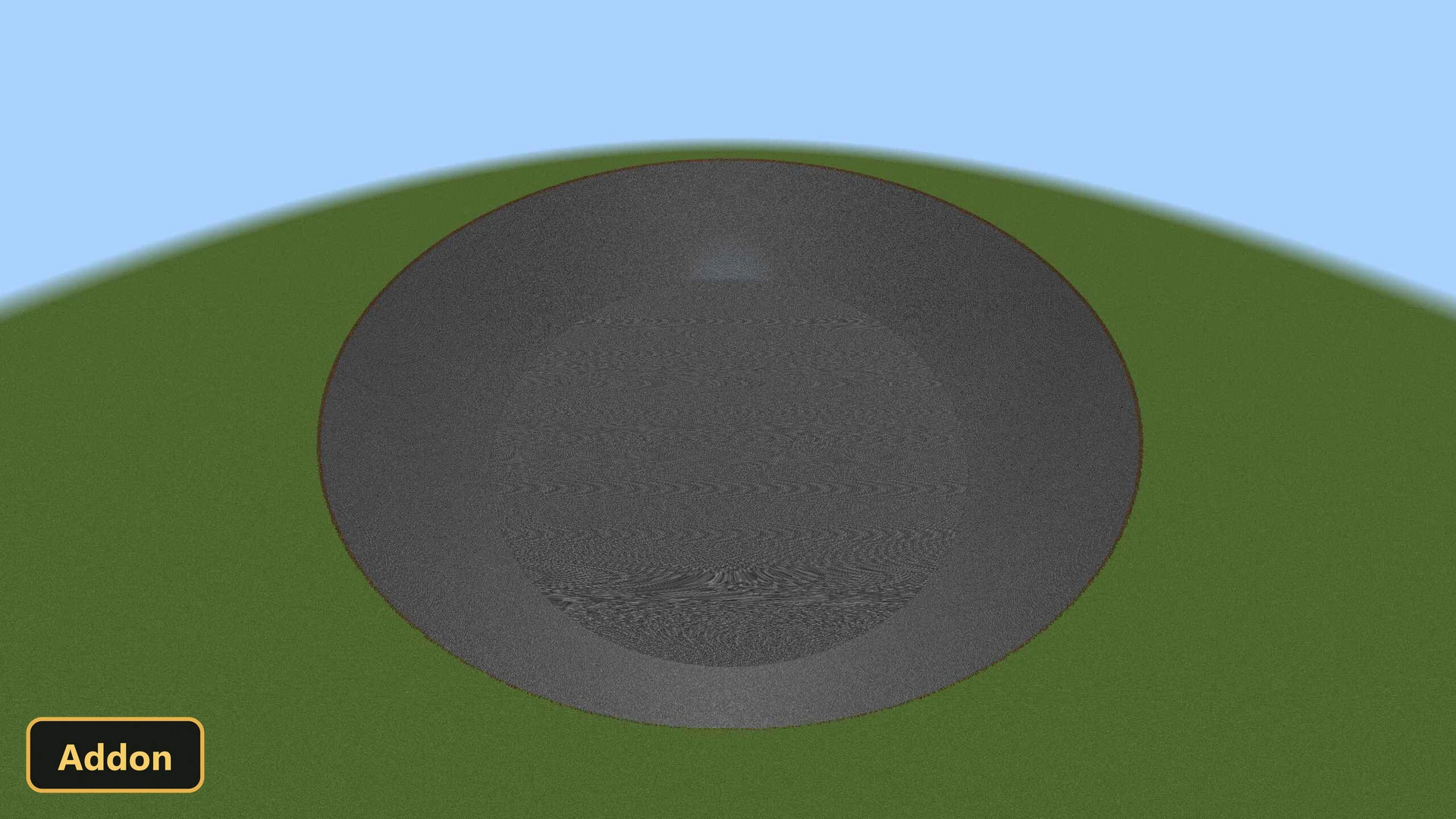
TNT Addon adds seven new explosive blocks that carve giant round craters in Minecraft Bedrock Edition. It includes five main blocks for mobile and lower-end devices, plus two bonus blocks for strong devices. This addon gives Bedrock and mobile players the kind of huge explosions usually seen in Java Edition mods. It works in Creative mode with no crafting recipes and needs Beta APIs turned on in your world settings.
Requirements:
- MCPE/Bedrock 26.40
- Turn on Experimental Features — this addon uses scripting APIs
Features:
- Seven Custom Explosives: Adds five main explosive blocks and two bonus blocks that carve huge round craters into your world.
- Creative Mode Sandbox: Focuses on pure Creative mode destruction, so none of the new blocks have crafting recipes.
- Custom Block Behavior: Makes no sound when you place blocks on an explosive face, uses slightly different lighting mechanics, and makes the blocks vanish instead of blowing up if burned or hit by another blast.
- Leaves the two bonus blocks without custom textures and needs a strong device to handle their massive blasts, while the five main blocks work better on mobile and lower-end devices.
- Removes all active ticking areas in your world whenever an explosion runs its blast commands.
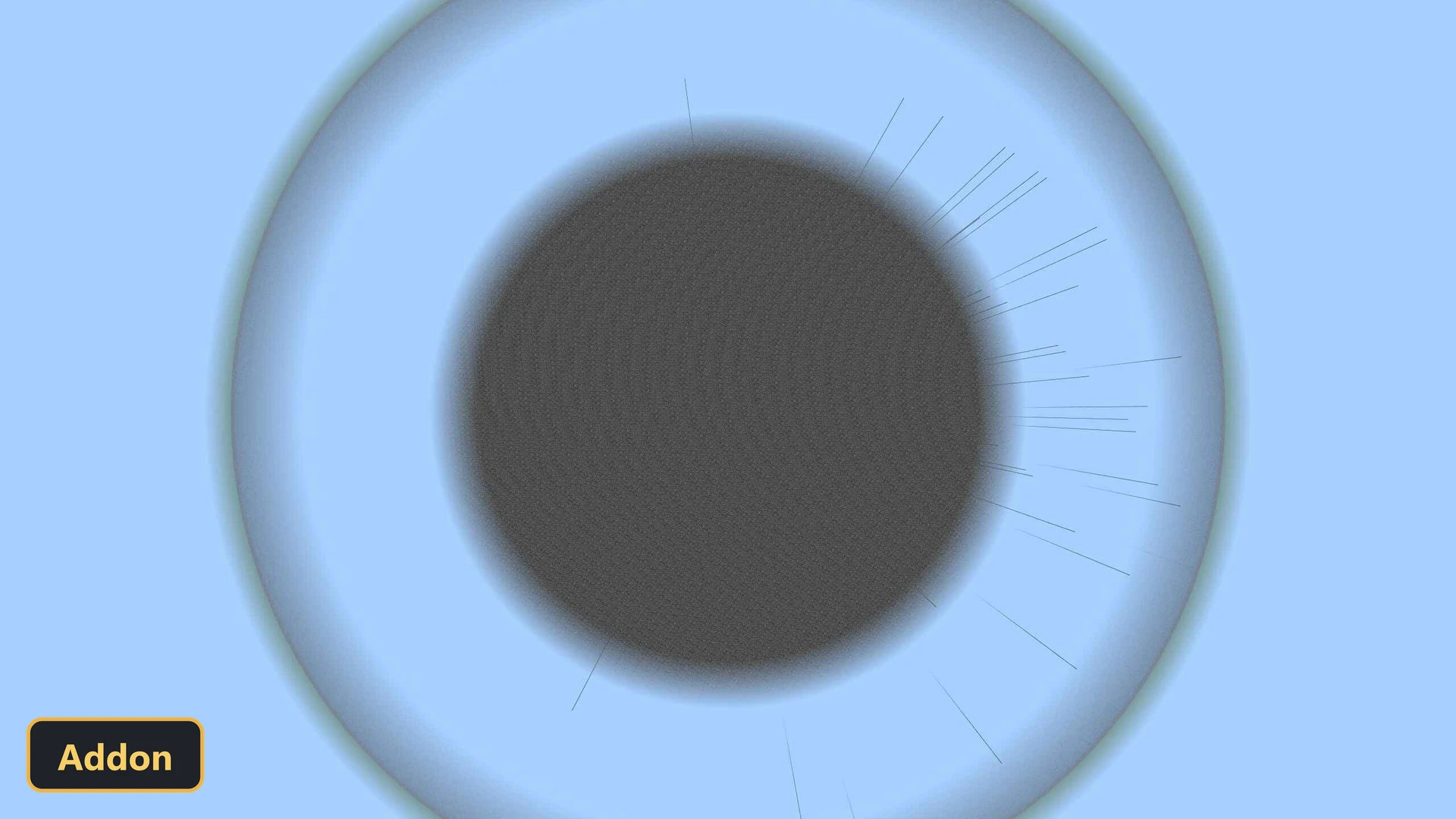
- Can leave behind flowing water, lava, or a few leftover blocks in the biggest craters, and actual render times depend on your device.
TNT Blast Sizes:
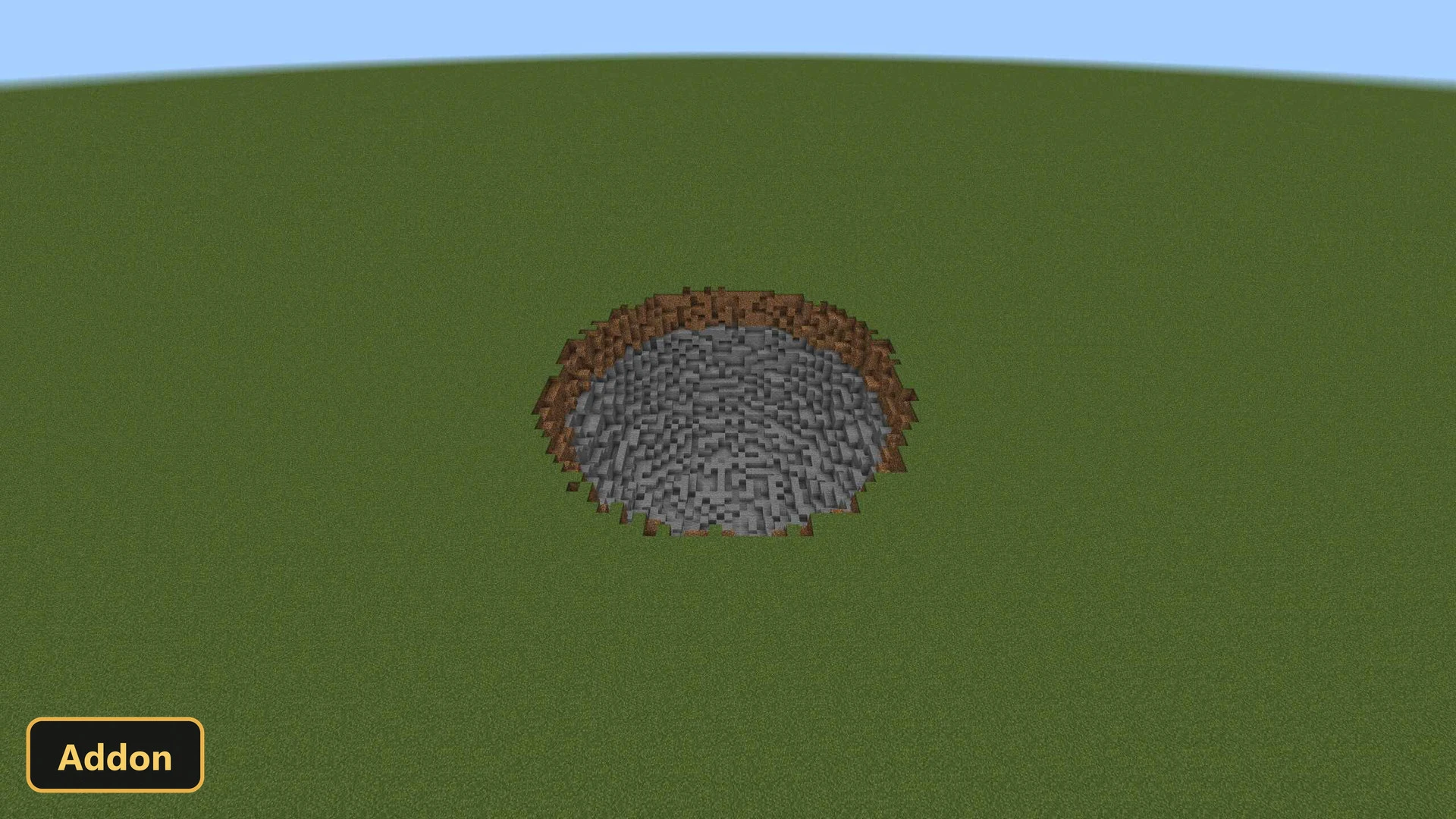
- TNT #1: Explodes with a radius of 20 and a render time of 0 seconds.
- TNT #2: Explodes with a radius of 40 and a render time of 1 second.
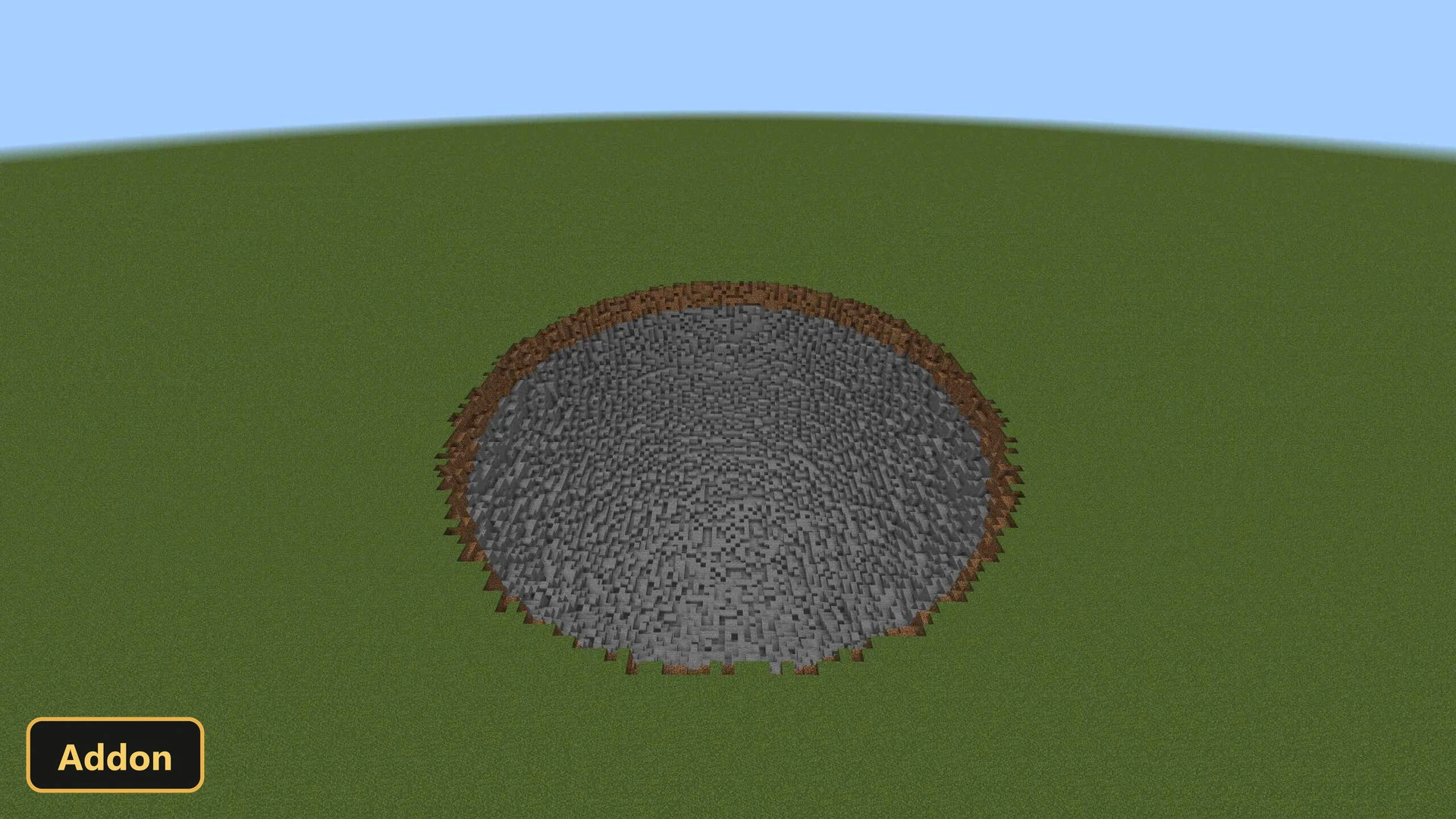
- TNT #3: Explodes with a radius of 80 and a render time of 3 seconds.
- TNT #4: Explodes with a radius of 160 and a render time of 14 seconds.
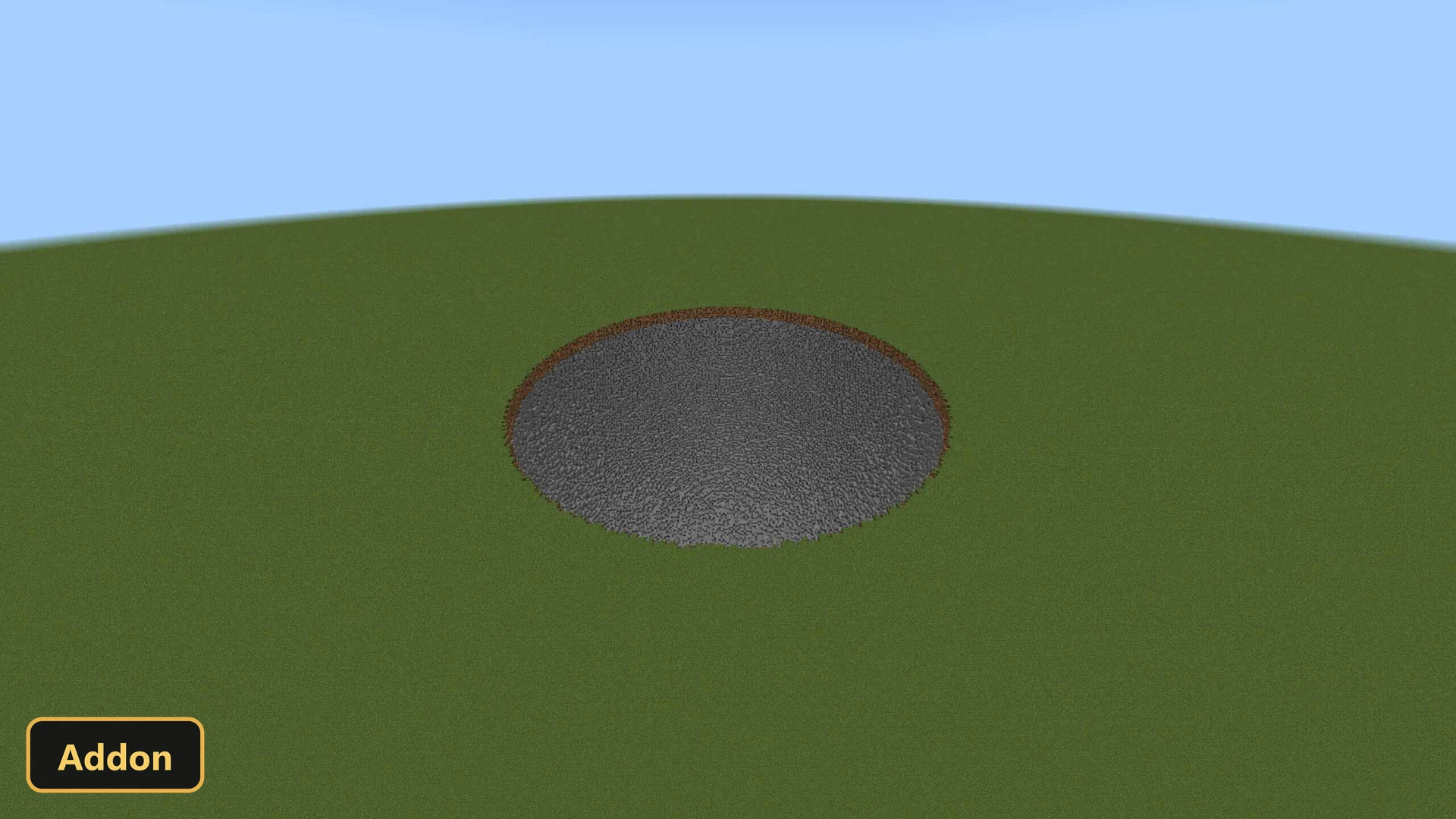
- TNT #5: Explodes with a radius of 320 and a render time of 1 minute 23 seconds.
- TNT #6 (Bonus): Explodes with a radius of 640 and a render time of 6 minutes 22 seconds.
- TNT #7 (Bonus): Explodes with a radius of 1280 and a render time of 27 minutes 10 seconds.
How to Use:
- Turn on Beta APIs in the Experimental tab of your world settings before loading the game so the addon can work.
- Set your simulation distance to the maximum value and raise your render distance to match the crater size (up to 96 chunks for TNT #7), or terrain loading will stop until you move back in range.
- Write down the coordinates of any custom ticking areas before blasting so you can add them back after the explosions clear them out.
- Switch to Creative mode to take the explosive blocks from your inventory, since they have no crafting recipes.
- Light only one explosive block at a time so you do not break the ticking area command process or slow down world rendering.
- Wait for the terrain to finish loading after a huge blast, or restart the world if the visuals look buggy or get stuck.
Screenshots:
For MCPE/Bedrock 26+
Click to rate this post!
[Total: 2 Average: 5]
You May Also Like
Picked for this page
 Ben 10 Omni NR Addon (26.45+) – MCPE/Bedrock
 Sweep N Slash Addon (26.x) – Adds the Sweeping Sword Attack From Java Edition.
 REIMS TACZ Timeless and Classics Guns Addon (26.45+) – MCPE/Bedrock
 Private: Viltrumite Addon (1.26+) – MCPE/Bedrock
 Jujutsu Kaisen Addon – Projection Sorcery (26.45+) – MCPE/Bedrock
 Tensura No Mine Addon (26.45+) – MCPE/Bedrock
 Students Archive Addon (26.13+) – MCPE/Bedrock
 Hunter X Craft Addon (26.13+) – MCPE/Bedrock
 Kamen Rider OOO Addon (26.45+) – MCPE/Bedrock
 Akiohh’s Combat Equipment (1.26+) – MCPE/Bedrock
 Regular Weapons Addon (1.26+) – MCPE/Bedrock
 BZF FURNITURE’S V3.1.0. Addon (26.x, 1.21) – Craft Hundreds of Custom Furniture
Most viewed in Mods & Addons over the last 7 days
 Mob Girls Addon (1.26+, 1.21) – MCPE/Bedrock Mod
 Secrets of Berk Addon (26.33+) – How To Train Your Dragon Mod MCPE/Bedrock
 Jenny Colette Version Addon (26.x, 1.21) – MCPE/Bedrock Mod
 Jujutsu Awakening Addon (1.26+, 1.21+) – Prison Realm Update
 New Jujutsu Awakening Addon (1.26+) – MCPE/Bedrock
 Jenny Add-on (Fapcraft) APK MCPE Full Guide – How to use, Tutorial
 Shadow Company Addon (26.x, 1.21) – MCPE/Bedrock Mod
 Titan Craft Addon (1.26+, 1.21) – MCPE/Bedrock Attack on Titan Mod
 Asa’s One Piece Addon (1.26+, 26.32) – MCPE/Bedrock Mod
 Raxiores of Raxiore Addon (1.26+) – MCPE/Bedrock
 Fapcraft Addon (1.26, 1.21) – MCPE/Bedrock Jenny Mod
 Naruto Jedy Addon V8 (26.30+, 1.18+) for MCPE/Bedrock Edition
More from Mods & Addons
 Hexbyte PvB AI (26+, 1.21) – MCPE/Bedrock Addon
 Library Enchants / Library Enchantments (26+, 1.21) – MCPE/Bedrock Addon
 Five Nights At Freddy’s[FNAF] V. (26+, 1.21) – MCPE/Bedrock Addon
 Horizon Engineers (26+, 1.21) – MCPE/Bedrock Addon
 Casualness Delight (26+) – MCPE/Bedrock Addon
 Blood Rot (26+, 1.21) – MCPE/Bedrock Addon
 NPC Expansion (26+, 1.21) – MCPE/Bedrock Addon
 Hollow Knight by MeBesm (26+, 1.21) – MCPE/Bedrock Addon
 Keys & Crates (26+) – MCPE/Bedrock Addon
 Security Protection Blocks (26+, 1.21) – MCPE/Bedrock Addon
 Lucky OneBlock (26+, 1.20) – MCPE/Bedrock Addon
 Fantasy Villagers Remake (26+, 1.21) – MCPE/Bedrock Addon

This post has no comments yet. Be the first — your comment will appear here.