


Via Romana Mod (1.21.1, 1.20.1) – Hızlı Seyahat İçin Yolunuzu Döşeyin

 0
0 

🌐 Bu makaleyi Türkçe dilinde okuyorsunuz. Değiştirmek ister misiniz?
📖 İngilizce oku (orijinal)Ya da istediğinizi seçin:
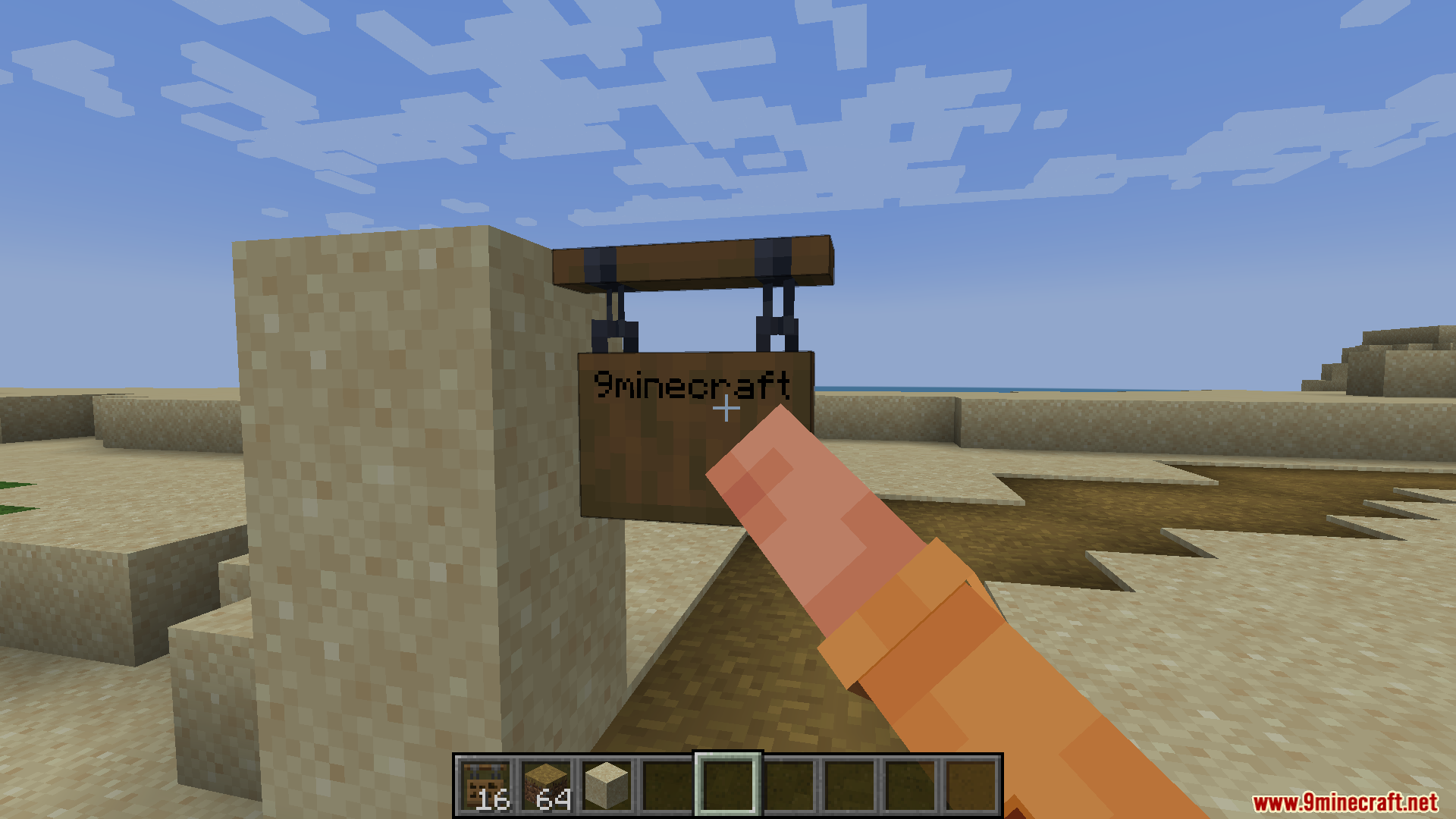
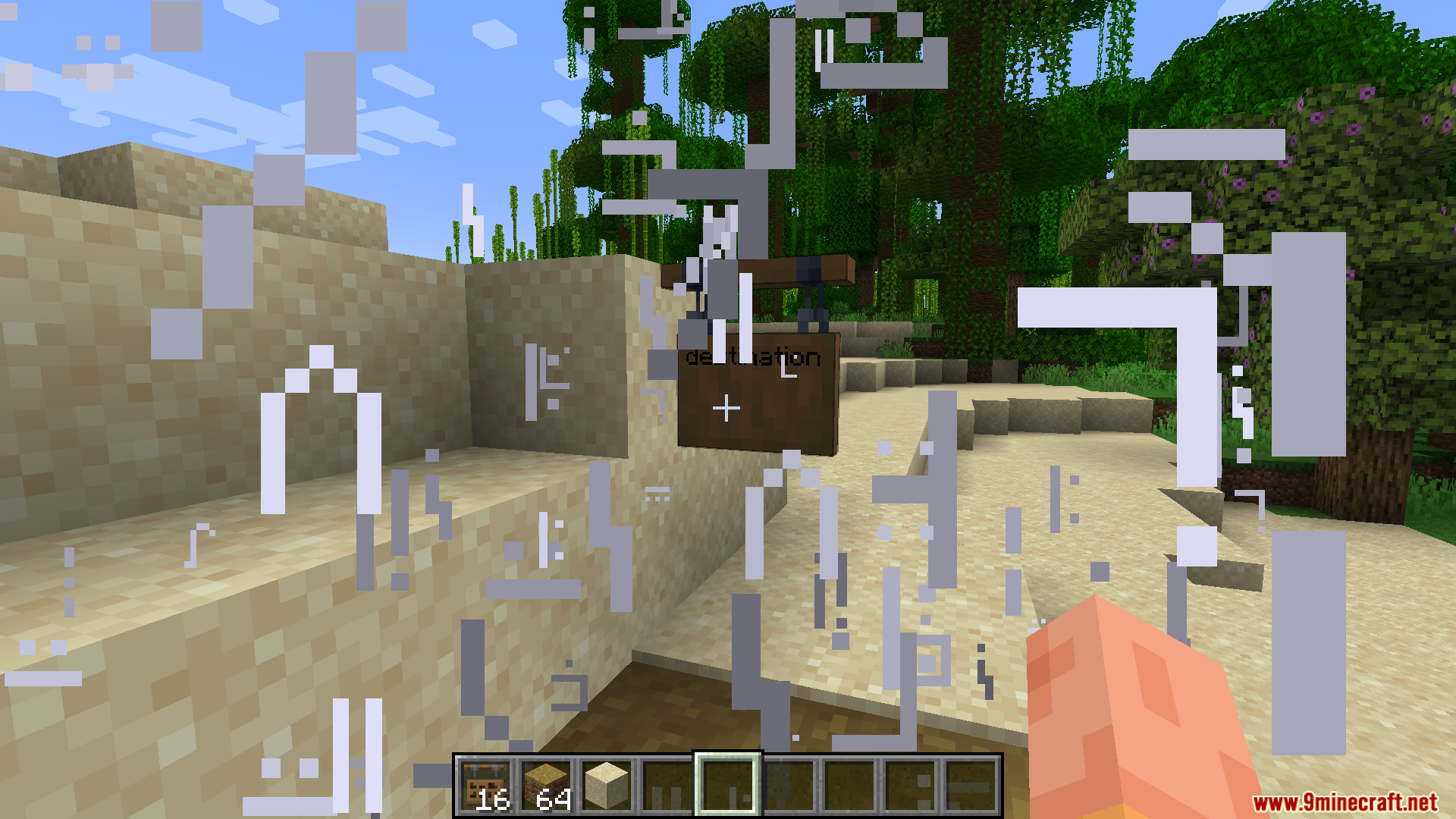
Via Romana Mod, sizi yol inşa etmeye teşvik eden bir hızlı seyahat sistemi ekler. İki tabela arasında seyahat edebilmeniz için aralarında düzgün bir yolun olması gerekir. Bu sayede her yere anında ışınlanmak yerine, yol ve köprü gibi altyapılar inşa etmek dünyanızı keşfetmenin önemli bir parçası haline gelir.
Özellikler:
- Bağlantılı tabelalar arasında anında seyahat edin, ancak yalnızca geçerli bir yol ile birbirlerine bağlılarsa.
- Seyahatin daha ödüllendirici hissettirmesi için yol ve diğer altyapıların inşasını teşvik eder.
- Mod oldukça yapılandırılabilirdir; hangi blokların yol sayılacağını, tabelaların ne kadar uzaklıkta olabileceğini ve daha fazlasını seçmenize olanak tanır.
- Vanilla tabelalarla çalışır ve diğer bazı modlardaki tabelalarla da uyumlu olmalıdır.
Komutlar:
/viaromana convert legacyPaths: Modun eski sürümlerindeki (2.2 öncesi) yolları mevcut formata güncellemek için bu komutu kullanın.
Nasıl Kullanılır:
- İlk olarak bir Path Chart ve bir Pathfinder’s Compass üretin.
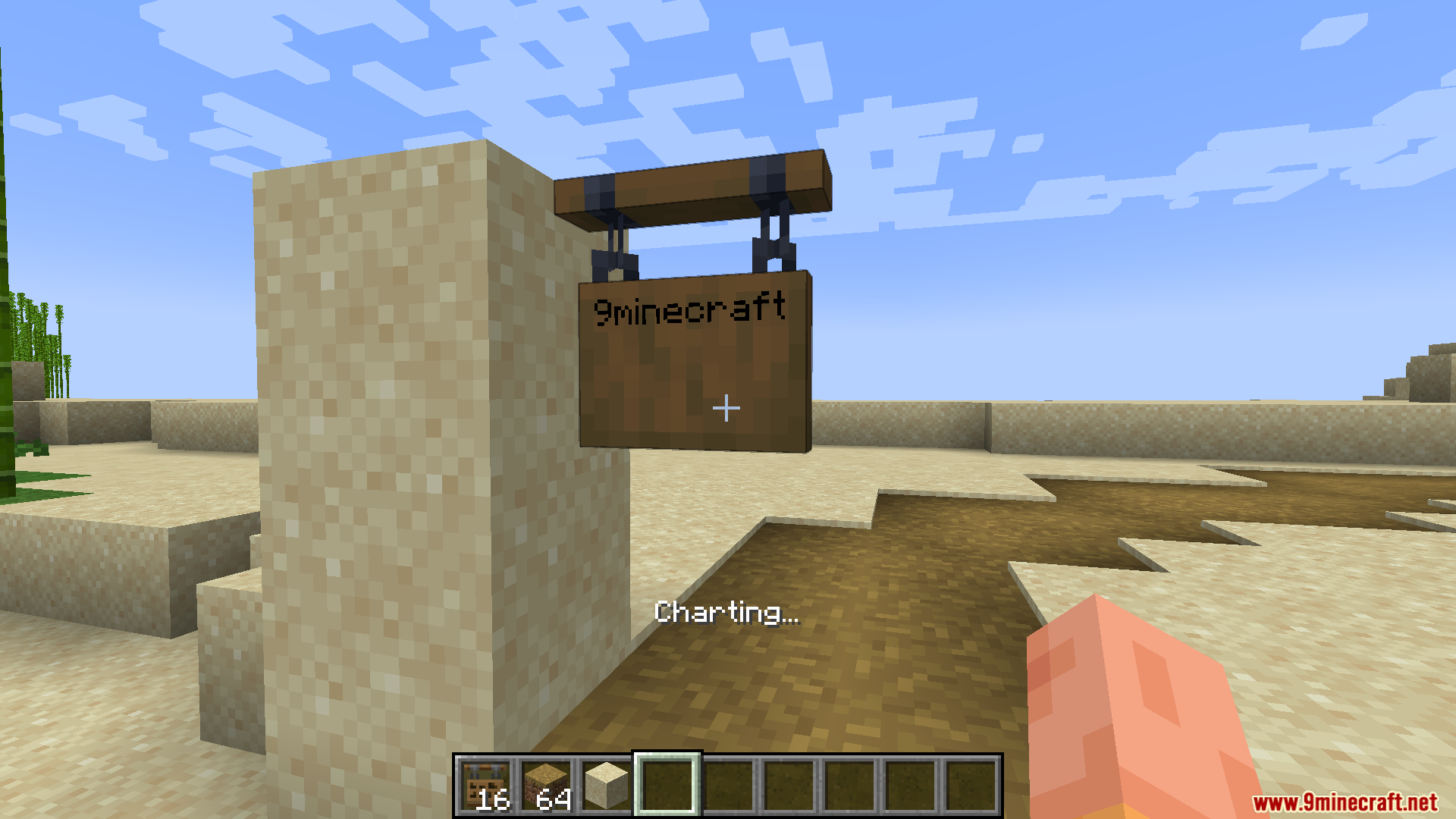
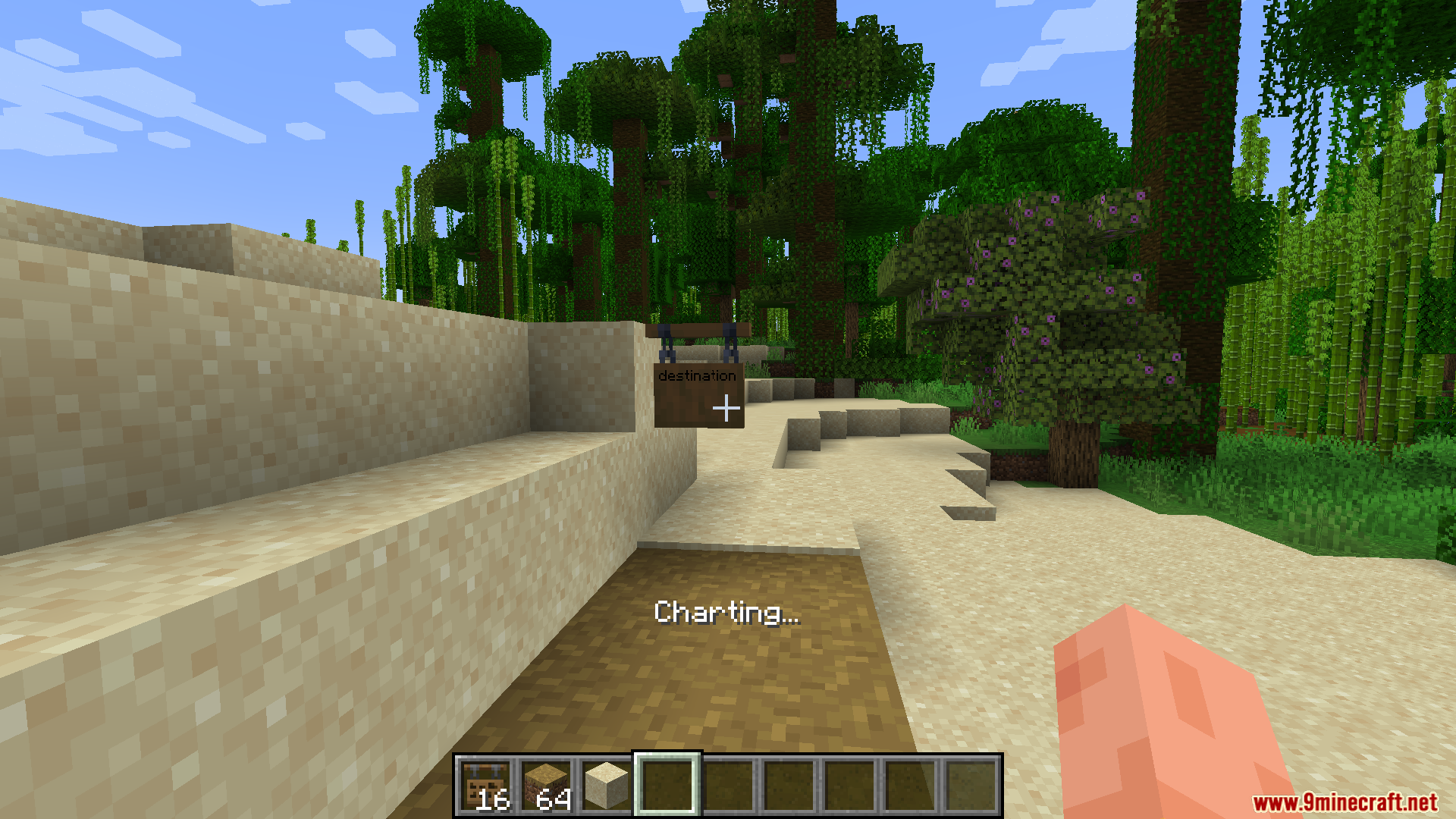
- Bir rotayı haritalamak için başlangıç tabelanıza gidin ve haritalamaya başlamak için Path Chart’ı kullanın.
- İnşa ettiğiniz yol boyunca varış noktanıza kadar yürüyün.
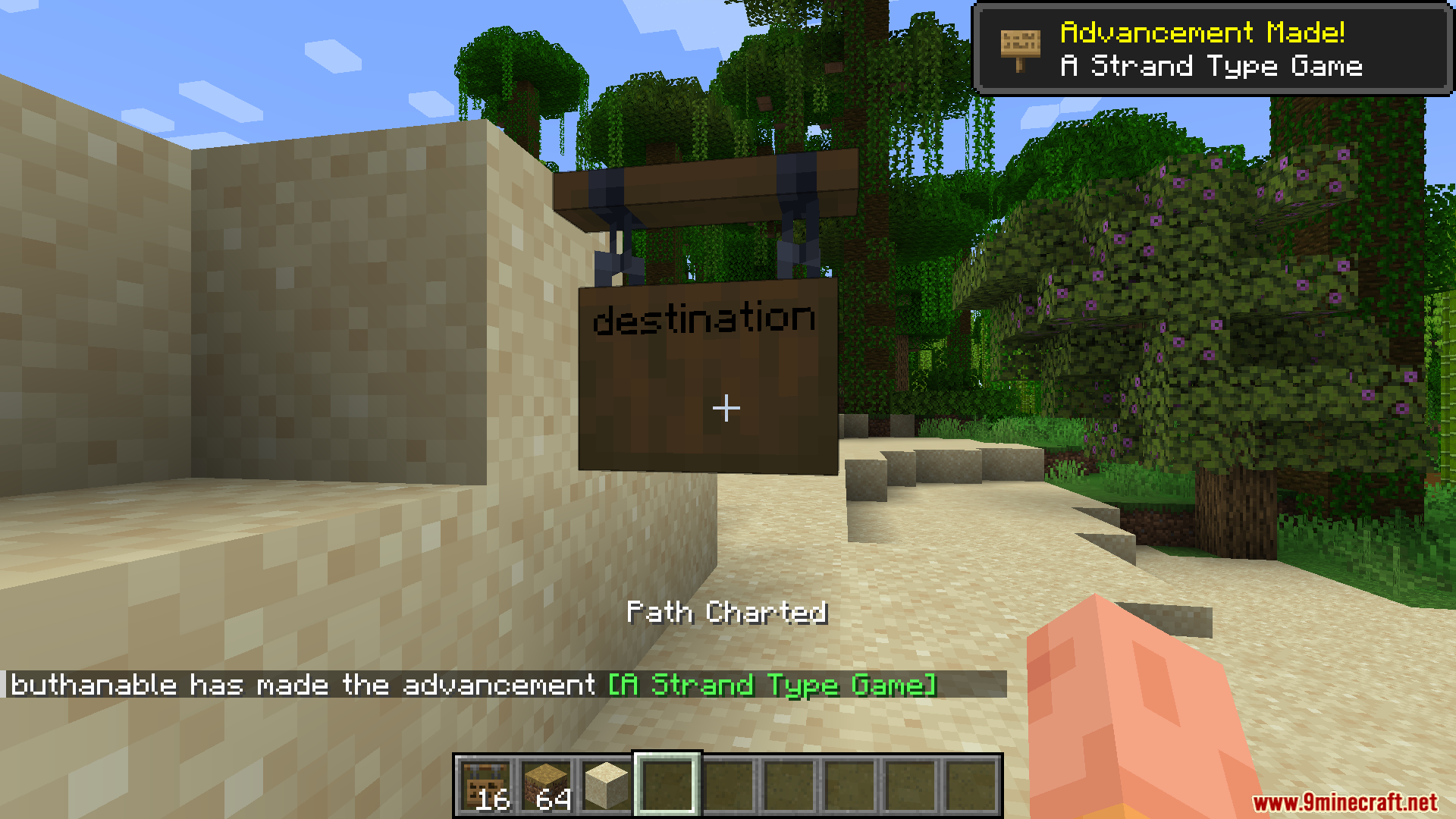
- Varış noktasındaki tabelada, rotayı tamamlamak için Path Chart’ı tekrar kullanın.
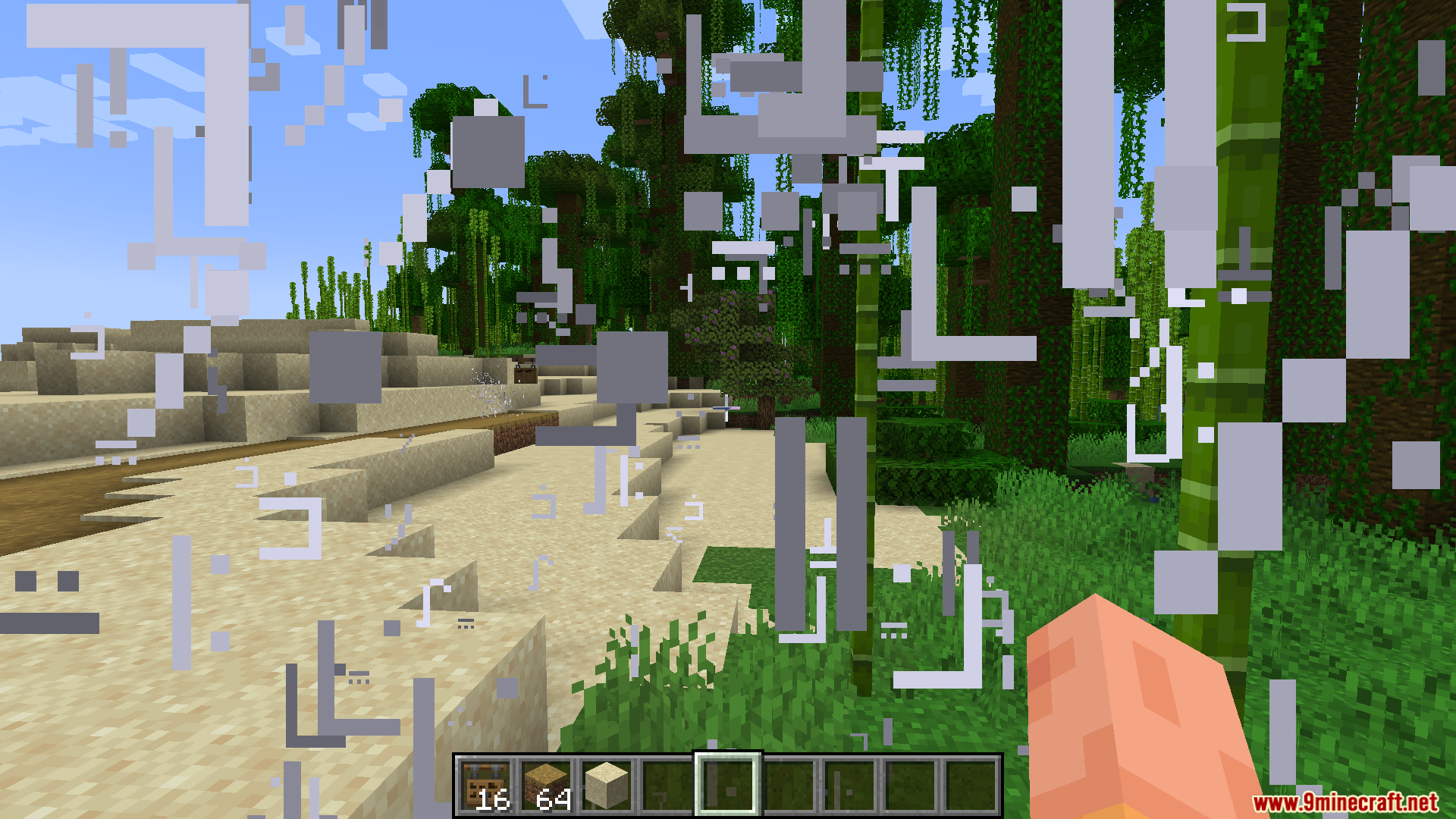
- Her iki uçtaki tabelalarla etkileşime geçin ve onları birbirine bağlamak için “Add to Path” butonunu kullanın. Bağlandıktan sonra aralarında hızlı seyahat yapabilirsiniz.
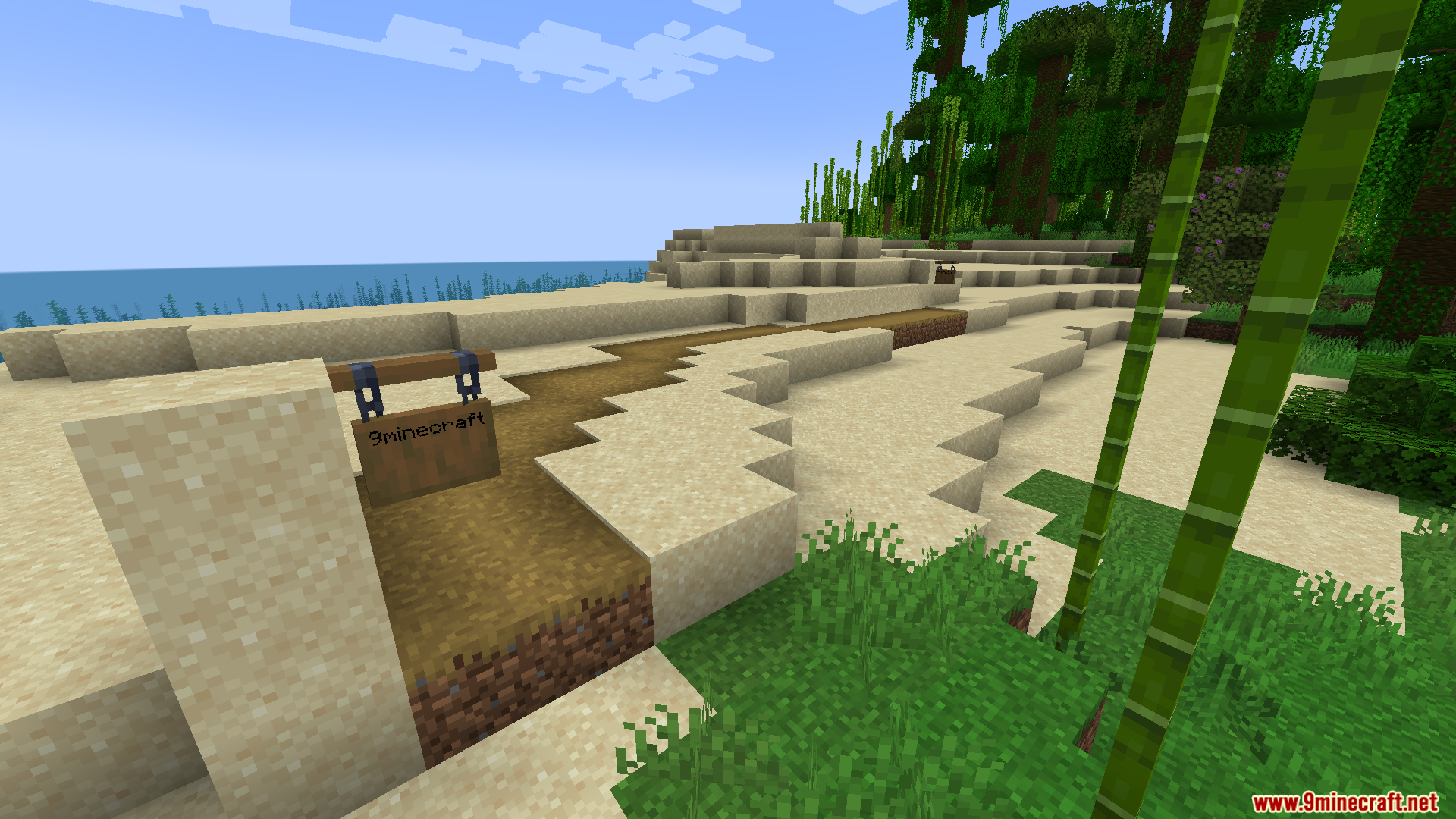
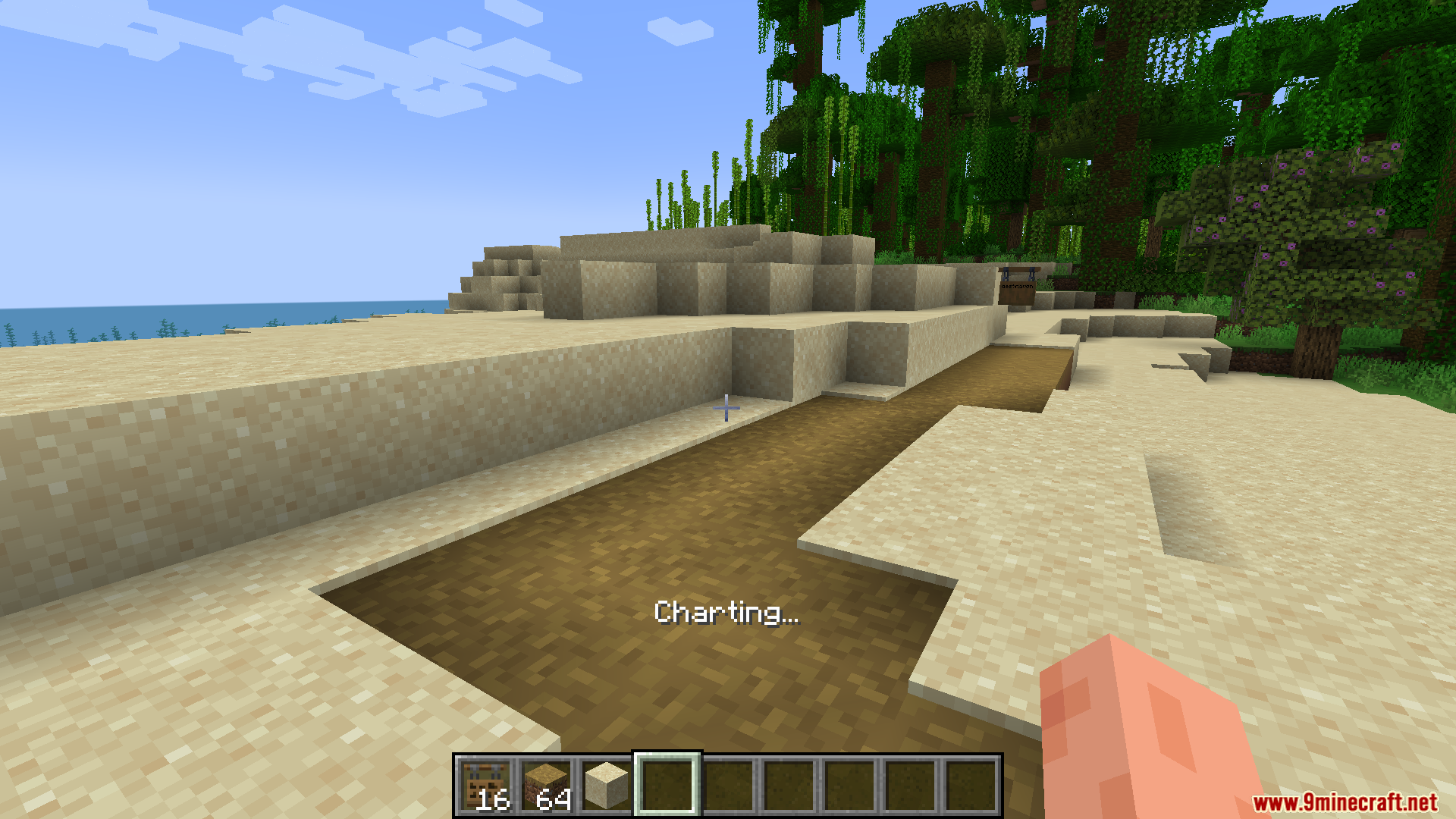
Ekran Görüntüleri:
Nasıl Kurulur:
Gereksinimler:

Via Romana Mod İndirme Linkleri
Minecraft 1.21.1, 1.21 İçin
NeoForge sürümü: Sunucu 1’den İndir – Sunucu 2’den İndir
Fabric sürümü: Sunucu 1’den İndir – Sunucu 2’den İndir
Minecraft 1.20.1, 1.20 İçin
Forge sürümü: Sunucu 1’den İndir – Sunucu 2’den İndir
Fabric sürümü: Sunucu 1’den İndir – Sunucu 2’den İndir
Minecraft 1.19.4 İçin
Forge sürümü: Sunucu 1’den İndir – Sunucu 2’den İndir
Minecraft 1.19.2 İçin
Forge sürümü: Sunucu 1’den İndir – Sunucu 2’den İndir
Bu gönderiyi puanlamak için tıklayın!
[Total: 1 Average: 5]
Bunları da Beğenebilirsiniz

Bu gönderide henüz yorum yok. İlk yorumu siz yapın — yorumunuz burada görünecek.