
Vanilla Emissive Ores Model – Brings Glowing Mineral Veins to Dark Caves

 0


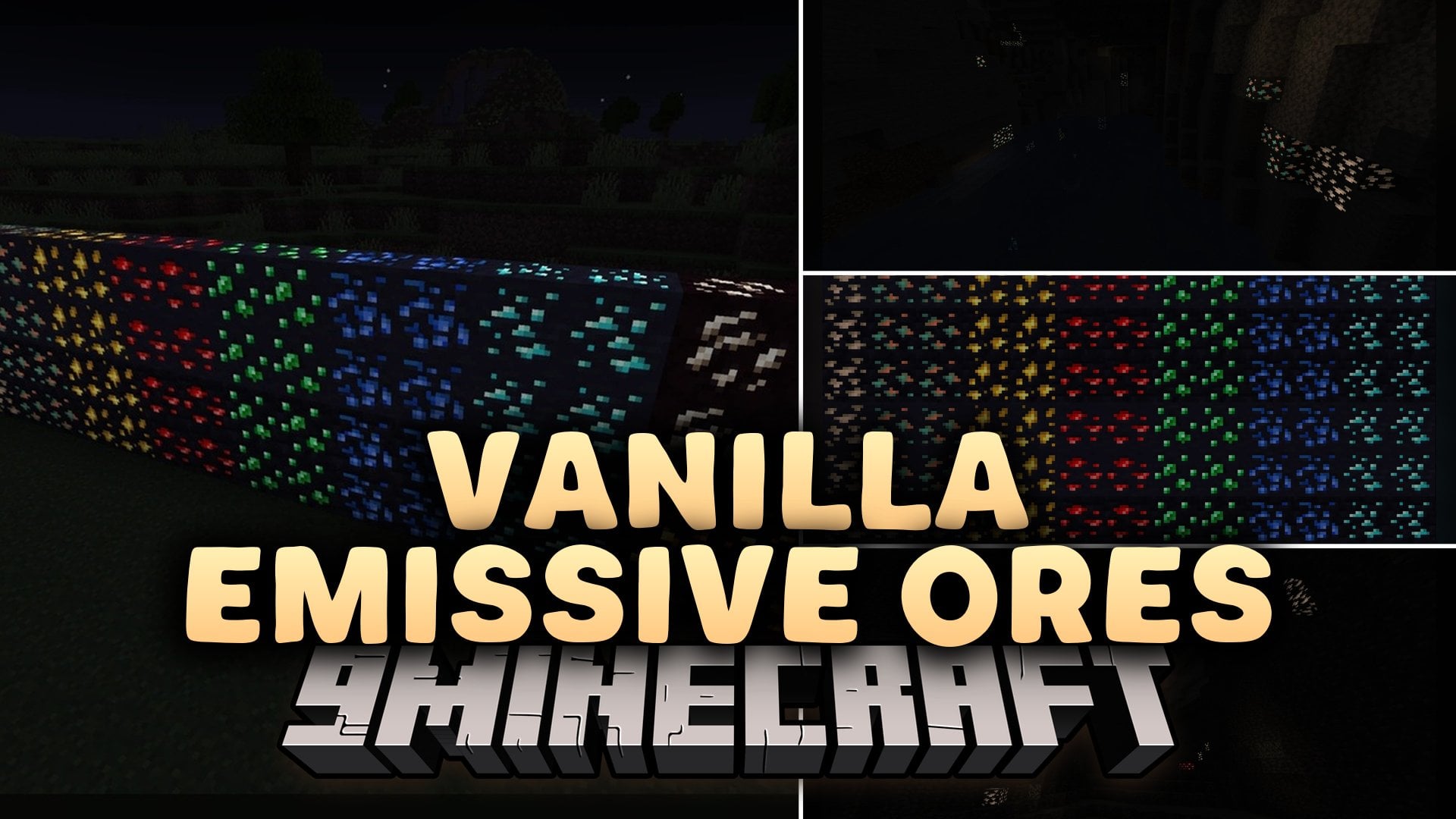
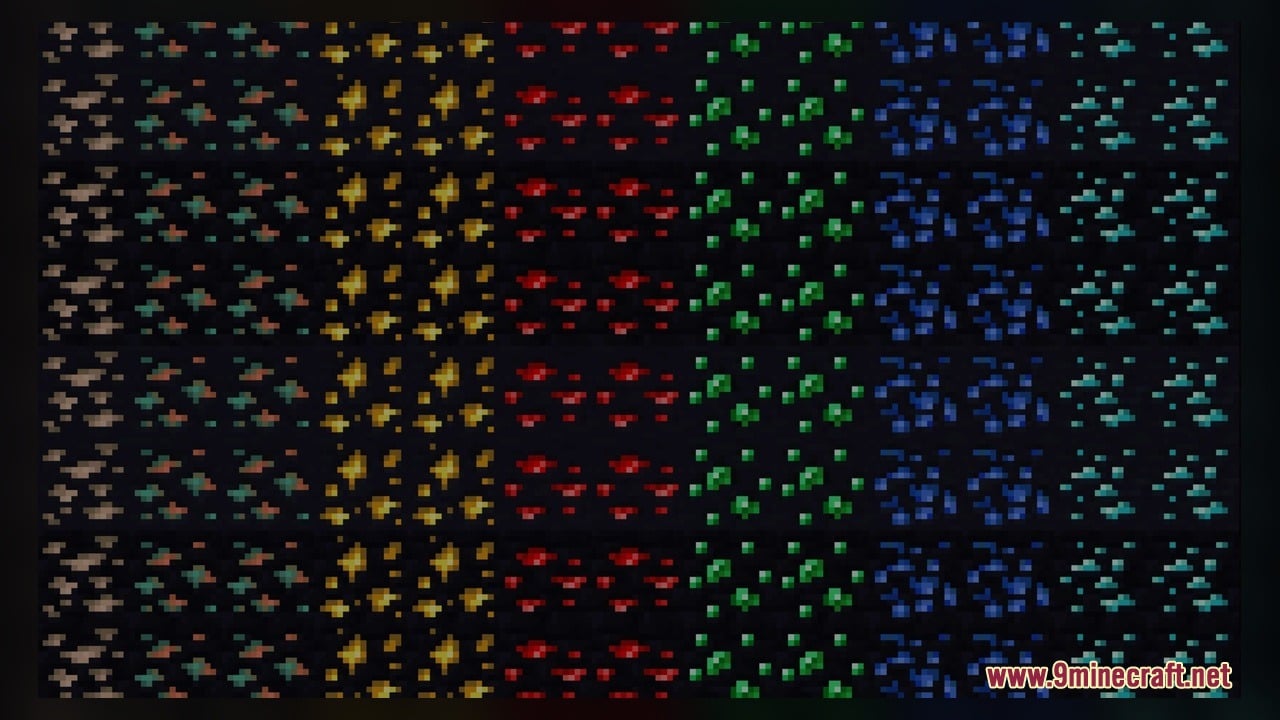
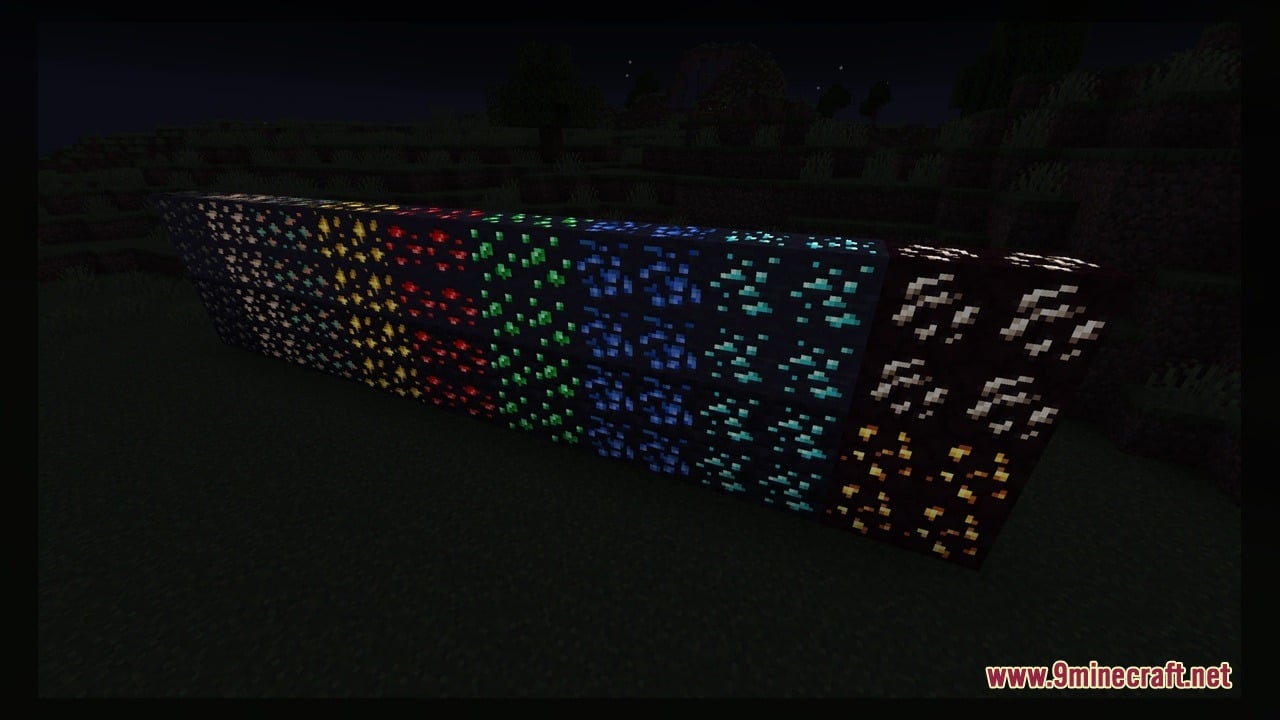
Vanilla Emissive Ores Model transforms the look of natural ore blocks so their textures glow in the dark. This pack includes 11 custom 3D models and 12 texture files that make mineral veins stand out completely in vanilla Minecraft and with Sodium. It covers both Overworld and Nether blocks, including Coal, Copper, Iron, Gold, Diamond, Emerald, Lapis, Redstone, Nether Gold, Nether Quartz, and Gilded Blackstone. Players can spot valuable resources in dark caves without placing torches everywhere.
Features:
- Vanilla Emissive Glow: Makes the colored mineral parts of ore blocks shine brightly in low light without needing external shader packs.
- Sodium Compatible: Works directly with the vanilla game renderer and supports the Sodium optimization mod.
- Includes 11 custom 3D model templates and 12 texture files to handle the glowing ore layer effect.
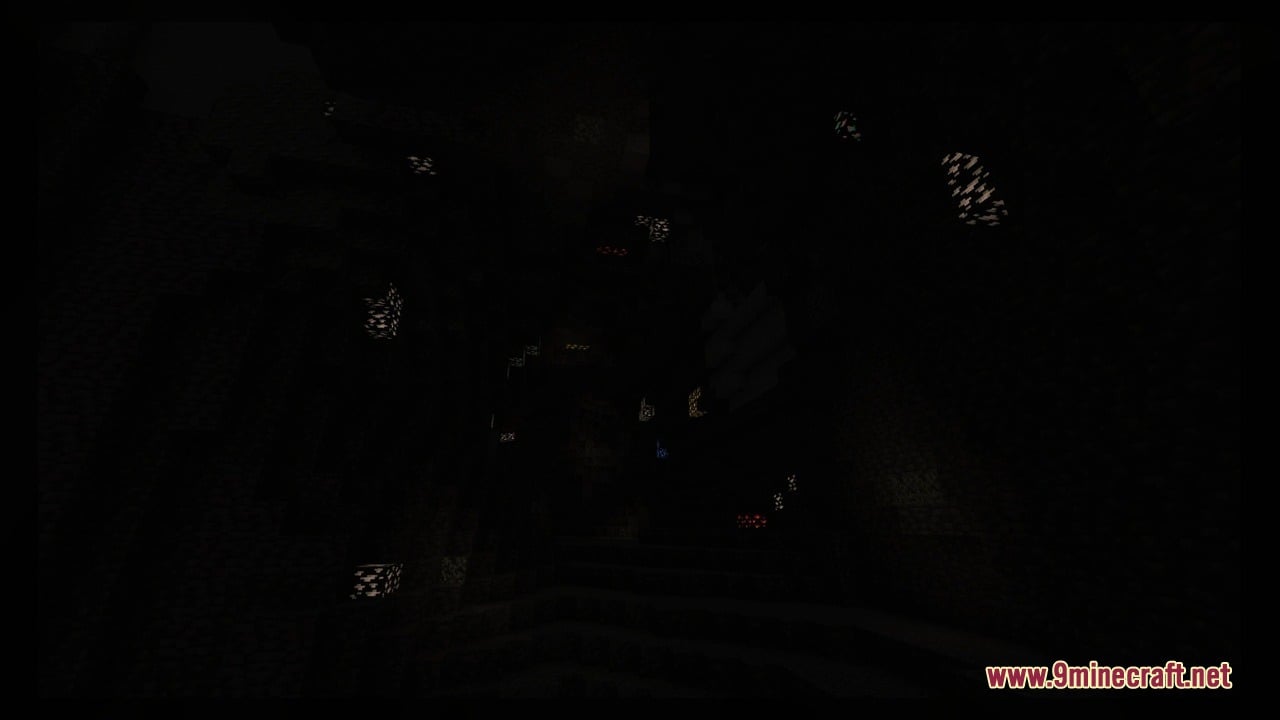
- Helps players spot resources quickly along dark cave walls, ravines, and Nether tunnels.
Overworld Ores:
- Coal Ore: Makes the black coal spots stand out against the surrounding stone base.
- Copper Ore: Adds a bright emissive shine to the orange and green copper streaks.
- Iron Ore: Lights up the tan iron specks so they are easy to see in dark caverns.
- Gold Ore: Gives the yellow gold flecks a clear, bright glow underground.
- Lapis Lazuli Ore: Makes the deep blue lapis spots shine against dark cave walls.
- Redstone Ore: Keeps the red mineral spots visibly glowing even before you step on or hit the block.
- Emerald Ore: Lights up the green emerald gems found in mountain and cave stone.
- Diamond Ore: Makes the light blue diamond crystals pop out clearly in deep underground layers.
Nether Ores:
- Nether Quartz Ore: Gives the white quartz veins a bright glow against dark red netherrack.
- Nether Gold Ore: Makes the yellow gold nuggets shine clearly inside netherrack walls.
- Gilded Blackstone: Lights up the golden streaks inside dark blackstone blocks found in bastion remnants.
How to Use:
- Move the downloaded pack file into your Minecraft resourcepacks folder, open Options, click Resource Packs, and move it to the active column on the right.
- Enter an underground cave without holding or placing torches to see Coal Ore, Copper Ore, and Iron Ore glowing against the dark stone walls.
- Dig deeper underground to find the bright blue, green, yellow, and red mineral spots on Diamond Ore, Emerald Ore, Gold Ore, Lapis Ore, and Redstone Ore shining in the shadows.
- Build and light a Nether Portal to check out Nether Gold Ore and Nether Quartz Ore glowing brightly along the netherrack cliffs and ceilings.
- Locate a Bastion Remnant in the Nether or grab blocks from the Creative inventory to see the glowing gold streaks on Gilded Blackstone next to the other 10 custom ore models.
Screenshots:
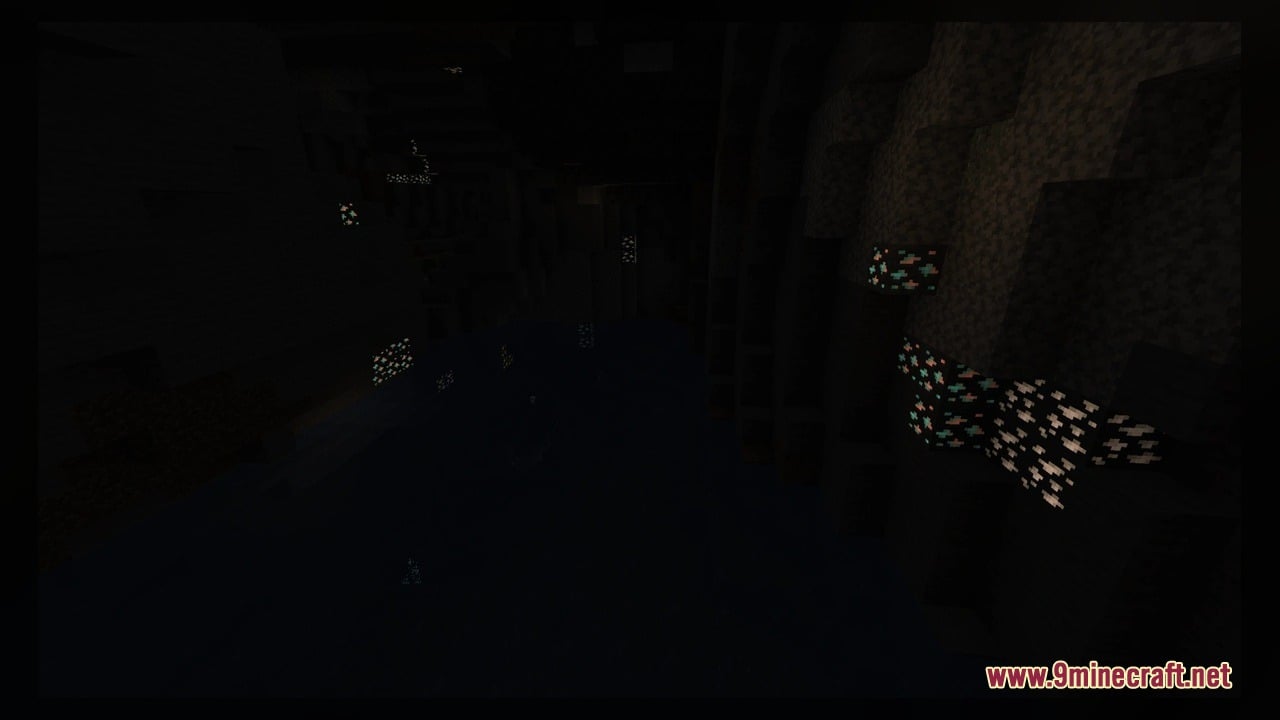
Vanilla Emissive Ores Model Download Links
Click to rate this post!
[Total: 0 Average: 0]
You May Also Like
Picked for this page
 Pastelcraft Model – Brings Soft Pastel Colors and 3D Redstone Blocks
 Gui’s Better Vanilla Model – Brings Animated 3D Torches and Plants
 Simply Alive Model – Brings Animated 3D Blocks and Capybara Totems
 Esterlon Network Textures Model – Brings Realistic Modern City Streets
 Dimensionalized 3D Essentials Model – Adds 248 Vanilla-Style 3D Block Models
 Tooniverse Texture Pack 64x Model – Brings Cute 3D Cartoon Visuals to Worlds
 FA_edition Model – Transforms Vanilla Foliage and Blocks with 3D Shapes
 MineColonies Vanillafied Model – Brings Vanilla-Styled 3D Colony Blocks
 HMI 3D Buckets Model – Turns Flat Vanilla Buckets Into Animated 3D Containers
 Redstone Tweaks For Bare Bones Model – Brings Clear 3D Signal States
 STAR21 Model – Brings the Class 952 Shinkansen Bullet Train to MTR4 Tracks
 Night UI – Transforms Game Menus and Glass Panes with Sleek Dark Visuals
Most viewed in Models over the last 7 days
 Jenny Mod Skin Pack Mega Collection – 310+ Characters
 The Most Complete Collection of Jenny Mod Resources – Models, Animations, Structures,…
 Albedo Rework Jenny Mod Model
 750 Models Addon for Yes Steve Model Mod
 Galath Rework Model – Custom Girl for PleasureCraft Mod
 Power Model – Custom Girl for PleasureCraft Mod
 Pomni Jenny Mod Model
 Femboy Ellie Rework Jenny Mod Model
 Ram Model – Custom Girl for PleasureCraft Mod
 100+ Custom Animations For Jenny Mod
 Ellie Rework Jenny Mod Model
 Steve (Jenny & Zoey) Pack Jenny Mod Model
More from Models
 Classic 3D Swords & Tools Model – Transforms Flat Vanilla Gear Into 3D Weapons
 Munich Trains Model – Brings Authentic Munich Subway and Regional Trains
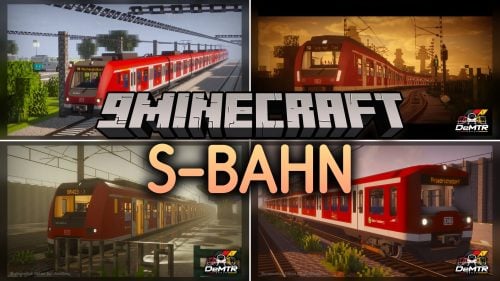 S-Bahn Model – Brings German Urban Commuter Trains to MTR4 Railways
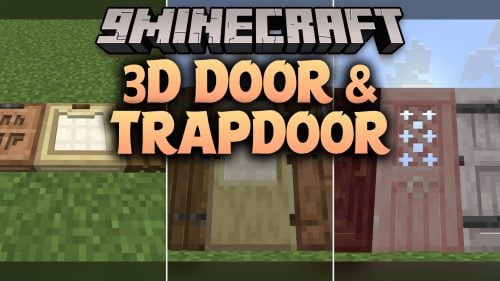 3D Door & Trapdoor Model – Adds Physical Depth to Vanilla Entryways
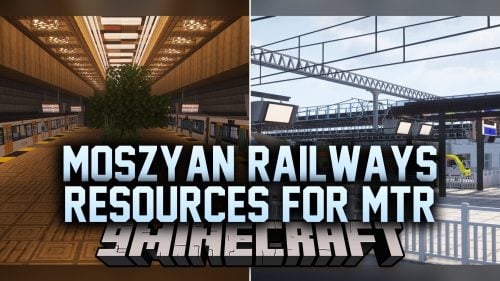 Moszyan Railways Resources For MTR Model – Builds Out Urban Transit Networks
 Cross Country BR Class 221 Super Voyager Model – Adds Modern British Rail Cars
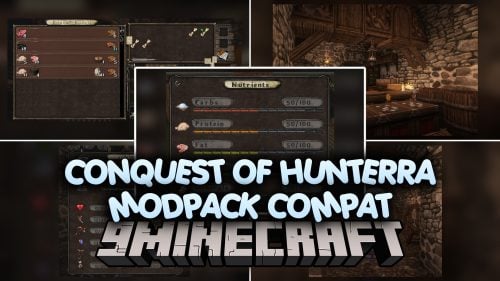 Conquest Of Hunterra Modpack Compat Model – Brings 3D Medieval Kitchens and Food
 Stepford Express BR Class 221 Super Voyager Model – Adds Modern Passenger Trains
 Retro Textures Model – Brings Classic Alpha Blocks and 3D Redstone
 Waystones RP Model – Adds 3D Teleport Pillars and Custom Menus
 Nebryx PvP Swight Model – Brings Low Fire and 3D Blocks for Competitive PvP
 Duolingo Cpvp Model – Brings Animated 3D Duo Owl Visuals to Crystal PvP

This post has no comments yet. Be the first — your comment will appear here.