
Esterlon Network Textures Model – Brings Realistic Modern City Streets

 0


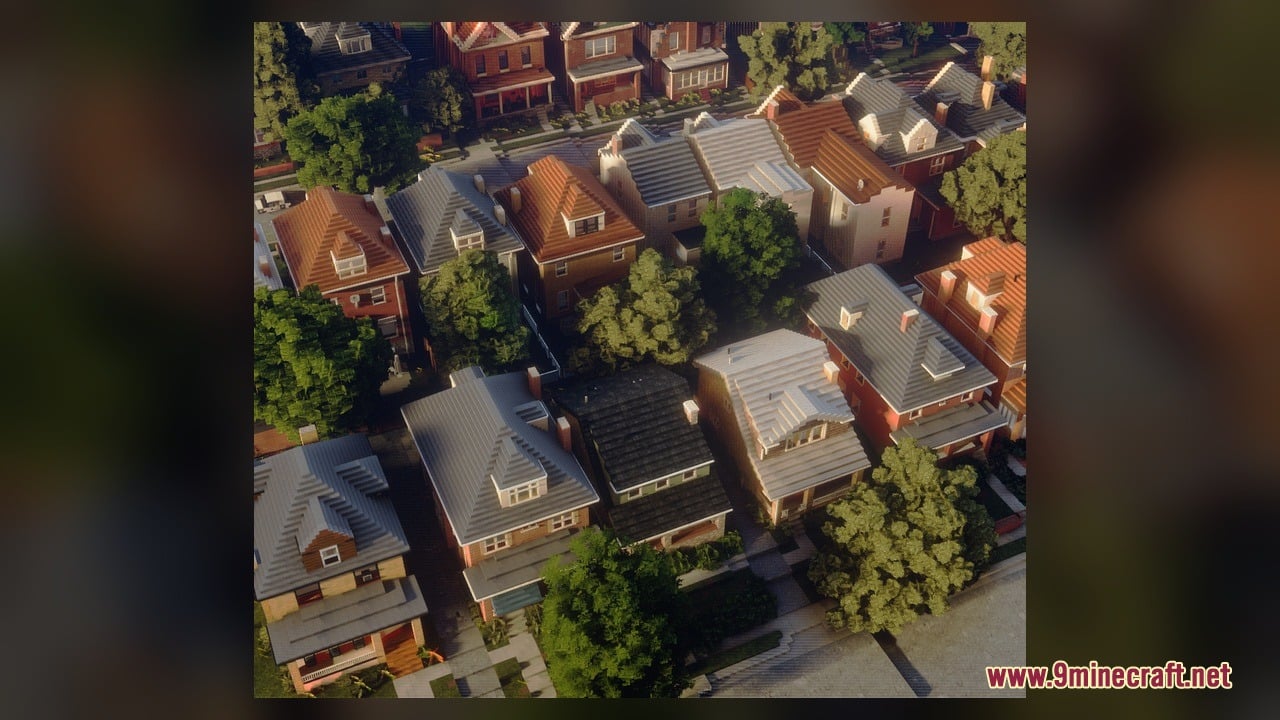
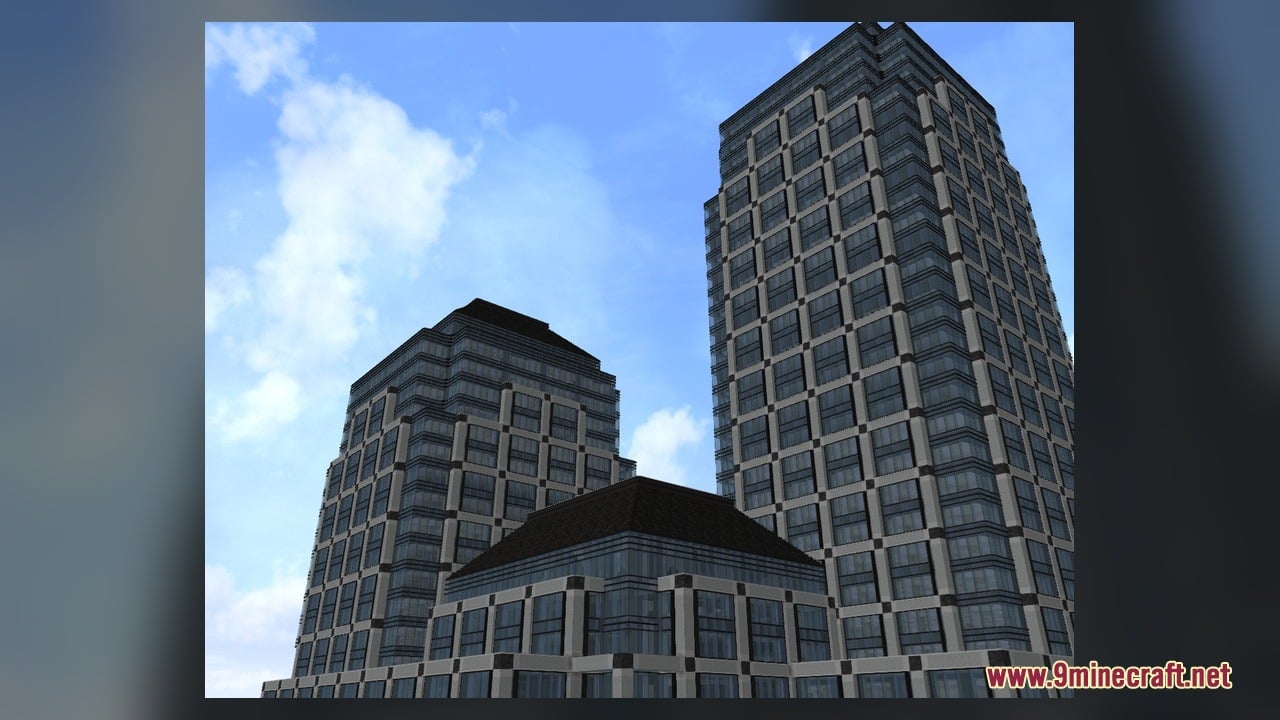
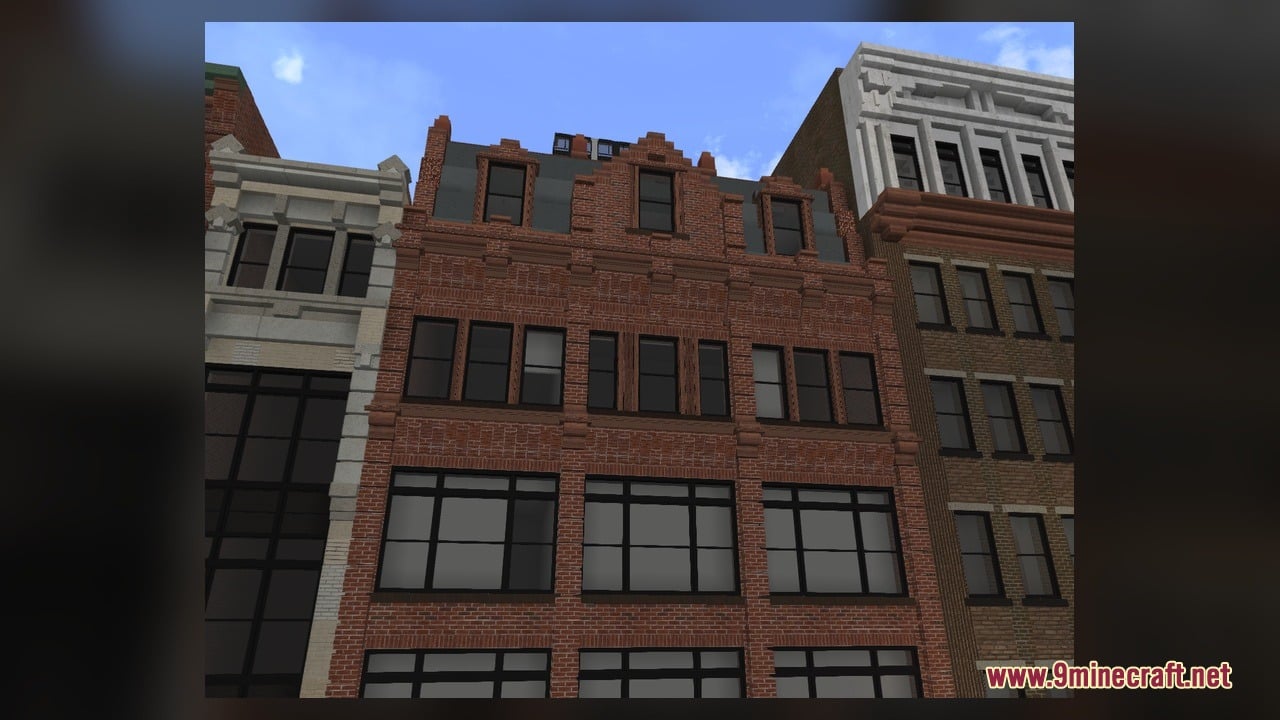
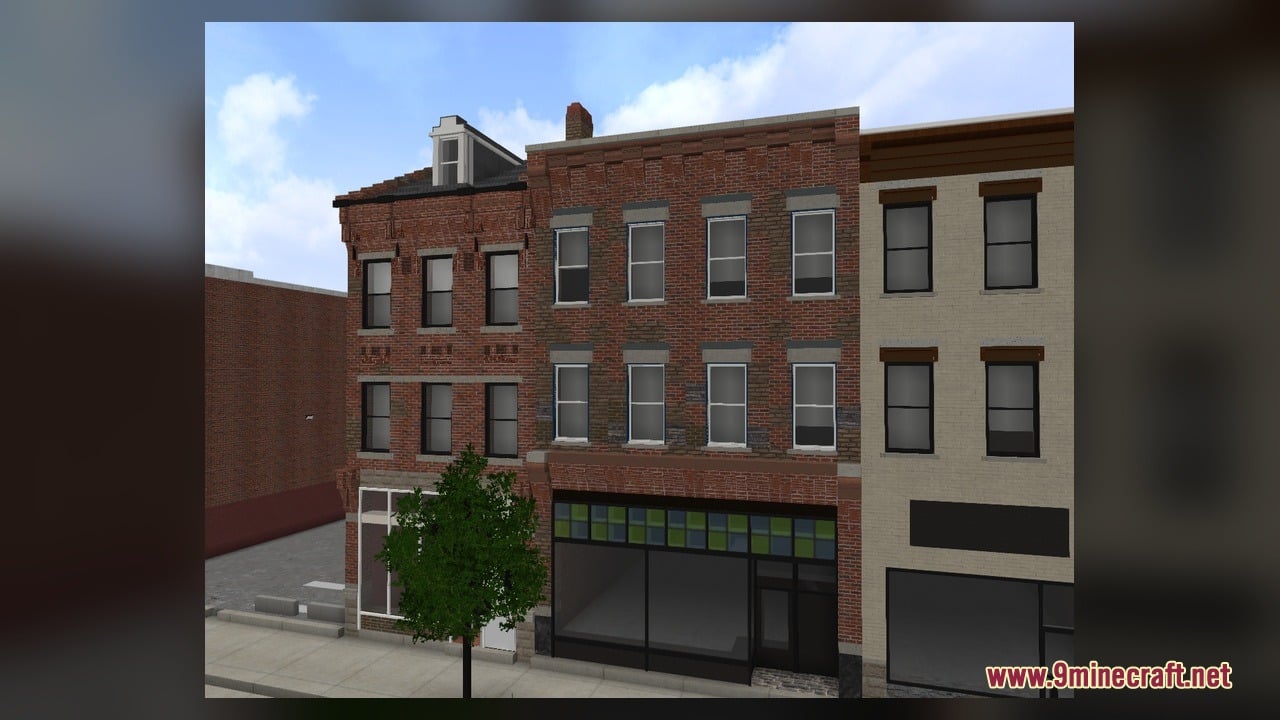
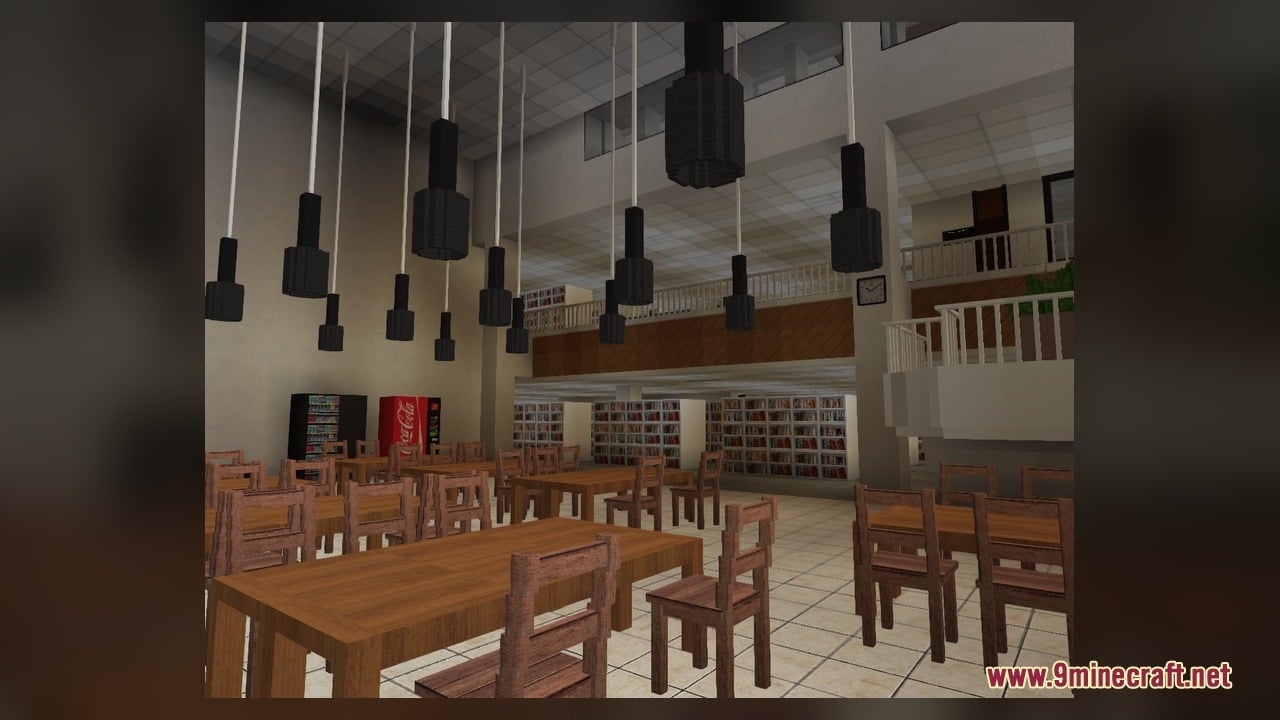
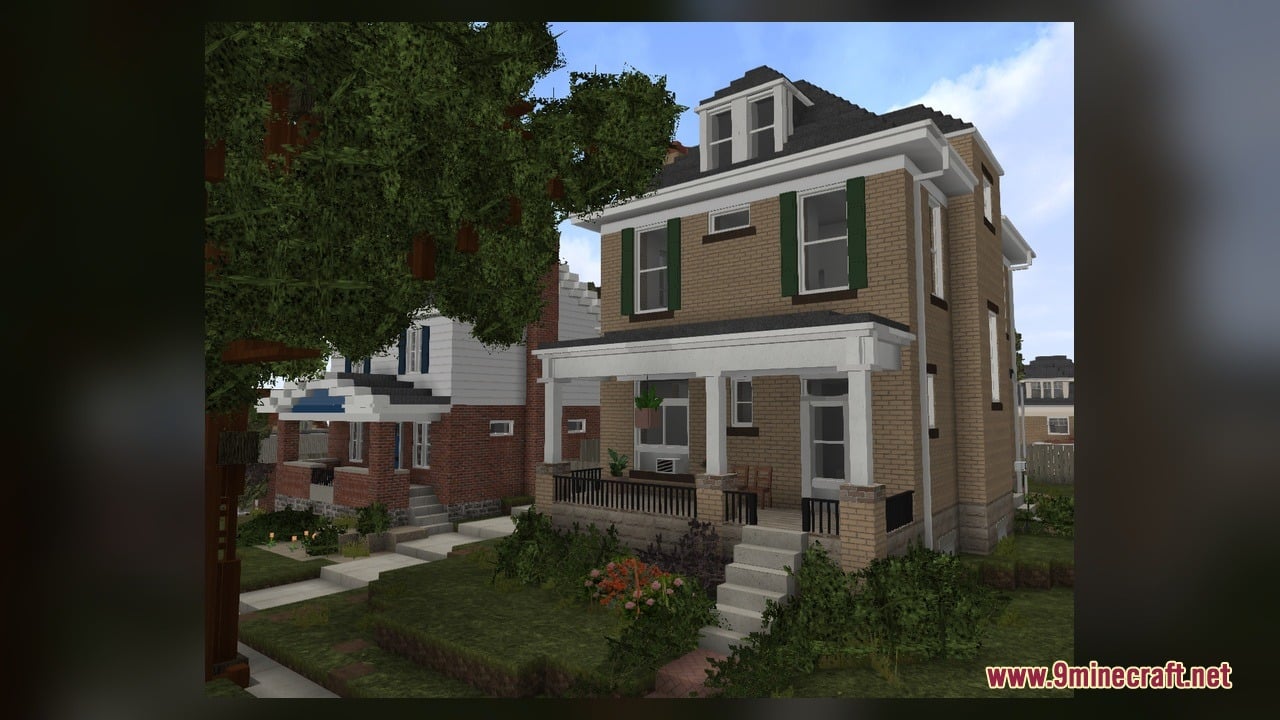
Esterlon Network Textures Model brings realistic North American city visuals into Minecraft. This pack includes 1,153 custom 3D models and 8,866 texture files that update everyday blocks and items. It features animated textures along with detailed foliage and urban building shapes. The collection also supplies two Blockbench source models for creators who wish to inspect or adjust the shapes. Every block is styled to help you build modern streets, sidewalks, and neighborhood scenes.
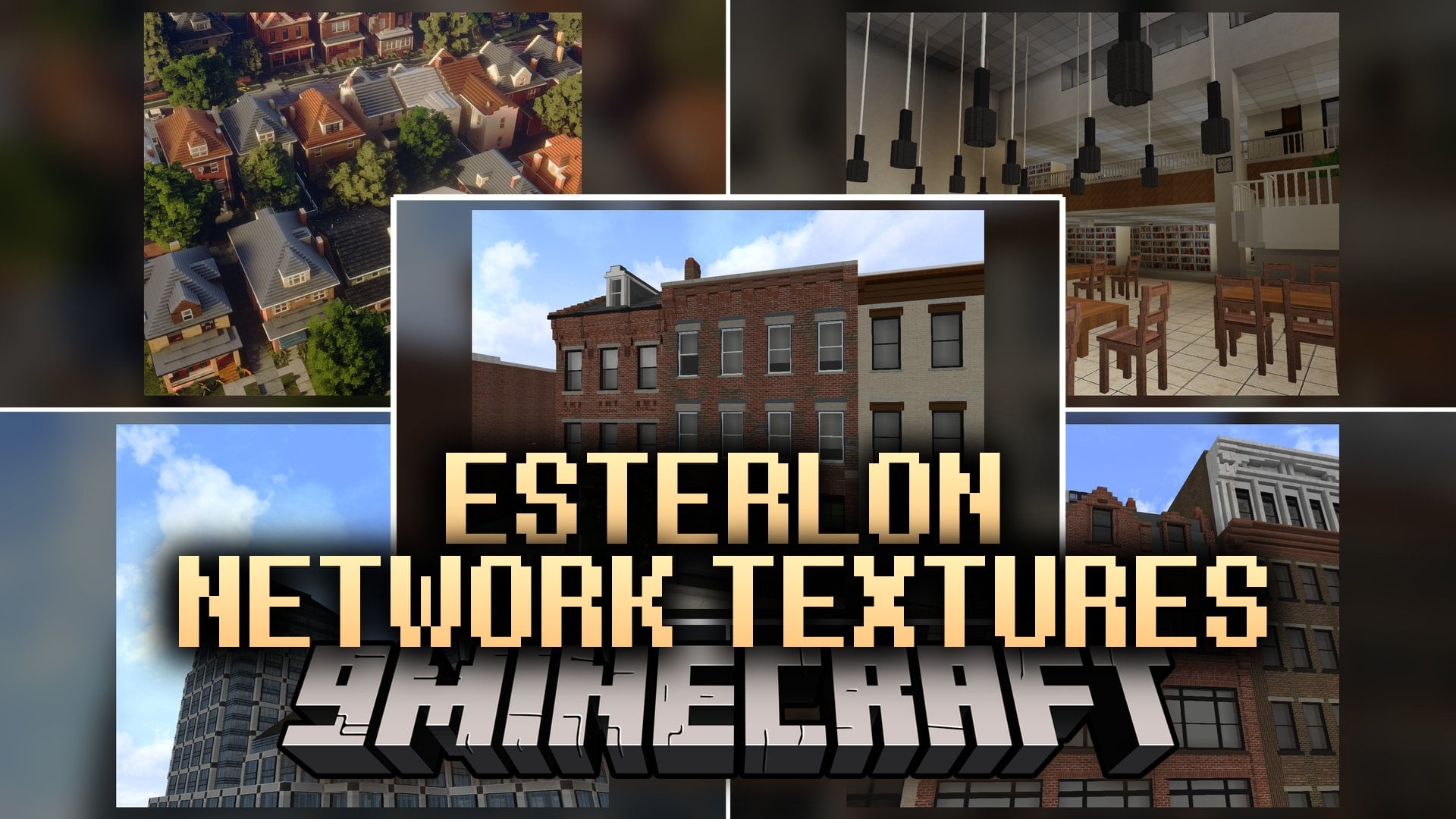
Features:
- City Theme: Redesigns vanilla blocks to imitate the look and feel of modern North American cities.
- Custom 3D Models: Delivers 1,153 unique 3D block and item models with realistic depth.
- Massive Texture Library: Supplies 8,866 texture files to give surfaces a realistic finish.
- Animated Textures: Features moving textures that bring urban elements to life.
- Source Files: Includes 2 Blockbench project files for builders who want to inspect the 3D models.
- Gives acacia leaves and azalea leaves ten or more shape variations for natural tree canopies.
- Changes the acacia boat into a realistic modern water vehicle.
- Adds distinct pressed models for acacia buttons and pressure plates when activated.
- Provides realistic 3D shapes for decorative flowers like allium and azure bluet.
- Reworks the anvil into a detailed metal fixture suitable for city construction sites.
- Updates early bamboo growth stages with realistic plant models.
Requirements:
- Blockbench: only needed if you want to inspect or edit the included source models.
How to Use:
- Place the downloaded pack file inside your Minecraft resourcepacks folder and activate it in the Resource Packs menu.
- Craft an Anvil using iron ingots and iron blocks, then place it down to view its reworked industrial shape.
- Travel to a Savanna biome or plant Acacia Saplings to observe the custom foliage layers on acacia leaves.
- Craft an Acacia Button or Acacia Pressure Plate and press them to watch the model snap into its custom down position.
- Pick up Allium or Azure Bluet flowers and place them along sidewalks to see their updated plant models.
- Place an Acacia Boat in water or plant bamboo to check out custom item models and moving texture animations.
Screenshots:
Esterlon Network Textures Model Download Links
Click to rate this post!
[Total: 0 Average: 0]
You May Also Like
Picked for this page
 Bare Bones X Model – Brings Simple 3D Foliage and Modded Block Visuals
 Quadral Model – Brings Vivid Colors and 31 Custom 3D Models to Vanilla
 Pixel-Tree Model – Transforms Everyday Vanilla Blocks with Detailed 3D Shapes
 Gui’s Better Vanilla Model – Brings Animated 3D Torches and Plants
 Slimefun Model – Brings 3D Shields, Solar Panels, and Animated Server Tech
 Gothiclily’s Flower Model – Transforms Wild Foliage with Custom 3D Flora
 The Original Work Programmer Art Model – Brings Classic Retro Visuals and Models
 Brush & Juice Model – Brings Animated 3D Redstone and Mechanical Blocks
 Minebox Plus Model – Transforms Caves, Plants, and Redstone with 3D Models
 Fresh Ores And Ingots VR Model – Transforms Flat Minerals Into 3D Gems
 Trams4MC 2 – Brings Scripted Modern Streetcars to Your Transit Railway Lines
 Justzilla’s Classic Model – Brings Retro Aesthetics to Modern Blocks
Most viewed in Models over the last 7 days
 Jenny Mod Skin Pack Mega Collection – 310+ Characters
 The Most Complete Collection of Jenny Mod Resources – Models, Animations, Structures,…
 Albedo Rework Jenny Mod Model
 750 Models Addon for Yes Steve Model Mod
 Power Model – Custom Girl for PleasureCraft Mod
 Galath Rework Model – Custom Girl for PleasureCraft Mod
 Pomni Jenny Mod Model
 Ram Model – Custom Girl for PleasureCraft Mod
 Femboy Ellie Rework Jenny Mod Model
 100+ Custom Animations For Jenny Mod
 Ellie Rework Jenny Mod Model
 Ellen Model – Custom Girl for PleasureCraft Mod
More from Models
 Soartex Forever Model – Brings Smooth 3D Blocks and Animated Textures to Worlds
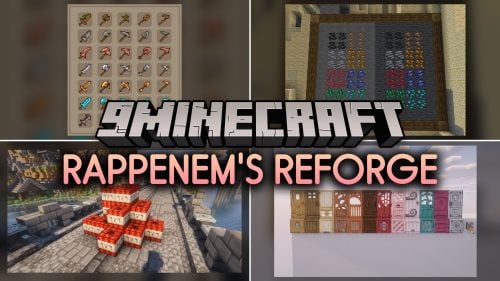 Rappenem’s Reforge Model – Brings Detailed 3D Pumpkins and Animated Doors
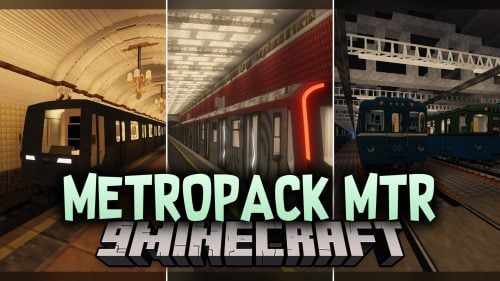 Metropack MTR Model – Brings Detailed Russian Metro Trains to Rail Networks
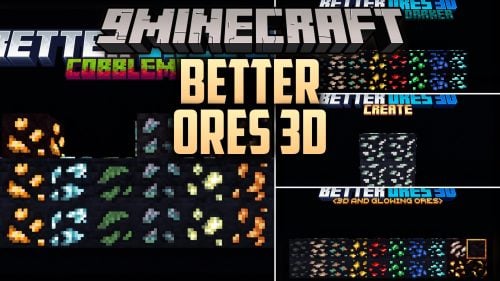 Better Ores 3D Model – Transforms Flat Cave Walls with Glowing Mineral Crystals
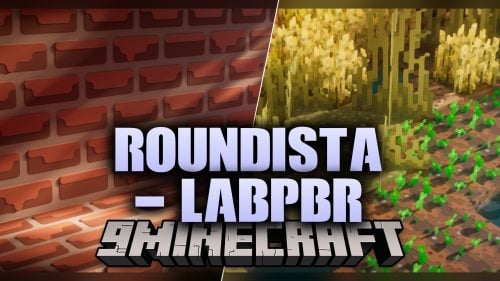 Roundista – Transforms Blocks with Rounded 3D Models and Animated Textures
 Midnighttigger’s Default Connected Textures Model – Adds 3D Animated Block Panes
 ItemBound ReBound Model – Transforms Renamed Items Into 3D Weapons and Decor
 Lucipo’s Hoplite PvP Pack – Brings Animated 3D Blocks to PvP Combat
 Doc’s Whimscape Additions Friends & Foes Model – Restyles Modded Mobs and Gear
 Vanilla SMP Model – Brings Clear 3D Weapons and Visible Traps to PvP
 Moons Simple Bedwars Model – Brings Clean Animated 3D Blocks to Matches
 NS Trains Model – Brings Realistic Dutch Railway Vehicles to MTR4 Networks

This post has no comments yet. Be the first — your comment will appear here.