


Barista Mod (1.20.1, 1.19.4) – Xem thông tin game không cần màn hình F3

 0
0 

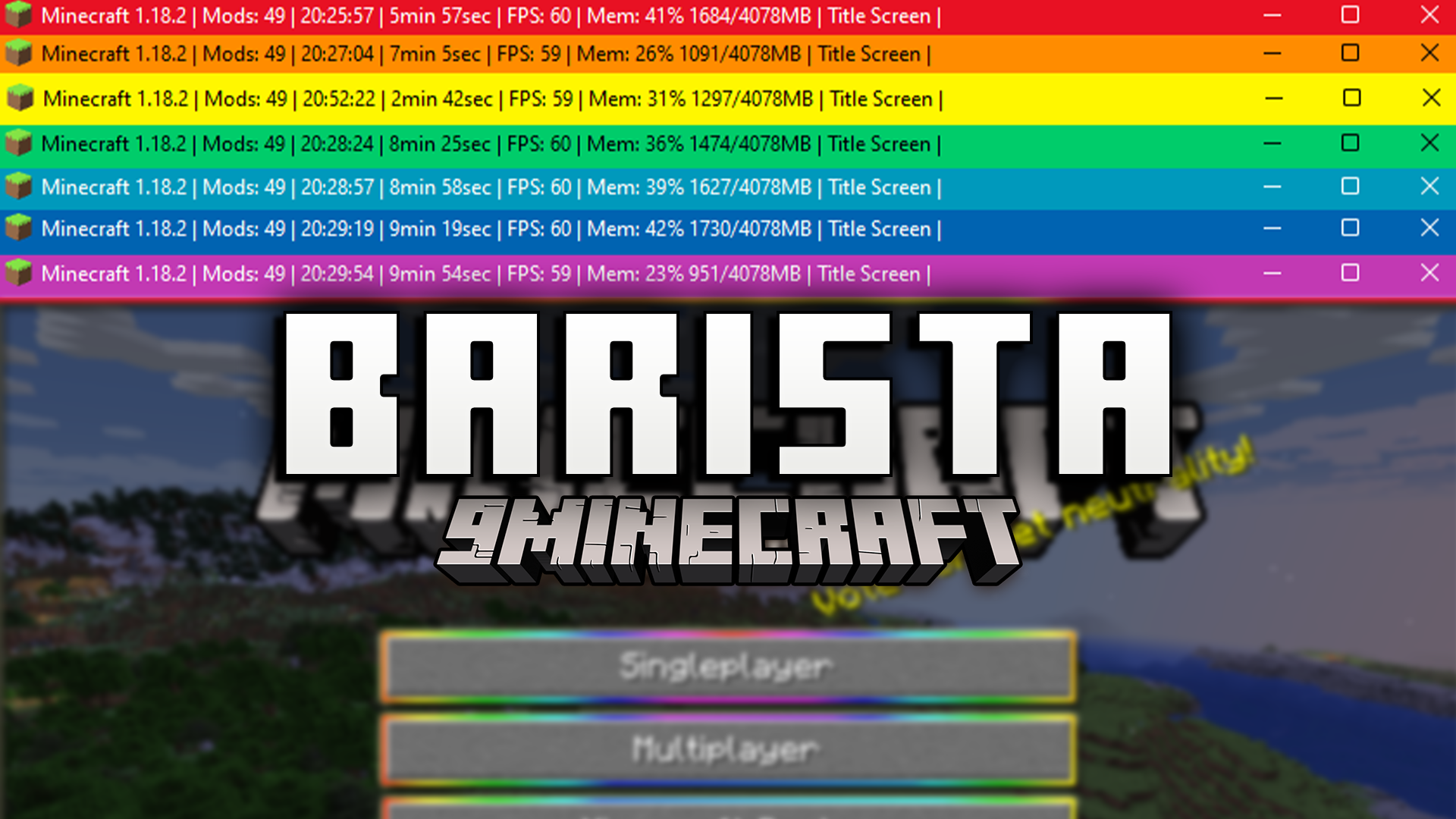
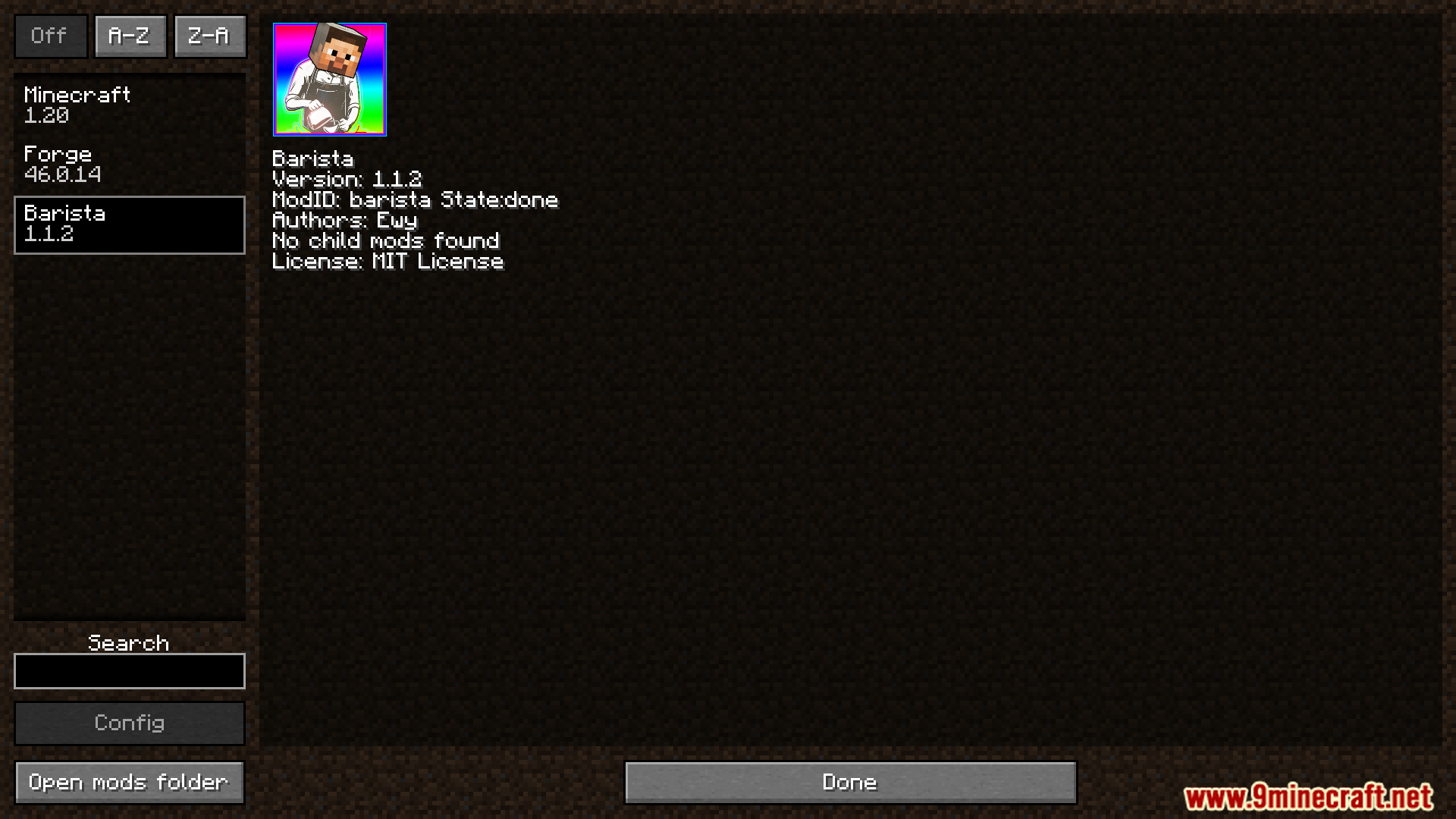
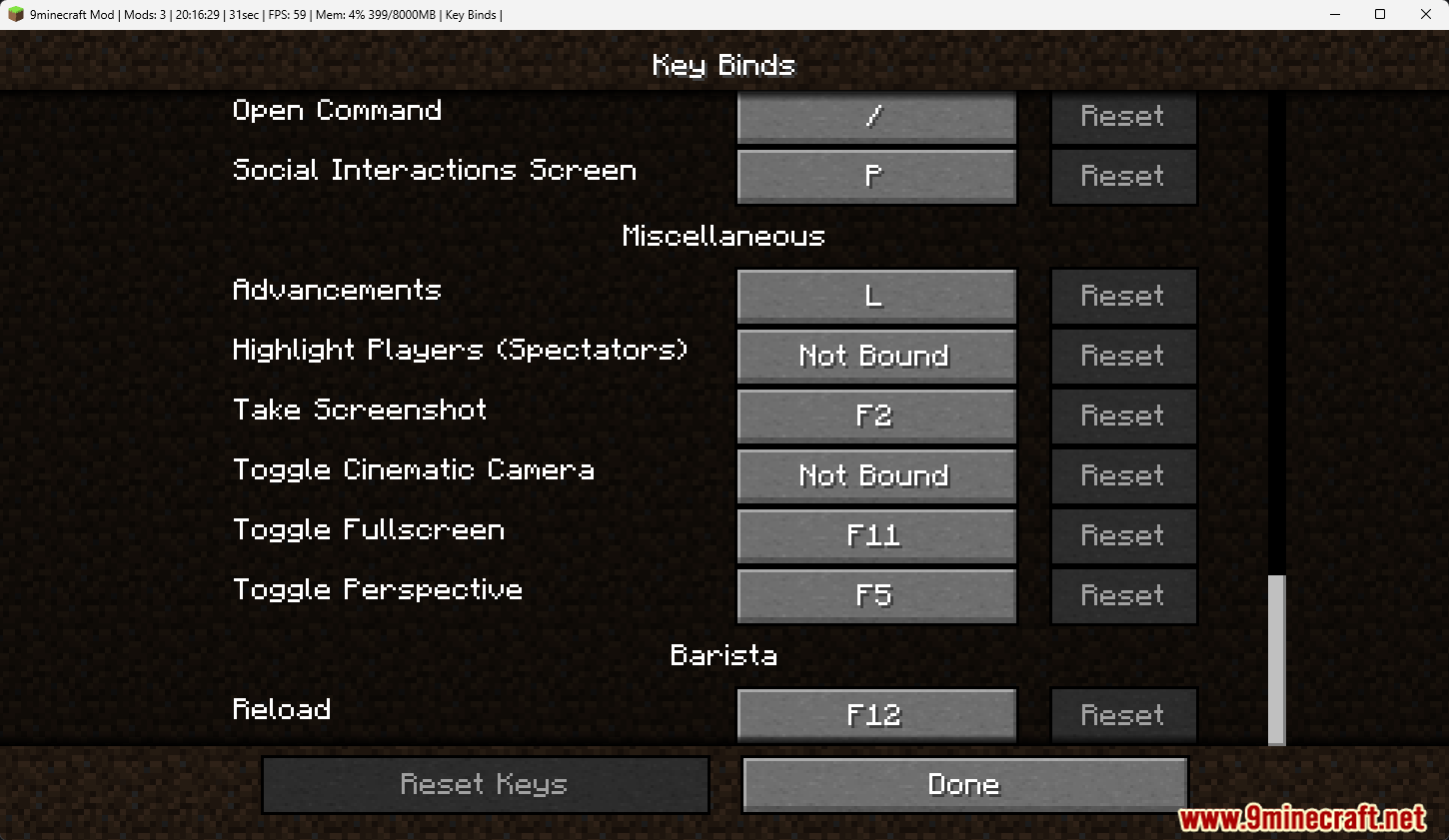
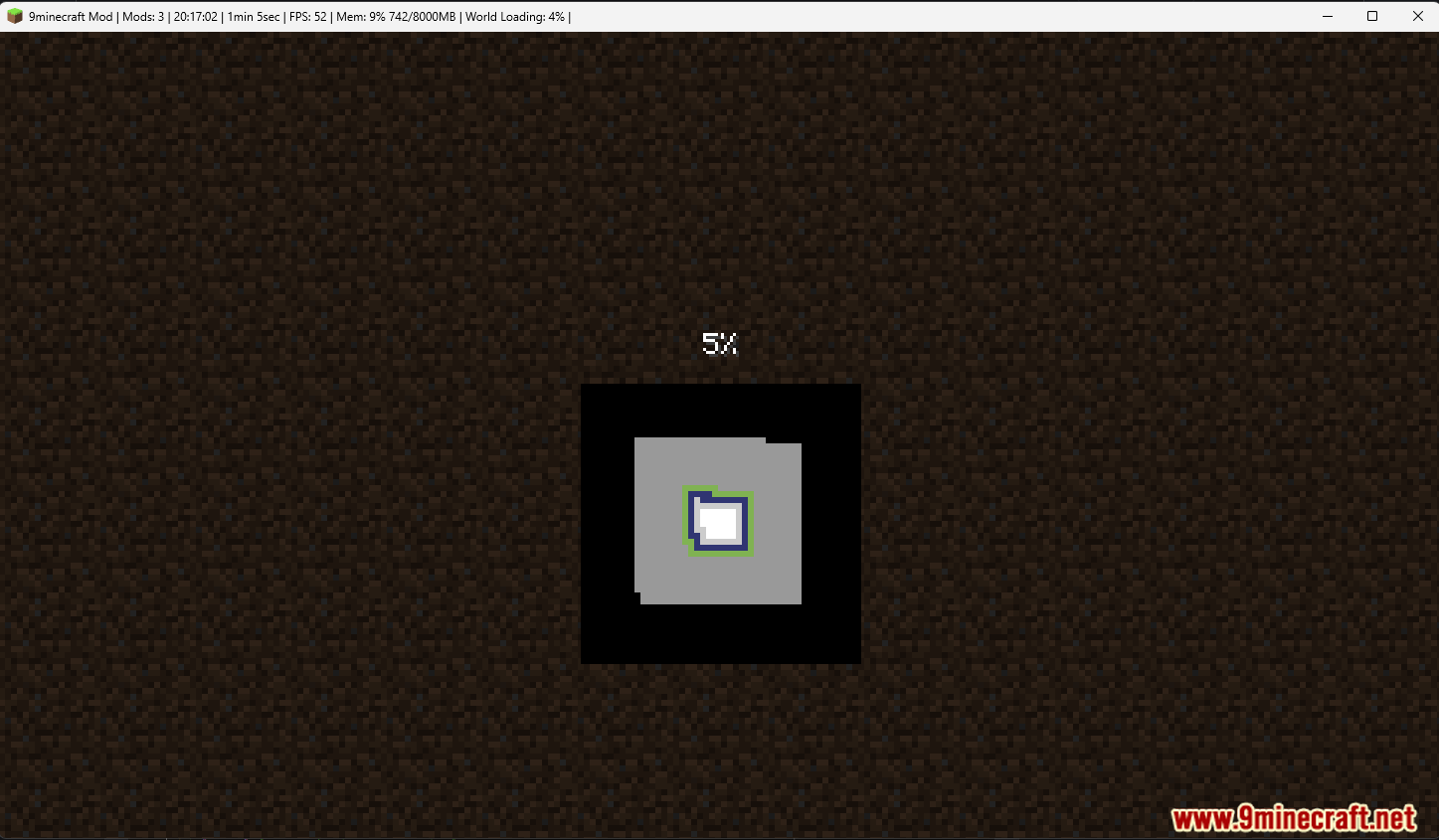
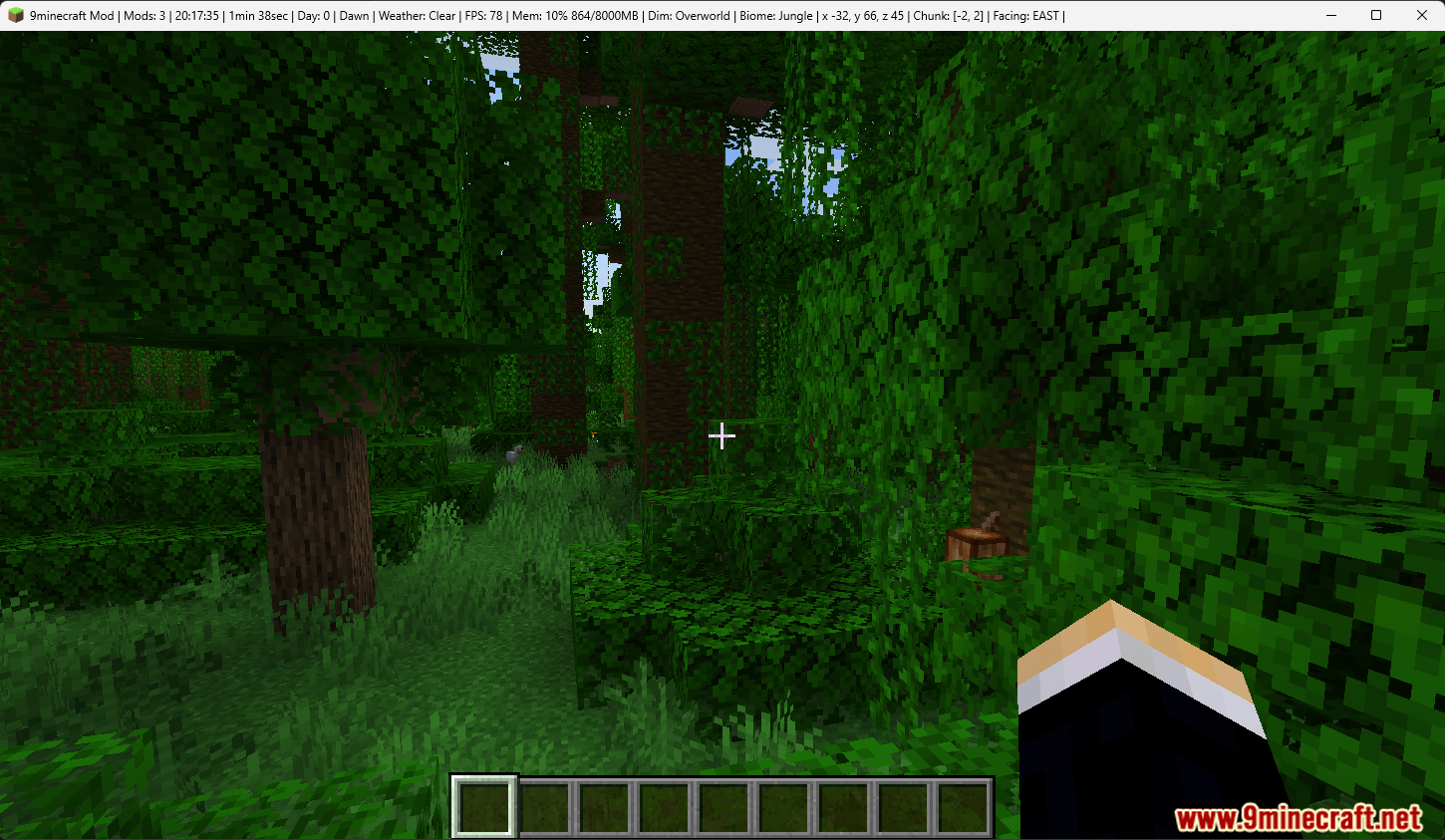
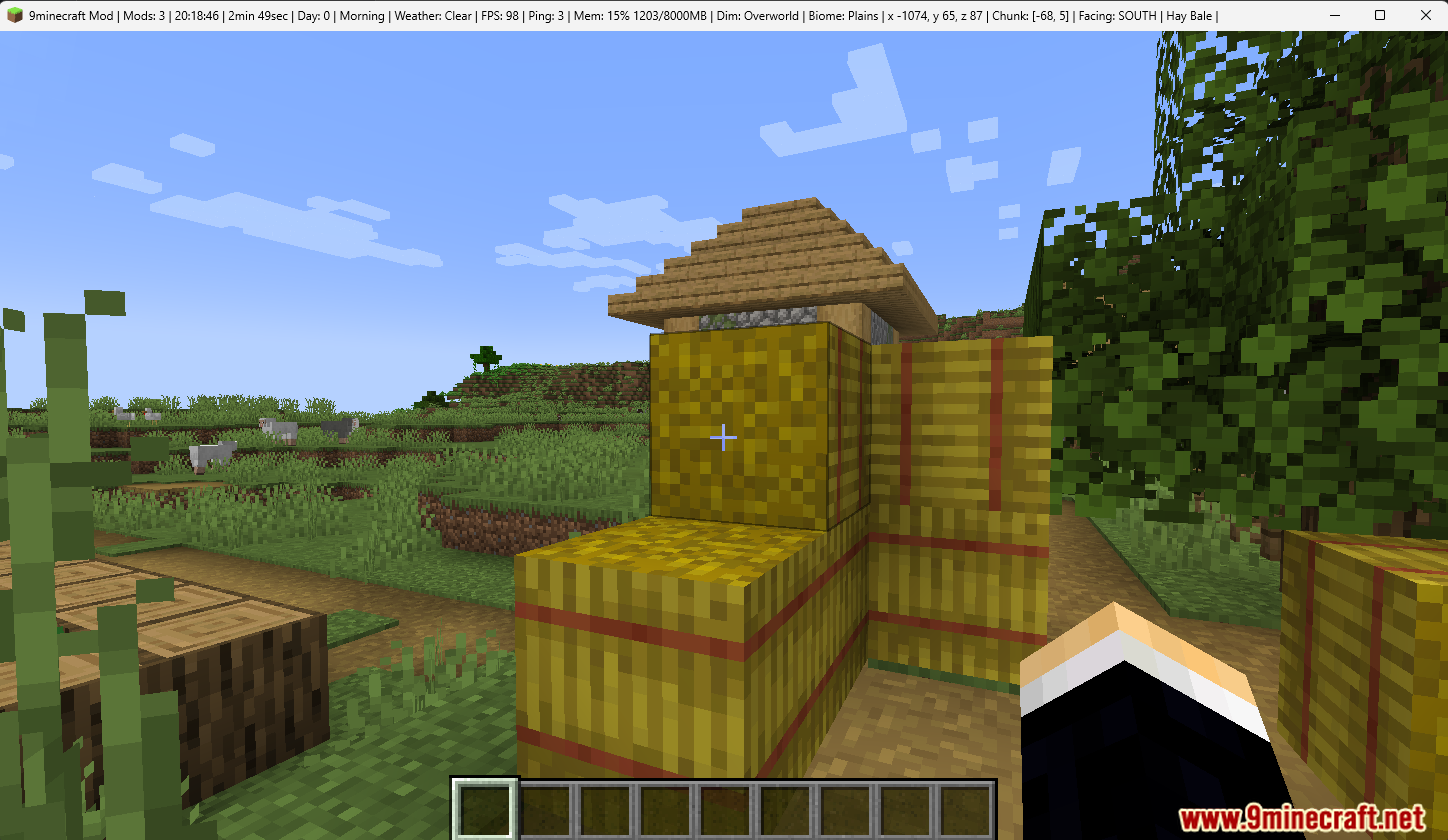
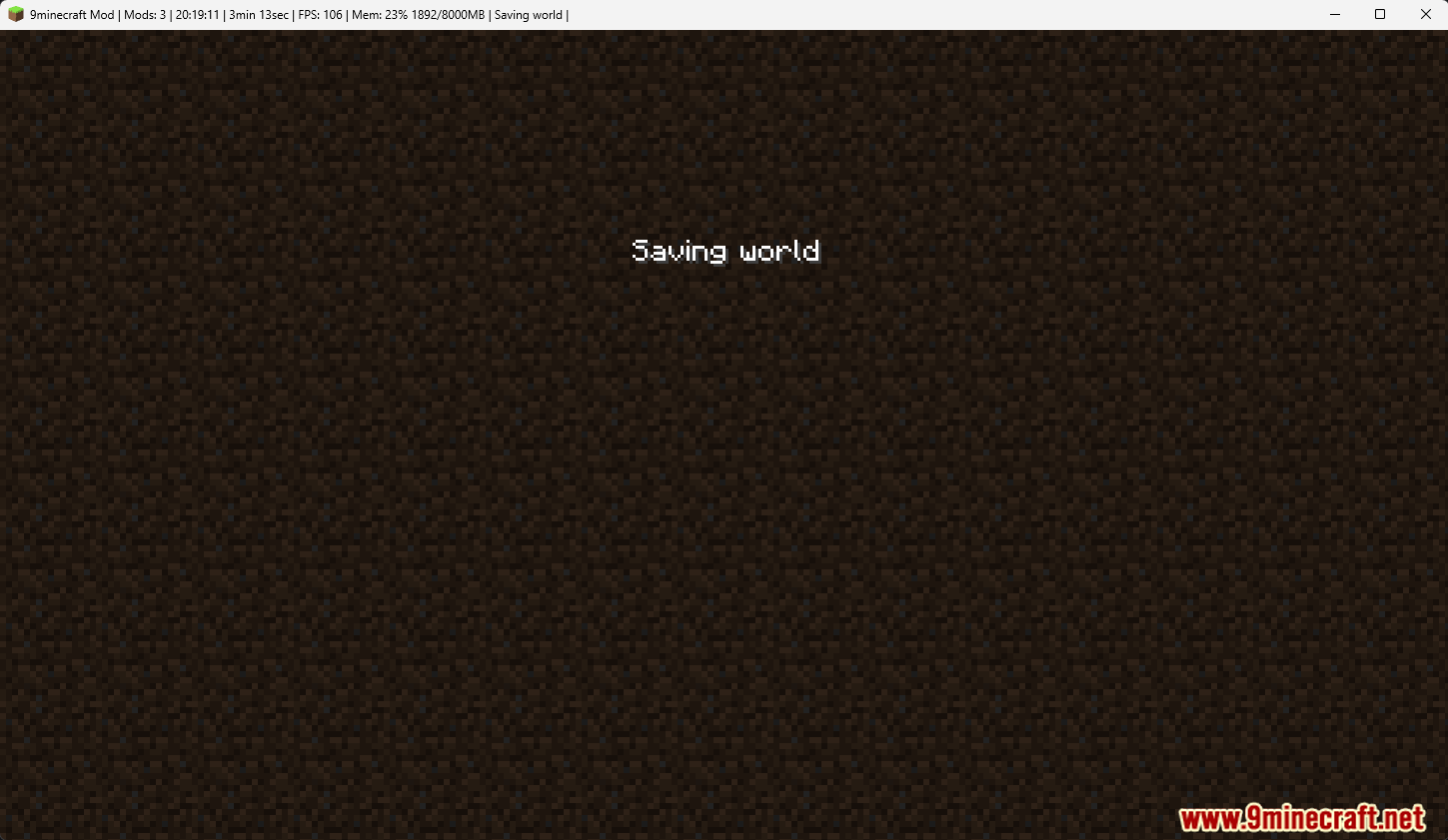
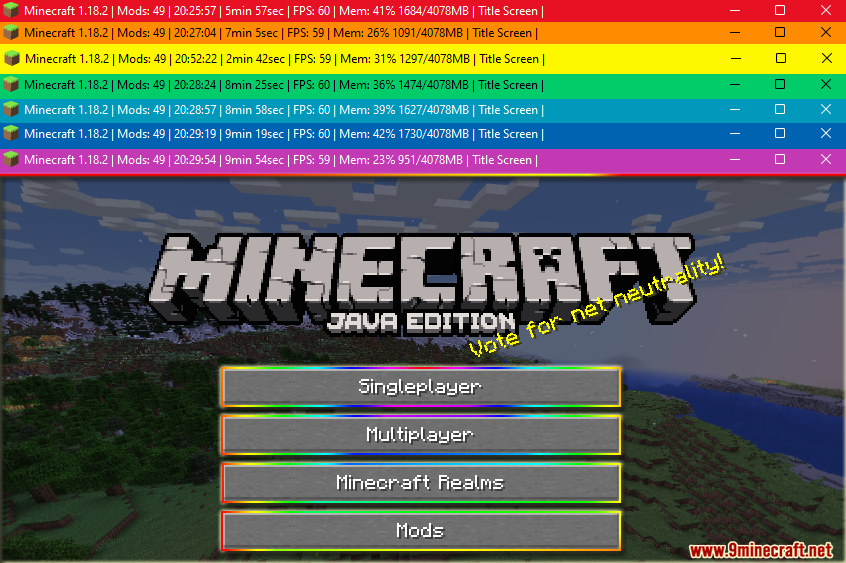
Barista Mod cho phép bạn thay đổi tiêu đề và biểu tượng của cửa sổ Minecraft. Bạn có thể thêm các thông tin hữu ích về trò chơi trực tiếp vào thanh tiêu đề. Mod này sử dụng một tệp cấu hình đơn giản để kiểm soát chính xác những gì hiển thị, giúp bạn cá nhân hóa giao diện trò chơi theo ý muốn.
Tính năng:
- Cho phép bạn thay đổi văn bản ở phía trên cùng của cửa sổ trò chơi.
- Bạn có thể thay thế biểu tượng cửa sổ Minecraft mặc định bằng hình ảnh của riêng mình.
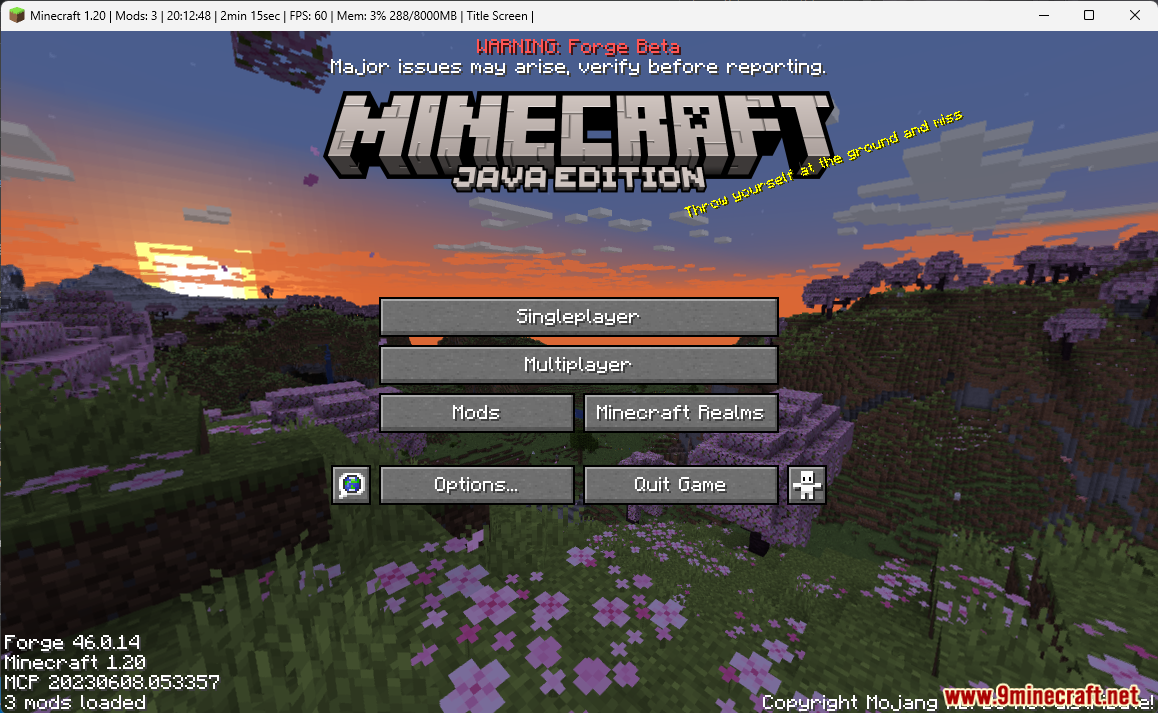
- Hiển thị thông tin game trực tiếp trên thanh tiêu đề theo thời gian thực.
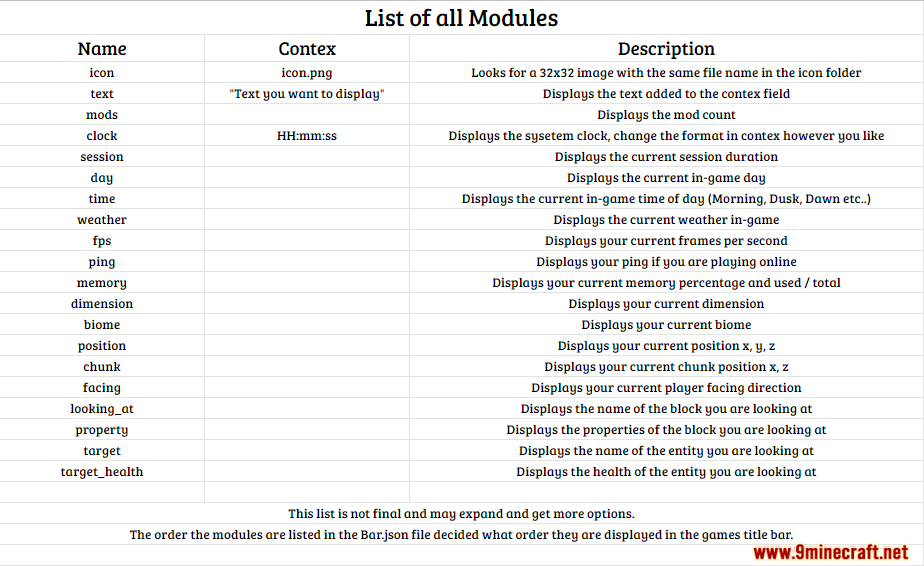
- Hiển thị các chi tiết hữu ích như FPS hiện tại, mức sử dụng bộ nhớ hoặc địa chỉ máy chủ.
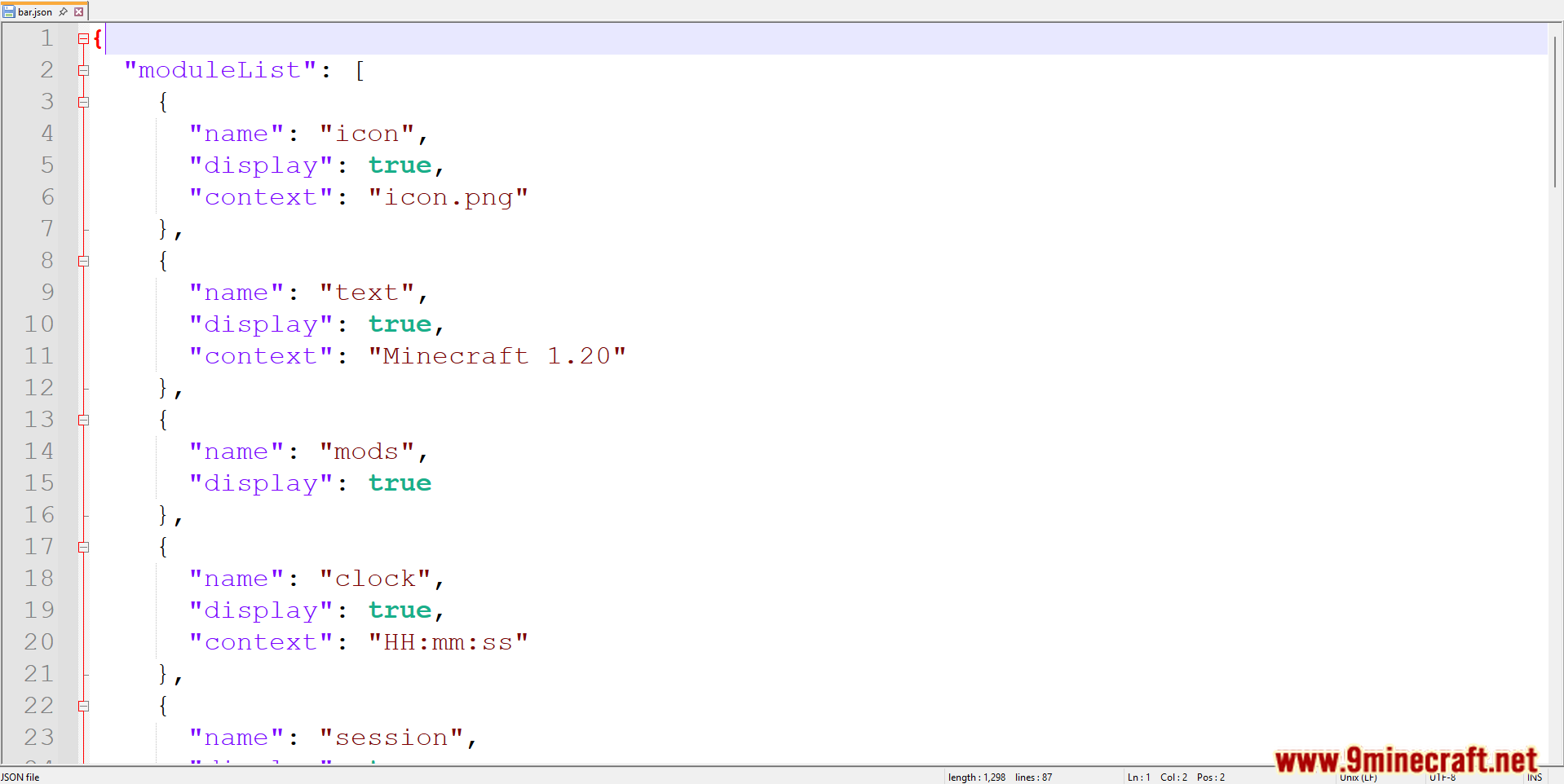
- Tất cả cài đặt được quản lý thông qua một tệp cấu hình JSON đơn giản.
- Đây là một mod phía client (client-side), vì vậy bạn có thể sử dụng nó trên bất kỳ máy chủ multiplayer nào.
Ảnh chụp màn hình:
Cách cài đặt:
Bạn mới chơi Minecraft? Hãy làm theo hướng dẫn từng bước để cài đặt Mods trên máy tính.Xem hướng dẫn
Barista Mod Download Links
For Minecraft 1.20.1, 1.20
Forge version: Download from Server 1 – Download from Server 2
Fabric version: Download from Server 1 – Download from Server 2
For Minecraft 1.19.4
Forge version: Download from Server 1 – Download from Server 2
Fabric version: Download from Server 1 – Download from Server 2
For Minecraft 1.19.3, 1.19.2, 1.19.1, 1.19
Forge version: Download from Server 1 – Download from Server 2
Fabric version: Download from Server 1 – Download from Server 2
For Minecraft 1.18.2, 1.18.1, 1.18
Forge version: Download from Server 1 – Download from Server 2
Fabric version: Download from Server 1 – Download from Server 2
For Minecraft 1.17.1, 1.17
Forge version: Download from Server 1 – Download from Server 2
Fabric version: Download from Server 1 – Download from Server 2
For Minecraft 1.16.5
Forge version: Download from Server 1 – Download from Server 2
Fabric version: Download from Server 1 – Download from Server 2
Có Thể Bạn Cũng Thích

Bài viết này chưa có bình luận nào. Hãy là người đầu tiên — bình luận của bạn sẽ hiển thị ở đây.