
West Midlands Trains Model – Brings British Commuter Trains to Railways

 0


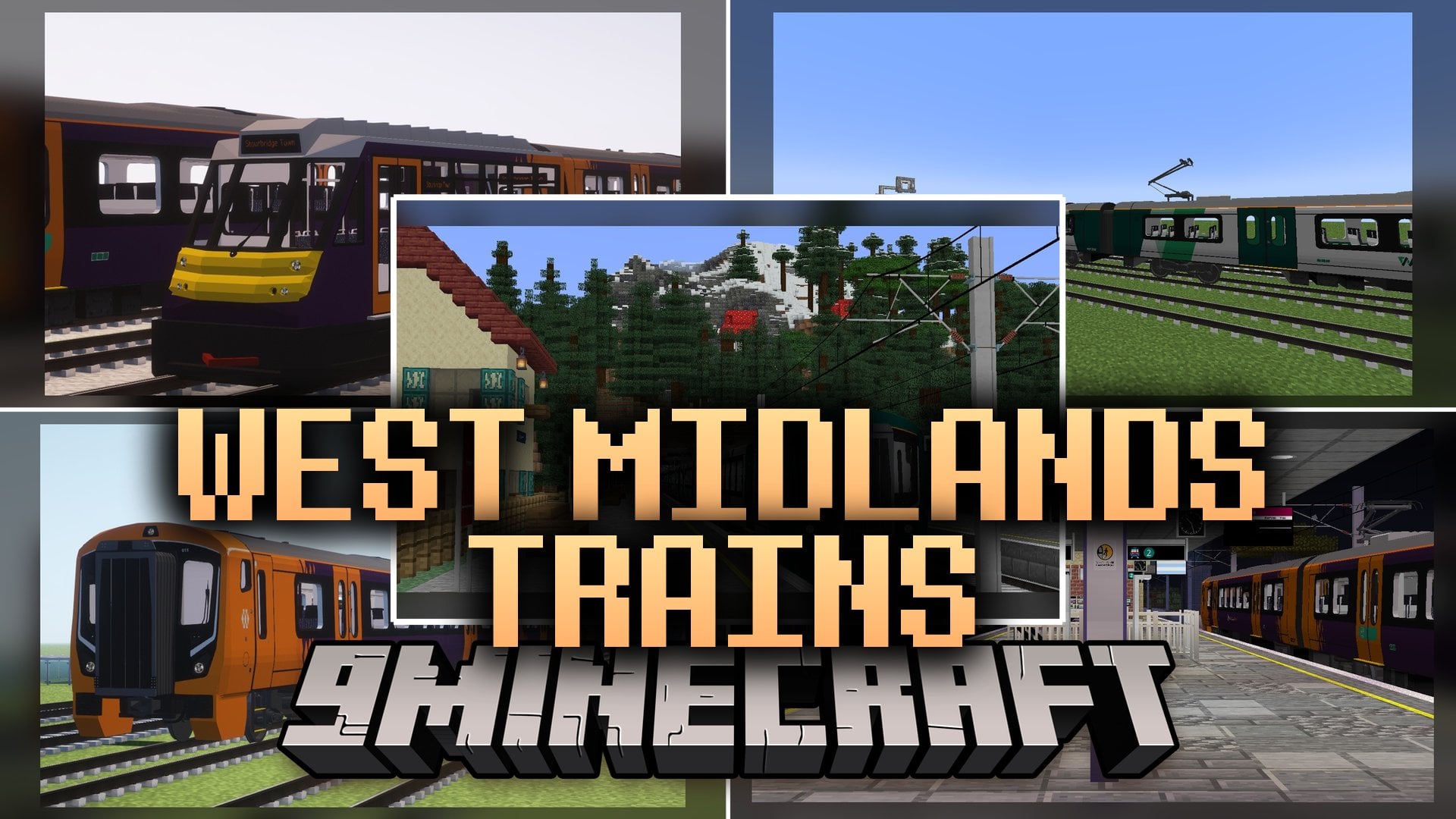
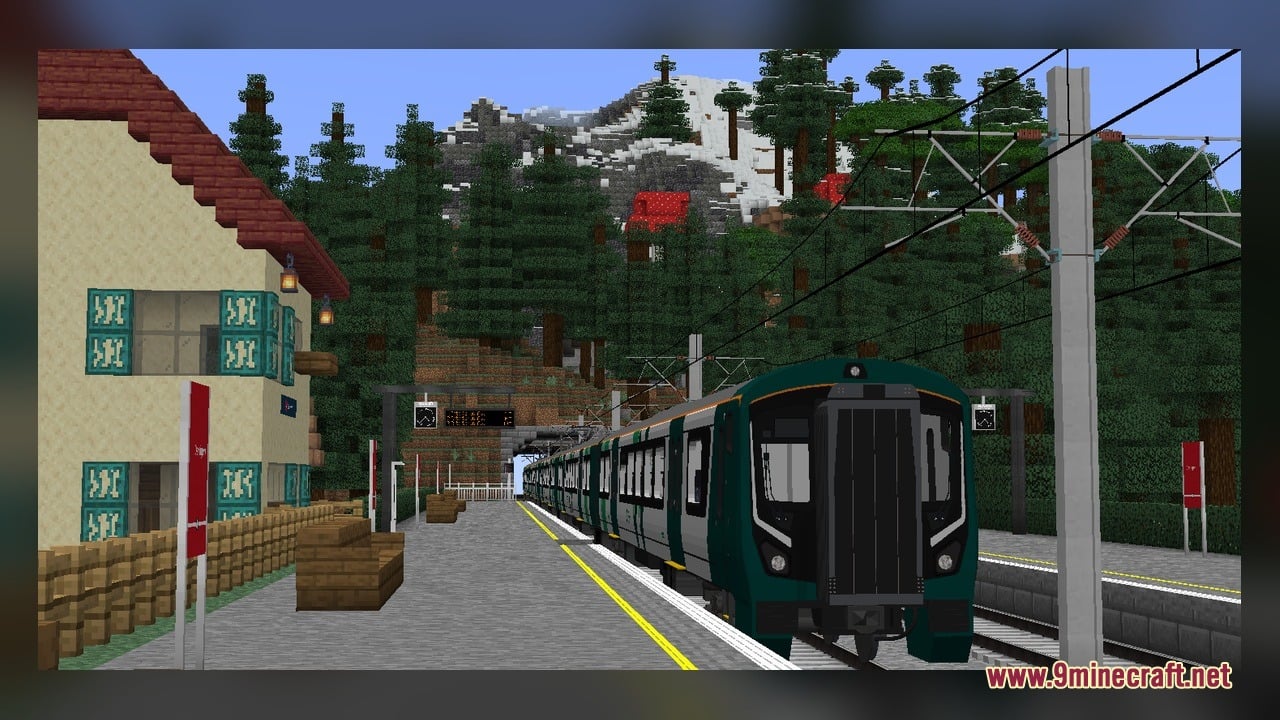
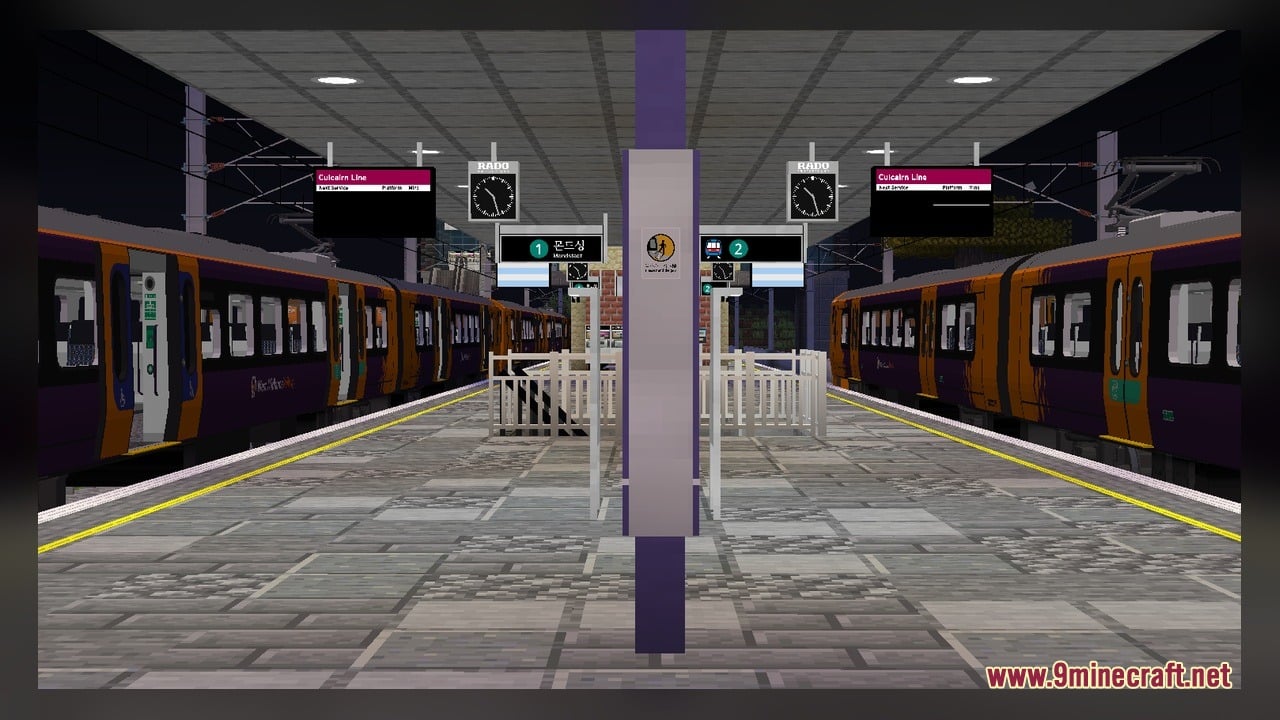
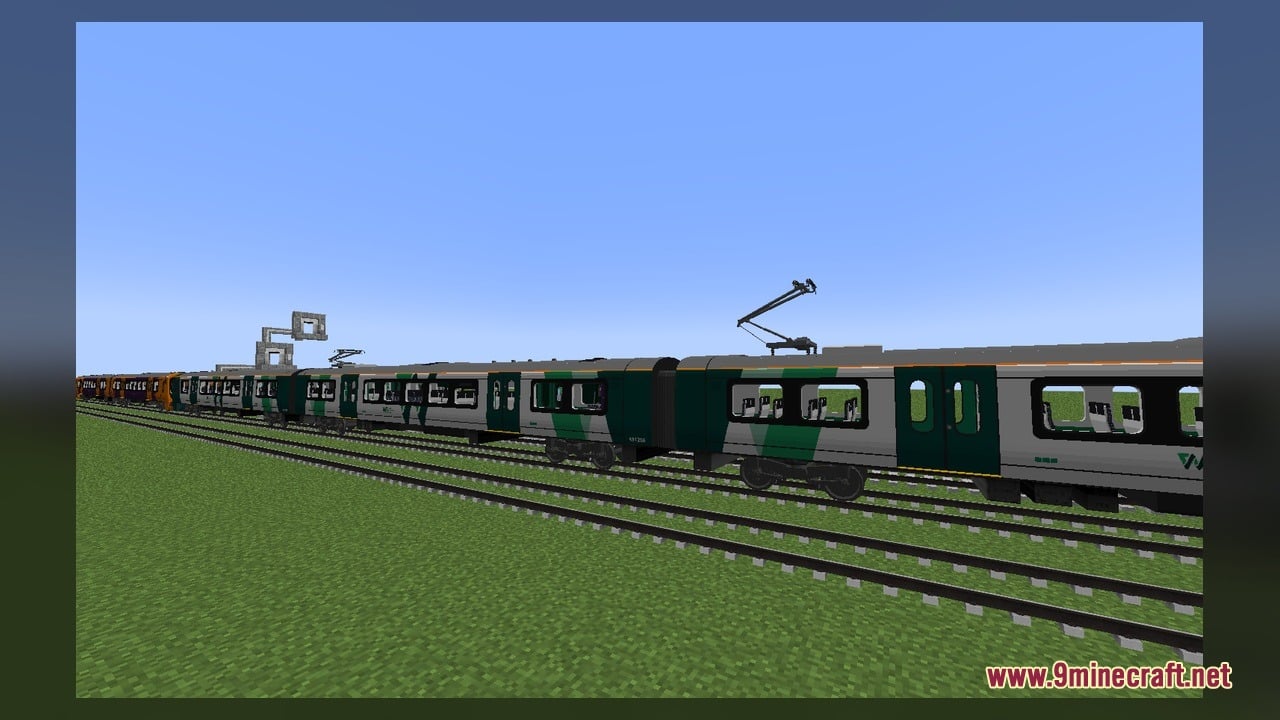
West Midlands Trains Model adds real British commuter trains for Minecraft Transit Railway. The pack brings the Class 139 and Class 730 passenger units directly to your railway lines. You can run these train cars on tracks built with the transit mod to move between stations. The pack includes custom texture files along with editable 3D modeling files for creators. It works with version 4 of the railway mod to give your transport world a modern town feel.
Features:
- Class 139 Train: Adds the single-car rail vehicle built for short passenger branch lines.
- Class 730 Train: Adds the electric commuter train built for suburban and long-distance passenger travel.
- Blockbench Project Files: Includes 2 source model files that let you inspect or edit the train shapes in Blockbench.
- Includes 76 custom texture files to display realistic liveries on the outside and inside of every carriage.
- Works directly alongside Minecraft Transit Railway 4 to drive on custom rail systems.
How to Use:
- Put the downloaded file into your Minecraft
resourcepacksfolder and turn it on in the Resource Packs menu. - Make sure Minecraft Transit Railway 4 is installed and running in your game profile.
- Lay down railway tracks and place an MTR depot block next to the rail line.
- Right-click the depot block to open the vehicle setup window.
- Select either the Class 139 or the Class 730 model from the train selection menu.
- Spawn your train onto the track and watch the doors open and close as it stops along your platforms.
Requirements:
- Blockbench, only if you want to edit the included source models
Screenshots:
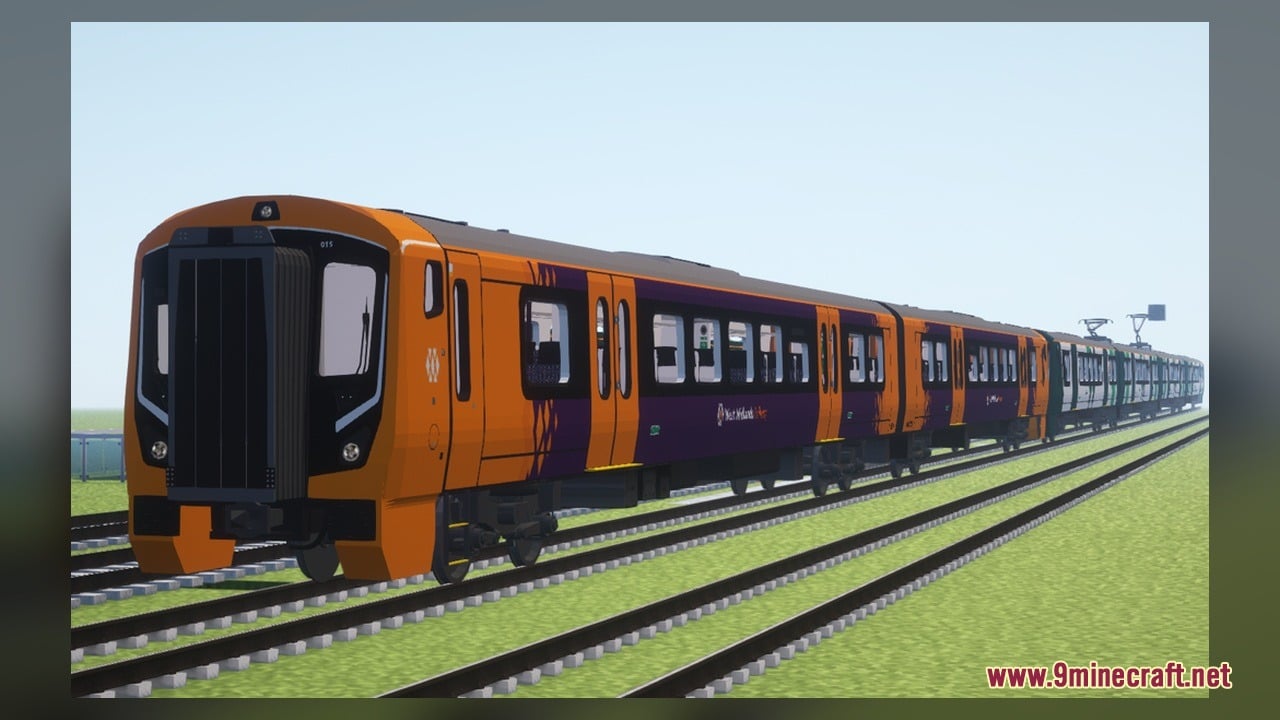
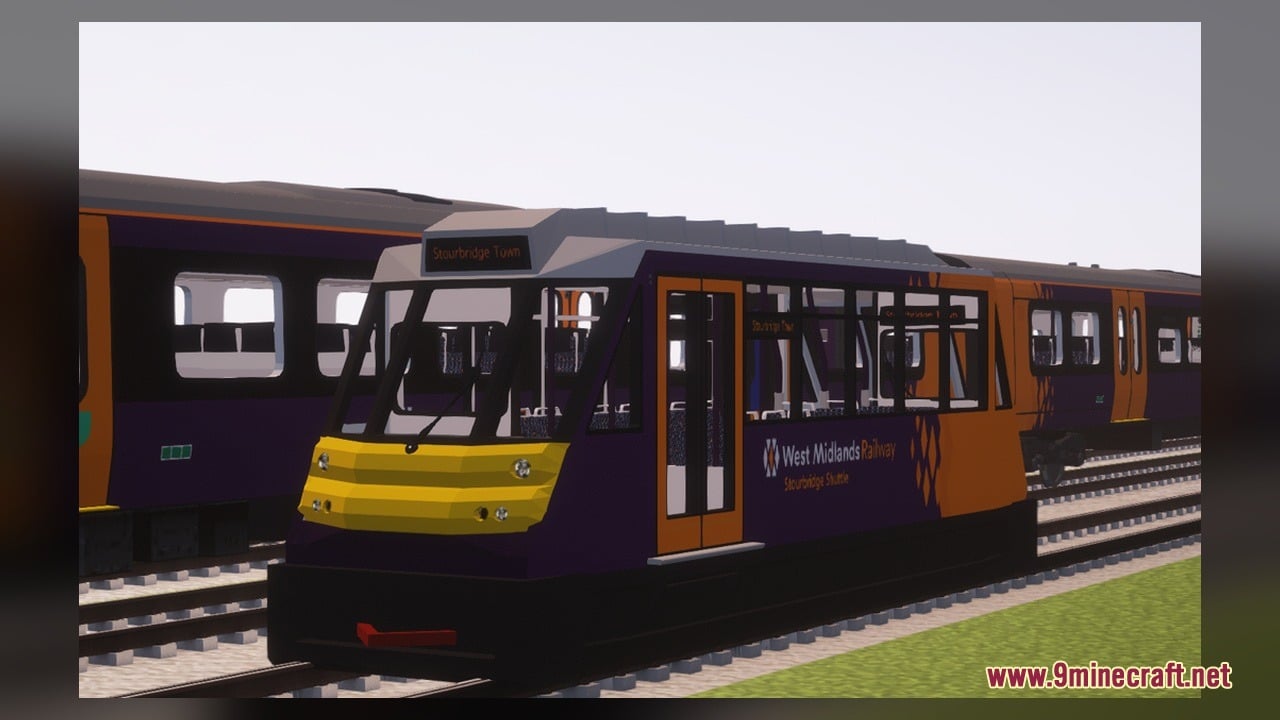
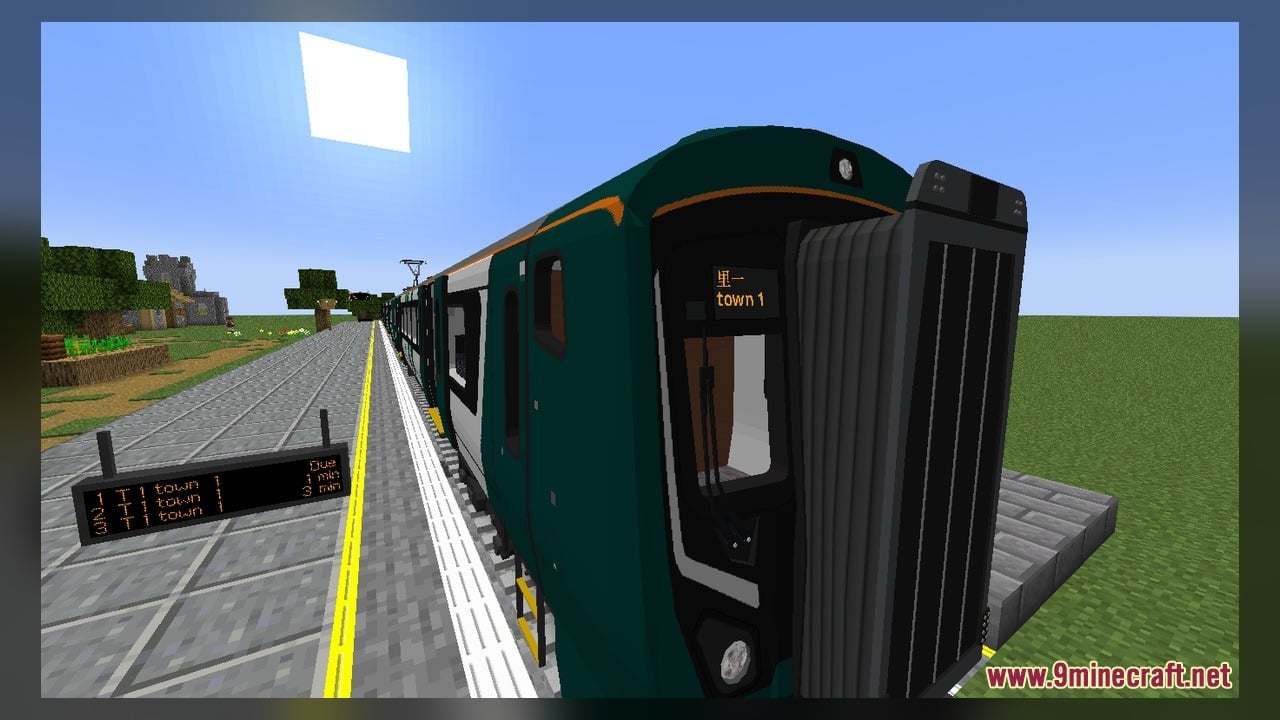
West Midlands Trains Model Download Links
Click to rate this post!
[Total: 0 Average: 0]
You May Also Like
Picked for this page
 Vanilla Recrafted Model – Brings Crisp 3D Shapes and Smooth Animations
 Seoul Metro Woojin Trains Model – Brings Modern Korean Subway Cars
 VDL Citea LLE-120 Model – Brings Custom Transit Buses to MTR Roads
 Brush & Juice Model – Brings Animated 3D Redstone and Mechanical Blocks
 CTA Trains Model – Brings Authentic Chicago L Trains to Your MTR4 Railways
 Seamless Glowing Ores Model – Adds Connected Glowing Borders to Ores
 Moons Cuter Bedwars Model – Brings Cute 3D Blocks and Clean PvP Visuals
 Universal 3D Archery – Transforms Flat Bows and Crossbows Into 3D Weapons
 ShiNeaL’s Simplacity Model – Transforms Blocks Into Clean 3D Plastic Art
 Better 3d Food Model – Transforms Flat Edibles Into Detailed Blocky Meals
 Dokucraft Light Model – Transforms Everyday Blocks Into Fantasy 3D Shapes
 Vanilla SMP Model – Brings Clear 3D Weapons and Visible Traps to PvP
Most viewed in Models over the last 7 days
 Jenny Mod Skin Pack Mega Collection – 310+ Characters
 The Most Complete Collection of Jenny Mod Resources – Models, Animations, Structures,…
 Albedo Rework Jenny Mod Model
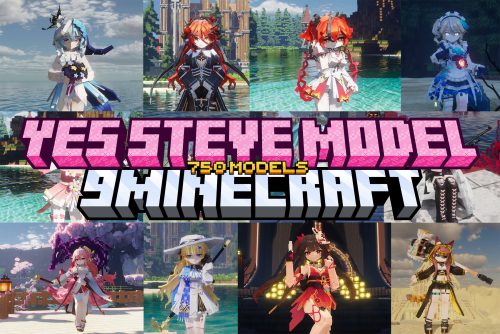 750 Models Addon for Yes Steve Model Mod
 Pomni Jenny Mod Model
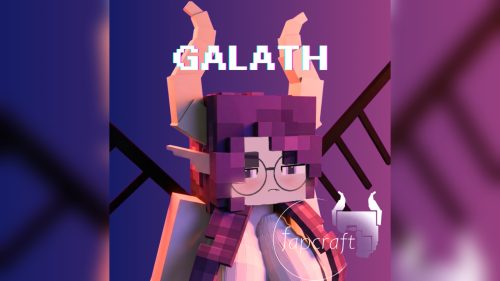 Galath Rework Model – Custom Girl for PleasureCraft Mod
 Power Model – Custom Girl for PleasureCraft Mod
 Ram Model – Custom Girl for PleasureCraft Mod
 Femboy Ellie Rework Jenny Mod Model
 Ellie Rework Jenny Mod Model
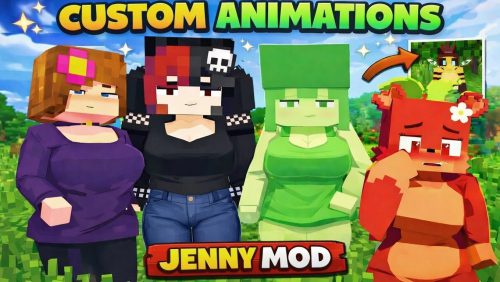 100+ Custom Animations For Jenny Mod
 Ellen Model – Custom Girl for PleasureCraft Mod
More from Models
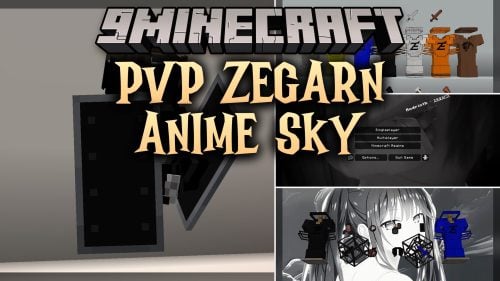 PVP Zegarn Anime Sky Model – Brings Custom 3D Crystals and Clean Combat Visuals
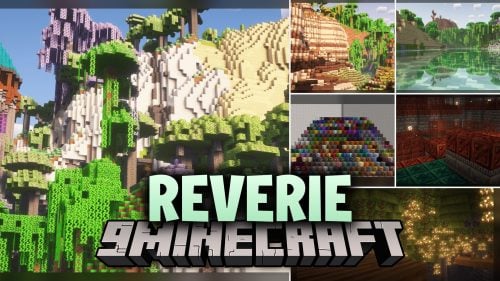 Reverie Model – Transforms Everyday Blocks with Vibrant 3D Cartoon Visuals
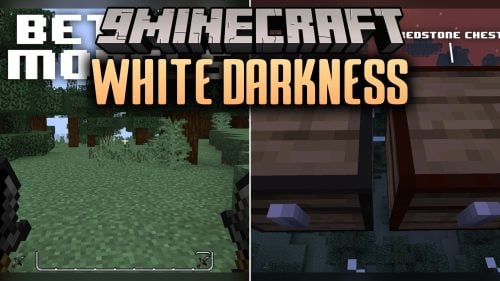 White Darkness Model – Brings Monochrome 3D Visuals to PvP Combat
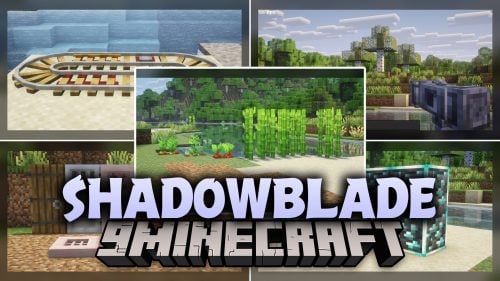 ShadowBlade Model – Equips Animated 3D Fantasy Weapons for PvP Combat
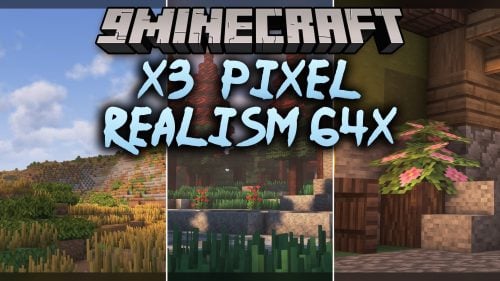 X3 – Brings Custom 3D Foliage and Animated 64x Textures to Overworld Biomes
 Dark Fantasy Visuals Model – Transforms Vanilla Blocks Into Gothic 3D Realms
 FA_edition Model – Transforms Vanilla Foliage and Blocks with 3D Shapes
 UltraRealism Model – Brings Sharp 128x Textures and 3D Composter Stages
 Fresh Ores And Ingots VR Model – Transforms Flat Minerals Into 3D Gems
 Visual Effects Model – Adds Glowing Skies and Atmospheric Fog
 RealNaman 16x Model – Adds 3D Models and Smooth PvP Animations
 Better Vanilla MC Model – Adds Flowering 3D Leaves to Vanilla Trees

This post has no comments yet. Be the first — your comment will appear here.