
Visual Effects Model – Adds Glowing Skies and Atmospheric Fog

 0


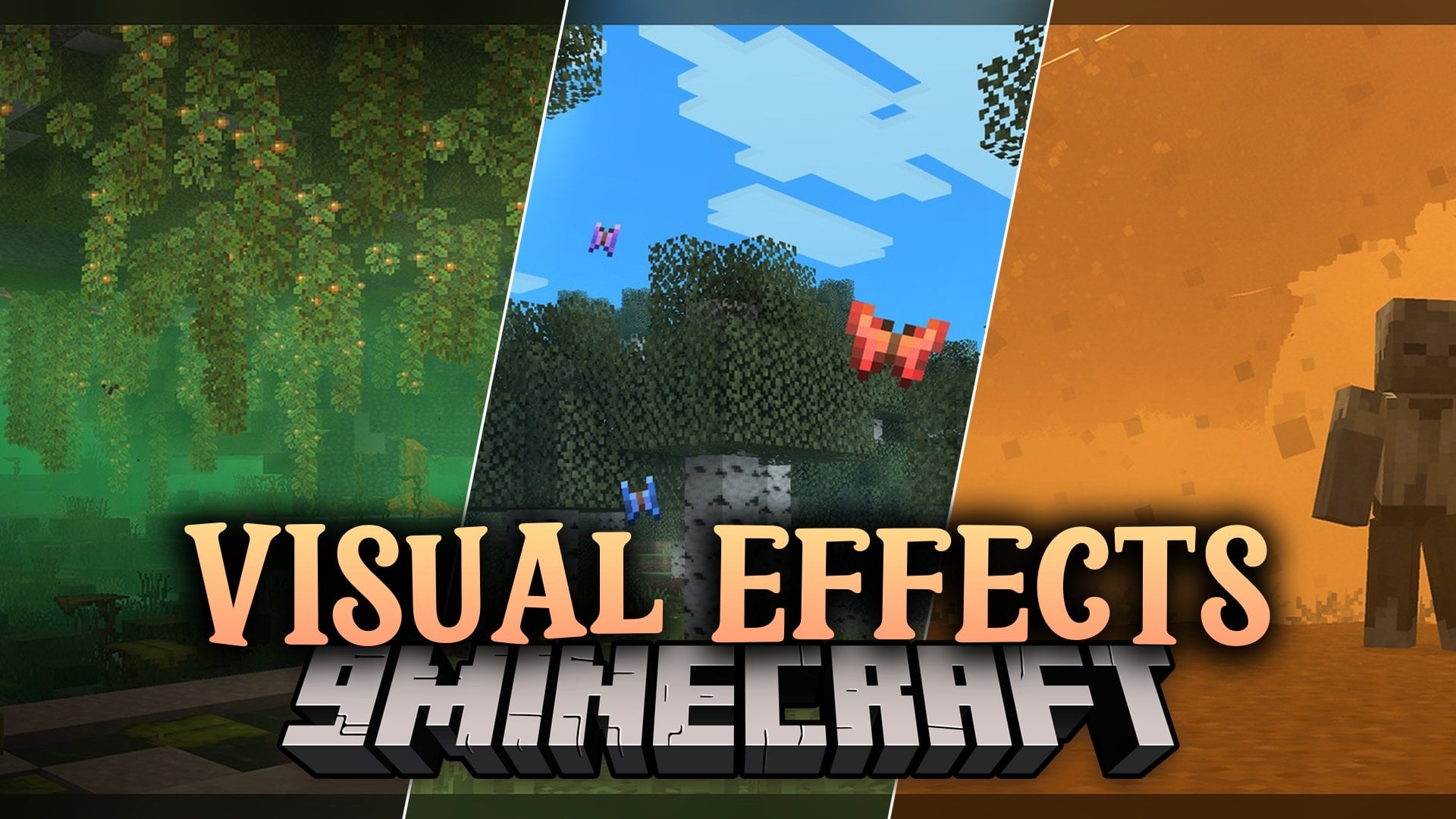
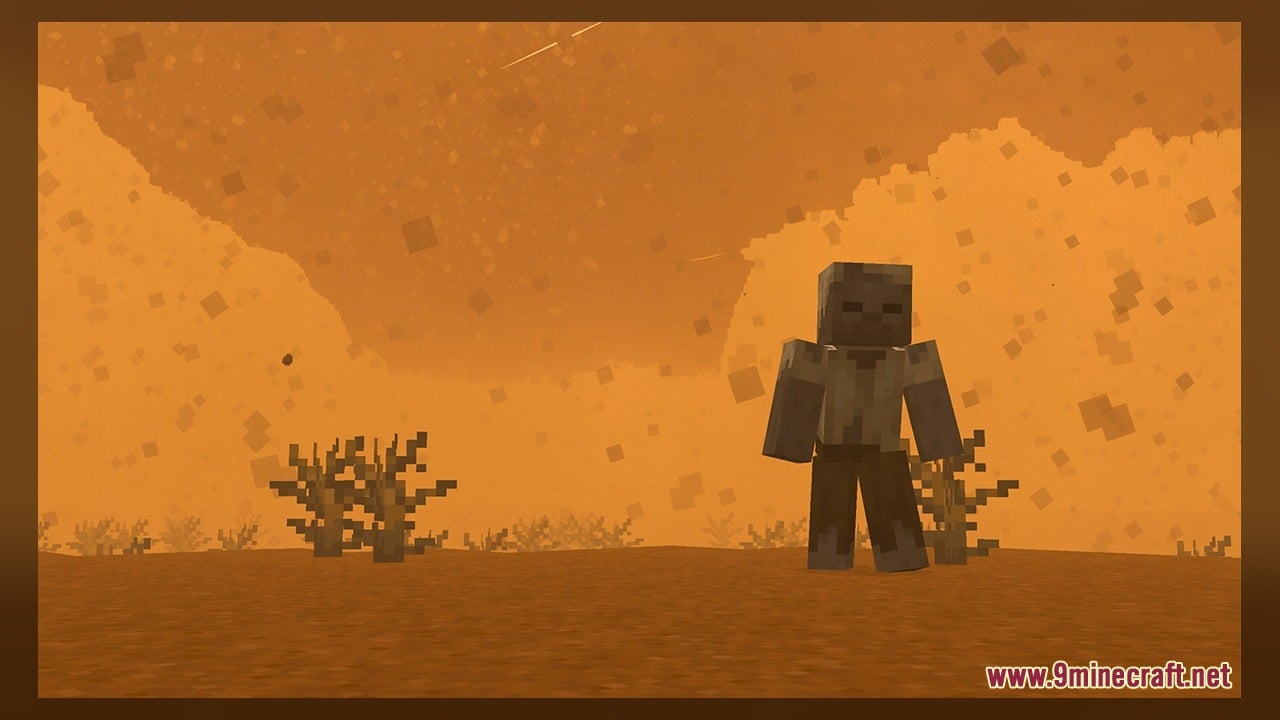
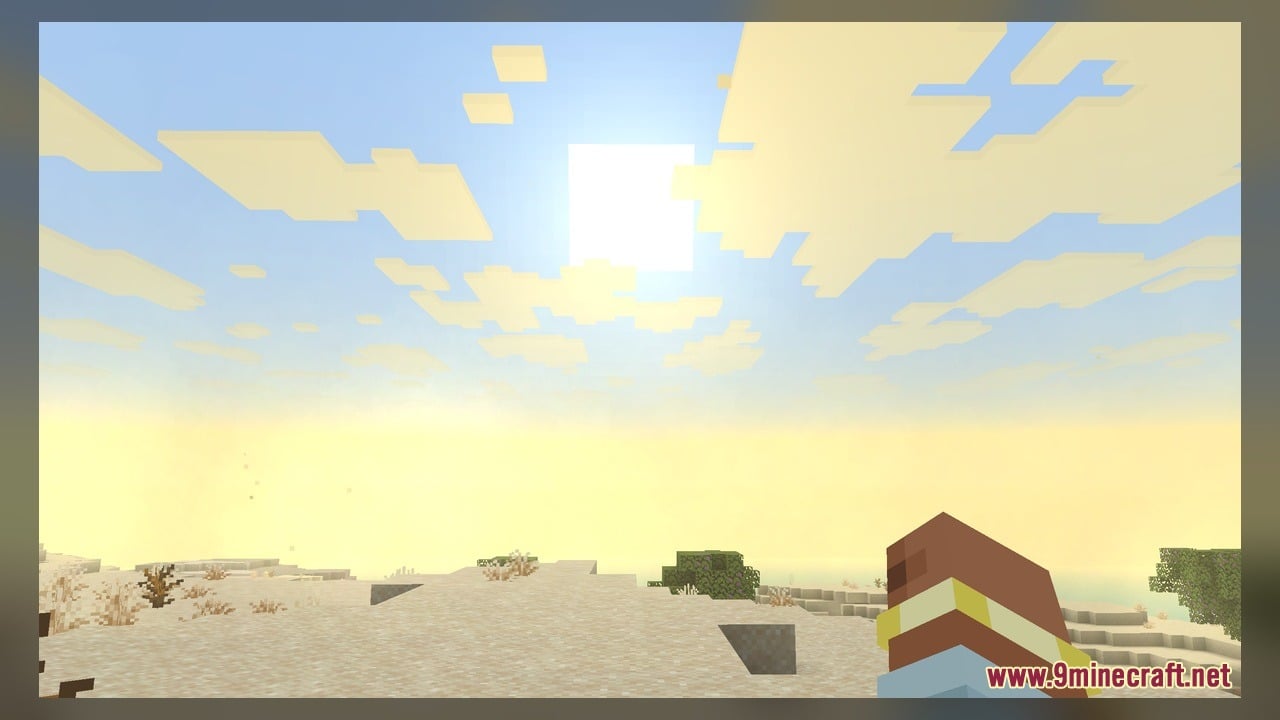
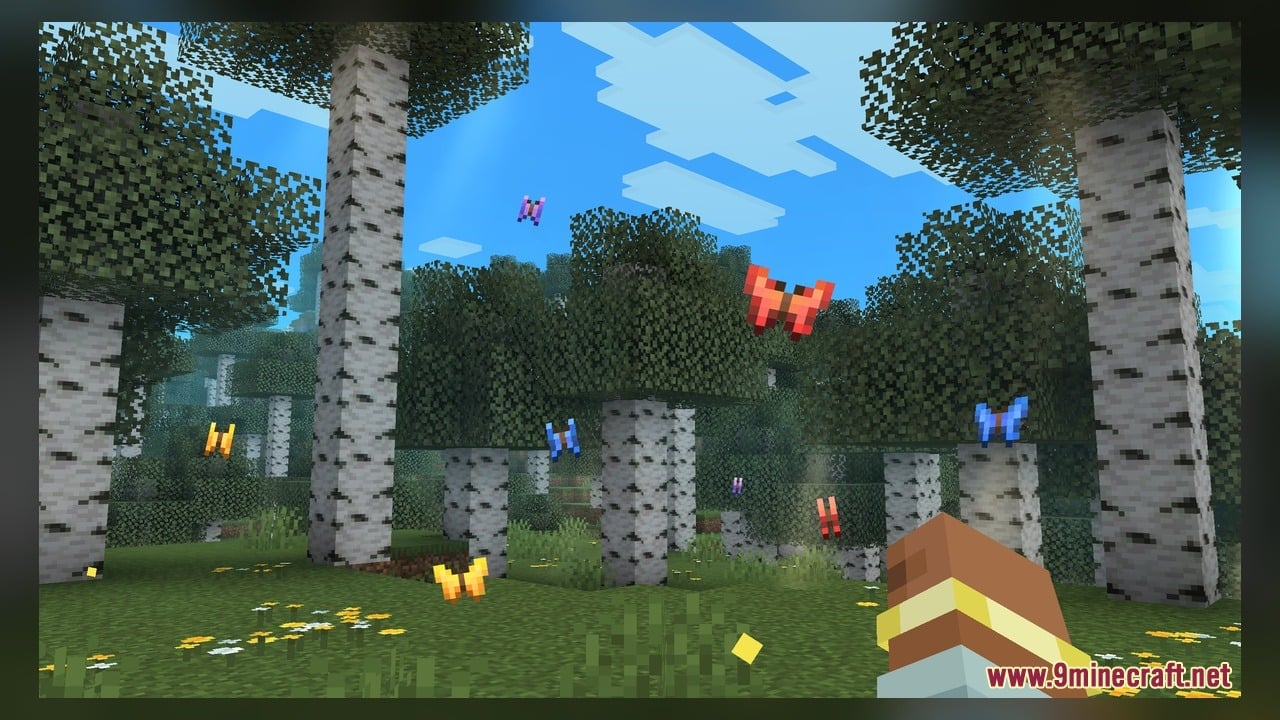
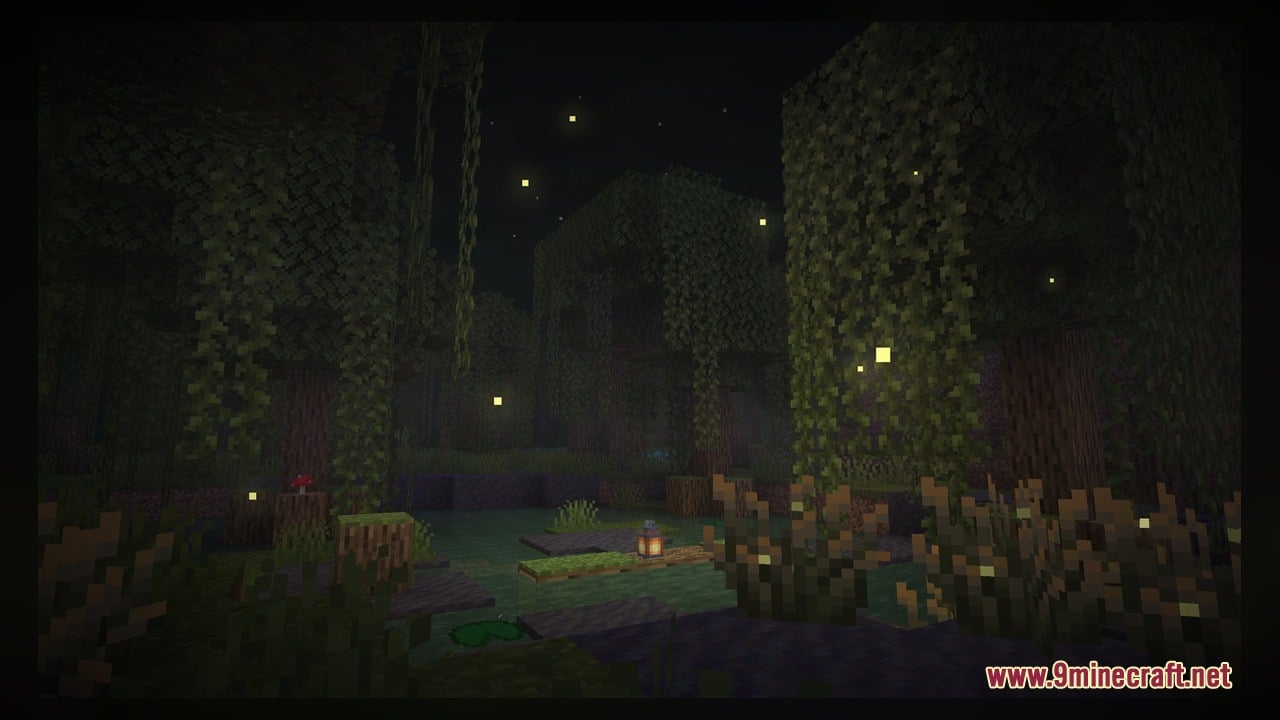
Visual Effects Model brings dynamic, biome-based colored fog and custom weather to worlds with over forty new custom 3D models and hundreds of texture files. This pack transforms the look of the game by adding animated textures, glowing elements, and atmospheric changes to standard blocks and mobs. Players get to explore environments featuring floating tumbleweeds, flying crows, and vultures circling in the sky. It also introduces glowing details to copper bulbs, froglights, and jack o’ lanterns for better nighttime visuals.
Features:
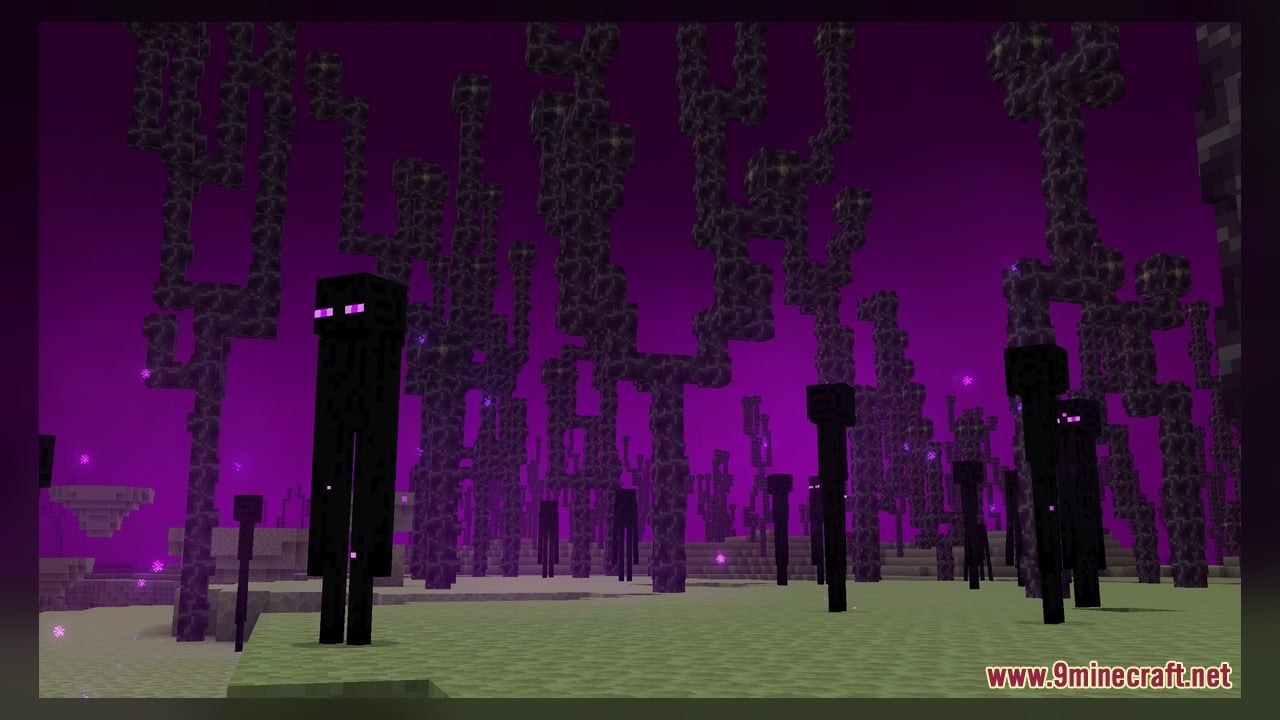
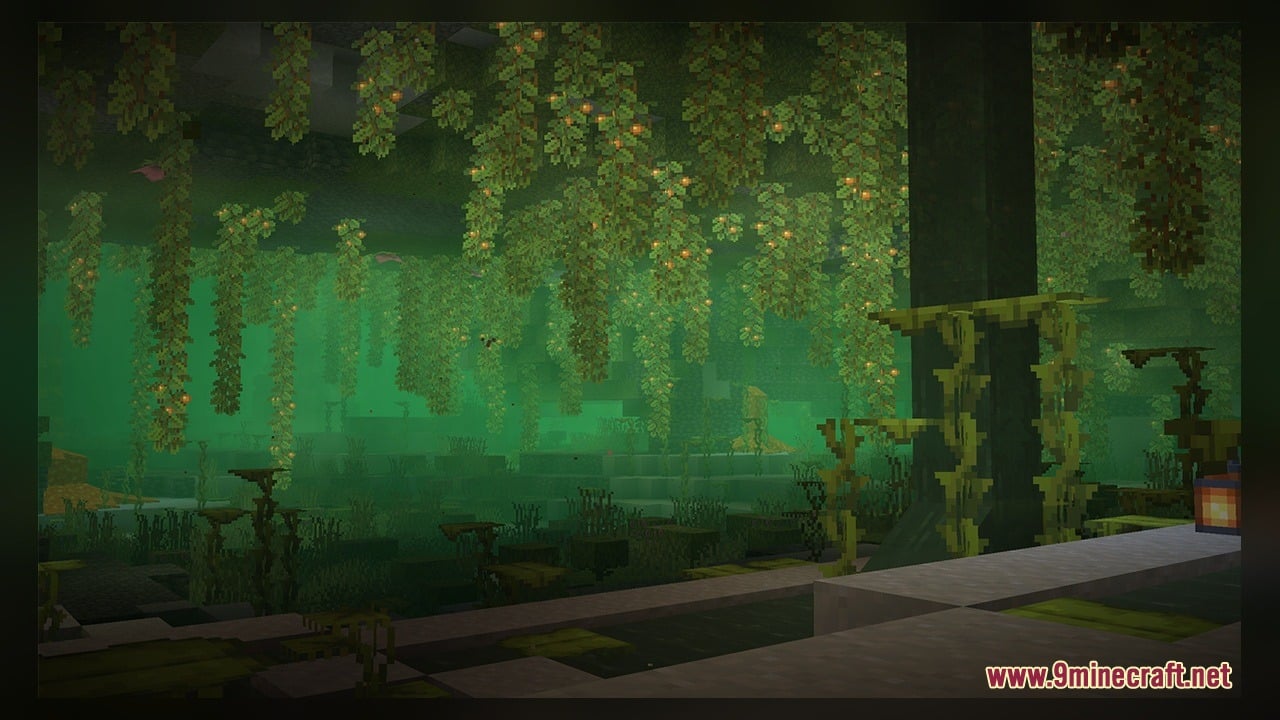
- Adds dynamic biome-based fog that changes color depending on the area you explore.
- Brings custom animated textures to water splashes, frame glows, and various light sources.
- Spawns animated wildlife models like crows and vultures in the open world.
- Features glowing 3D models for all variants of copper bulbs when they are lit up.
- Decorates landscapes with rolling tumbleweeds and glowing jack o’ lanterns.
- Includes glowing froglight blocks in ochre and pearlescent variants.
- Replaces standard lighting effects with custom caustics and glowing magma blocks.
How to Use:
- Download and place the pack file into your resource packs folder in Minecraft.
- Open your resource pack menu in the game settings and activate the pack.
- Travel to different biomes to see the dynamic colored fog and custom atmosphere in action.
- Find crows and vultures flying around open biomes and skies.
- Craft or place copper bulbs and froglights to watch their glowing custom 3D animations light up.
- Look near water sources to spot custom water splash and caustics effects.
Requirements:
- A Minecraft version that supports animated textures and custom 3D models.
Screenshots:
Visual Effects Model Download Links
Click to rate this post!
[Total: 0 Average: 0]
You May Also Like
Picked for this page
 Wooden Pack Om 1 Model
 Royal Furniture Pack Volume 1 Model
 Pixel Perfection Fidelity Model – Brings Cozy Medieval 3D Models to Blocks
 Bare Bones X Weskerson’s 3D Items Model – Brings Clean Animated 3D Redstone
 Bare Bones X Model – Brings Simple 3D Foliage and Modded Block Visuals
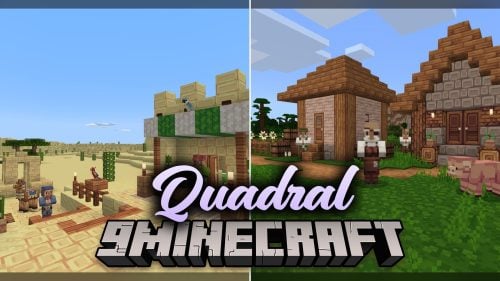 Quadral Model – Brings Vivid Colors and 31 Custom 3D Models to Vanilla
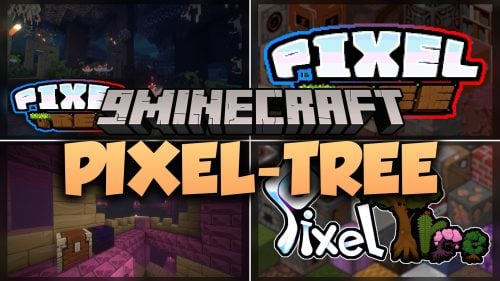 Pixel-Tree Model – Transforms Everyday Vanilla Blocks with Detailed 3D Shapes
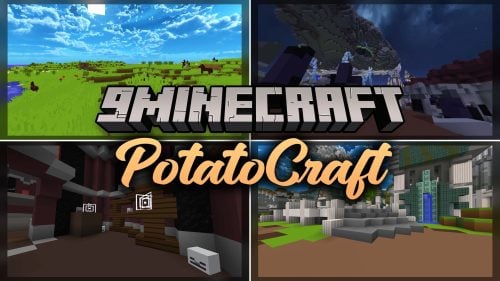 PotatoCraft Model – Brings Clean 3D Blocks and Transparent PvP Menus
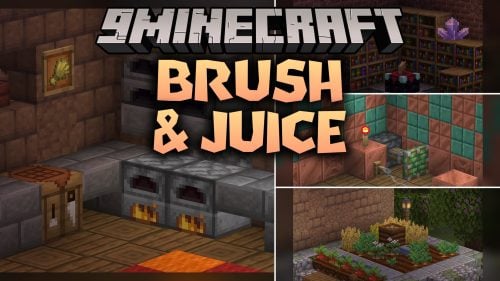 Brush & Juice Model – Brings Animated 3D Redstone and Mechanical Blocks
 Gui’s Better Vanilla Model – Brings Animated 3D Torches and Plants
 Minebox Plus Model – Transforms Caves, Plants, and Redstone with 3D Models
 Dimensionalized 3D Essentials Model – Adds 248 Vanilla-Style 3D Block Models
Most viewed in Models over the last 7 days
 Jenny Mod Skin Pack Mega Collection – 310+ Characters
 The Most Complete Collection of Jenny Mod Resources – Models, Animations, Structures,…
 Albedo Rework Jenny Mod Model
 Galath Rework Model – Custom Girl for PleasureCraft Mod
 Power Model – Custom Girl for PleasureCraft Mod
 750 Models Addon for Yes Steve Model Mod
 Ram Model – Custom Girl for PleasureCraft Mod
 Pomni Jenny Mod Model
 100+ Custom Animations For Jenny Mod
 Femboy Ellie Rework Jenny Mod Model
 Ellie Rework Jenny Mod Model
 Steve (Jenny & Zoey) Pack Jenny Mod Model
More from Models
 Nexus Model – Brings Animated 3D Spawn Eggs and Smooth Shader Visuals
 New Faithful Overlays Model – Brings Smooth Grass and Path Transitions
 Korail Intercity & Regional Trains Model – Adds Korean Railcars to MTR4
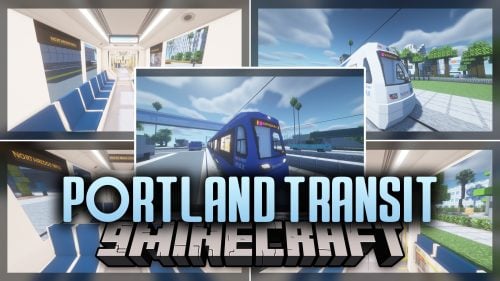 Portland Transit Model – Brings TriMet S700 Trains to Rail Networks
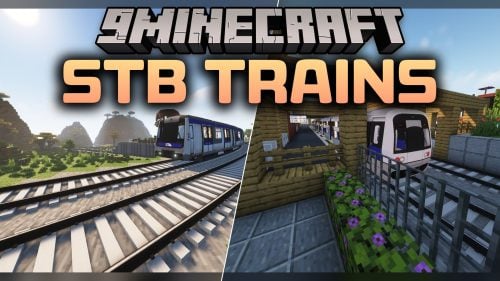 STB Trains Model – Adds Custom Rail Vehicles for Minecraft Transit Railway
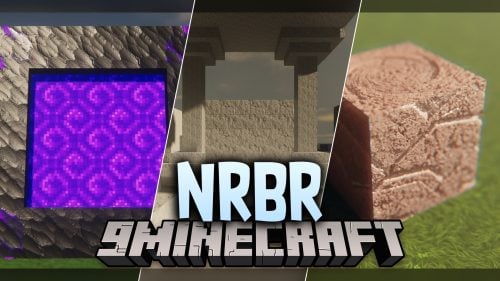 NRBR Model – Transforms Blocks with Realistic 3D Depth and Animated Textures
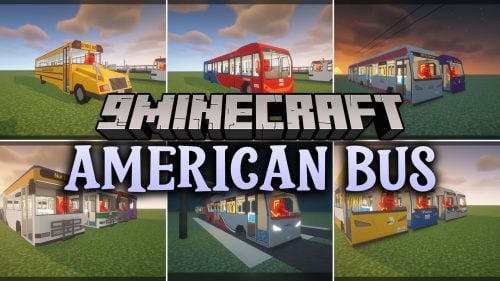 American Bus Model – Brings US and Canadian Transit Vehicles to MTR4
 CP Lisbon Suburban Trains Model – Adds Portuguese Commuter Railcars to MTR
 Immersive Engineering Reimmersed Model – Brings Animated 3D Factory Blocks
 Enhanced Model – Brings 3D Depth and Animated Textures to Vanilla Blocks
 Bushy’s Wild Expanded Model
 Ice Cream Model – Adds Geometric 3D Shapes to Classic Vanilla Blocks

This post has no comments yet. Be the first — your comment will appear here.