


WWaypoints Mod (26.2, 1.21.1) – Never Lose Track Of Important Spots
 193
193
 0
0


🌐 Good news — we've translated this article into other languages!
Or pick the one you like:
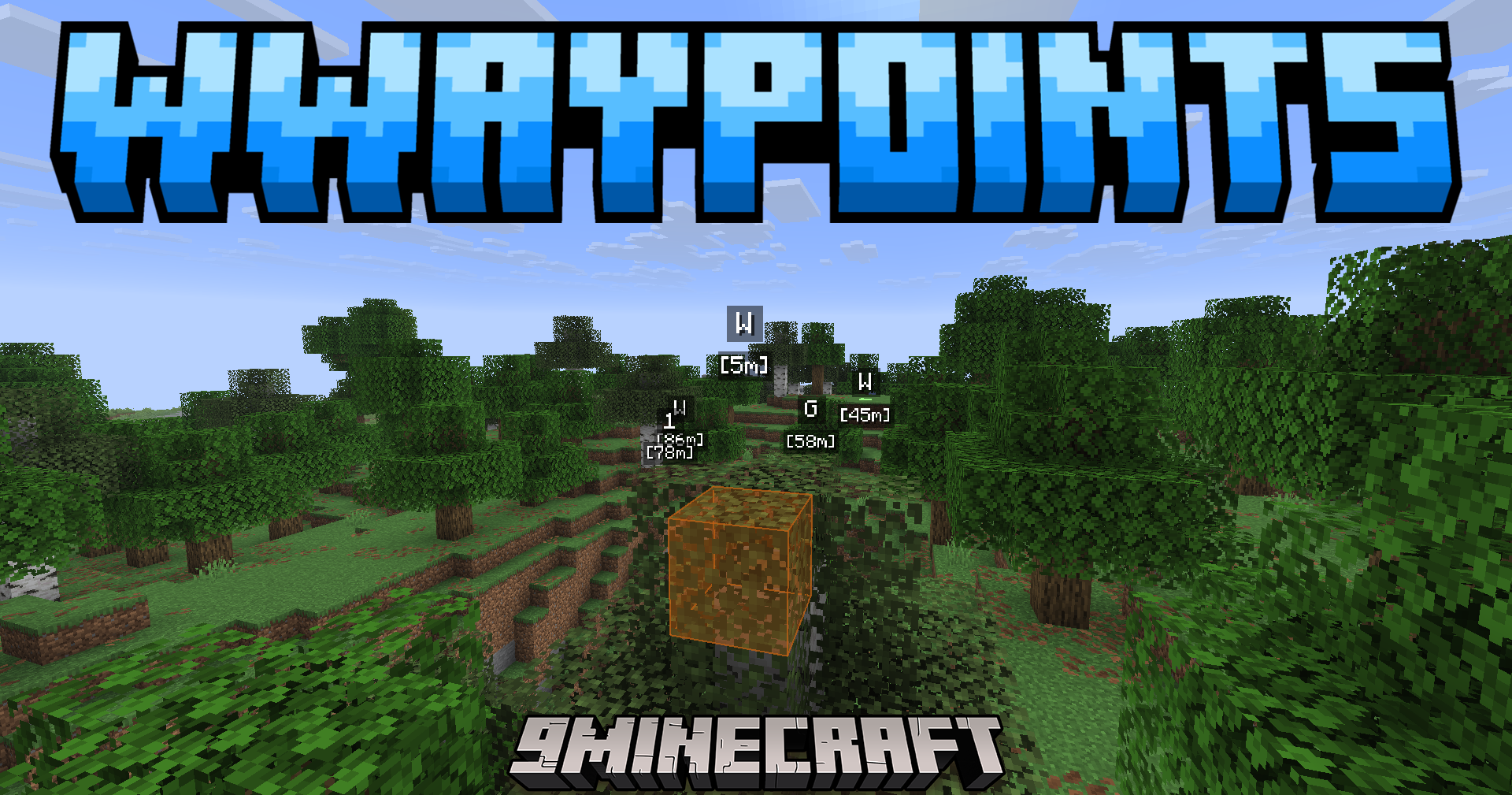
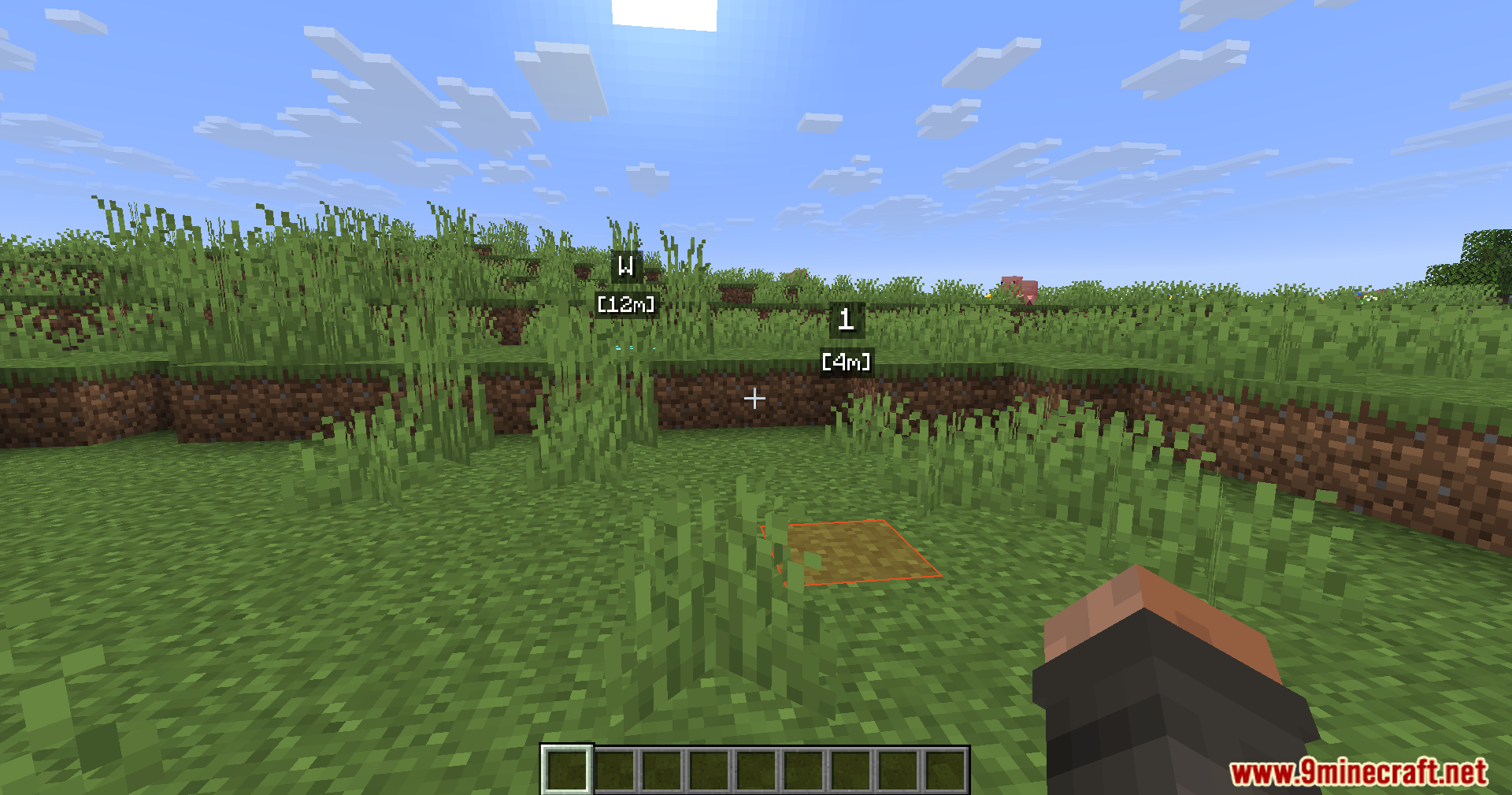
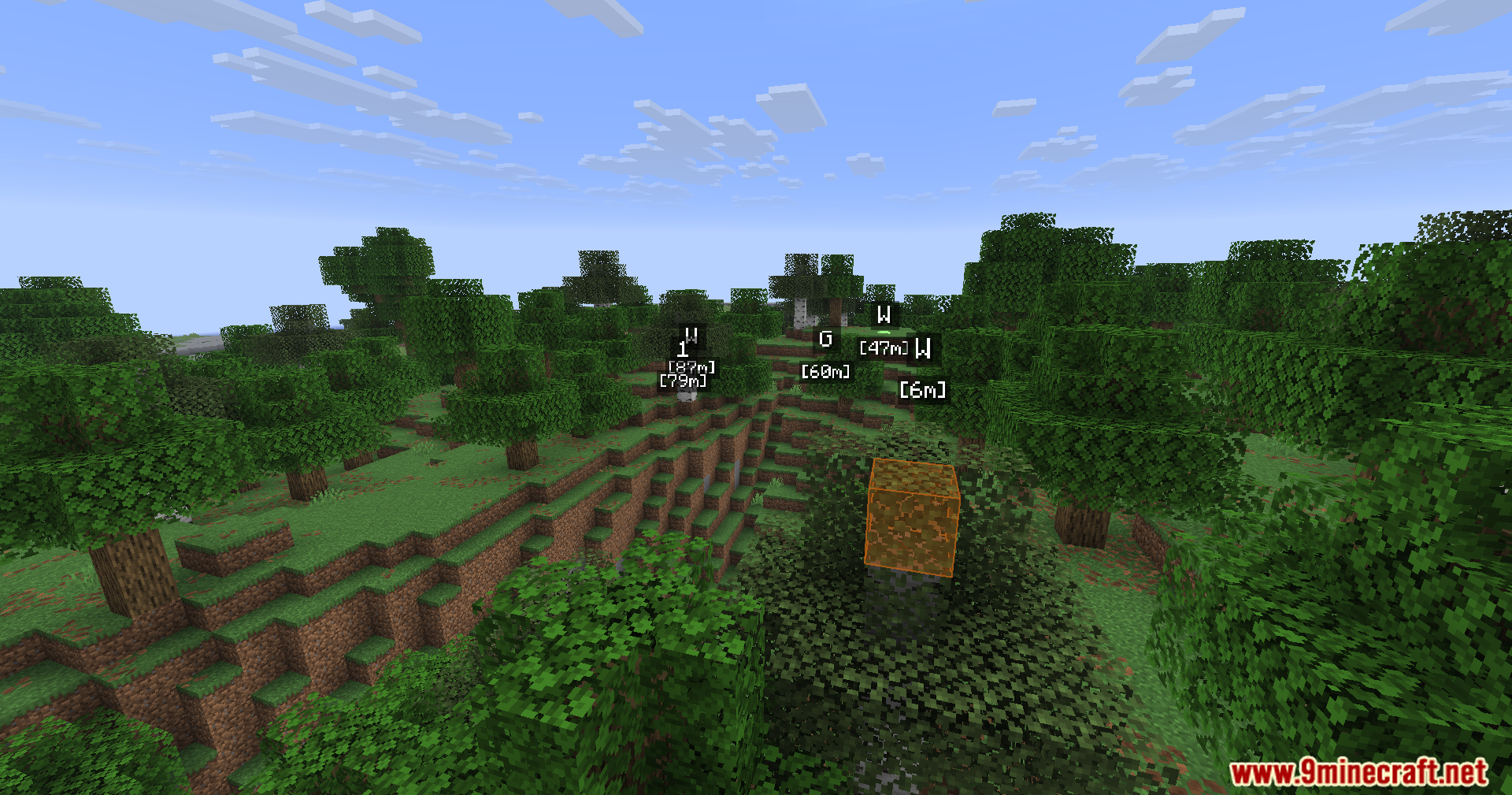
WWaypoints Mod gives you new ways to mark important spots in your world. It adds bright markers, helpful folders, and special block highlights so you always know exactly where to go.
Features:
- Lets you create large markers that cover multiple blocks at the same time.
- Adds folders so you can sort your saved locations and keep your screen clean.
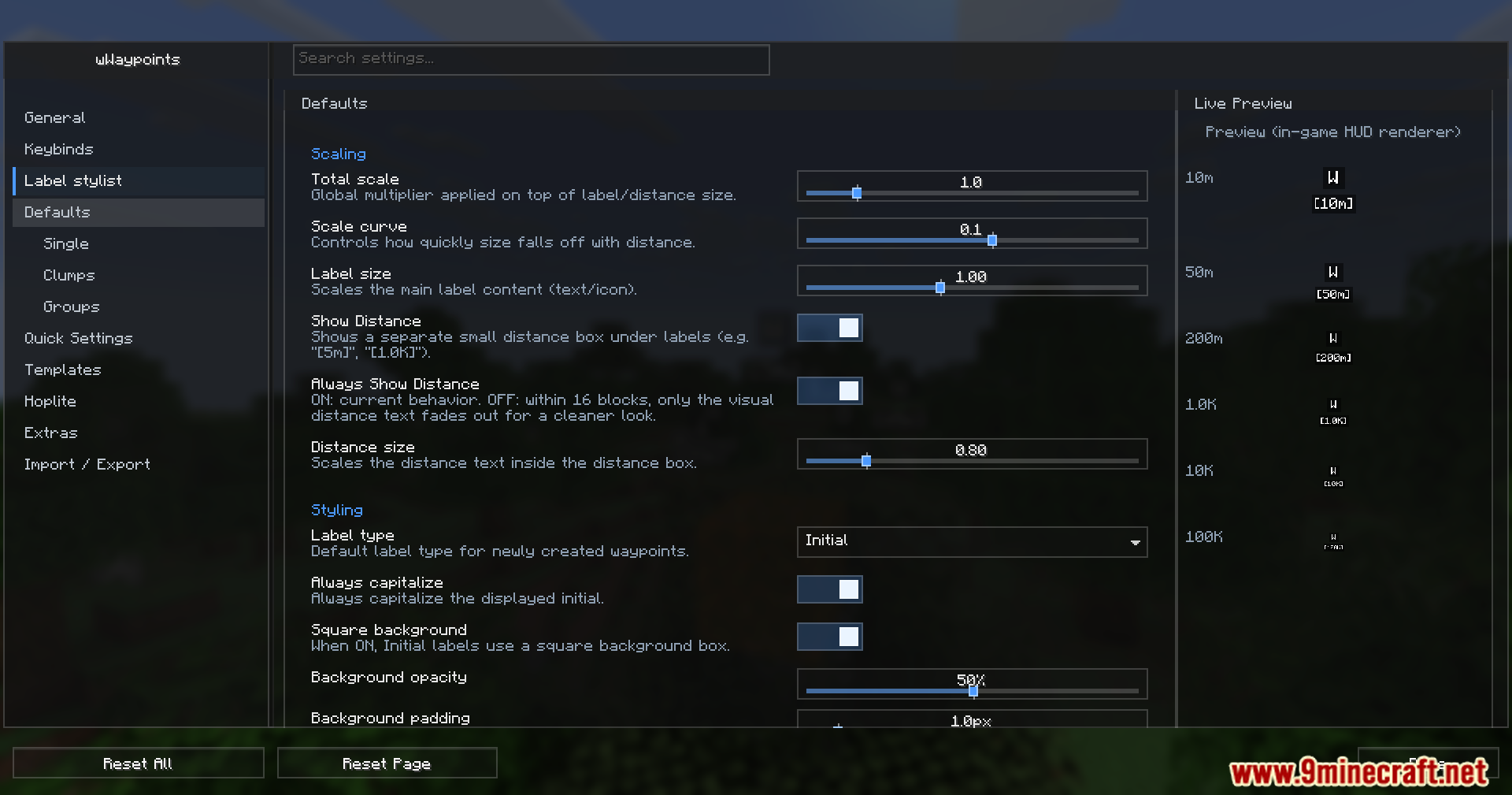
- Players can change the colors, icons, and styles for every single marker they make.
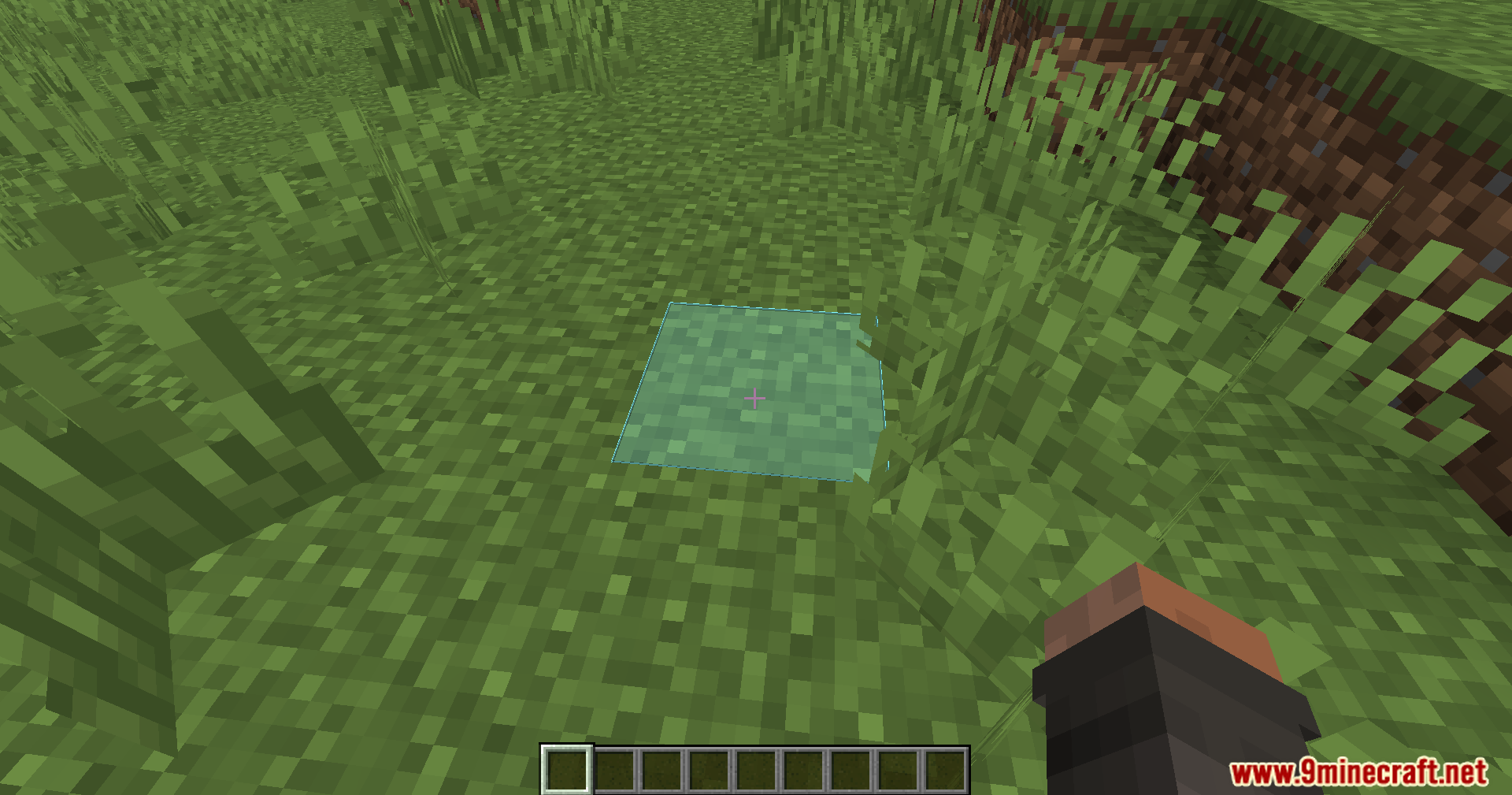
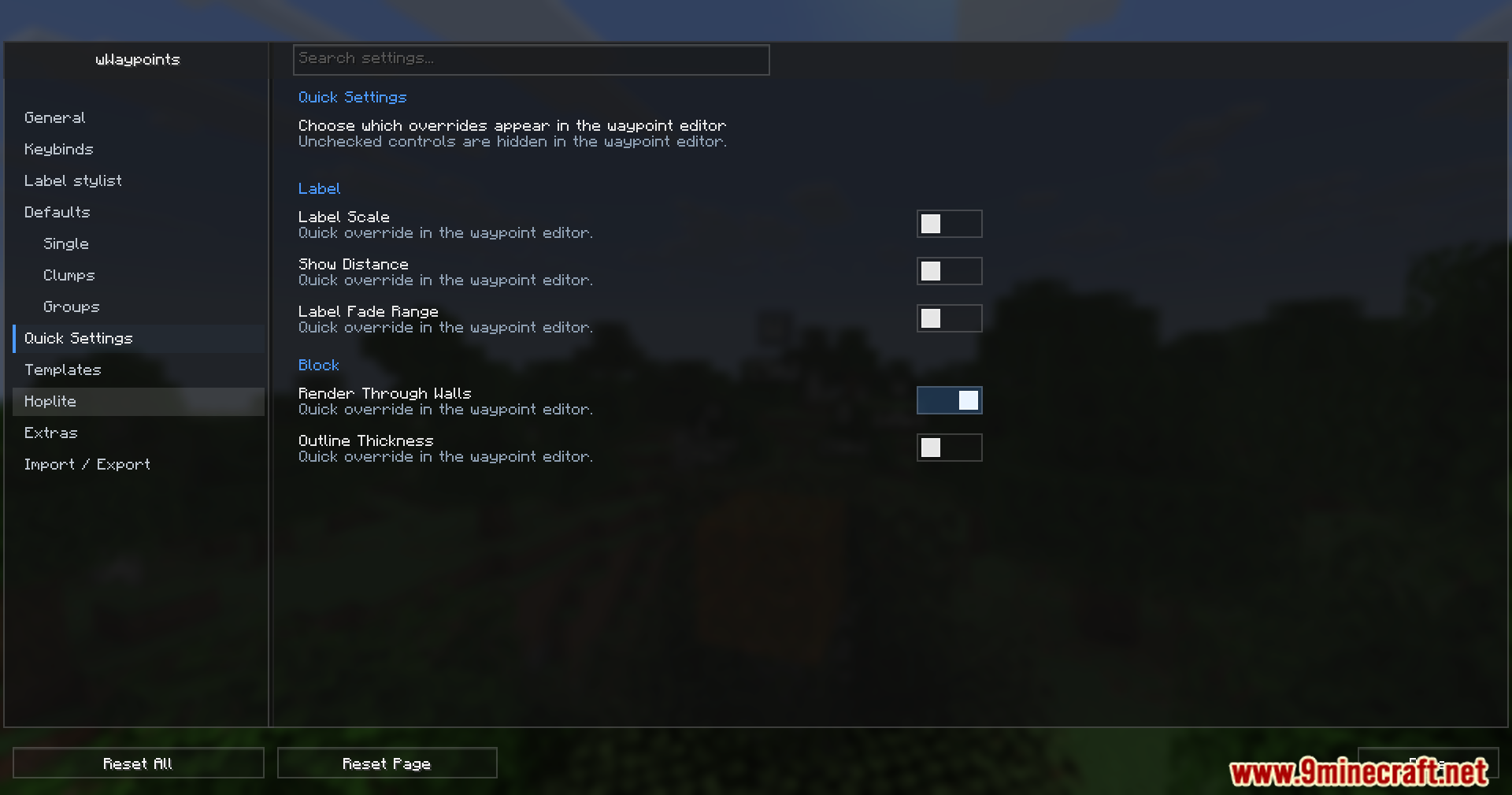
- Highlights specific blocks to help you build and manage traps easily.
- Includes a helpful sign popup menu that speeds up the trapping process.
- Gives you an option to keep your character sneaking without holding the button down.
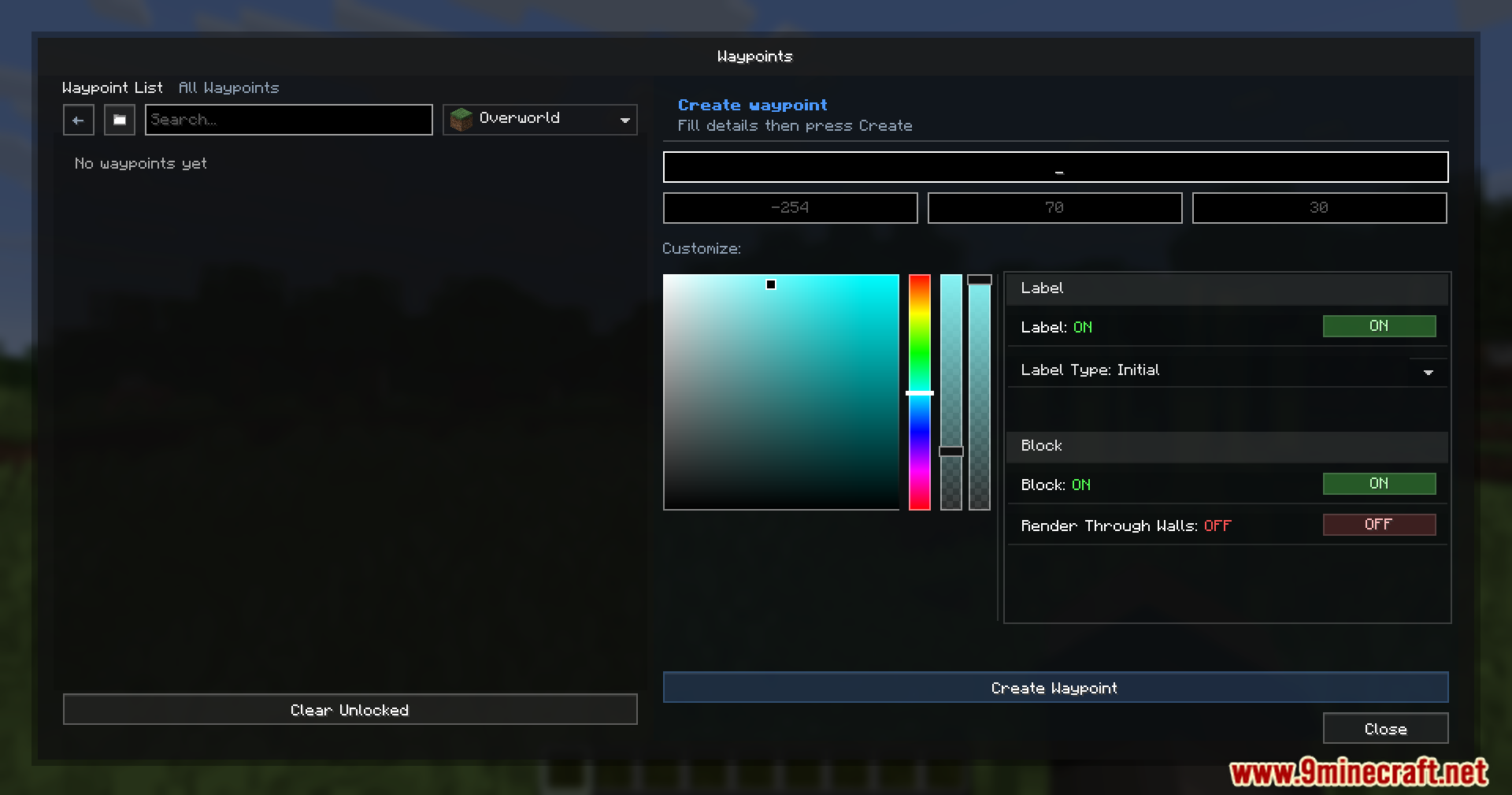
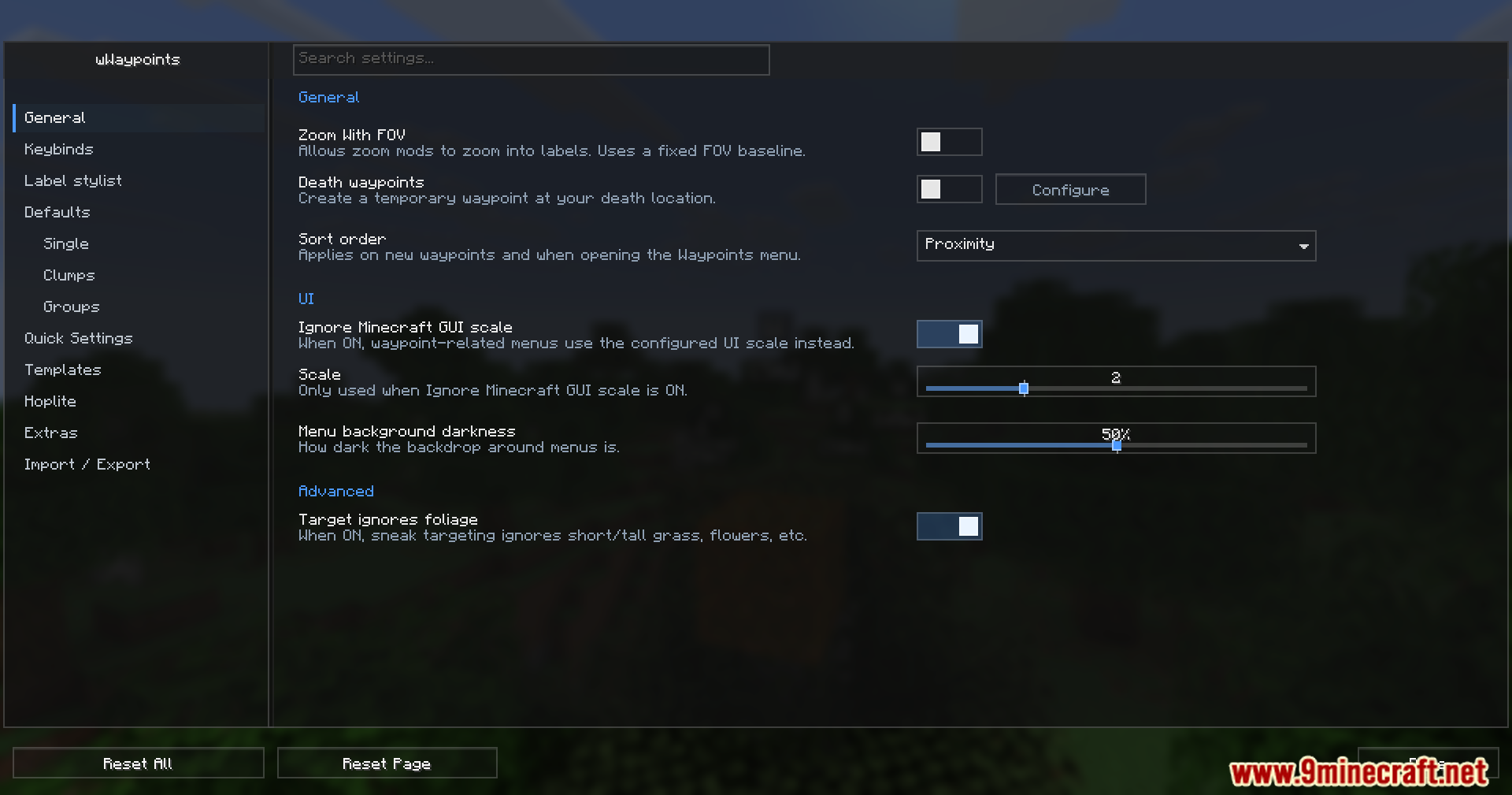
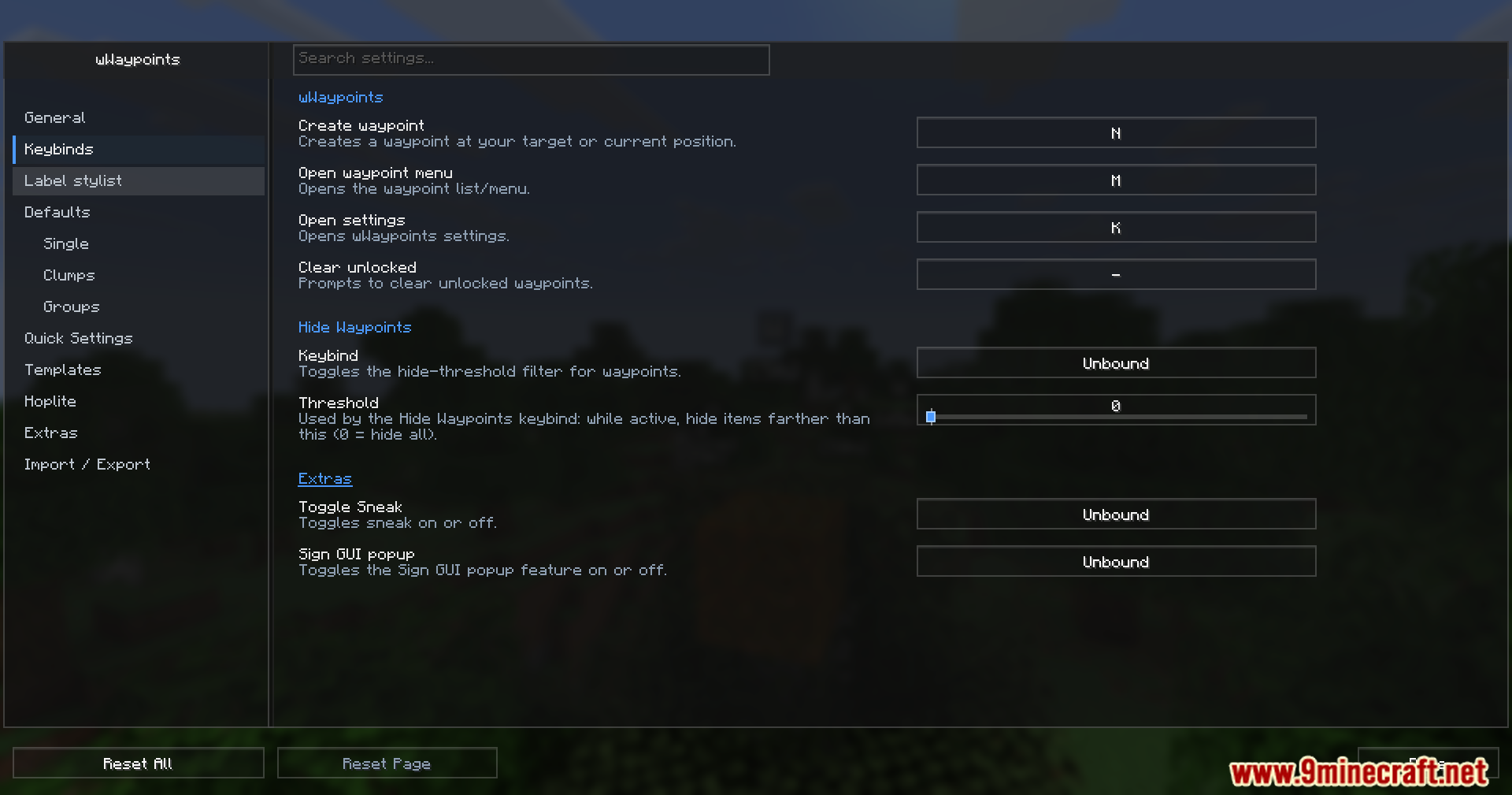
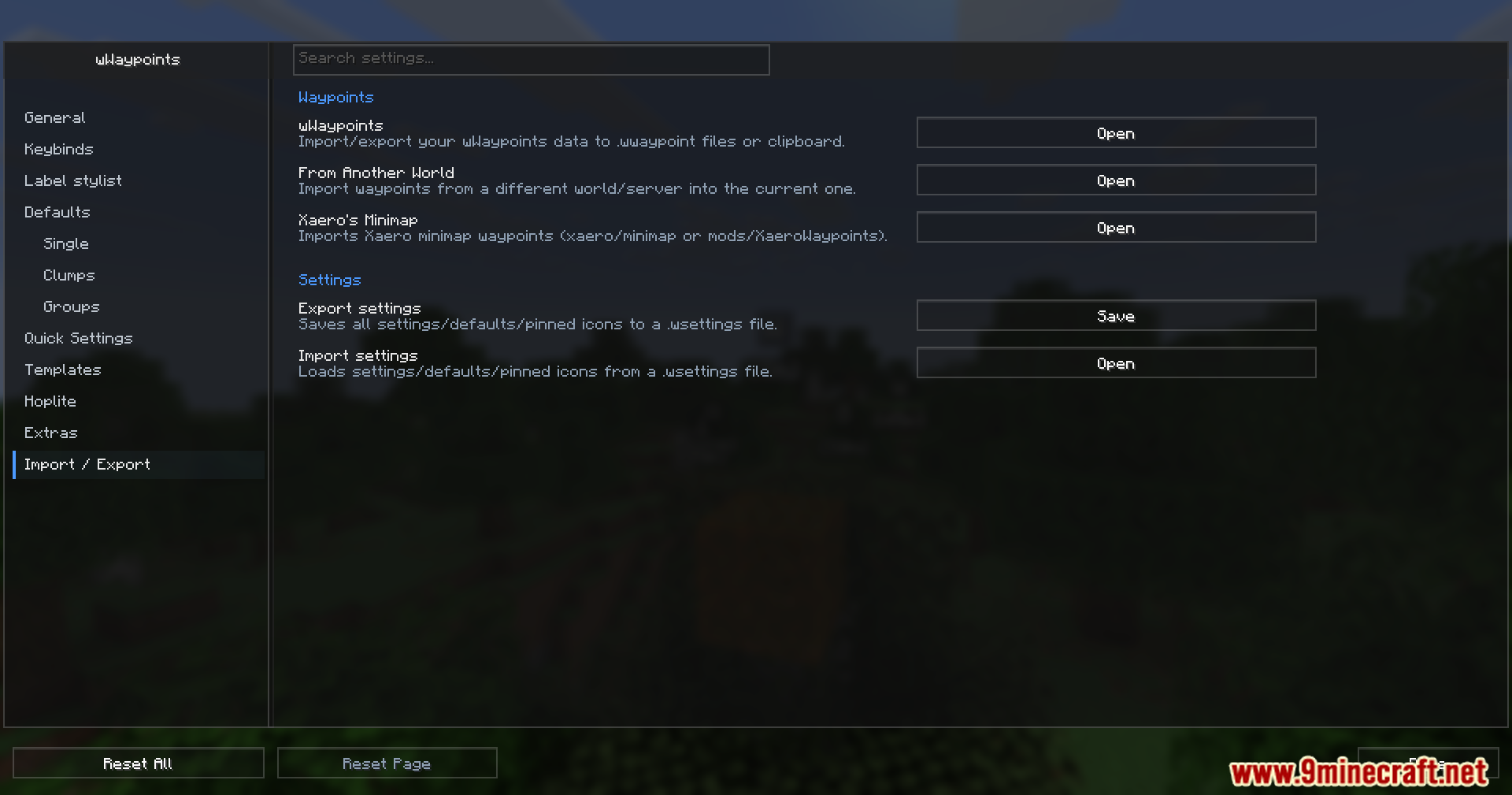
- Brings clean and simple menus to manage all your settings and spots.
- Works perfectly even when you play with custom shaders turned on.
- This mod is officially allowed for players to use on the Hoplite server.
How to Use:
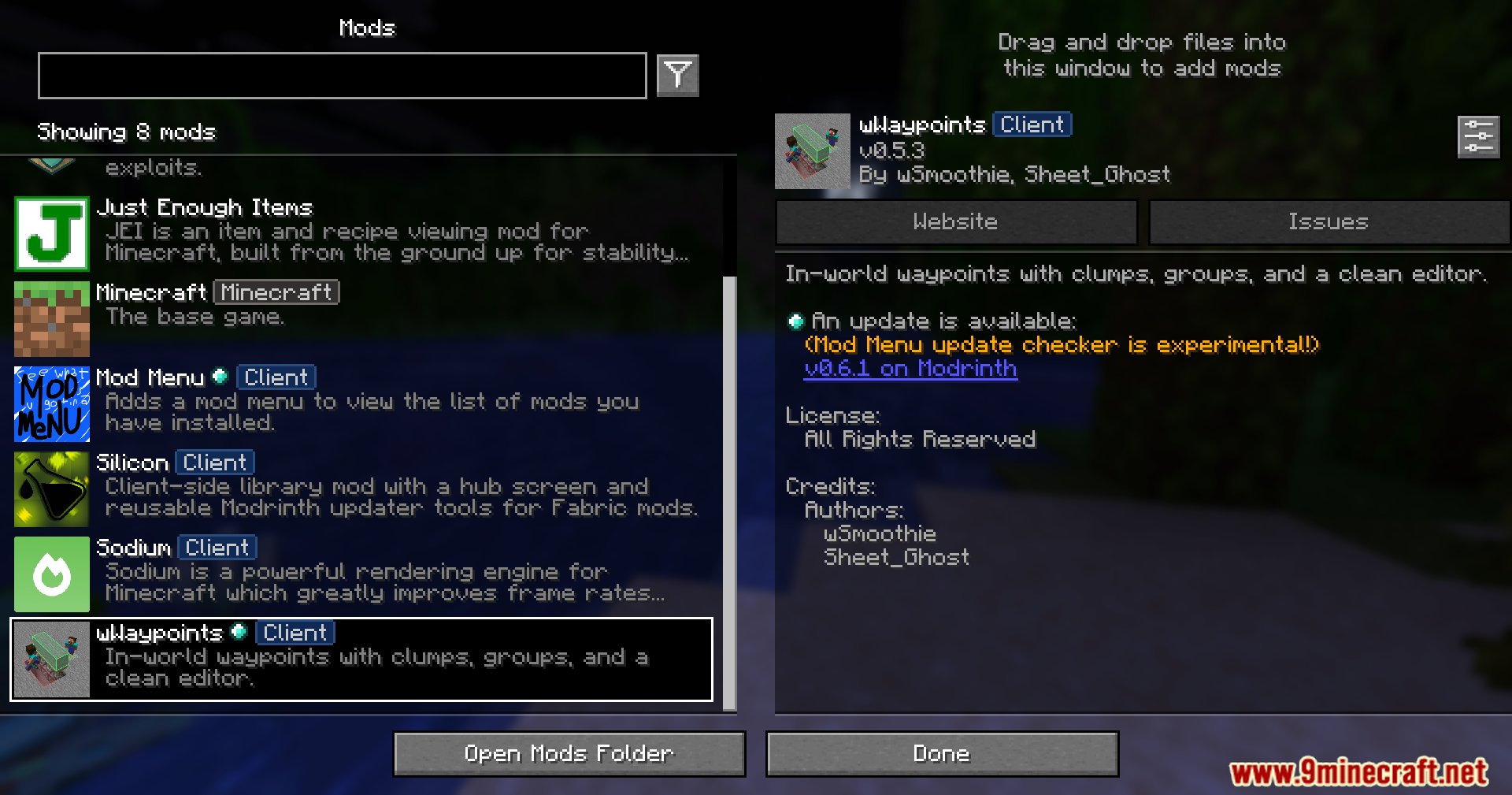
- Open the main menu to set up your basic markers and pick their icons.
- Hold down the create waypoint key while moving your character to make a multi-block marker.
- Put your saved spots into custom folders if your list gets too long.
Screenshots:
How to Install:
New to Minecraft? Follow our step-by-step guide to install Mods on your PC.View Guide
Requirements:



WWaypoints Mod Download Links
For Minecraft 26.2
For Minecraft 26.1.2, 26.1.1, 26.1
For Minecraft 1.21.11
For Minecraft 1.21.8, 1.21.7, 1.21.6
For Minecraft 1.21.1, 1.21
Click to rate this post!
[Total: 1 Average: 5]
You May Also Like




This post has no comments yet. Be the first — your comment will appear here.