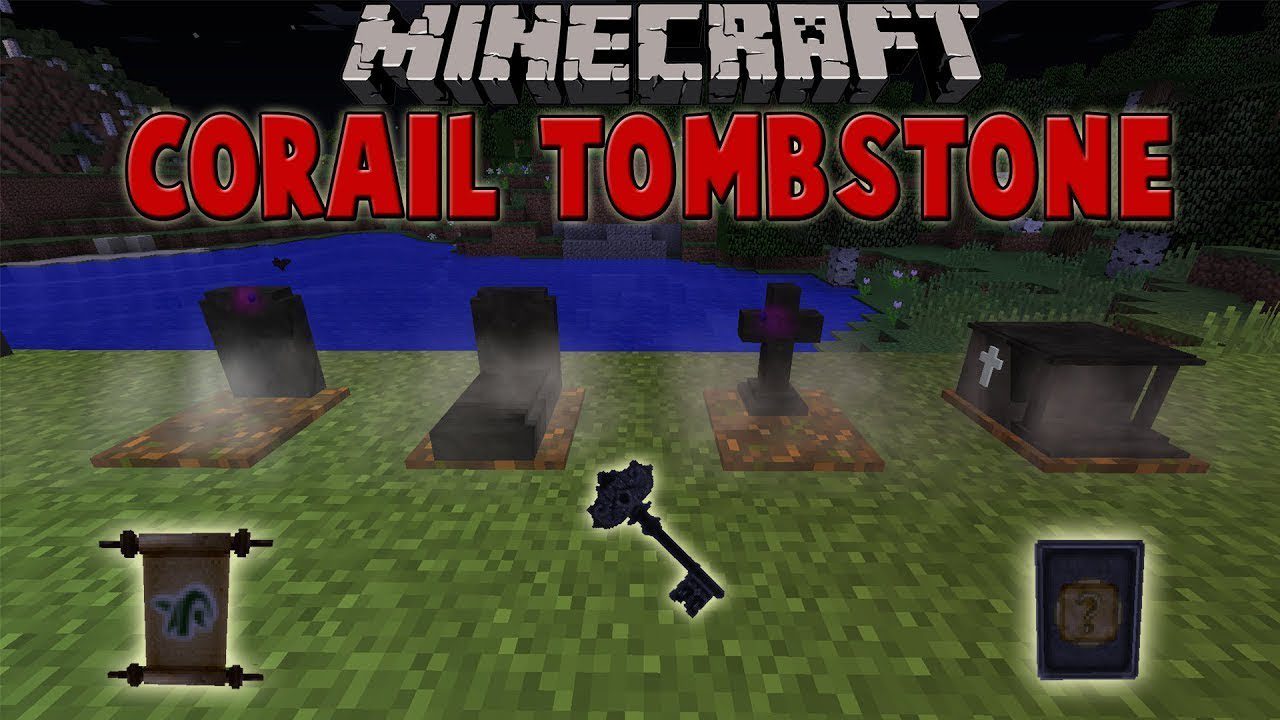
Corail Tombstone Mod keeps your items safe when you die by placing them in a grave. This prevents you from losing your belongings. After dying, you get a grave key that shows you the way back to your items. This key can be upgraded to teleport you directly to your grave. The mod also adds a magic system with scrolls and souls that you can find, creating a medieval fantasy feel.

Features:

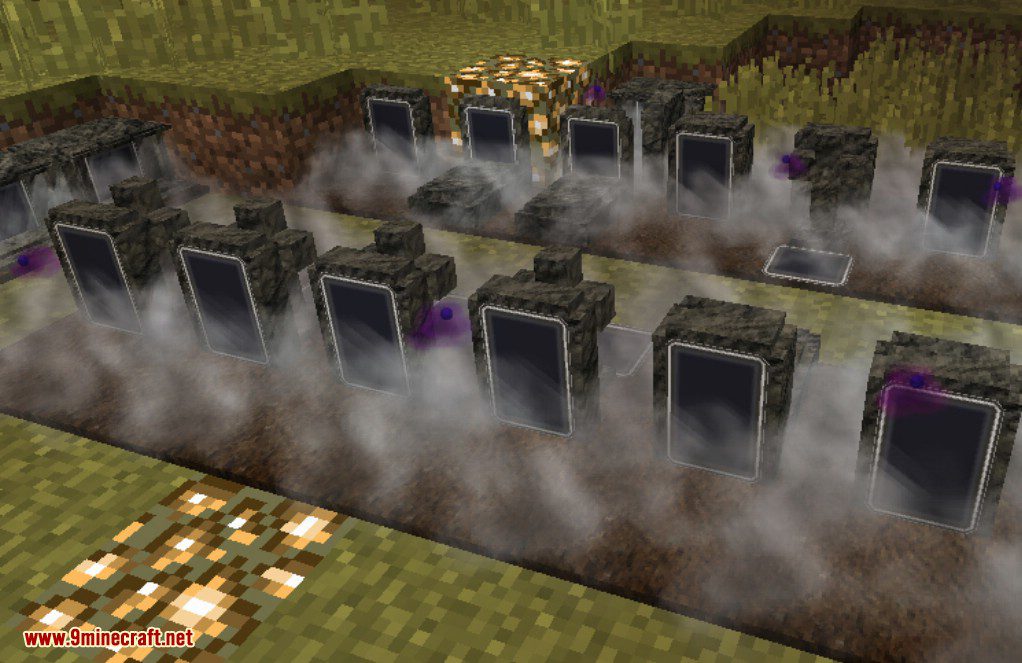
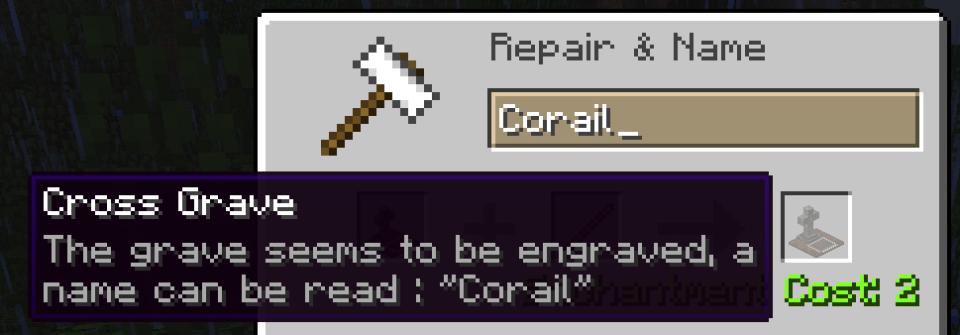
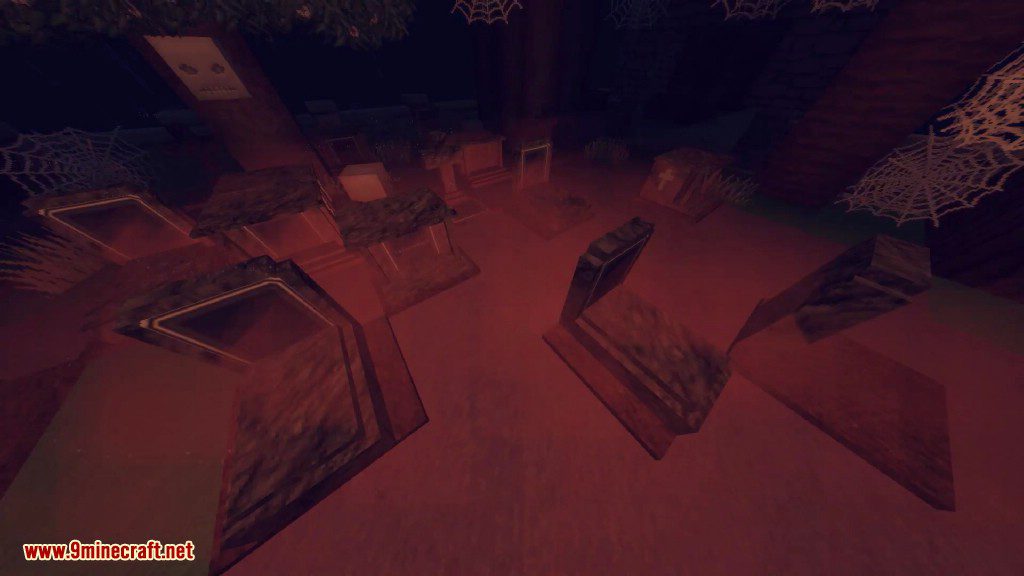
  • Decorative Graves: Find or craft special graves that have a fog particle effect at night. These can be engraved with a custom name using an anvil.
  • Haunted Souls: Decorative graves can sometimes be haunted by a soul. You can use these souls to enchant items or upgrade your grave key.
  • Ghostly Shape Effect: After you die, you get a temporary effect that stops monsters from attacking you. The effect goes away if you attack a mob.
  • Knowledge of Death: Earn knowledge points by using souls, praying at graves, or completing advancements. Spend these points to unlock special perks.
  • Grave Guardian: A friendly mob that can appear near decorative graves. It protects the area from hostile mobs and offers special trades.
  • Abandoned Graves: Discover lootable graves that generate naturally on the surface and in oceans.
  • Forgotten Knowledge: Find and read mysterious scrolls that contain riddles. Solving them can unlock new abilities, like an affinity with undead mobs.
  • In-Game Guide: Access a Compendium in the mod’s menu to read about all its features.

New Enchantments:

  • Soulbound: Prevents an item from being dropped on death.
  • Shadow Step: Makes you harder for mobs to detect in the dark.
  • Magic Siphon: Steals good effects from enemies you hit.
  • Plague Bringer: Applies bad effects to enemies you hit.

Commands:

  • /tbgui: Opens the in-game screens for this mod.
  • /TBTeleport: Teleports you to different locations like your last grave, your respawn point, or a specific biome.
  • /TBBind: Saves your current location so you can teleport back later.
  • /TBShowLastGrave: Shows the coordinates of your last grave.
  • /TBRestoreInventory: Lets you get your items back from your grave from a distance.
  • /TBRequestTeleport: Sends a request to another player to teleport to them.

How to Use:

  1. To change settings, you can edit the configuration files located in your game’s ‘config’ folder.
  2. For client-side options, type the command /tbgui in chat to open the mod’s menu directly in the game.
  3. You can also set a keybind in the controls menu to open the GUI instead of using the command.

Crafting Recipes:

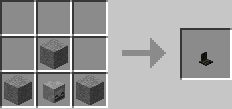
Simple Grave

Corail Tombstone Mod Crafting Recipes 7

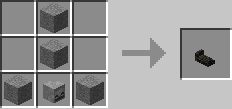
Normal Grave

Corail Tombstone Mod Crafting Recipes 8

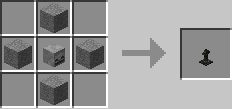
Cross Grave

Corail Tombstone Mod Crafting Recipes 9

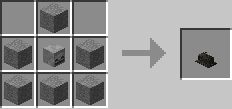
Tombstone

Corail Tombstone Mod Crafting Recipes 10

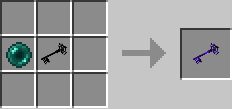
Upgraded Grave Key

Corail Tombstone Mod Crafting Recipes 11

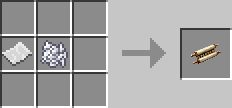
Scroll of Recall

Corail Tombstone Mod Crafting Recipes 12

Screenshots:

Corail Tombstone Mod Screenshots 1
A decorative stone tombstone with death information placed on a grassy field
Corail Tombstone Mod Screenshots 2
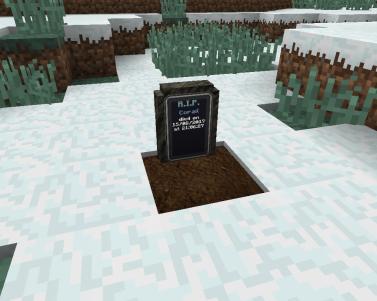
A simple grave marker showing player death details in a snowy biome
Corail Tombstone Mod Screenshots 3
A collection of decorative graves with fog particles in a graveyard setting
Corail Tombstone Mod Screenshots 4
Renaming a cross grave item using an anvil and a wooden stick
Corail Tombstone Mod Screenshots 5
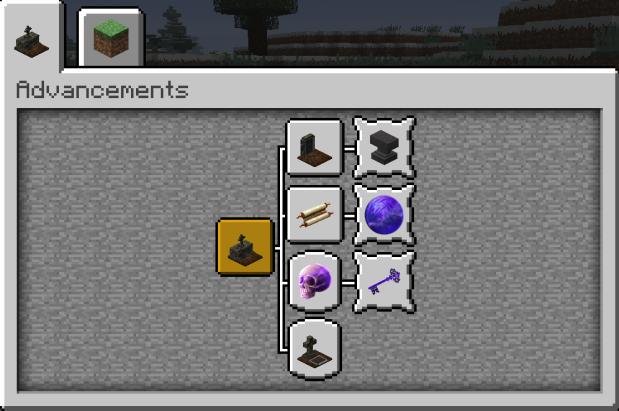
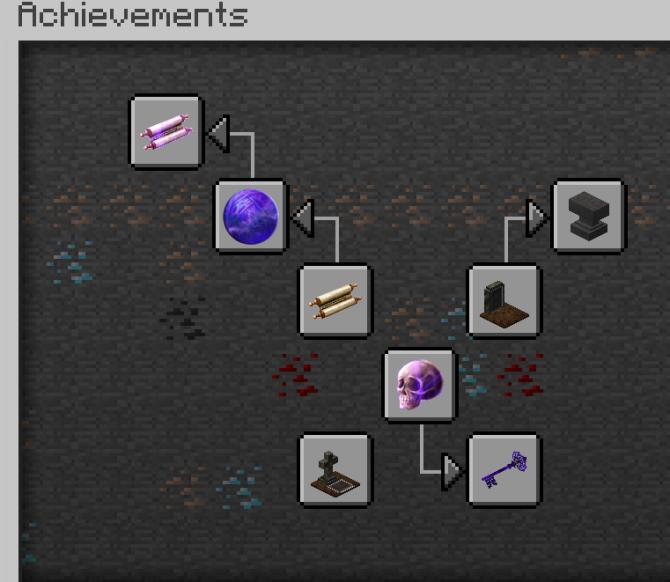
Minecraft advancements screen showing a custom progression tree for grave items
Corail Tombstone Mod Screenshots 6
Achievement interface displaying various items and blocks from the tombstone mod
Corail Tombstone Mod Screenshots 7
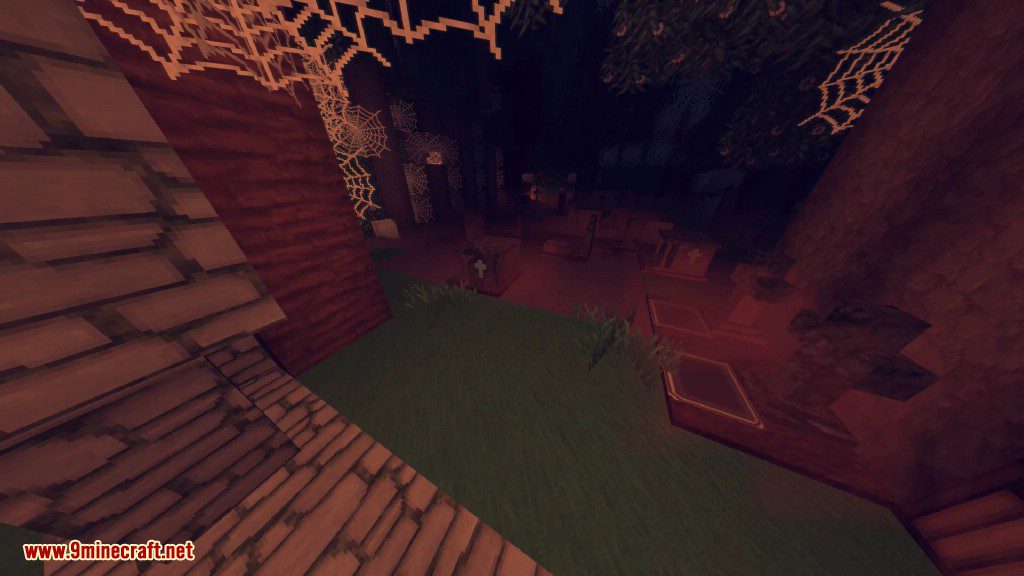
A spooky graveyard at night with cobwebs hanging from the dark trees
Corail Tombstone Mod Screenshots 8
Multiple stone graves with cross designs under a canopy of thick cobwebs
Corail Tombstone Mod Screenshots 9
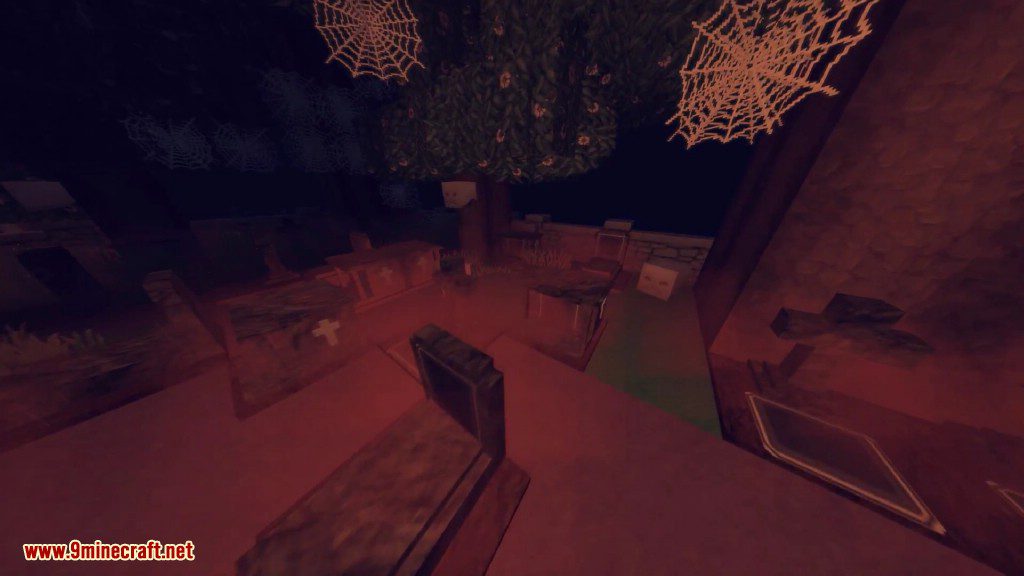
A dark Minecraft graveyard at night featuring various decorative graves and cobwebs
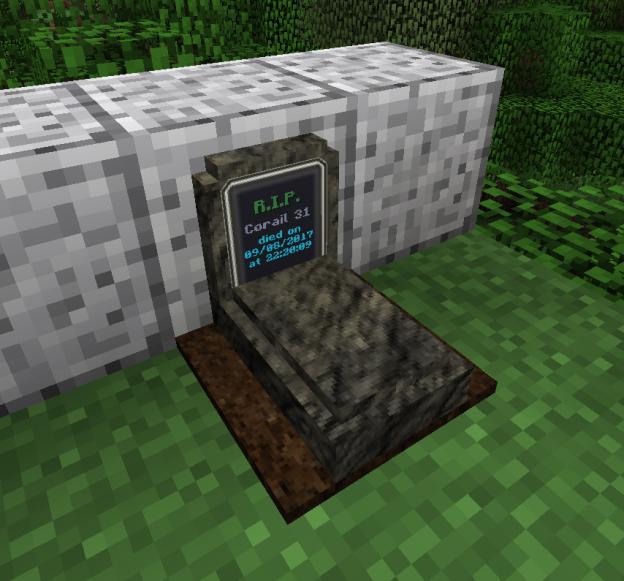
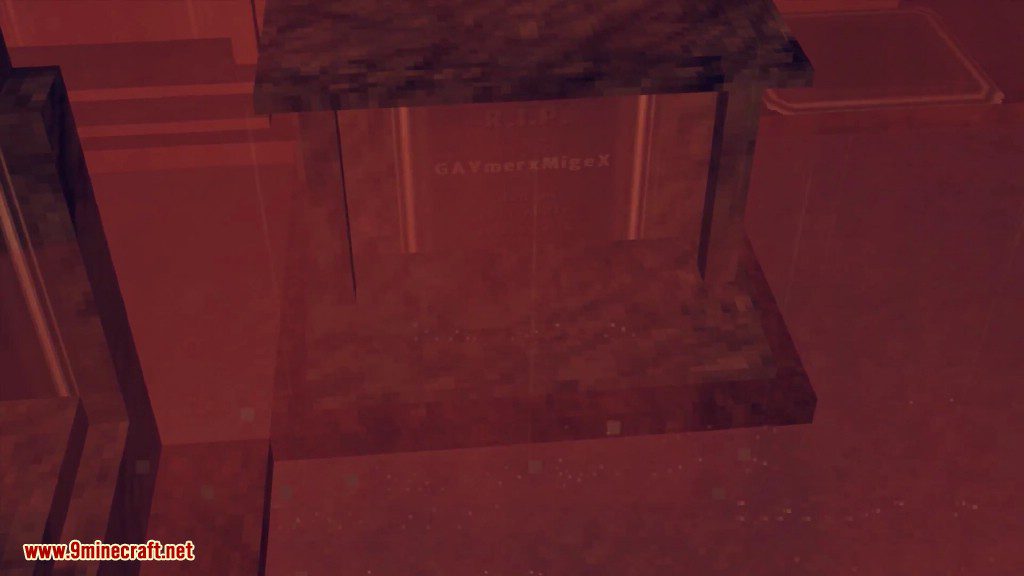
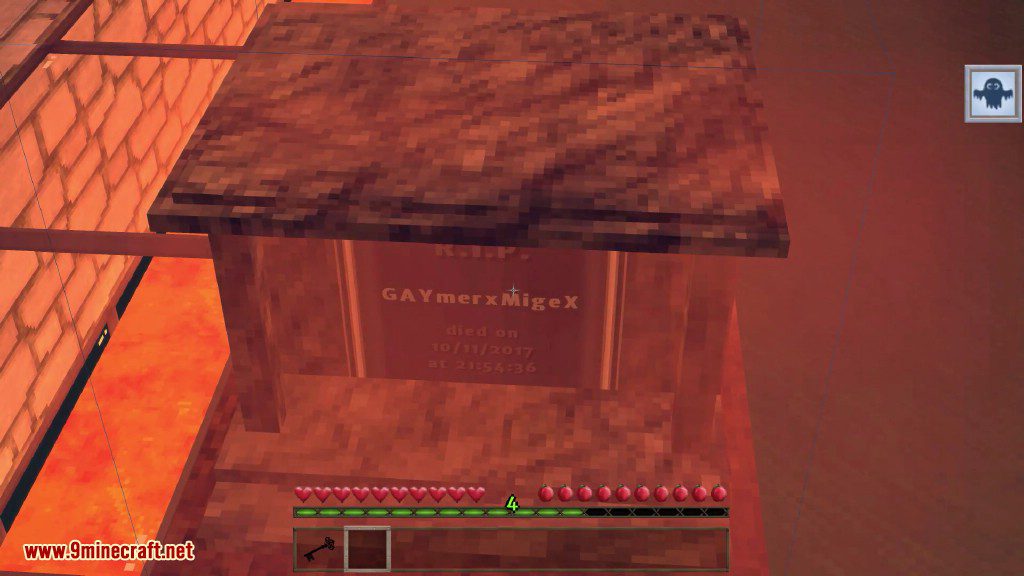
Corail Tombstone Mod Screenshots 10
An engraved tombstone in Minecraft displaying a player name and RIP text
Corail Tombstone Mod Screenshots 11
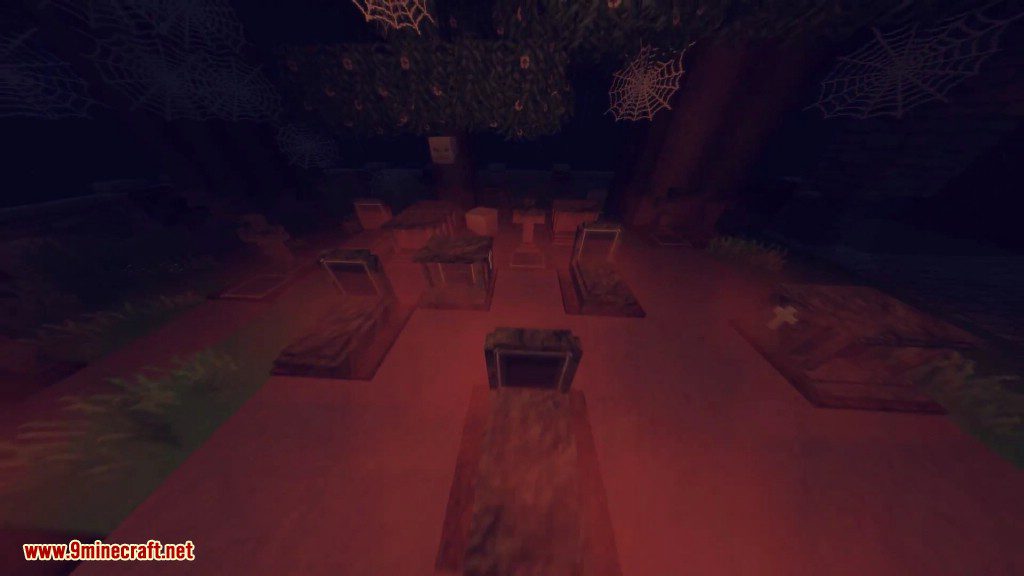
Spooky Minecraft graveyard at night filled with various stone tombstones and cobwebs
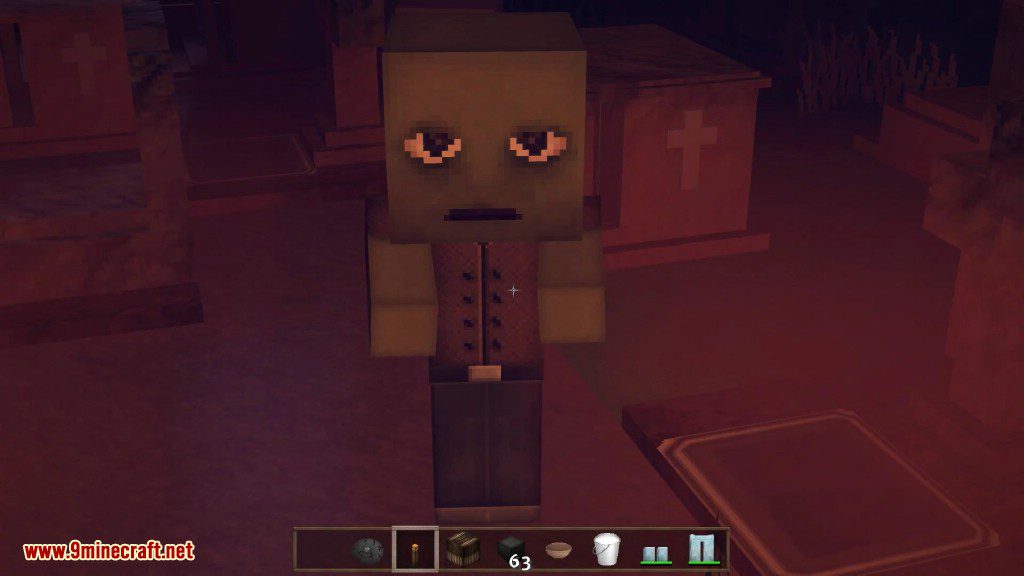
Corail Tombstone Mod Screenshots 12
A Minecraft character with tired eyes standing in front of a stone tombstone
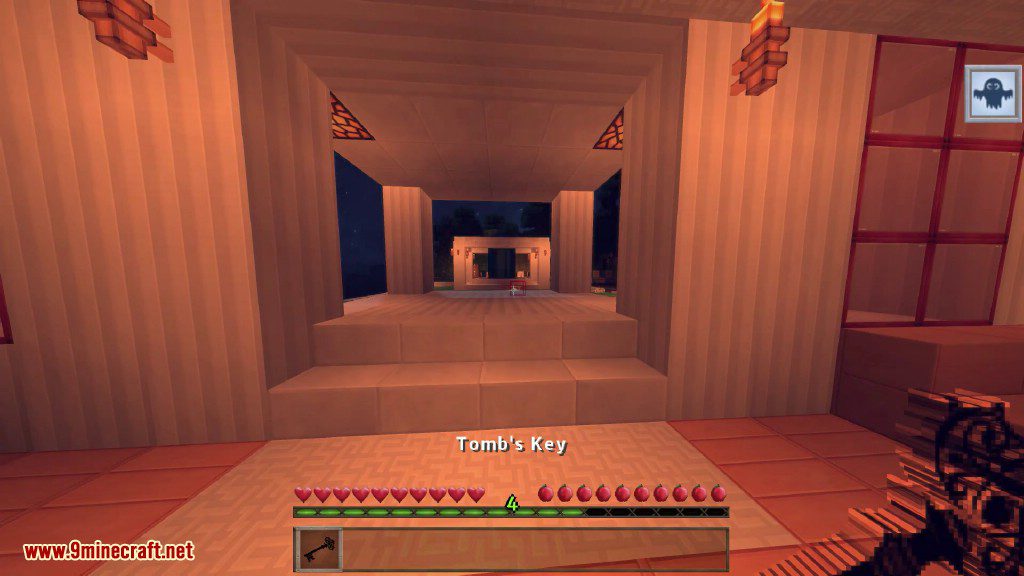
Corail Tombstone Mod Screenshots 13
Player holding a Tomb Key to find their items after dying in Minecraft
Corail Tombstone Mod Screenshots 14
A decorative tombstone in Minecraft showing the player name and death information
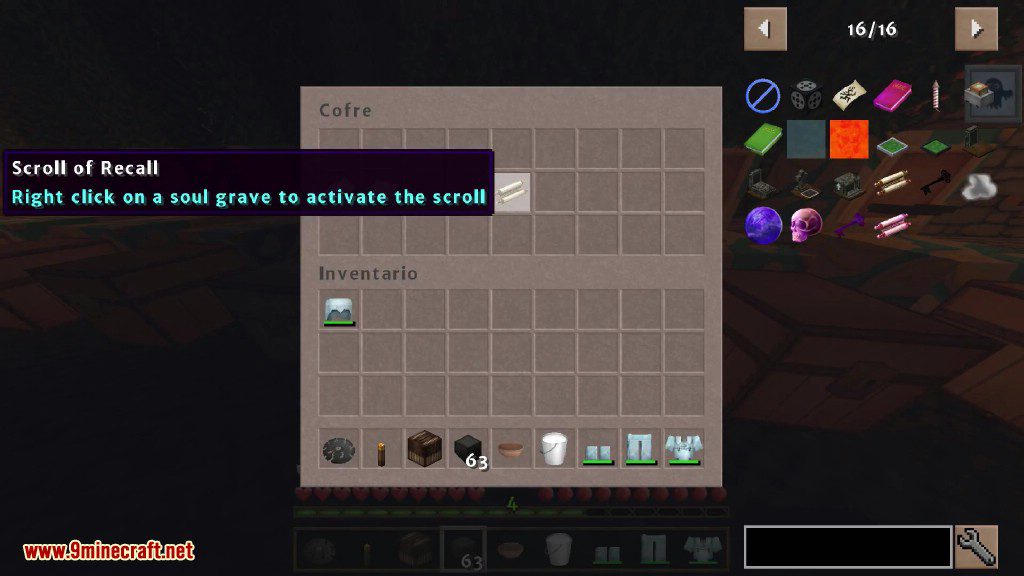
Corail Tombstone Mod Screenshots 15
A player hovers over a Scroll of Recall in the chest inventory
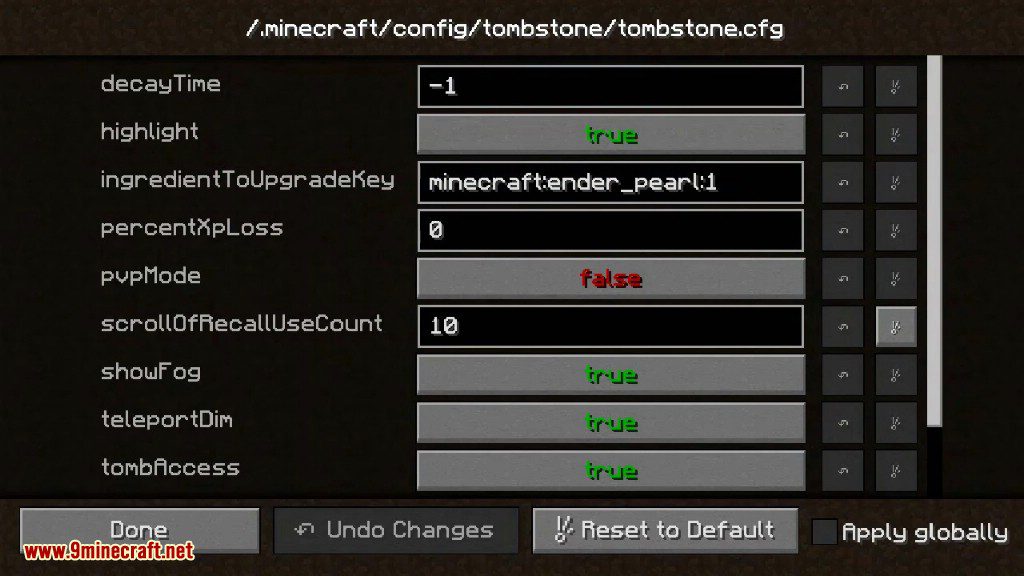
Corail Tombstone Mod Screenshots 16
The configuration screen showing various gameplay settings for the tombstone mod
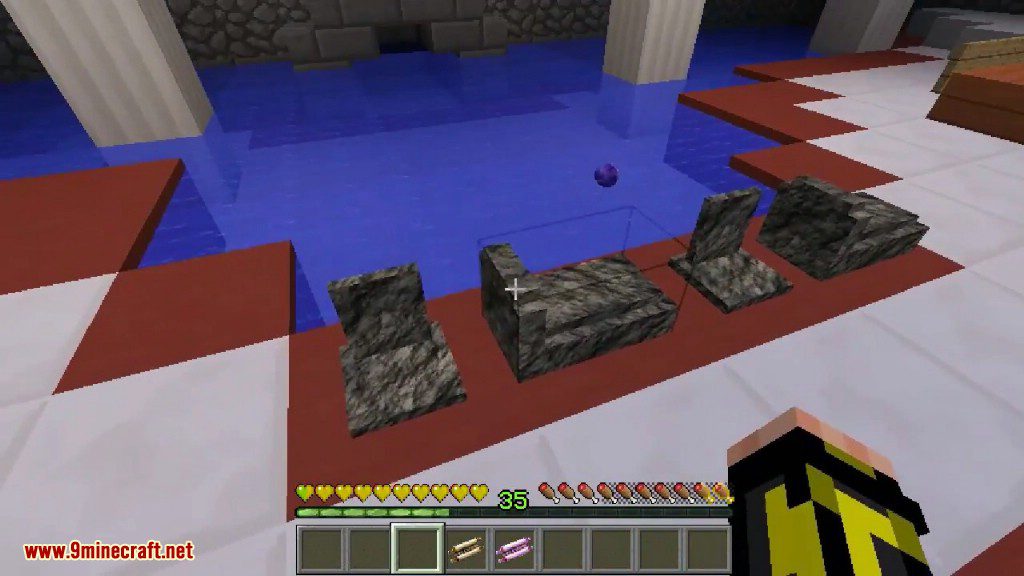
Corail Tombstone Mod Screenshots 17
Player observing decorative graves and a floating purple soul near the water
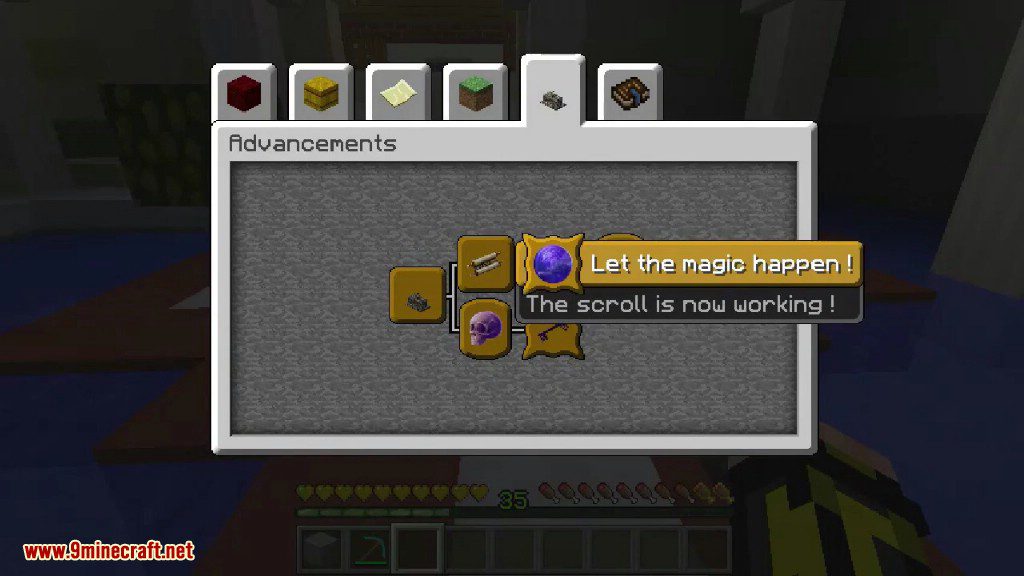
Corail Tombstone Mod Screenshots 18
Advancements screen showing a completed magic scroll task in Corail Tombstone mod

Corail Tombstone Mod Download Links

For Minecraft 1.8.9

Forge version: Download from Server 1

For Minecraft 1.12.2

Forge version: Download from Server 1

For Minecraft 1.15.2, 1.15.1

Forge version: Download from Server 1

For Minecraft 1.16.5

Forge version: Download from Server 1Download from Server 2

For Minecraft 1.17.1

Forge version: Download from Server 1

For Minecraft 1.18.1

Forge version: Download from Server 1

For Minecraft 1.18.2

Forge version: Download from Server 1Download from Server 2

For Minecraft 1.19.2

Forge version: Download from Server 1Download from Server 2

For Minecraft 1.19.3

Forge version: Download from Server 1Download from Server 2

For Minecraft 1.19.4

Forge version: Download from Server 1Download from Server 2

For Minecraft 1.20.1, 1.20

Forge version: Download from Server 1Download from Server 2

For Minecraft 1.20.2

Forge version: Download from Server 1Download from Server 2

For Minecraft 1.20.4

Forge version: Download from Server 1Download from Server 2

For Minecraft 1.21.1, 1.21

Forge version: Download from Server 1Download from Server 2

NeoForge version: Download from Server 1Download from Server 2

For Minecraft 1.21.3

Forge version: Download from Server 1Download from Server 2

NeoForge version: Download from Server 1Download from Server 2

For Minecraft 1.21.4

Forge version: Download from Server 1Download from Server 2

NeoForge version: Download from Server 1Download from Server 2

For Minecraft 1.21.5

Forge version: Download from Server 1Download from Server 2

NeoForge version: Download from Server 1Download from Server 2

For Minecraft 1.21.6

Forge version: Download from Server 1Download from Server 2

NeoForge version: Download from Server 1Download from Server 2

For Minecraft 1.21.8, 1.21.7

Forge version: Download from Server 1Download from Server 2

NeoForge version: Download from Server 1Download from Server 2

Click to rate this post!
[Total: 3 Average: 4.7]