🌐 You are reading the 中文 translation of this article
Available languages for this article:

Create Stock Bridge Mod 连接了机械动力 (Create) 模组和应用能源 2 (AE2) 的存储系统。它添加了一个名为 AE 库存桥 (AE Stock Bridge) 的特殊方块,将这两个模组联动起来。这使得你 Create 库存系统中的物品可以作为“可合成”物品出现在 AE2 网络中。该模组还允许 Create 的打包机直接从 AE2 存储中提取物品供机器使用。

主要功能:

  • 将 Create 模组的库存网络连接到应用能源 2 (AE2) 系统。
  • 使 Create 机器生产的物品在 AE2 终端界面中显示为“可合成”。
  • 允许 Create 打包机从 AE2 存储中请求并提取物品,助力自动化合成。

游戏截图:
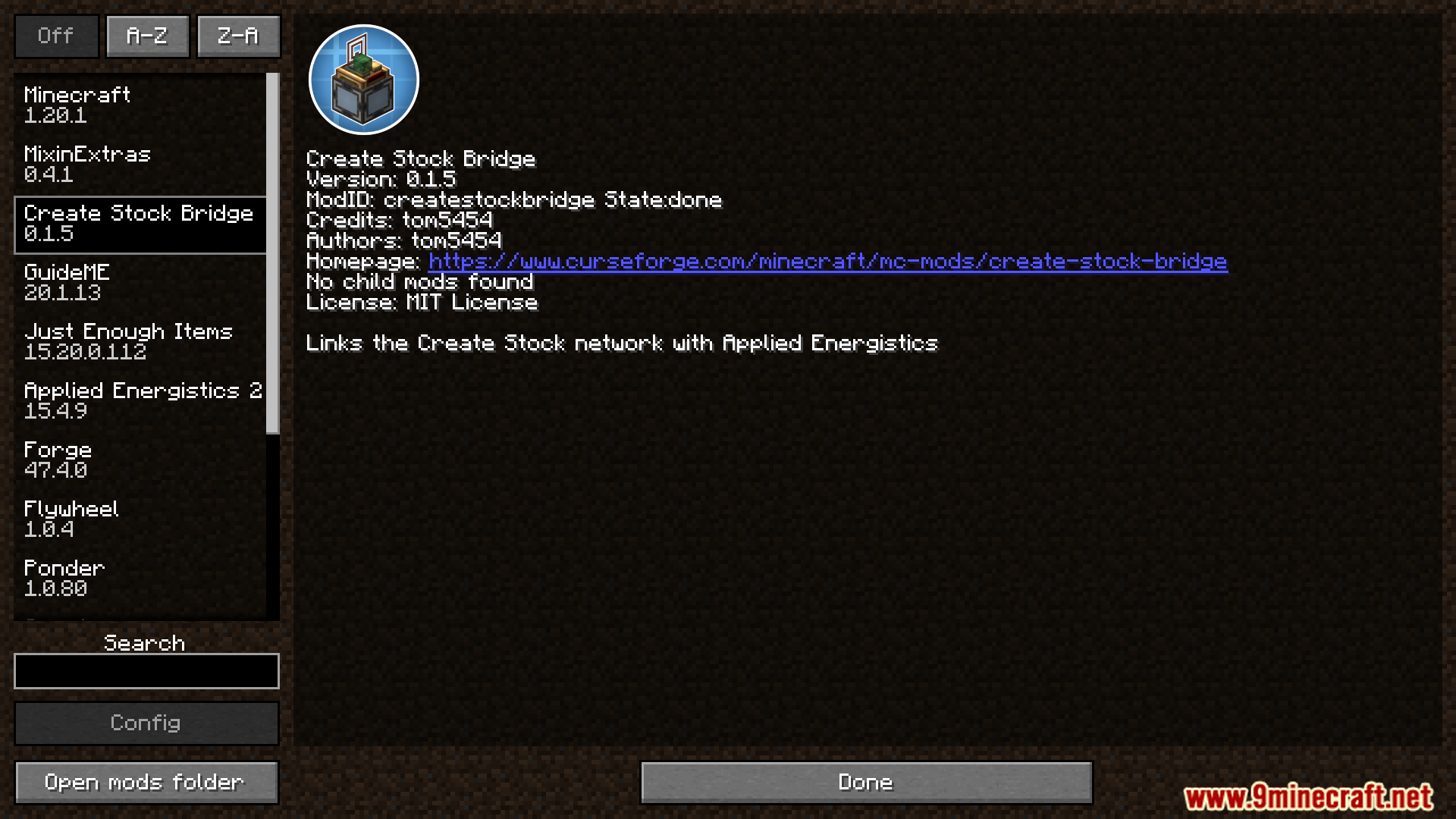
Minecraft mod menu screen showing Create Stock Bridge details
显示 Create Stock Bridge 详情的 Minecraft 模组菜单界面
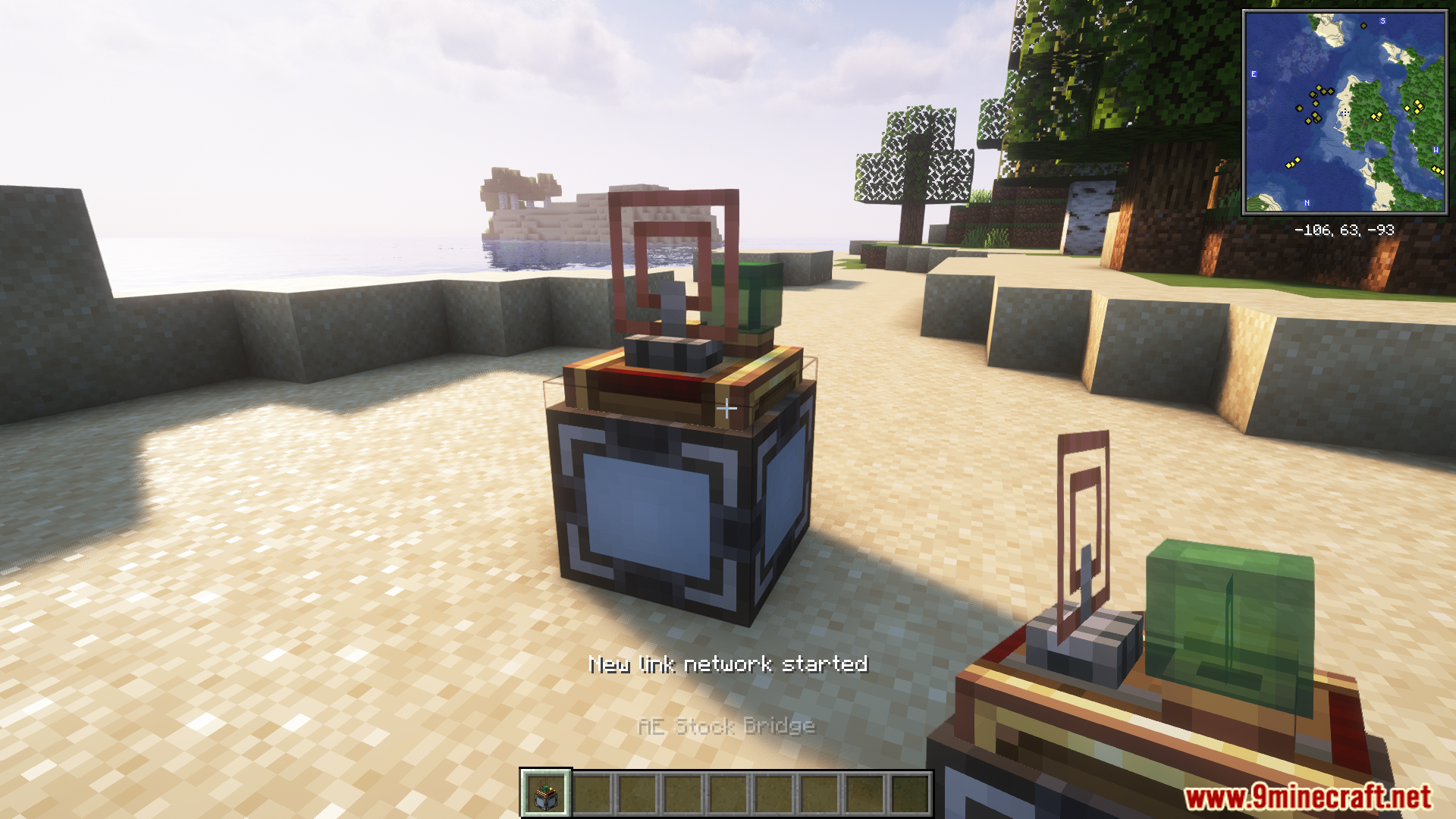
AE Stock Bridge block placed on the ground in Minecraft
放置在地面上的 AE Stock Bridge 方块
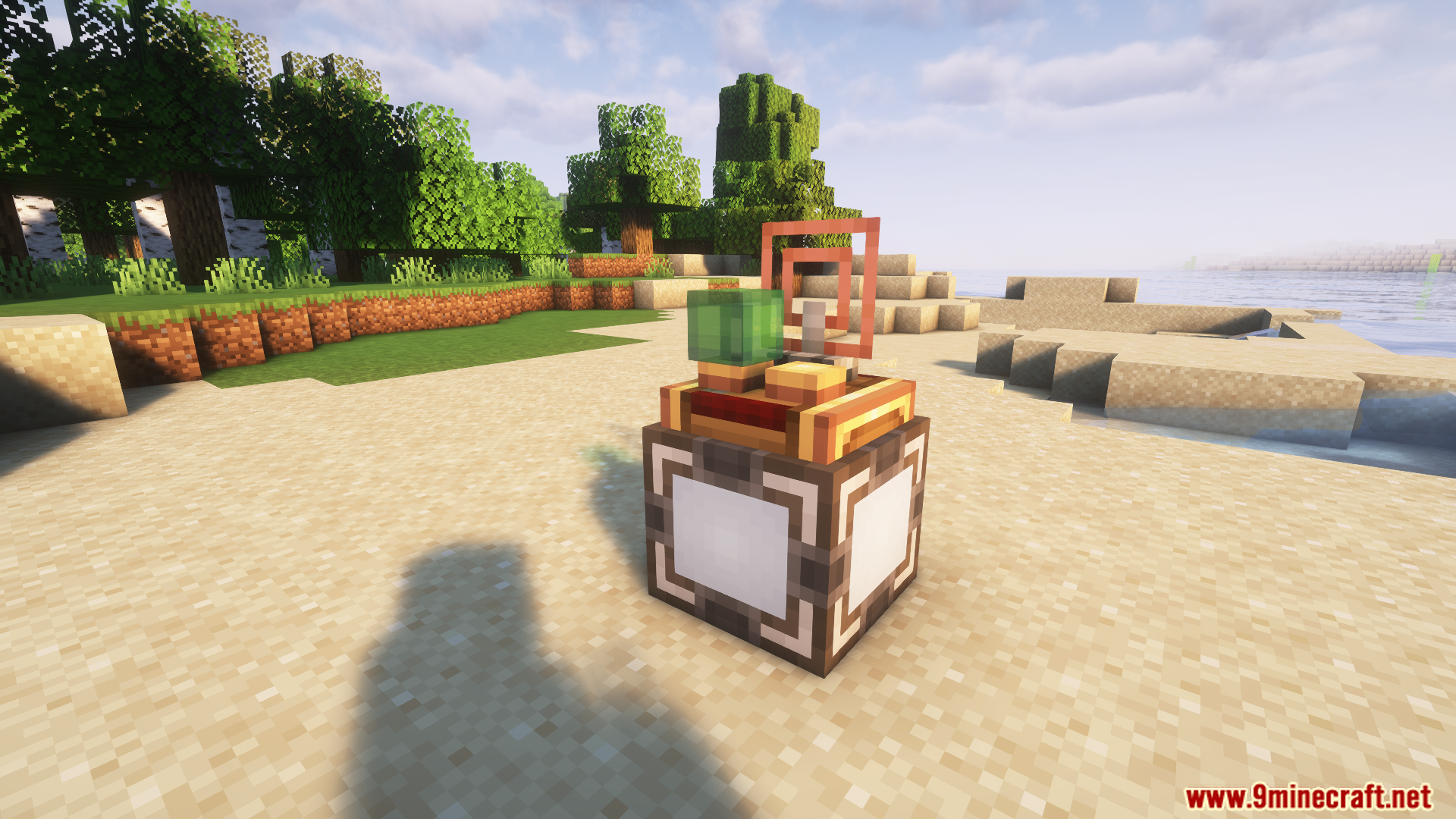
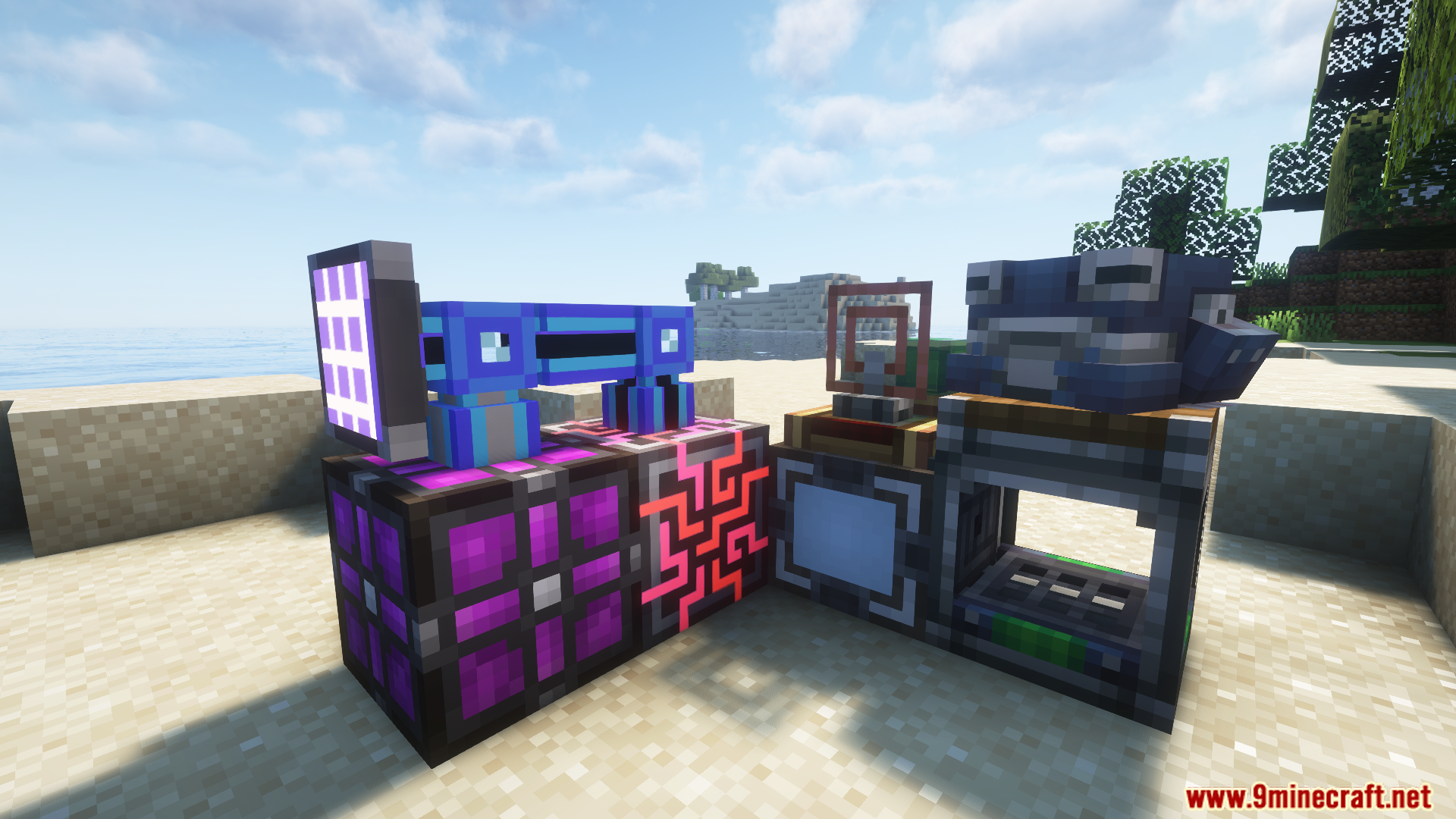
AE Stock Bridge block from the Create Stock Bridge Mod
来自 Create Stock Bridge Mod 的 AE Stock Bridge 方块
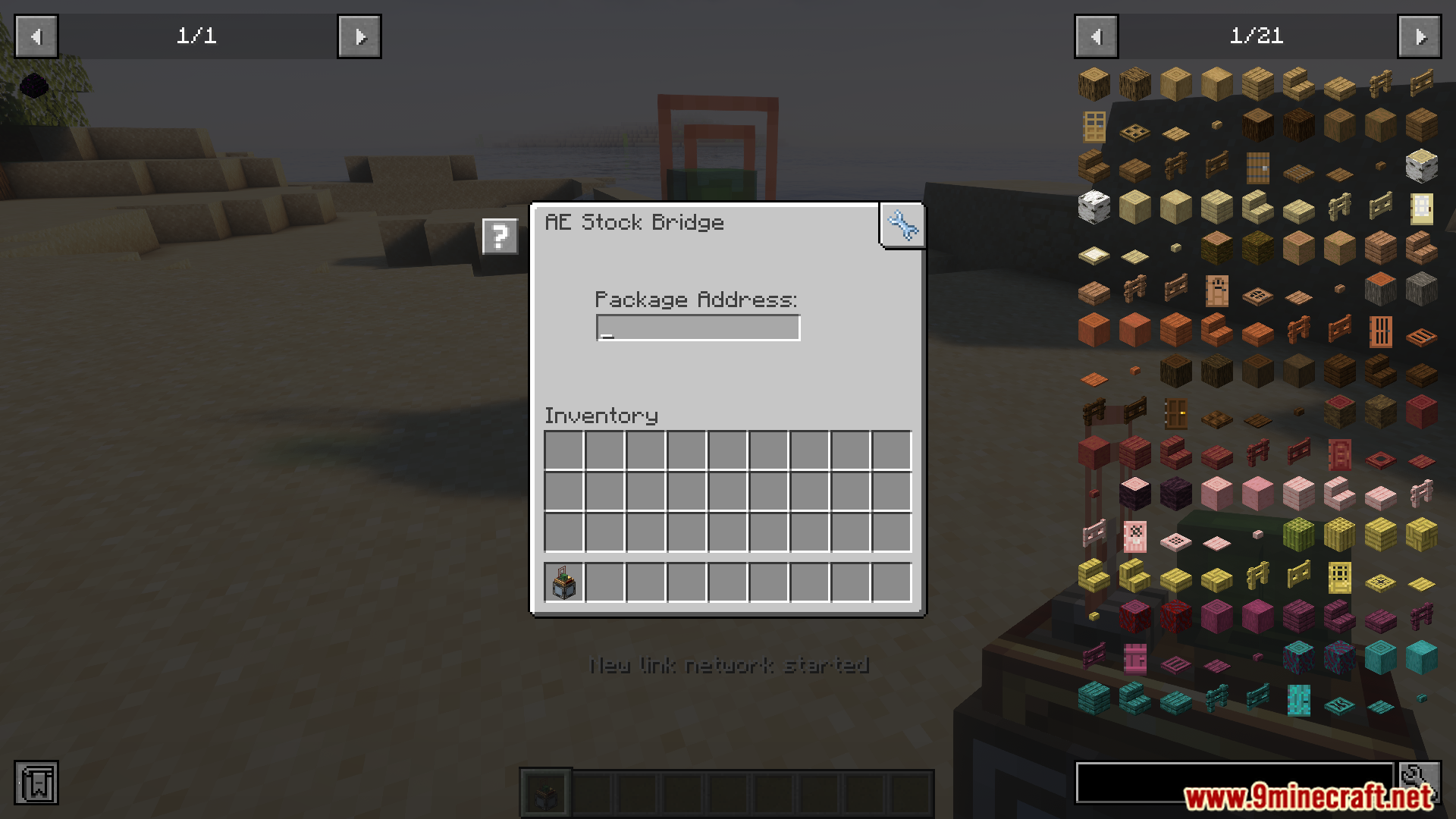
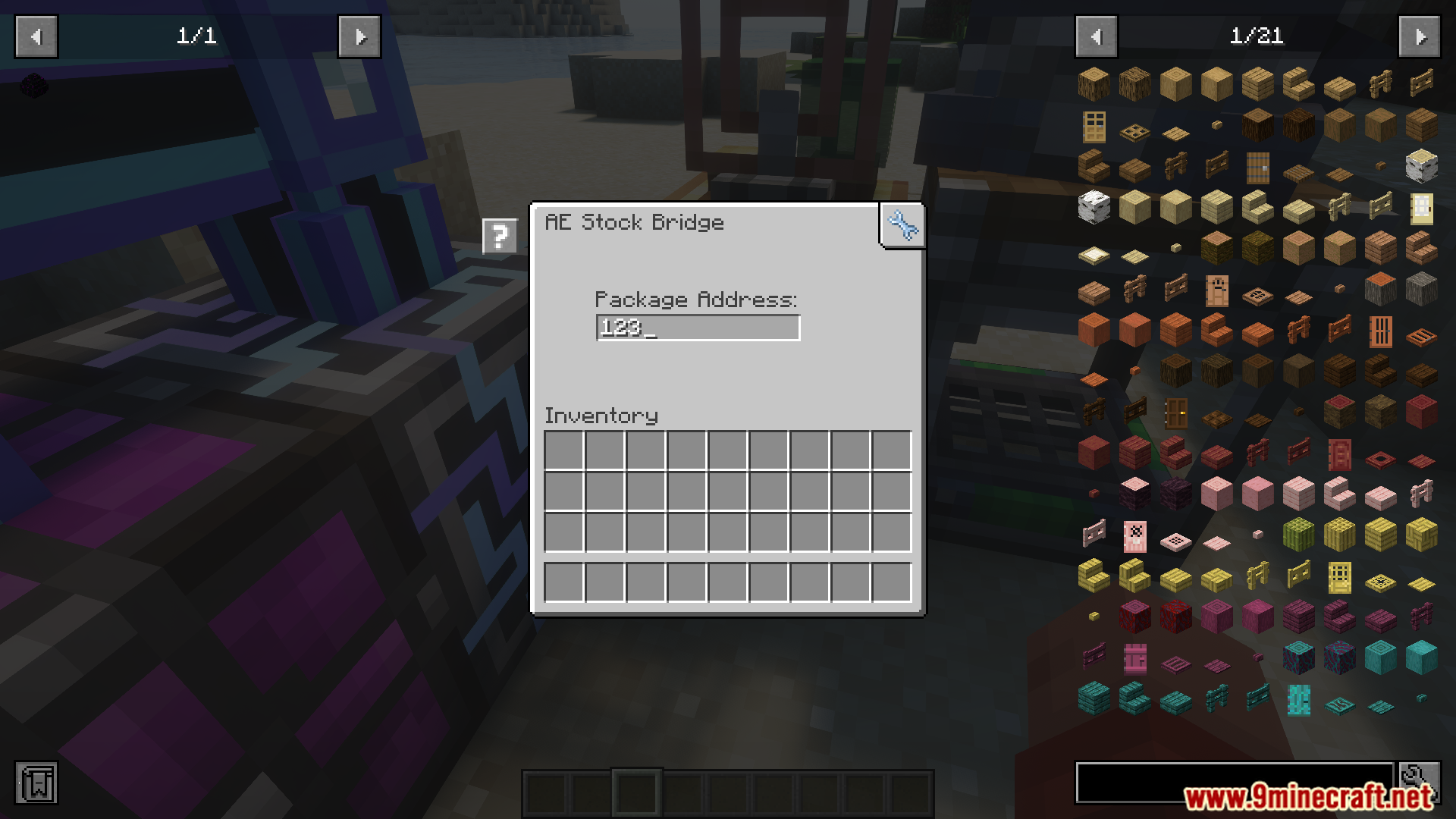
The user interface for the AE Stock Bridge block
AE Stock Bridge 方块的用户界面
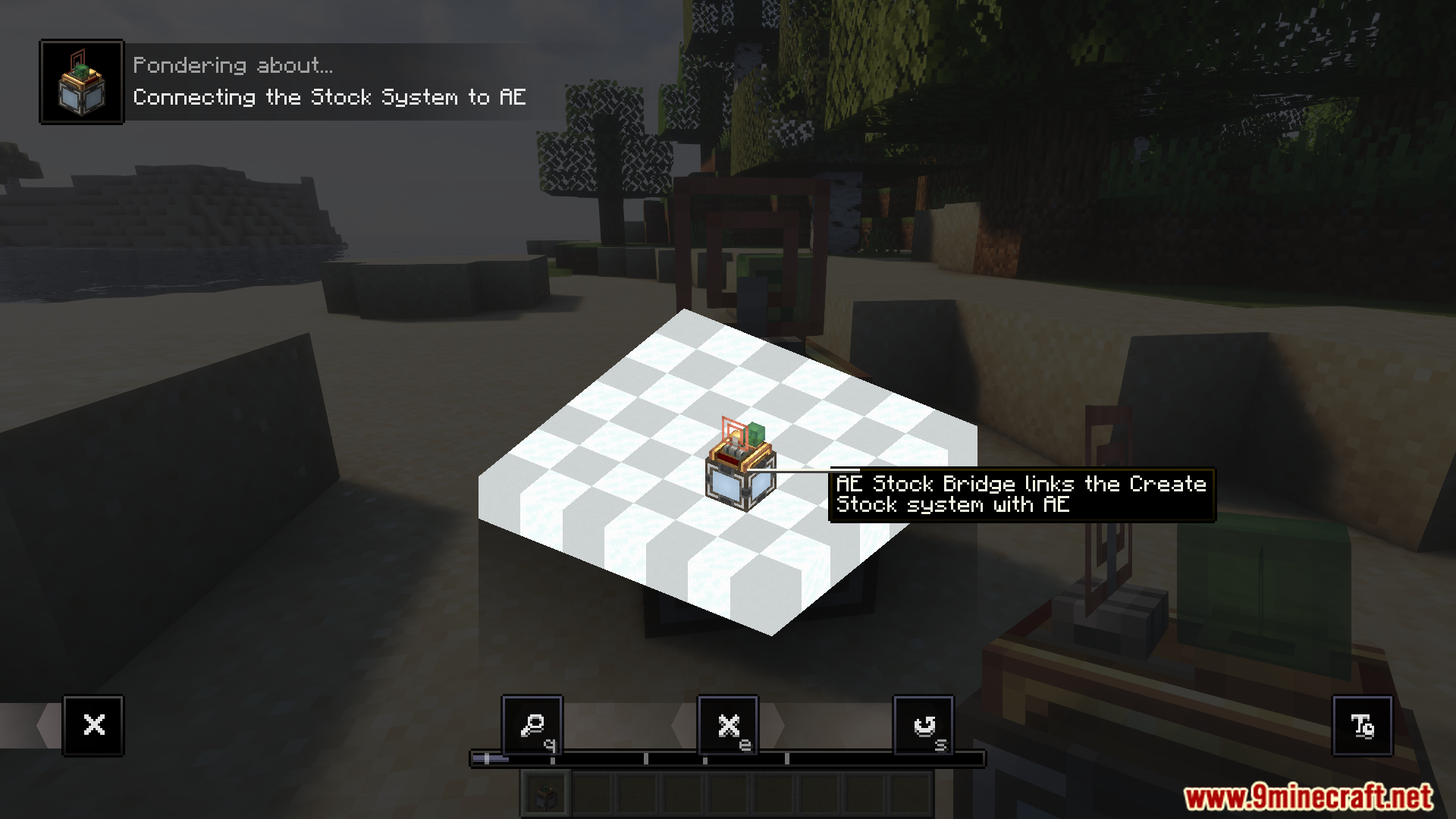
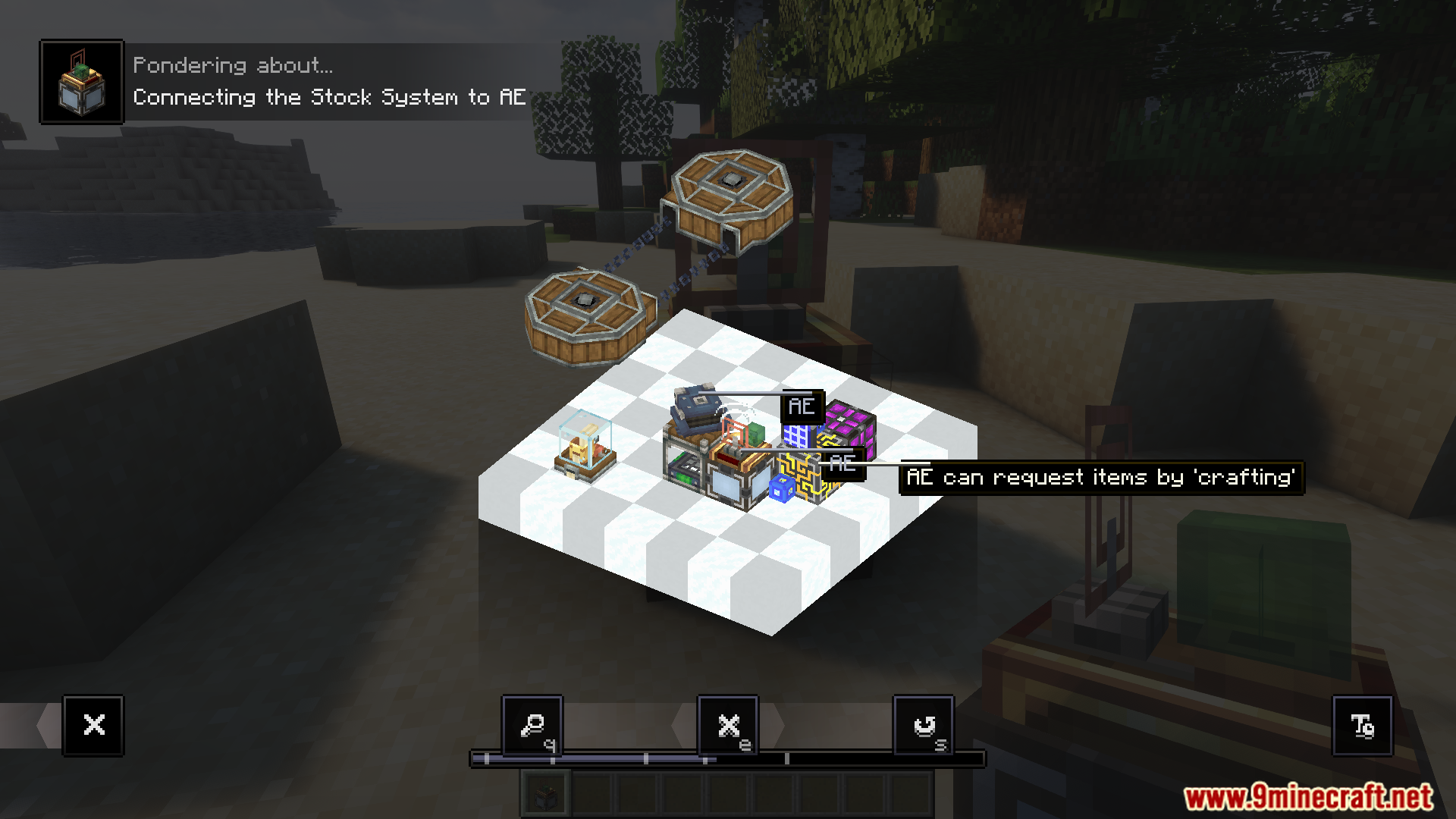
AE Stock Bridge block from Create Stock Bridge Mod pondering menu
Create Stock Bridge Mod 中 AE Stock Bridge 方块的反思 (Ponder) 界面
AE Stock Bridge connecting Create stock system to AE2 storage
AE Stock Bridge 正在连接 Create 库存系统与 AE2 存储
Create Stock Bridge Mod blocks connecting Create and AE2 systems
连接 Create 和 AE2 系统的 Create Stock Bridge Mod 方块
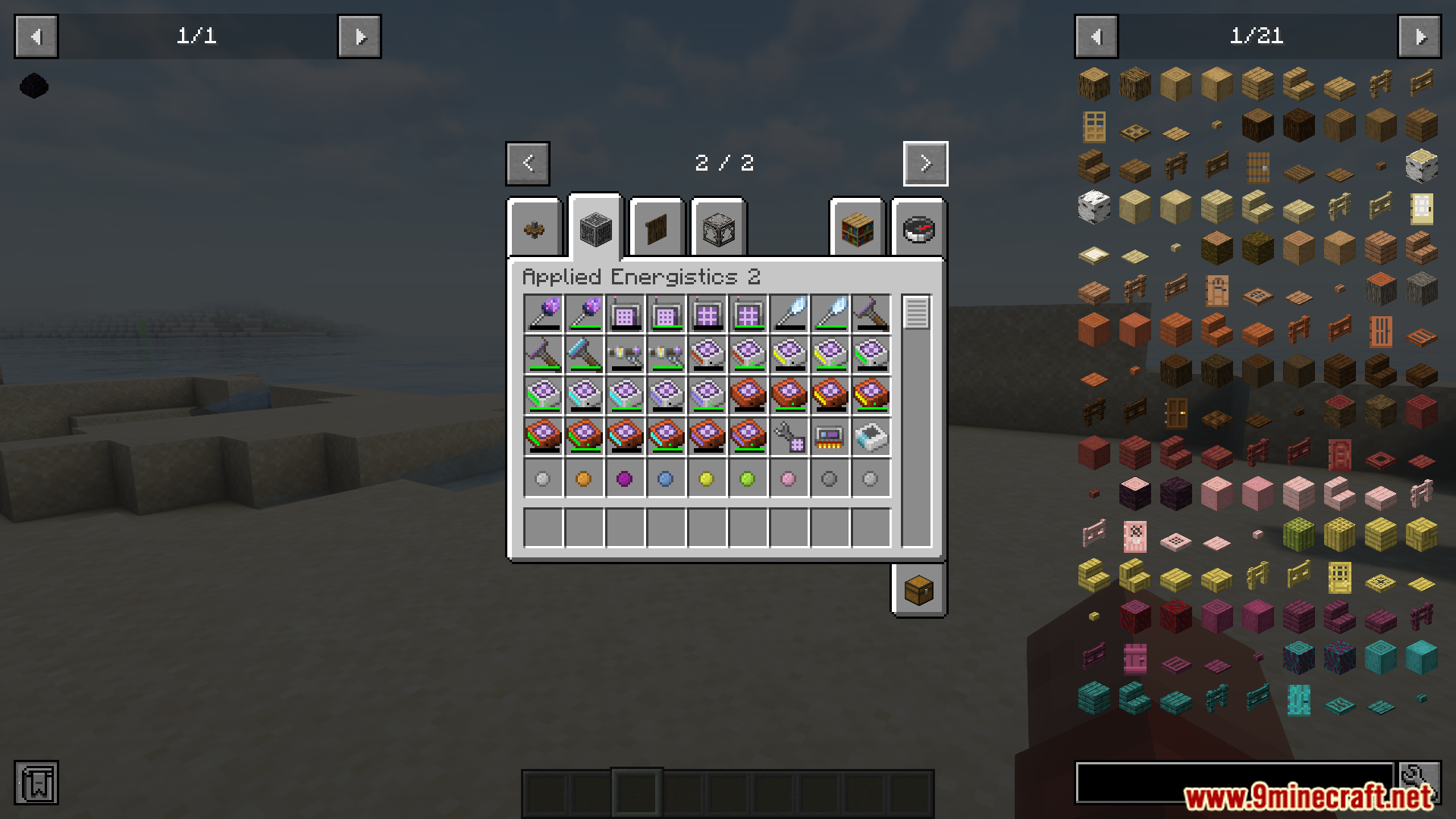
Applied Energistics 2 inventory tab displaying various technical mod items
显示各种科技模组物品的 AE2 物品栏标签页
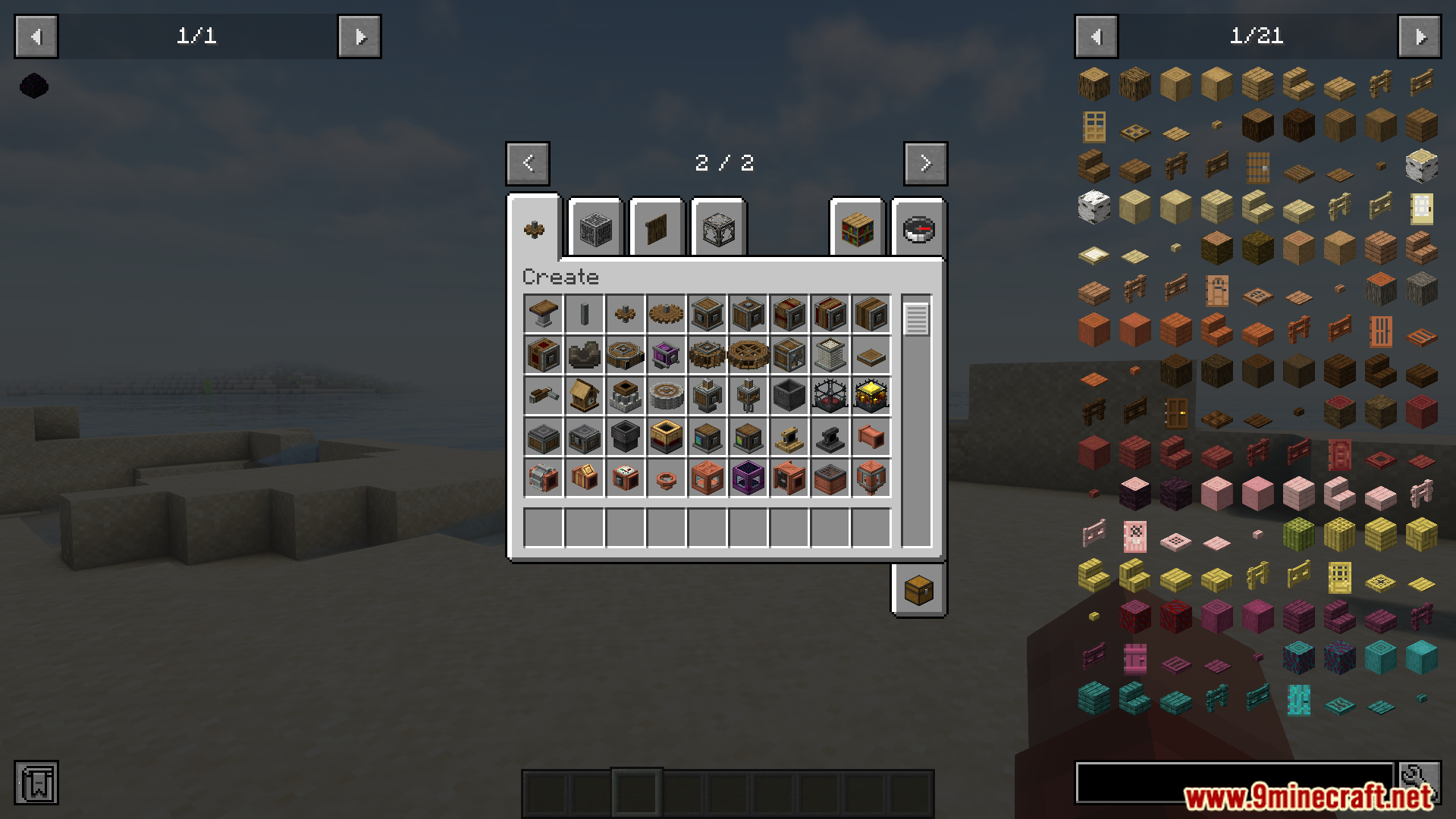
Creative inventory tab displaying various mechanical blocks from the Create mod
显示 Create 模组各种机械方块的创造模式物品栏
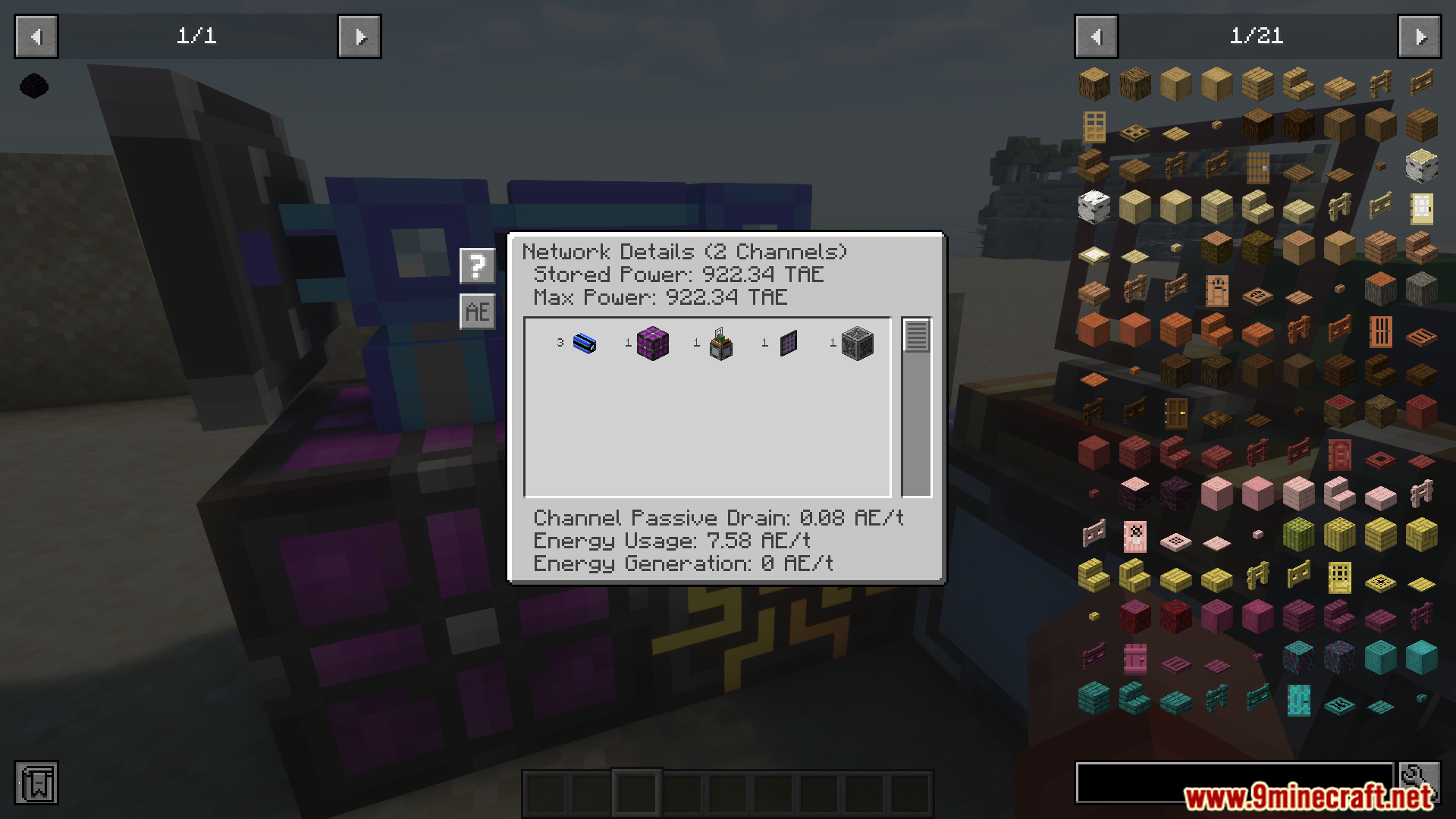
Applied Energistics 2 network details showing integration with Create Stock Bridge Mod
显示与 Create Stock Bridge Mod 整合后的 AE2 网络详情
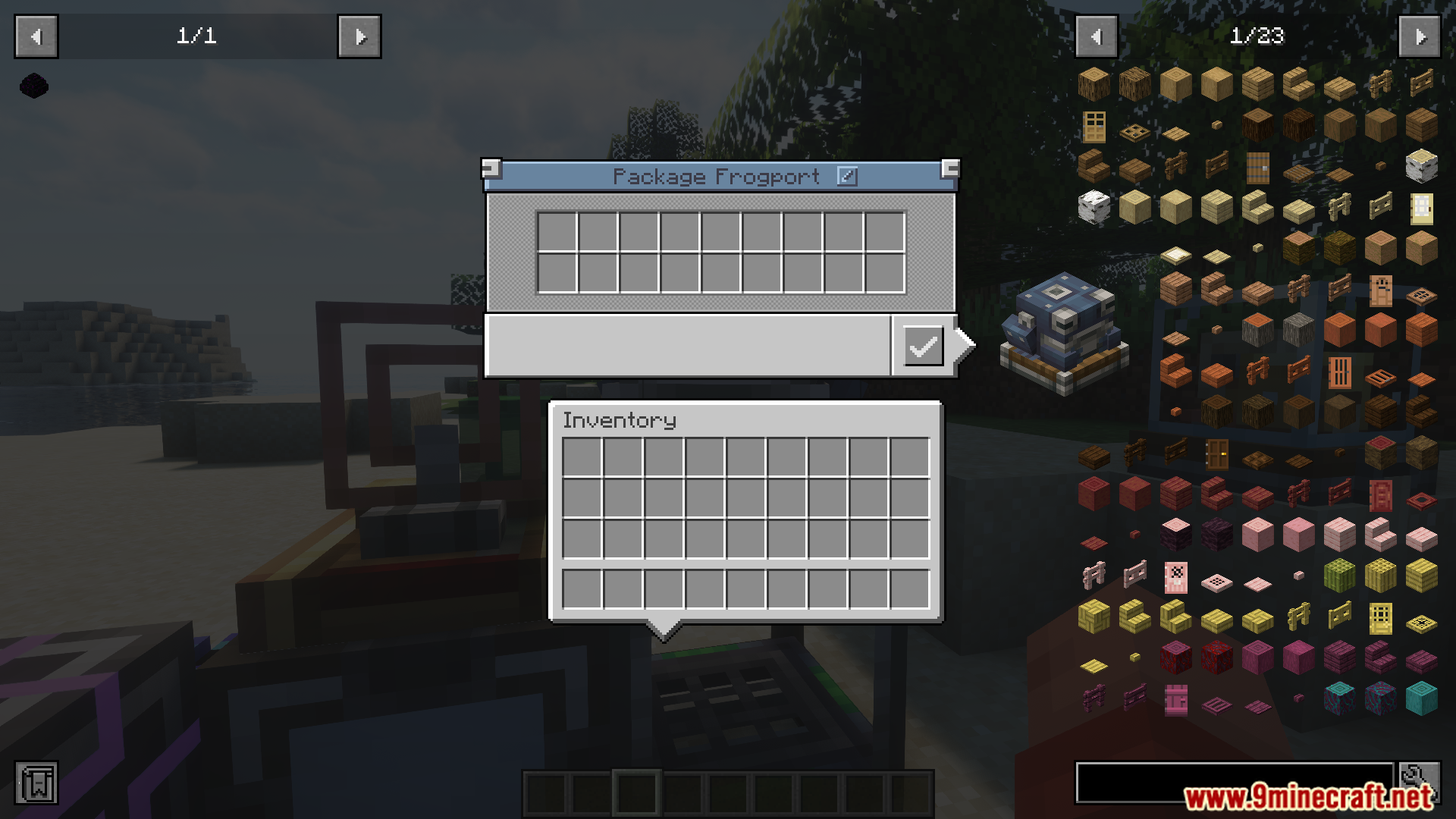
The Package Frogport interface showing empty inventory slots in Minecraft
显示空物品槽位的 Package Frogport 界面
AE Stock Bridge interface from the Create Stock Bridge mod
Create Stock Bridge 模组中的 AE Stock Bridge 界面

Create Stock Bridge Mod 下载链接

适用于 Minecraft 1.21.1, 1.21

NeoForge 版本:从服务器 1 下载从服务器 2 下载

适用于 Minecraft 1.20.1, 1.20

Forge 版本:从服务器 1 下载从服务器 2 下载

Click to rate this post!
[Total: 2 Average: 5]