🌐 You are reading the 中文 translation of this article
Available languages for this article:

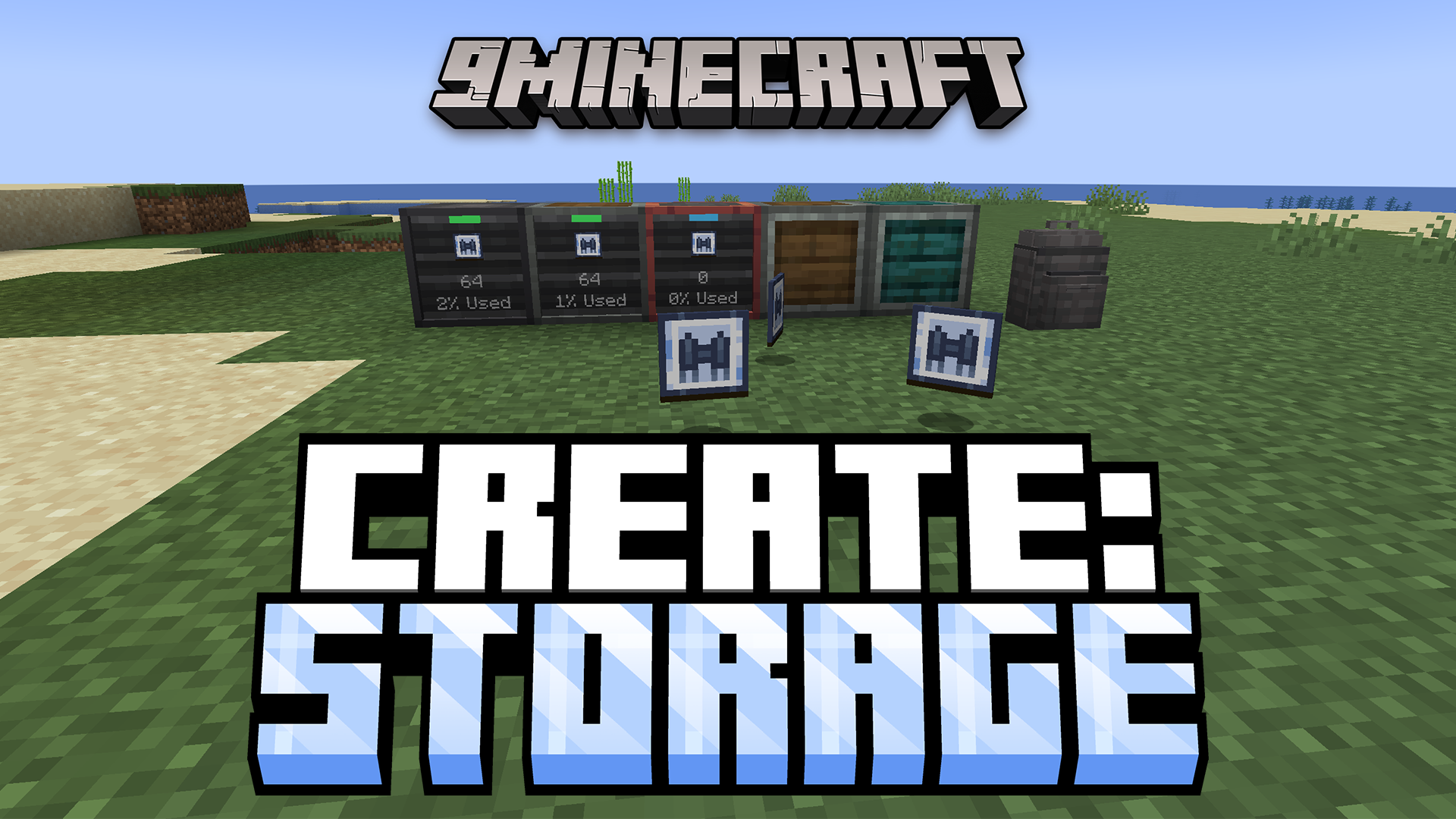
Create Storage Mod 为使用 Create (机械动力) 模组的玩家增加了全新的存储选项。它引入了一系列特殊的存储箱和可升级的背囊,帮助你更好地管理物品。这些新工具让你在整理工厂资源和冒险掉落物时更加得心应手。
主要功能:

  • 增加了一套由不同材料制成的全新存储箱。
  • 引入了可穿戴的背囊,并支持通过特殊功能进行升级。
  • 存储箱和背囊均提供工业铁、安山岩、铜、黄铜和强化版本。

存储箱 (Storage Boxes)

  • 每个存储箱正面都有一个过滤器槽位,你可以用它来筛选允许存入或取出的物品。
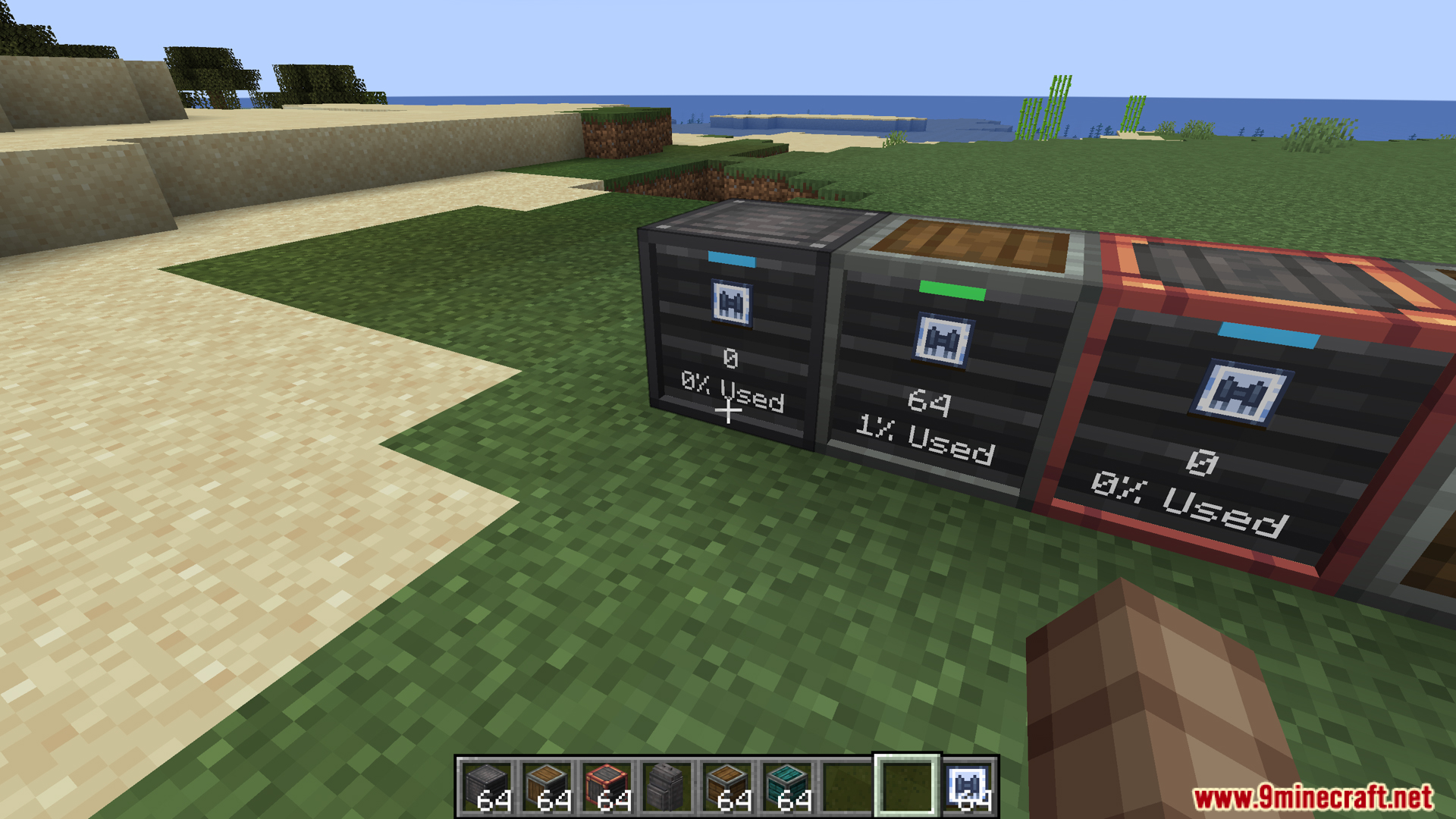
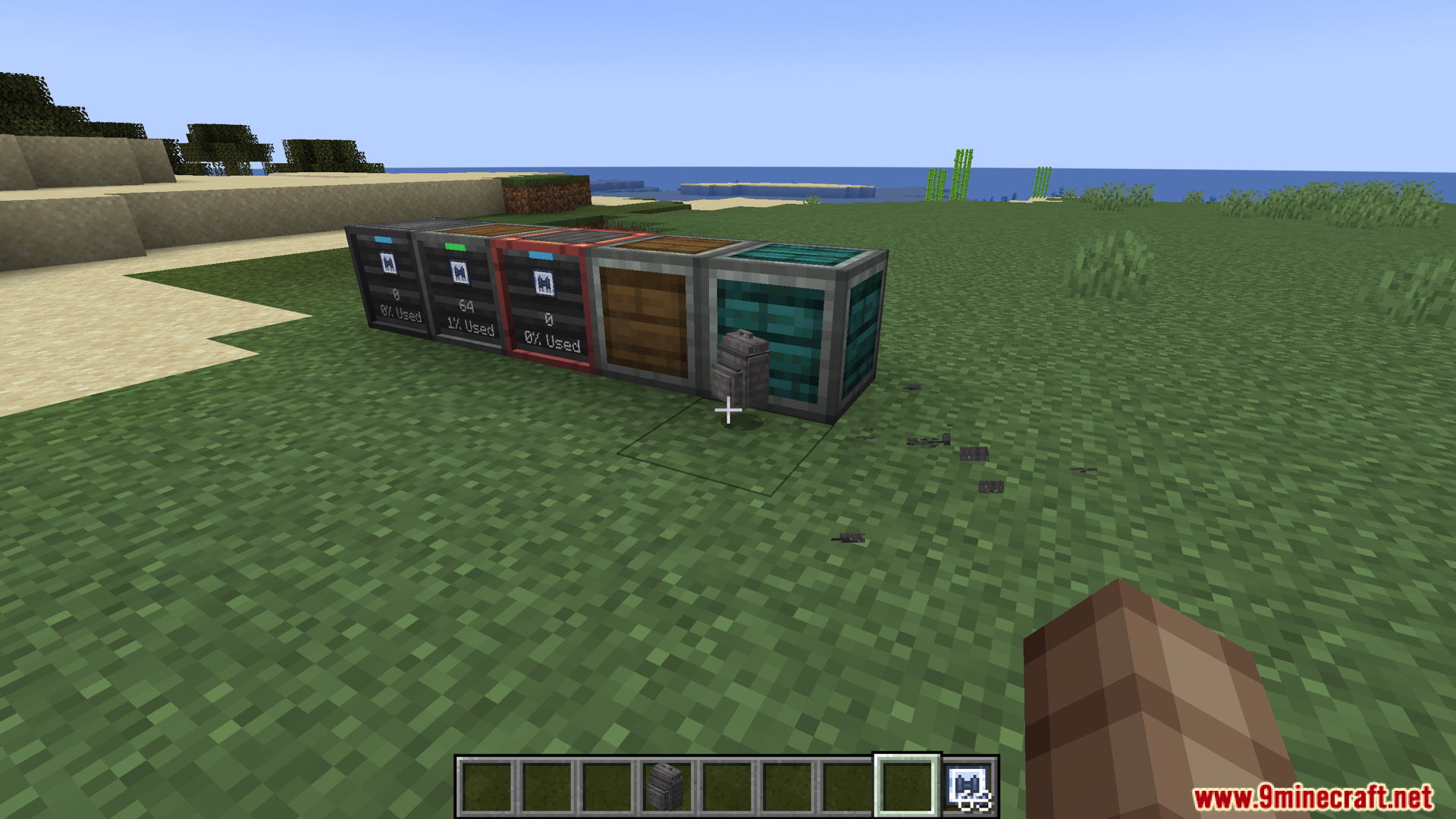
  • 正面配有一个小屏幕,实时显示箱子的填充程度。
  • 指示灯会提示箱子是处于全满还是全空状态。
  • 你可以直接点击箱子来存取物品,无需打开菜单界面。

背囊 (Backpacks)

  • 你可以将这些背囊装备在背部,以携带更多物品。
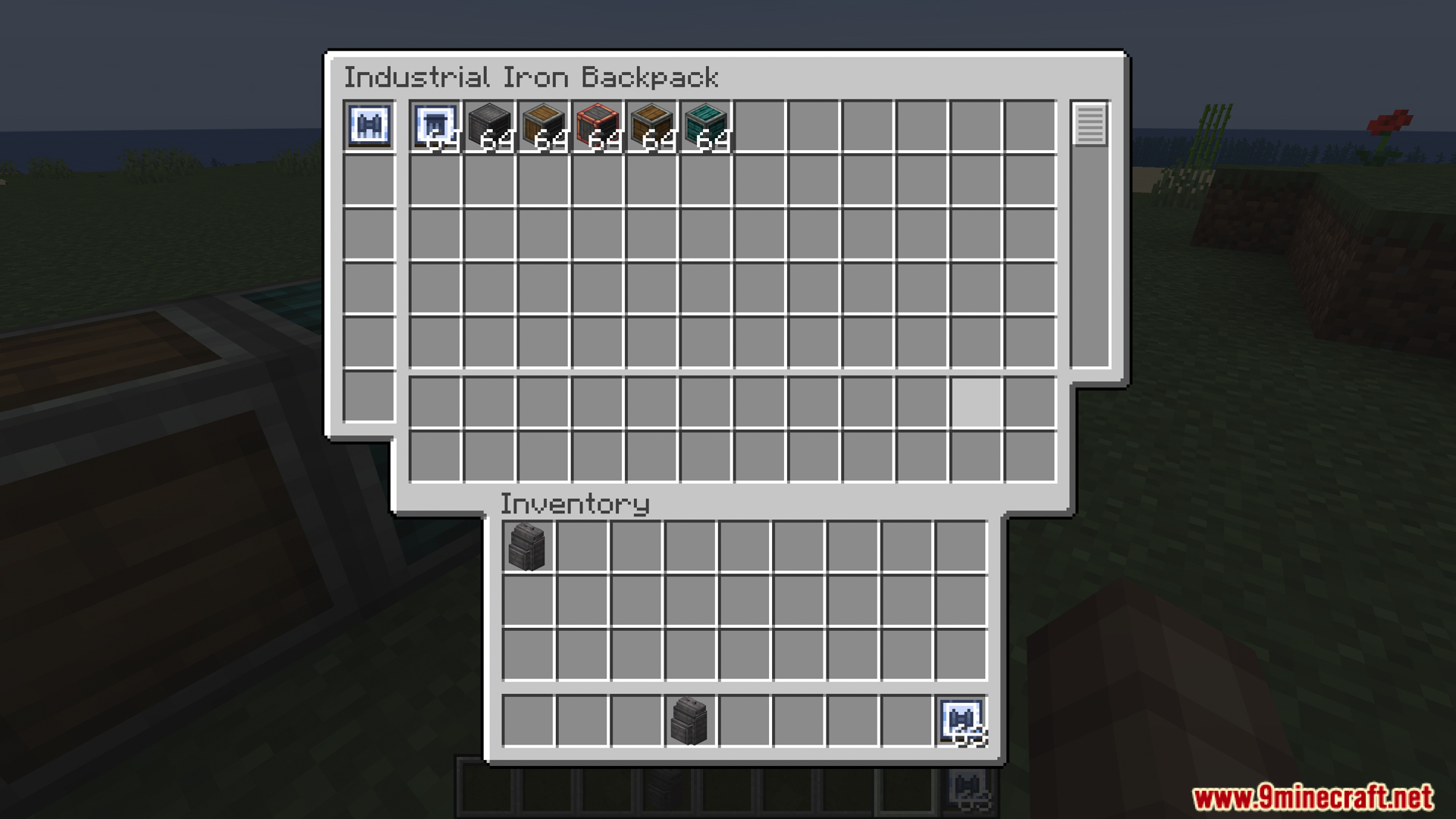
  • 背囊内部包含三个独立的隔层。
  • 主存储区: 用于存放大量物品。该部分支持漏斗和溜槽。
  • 工具存储区: 存放贵重工具的安全区域。此处的物品不会被漏斗抽走。
  • 升级槽位: 最多可容纳六个升级插件,赋予背囊新的能力。

背囊升级插件

  • 磁铁升级: 将 5 格范围内的掉落物吸入背囊。
  • 物品拾取升级: 当你走过物品时,它会直接进入背囊而非你的常规物品栏。
  • 自动补货升级: 如果你手中的方块用完了,它会自动从背囊中补充。
  • 工具切换升级: 在挖掘方块或攻击生物时,自动从背囊中切换出最合适的工具。
  • 自动喂食升级: 当你饥饿时,自动消耗背囊中的食物。
  • 喷气背包升级: 将背囊转化为可工作的喷气背包。需要在内部放置一个 Create Backtank (背负式气罐) 作为燃料。
  • 坠落伤害升级: 穿着背囊时免疫任何坠落伤害。

相关截图:
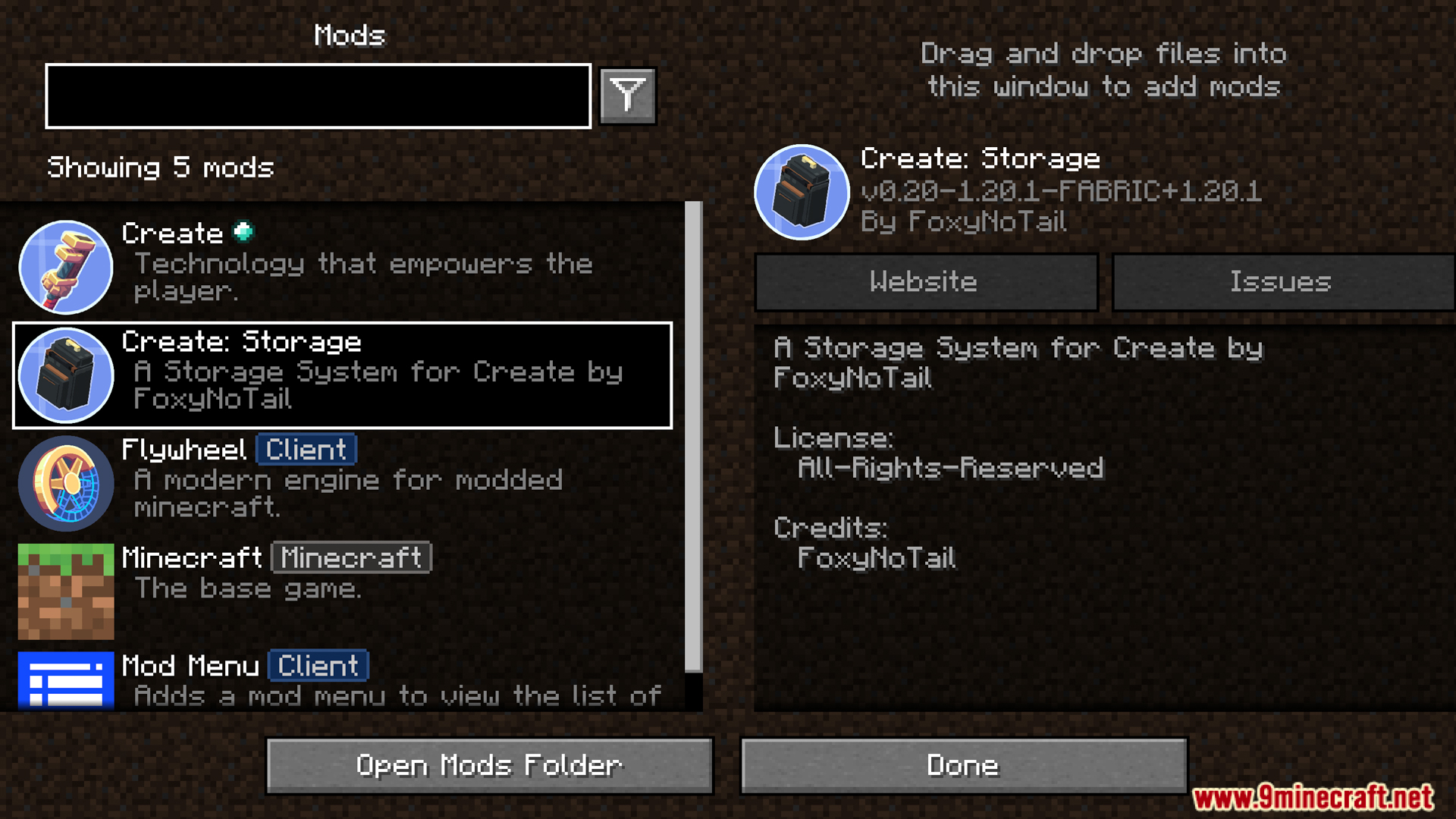
Create Storage mod visible in the active Minecraft mods list
在已启用的 Minecraft 模组列表中可以看到 Create Storage 模组
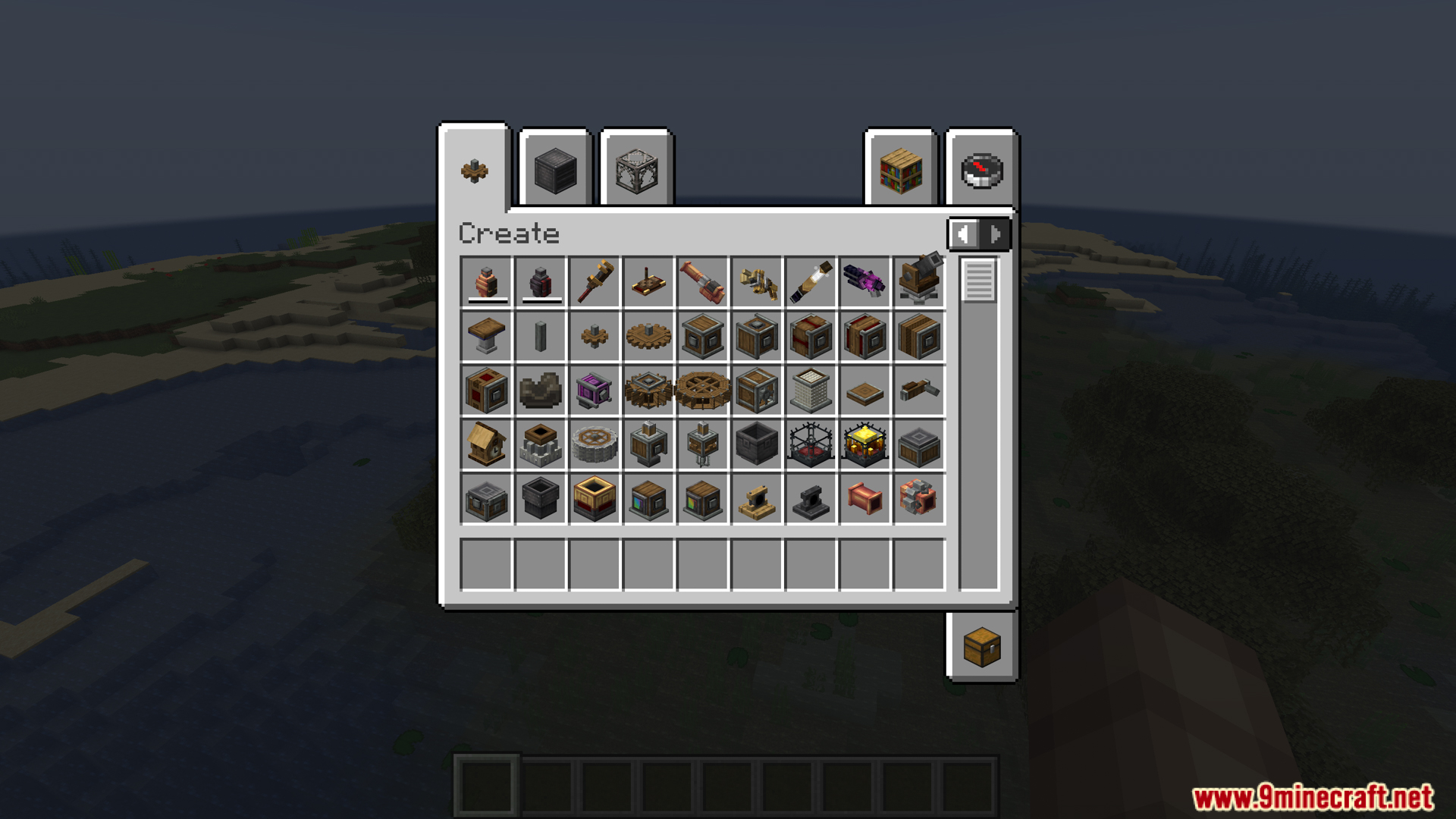
Accessing the original Create mod items in creative inventory
在创造模式物品栏中访问原版 Create 模组物品
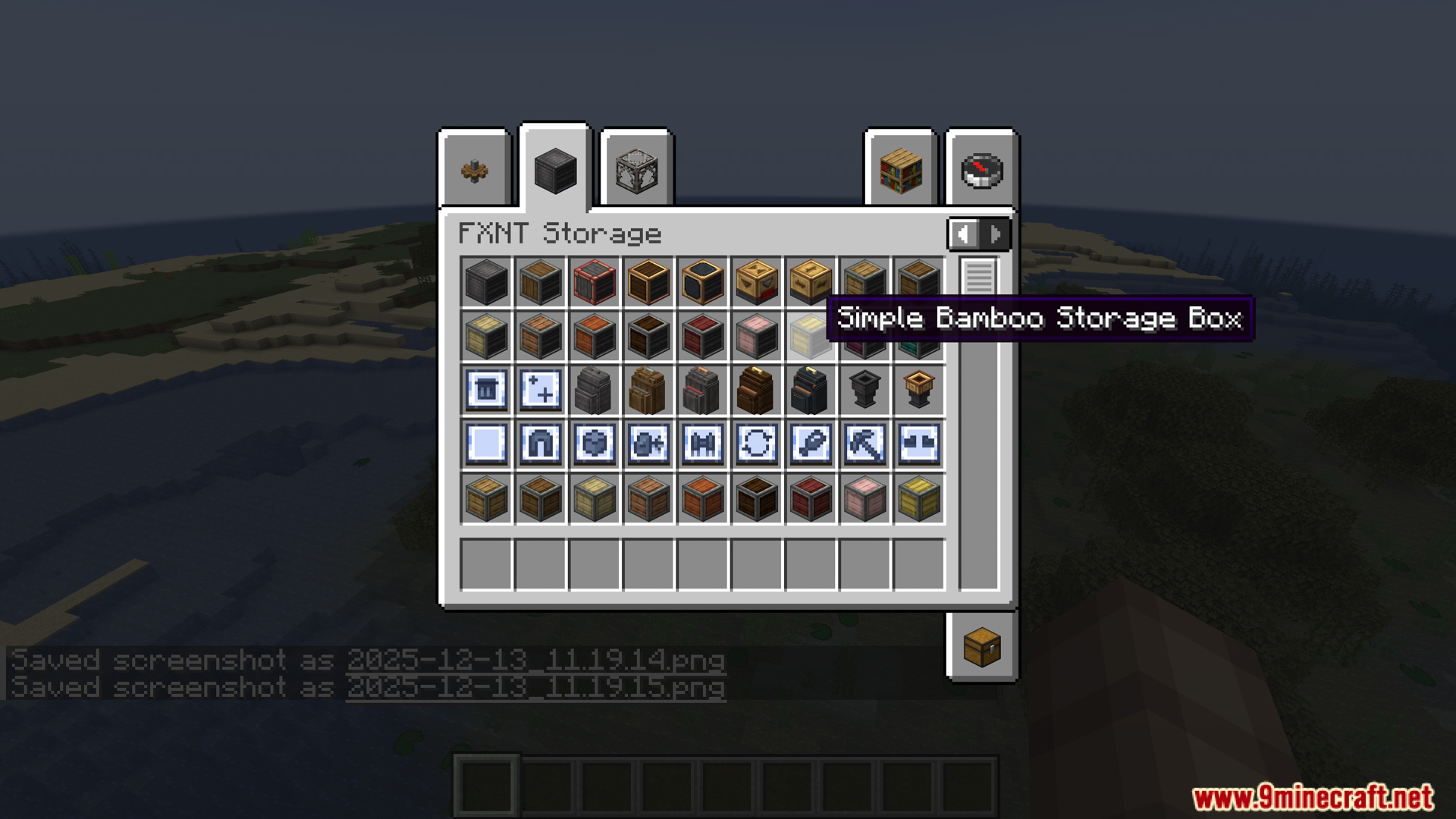
New storage boxes displayed within the FXNT Storage creative tab
FXNT Storage 创造模式选项卡中显示的新存储箱
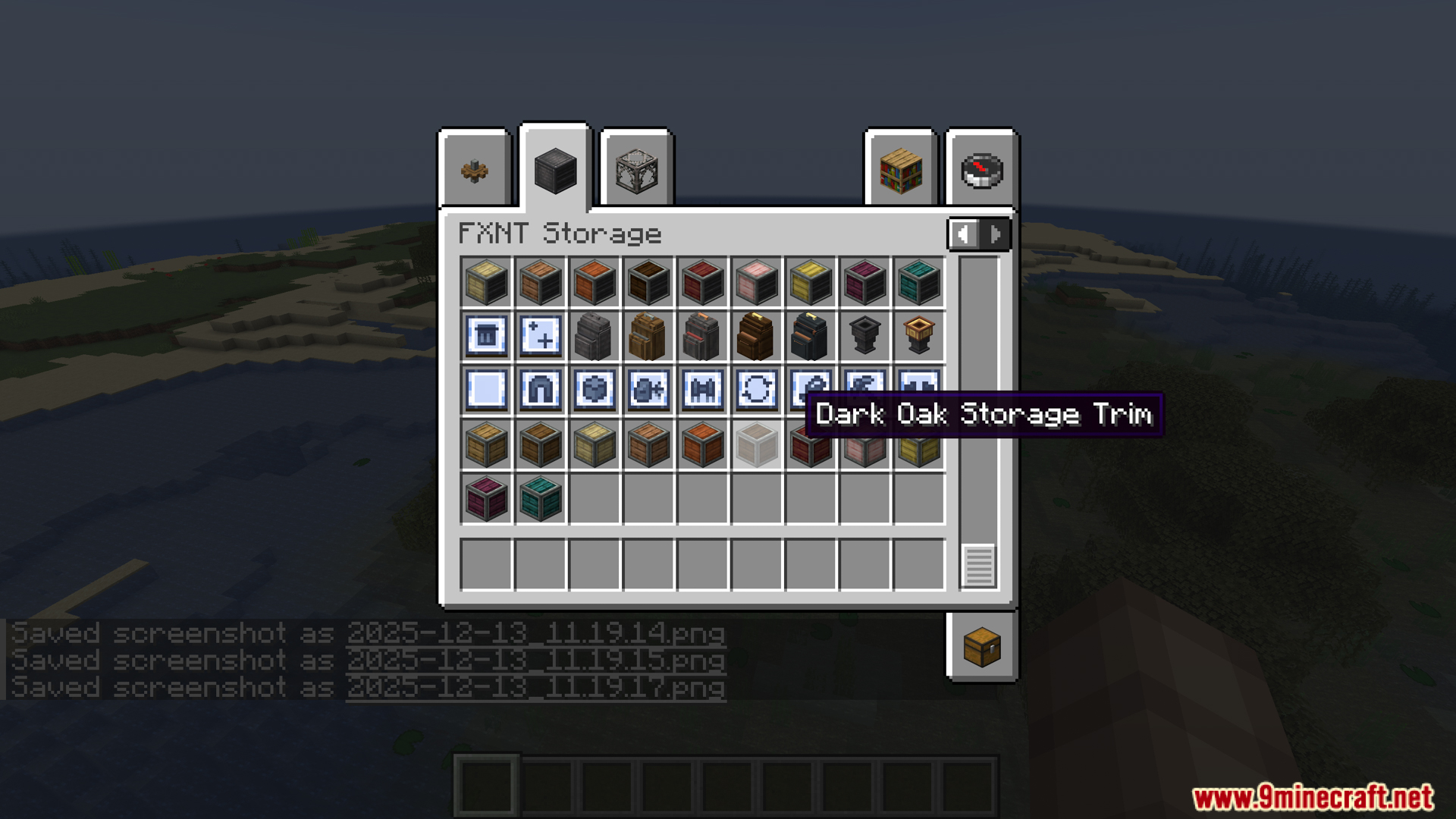
Various modded storage blocks featured in the creative inventory menu
创造模式菜单中展示的各种模组存储方块
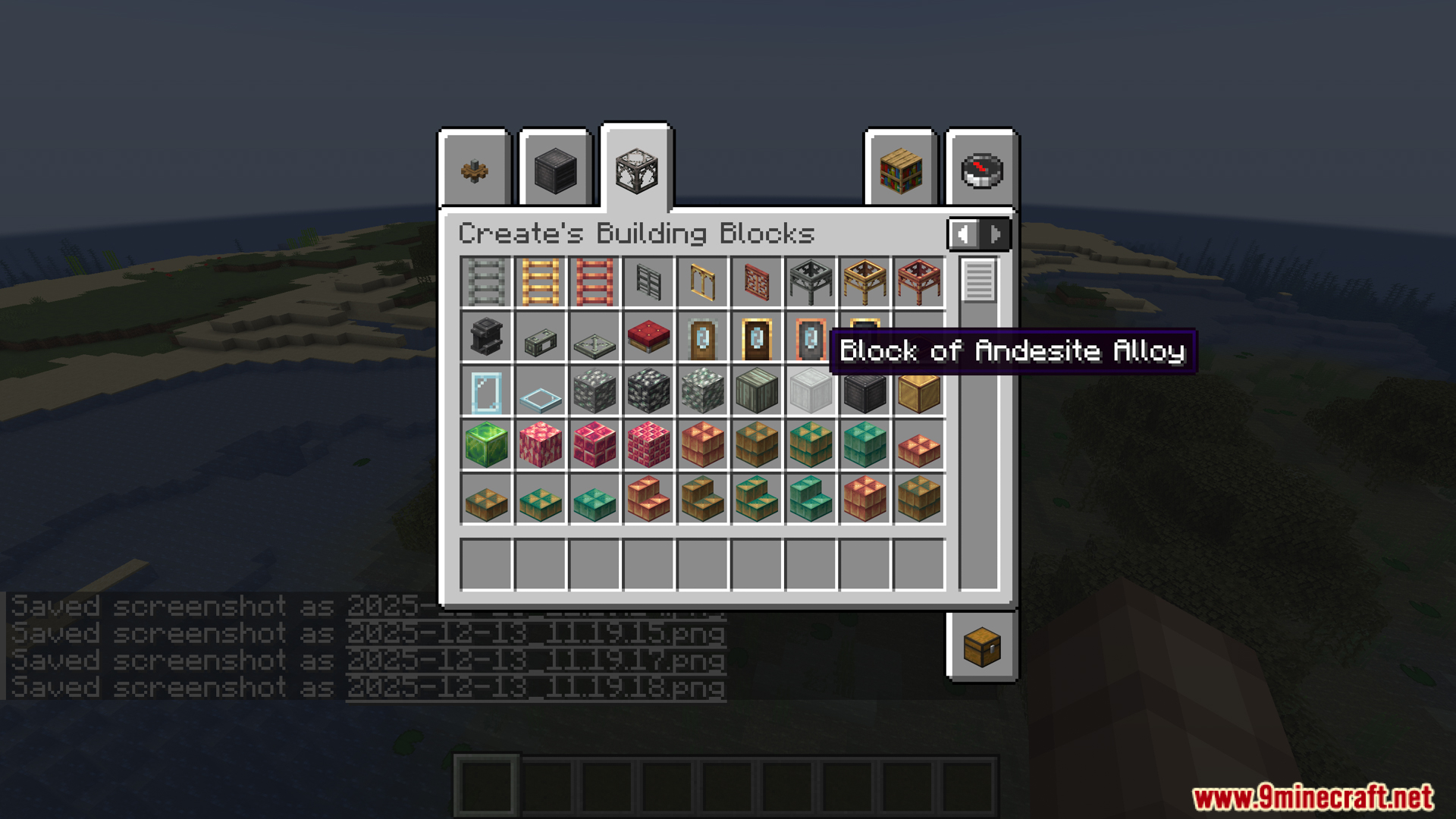
Browsing building blocks inside the standard Create mod creative tab
在标准 Create 模组选项卡中浏览建筑方块
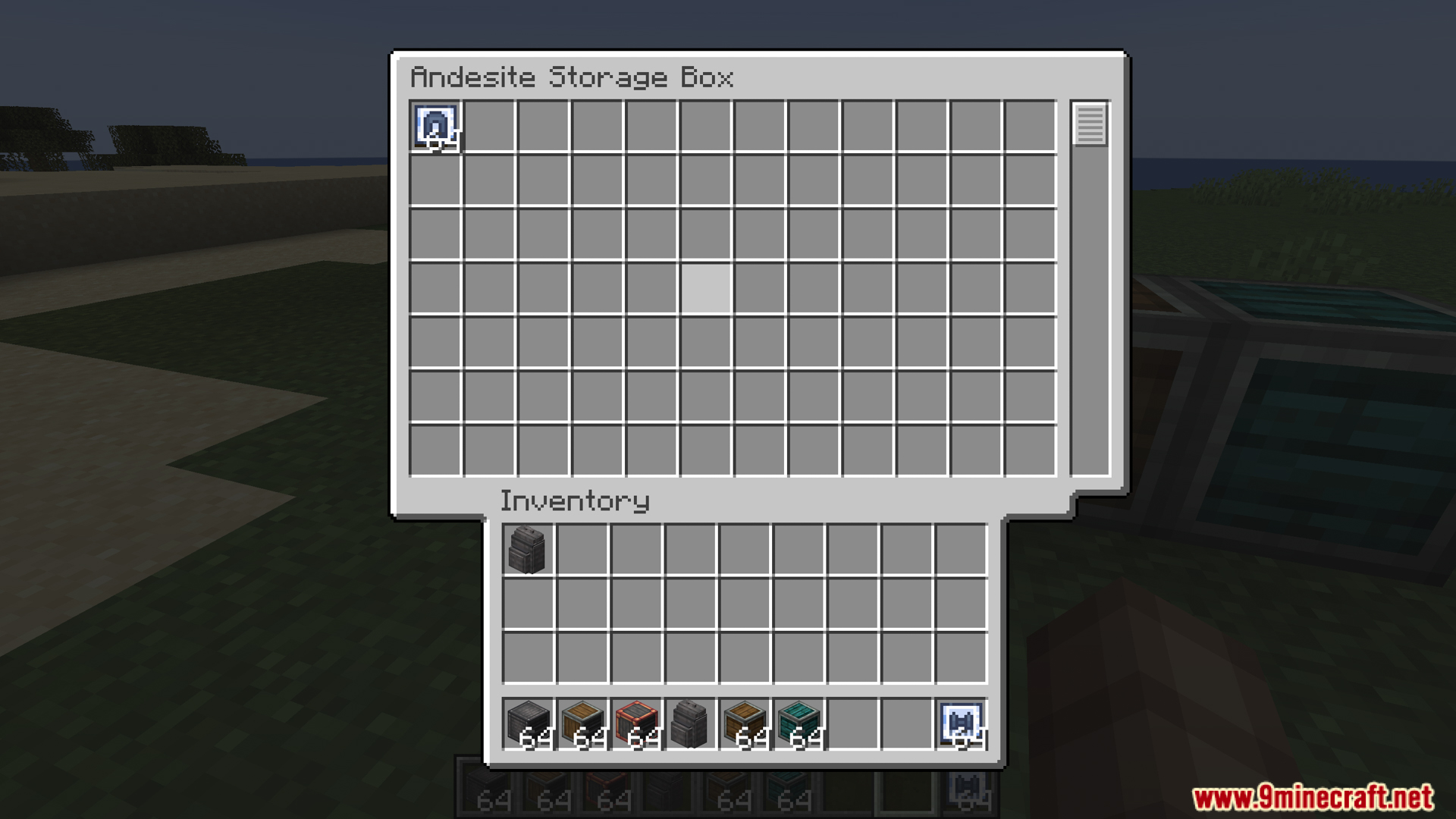
Viewing the large item capacity of an Andesite Storage Box
查看安山岩存储箱的巨大物品容量
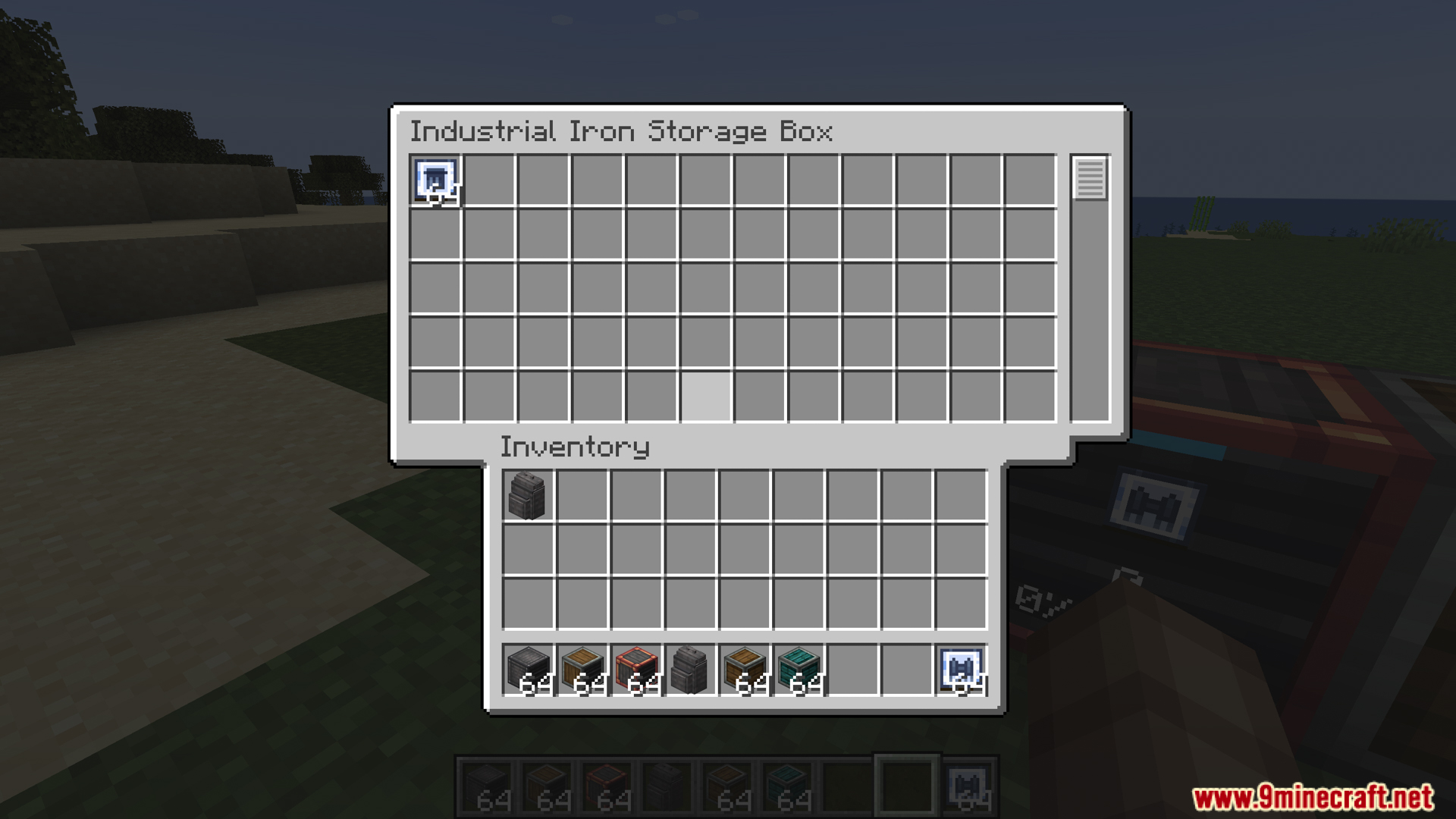
Industrial Iron Storage Box interface from the Create Storage mod
Create Storage 模组中的工业铁存储箱界面
Different storage box tiers showing current inventory usage status
不同等级的存储箱显示当前的库存占用状态
Industrial Iron Backpack interface showing stored items and tool slots
工业铁背囊界面,展示了存储物品和工具槽位
A row of various material storage boxes from this mod
本模组中一排各种材质的存储箱
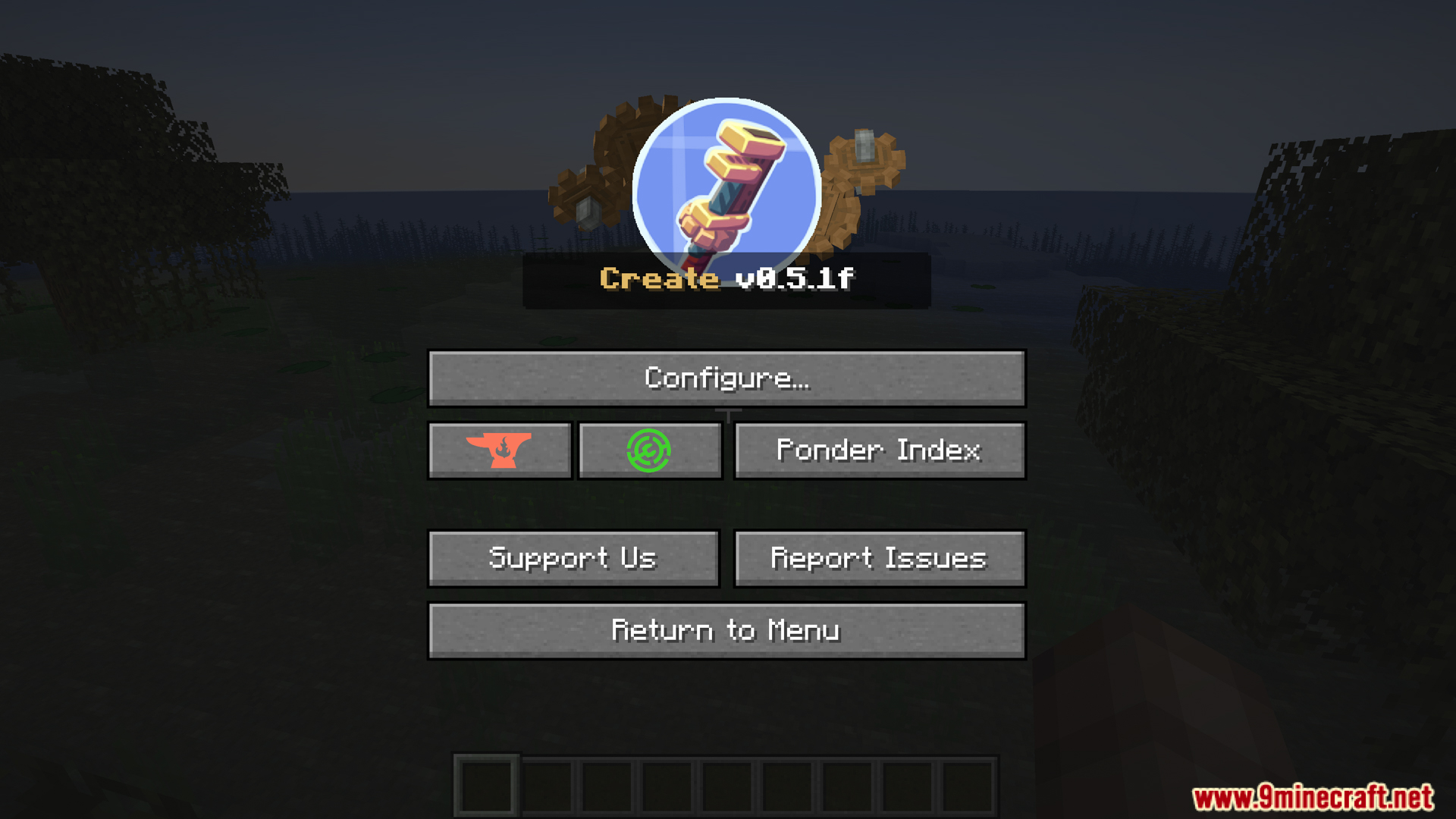
Main configuration menu settings for the Create mod
Create 模组的主配置菜单设置

Create Storage Mod 下载链接

适用于 Minecraft 1.20.1, 1.20

Fabric 版本: 从服务器 1 下载从服务器 2 下载

Click to rate this post!
[Total: 1 Average: 1]