🌐 You are reading the 中文 translation of this article
Available languages for this article:

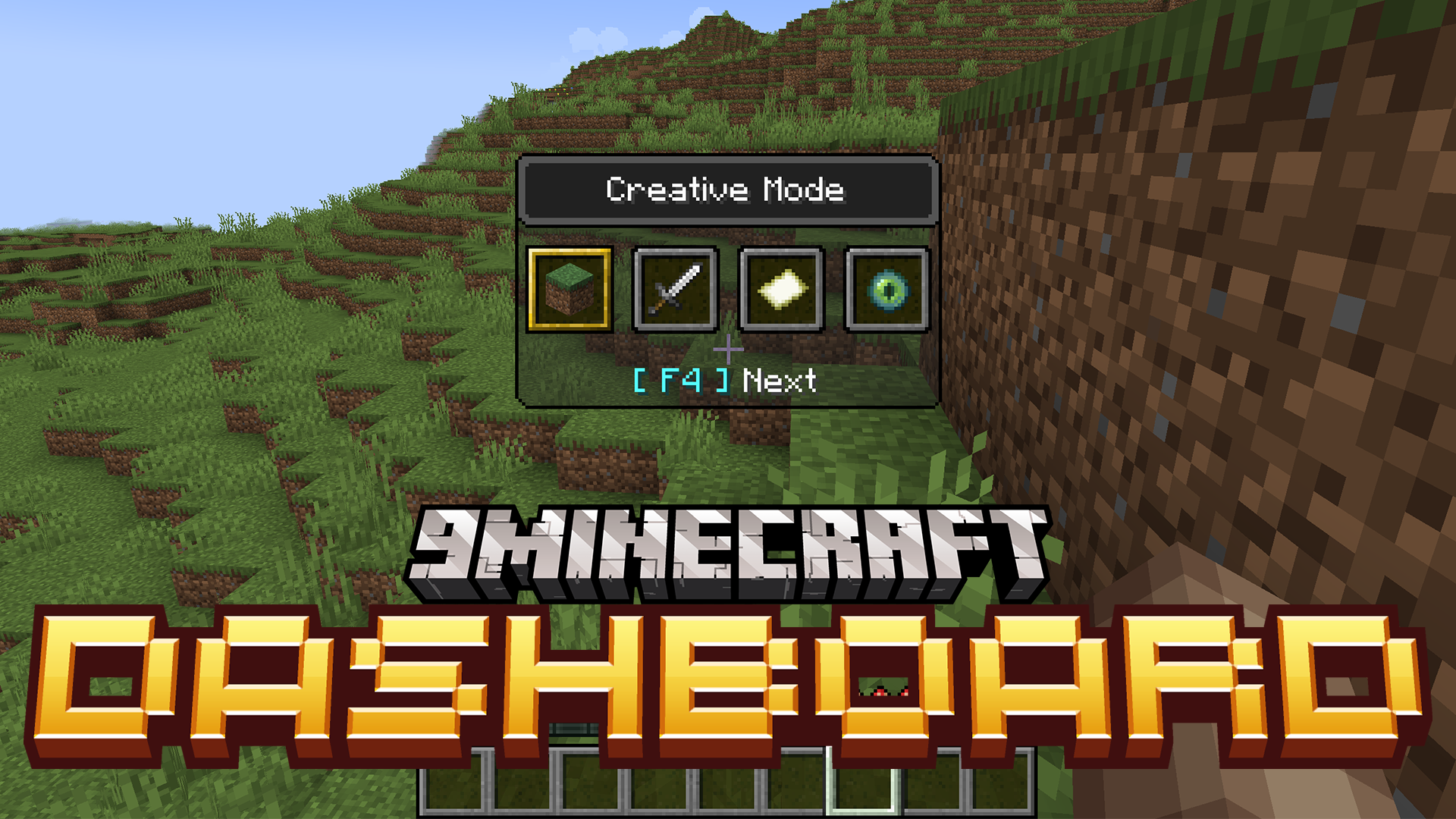
Dashboard Mod 为游戏增加了全新的快捷菜单,用于控制天气、时间和难度。它的操作逻辑与原版的游戏模式切换器完全一致。这意味着你无需输入任何指令,即可随时随地快速更改这些设置。
功能特点:

  • 新增了天气、时间和难度的快捷访问菜单。
  • 这些菜单会直接显示在屏幕上,就像原版的游戏模式切换器(F3 + F4)一样。
  • 按下 F3 + F5 即可打开天气菜单。你可以轻松在晴天、下雨和雷雨之间切换。
  • 使用 F3 + F6 来控制一天中的时间。可选选项包括白天、正午、夜晚或午夜。
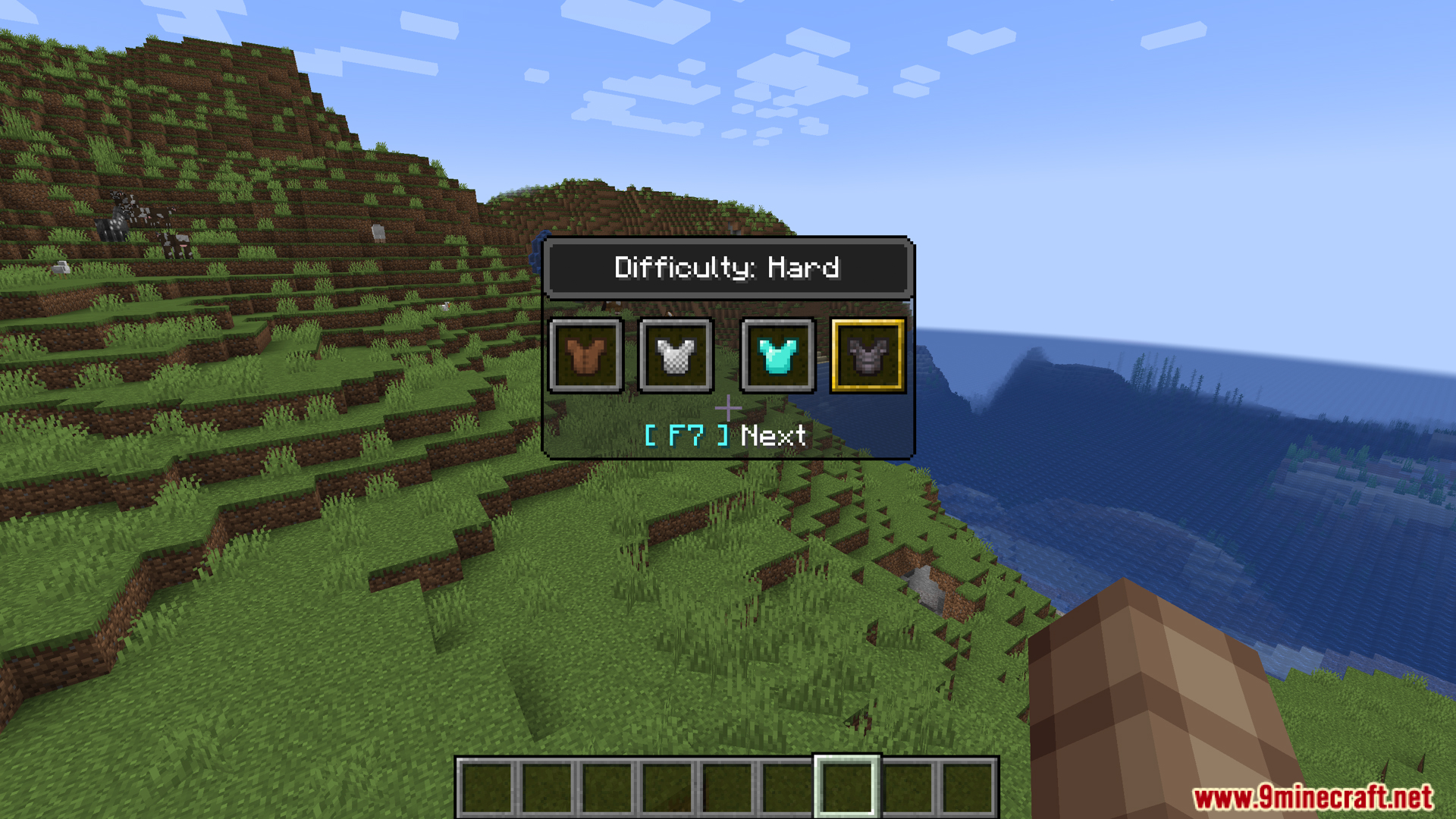
  • 按下 F3 + F7 即可随时更改游戏难度。这将打开一个包含和平、简单、普通和困难选项的菜单。

使用方法:

  1. 按下 F3 + F5 打开天气菜单。
  2. 按下 F3 + F6 打开时间菜单。
  3. 按下 F3 + F7 打开难度菜单。

模组截图:

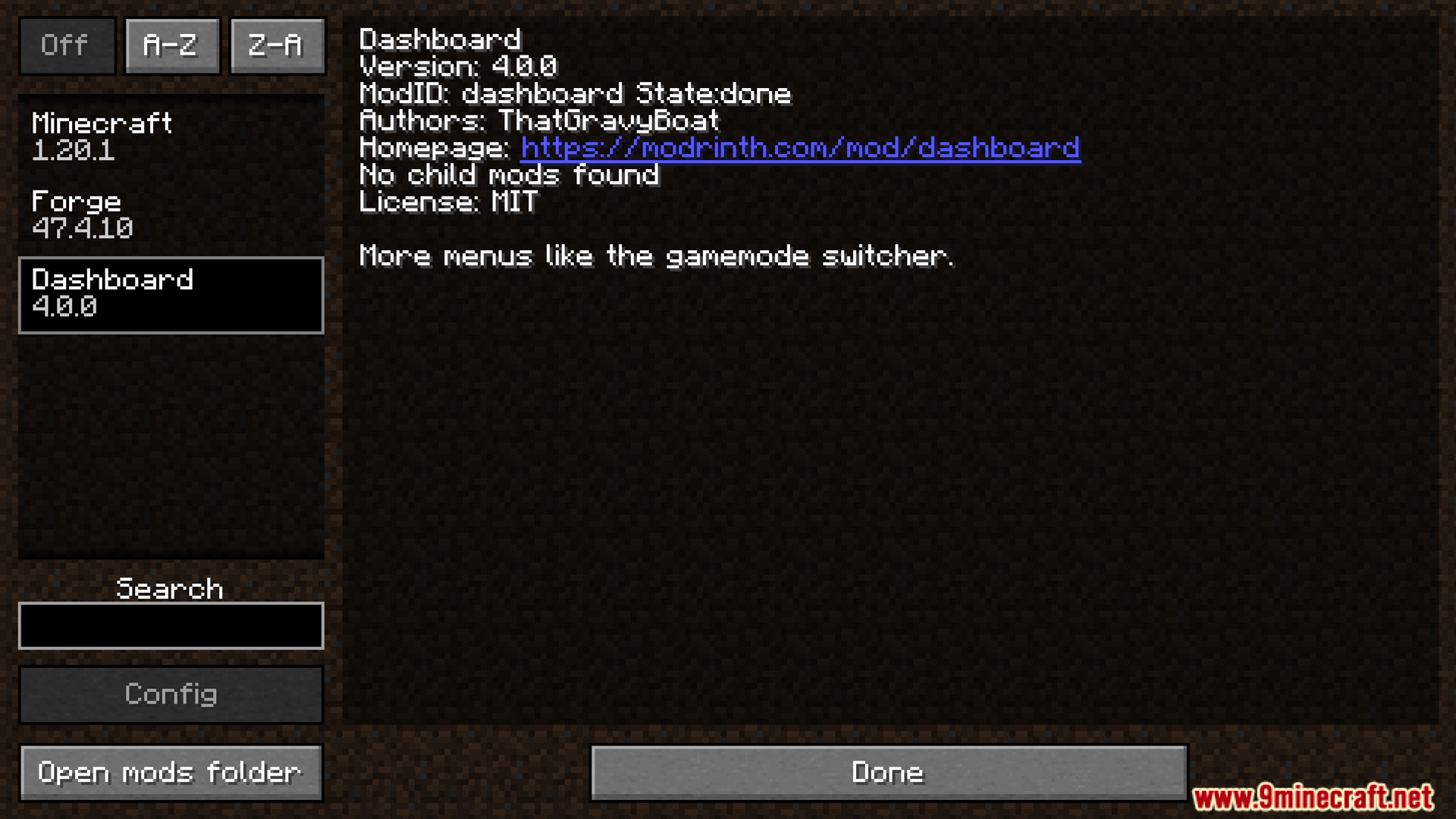
The main Dashboard mod information screen showing available control settings
Dashboard 模组主信息界面,显示可用的控制设置
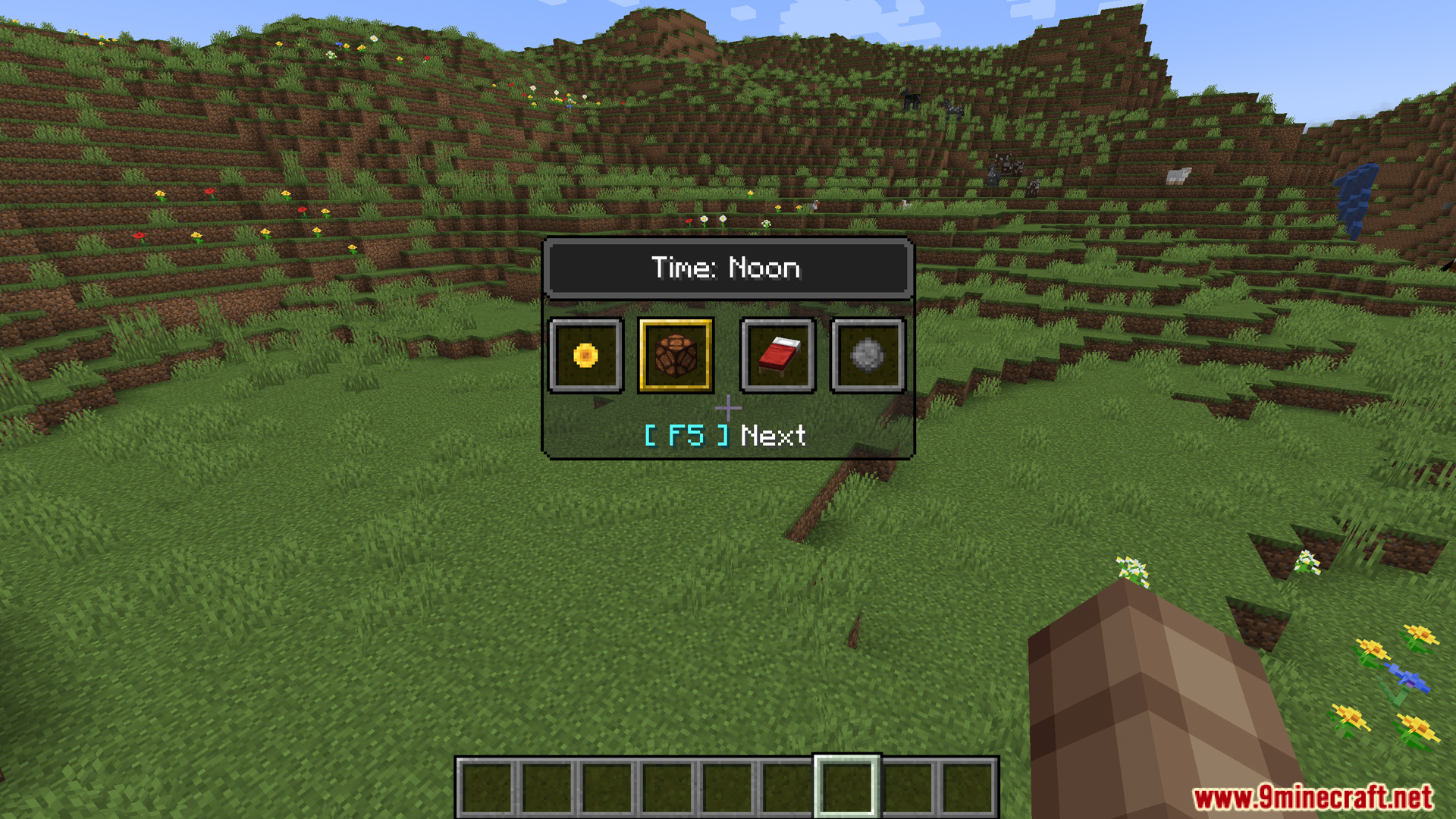
Selecting the noon option using the Dashboard mod time switcher
使用 Dashboard 时间切换器选择正午选项
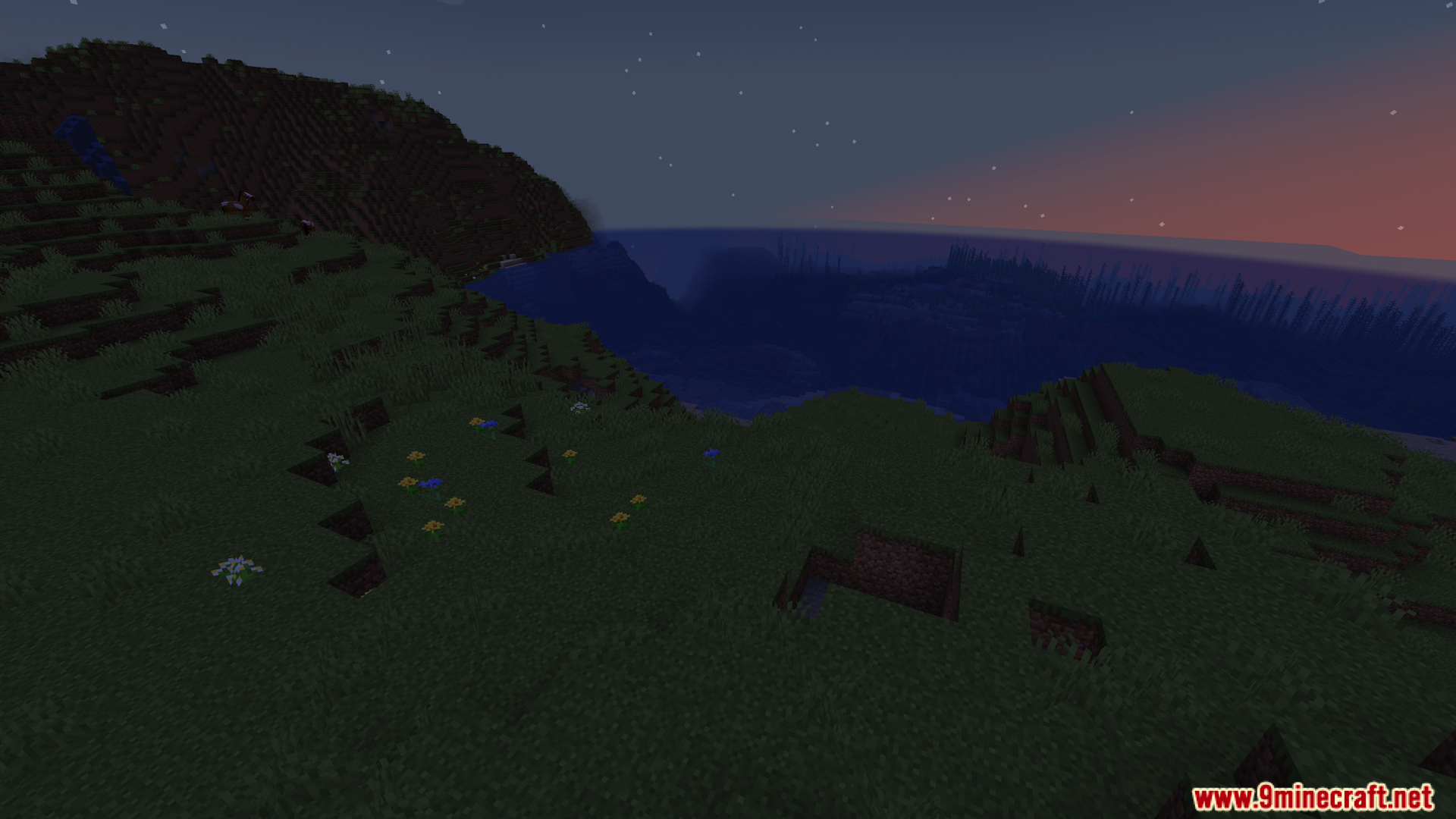
A peaceful Minecraft landscape view captured during the game dusk
黄昏时分宁静的我的世界景观
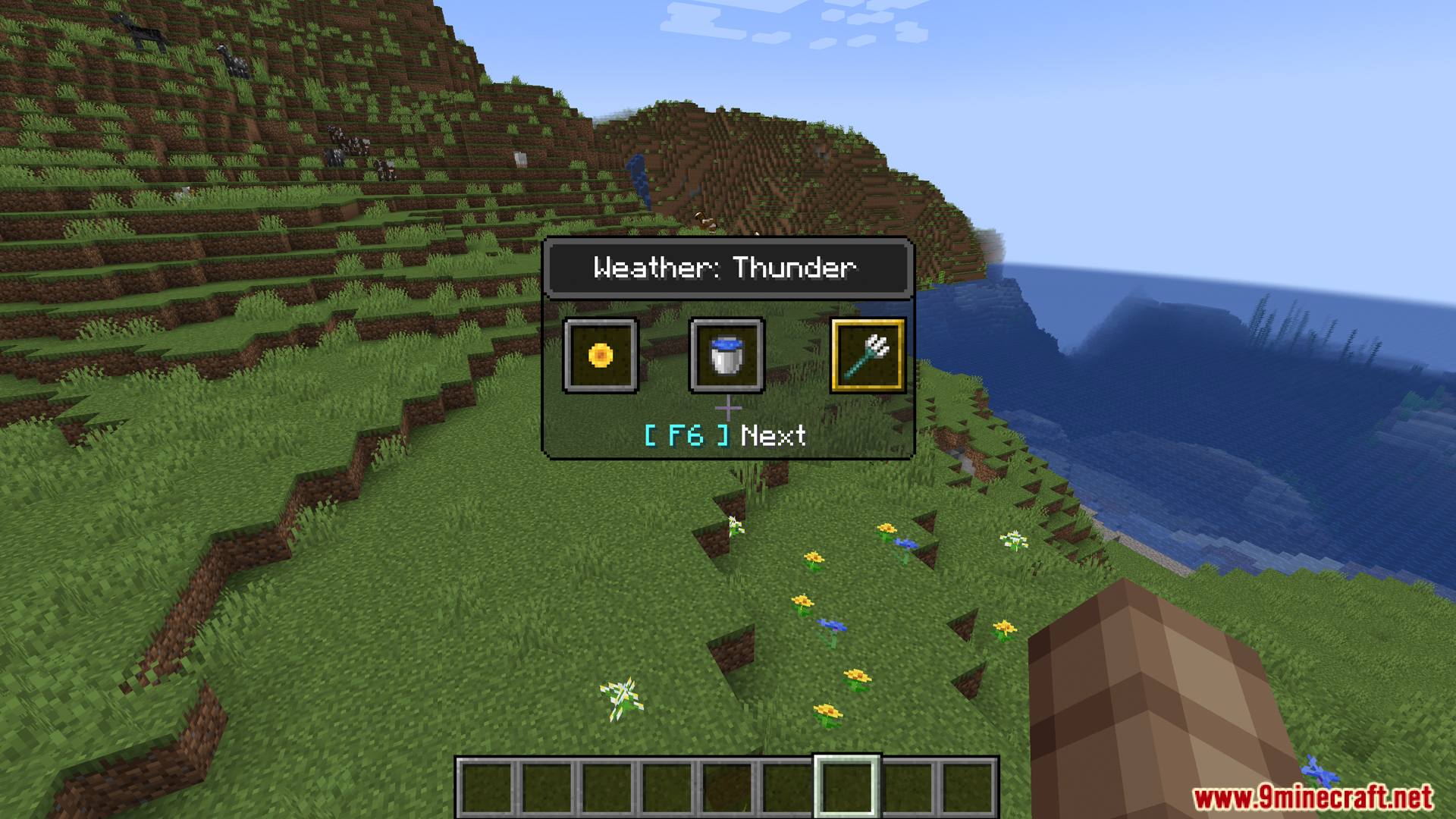
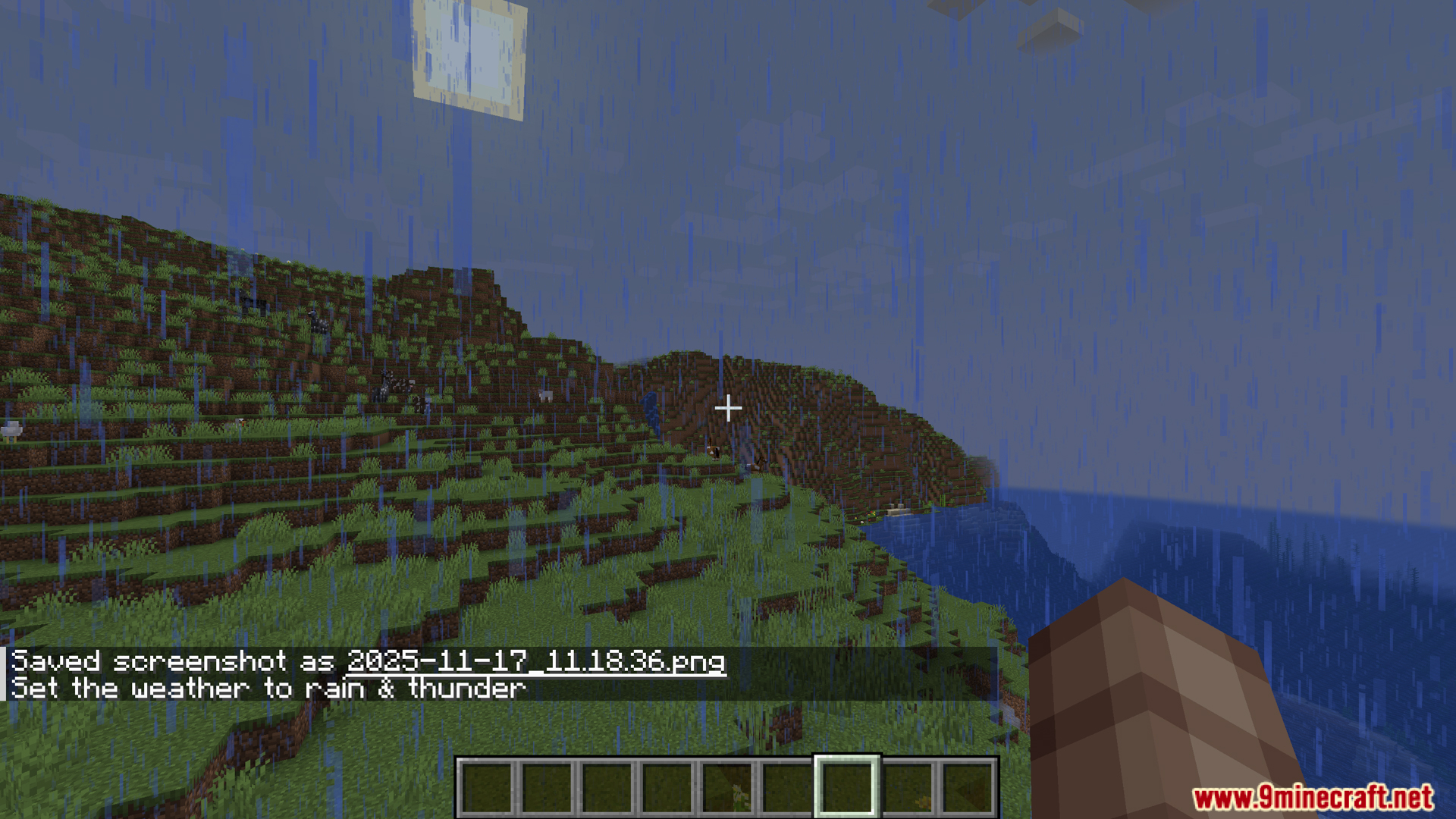
Choosing the thunder weather setting from the quick Dashboard menu
从 Dashboard 快捷菜单中选择雷雨天气设置
The world environment updated to rain and thunder via Dashboard
通过 Dashboard 将世界环境更新为雷雨天气
Adjusting the world difficulty to Hard using the Dashboard menu
使用 Dashboard 菜单将世界难度调整为困难
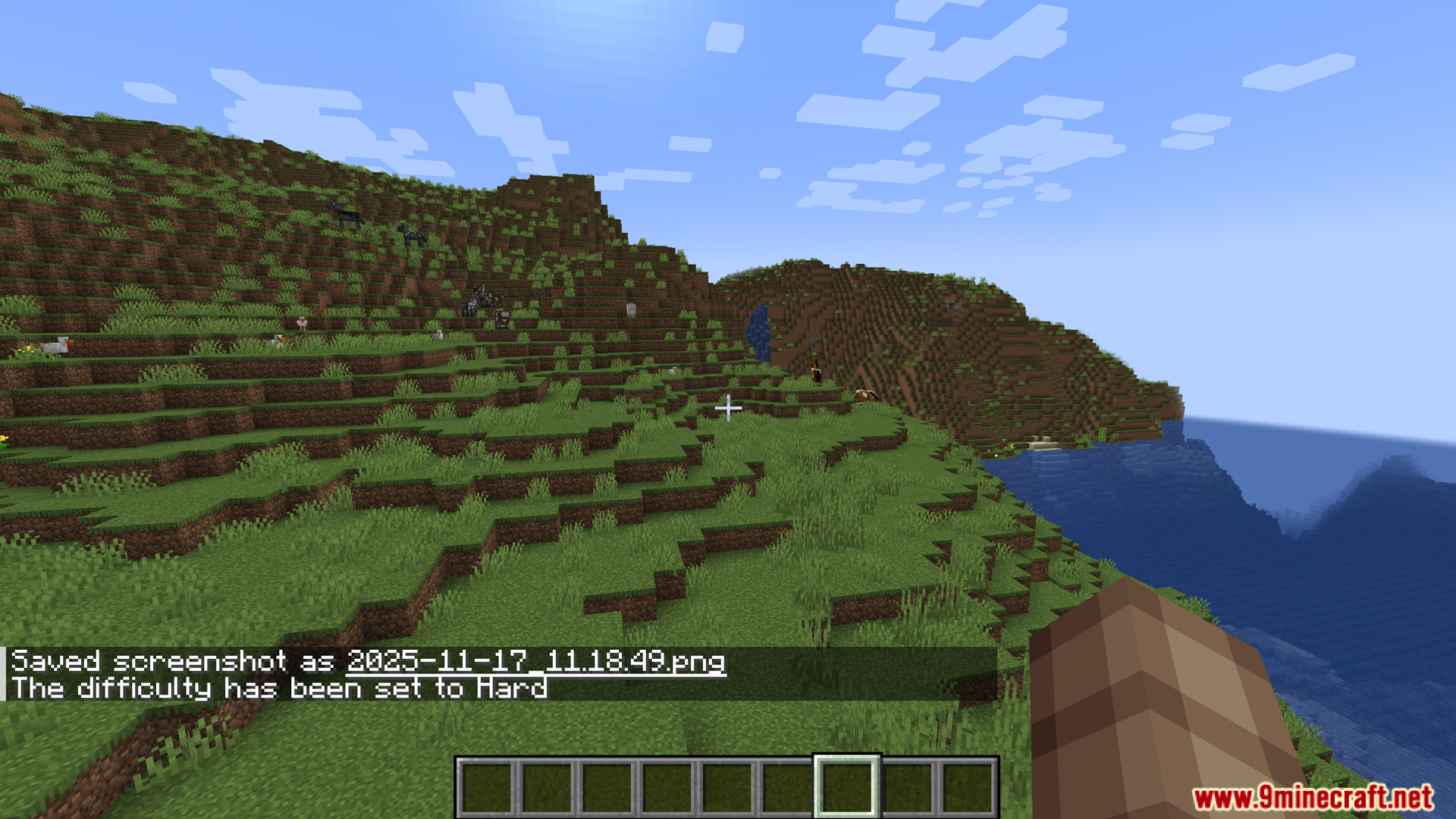
The game difficulty status updated successfully to Hard mode
游戏难度状态已成功更新为困难模式
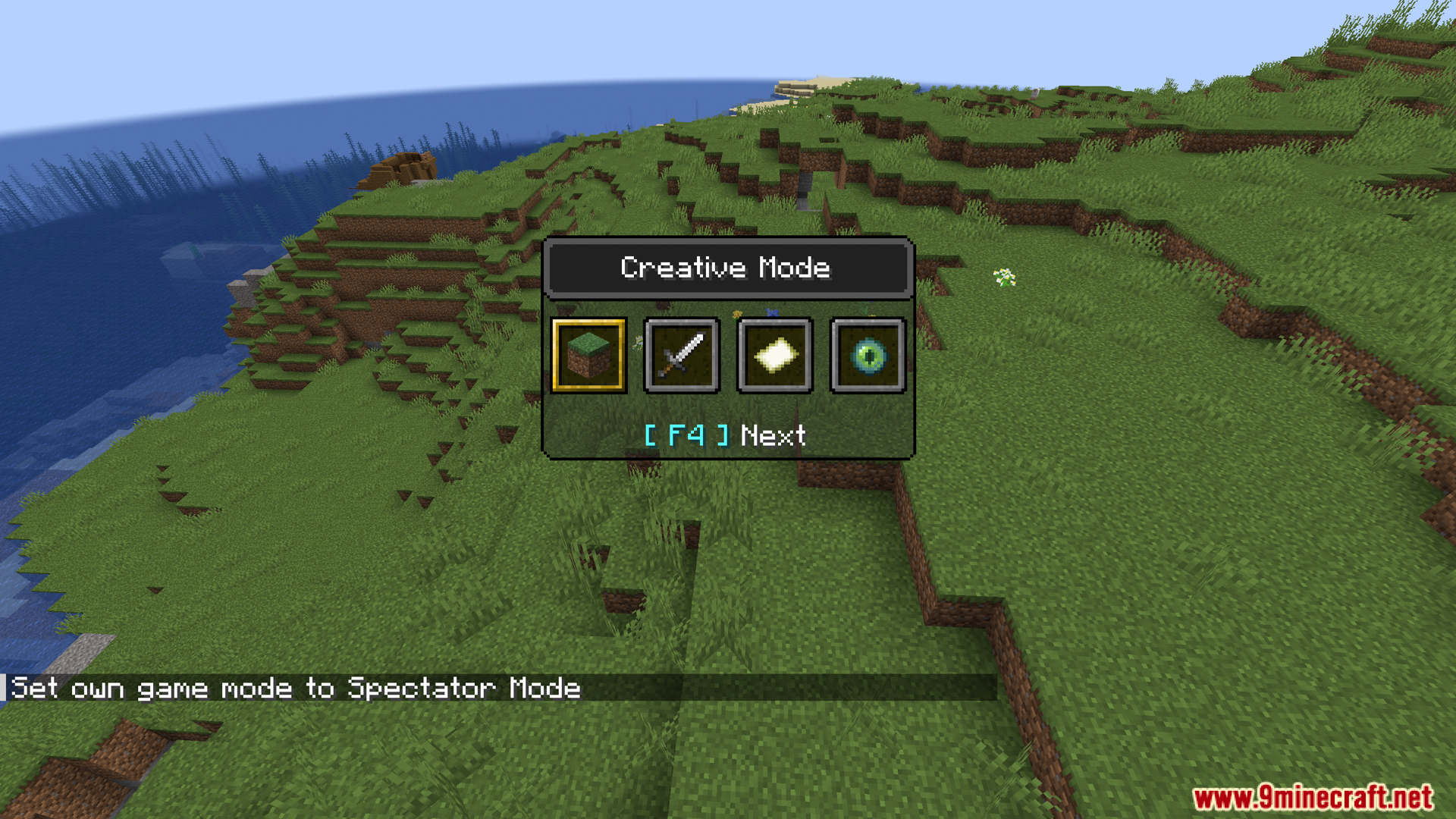
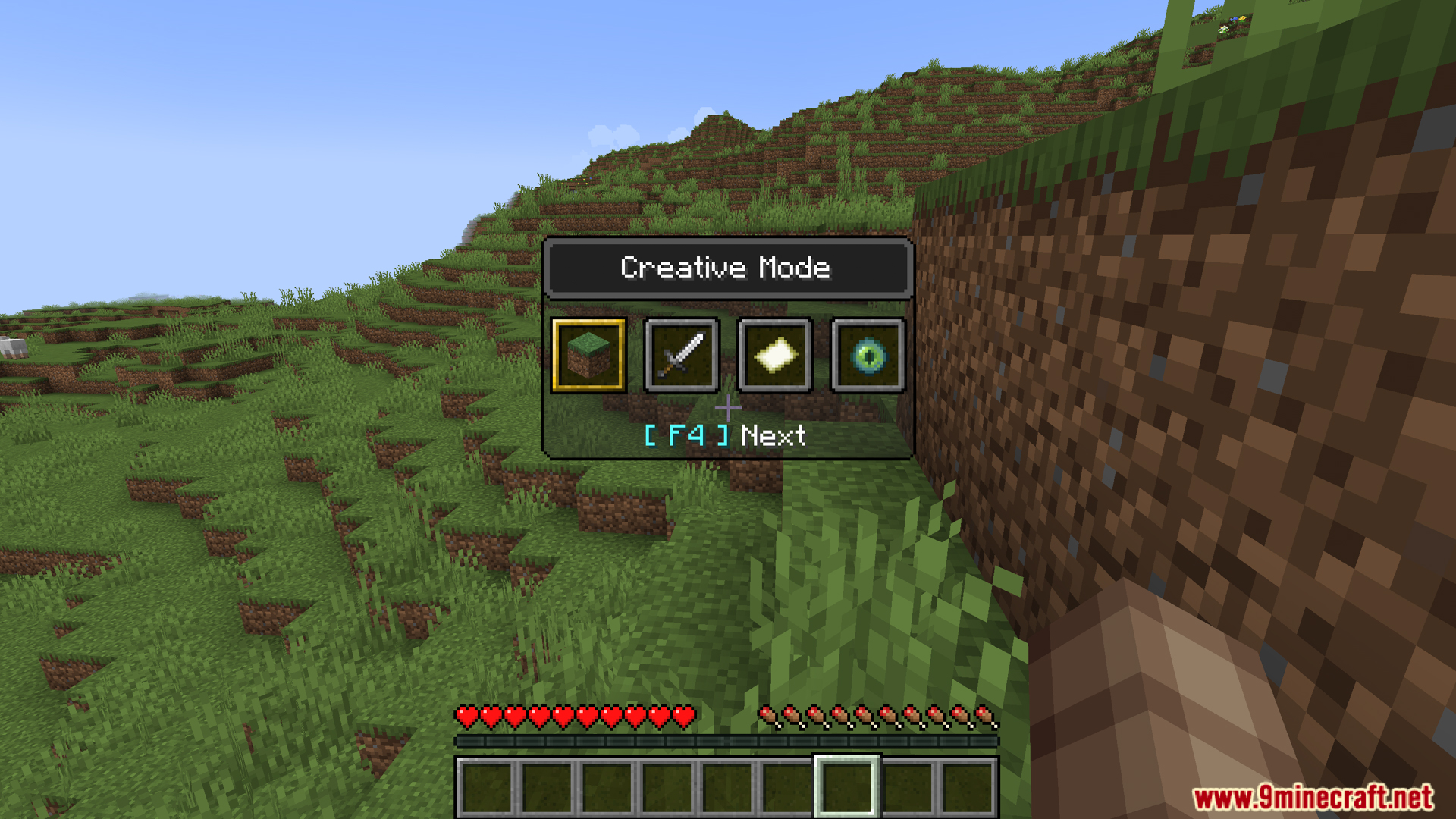
Opening the switcher menu to quickly change the current gamemode
打开切换器菜单以快速更改当前游戏模式
The gamemode selection menu active while playing in Survival mode
在生存模式下激活的游戏模式选择菜单

Dashboard Mod 下载链接

适用于 Minecraft 1.20.1, 1.20

Forge/Fabric/NeoForge 版本: 从服务器 1 下载从服务器 2 下载

适用于 Minecraft 1.19.4

Forge 版本: 从服务器 1 下载从服务器 2 下载

Fabric 版本: 从服务器 1 下载从服务器 2 下载

Click to rate this post!
[Total: 0 Average: 0]