🌐 You are reading the 中文 translation of this article
Available languages for this article:

Fire Client Mod 增加了许多提升游戏体验的实用功能,特别是在 SMP(多人生存)服务器中。该模组包含大量可配置的模块和设置,你可以根据自己的喜好进行调整,从而获得更佳的游戏体验。
主要功能:

  • Kits(套件): 保存、加载、编辑并与其他玩家分享你的物品套件。套件可以保存为文件、从剪贴板复制,甚至可以直接发送到聊天栏供好友下载。
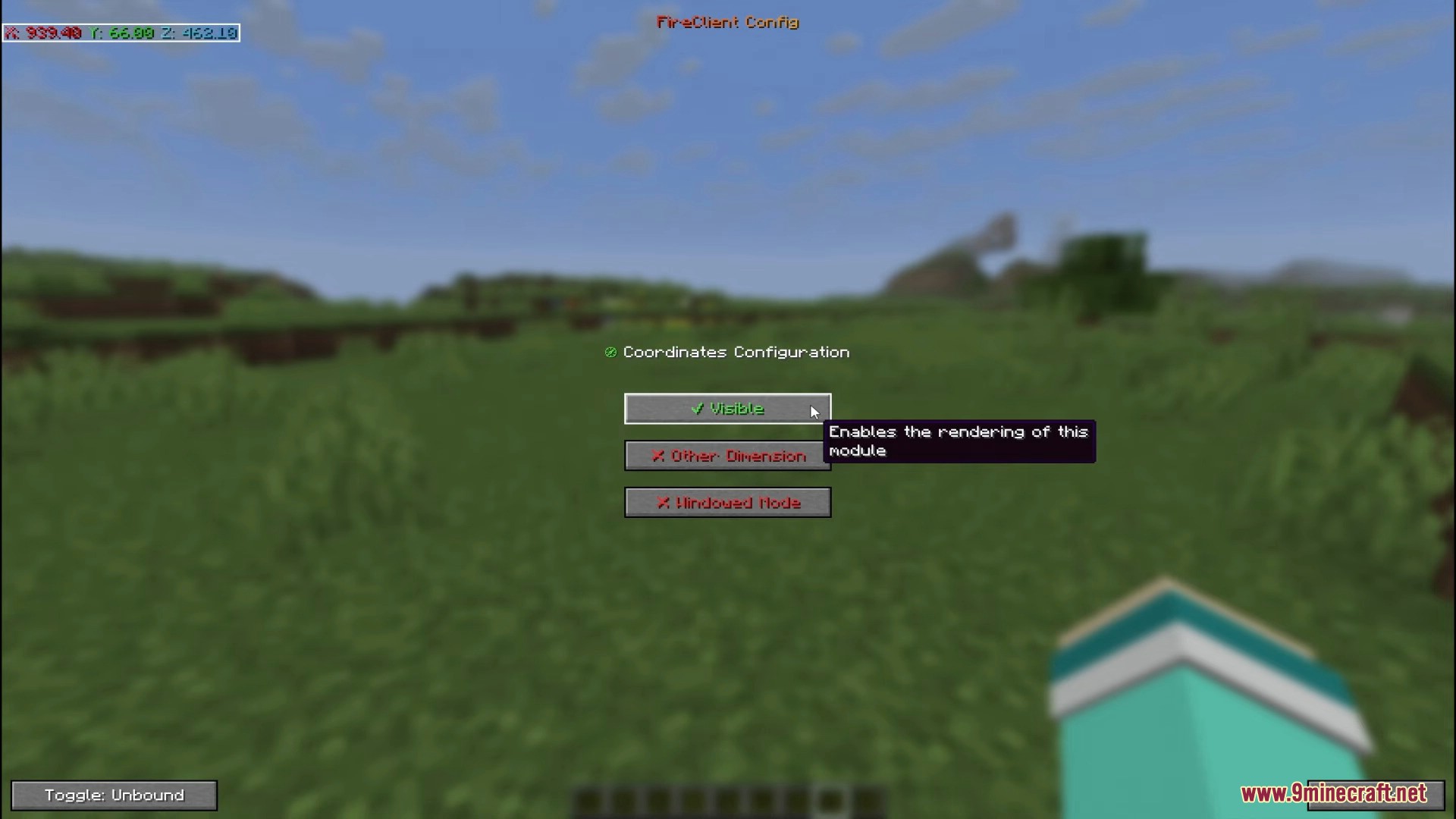
  • 坐标显示: 在屏幕上显示你当前的坐标。它还可以显示其他维度的换算坐标,并提供弹出窗口选项。
  • 使特定物品的渲染变大,以便更容易看清。
  • 允许你静音不想听到的特定游戏内声音。
  • 修复了数个原版漏洞,例如刷屏的灭火音效,以及使用三叉戟时盾牌遮挡视线的问题。

命令:

  • /ftext:允许你将文本转换为微型字体样式。
  • /fcalc:让你进行数学运算并计算物品堆叠数量。
  • /fkit:套件模块的命令版本,可与 GUI 配合使用。

相关截图:
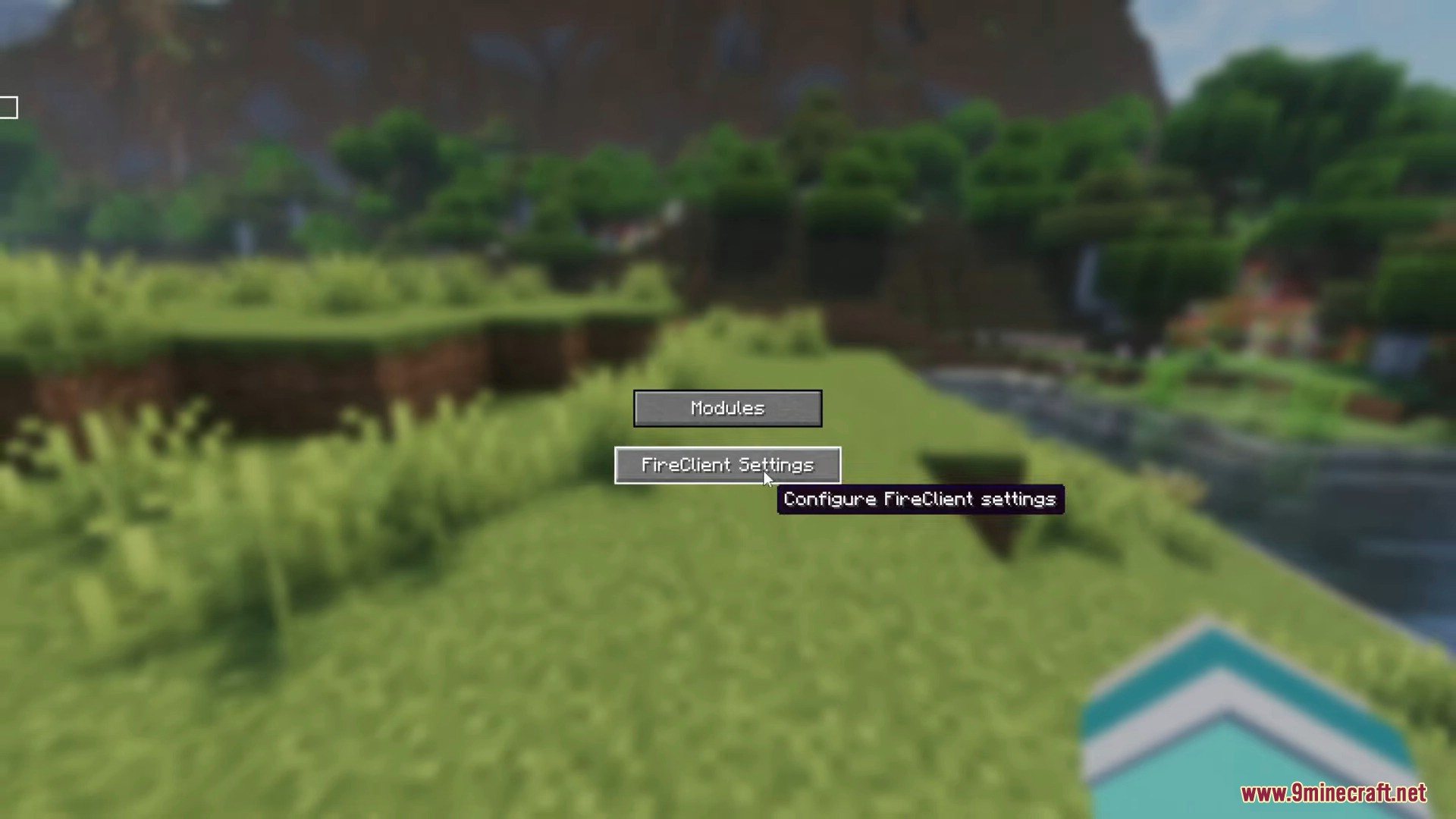
Main menu screen showing buttons for modules and Fire Client settings
主菜单屏幕显示了模块按钮和 Fire Client 设置
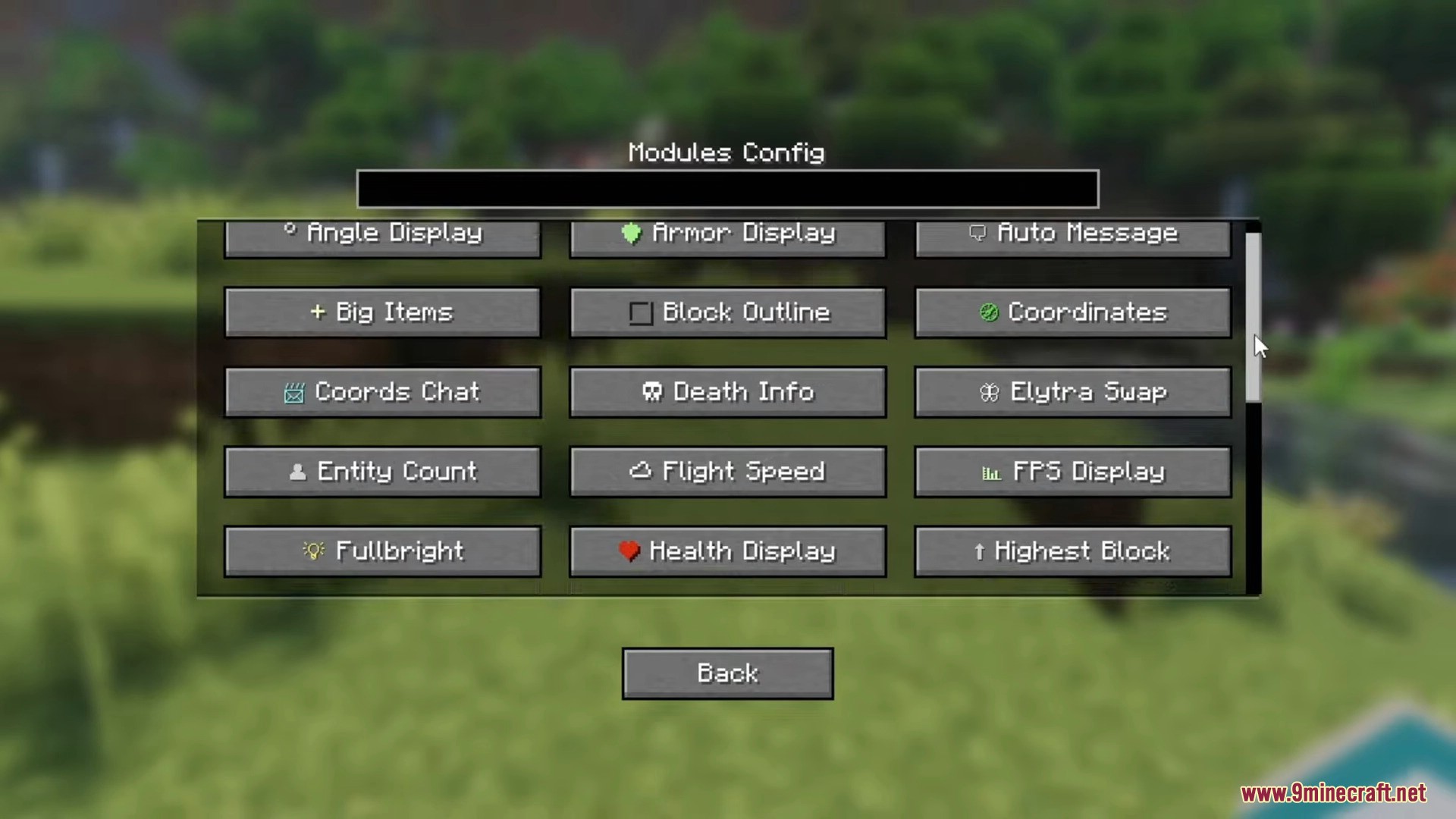
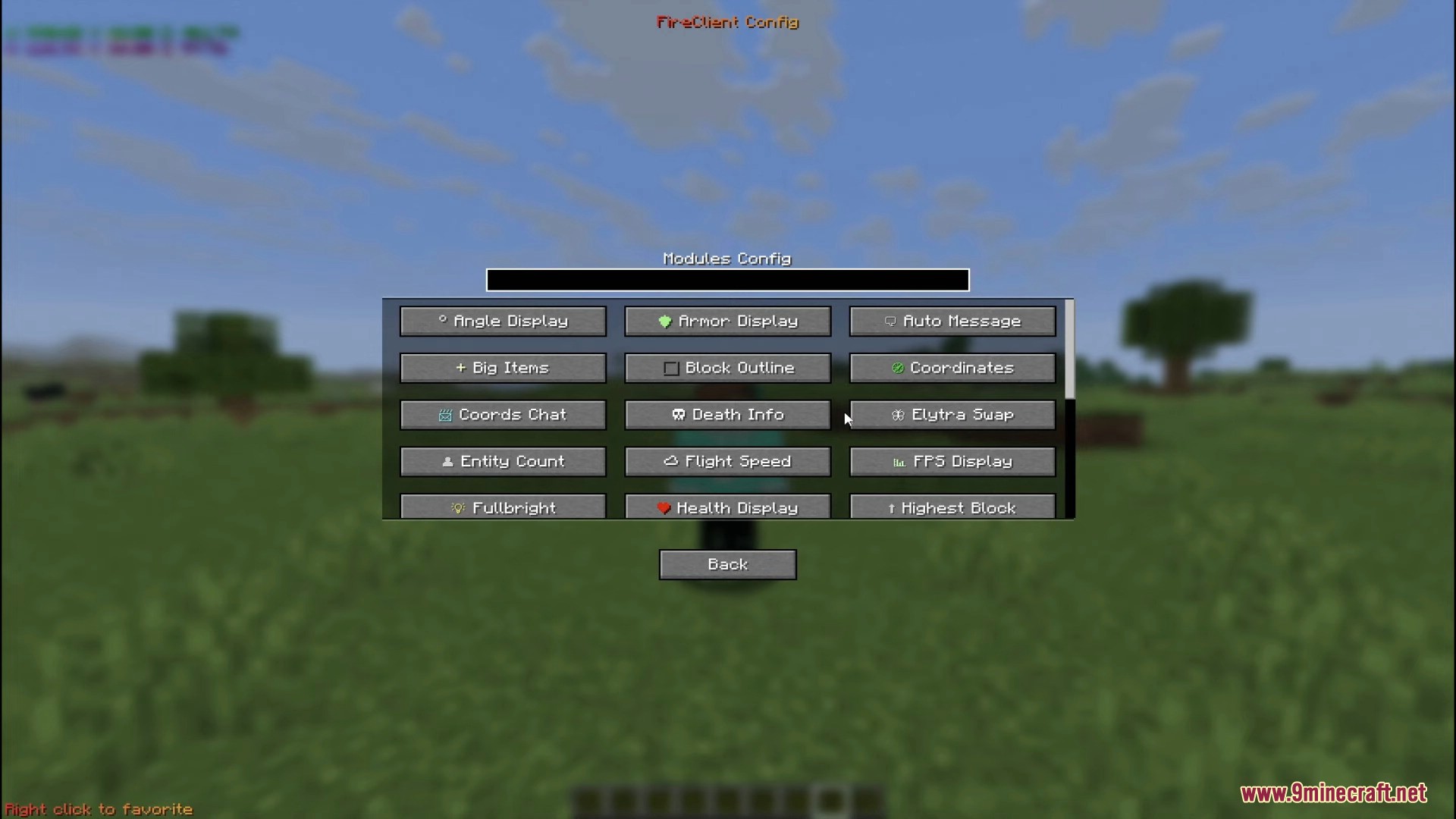
The modules configuration screen with various utility toggles for gameplay
模块配置界面,包含各种游戏实用功能开关
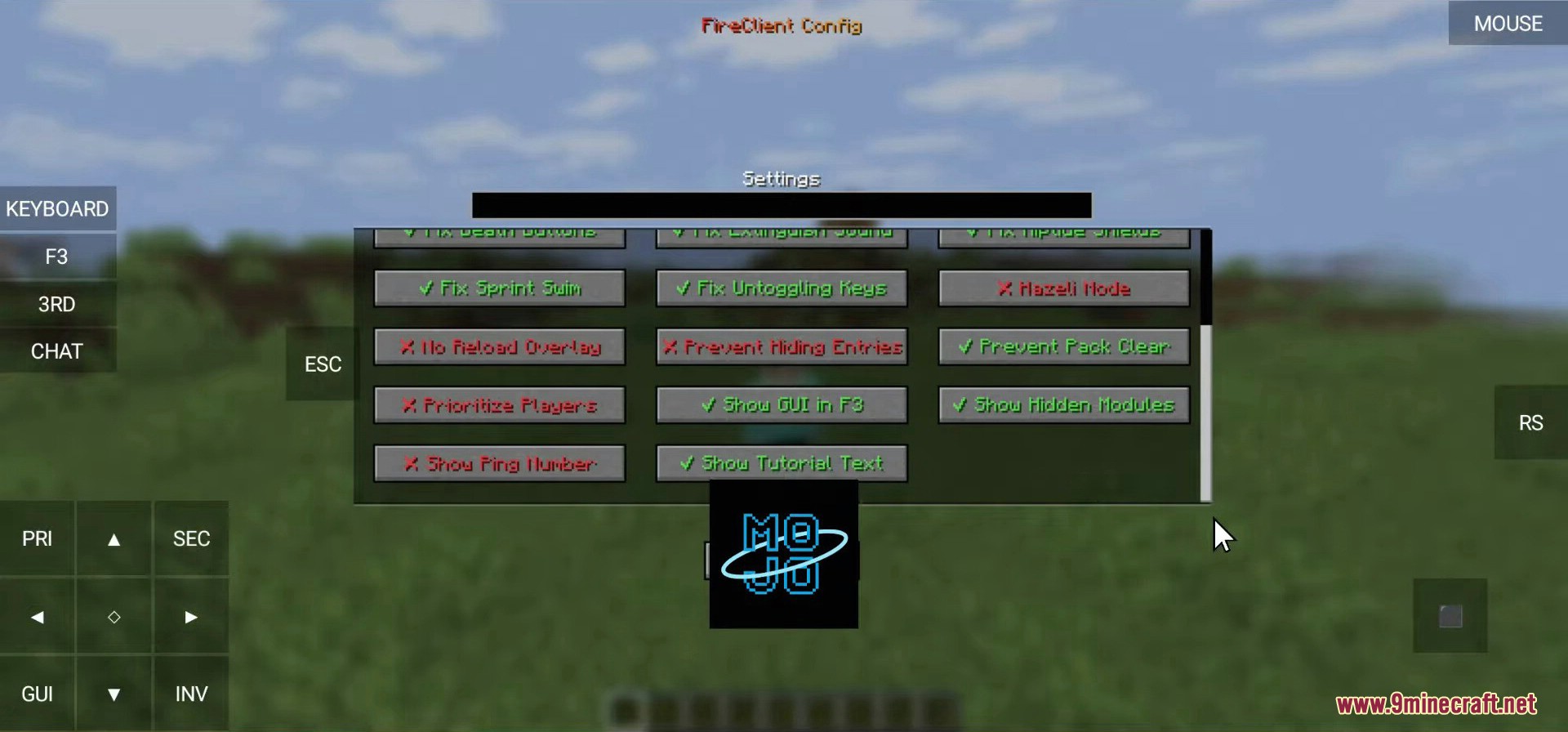
Fire Client Mod settings menu with multiple toggleable gameplay modules
Fire Client Mod 设置菜单,拥有多个可切换的游戏模块
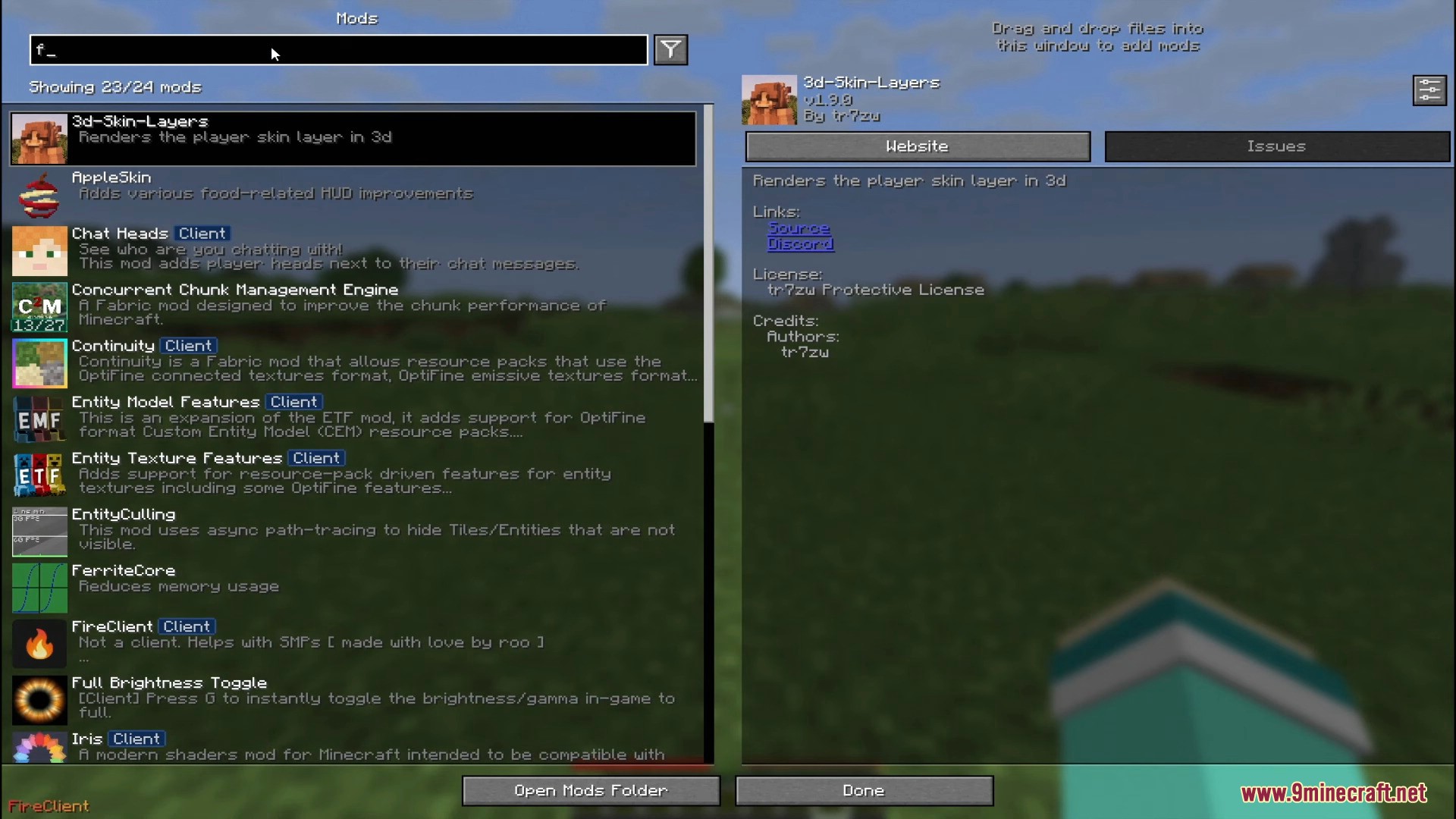
Minecraft mod menu screen displaying a list of installed mods
Minecraft 模组菜单界面,显示已安装的模组列表
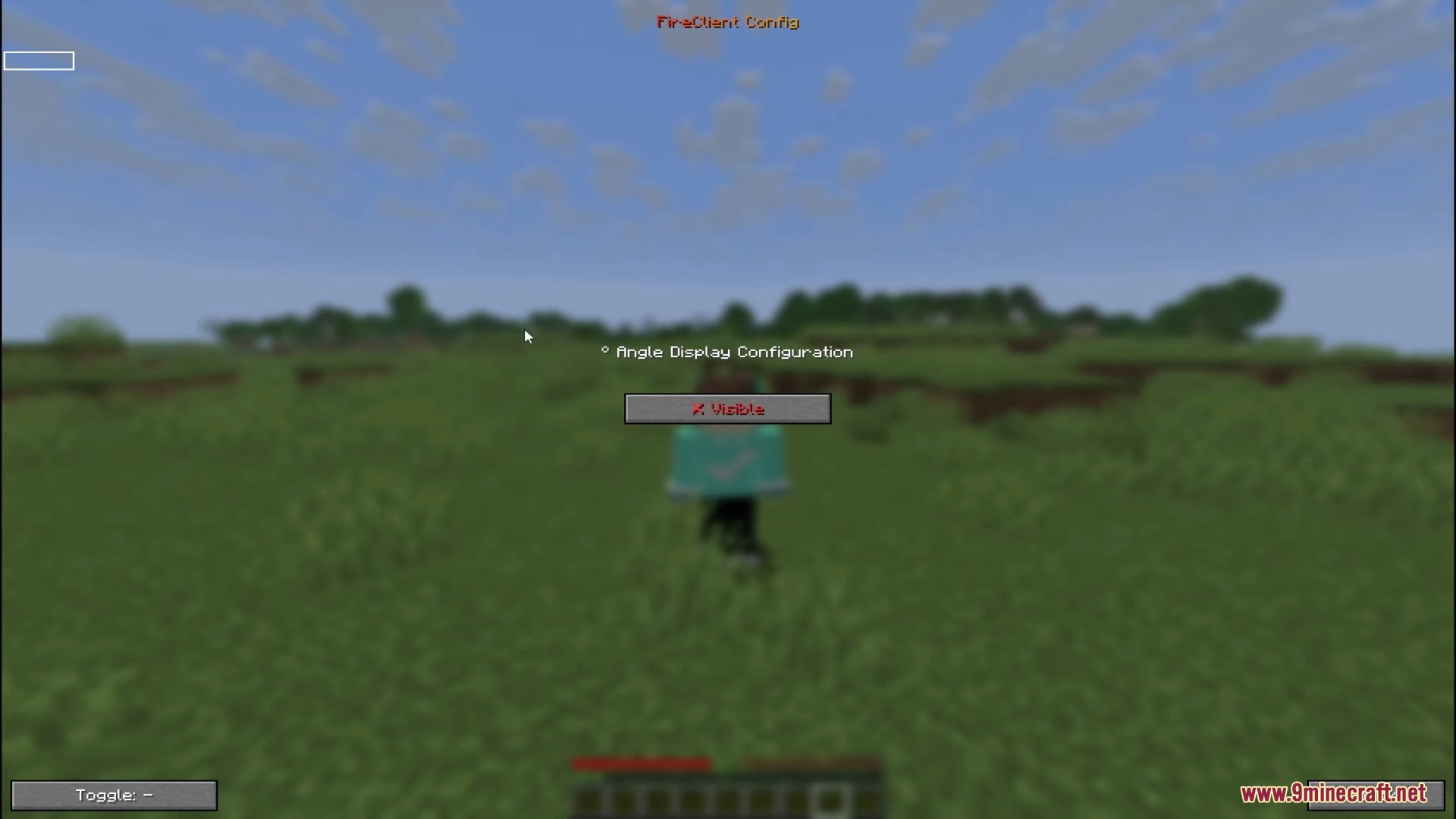
Angle Display Configuration menu within the Fire Client Mod interface
Fire Client Mod 界面中的角度显示配置菜单
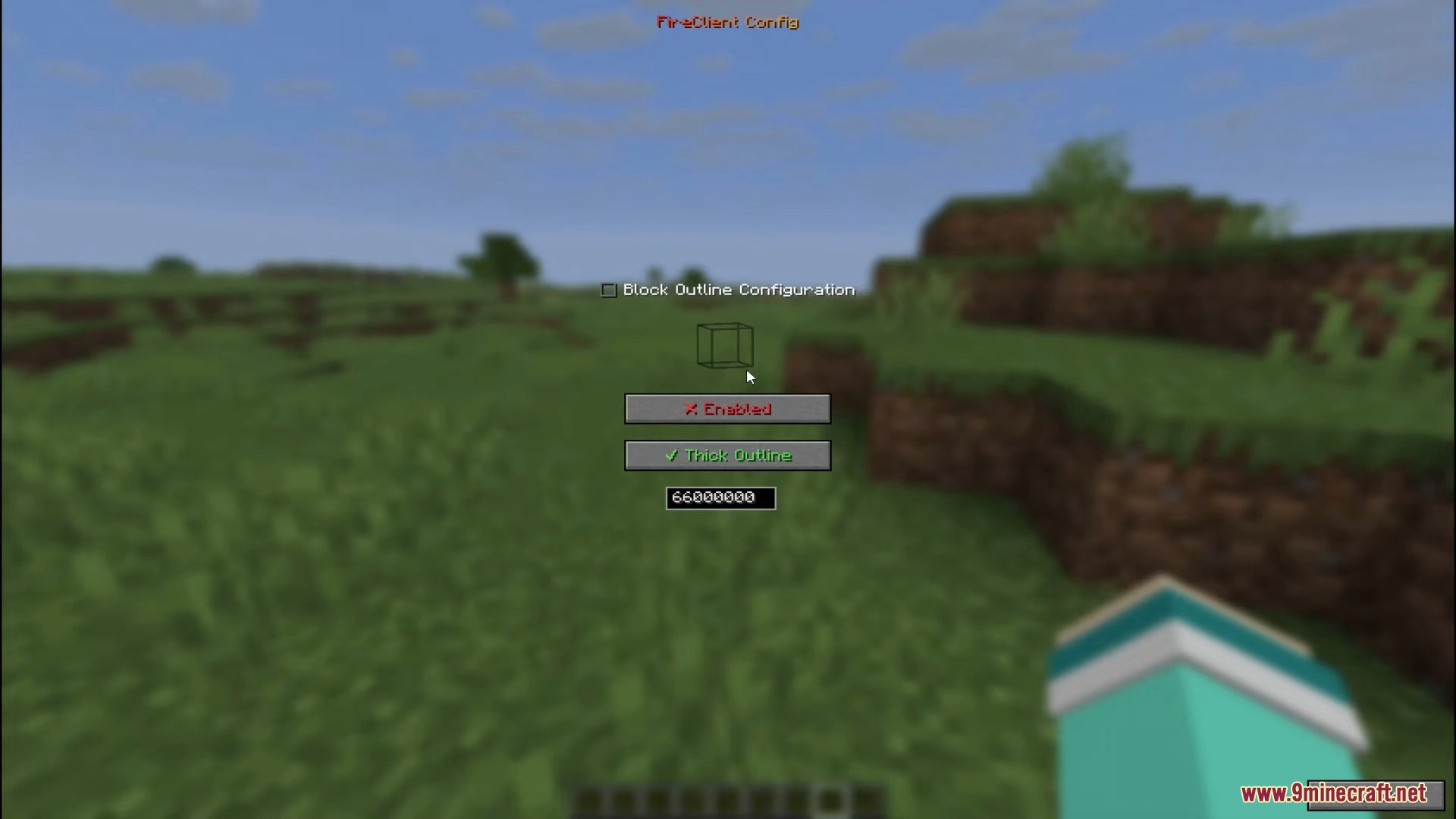
Block Outline Configuration screen showing enabled and thick outline options
方块轮廓配置界面,显示已启用和加粗轮廓选项
Configuring coordinate display settings in the Fire Client menu
在 Fire Client 菜单中配置坐标显示设置
A comprehensive list of utility modules available in the configuration menu
配置菜单中可用的实用模块完整列表
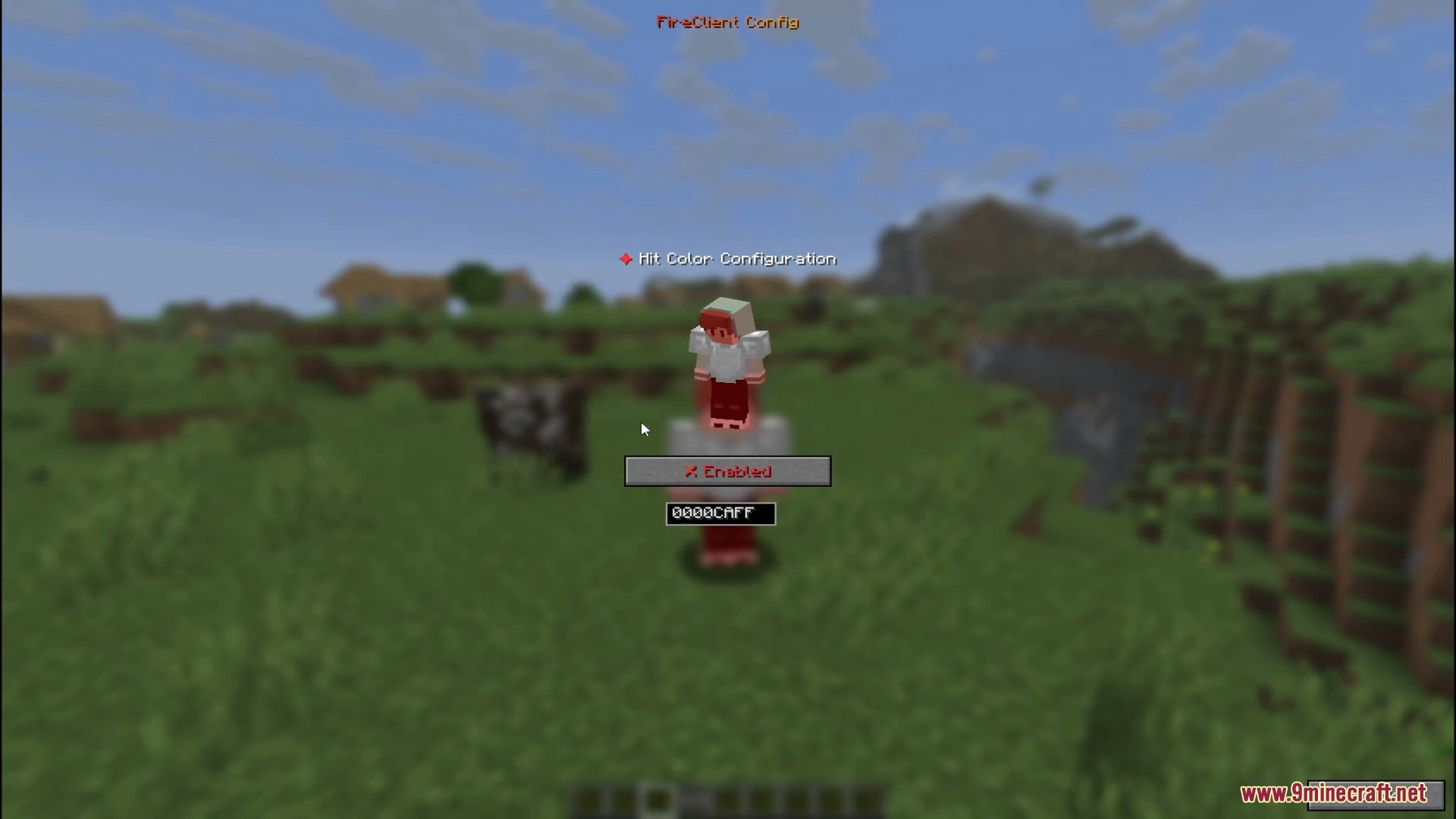
Hit Color Configuration menu in the Fire Client Mod
Fire Client Mod 中的受击颜色配置菜单
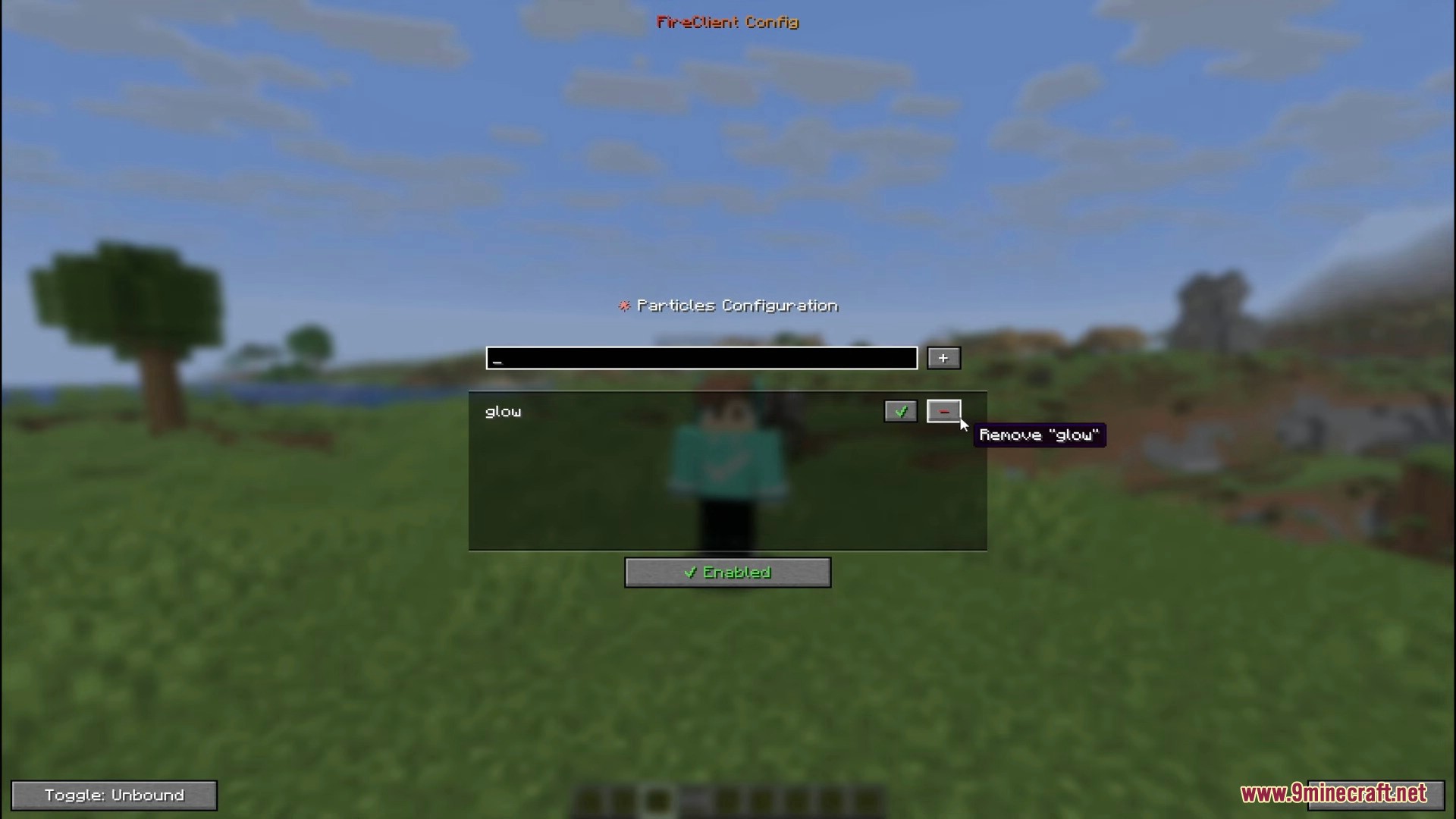
Particles Configuration menu for managing various in game particle effects
用于管理各种游戏内粒子效果的粒子配置菜单
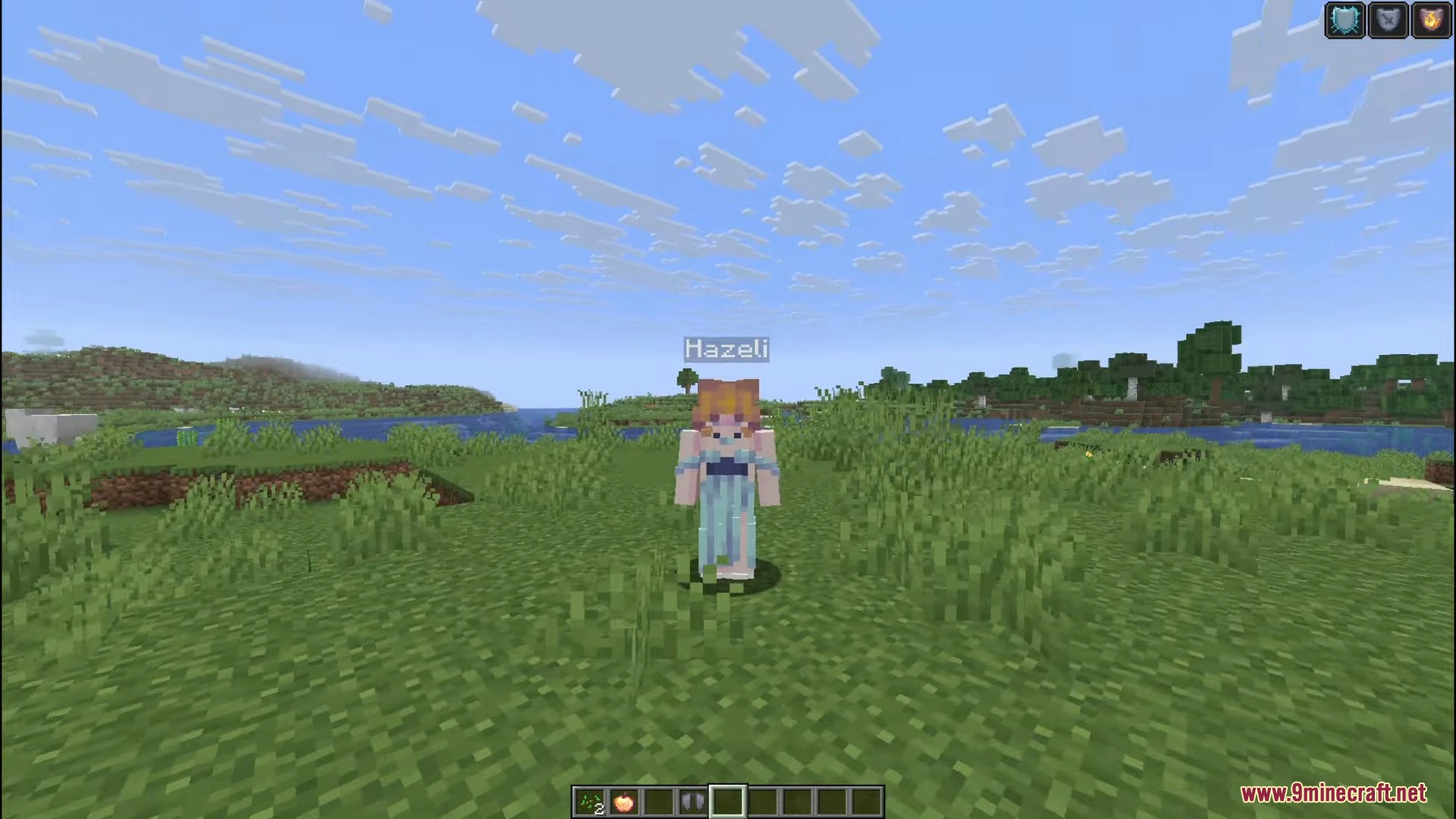
Player character Hazeli standing in a grassy field with status icons
玩家角色 Hazeli 站在草地上,带有状态图标

Fire Client Mod 下载链接

针对 Minecraft 1.21.8, 1.21.7, 1.21.6

Fabric 版本: 从服务器 1 下载从服务器 2 下载

针对 Minecraft 1.21.5

Fabric 版本: 从服务器 1 下载从服务器 2 下载

针对 Minecraft 1.21.4

Fabric 版本: 从服务器 1 下载从服务器 2 下载

Click to rate this post!
[Total: 5 Average: 4]