


Load Support Mod (1.21.8, 1.21.1) – 告别崩溃,丝滑启动整合包

 0
0 

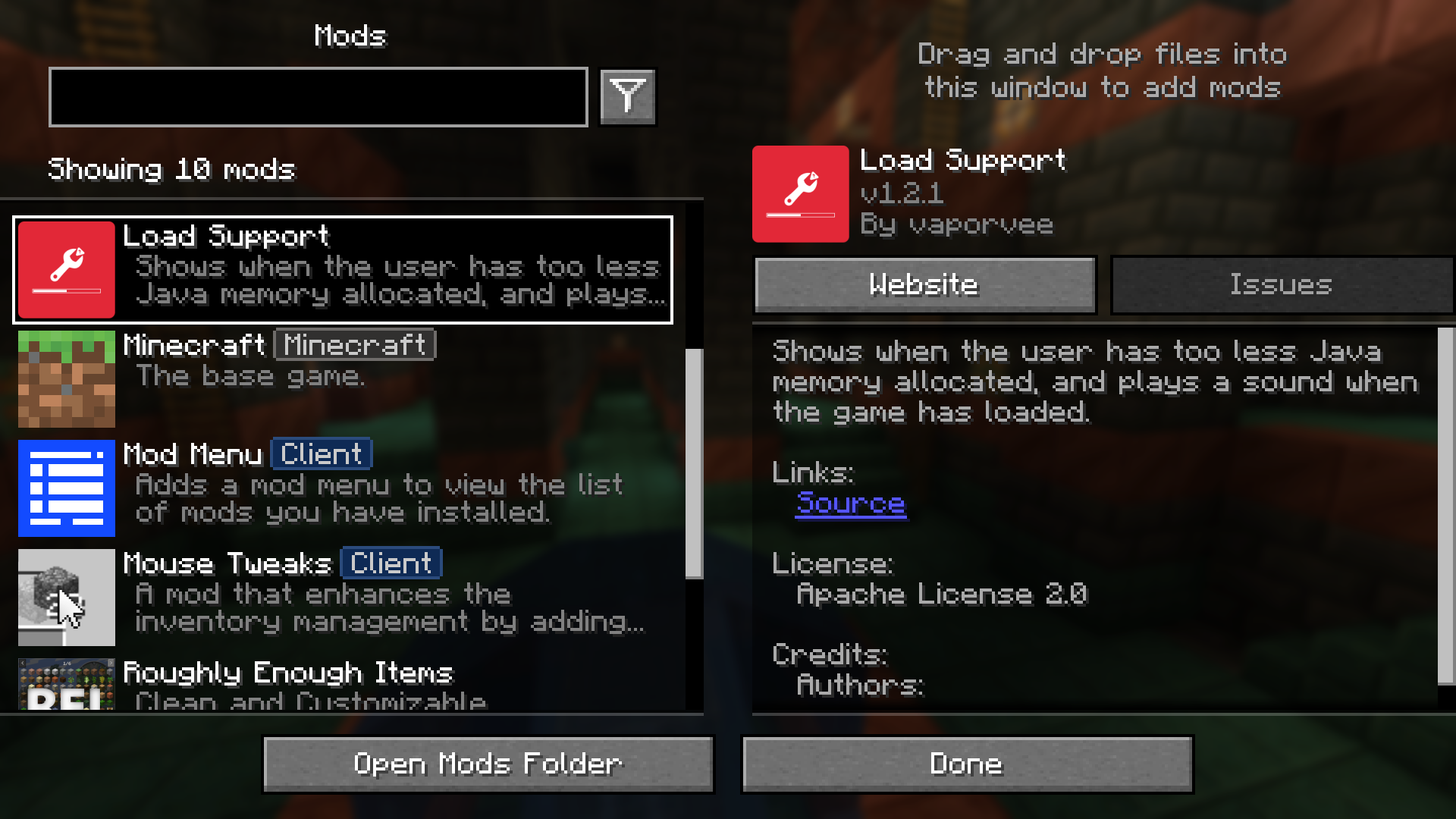
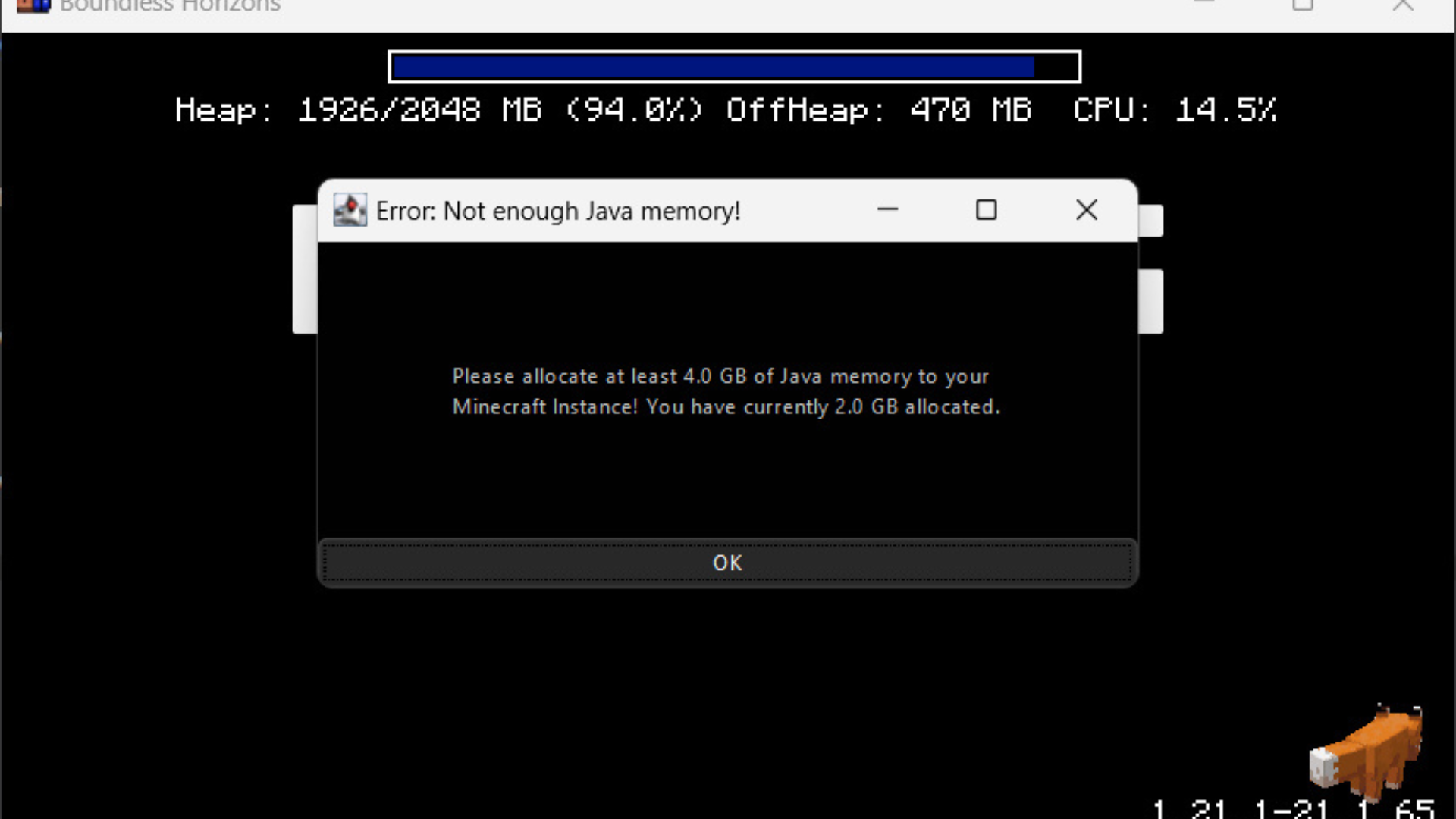
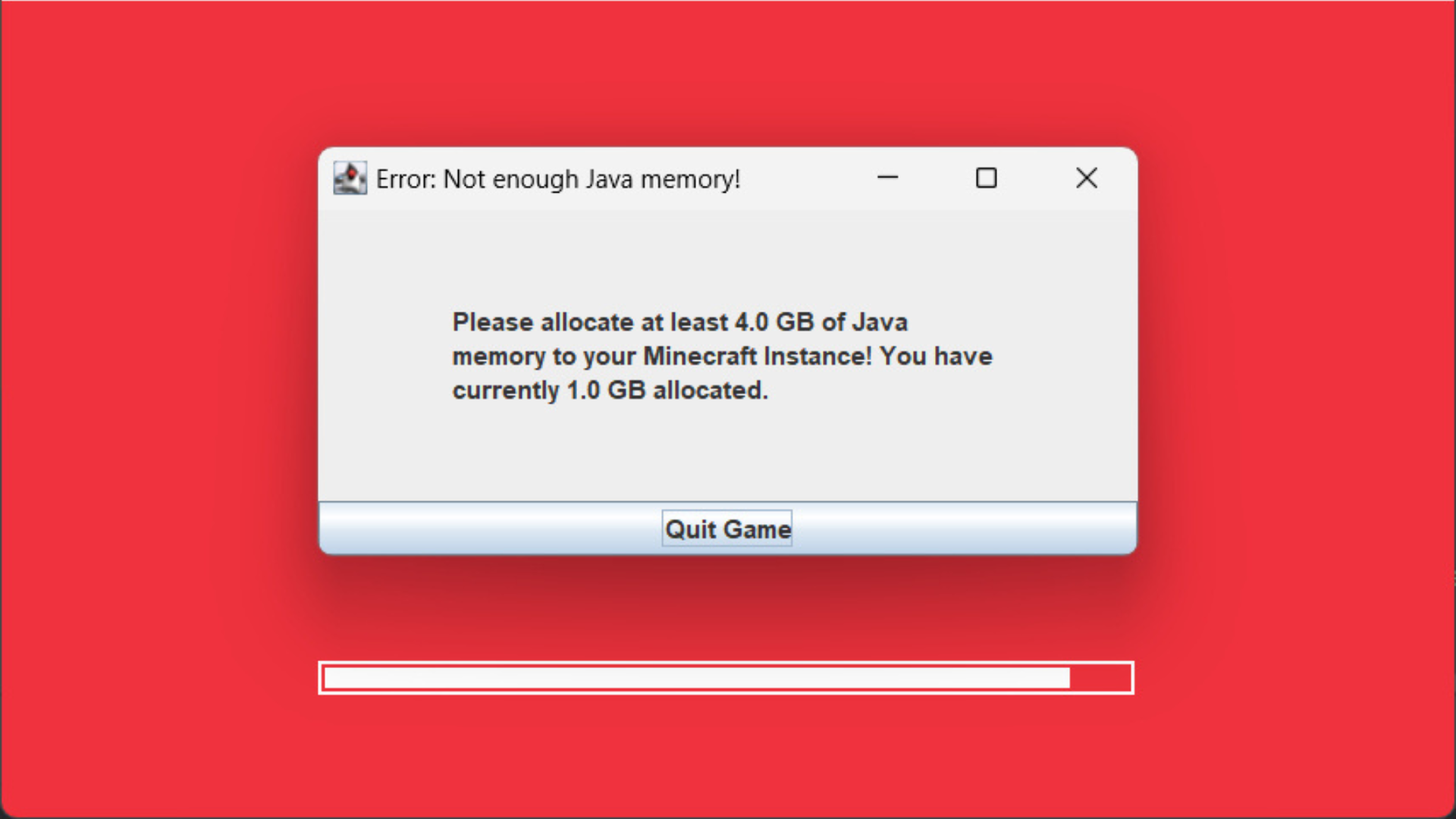
Load Support Mod 会在您未给 Minecraft 分配足够的 Java 内存时发出警告。该模组会立即显示错误信息,让您无需等待游戏崩溃即可发现问题。此外,它还会在游戏加载完成时播放提示音,这在游戏处于后台运行(挂机加载)时非常实用。
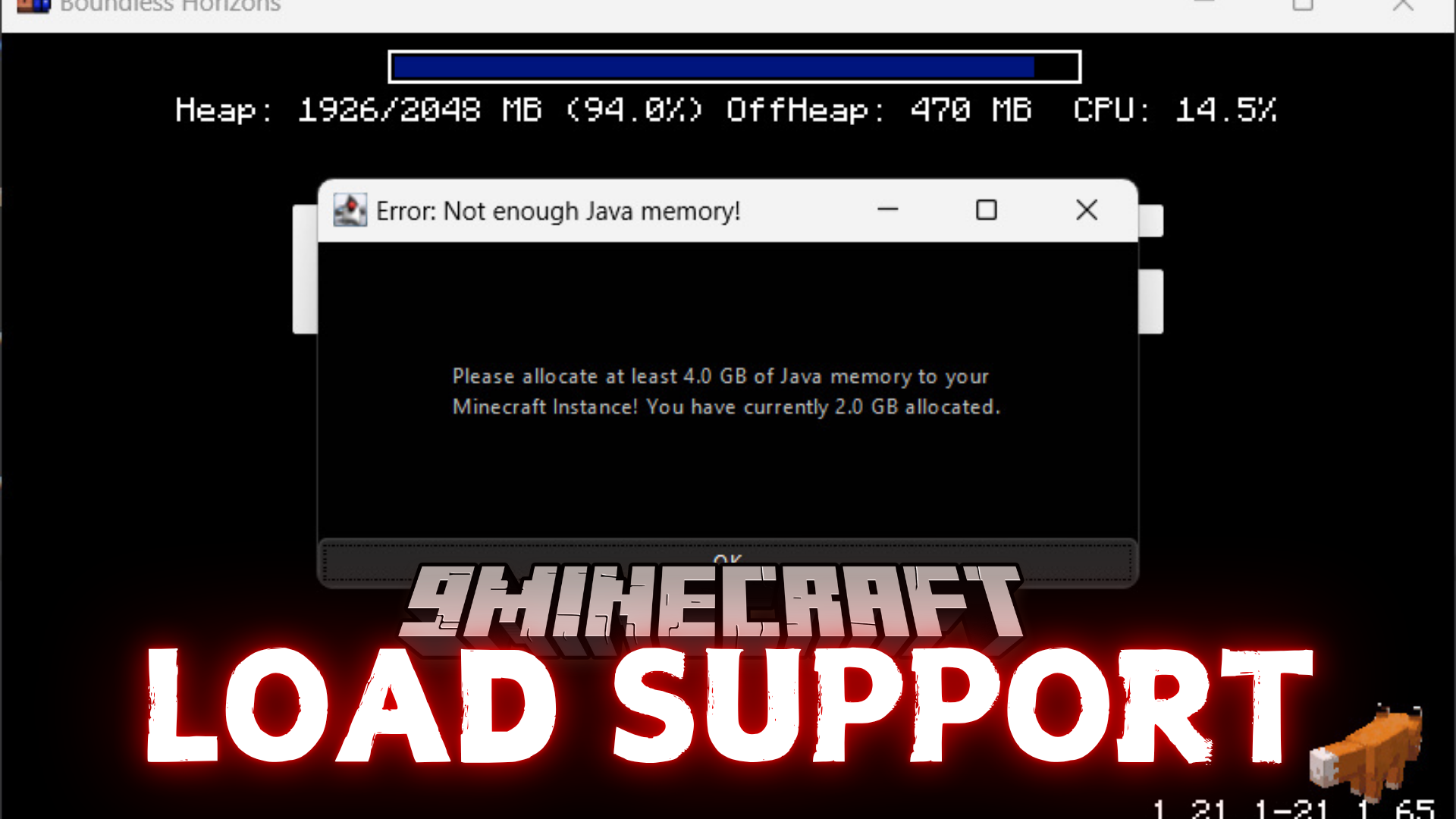
主要功能:
- 如果分配的 Java 内存过低,会立即显示警告。
- 锁定游戏窗口以确保您能看到内存警告。
- 在 Minecraft 完全加载完成后播放提示音。
配置说明:
您可以在 config/loadsupport.toml 文件中更改设置。各选项说明如下:
loadFinishSound = "minecraft:ui.toast.challenge_complete"
minMemory = 4.0
errorTitle = "错误:Java 内存不足!"
errorMinMemory = "请为您的 Minecraft 实例分配至少 {minMemory} GB 的 Java 内存!"
errorCurrentMemory = "您当前分配了 {currentMemory} GB。"
memoryInfoLink = "https://github.com/vaporvee/LoadSupport/wiki/How-to-allocate-more-memory-to-your-Minecraft-instance"在提示信息中,{minMemory} 和 {currentMemory} 会被替换为实际数值。
模组截图:


Load Support Mod 下载链接
适用于 Minecraft 1.21.8, 1.21.7, 1.21.6
适用于 Minecraft 1.21.5, 1.21.4, 1.21.3, 1.21.1, 1.21
点击为这篇文章评分!
[Total: 0 Average: 0]
你可能也喜欢







这篇文章还没有评论。 来抢沙发吧 —— 你的评论会显示在这里。