🌐 您正在以中文阅读本文。想切换吗?
📖 阅读英文原文
或选择您喜欢的语言:

Refined Storage JEI Integration Mod 将 Just Enough Items (JEI) 与 Refined Storage 连接在一起。它链接了两个菜单,以便您可以在它们之间移动配方和物品。这在您建造机器或合成具有多个部件的物品时可以节省大量时间。
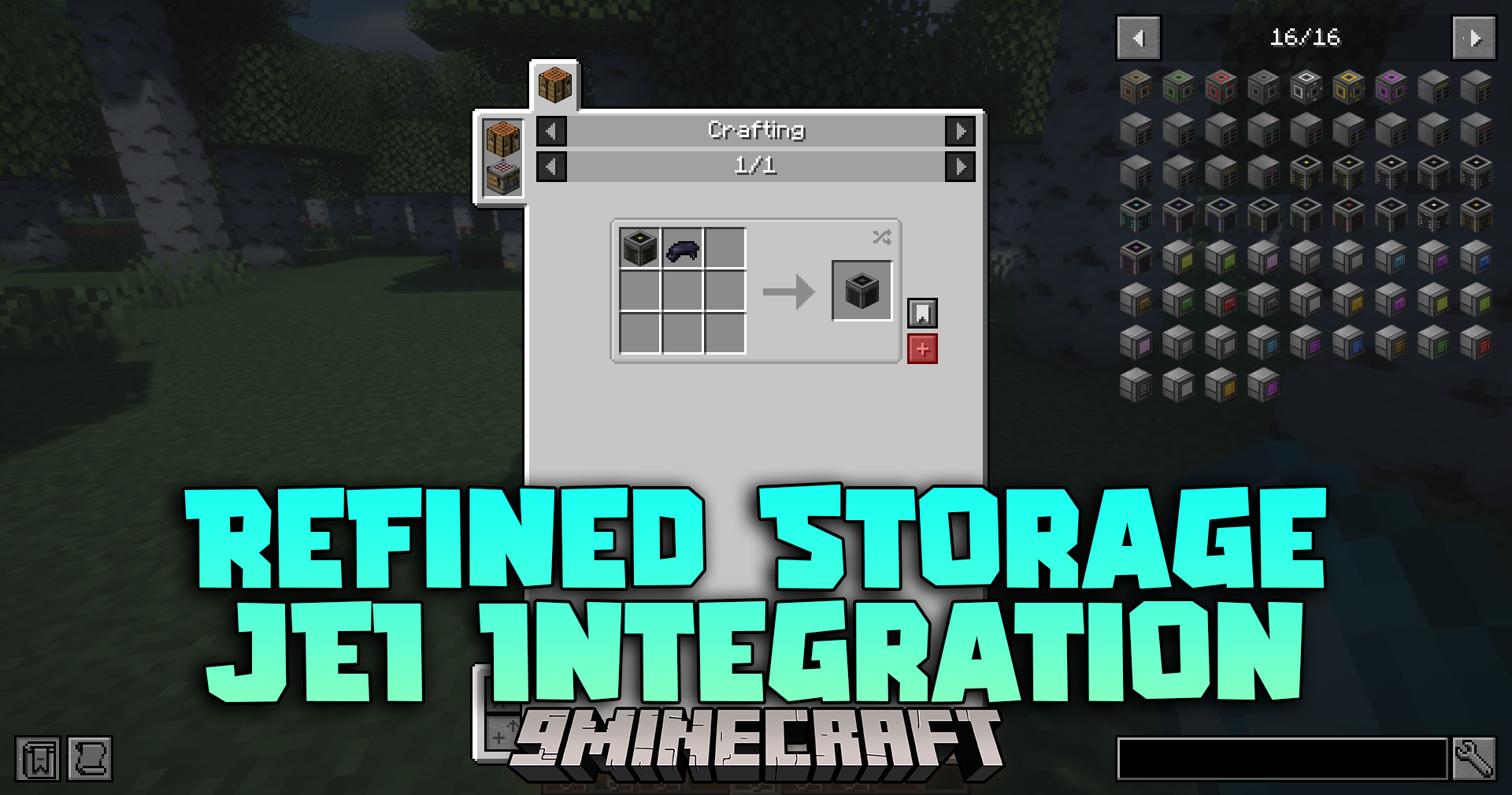
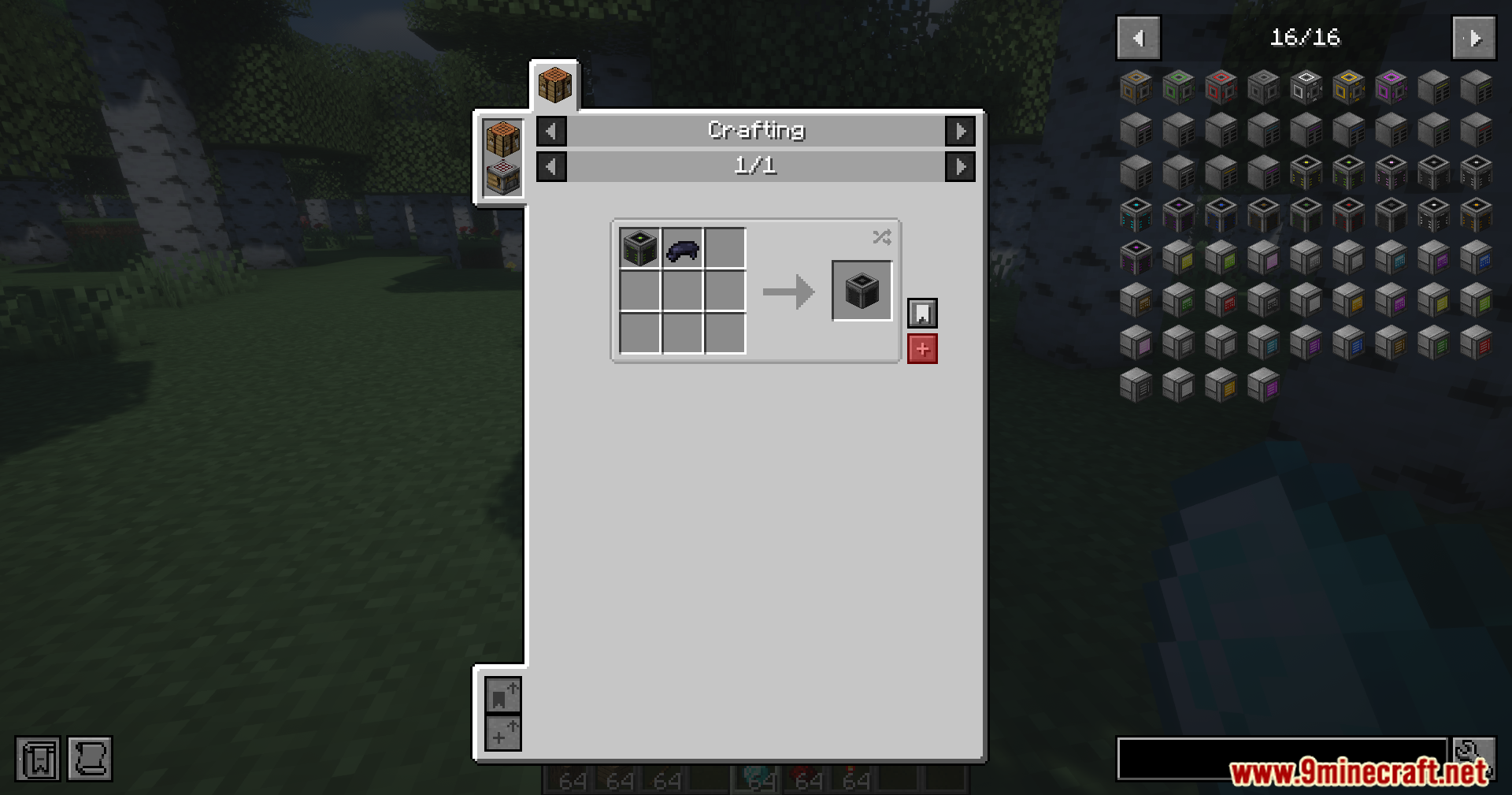
Refined Storage JEI Integration Mod

功能特点:

  • 只需点击一下,即可将配方直接从配方菜单移动到您的合成网格(Crafting Grid)中。
  • 即使您缺少某些配方部件,也会将您已拥有的物品放入网格中。
  • 让您可以直接从配方预览界面开始自动合成任务。
  • 将配方直接发送到样板网格(Pattern Grid),并突出显示系统可以为您制造哪些部件。
  • 同步搜索栏,因此在存储网格中输入内容也会同时搜索物品列表。
  • 允许您将虚影物品从侧边菜单拖入过滤器槽位以设置机器。
  • 自动将物品列表推开,使其永远不会遮挡您的存储菜单。

使用方法:

  1. 打开您的主存储网格或样板网格。
  2. 将鼠标悬停在物品上并按 R 查看合成方式,或按 U 查看其用途。
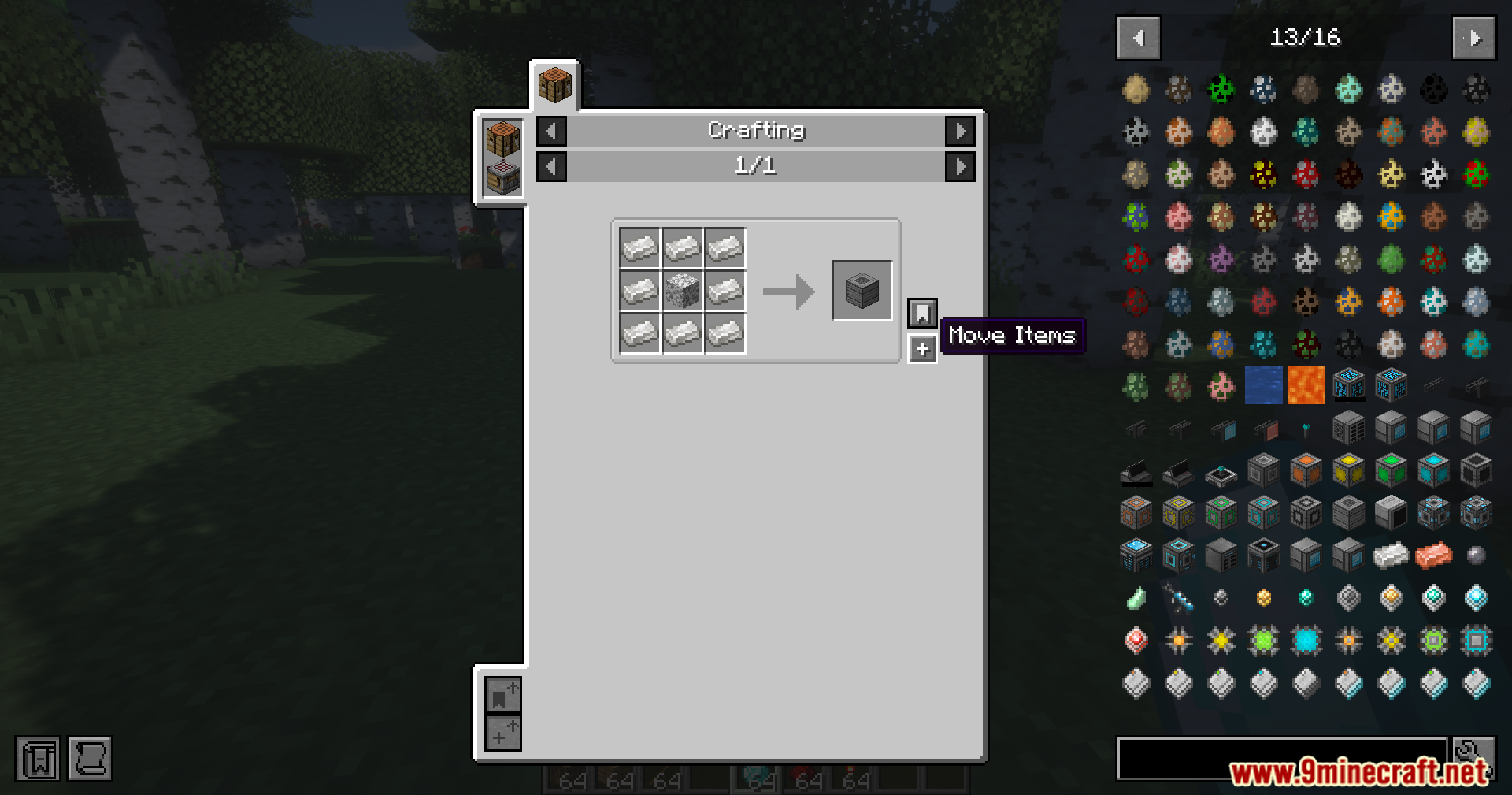
  3. 点击配方中的加号按钮将物品移动到您的合成槽位中。
  4. 将物品从屏幕右侧拖入过滤器槽位,无需拥有真实的方块。

相关截图:
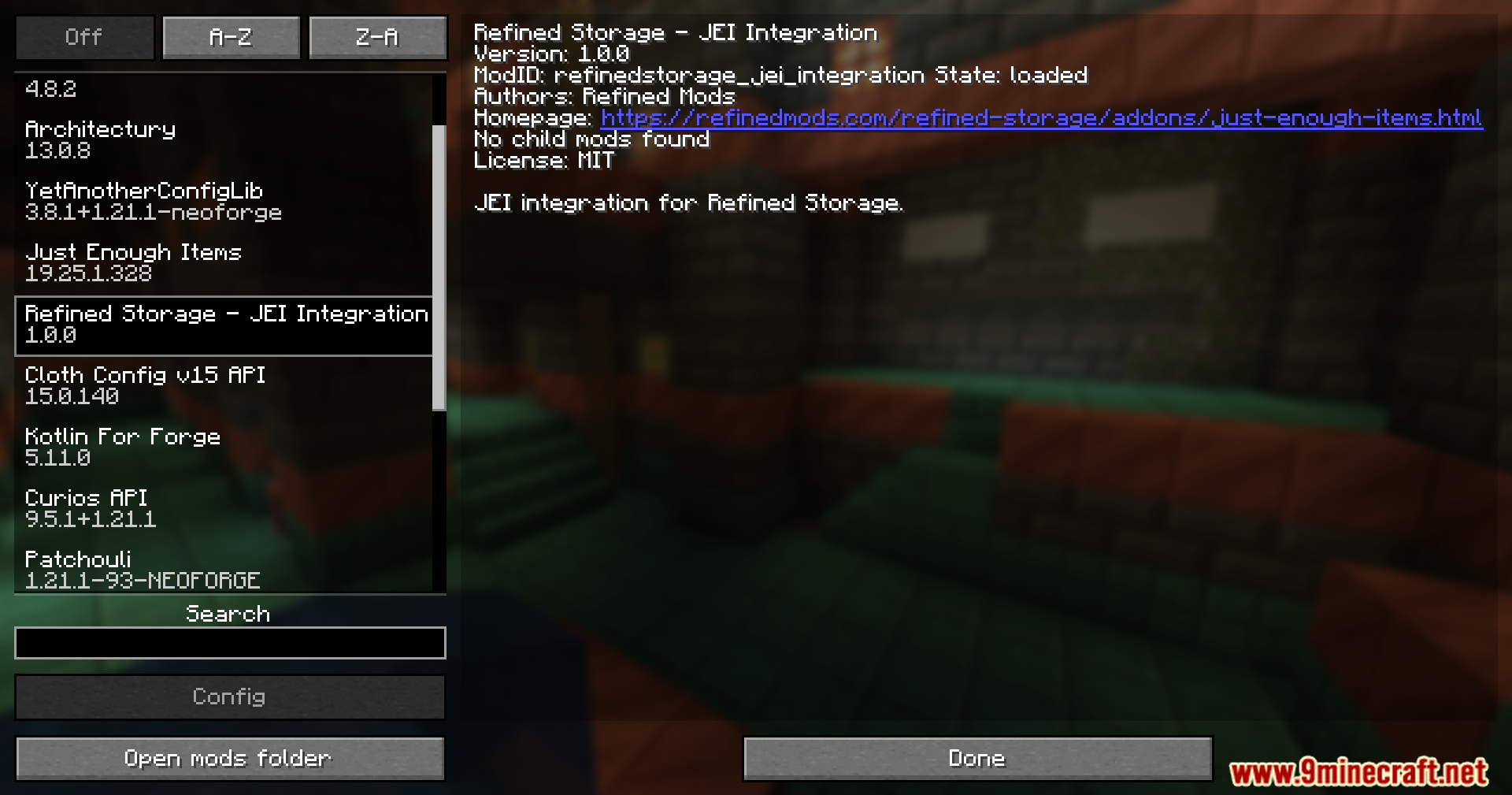
Minecraft mod menu displaying Refined Storage JEI Integration mod details
显示 Refined Storage JEI Integration 模组详情的 Minecraft 模组菜单
Crafting recipe interface showing the move items button for Refined Storage
显示 Refined Storage 移动物品按钮的合成配方界面
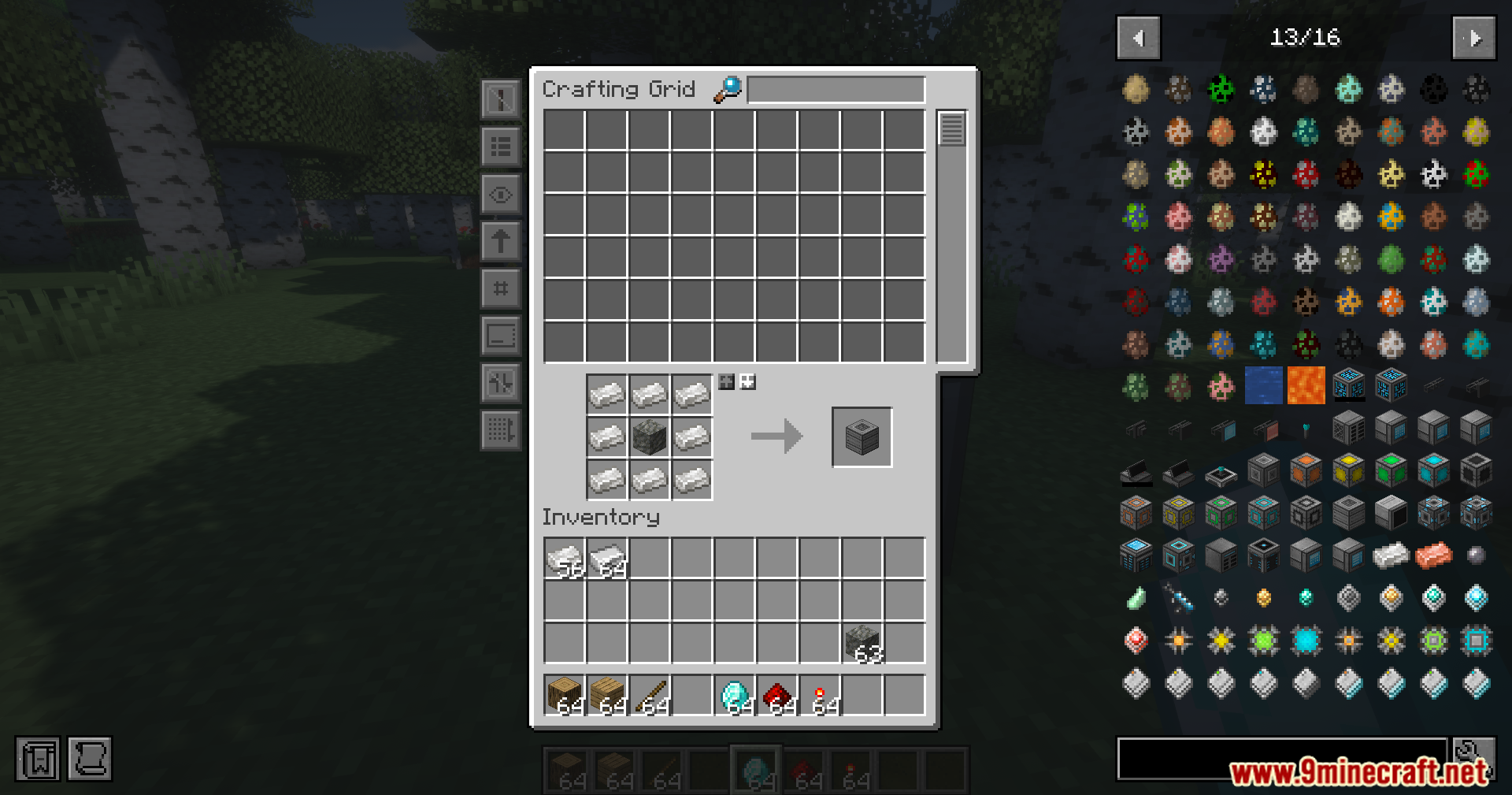
The Refined Storage crafting grid showing a recipe for a machine casing
显示机器外壳配方的 Refined Storage 合成网格
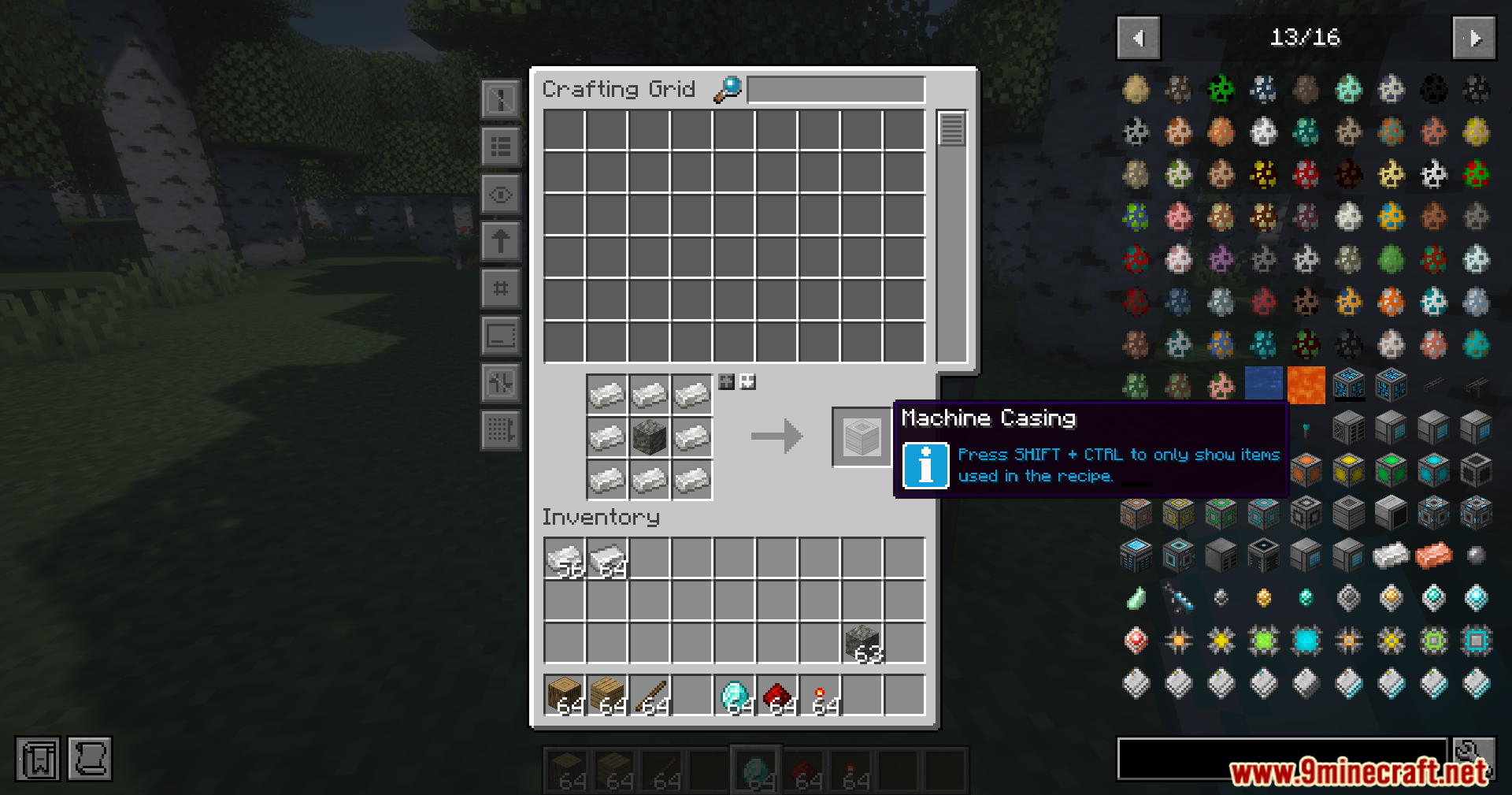
A tooltip provides extra information about crafting recipes in the storage grid
工具提示提供了关于存储网格中合成配方的额外信息
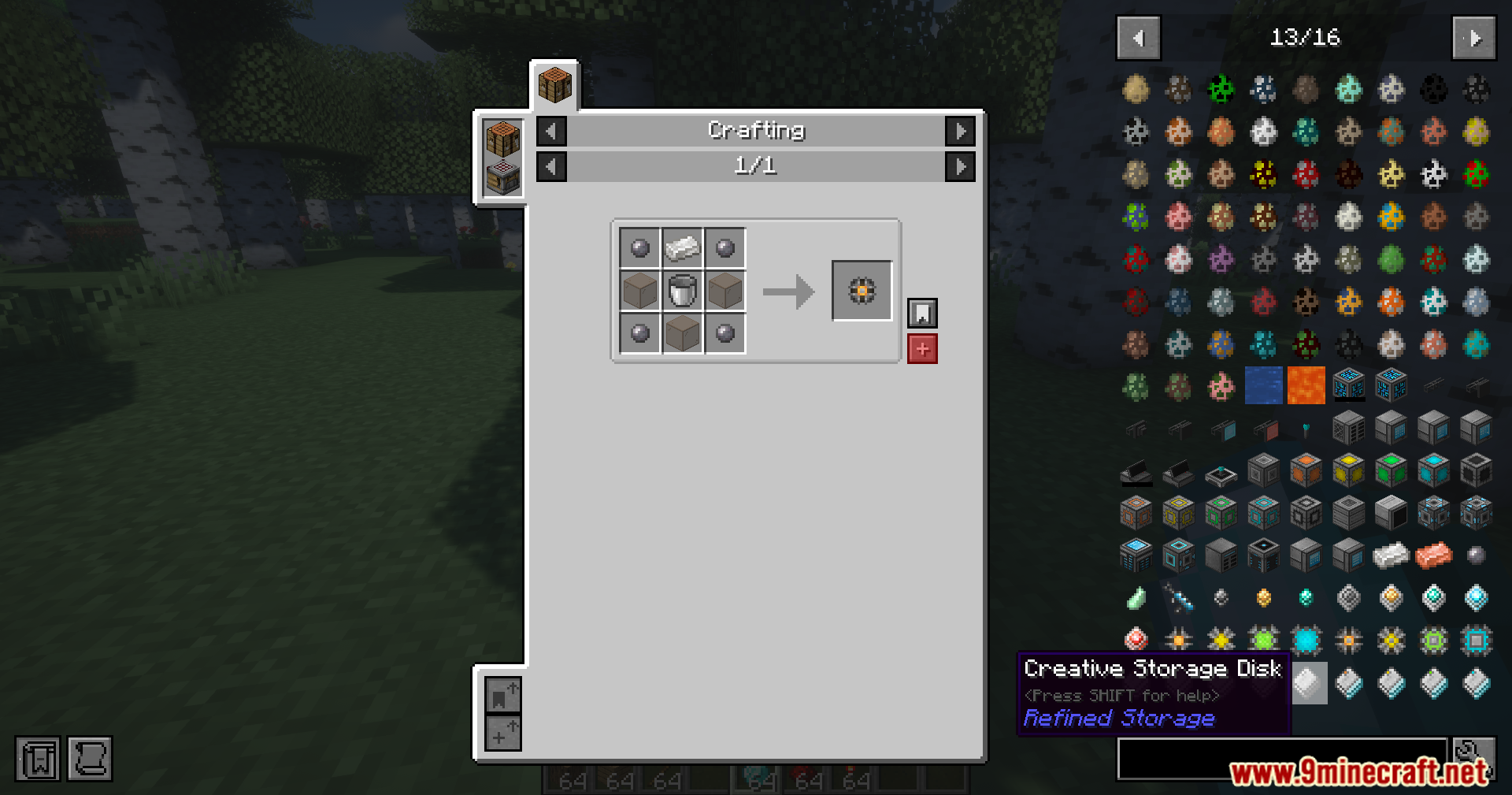
Crafting recipe for a Creative Storage Disk shown in the Refined Storage interface
在 Refined Storage 界面中显示的创造模式存储磁盘合成配方
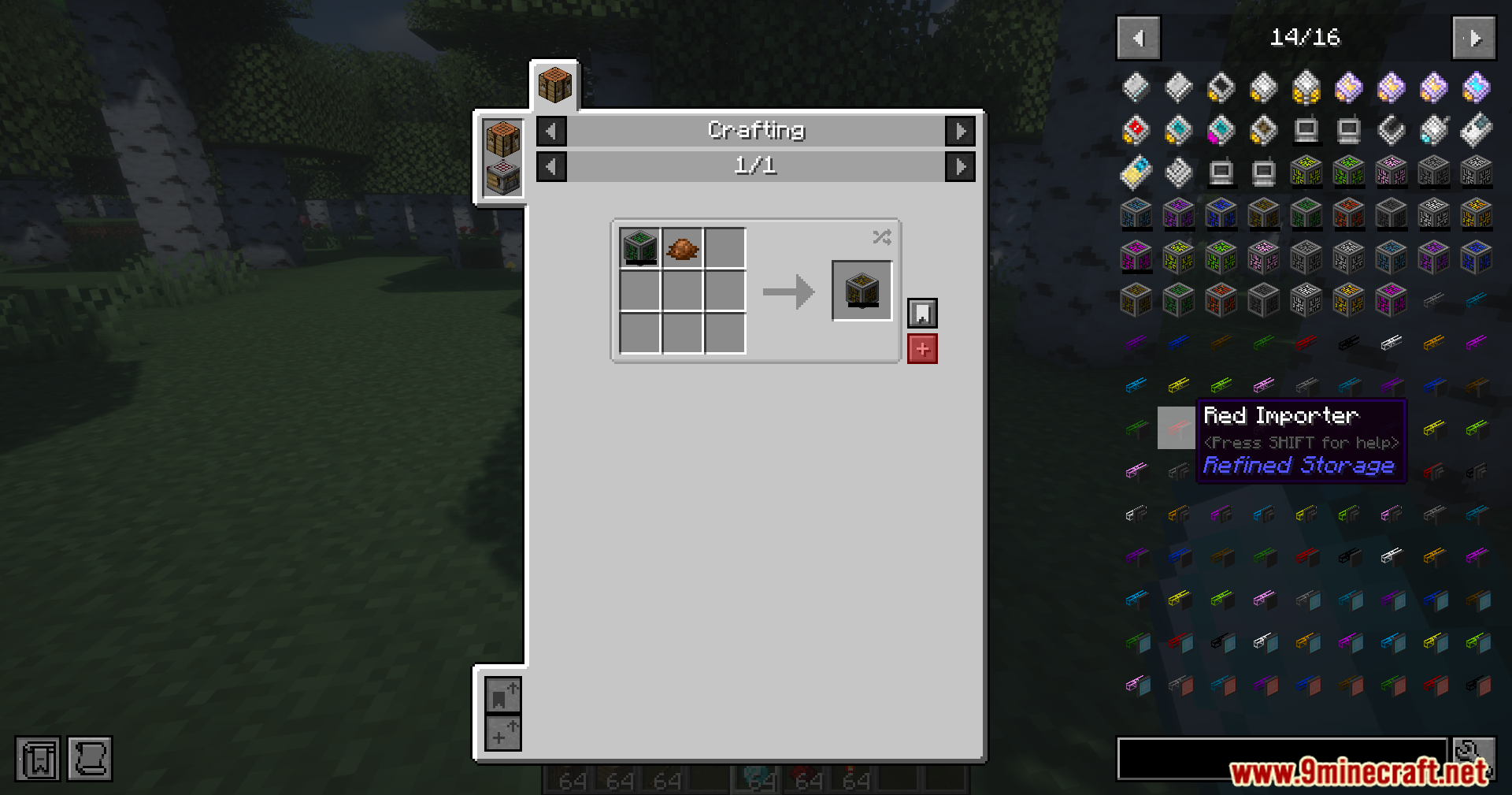
Crafting recipe for a red importer using dye in the Minecraft crafting grid
在 Minecraft 合成网格中使用染料合成红色输入器的配方
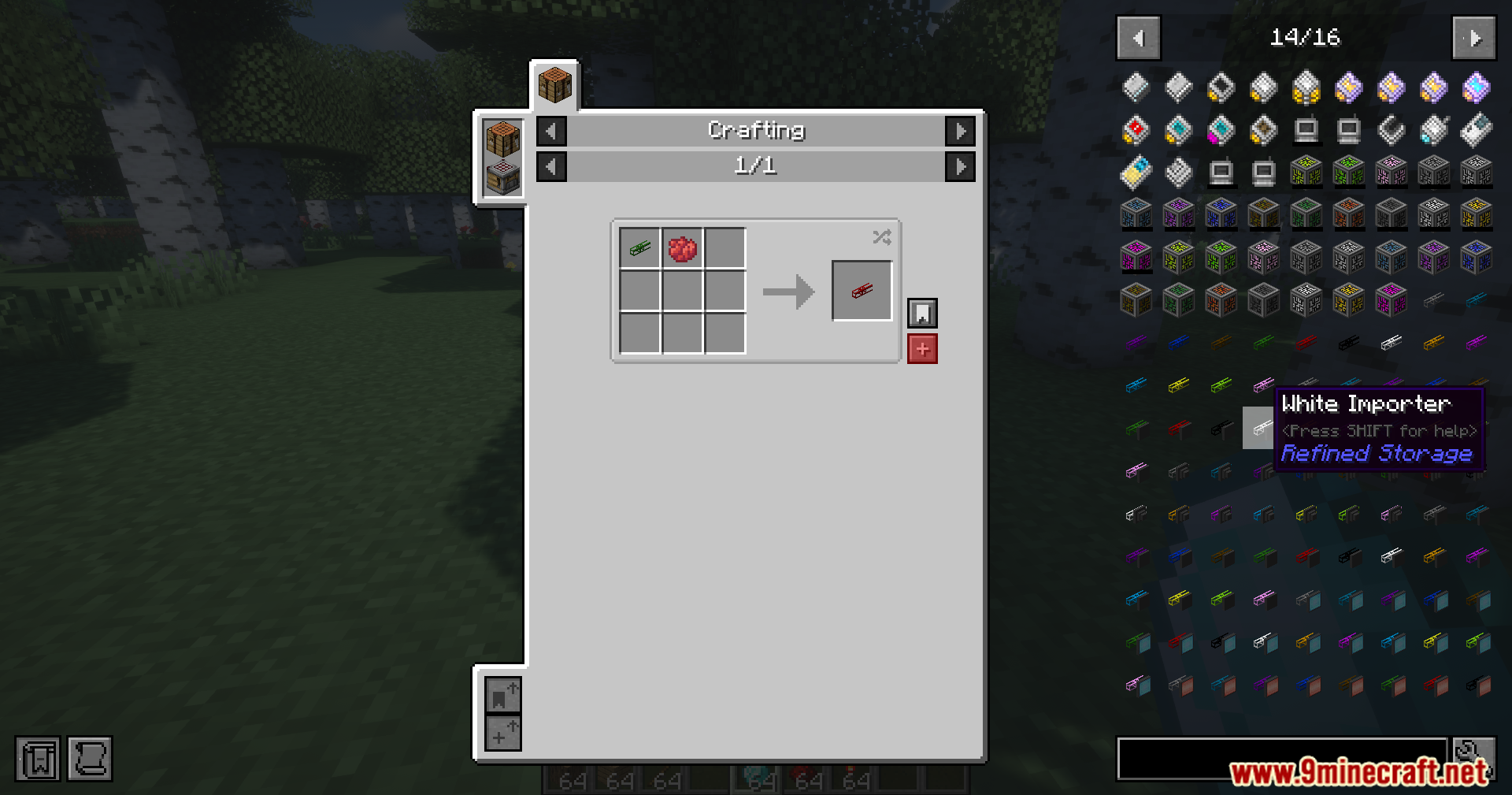
Crafting recipe for a Red Importer using red dye in a storage menu
在存储菜单中使用红色染料合成红色输入器的配方
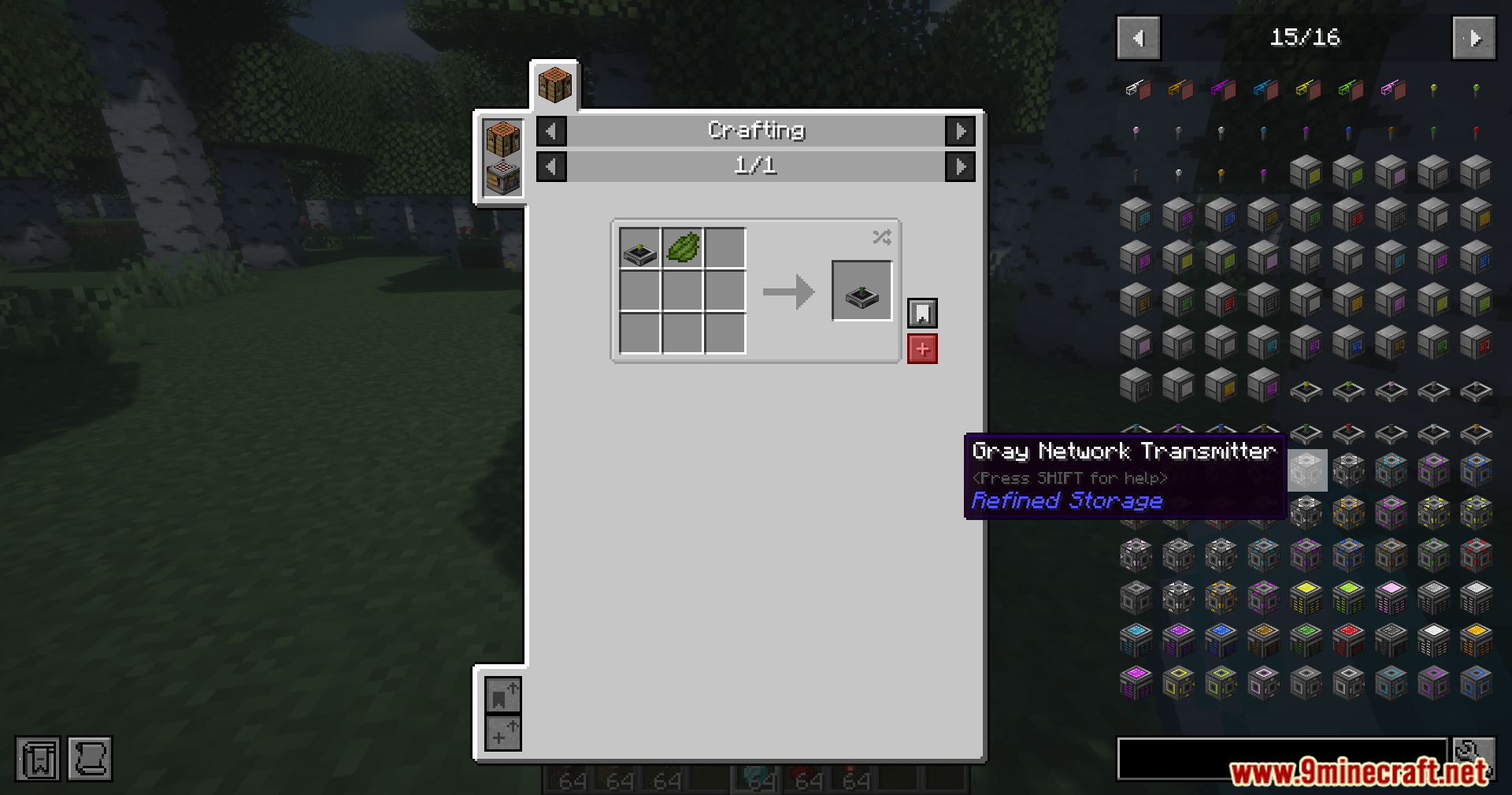
Crafting recipe for a Gray Network Transmitter using gray dye in Minecraft
在 Minecraft 中使用灰色染料合成灰色网络发送器的配方
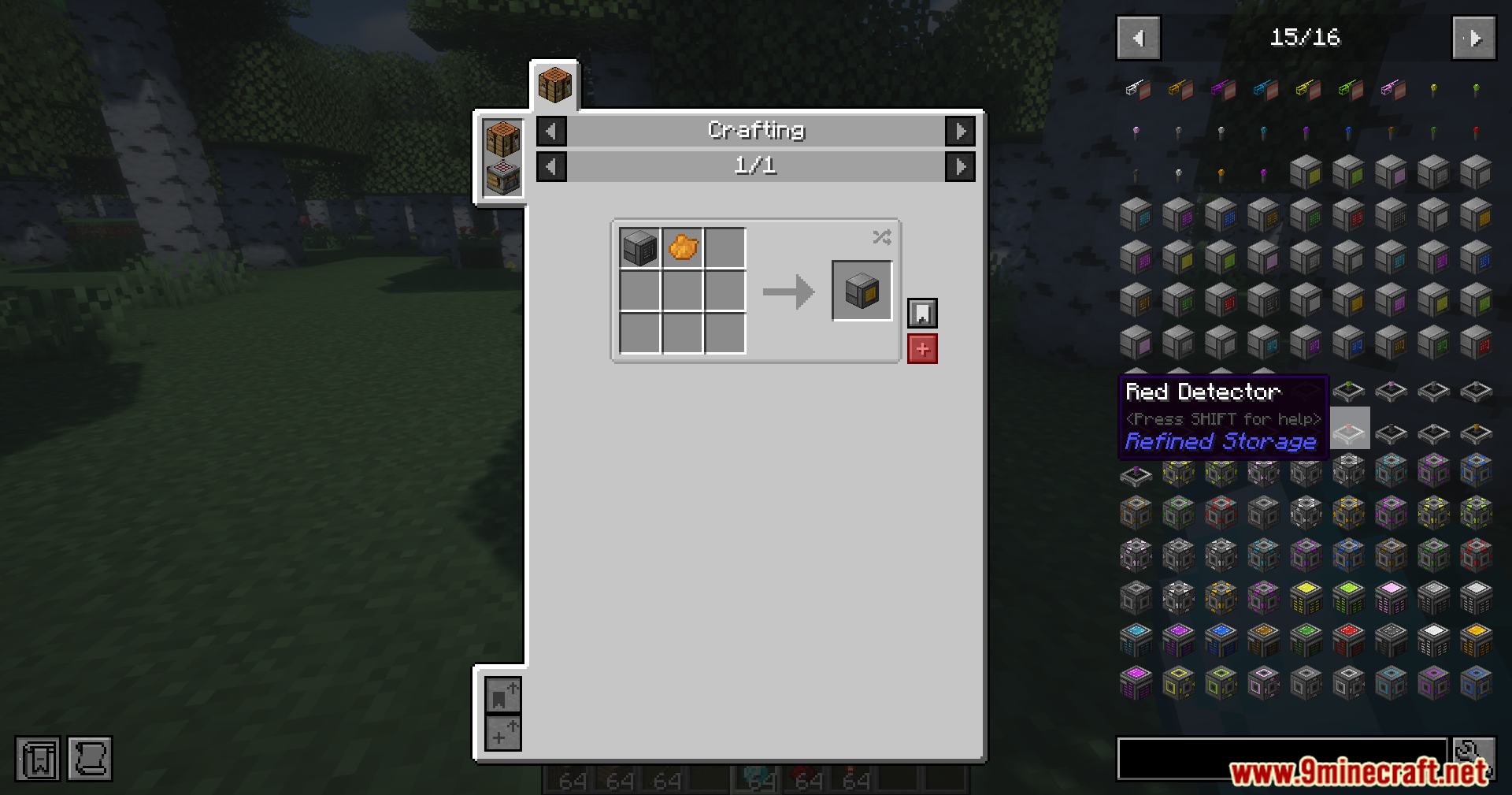
Crafting recipe for a Red Detector block in the Refined Storage mod
Refined Storage 模组中红色探测器方块的合成配方
Crafting interface showing how to make a black detector block using dye
显示如何使用染料制作黑色探测器方块的合成界面

前置需求:

Refined Storage JEI Integration Mod 下载链接

筛选

适用于 Minecraft 26.1.2, 26.1.1, 26.1

NeoForge 58 KB Jun 22, 2026
Fabric 59 KB Jun 22, 2026

适用于 Minecraft 1.21.1, 1.21

Fabric 58 KB Jun 22, 2026
NeoForge 57 KB Jun 22, 2026
点击为这篇文章评分!
[Total: 1 Average: 5]