SkillMMO Mod (1.20.1, 1.19.4) – Master Skills to Use Items
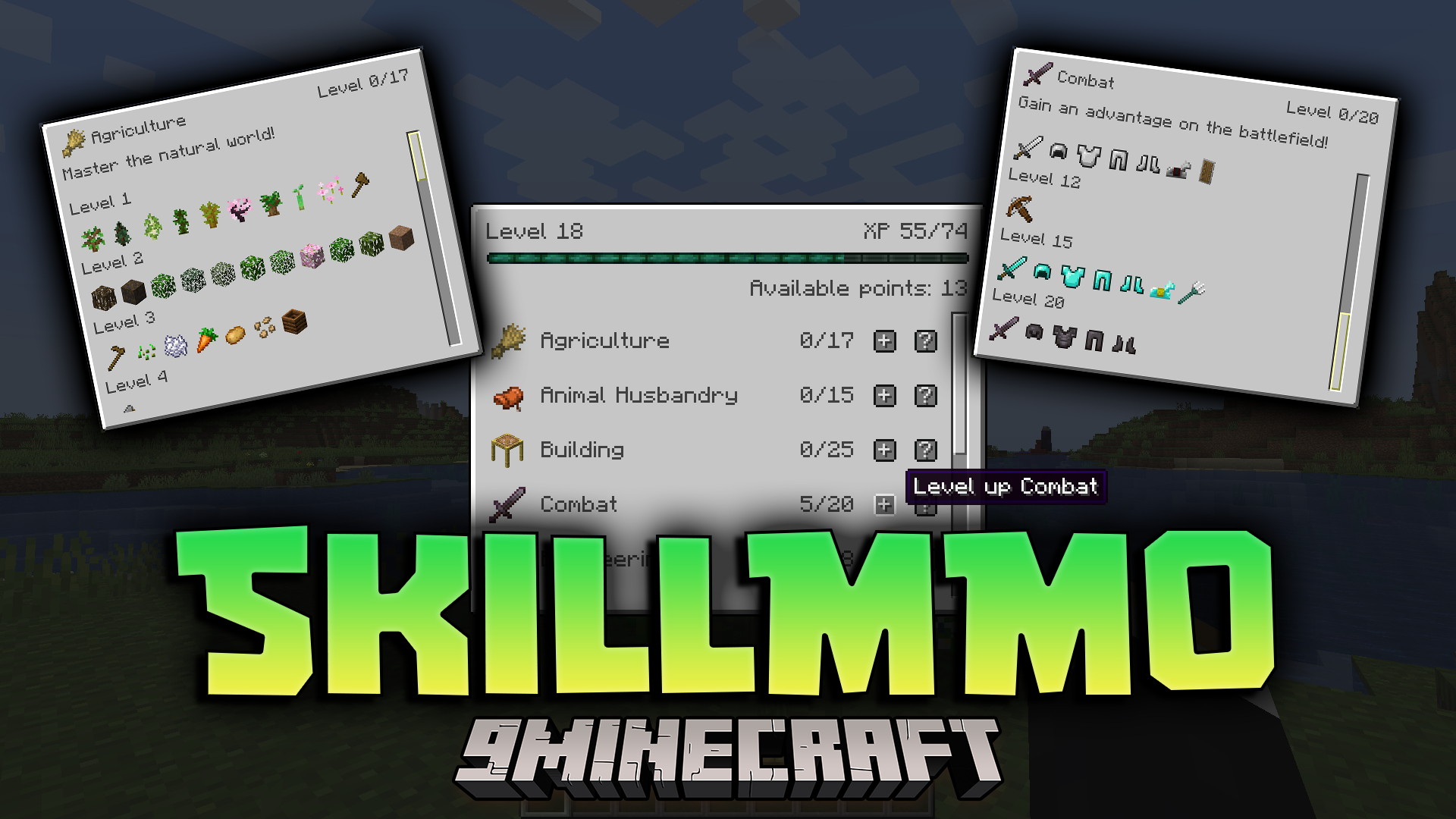
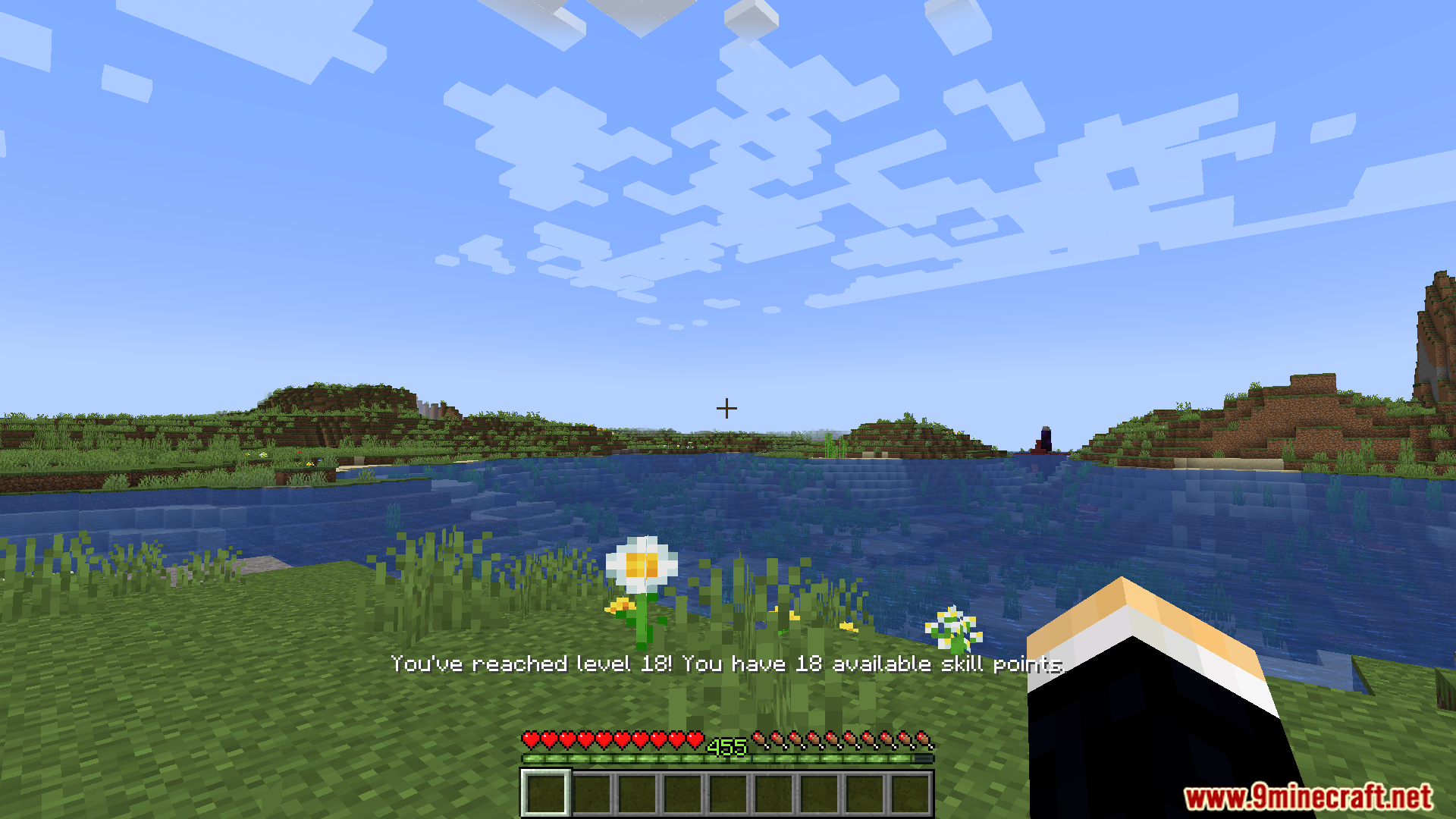
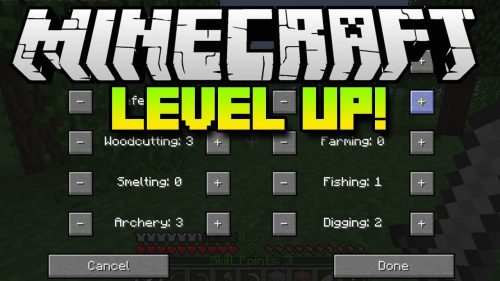
SkillMMO Mod adds a skill progression system that makes Minecraft feel more like an MMO game. You need to collect experience to get skill points. These points are used to unlock different skills, which let you use certain blocks, items, and interact with mobs. This system encourages you to team up with friends, as each player can specialize in different skills to help the group.
![]()
Features:
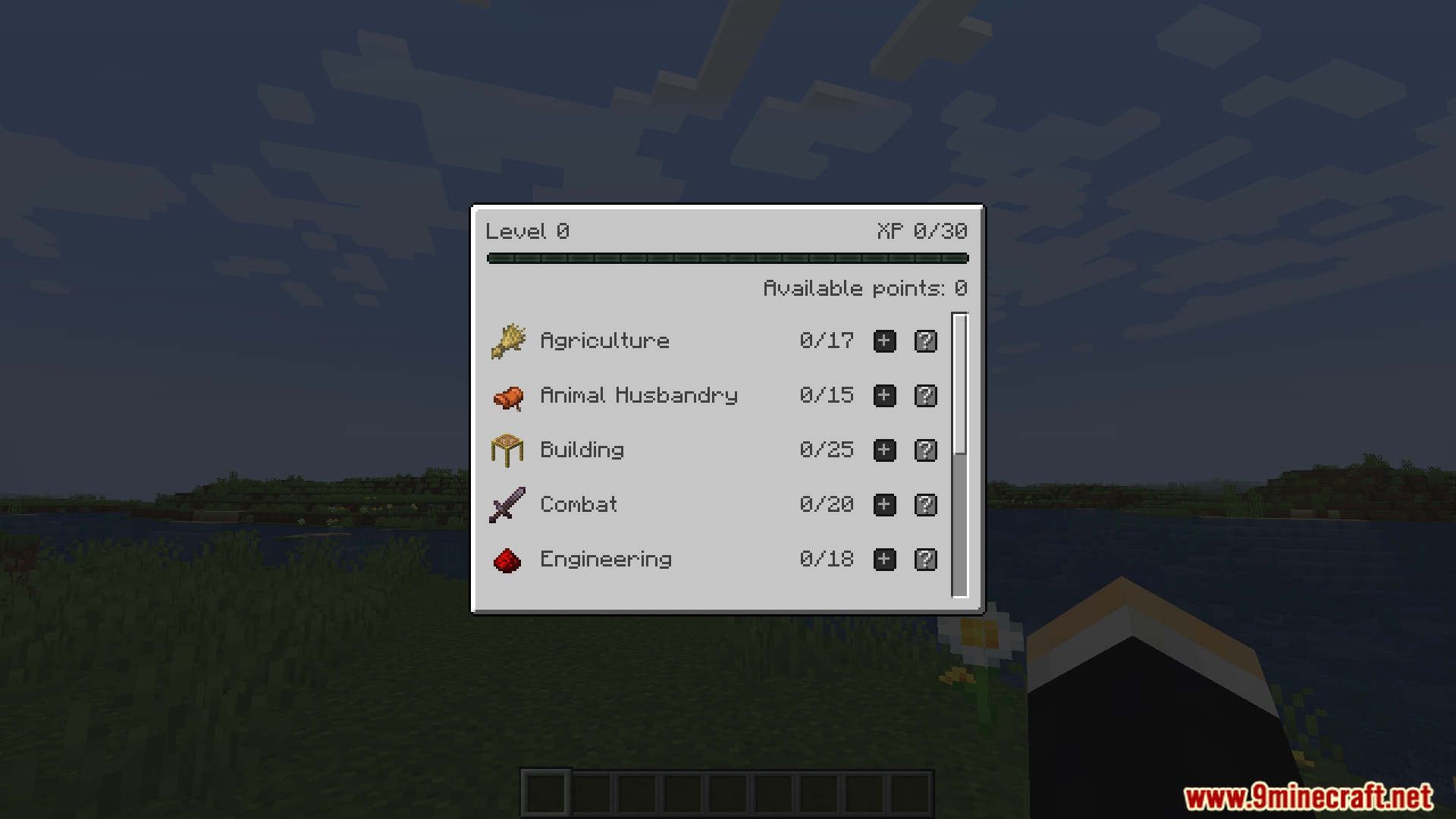
- Gain experience points by playing the game, then spend them to level up your skills.
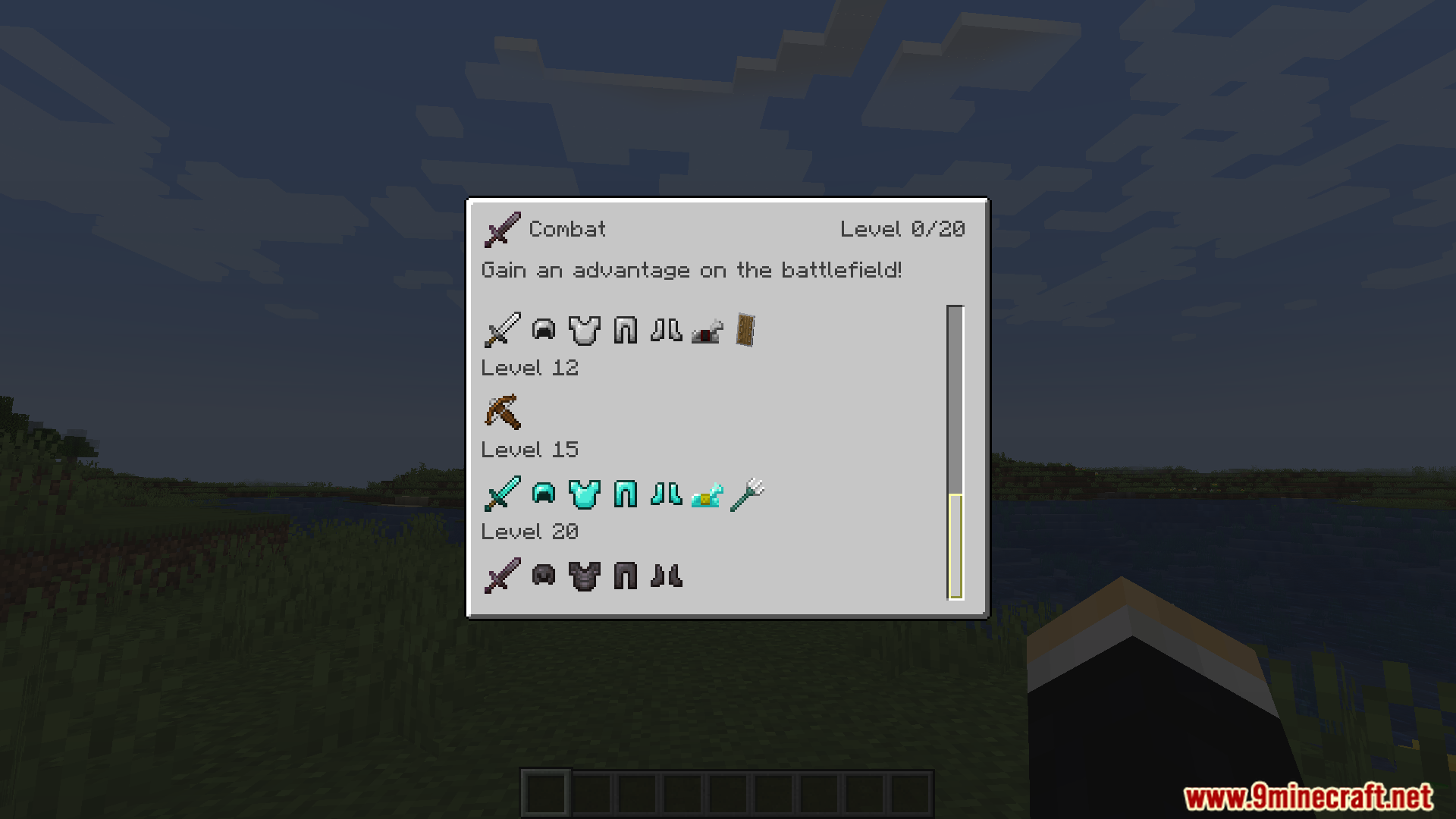
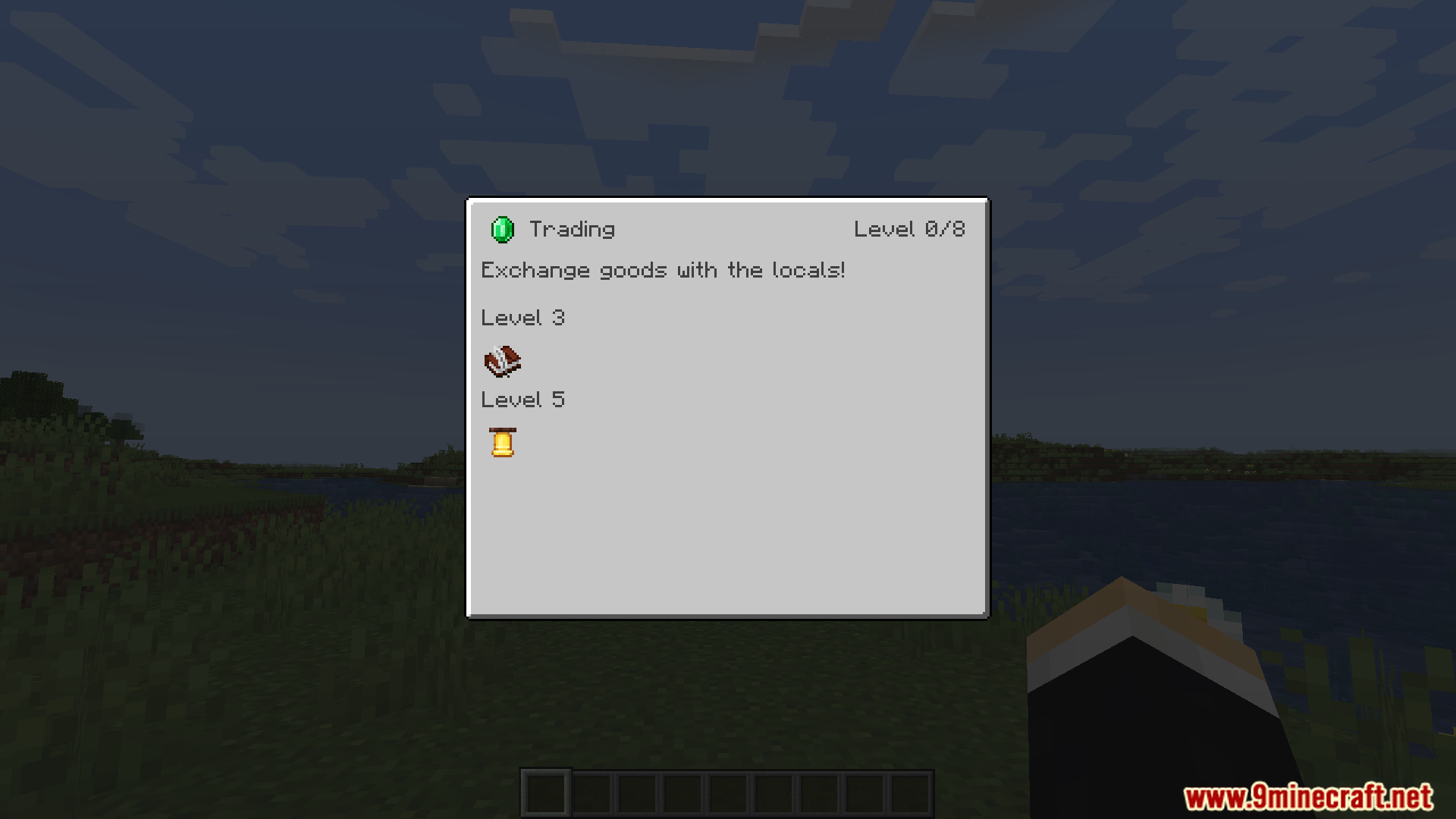
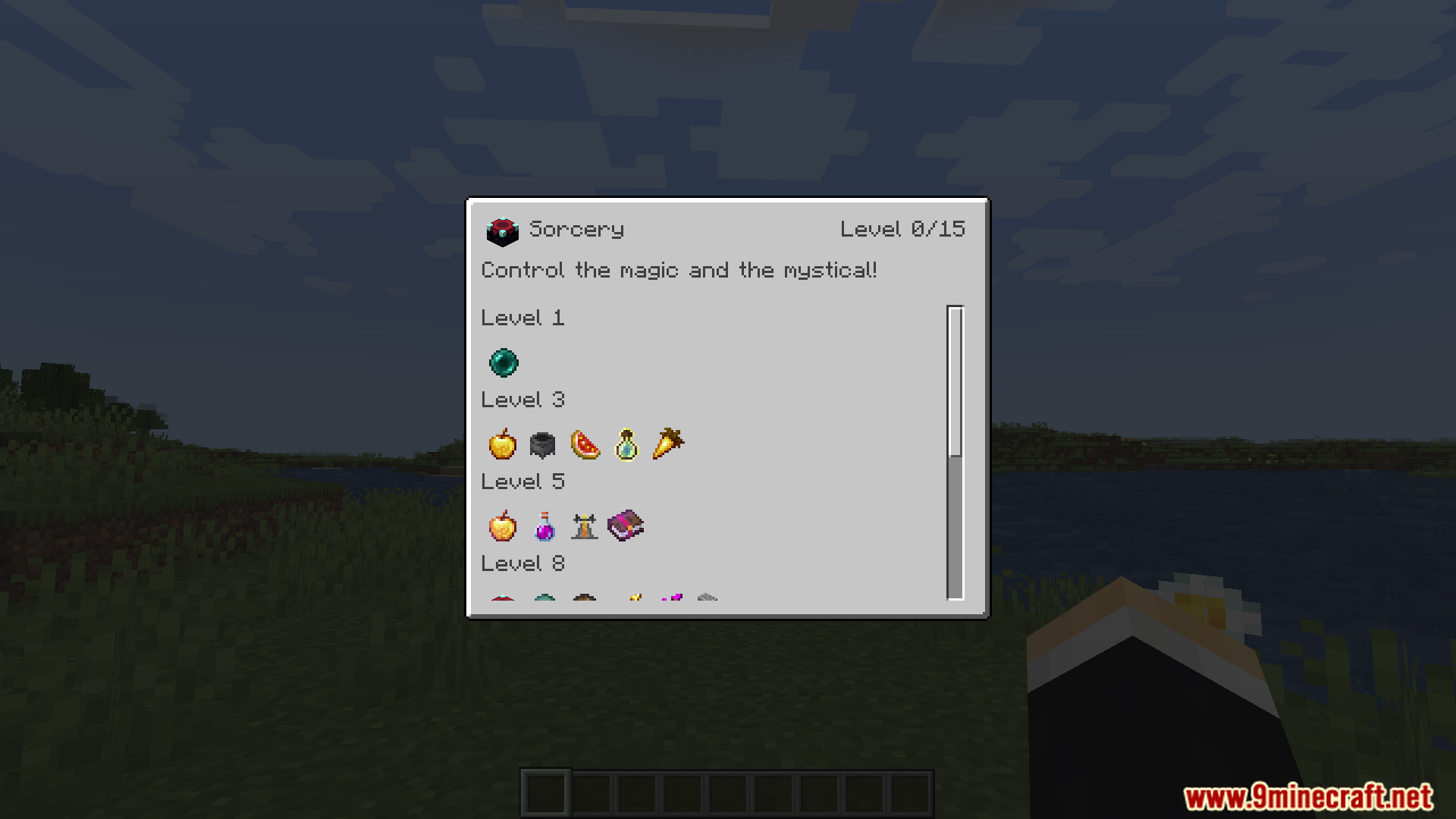
- There are ten skills to master, including Mining, Combat, Farming, Building, and Storage.
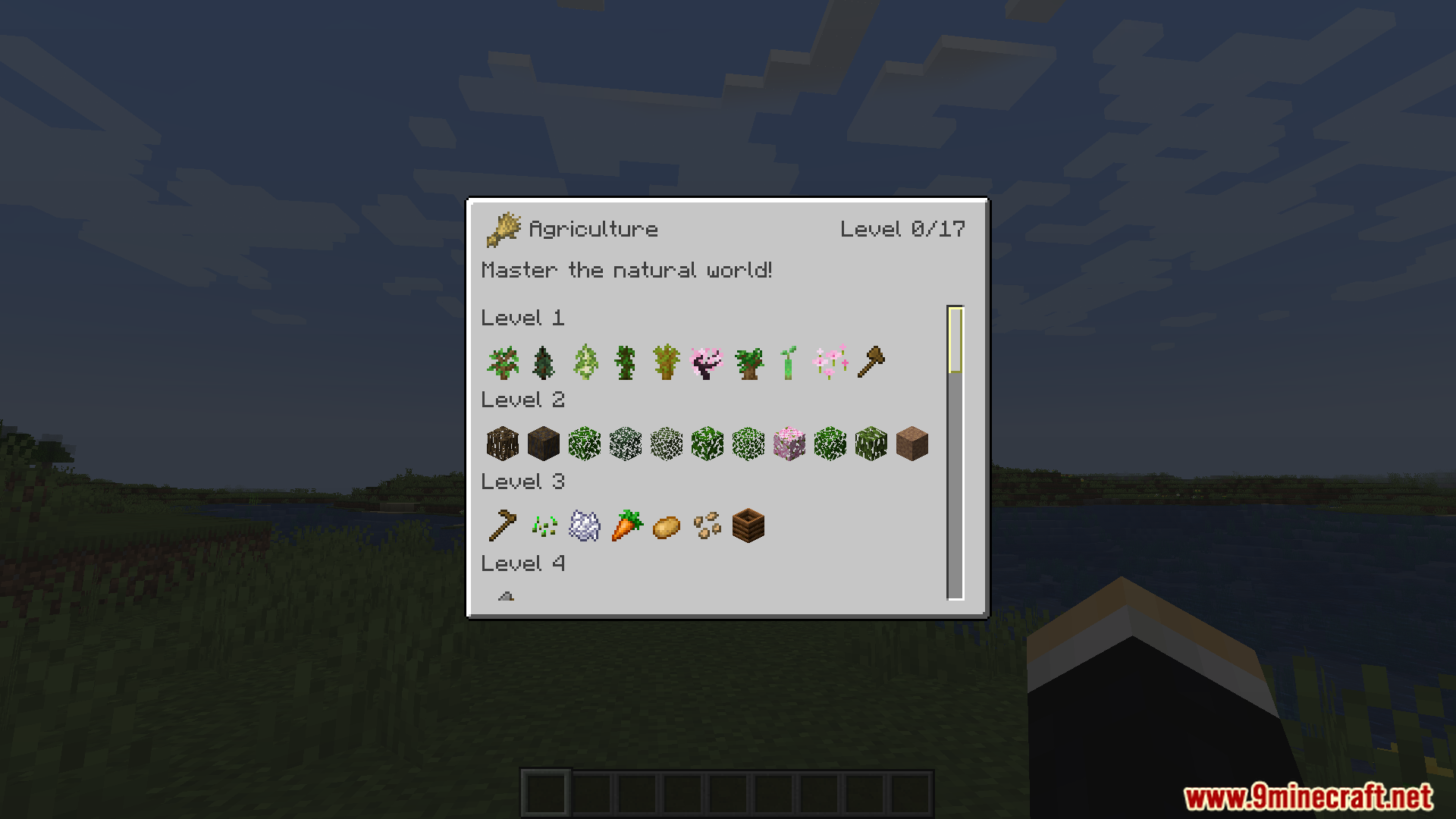
- Leveling up a skill unlocks new blocks, items, or mobs connected to that skill.
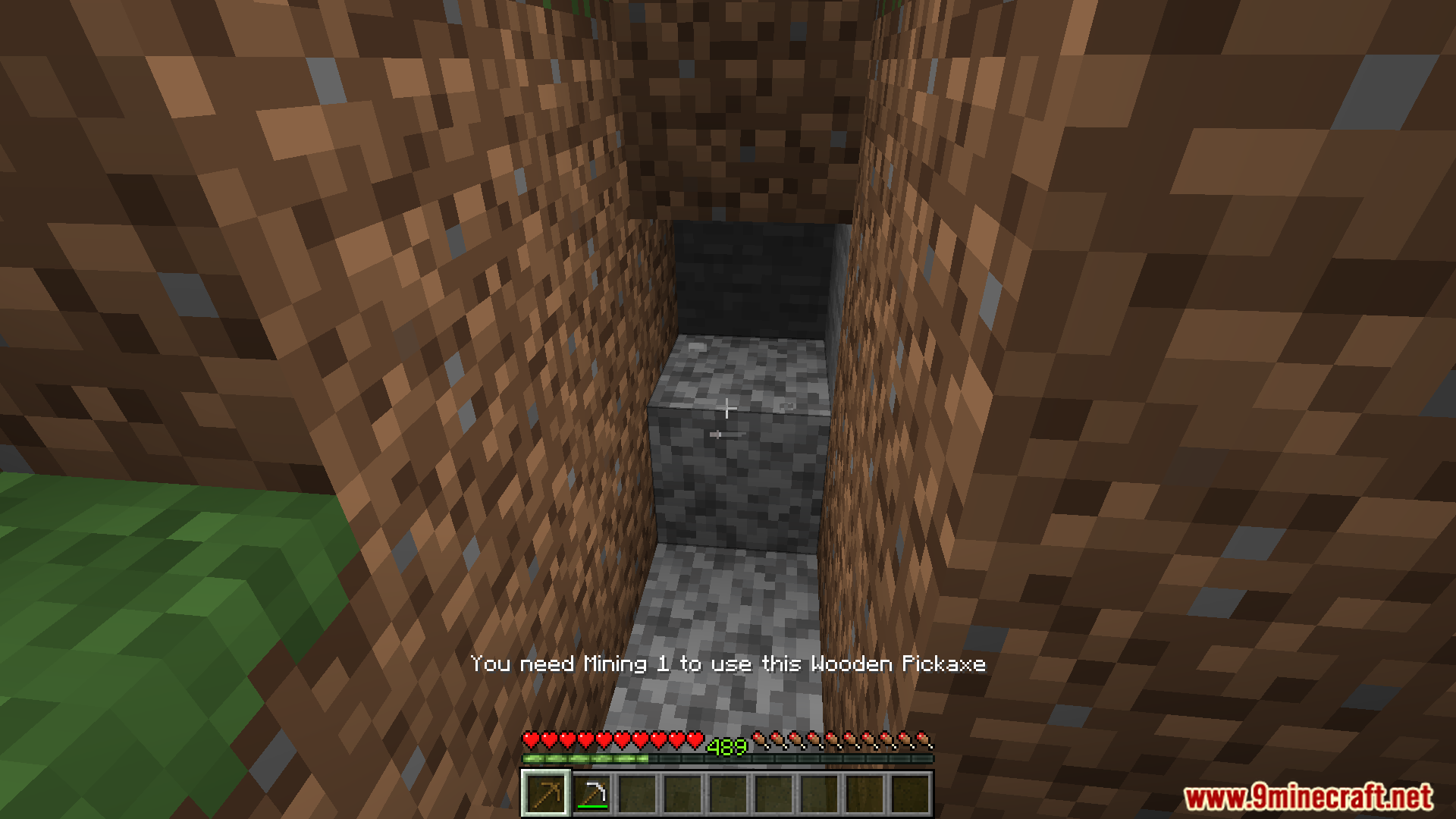
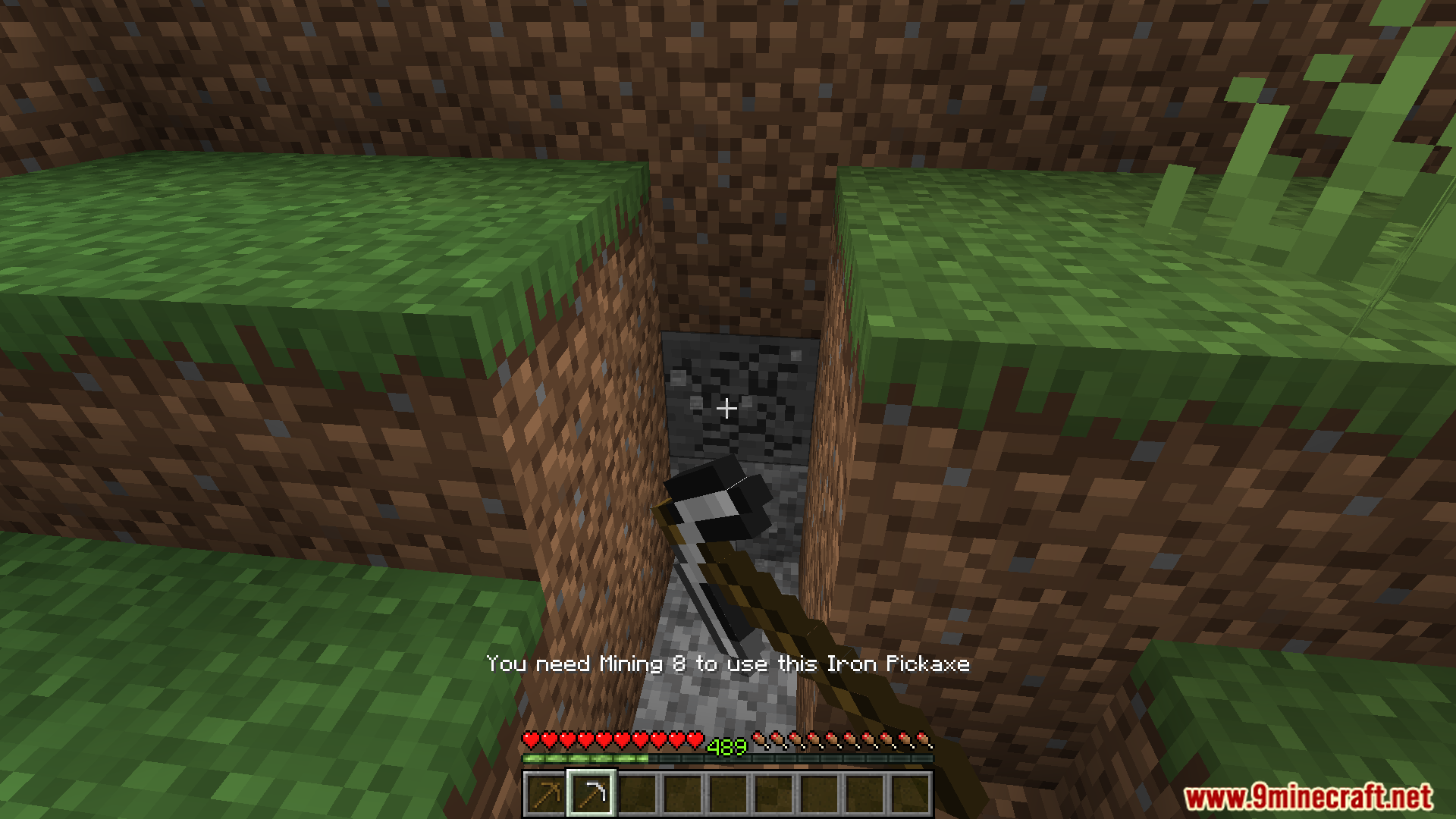
- You cannot place blocks, use items, or get drops from blocks that you have not unlocked.
- For example, you need to unlock the Storage skill before you can open a chest.
- Works with the WTHIT mod to show what skill level is needed to interact with a block or mob.
- A config file allows you to change settings, such as the amount of experience needed per level.
How to Use:
- Play Minecraft normally to collect experience and earn skill points.
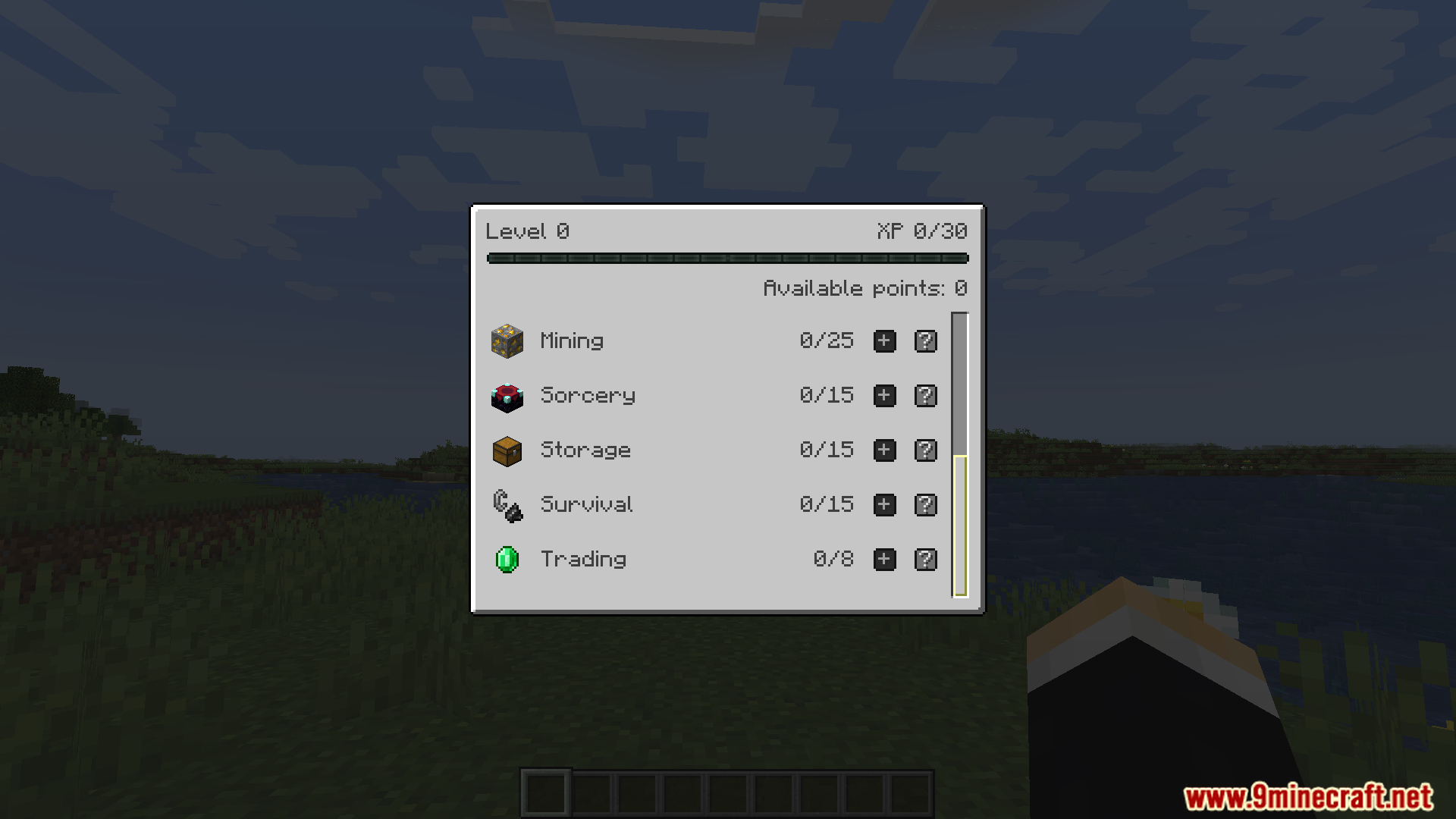
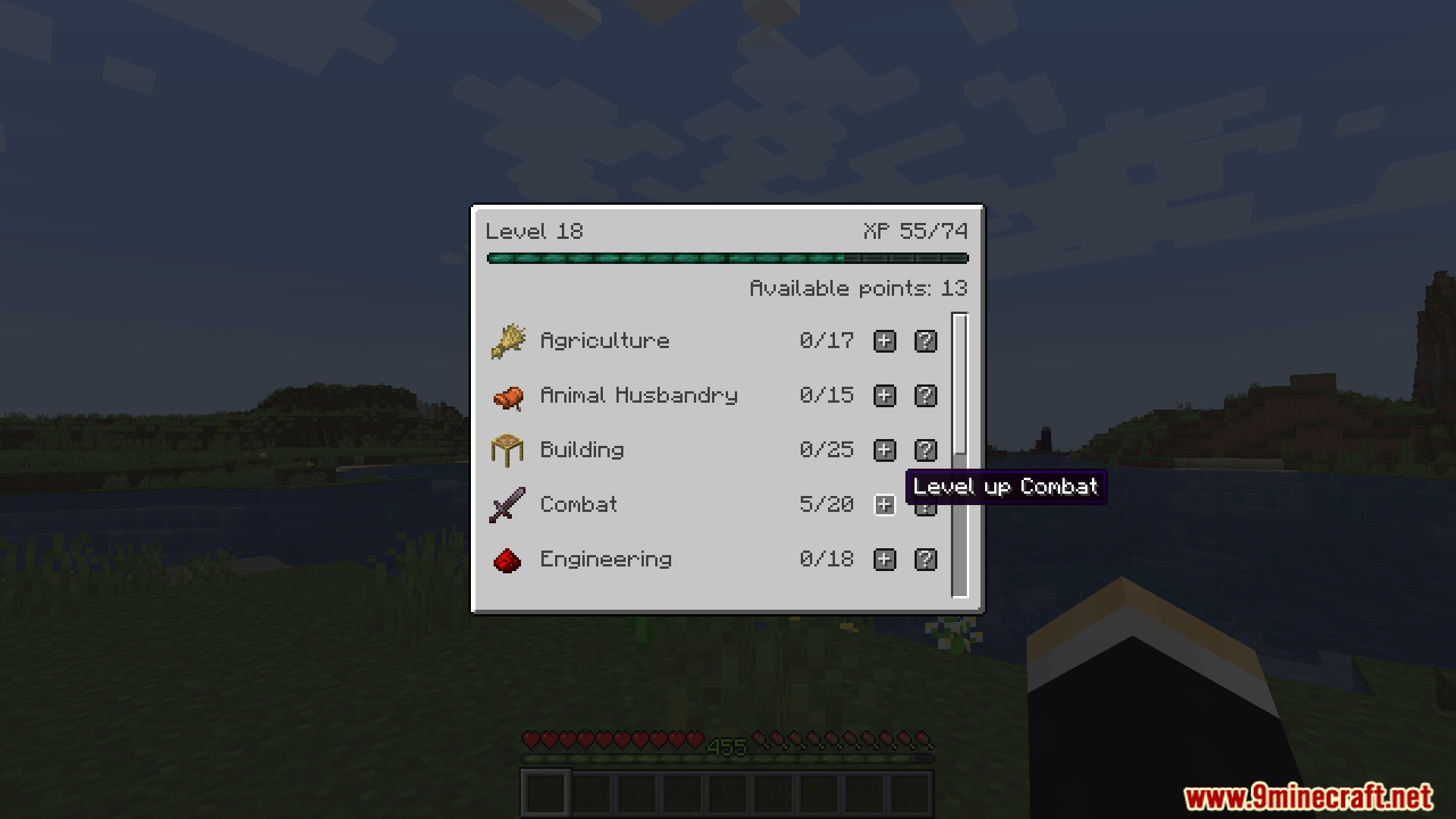
- Press the ‘K’ key on your keyboard to open the skill information screen.
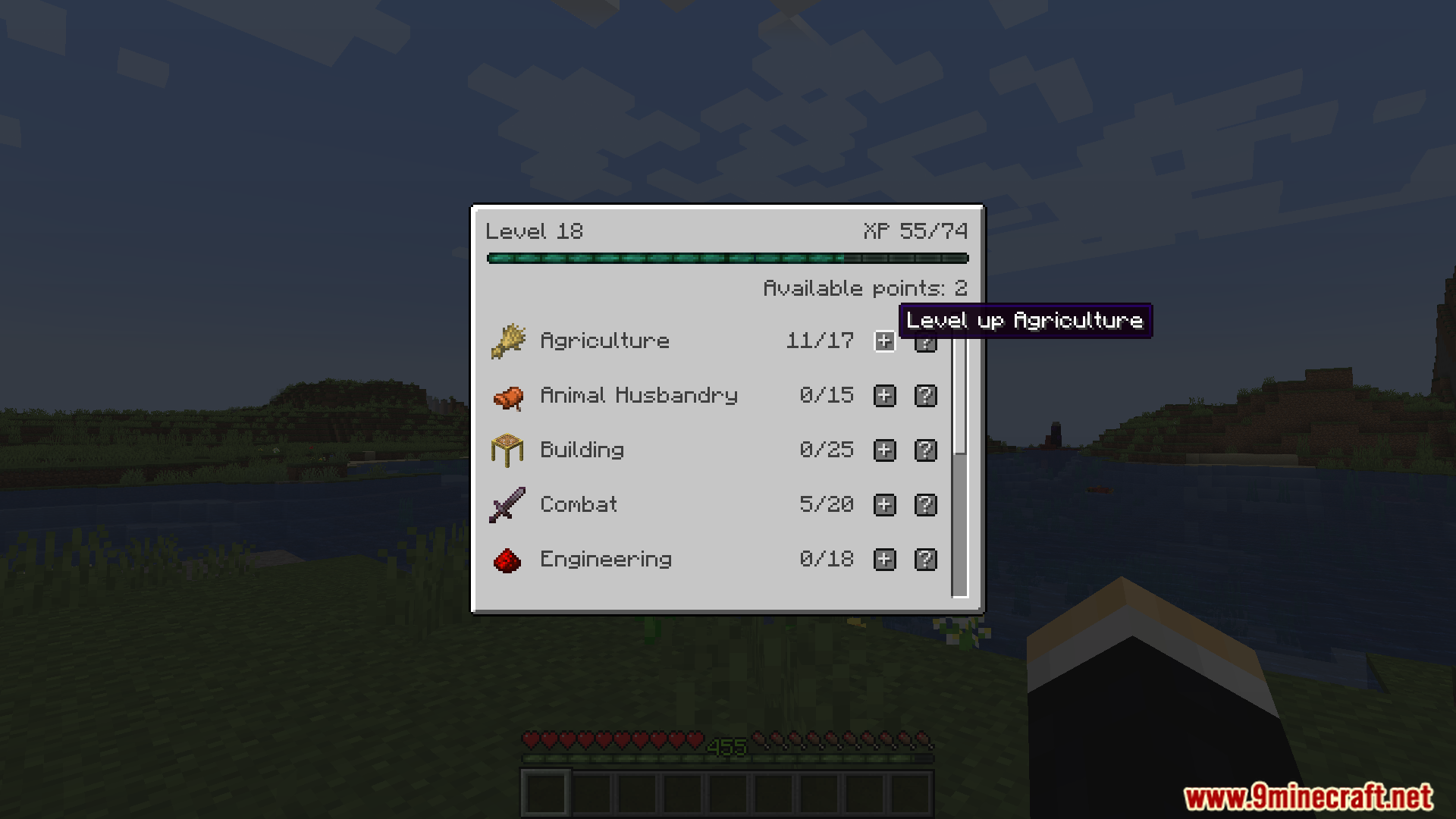
- In the menu, spend your skill points to level up the skills you want.
- Once you unlock a skill level, you can use all the items and blocks associated with it.
Configuration:
- A config file is created at
config/skillmmo.json5where you can change the mod’s settings. - You can customize the formula that decides how much experience is needed for each skill point.
Screenshots:


How to Install:
New to Minecraft? Follow our step-by-step guide to install Mods on your PC.View Guide
Requirements:
SkillMMO Mod Download Links
For Minecraft 1.20.1, 1.20
Fabric version: Download from Server 1 – Download from Server 2
For Minecraft 1.19.4
Fabric version: Download from Server 1 – Download from Server 2
Click to rate this post!
[Total: 2 Average: 5]
0
August 13, 2025

This post has no comments yet. Be the first — your comment will appear here.