Home»Minecraft 模组»Talking Heads Mod (26.2, 1.20.1) – 谁在说话一目了然
Talking Heads Mod (26.2, 1.20.1) – 谁在说话一目了然
🌐 您正在以中文阅读本文。想切换吗?
📖 阅读英文原文或选择您喜欢的语言:
Talking Heads Mod 为 Plasmo Voice 和 Simple Voice Chat 增加了一个非常实用的视觉小技巧。当有人对着麦克风说话时,该模组会让他们的角色头部在你的屏幕上变大。这能帮你轻松辨别到底是谁在发言,即使是在人挤人的玩家群中也不例外。你可以只搭配其中一款语音模组运行,也可以同时使用两款。
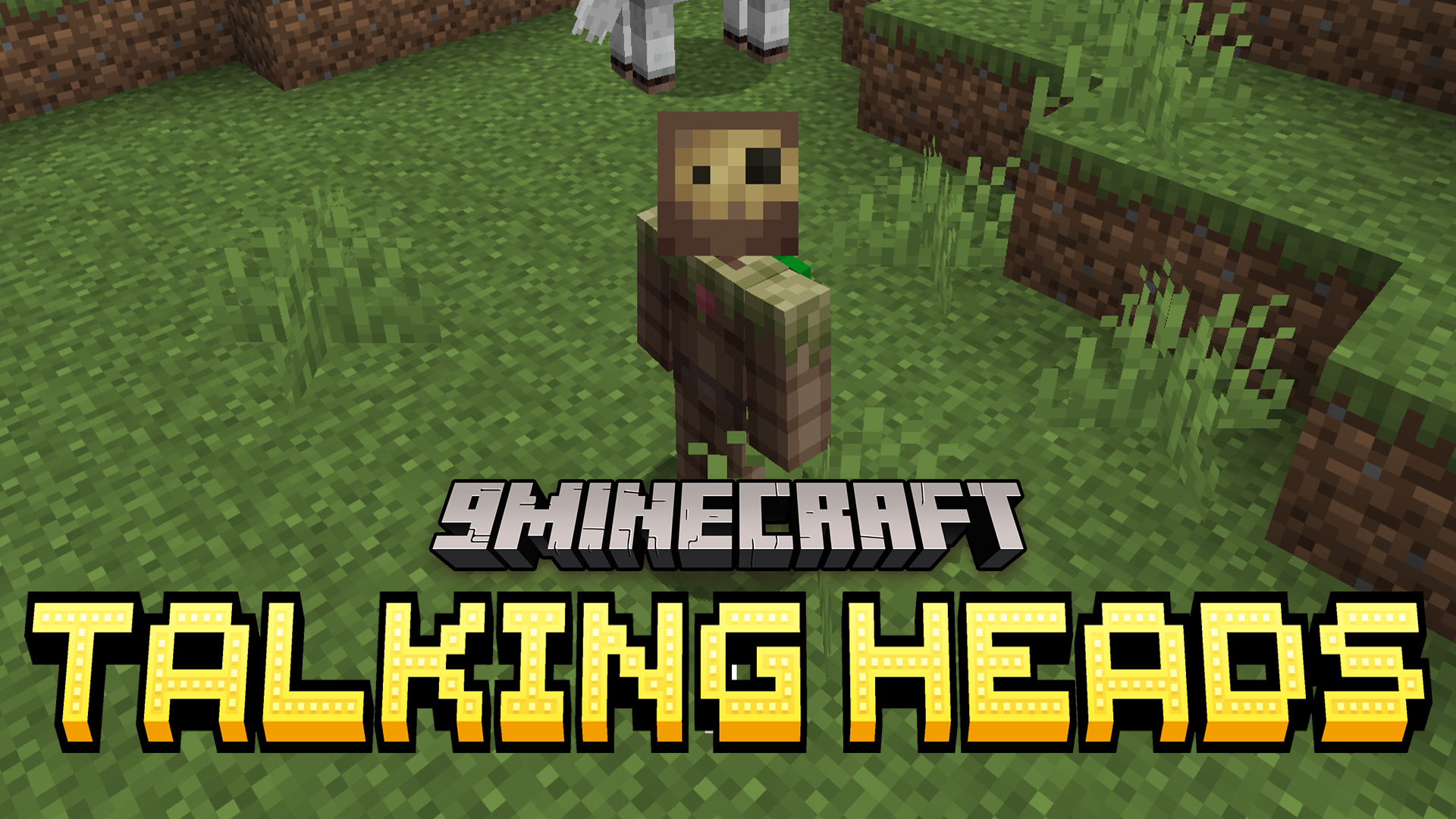
主要功能:
- 语音视觉化: Talking Heads 模组会在玩家说话时放大其角色头部。
- 完美兼容 Plasmo Voice 和 Simple Voice Chat 等流行语音插件。
- 支持同时运行上述两款语音工具,且不会破坏头部缩放效果。
- 帮你精准锁定人群中的发言者,无论你的朋友是站在山坡上的马儿旁,还是在高空飞越海洋。
- 在游戏菜单中添加了简单的设置界面,方便你轻松调整缩放外观。
- 仅在客户端运行,这意味着它只会改变你玩游戏时看到的视觉效果。
游戏截图:
 Minecraft 主模组菜单中的 Talking Heads 模组详情
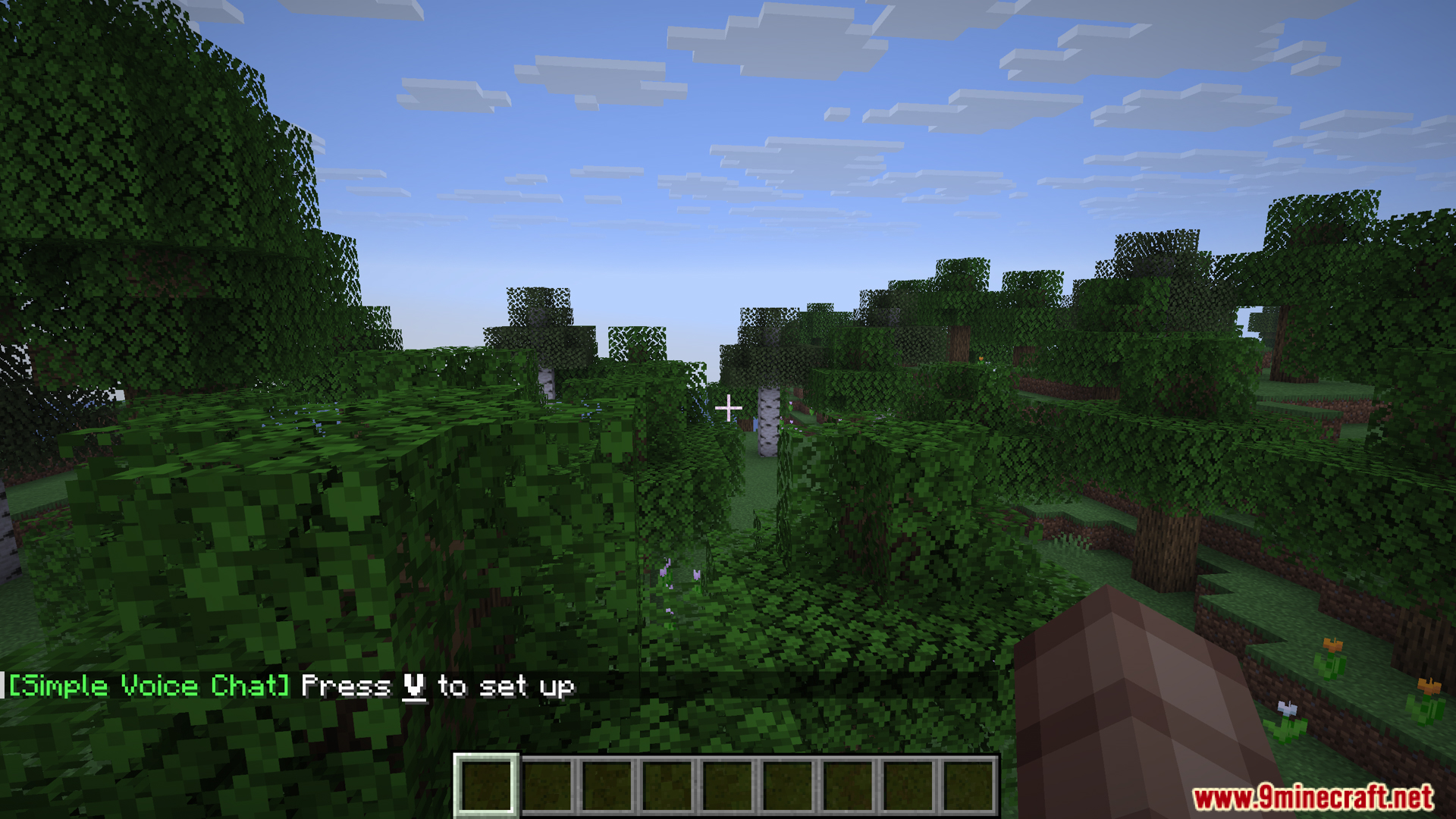 游戏屏幕上显示的 Simple Voice Chat 设置提示
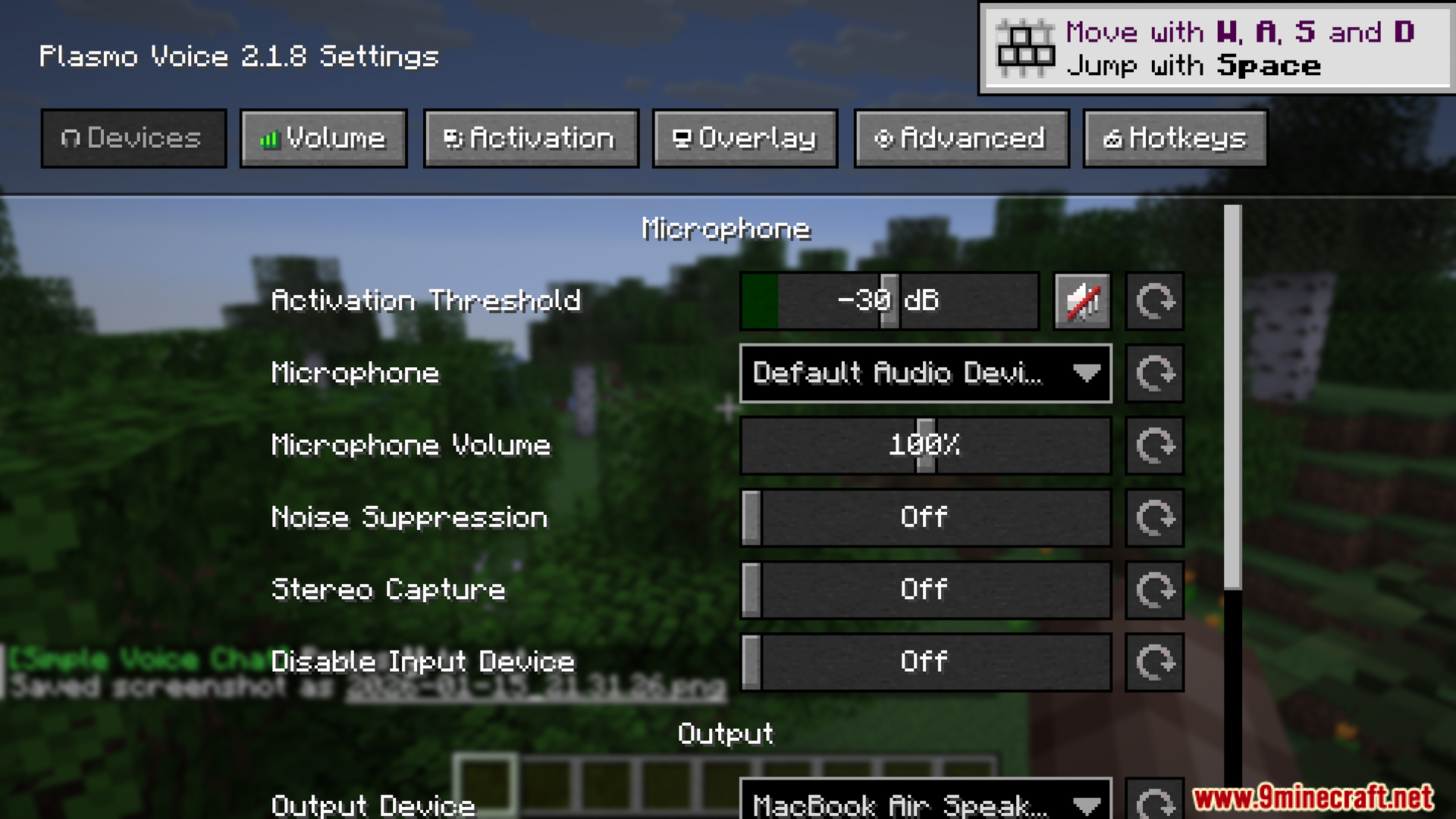 Plasmo Voice 模组菜单中的麦克风设置
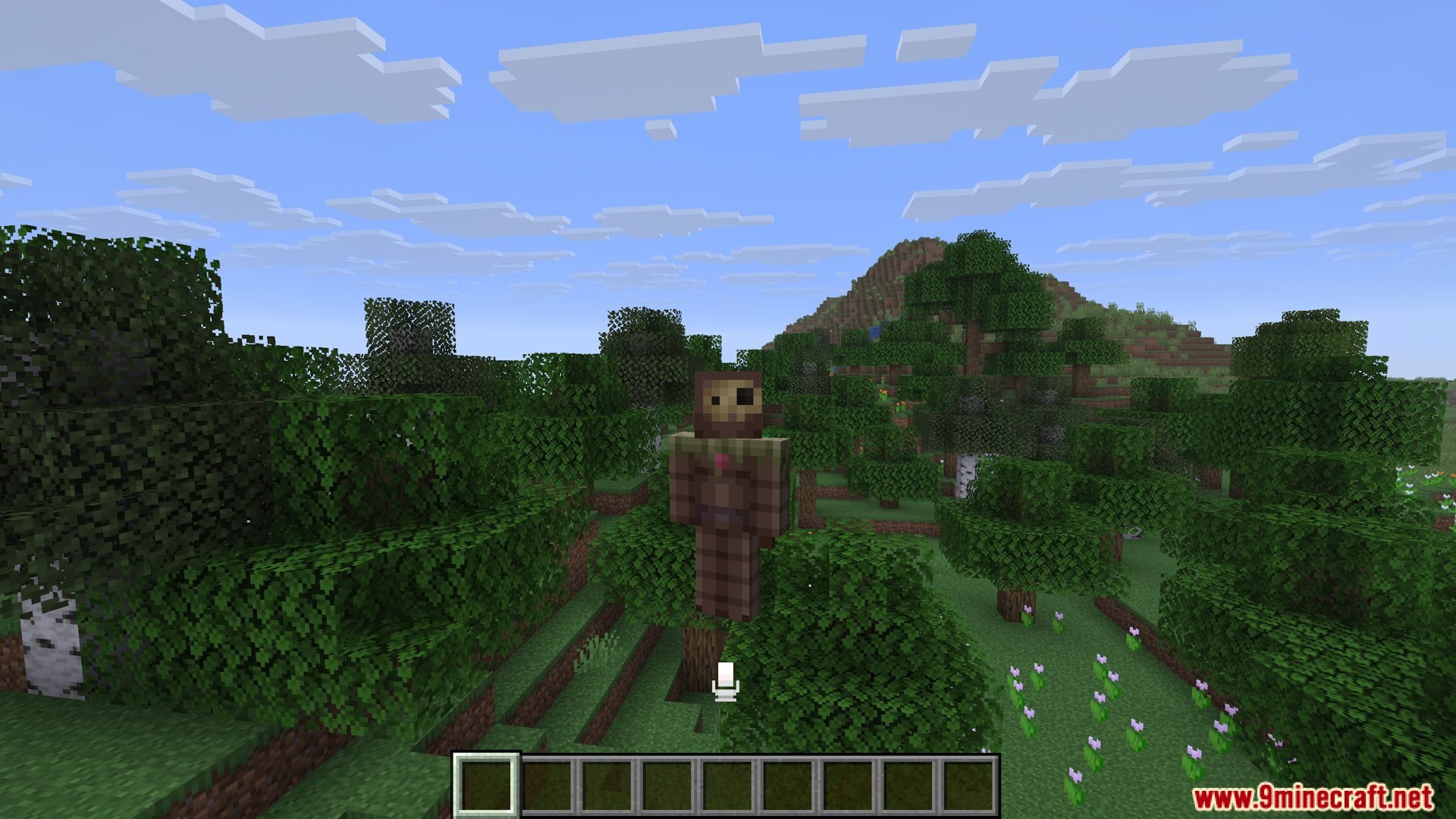 Talking Heads 模组在语音聊天时放大玩家头部
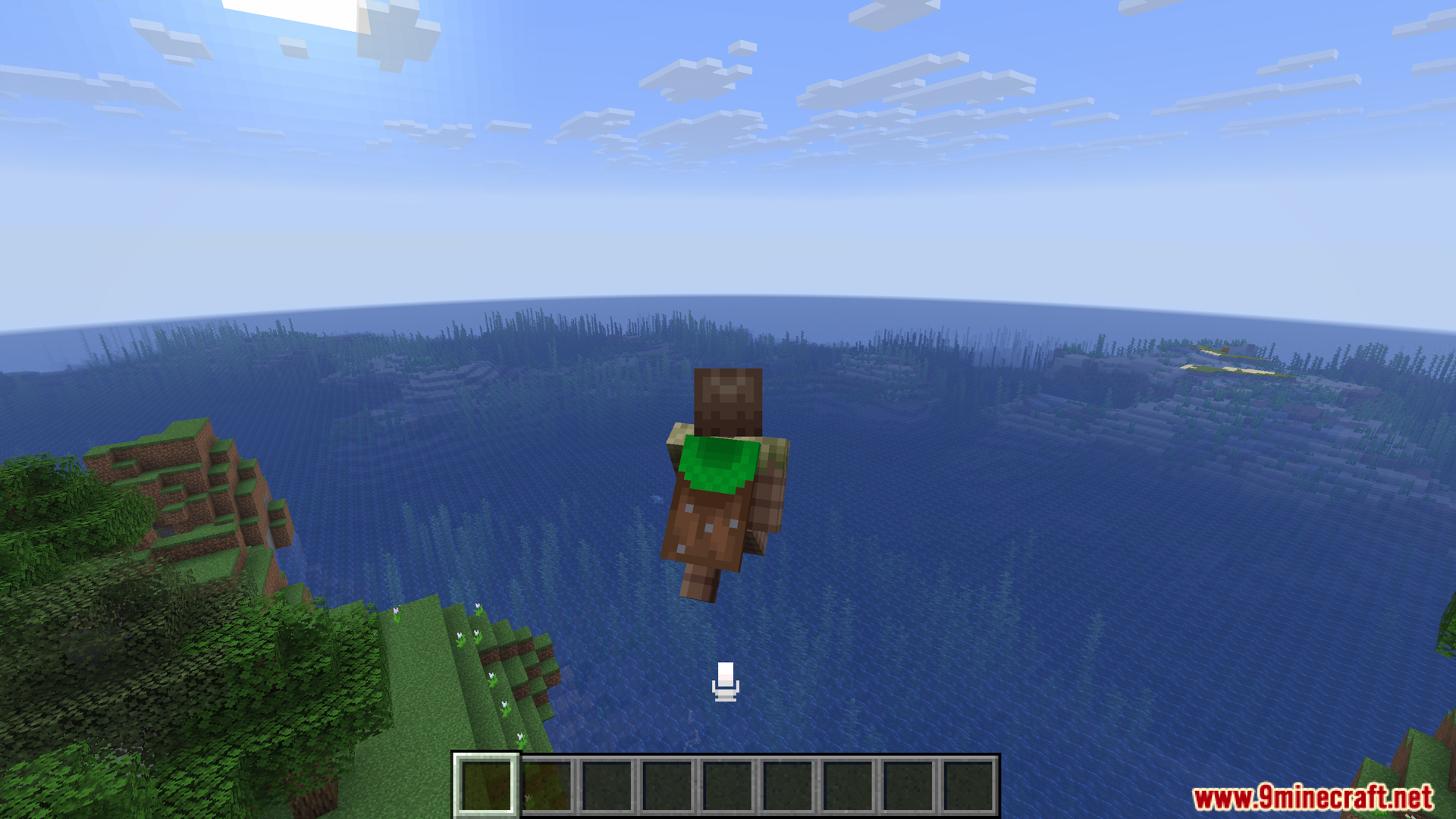 玩家在游戏过程中飞越广阔的海洋生物群系
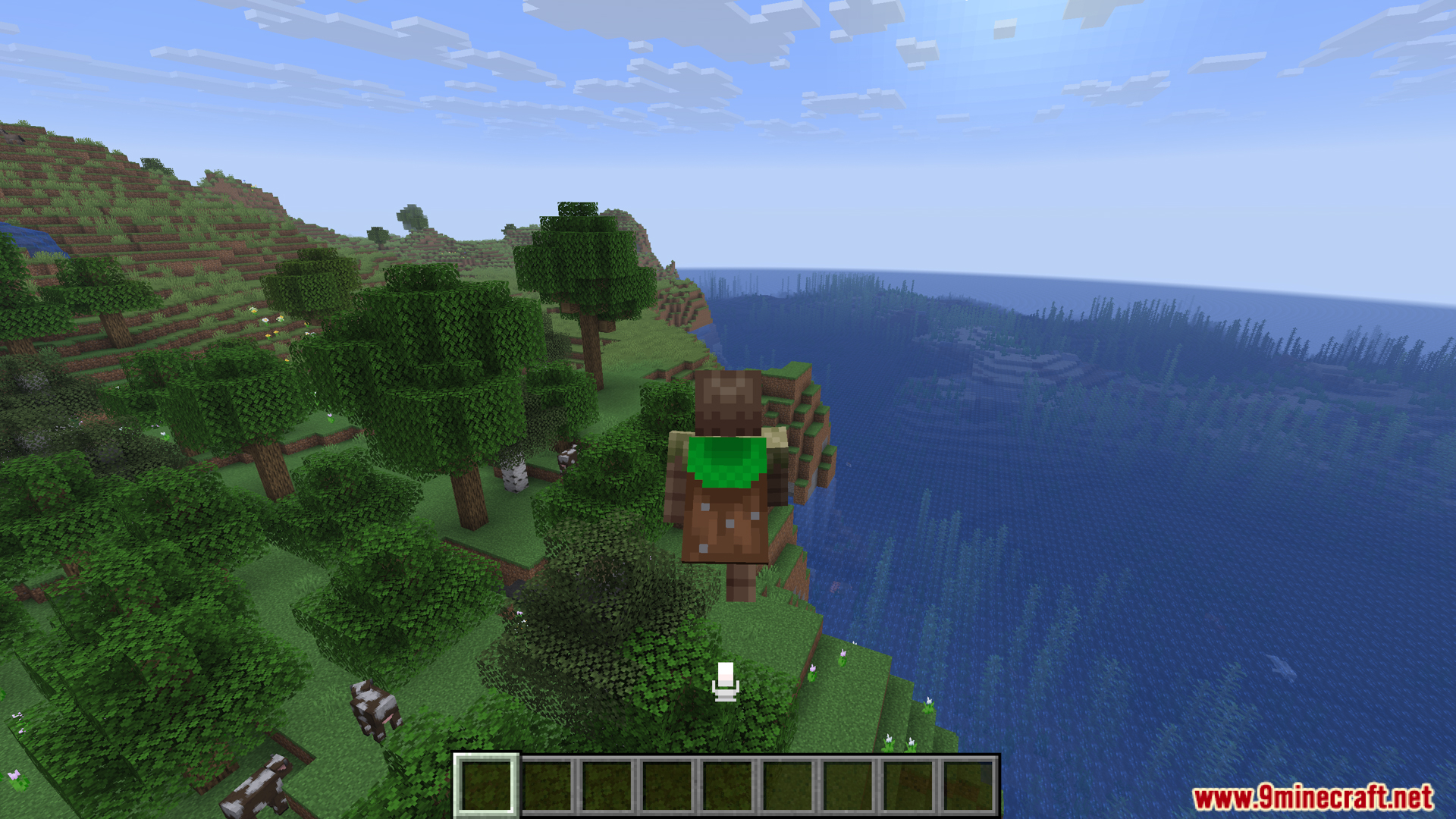 玩家飞越海边森林覆盖的悬崖
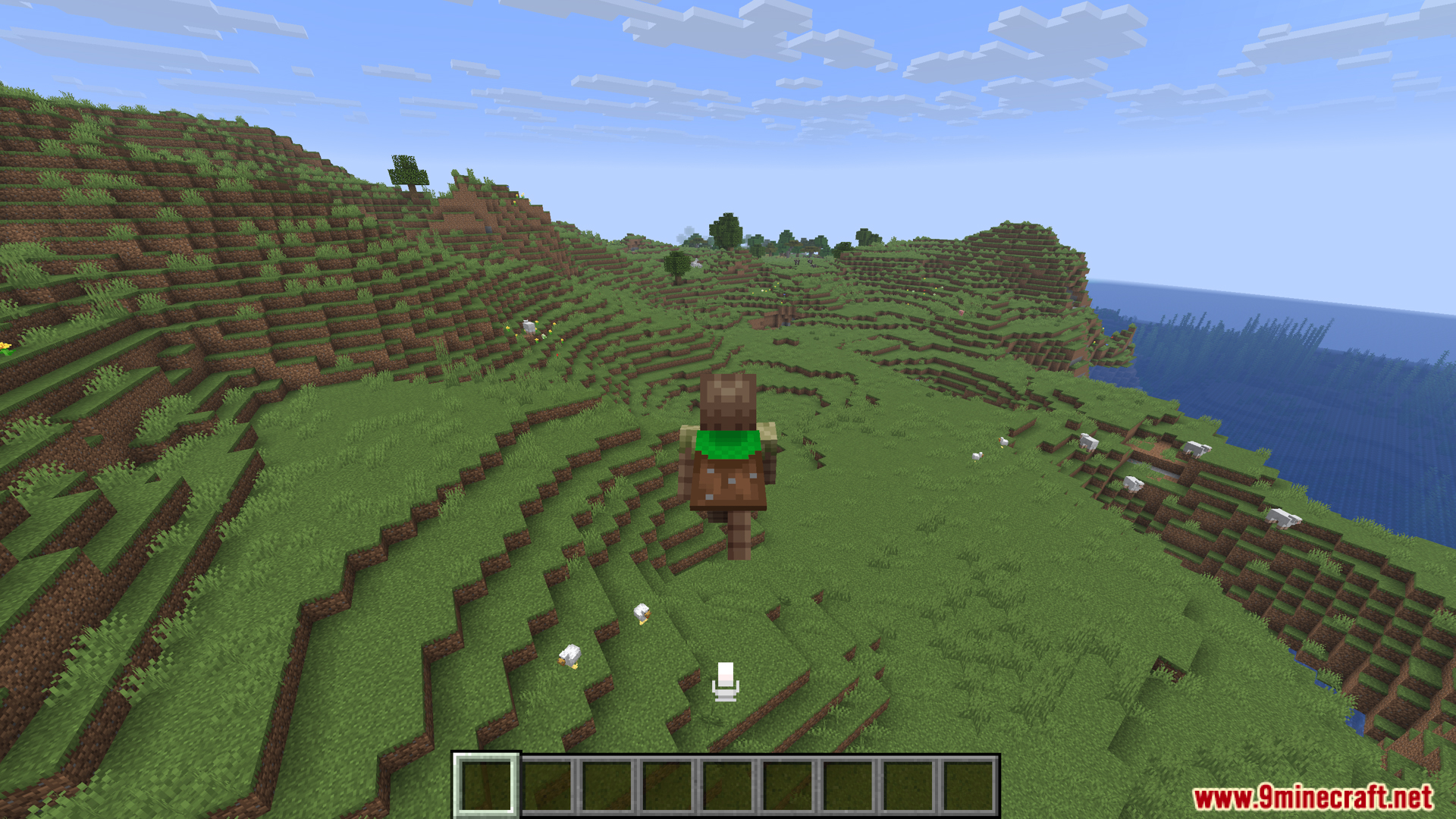 背着背包的玩家走在绿色的草丘上
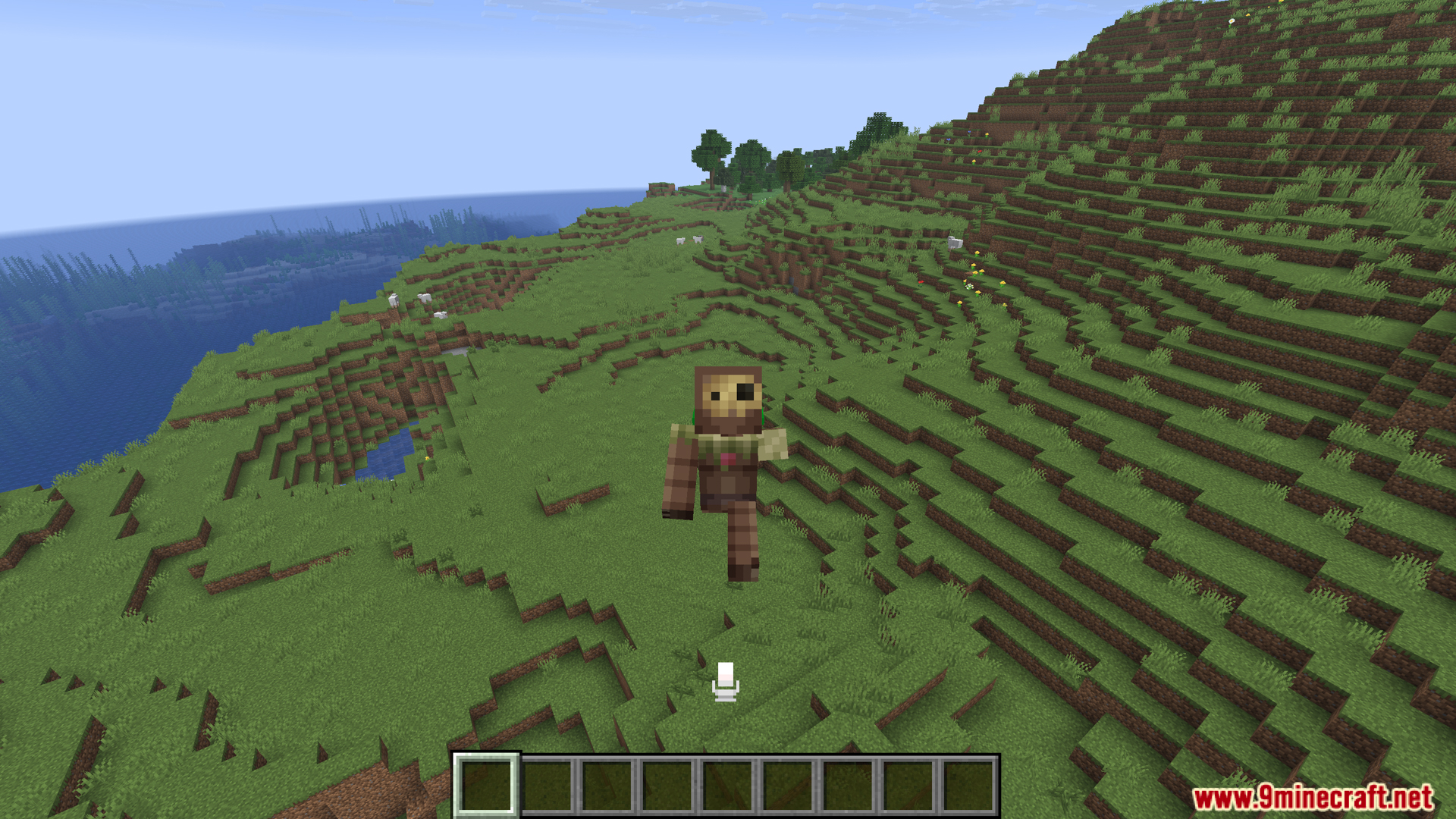 玩家头部放大以显示其正在说话
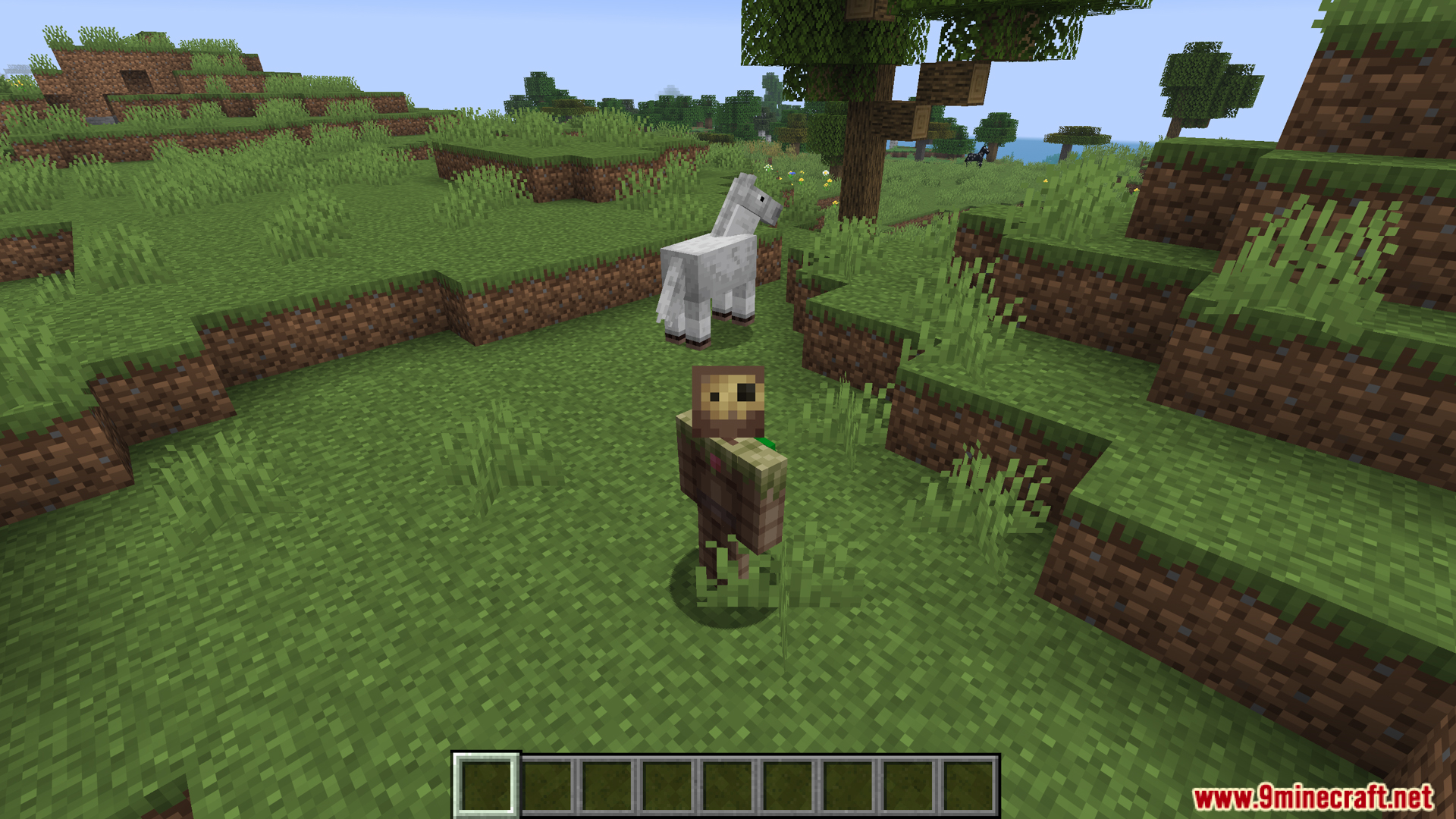 头部放大的玩家站在一匹马旁边
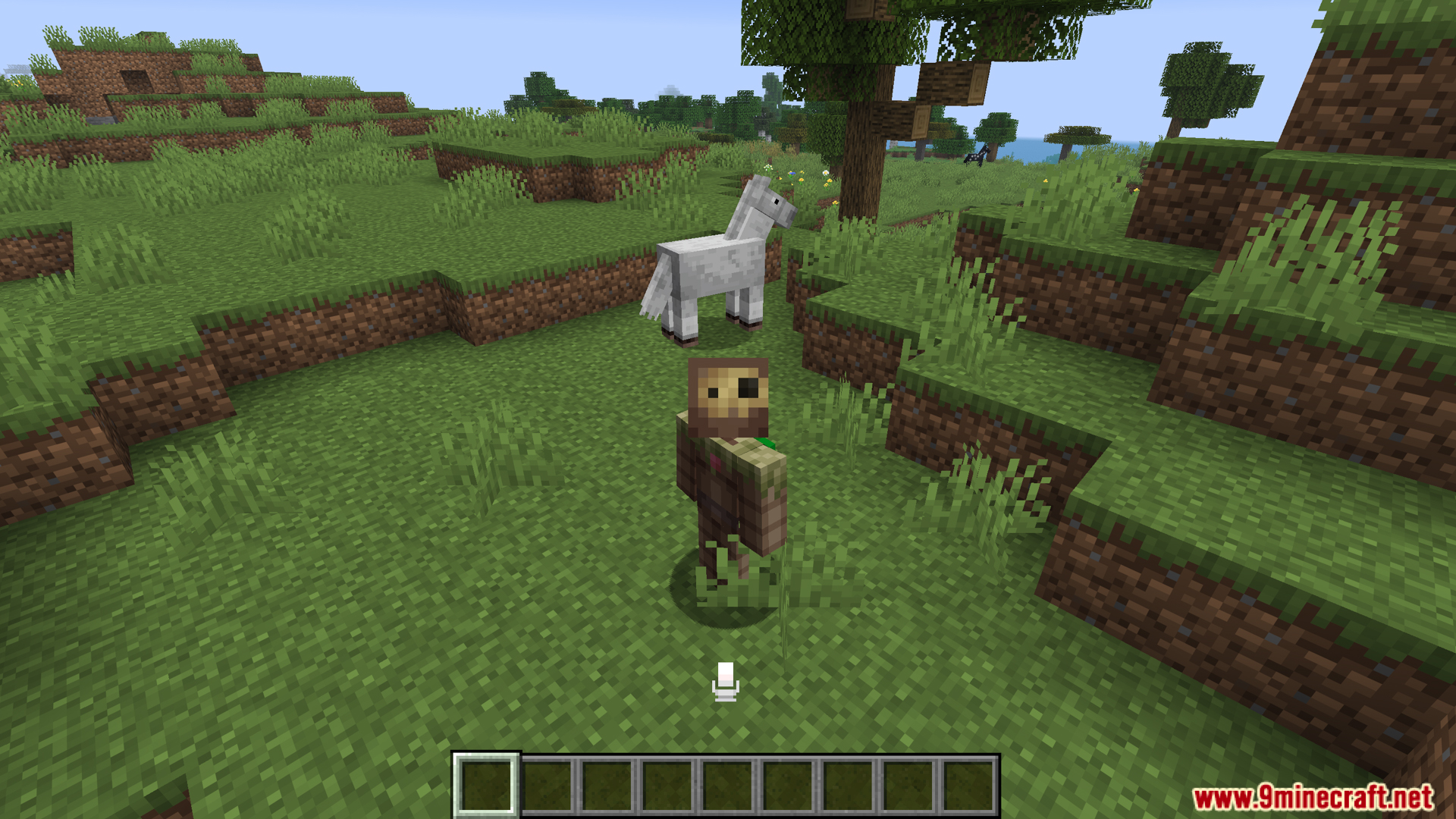 Talking Heads 模组在玩家说话时缩放其头部
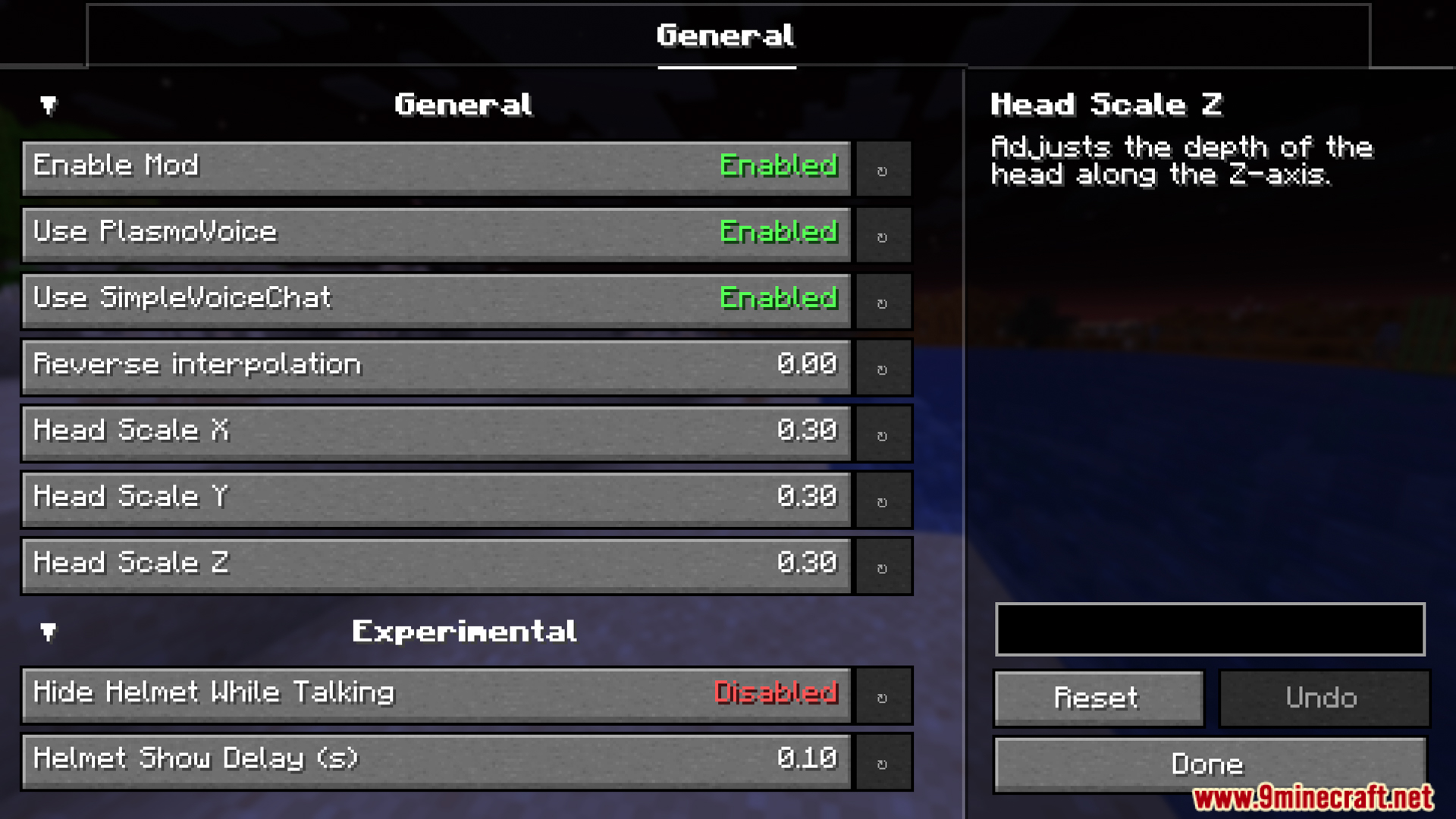 用于调整 Talking Heads 模组选项的通用设置菜单
Talking Heads Mod 下载链接
筛选
适用于 Minecraft
26.2
NeoForge
282 KB
Jun 25, 2026
Fabric
284 KB
Jun 25, 2026
适用于 Minecraft
26.1.2,
26.1.1,
26.1
NeoForge
281 KB
May 15, 2026
Fabric
285 KB
May 15, 2026
适用于 Minecraft
1.21.11
NeoForge
281 KB
May 15, 2026
Fabric
283 KB
May 15, 2026
适用于 Minecraft
1.21.10,
1.21.9
NeoForge
277 KB
May 15, 2026
Fabric
279 KB
May 15, 2026
适用于 Minecraft
1.21.8,
1.21.7,
1.21.6
NeoForge
277 KB
May 15, 2026
Fabric
278 KB
May 15, 2026
适用于 Minecraft
1.21.5
NeoForge
277 KB
May 15, 2026
Fabric
278 KB
May 15, 2026
适用于 Minecraft
1.21.4
NeoForge
277 KB
May 15, 2026
Fabric
278 KB
May 15, 2026
适用于 Minecraft
1.21.3,
1.21.2
Fabric
276 KB
May 15, 2026
适用于 Minecraft
1.21.1,
1.21
NeoForge
278 KB
May 15, 2026
Fabric
279 KB
May 15, 2026
适用于 Minecraft
1.20.4
Fabric
273 KB
May 15, 2026
适用于 Minecraft
1.20.1,
1.20
Forge
459 KB
May 15, 2026
Fabric
280 KB
May 15, 2026
No files match the selected filters.



 328
328
 0
0


 Fabric Loader 必需
 Fabric API 必需
 NeoForge 必需
 Minecraft Forge 必需
 Simple Voice Chat Mod 必需
 Plasmo Voice Mod 必需






这篇文章还没有评论。 来抢沙发吧 —— 你的评论会显示在这里。