


Deconstruction Table Mod (1.12.2, 1.10.2) – Never Waste Crafting Materials Again
 13,756
 0
0
 June 7, 2020
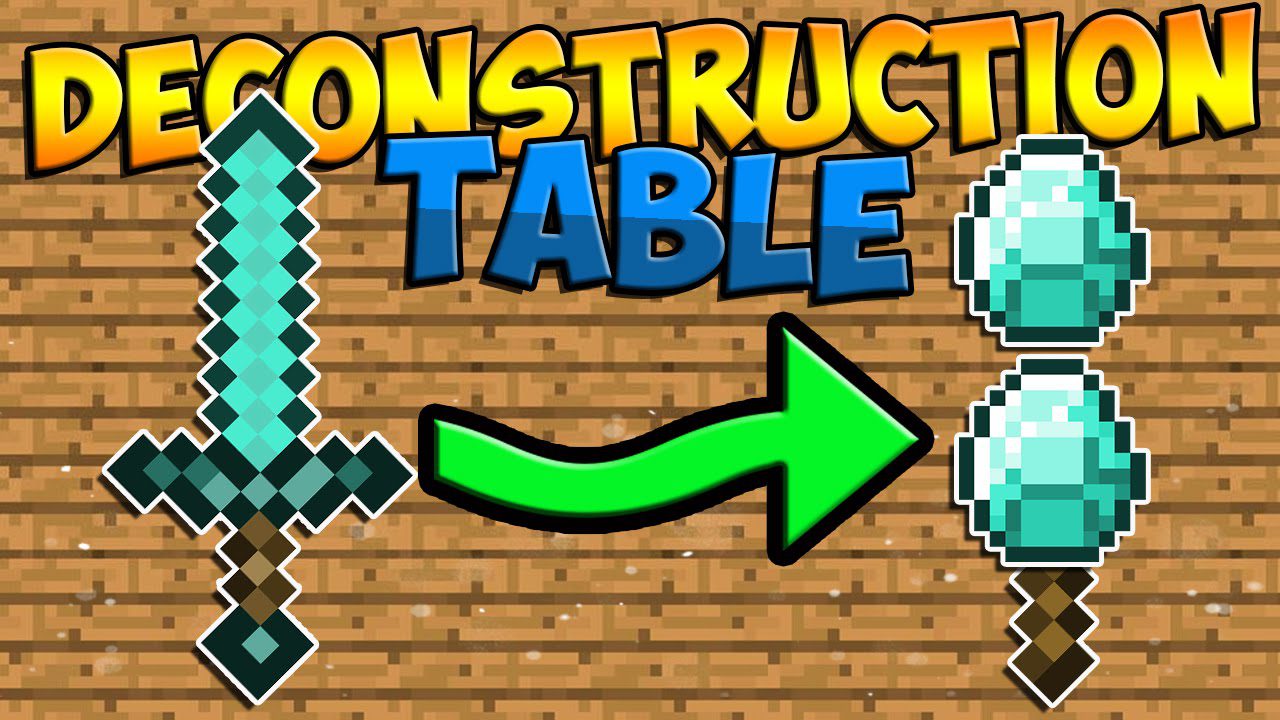
Deconstruction Table Mod adds a special block that can uncraft items in Minecraft. This new table lets you reverse the crafting process for things like swords, armor, and tools. It’s a great way to get back valuable materials from items you made by mistake or no longer need.
Features:
- Adds a Deconstruction Table that can uncraft items back into their original materials.
- Works on a wide range of craftable items, including tools, weapons, armor, and even food.
- Reclaim enchantments from items by placing a book in the table along with the enchanted item.
- Get partial materials back when deconstructing damaged tools or armor.
- Items crafted in stacks must be deconstructed in the same stack size to get all the materials back.
How to Use:
- Place the item you want to uncraft into the left slot of the Deconstruction Table.
- Collect the original crafting materials from the slots on the right.
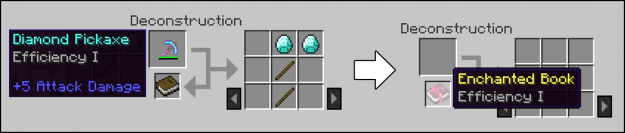
- To save an enchantment, place the enchanted item in the top-left slot and a regular book in the slot directly below it. The enchantment will transfer to the book.
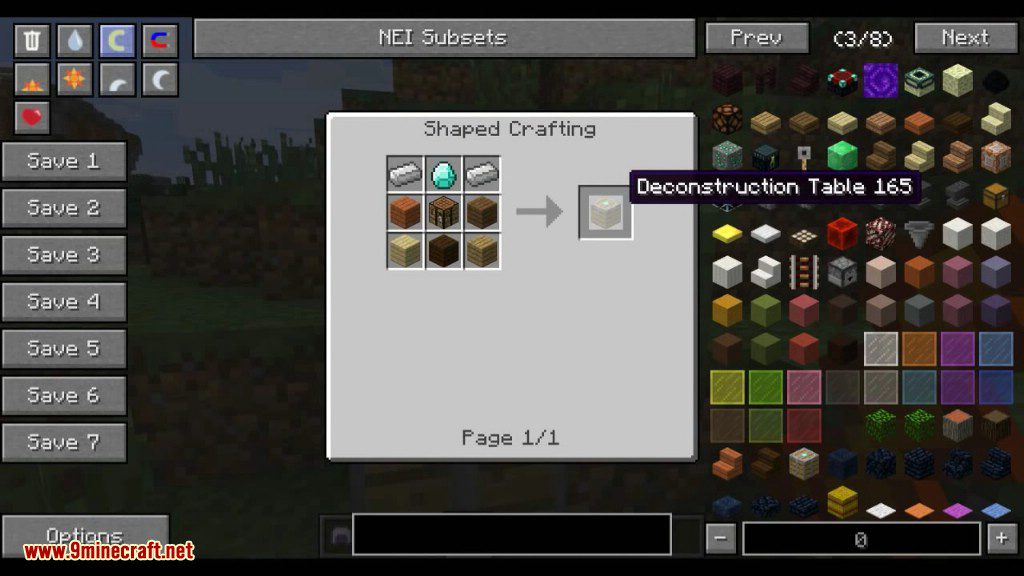
Crafting Recipes:
Recommend that you should install Just Enough Items to view the full recipes included in this mod
Screenshots:
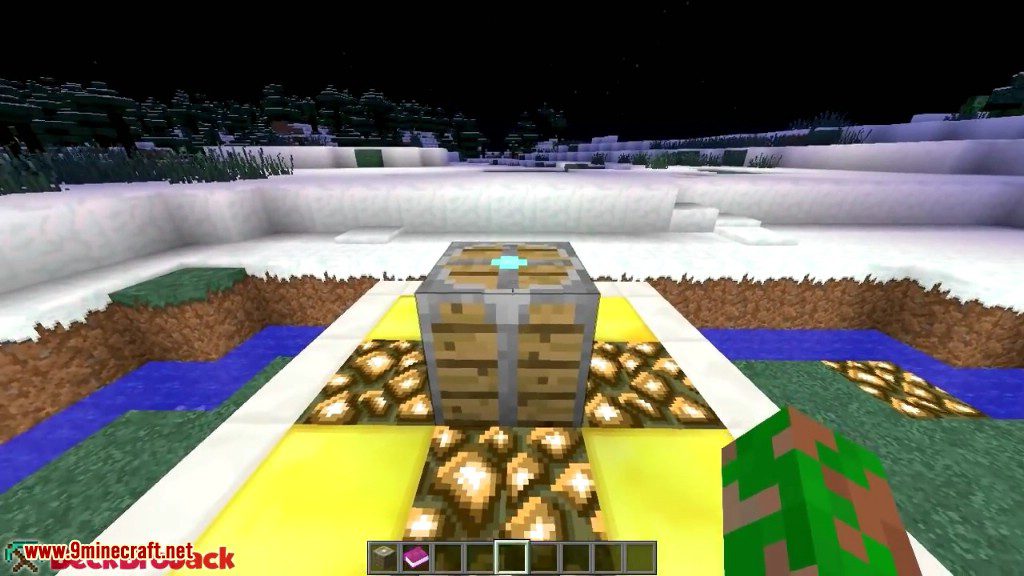
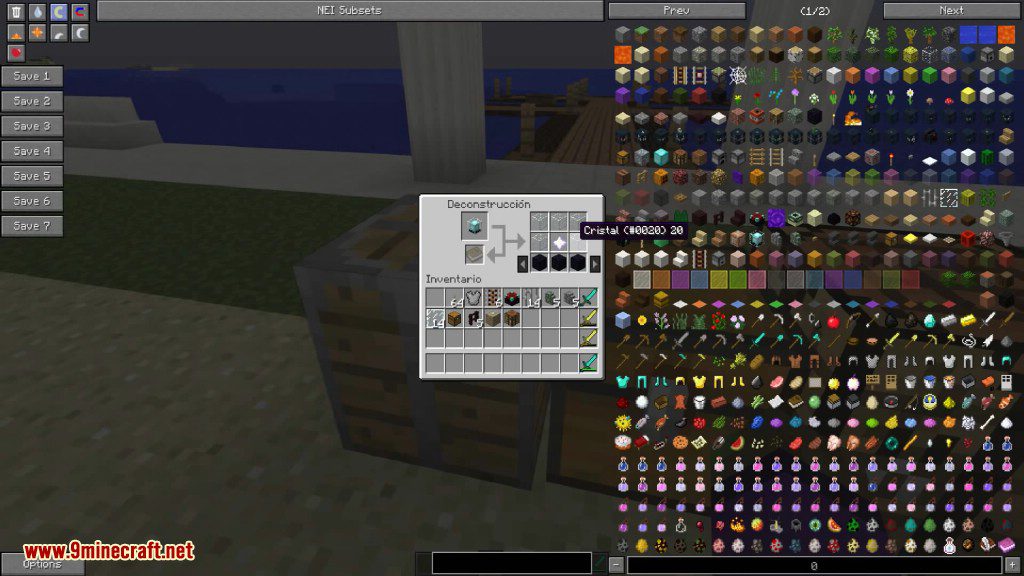
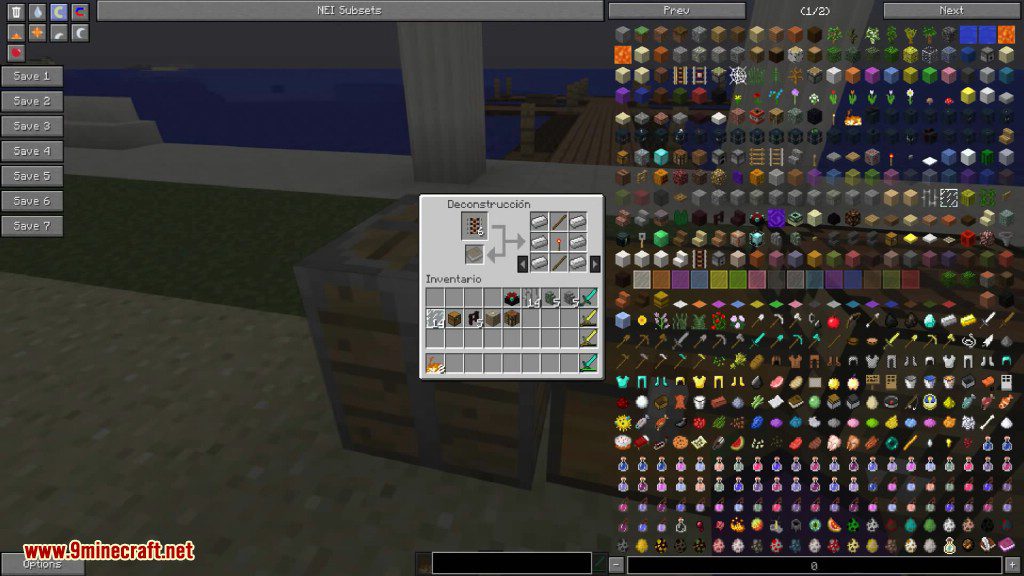
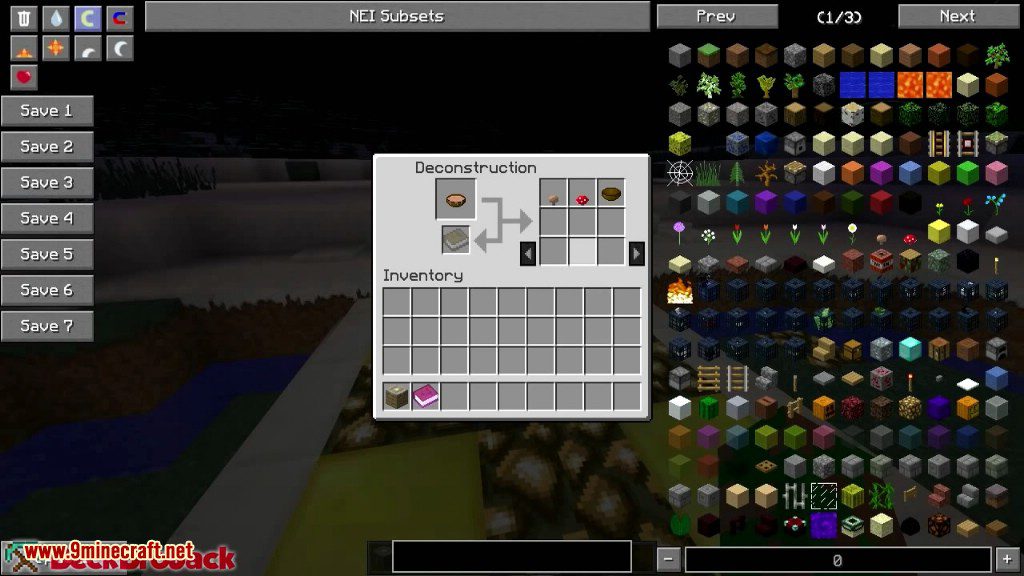
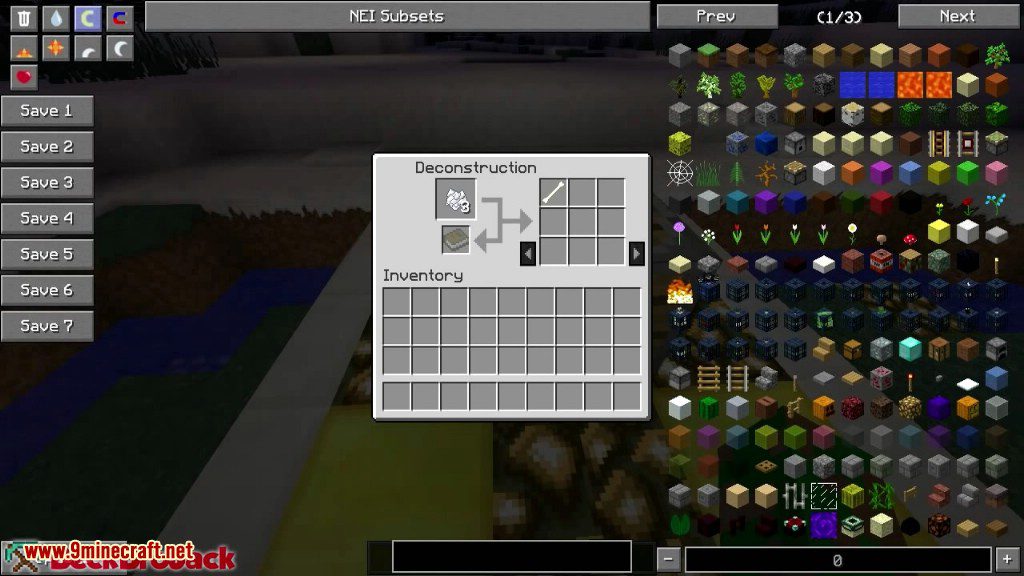
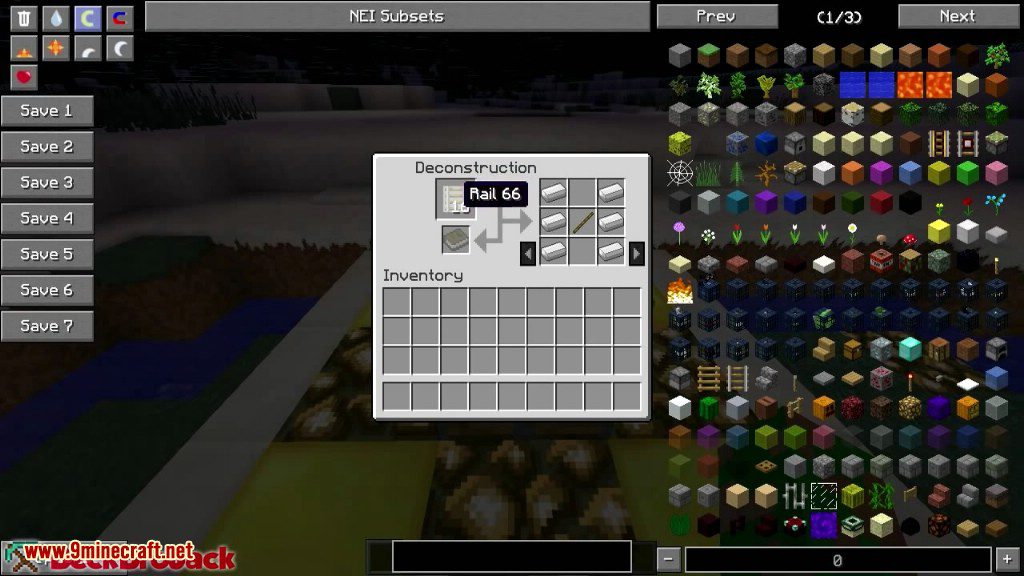
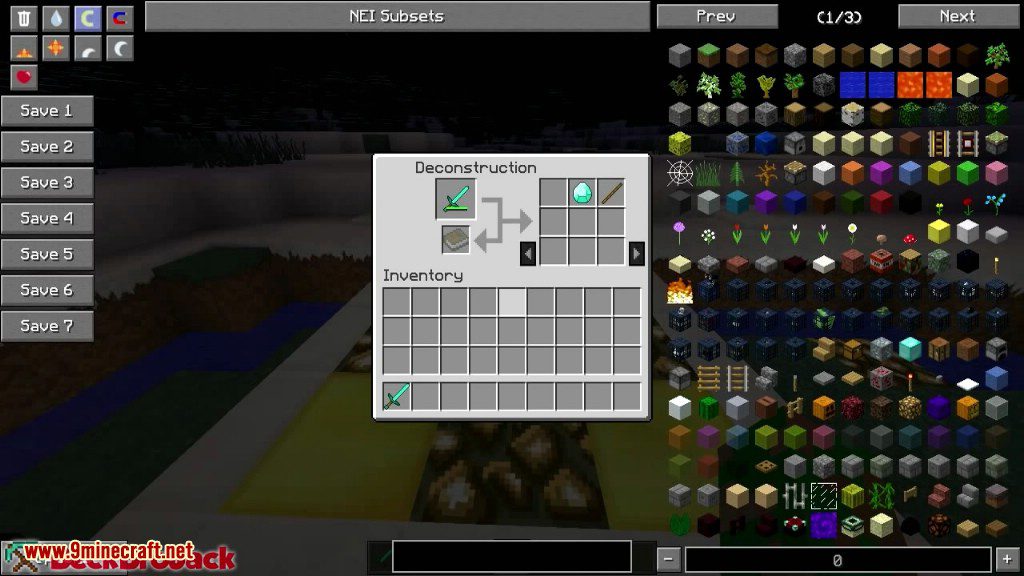
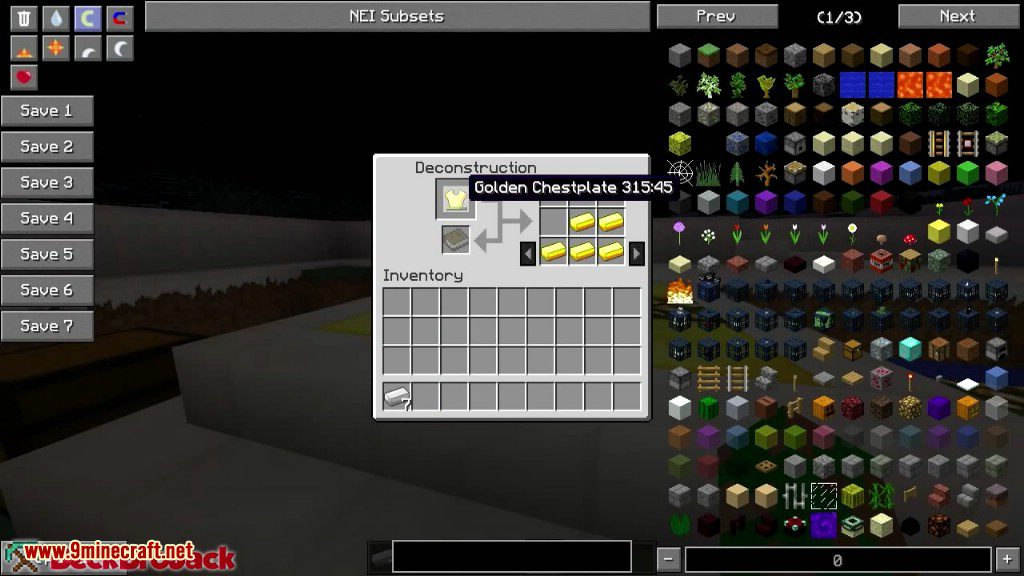
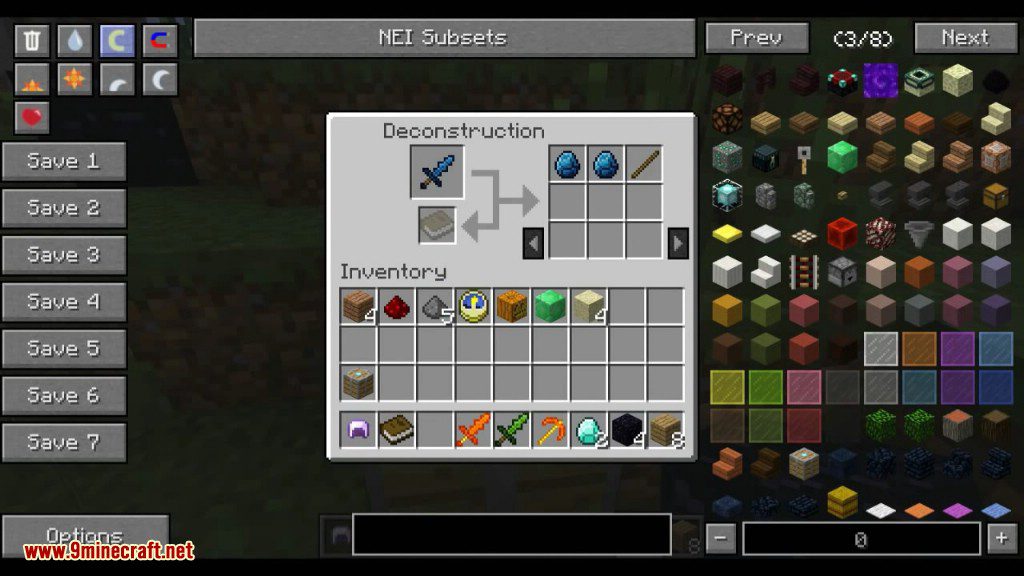
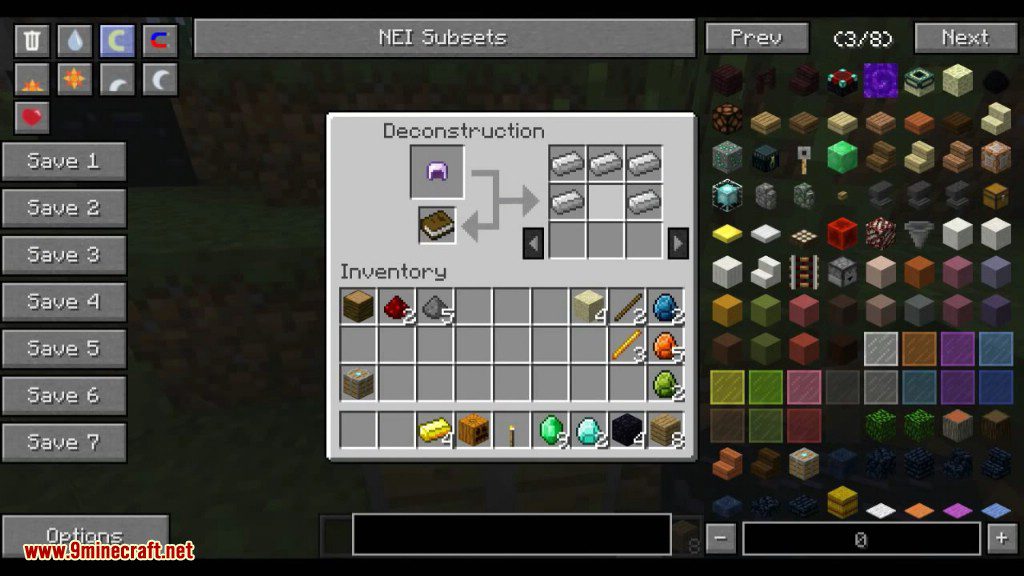
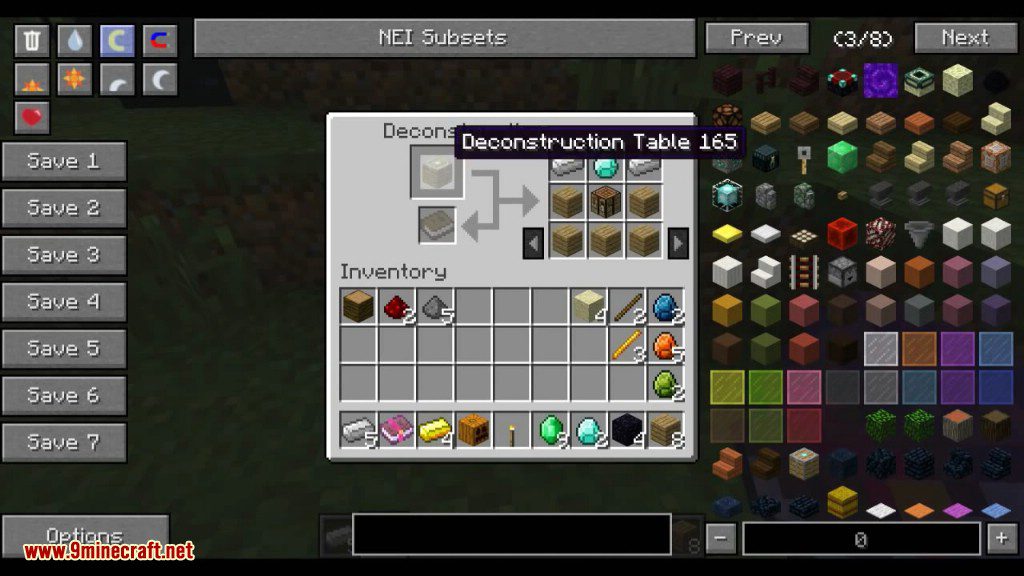
It’s very simple to use and functions just the opposite of a regular crafting table. Simply place the item you want the materials from in the left slot. Then just grab the materials from the right slots. It can be used on any craftable item including food.
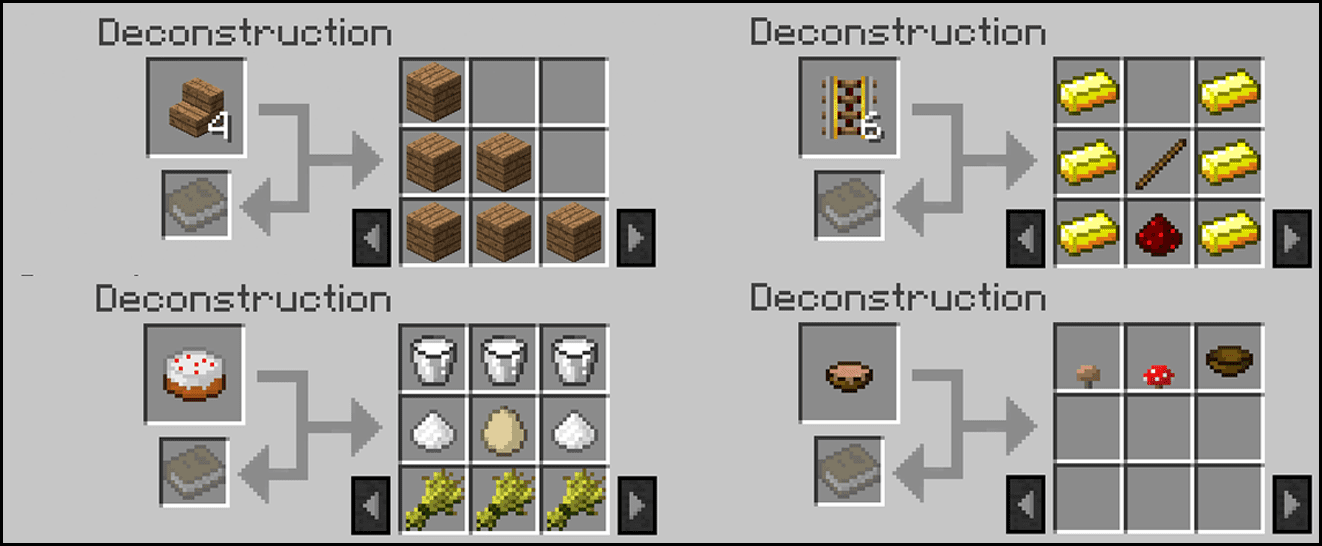
If a normal recipe yields more than one item then you’ll have to place that number of items to get the full amount of materials back. If not you’ll only get the partial amount of items from the recipe. Also if you put damaged items in you’ll get only a partial recipe back. While this is only a slight drawback it works great for reclaiming raw materials like diamonds or ingots if you need them in a pinch.
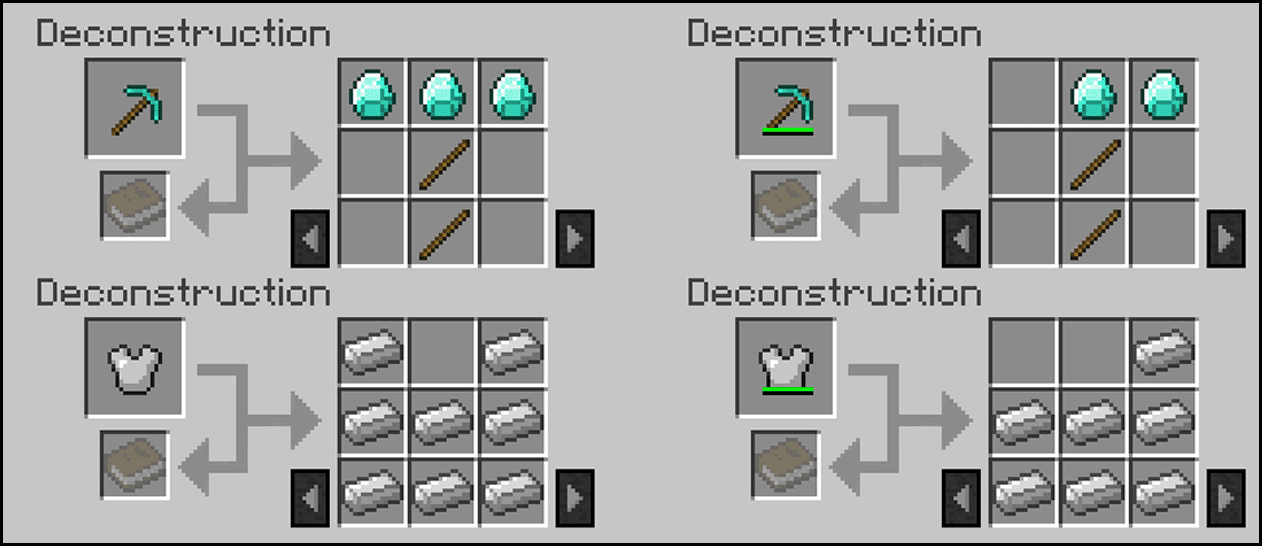
A great feature of this mod is the ability to reclaim enchantments from enchanted tools. Simply place the enchanted tool in the left slot and a book in the slot below it. Then when you claim the materials from the right side, the enchantment will go back to the book you placed.
How to Install:
New to Minecraft? Follow our step-by-step guide to install Mods on your PC.View Guide
Deconstruction Table Mod Download Links
For Minecraft 1.5.2
For Minecraft 1.6.2
For Minecraft 1.6.4
For Minecraft 1.7.2
For Minecraft 1.7.10
For Minecraft 1.8.0
For Minecraft 1.10.2
For Minecraft 1.12.2
You May Also Like








This post has no comments yet. Be the first — your comment will appear here.