


Simple Discord Rich Presence Mod (26.2, 1.20.1) – Lightweight Discord Integration

 0
0 

Simple Discord Rich Presence Mod is a lightweight, client-side Minecraft mod that shows your current Minecraft activity on Discord.
Features:
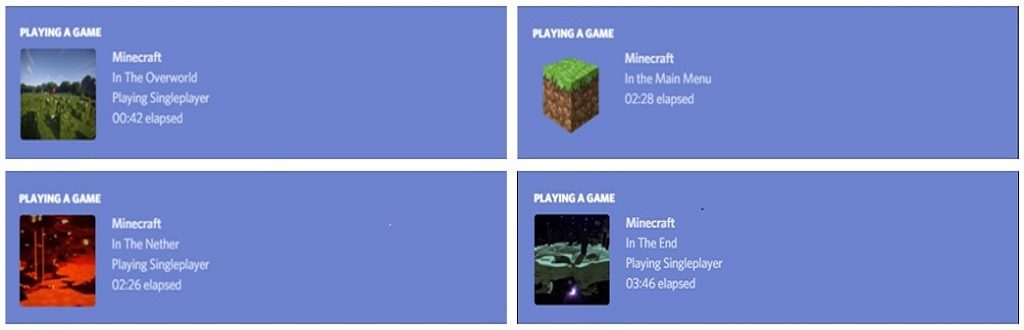
- Shows Minecraft activity on Discord using Rich Presence
- Displays current game state:
- Main menu
- Loading screen
- In-game dimensions
- Supports multiple dimensions with custom images
- Client-side only (no server installation required)
- Lightweight and simple to configure
How to use:
- Download the mod from CurseForge
- Place the mod file into your
modsfolder - Launch Minecraft
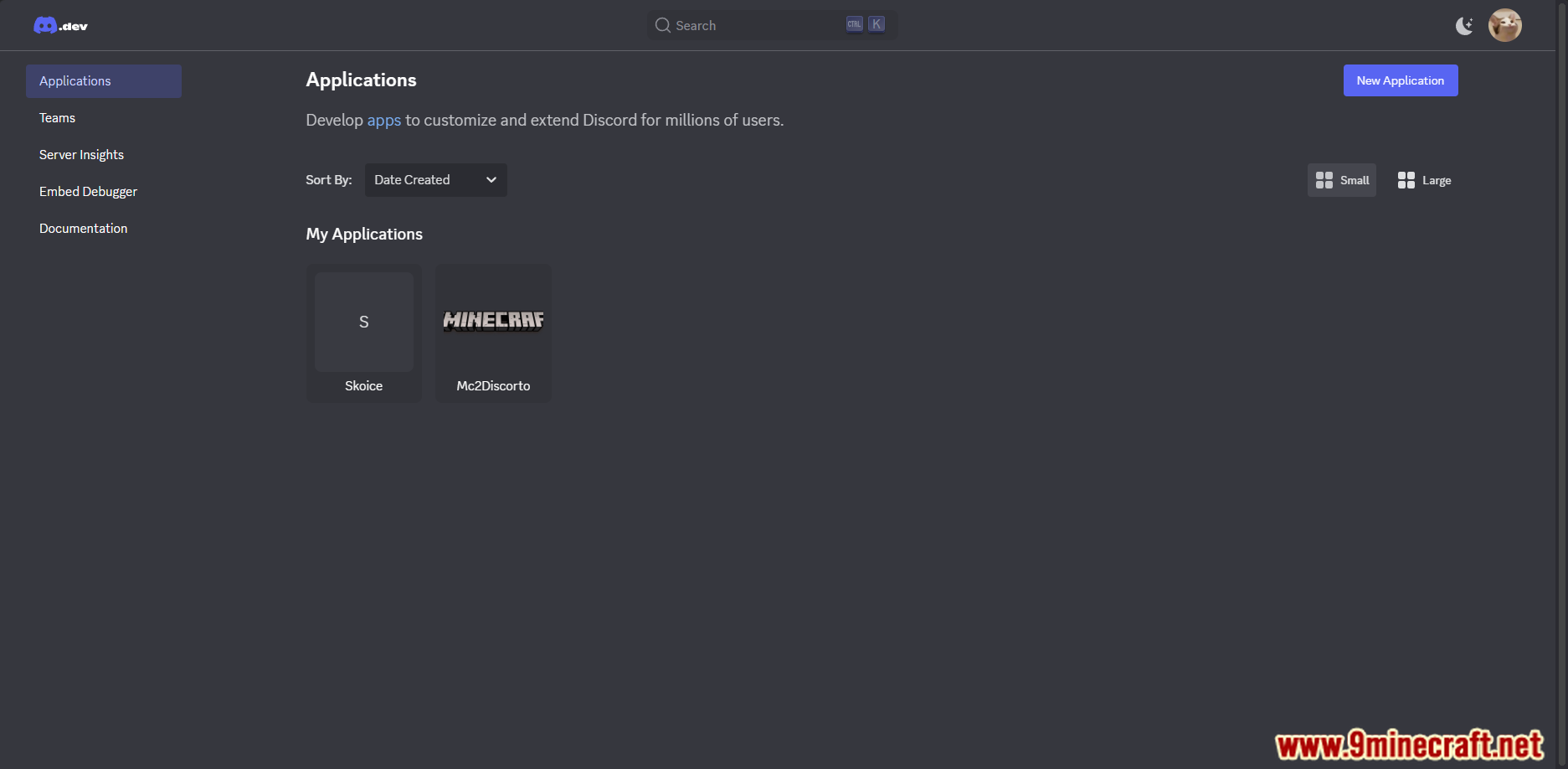
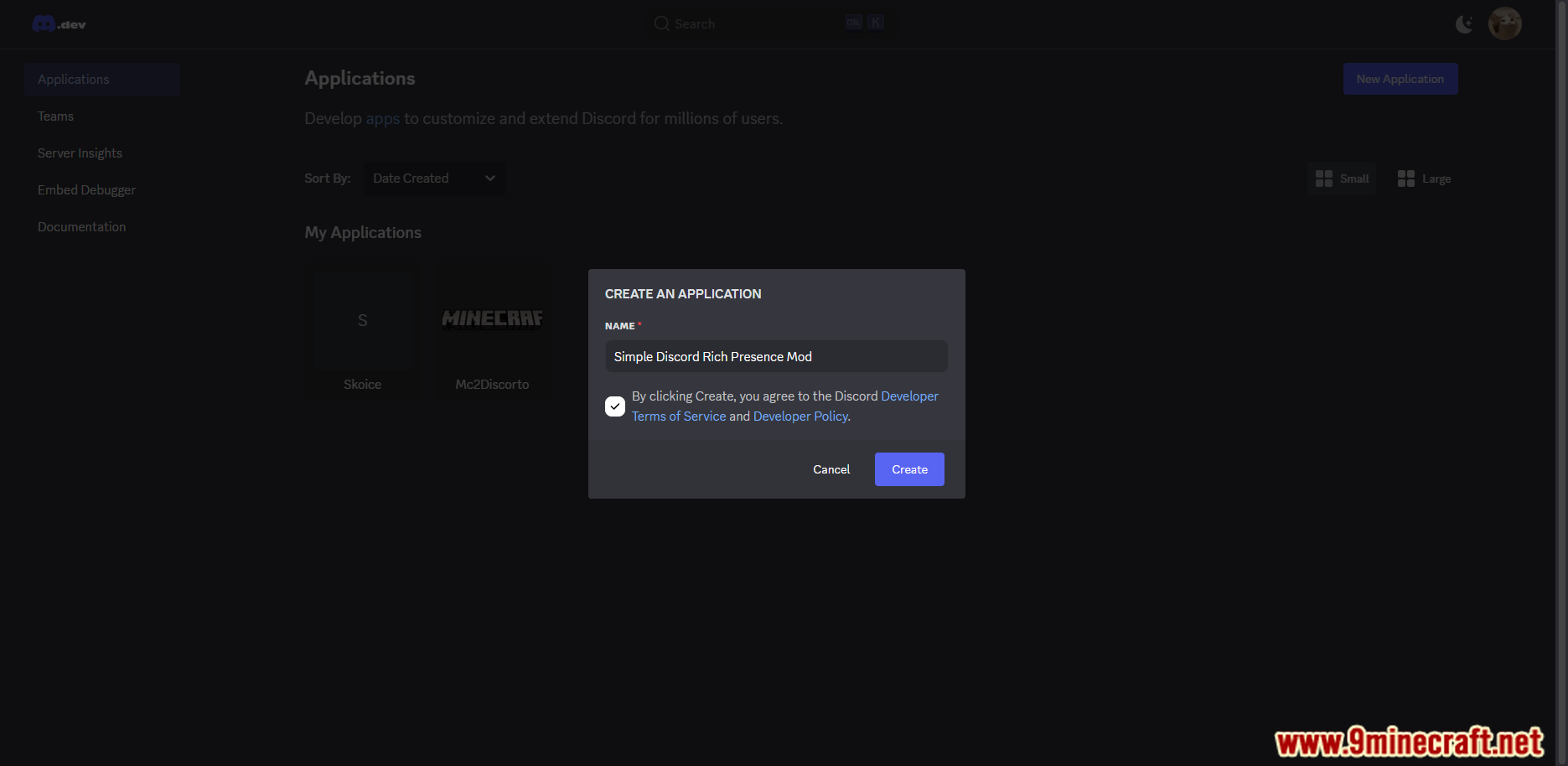
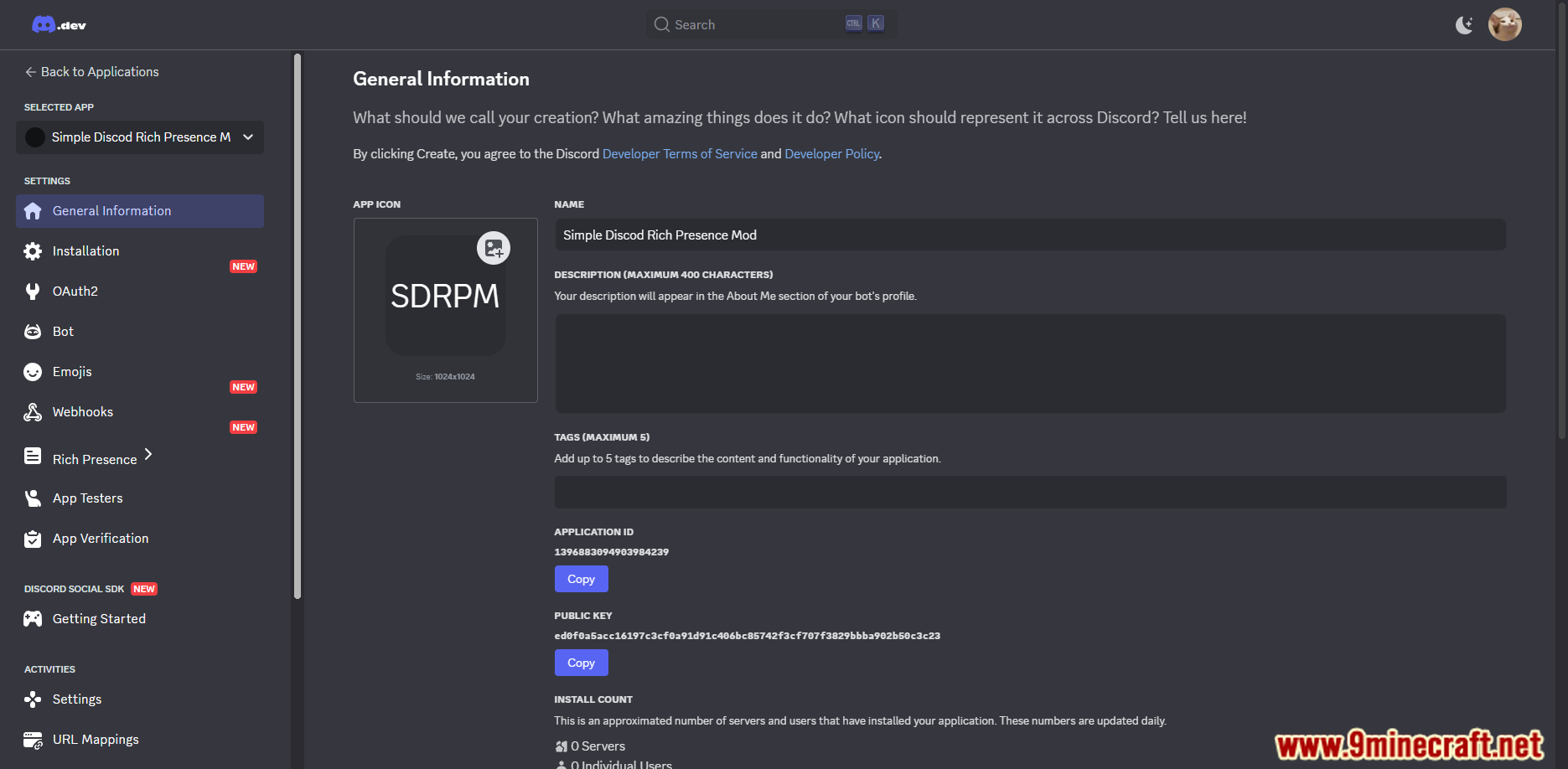
- Create a Discord application:
- Go to the Discord Developer Portal
- Create a new application and copy its Application ID
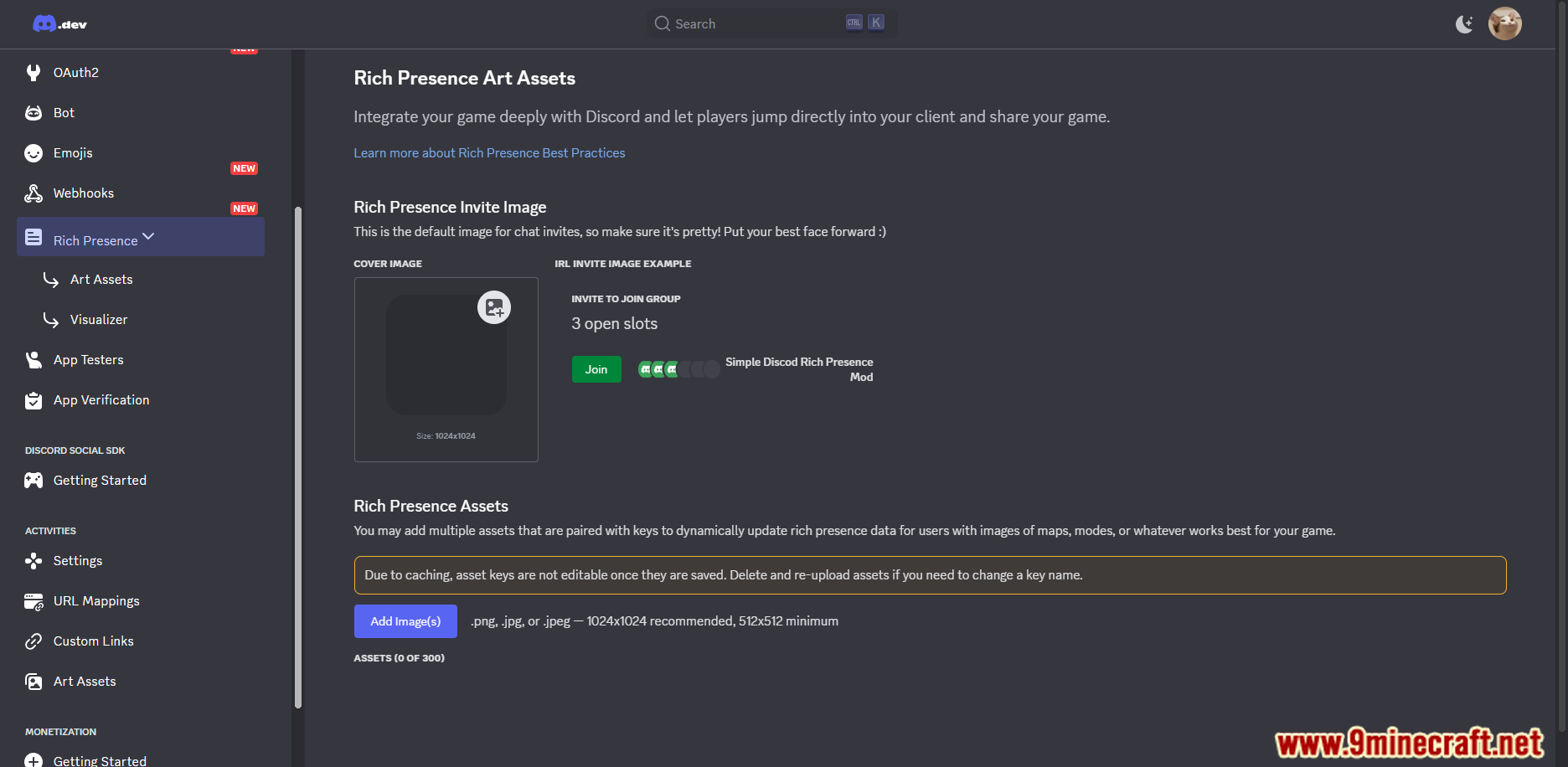
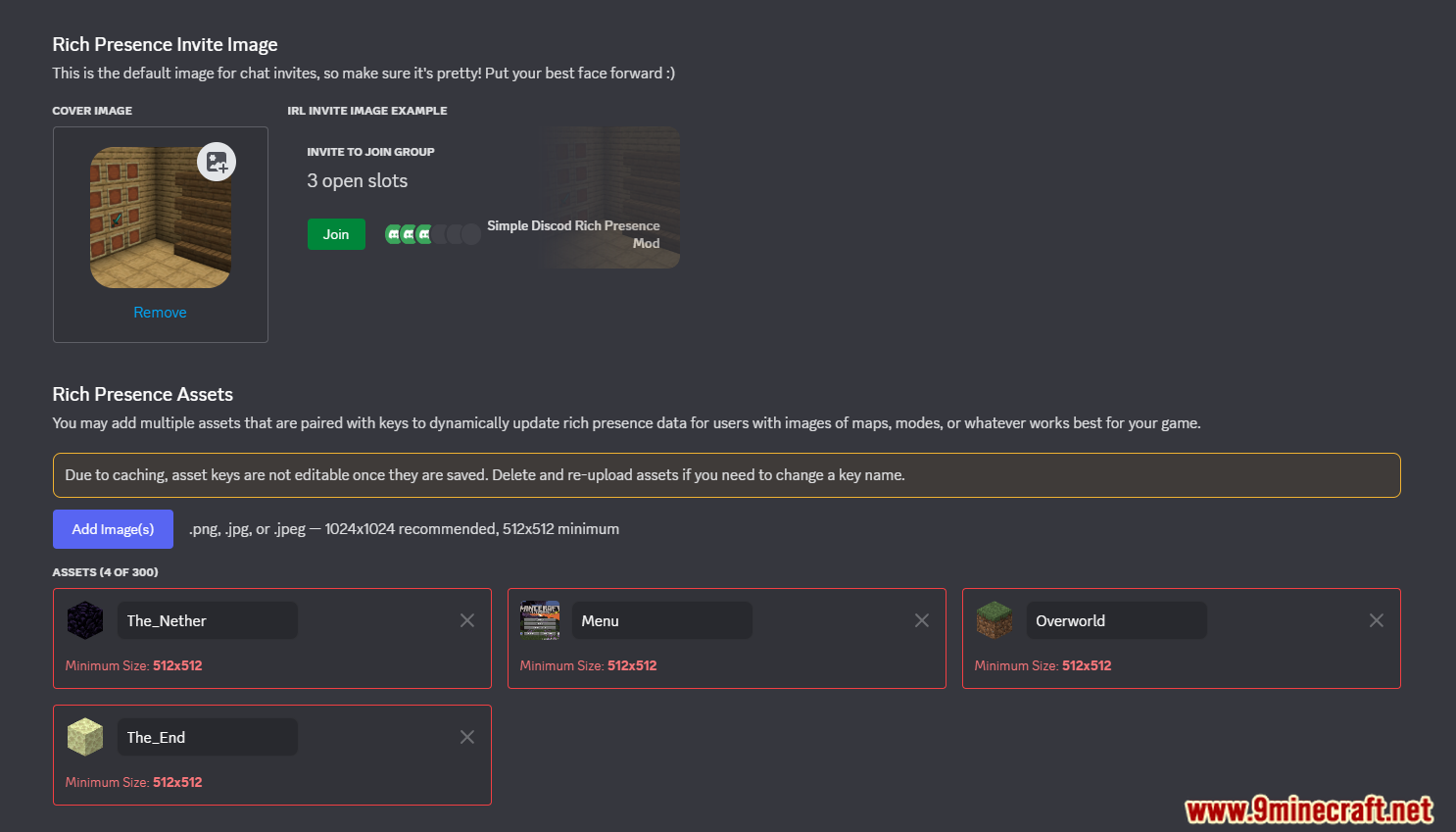
- Add images:
menu– shown in main menuloading– shown while loading- Dimension images (e.g.
overworld,the_end)
- Enter your Application ID into the mod config
Custom dimension images
- Ignore the mod ID part of the dimension name
- Use the remaining name for the Discord image
- Add matching language keys:
sdrp.dimension_namesdrp.dimension_name.in
Configs:
clientId– Discord application IDenabled– Enable or disable the modscreenEvent– Disable menu and loading imagesclientJoinEvent– Hide current dimension informationlogState– Enable debug logging for developers
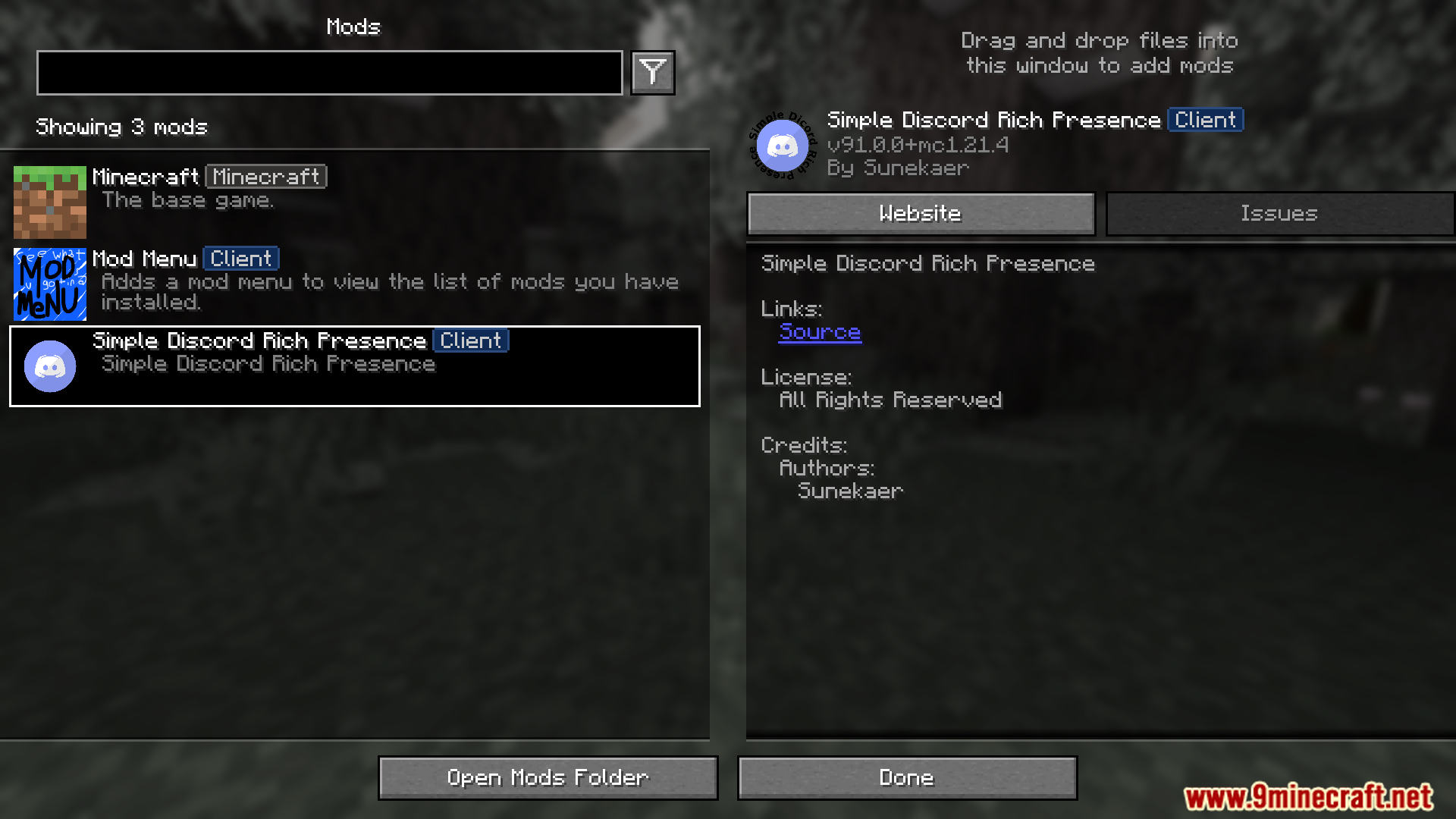
Screenshot:
How to Install:
New to Minecraft? Follow our step-by-step guide to install Mods on your PC.View Guide
Requirements:






Simple Discord Rich Presence Mod Download Links
For Minecraft 26.2
For Minecraft 26.1.2, 26.1.1, 26.1
For Minecraft 1.21.11
For Minecraft 1.21.10, 1.21.9
For Minecraft
1.21.5,
1.21.4,
1.21.1
All Versions Covered
1.21.5
1.21.4
1.21.1
1.21
All Versions Covered
1.21.5
1.21.4
1.21.1
1.21
For Minecraft 1.21.4
For Minecraft 1.20.6
For Minecraft 1.20.4
For Minecraft 1.20.2
For Minecraft 1.20.1
For Minecraft 1.19.4
For Minecraft 1.19.2
For Minecraft 1.19.1
For Minecraft 1.19
For Minecraft 1.18.2
For Minecraft 1.18.1
For Minecraft 1.16.5
For Minecraft 1.15.2
For Minecraft 1.14.4
Click to rate this post!
[Total: 2 Average: 5]
You May Also Like







This post has no comments yet. Be the first — your comment will appear here.