
View Bobbing Options Mod (26.1.2, 1.20.1) – Stop Motion Sickness While Sprinting

 0


View Bobbing Options Mod lets you control how much your screen and hands move when you walk or run. It splits hand bobbing and camera bobbing apart and gives you sliders to adjust each one. You can also press the Z key to turn bobbing on or off for the item in your hand, so a map stays still as you move. This mod works on the client side only, requires Fabric API and YACL, and pairs with Mod Menu for easy access to its settings.
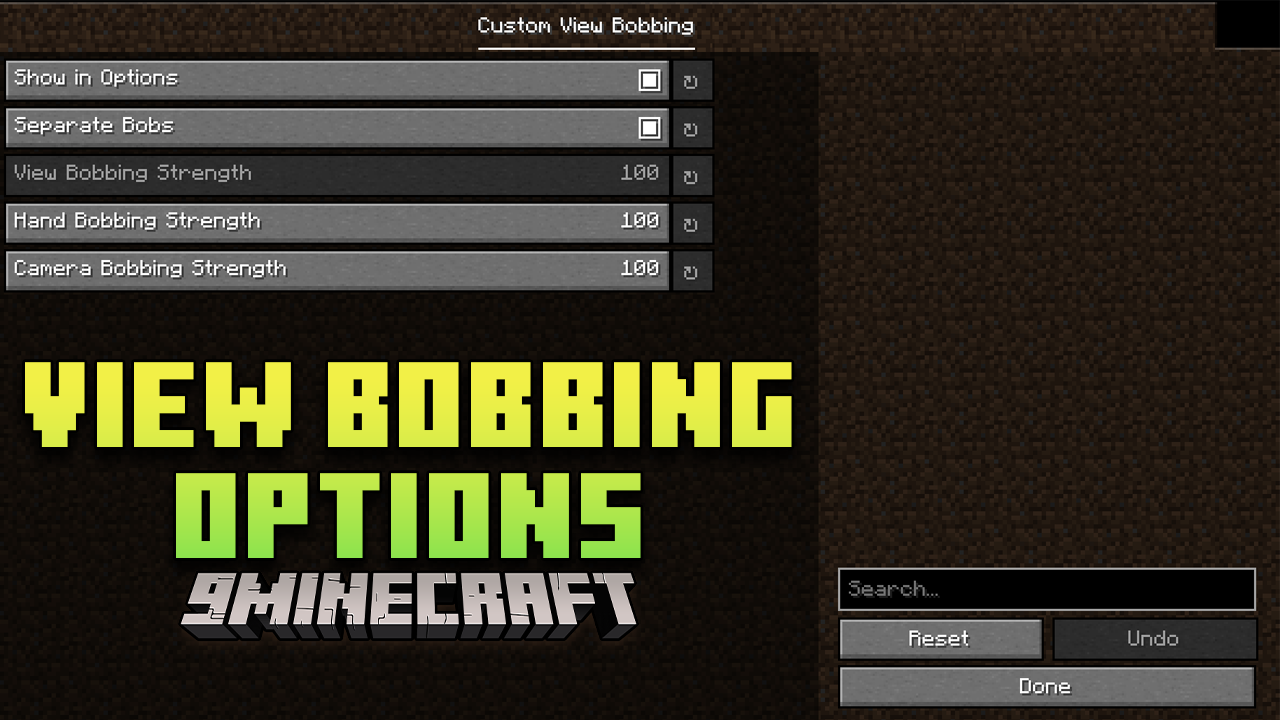
Features:
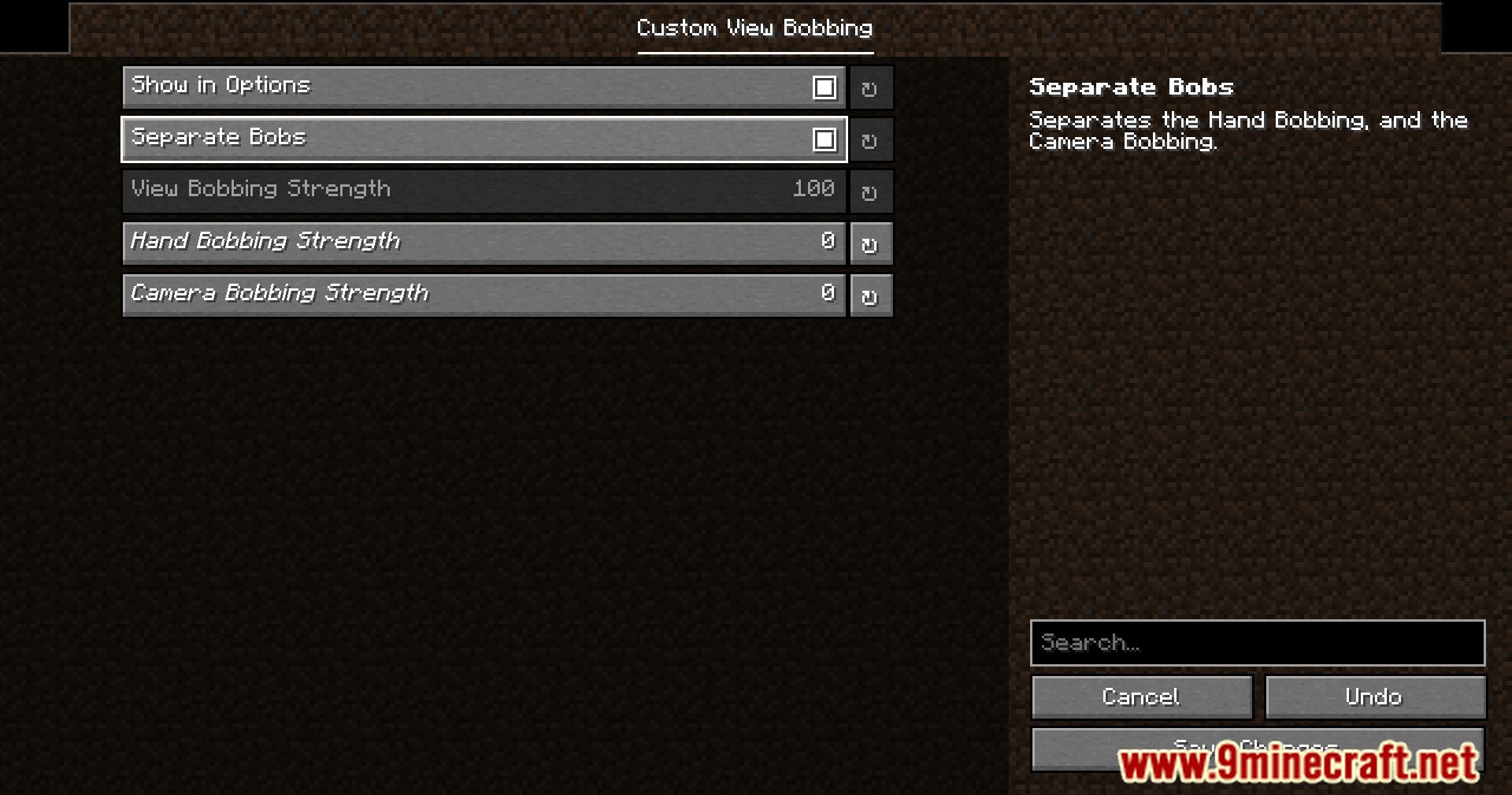
- Separates hand bobbing from camera bobbing so you can control each movement on its own.
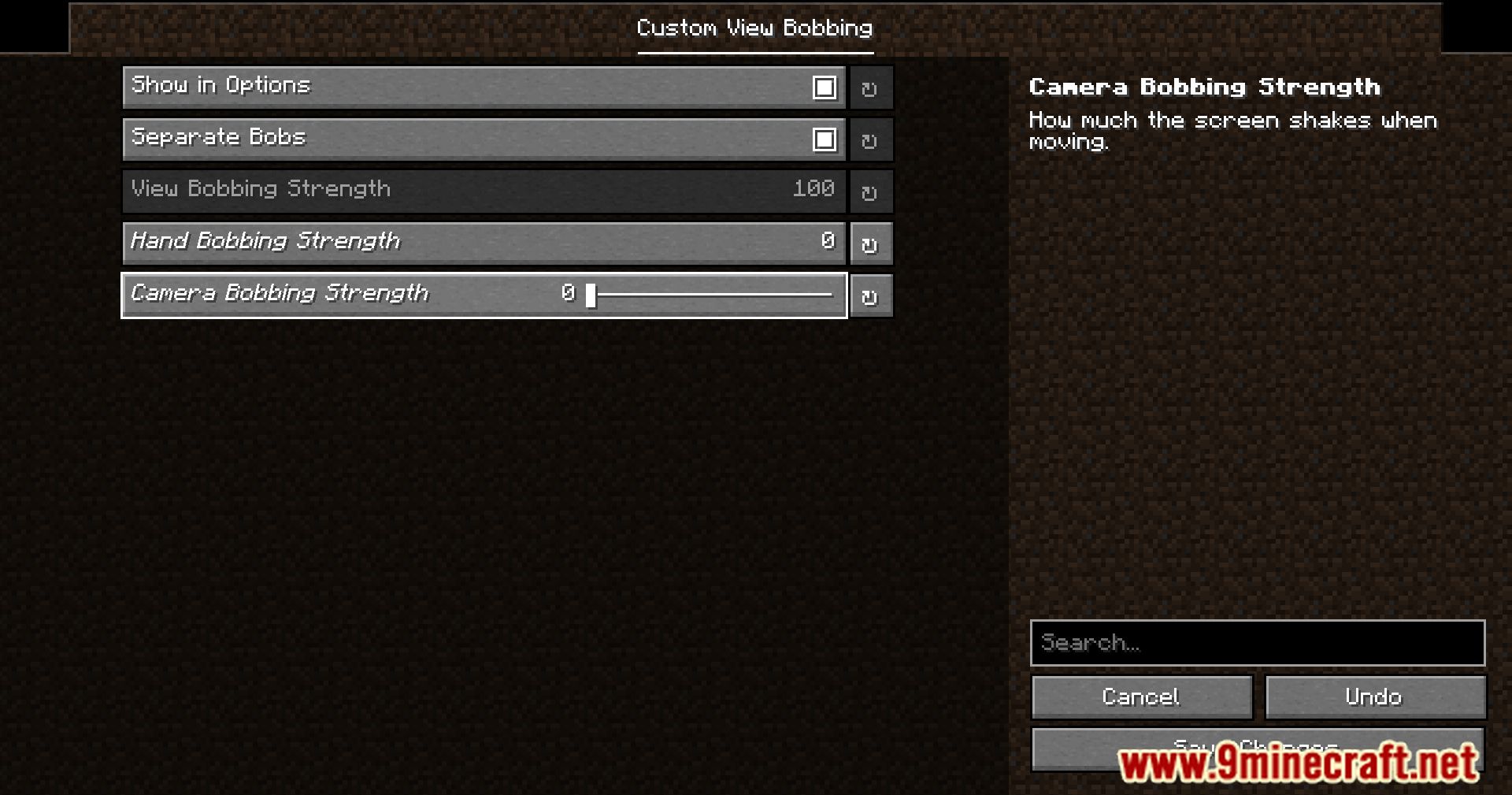
- Lets you adjust camera bobbing strength with a slider, or set it to zero to stop screen shaking while you walk or run.
- Adds a Hand Sway Strength slider with a reset button so you can tone down or turn off hand movement.
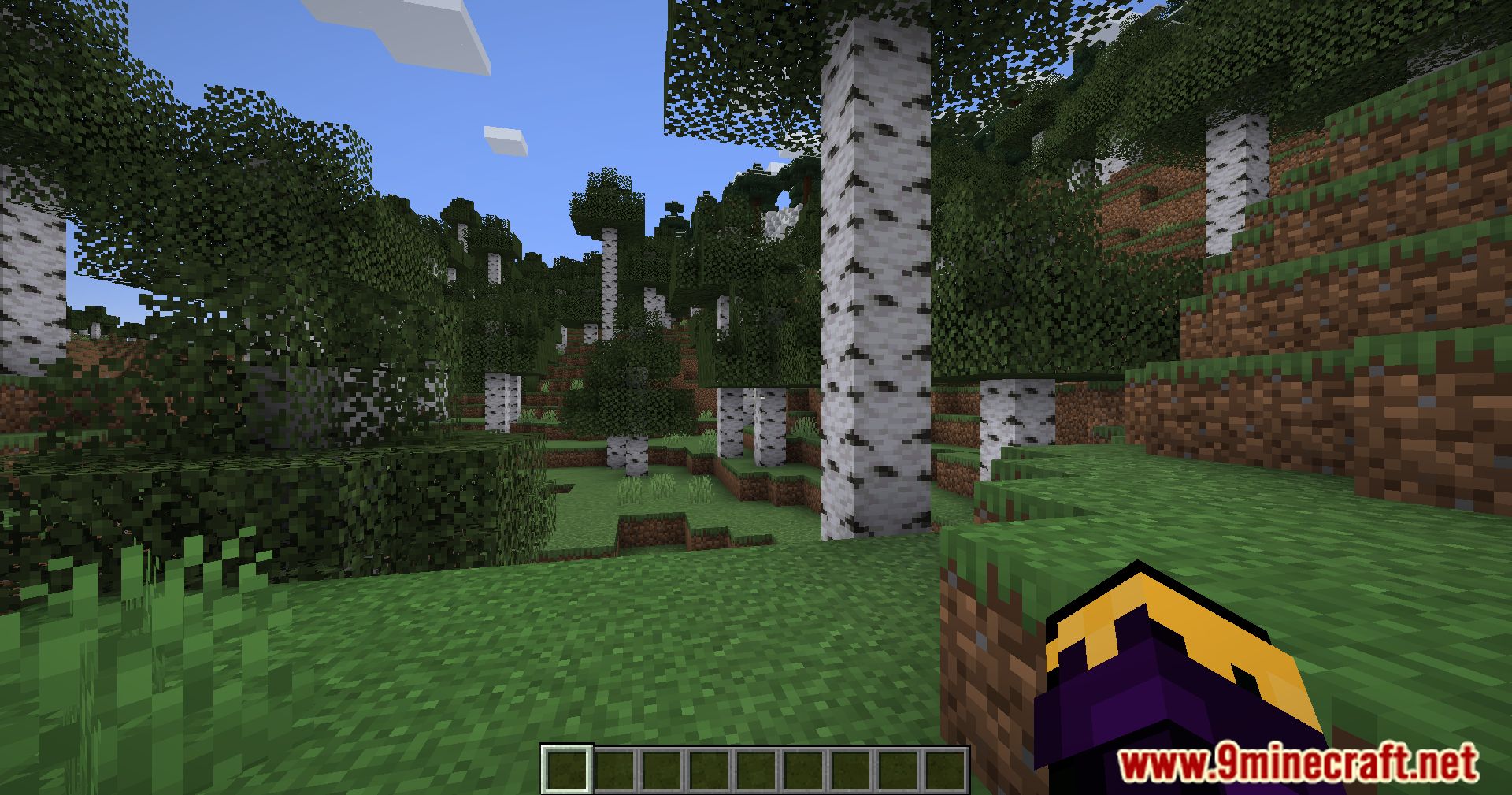
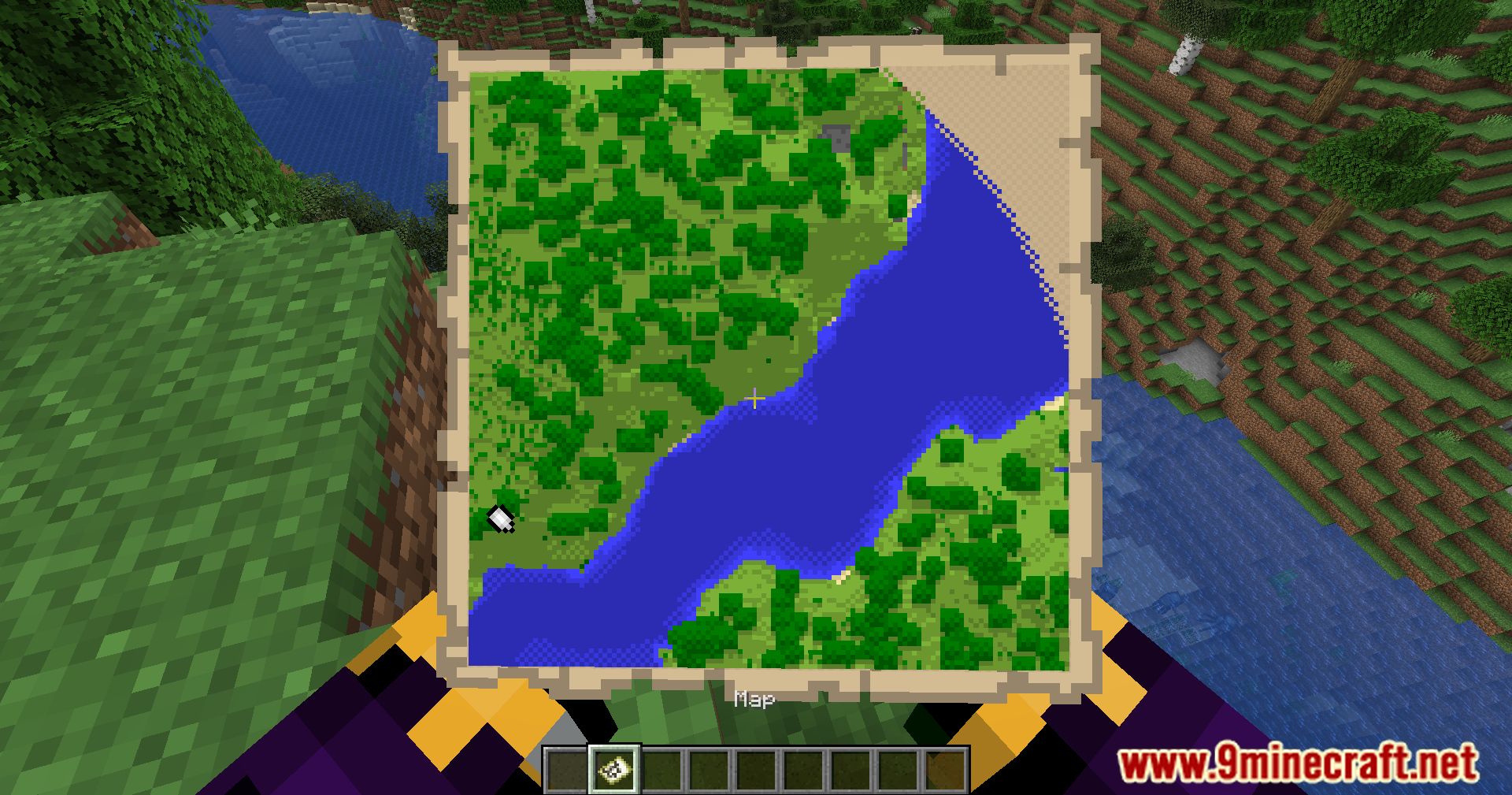
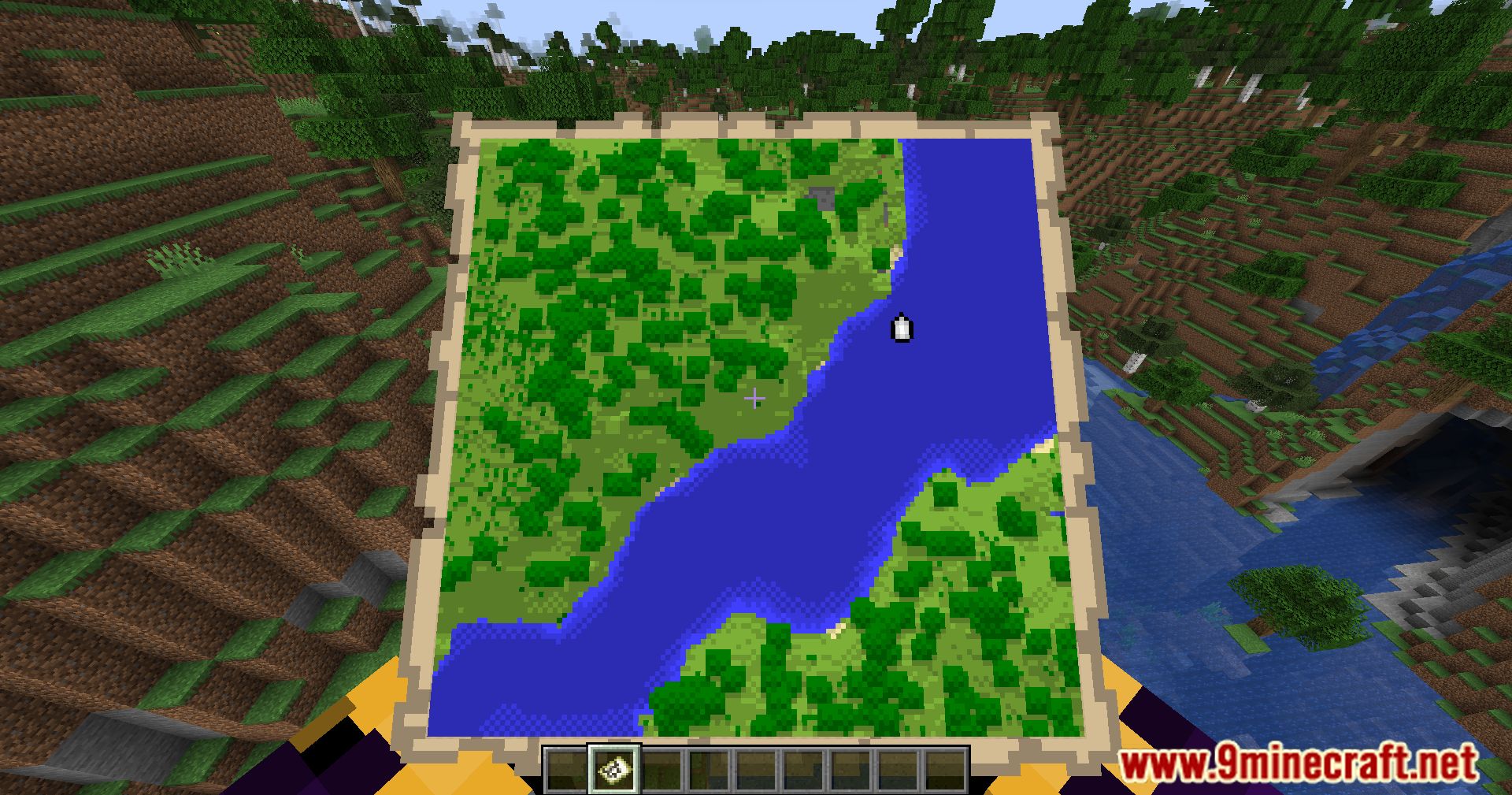
- Allows per-item bobbing control, making it easy to hold a map steadily while exploring.
- Includes a quick hotkey (default: Z) to toggle bobbing for your held item without opening any menu.
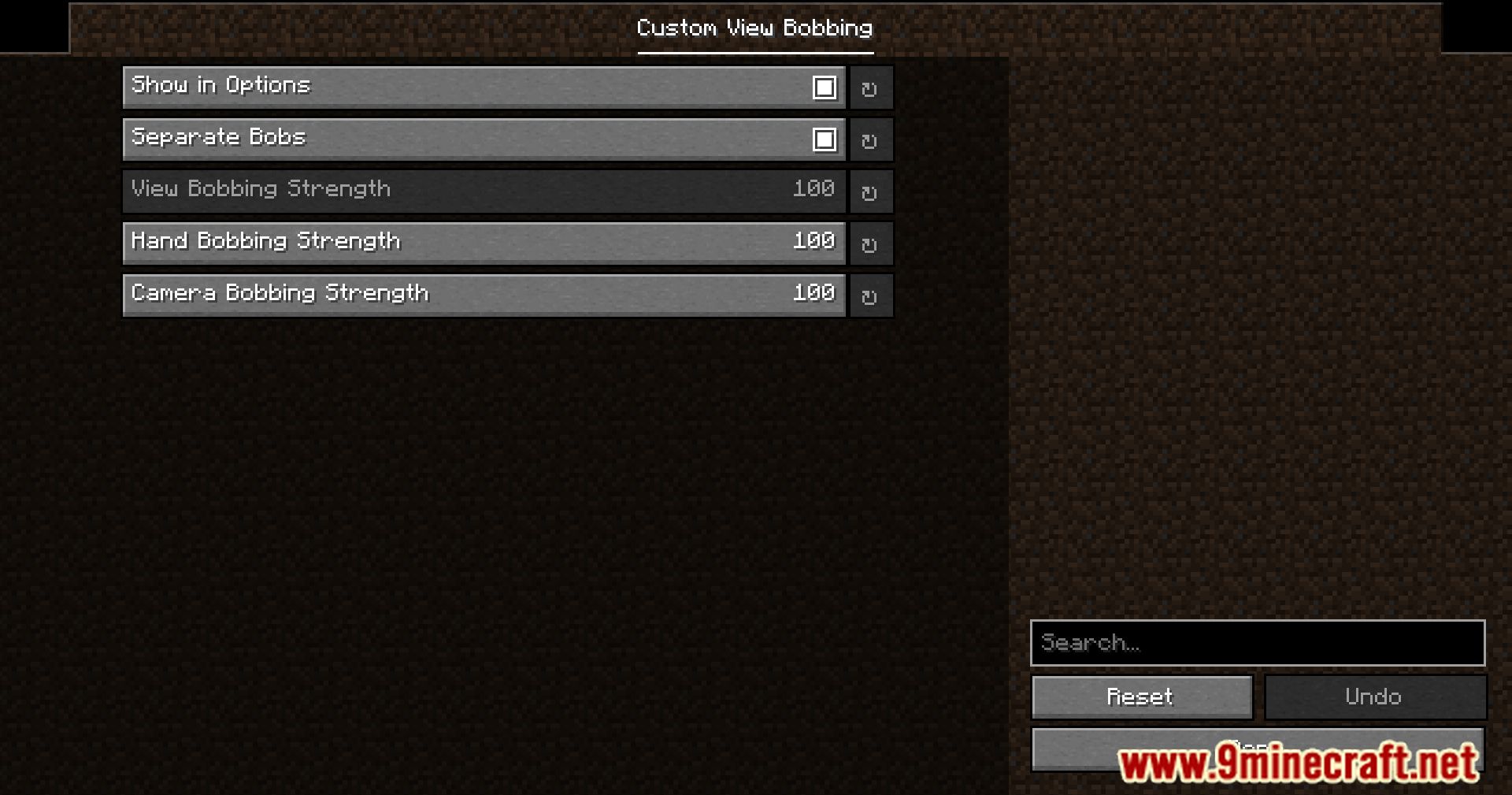
- Provides an in-game settings screen powered by YACL (YetAnotherConfigLib) to change options and save them.
- Runs on the client side only, so you do not need it installed on a server.
How to Use:
- Hold the item you want to keep still, such as a map.
- Press Z to turn bobbing on or off for that held item, so it stops shaking while you walk.
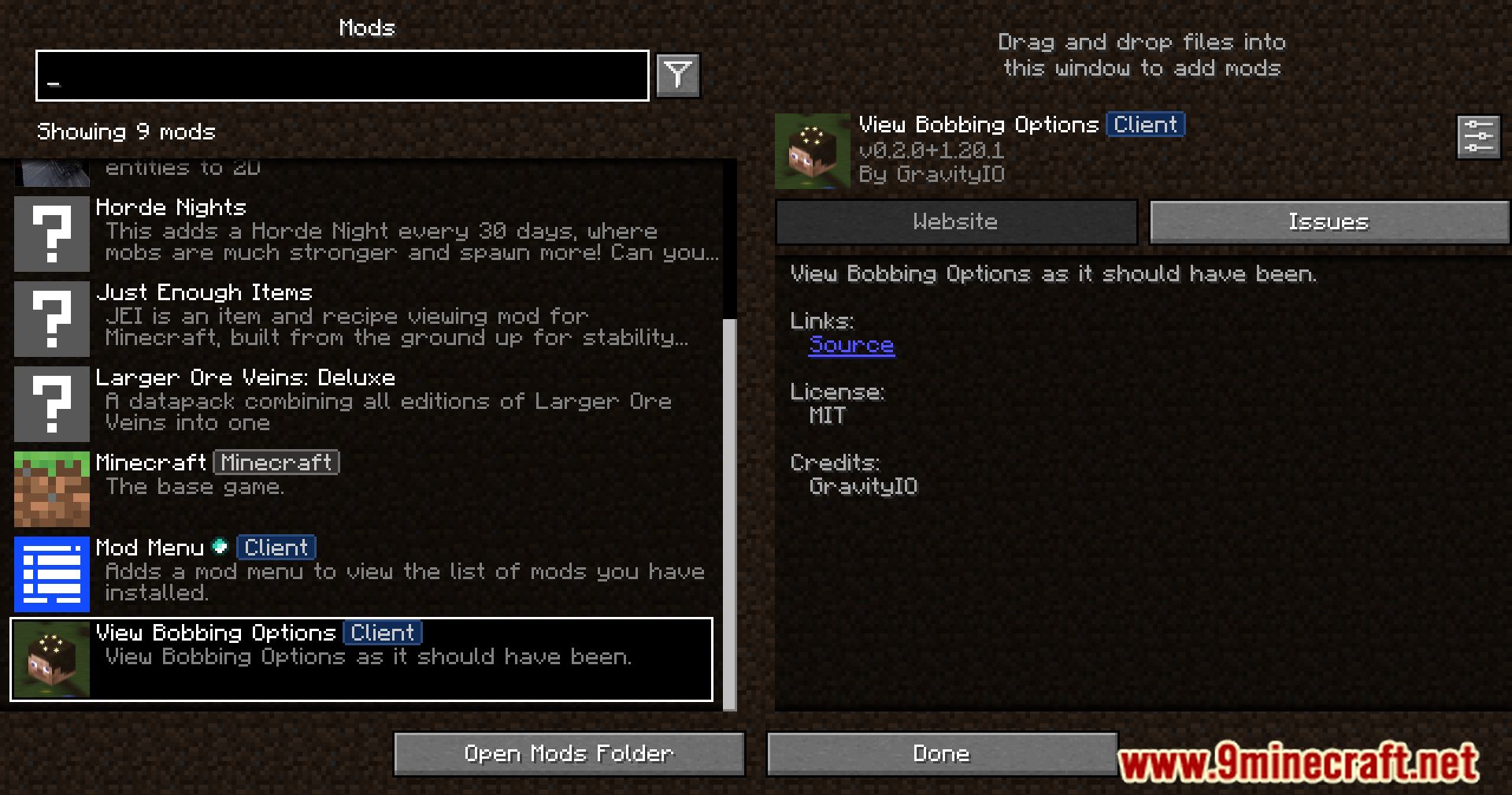
- Open the settings screen in-game through Mod Menu to view all bobbing controls.
- Turn on the separate hand and camera bobbing option to adjust each movement on its own.
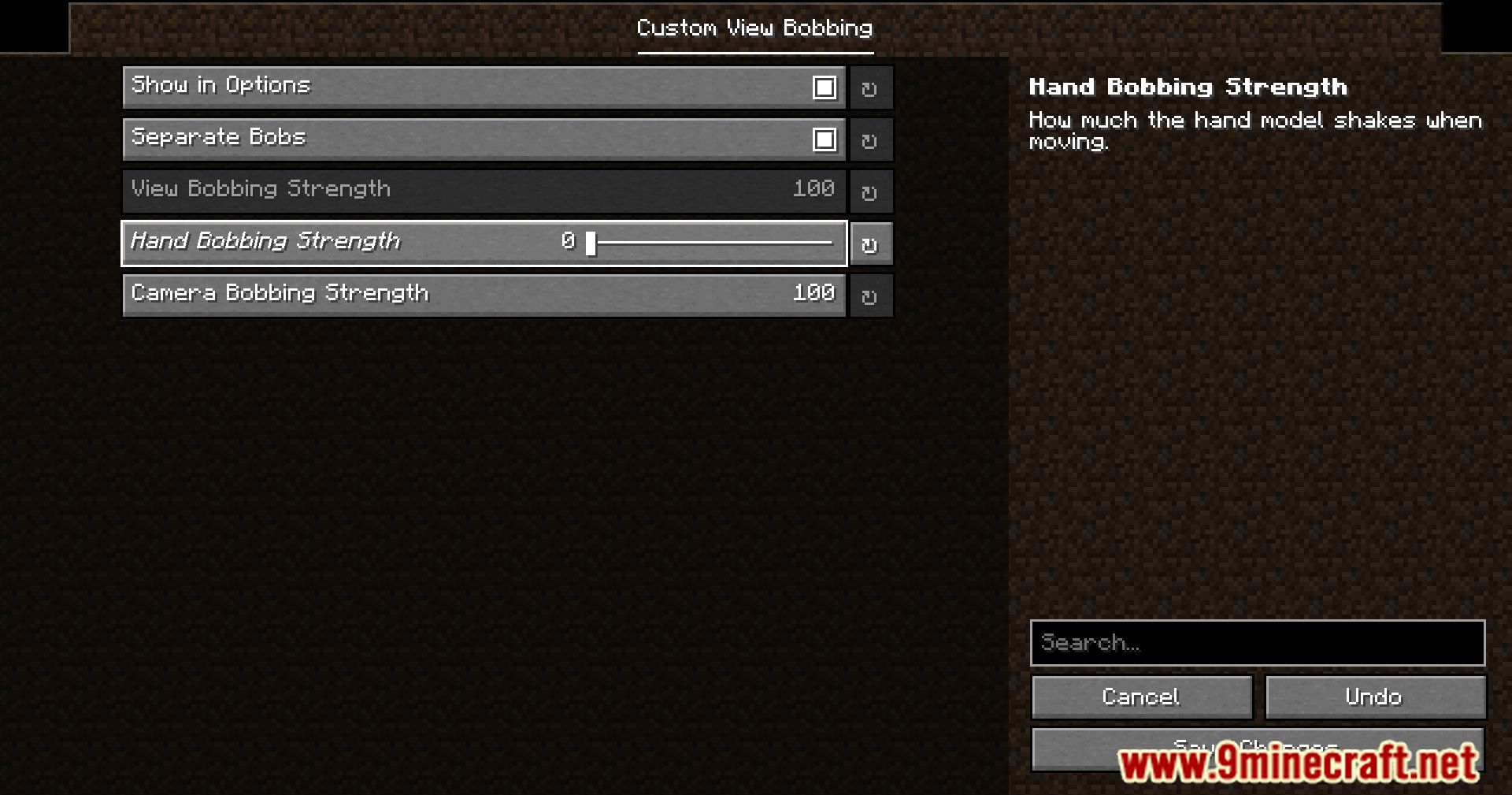
- Drag the camera bobbing strength and hand sway strength sliders to fit your play style, or set them to zero to stop movement.
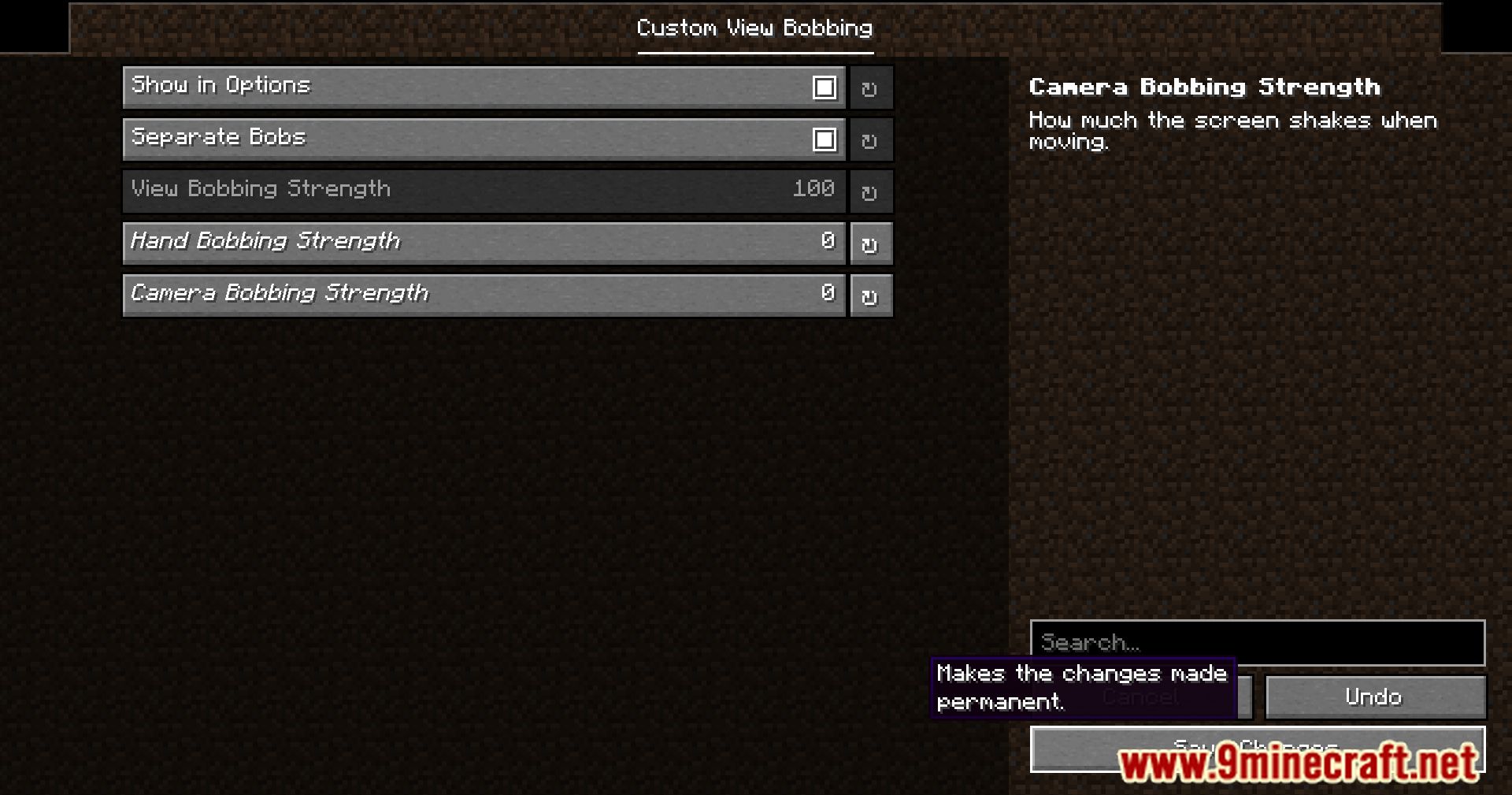
- Use the reset button to restore a slider back to its default value, then save your changes.
Screenshots:
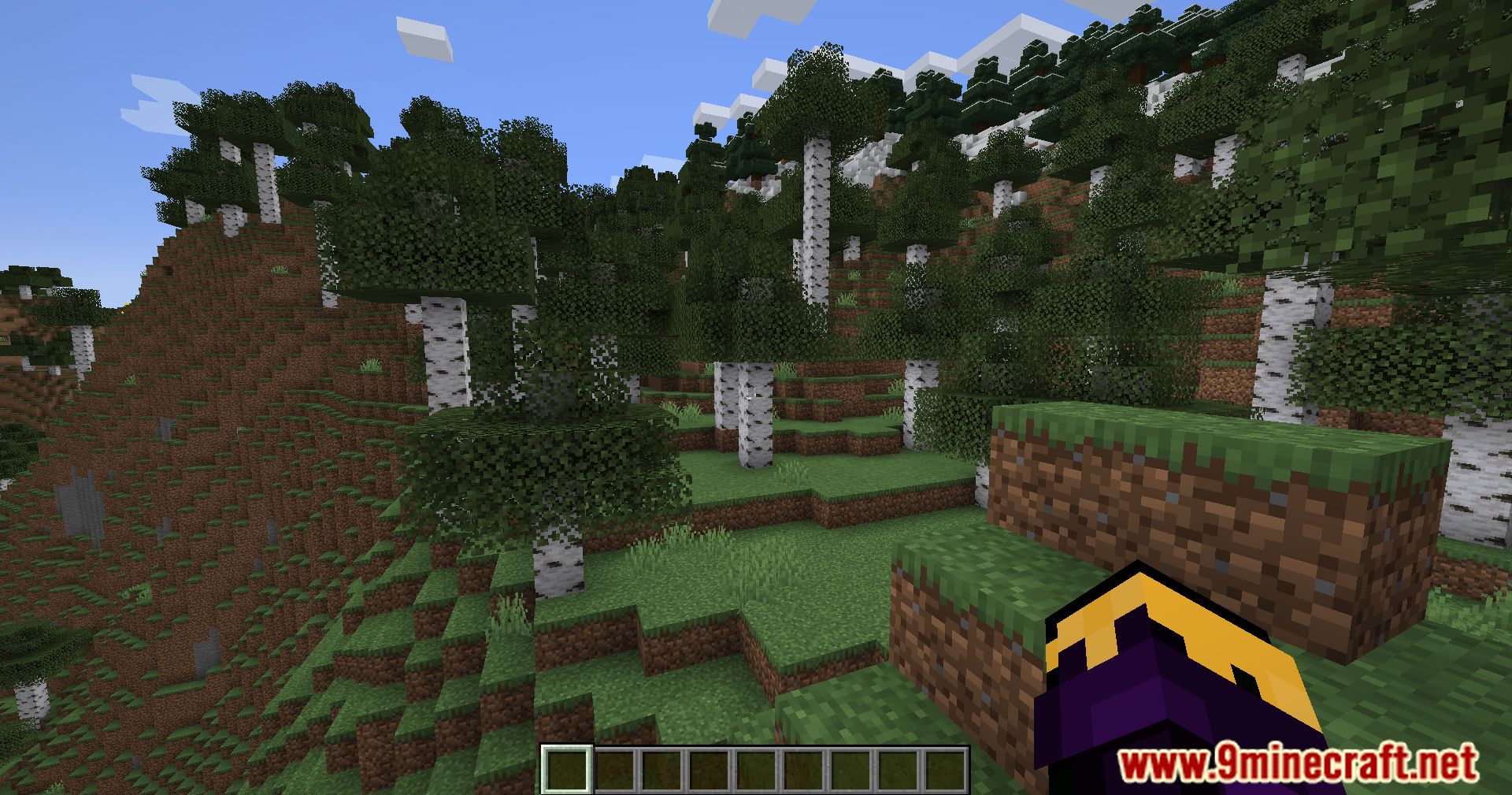
How to Install:
New to Minecraft? Follow our step-by-step guide to install Mods on your PC.View Guide
Requirements:


View Bobbing Options Mod Download Links
For Minecraft 26.1.2, 26.1.1, 26.1
For Minecraft 1.21.11
For Minecraft 1.21.10, 1.21.9
For Minecraft
1.21.8,
1.21.7,
1.21.6
All Versions Covered
1.21.8
1.21.7
1.21.6
1.21.5
All Versions Covered
1.21.8
1.21.7
1.21.6
1.21.5
For Minecraft 1.21.4, 1.21.3, 1.21.2
For Minecraft 1.21.1, 1.21
For Minecraft 1.20.6, 1.20.5
For Minecraft 1.20.4, 1.20.3
For Minecraft 1.20.2, 1.20.1, 1.20
For Minecraft 1.20
For Minecraft 1.19.4
For Minecraft 1.19.3
For Minecraft 1.19.2
For Minecraft 1.19.1, 1.19
Click to rate this post!
[Total: 3 Average: 3]
You May Also Like
Picked for this page
 Sodium Extra Mod (1.21.11, 1.20.1) – Optifine’s Features for Sodium
 Naturally Charged Creepers Mod (26.3, 1.20.1) – Increased Game Difficulty
 Fast Trading Mod (26.3, 1.20.1) – Adds A Quick Trading Button
 Better Hand Bobbing Mod (26.3, 1.20.1) – Personalize Your View
 Diagonal Windows Mod (26.3, 1.20.1) – Place Glass Panes Diagonally with Ease
 Starter Structure Mod (26.3, 1.20.1) – Automatic Starter Base Generator
 CraftGR Mod (26.3, 1.20.1) – Bringing Gensokyo Radio To Minecraft
 Jumpy Boats Mod (26.1.2, 1.20.1) – Never Get Your Boat Stuck Again
 Mc2Discord Mod (26.3, 1.20.1) – Minecraft And Discord Integration
 Increased Rails Recipe Output Mod (26.2, 1.20.1) – Efficient Rail Crafting
 Discontinuous Beacon Beams Mod (26.3, 1.20.1) – A Visual Tweak For Beacons
 Anvian’s Lib Mod (26.3, 1.20.1) – Library for Anvian’s Mods
Most viewed in Mods over the last 7 days
 Ala Industrial Mod (26.3) – Run Electric Power Grids and Automated Factories
 PleasureCraft Mod (26.3, 1.21.1) – Jenny Mod Remake for Fabric
 Jennycraft Mod (26.3, 1.20.1) – Virtual Girlfriend in Minecraft
 Fapcraft Mod (26.3, 1.12.2) – Comprehensive and Detailed Content
 Jenny Mod (Fapcraft) Official Complete Guide – How to use, Tutorial
 BangCraft Mod (1.20.1) – Jenny, Ellie and Elliot
 Fabric Loader (26.3, 1.20.1) – Fabric Installer for All Minecraft Versions
 The Shooting Star Demo Mod (26.3, 1.20.1) – Vaporize Terrain From Orbit
 Meteor Client Mod (26.3, 1.20.1) – Xray, HUD, Fly
 OptiFine HD (26.3, 1.20.1) – Run Faster, FPS Boost, Shaders Support
 Aristois Client Mod (1.21.4, 1.20.1) – World Class Minecraft Utility
 Prestige Client Mod (1.21.11, 1.21.4) – Powerful Ghost Features for Crystal & Sword PvP
More from Mods
 Better Nether 9minecraft Mod (26.3, 26.2) – Survive Forever in the Nether
 BCLib 9minecraft Mod (26.3, 26.2) – Power Custom Nether and End Overhauls
 ForgedLoaderAPI Mod (1.19.2, 1.18.2) – Bring Ported Fabric Creations
 Shield System Mod (1.21.1) – Tank Heavy Monster Hits Without Losing Hearts
 Shin’s Tensura Race Models Mod (1.19.2) – Play As Unique 3D Anime Race
 Offgrid Mod (26.3, 1.20.1) – Furnish Compact Interiors Without Strict Grid
 Tempest Almanac Iron’s Spells ‘n Spellbooks Mod (1.21.1, 1.20.1)
 Chat Guides Mod (26.3, 1.21.11) – Never Memorize Complex Server Commands Again
 TRMT Reimagined the Roads More Travelled Mod (26.3, 1.20.1)
 Morrowless Mod (1.21.1) – Defend Your Shelter From Nightmare Creatures
 THE SLOPSTROSITY Mod (1.21.1) – Battle a Ridiculous Slime Boss
 Decoween Mod (1.21.1, 1.20.1) – Transform Ordinary Survival Bases

This post has no comments yet. Be the first — your comment will appear here.