


The Golden Bell Tower Schematic (1.21.x) – A Grand Stone Monument With A Golden Bell
 0
0
 0
0


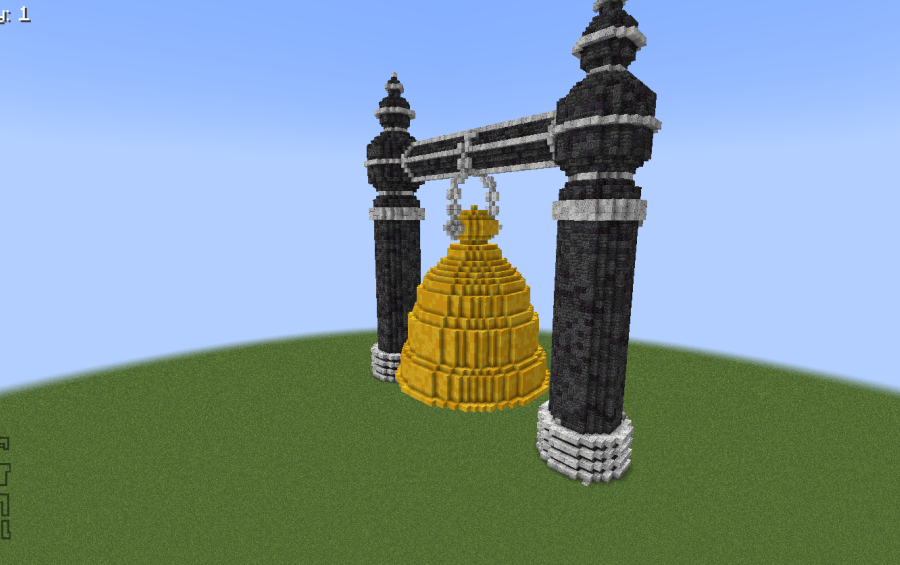
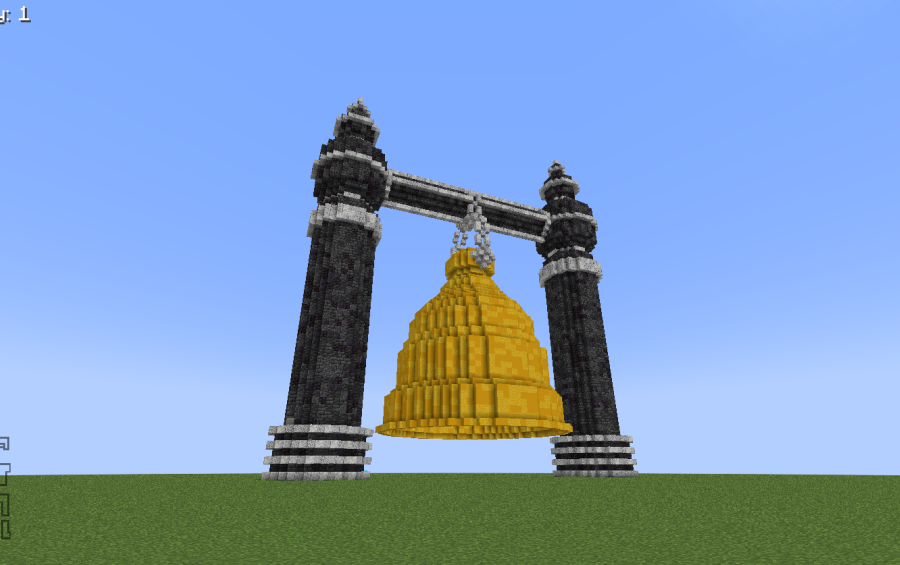
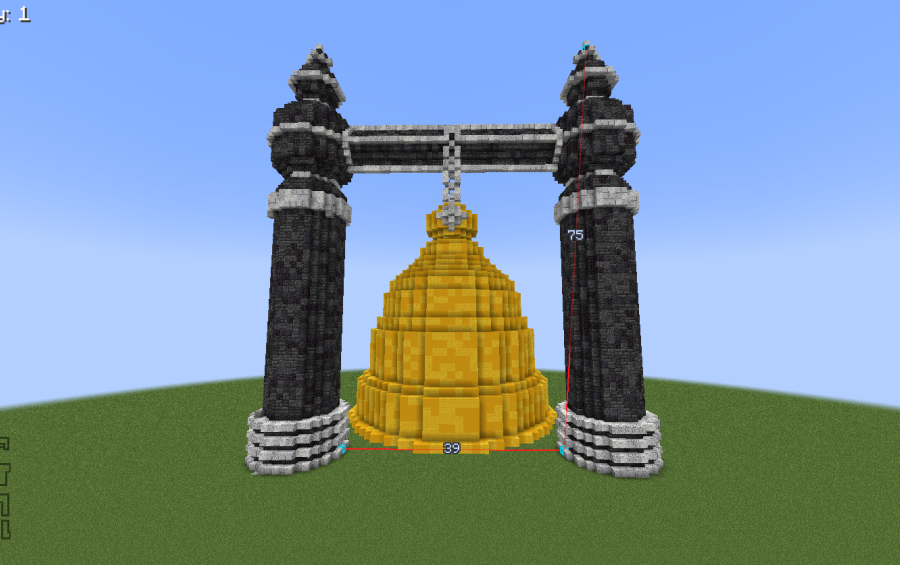
The Golden Bell Tower Schematic adds a massive stone monument to your Minecraft world. It features two tall towers that hold a giant golden bell in the middle. A beautiful stone bridge connects the tops of the towers together. The build includes a grand staircase and a courtyard filled with plants and lanterns. This structure works well as a centerpiece for a city or a temple area. You can use a schematic mod to place this detailed building exactly where you want it.
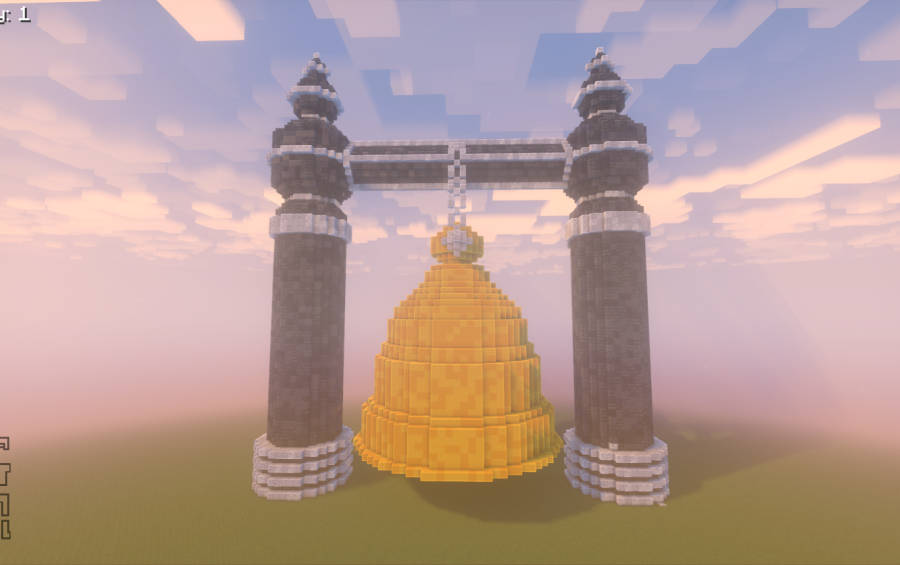
3D Preview:
Features:
- Detailed Stone Towers: Two identical stone towers stand tall with windows and fancy stonework.
- Giant Golden Bell: A large bell made of gold hangs between the towers as the main focus.
- Connecting Bridge: An ornate bridge links the towers at the top for a unique look.
- The build includes a wide stone staircase that leads up to the entrance.
- Greenery and lanterns decorate the courtyard to make the area feel alive.
- The structure uses 11,345 blocks to create a highly detailed appearance.
- It fits into a space of 75 blocks wide, 80 blocks high, and 45 blocks deep.
Schematic Specs:
 Minecraft1.21.x
 Dimensions75×80×45
 Total Blocks11,345
 Top Blocks Used
Yellow Concrete 1,188Yellow Wool 1,148Deepslate Bricks 1,003Cracked Deepslate Tiles 996Polished Deepslate 995
How to Use:
- Download the Litematic file for the build.
- Place the file into your schematics folder in your Minecraft directory.
- Open the schematic placement menu in your game.
- Select the build and position it in a flat area.
- Use the build tool to paste the structure into your world.
Screenshots:
The Golden Bell Tower Schematic Download Links
For Minecraft 1.21.x
Click to rate this post!
[Total: 0 Average: 0]
You May Also Like


This post has no comments yet. Be the first — your comment will appear here.