


Draggable Lists 9minecraft Mod (26.2) – Sort Packs and Servers with Drag and Drop
 13
13
 0
0


🌐 Read this article in your language! Choose your preferred language below.
Or pick the one you like:
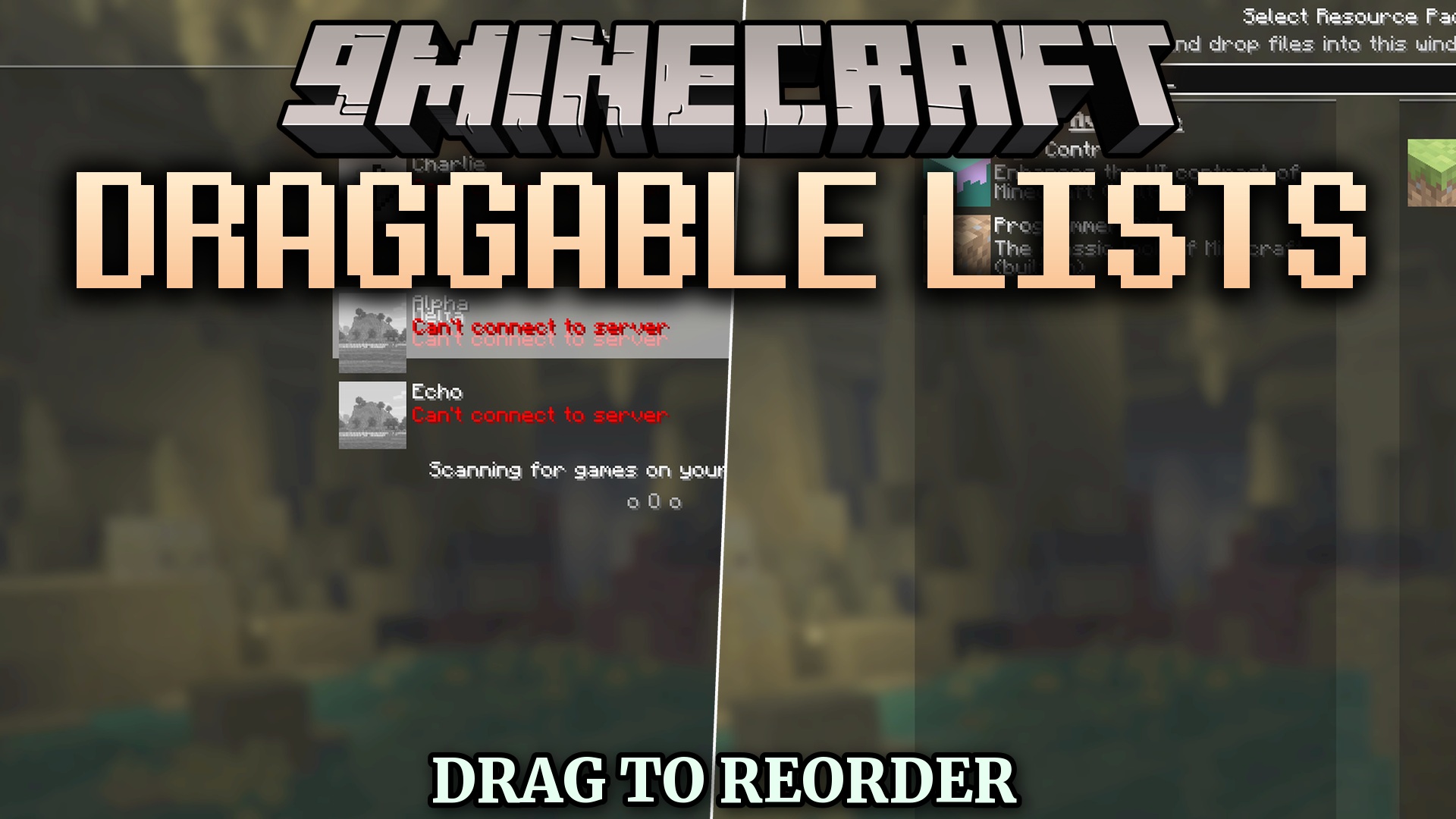
Draggable Lists 9minecraft Mod replaces clumsy arrow buttons with quick drag-and-drop controls for in-game menus. It lets you click, drag, and reorder entries across multiple selection screens without clicking through slow arrows. The mod keeps your interface tidy and applies new list positions right away.
Features:
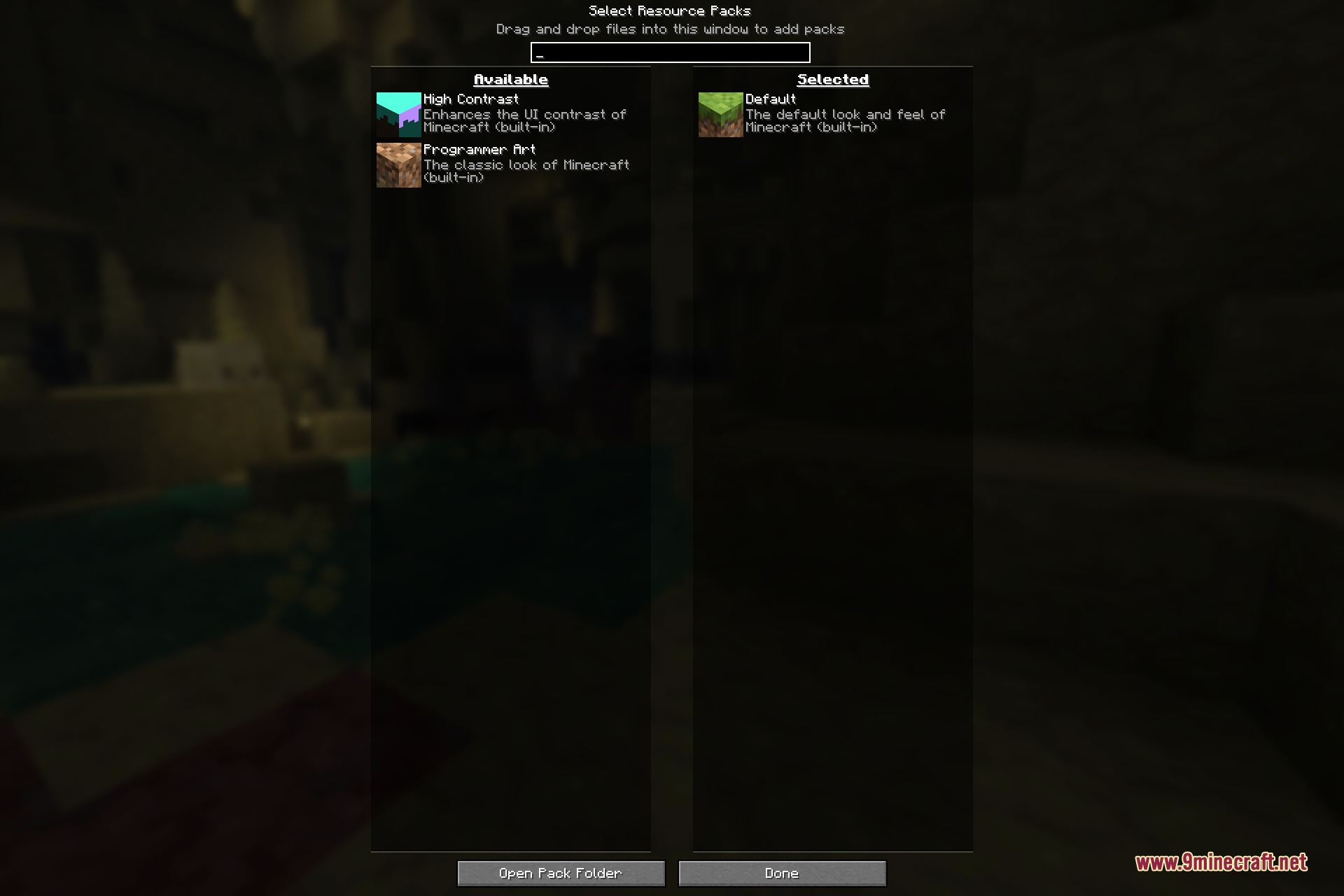
- Drag and drop entries in the Resource Packs screen to change their load order.
- Organize your data pack list when creating a new singleplayer world.
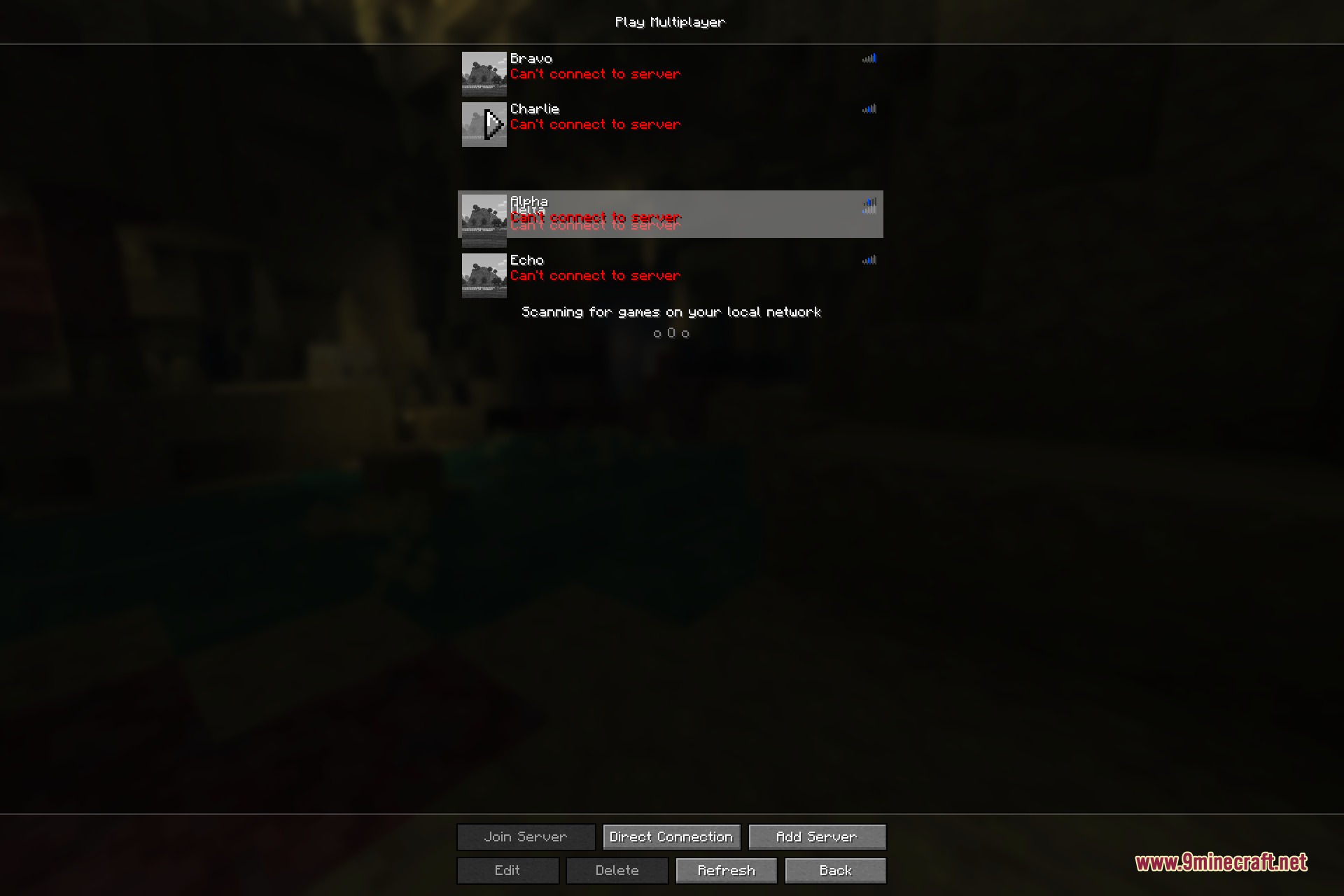
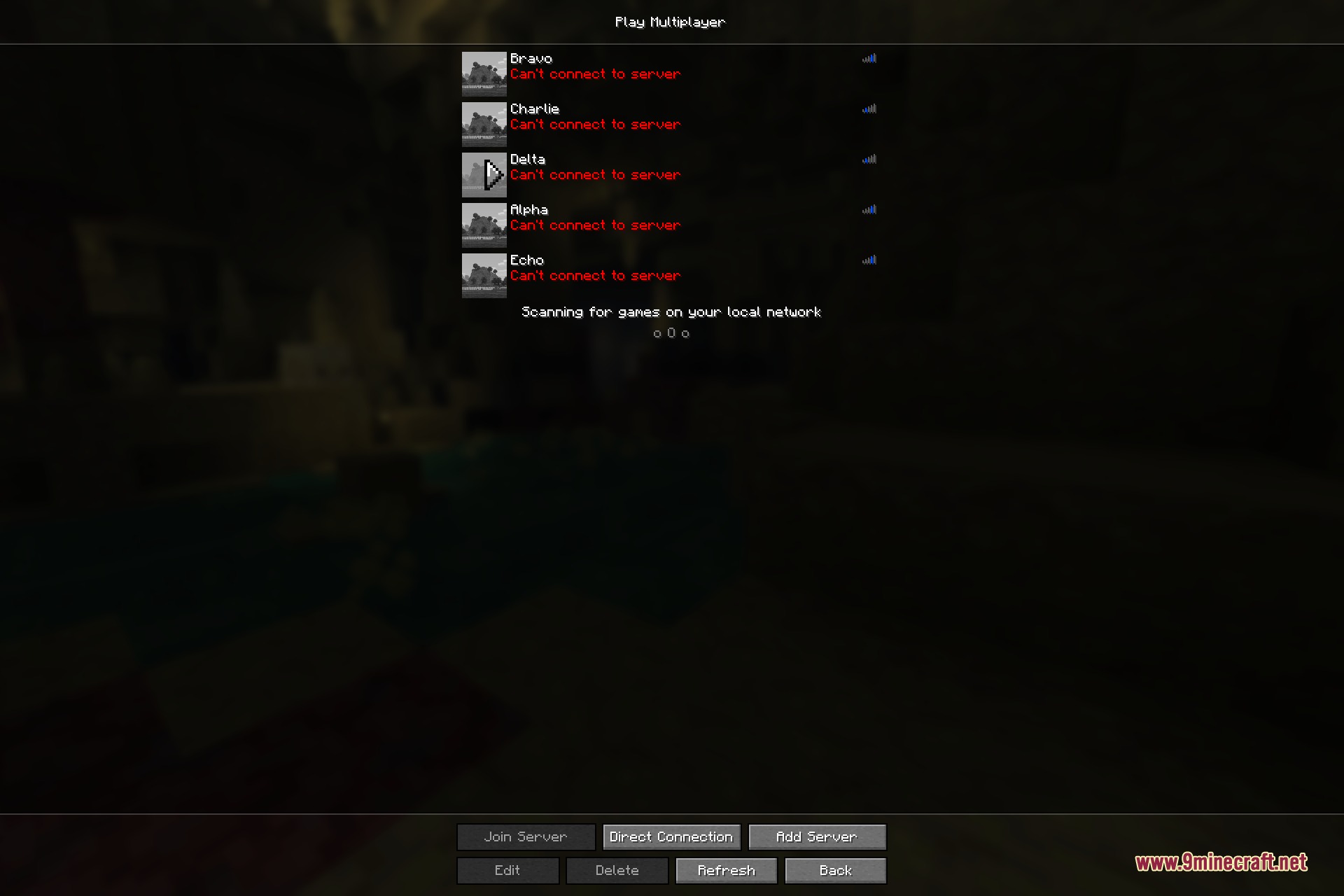
- Move servers up and down freely in your multiplayer server list.
- Rows slide out of the way while dragging to show where your selection will land.
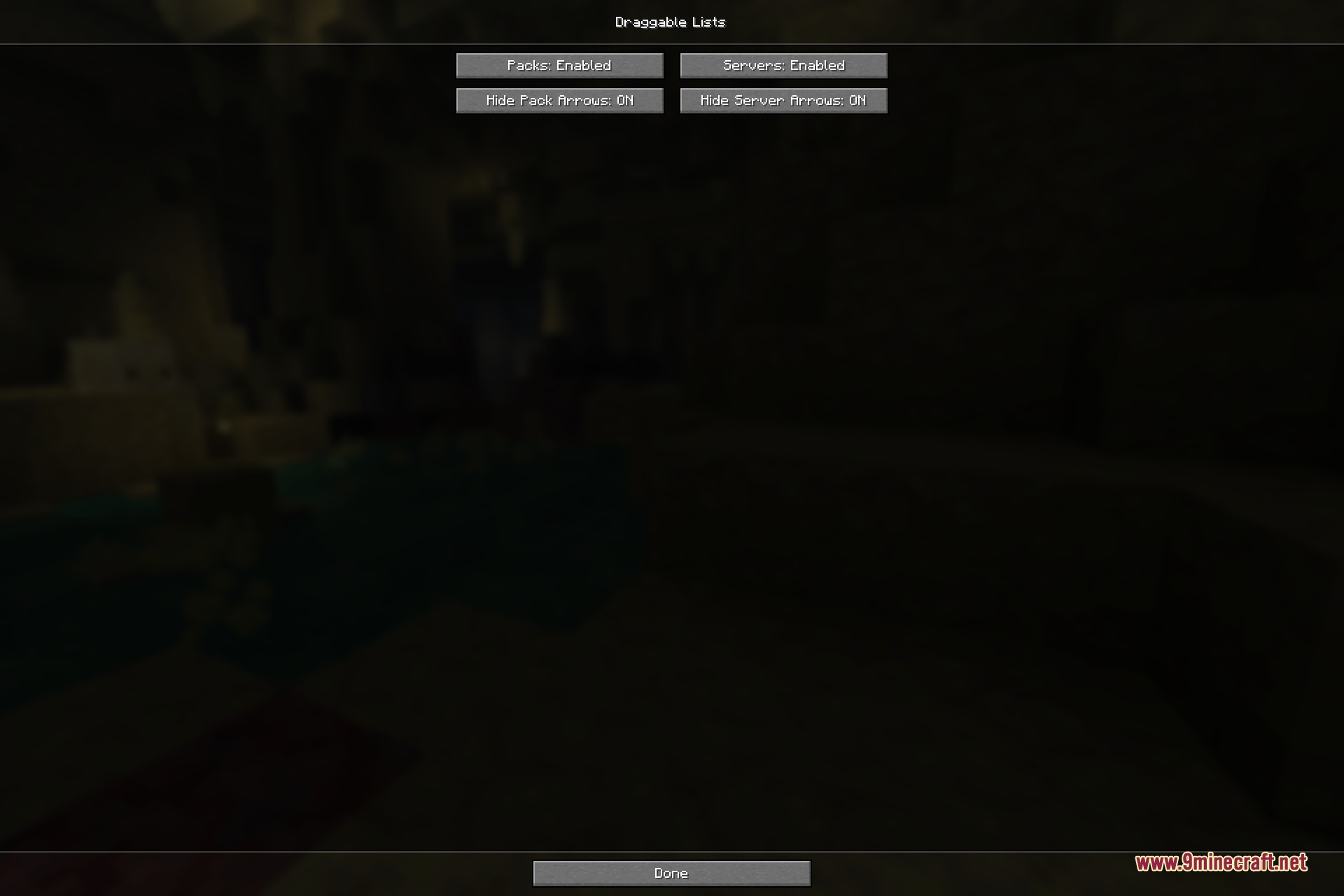
- Hides default vanilla arrow buttons to keep pack icons clear and uncluttered.
- Includes an option to hold Shift while dragging to prevent accidental moves.
- Runs entirely on the client side without adding new items or altering core gameplay.
How to Use:
- Open the Resource Packs menu, the world creation data pack screen, or your multiplayer server list.
- Click and hold the left mouse button on the entry you want to move.
- Drag the entry up or down to your desired spot in the list.
- Release the mouse button to drop the item and save the new list position.
Screenshots:
How to Install:
New to Minecraft? Follow our step-by-step guide to install Mods on your PC.View Guide



Draggable Lists 9minecraft Mod Download Links
For Minecraft 26.2
Click to rate this post!
[Total: 0 Average: 0]
You May Also Like





This post has no comments yet. Be the first — your comment will appear here.