


Pocket Comms Hub Mod (26.2, 1.20.1) – Chat and Run Commands Inside
 0
0
 0
0

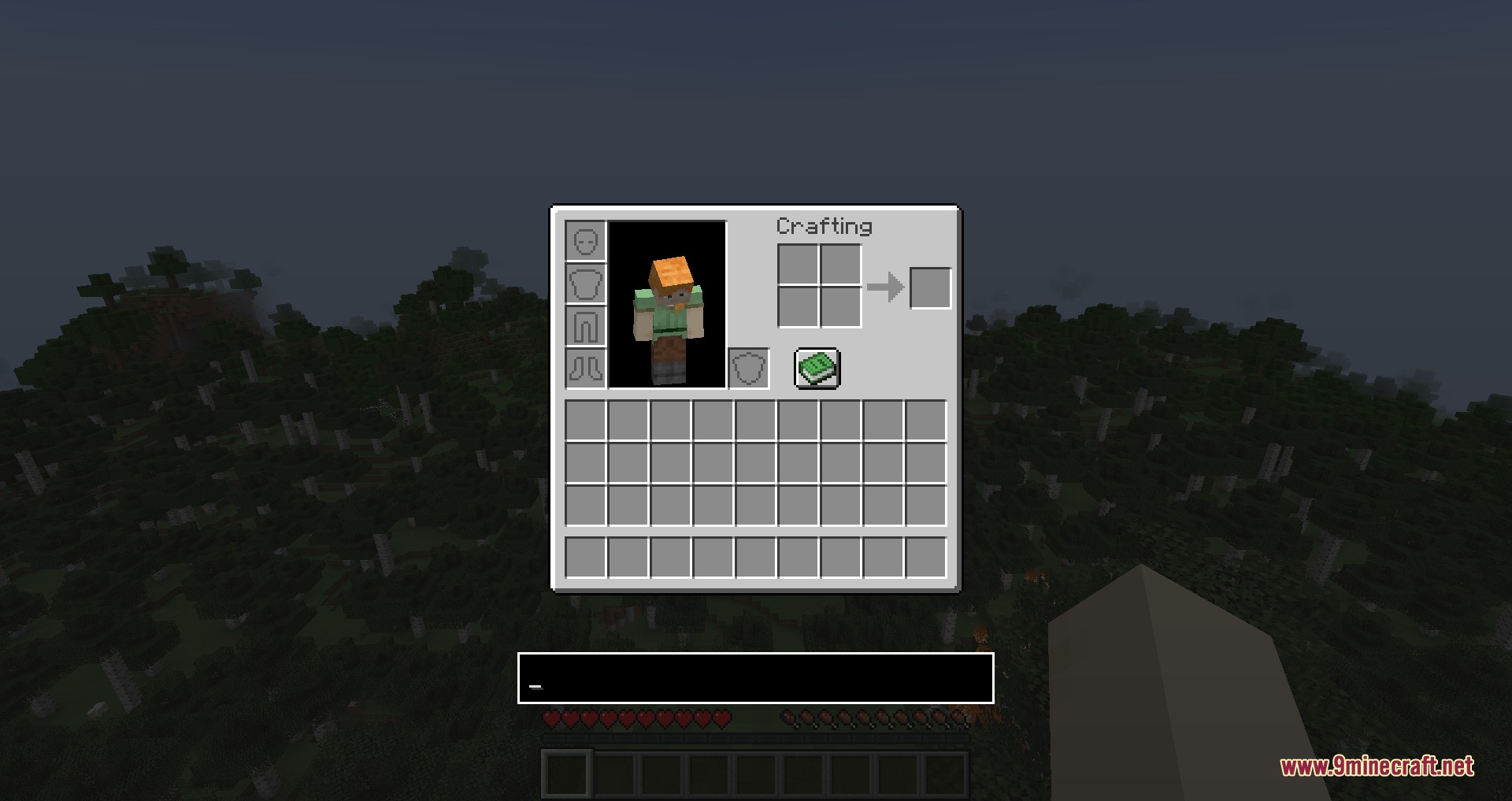
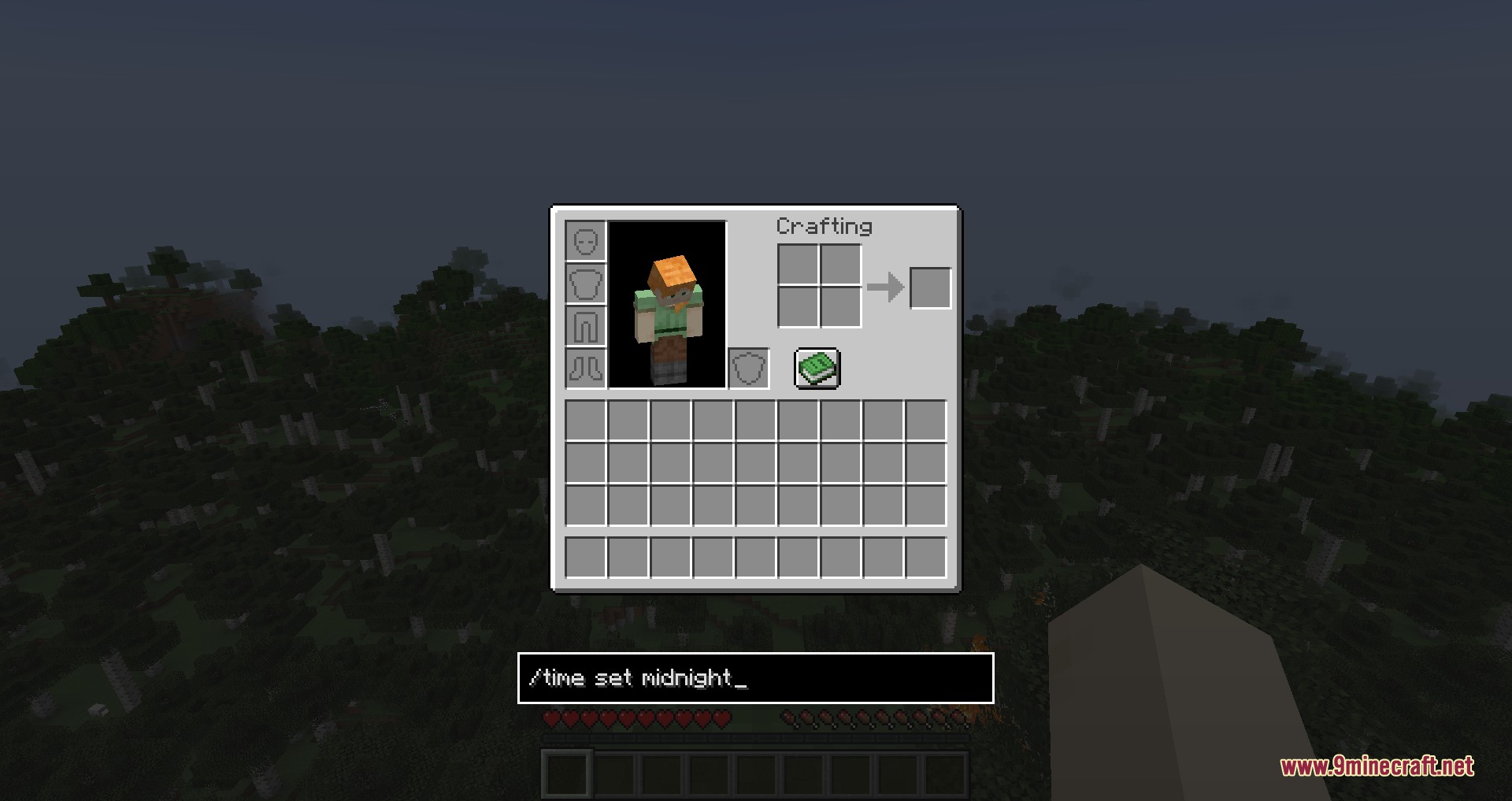
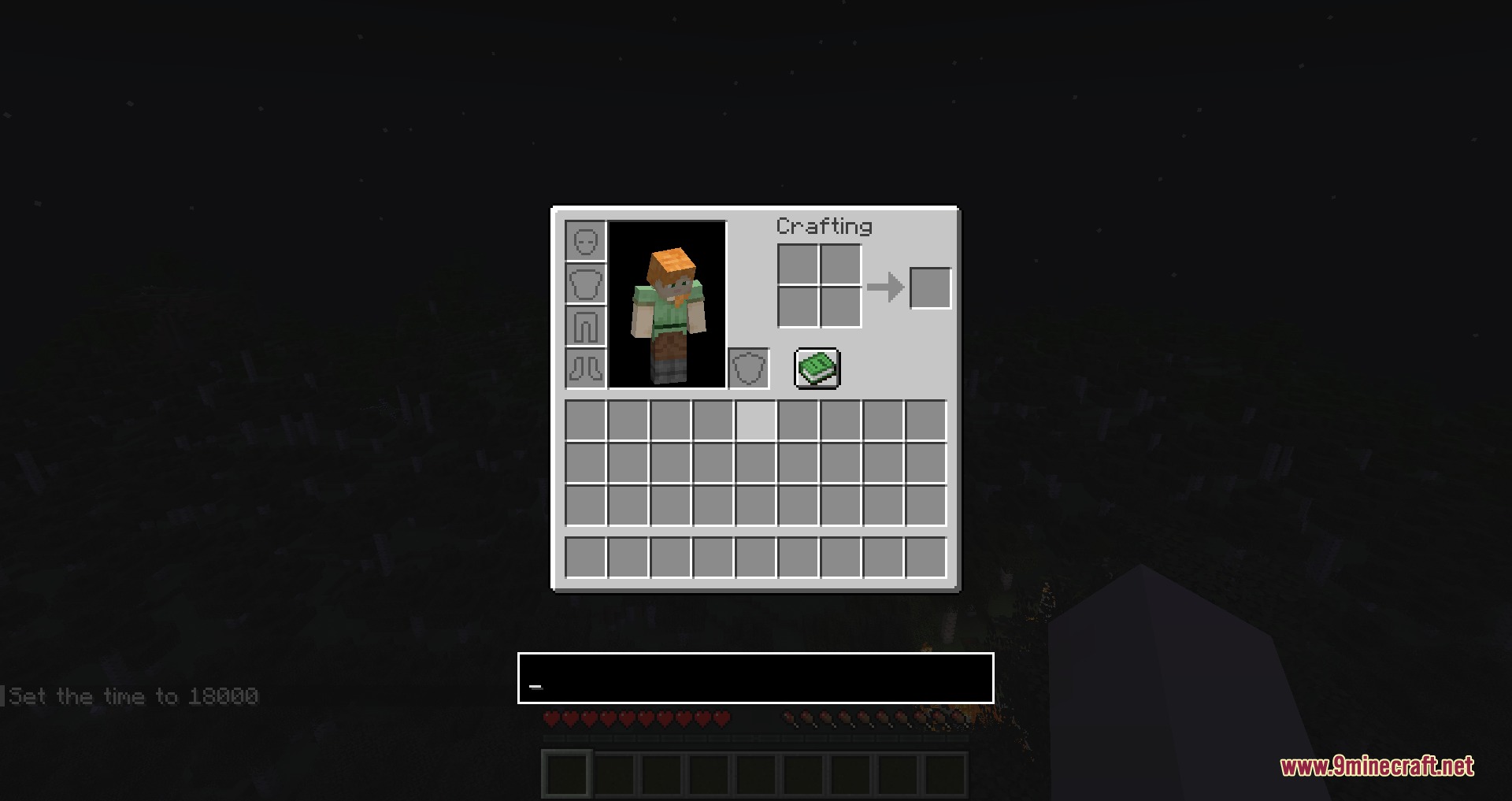
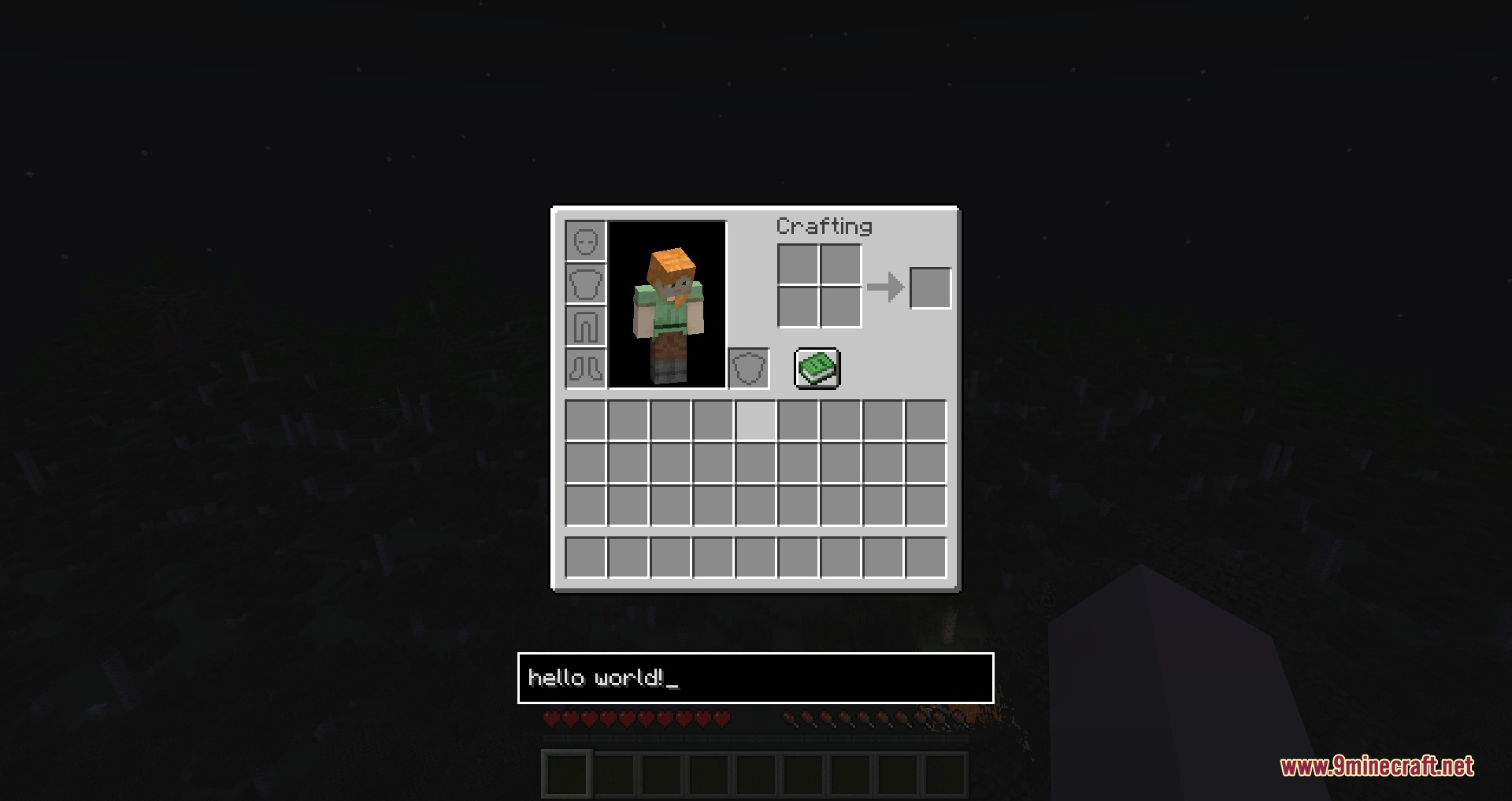
Pocket Comms Hub Mod adds a chat widget directly into your inventory screen. You can type messages to other players or run console commands without having to close your bag. It keeps you connected to server chat while sorting items or crafting gear. The text box can also be moved anywhere on your screen to match your favorite menu layout.

Features:
- Lets you send chat messages directly while looking through your items.
- Allows you to run slash commands without closing the inventory menu.
- Adds a toggleable text box widget right below your storage slots.
- Includes custom offset settings to adjust the exact position of the text box.
Configuration:
Enable InvChat: turns the chat widget on or off.Anchor Below Inventory: locks the text widget directly beneath the main item menu.X Offset: changes the horizontal alignment of the text widget on your screen.Y Offset: adjusts the vertical position of the text widget.
How to Use:
- Open your inventory screen.
- Press Tab on your keyboard to focus the text box.
- Type your message or command into the input field.
- Press Enter to send your text to the chat or execute the command.
Screenshots:
How to Install:
New to Minecraft? Follow our step-by-step guide to install Mods on your PC.View Guide
Requirements:


Pocket Comms Hub Mod Download Links
For Minecraft 26.2
For Minecraft 26.1.2, 26.1.1, 26.1
For Minecraft 1.21.11
For Minecraft 1.21.10, 1.21.9
For Minecraft 1.21.8, 1.21.7, 1.21.6
For Minecraft 1.21.5
For Minecraft 1.21.4
For Minecraft 1.21.1, 1.21
For Minecraft 1.20.1, 1.20
For Minecraft 1.18.2
For Minecraft 1.16.5
Click to rate this post!
[Total: 0 Average: 0]
You May Also Like








This post has no comments yet. Be the first — your comment will appear here.