


Interactic 9minecraft Mod (26.2) – Pick Up Dropped Items Directly and Throw Weapons
 17
17
 0
0


🌐 Read this article in your language! Choose your preferred language below.
Or pick the one you like:
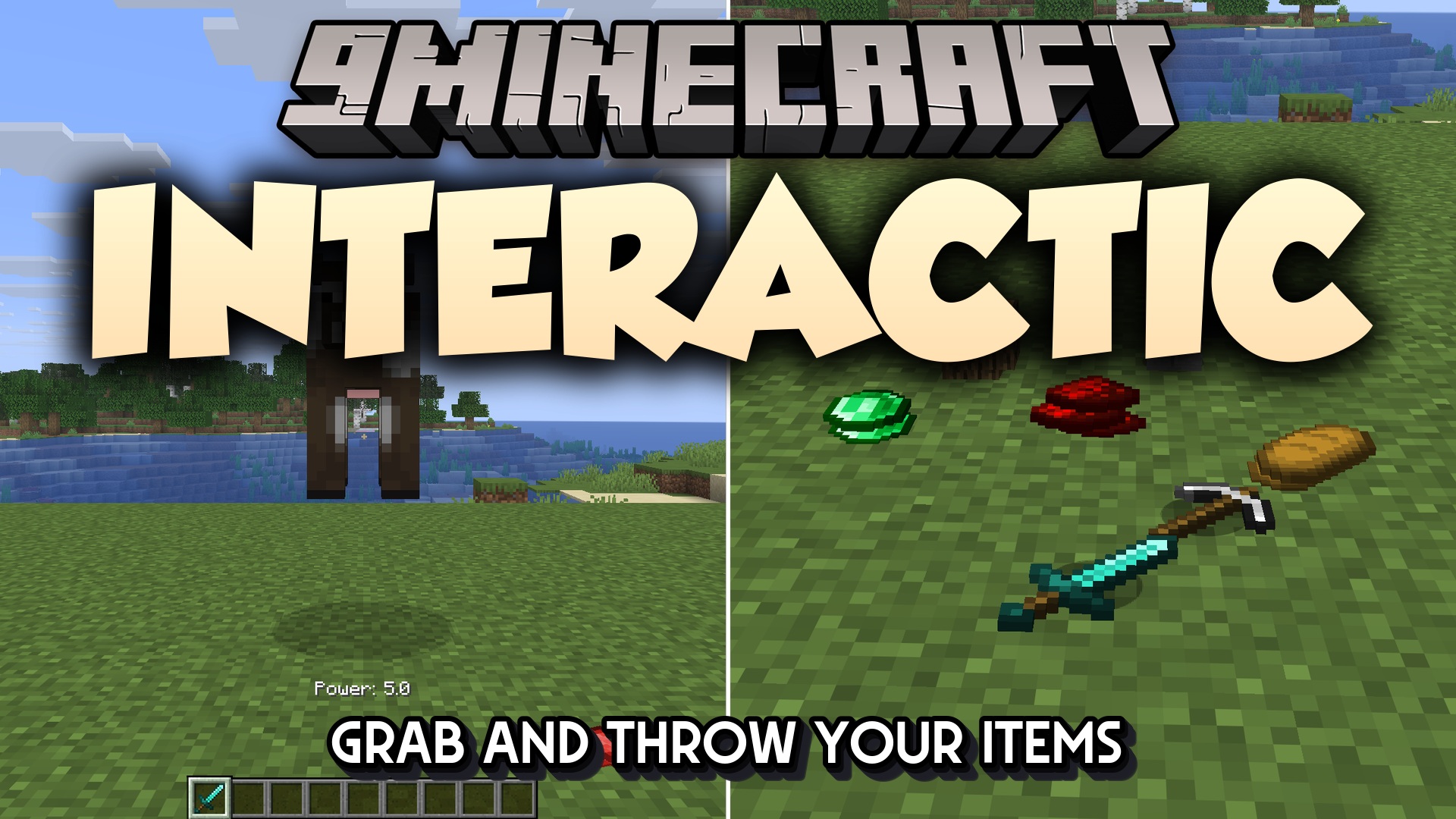
Interactic 9minecraft Mod reworks how you interact with dropped items on the ground. You can pick up individual items by right-clicking them from a few blocks away instead of running over every single one. Items lie flat where they land and pile up neatly, and looking at one shows its tooltip under your crosshair before you take it. Hold the drop key and an item becomes a real projectile that damages whatever it hits, while a craftable Item Filter decides exactly what your inventory is allowed to collect.
Features:
- Right-click any item on the ground to pick it up from a few blocks away.
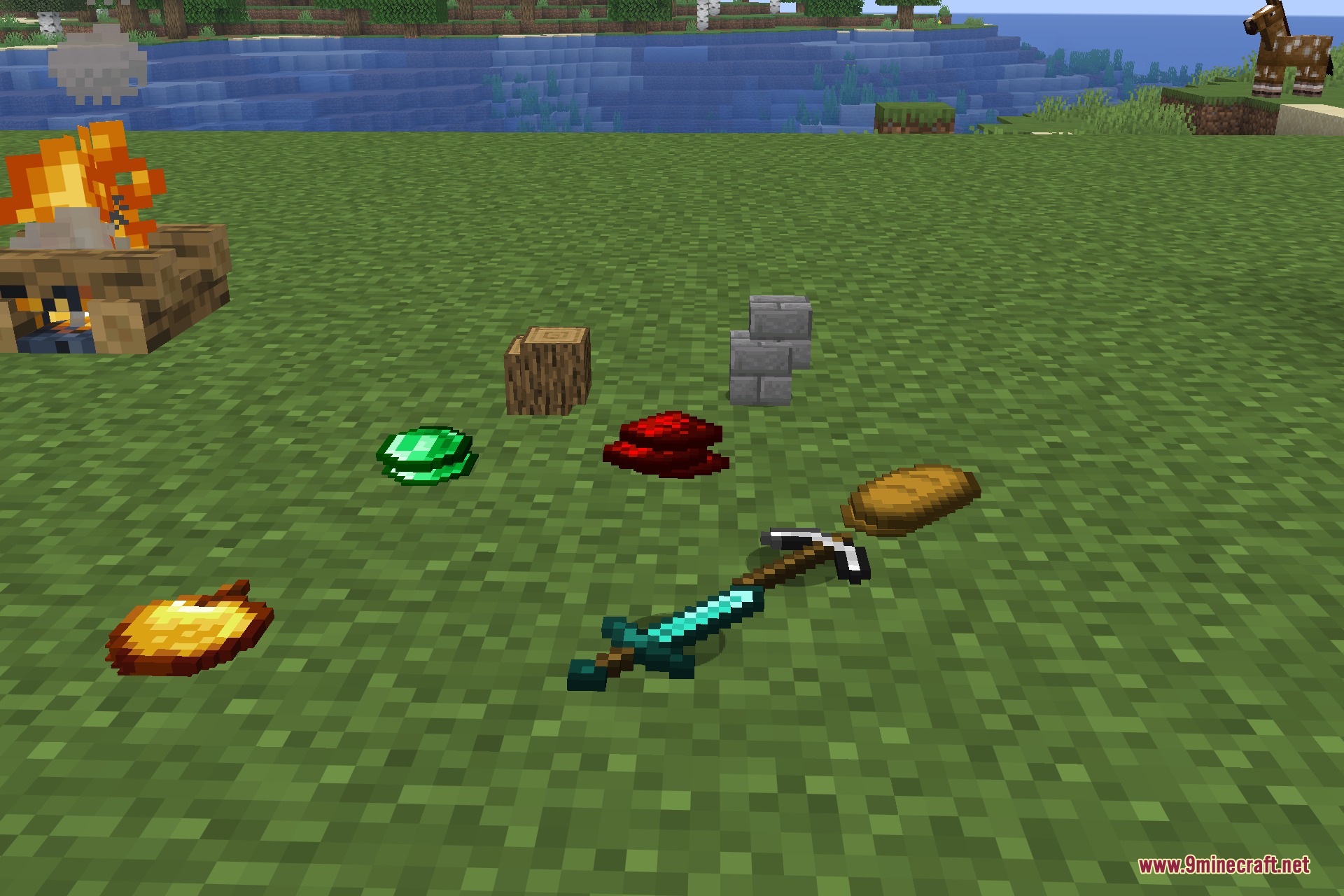
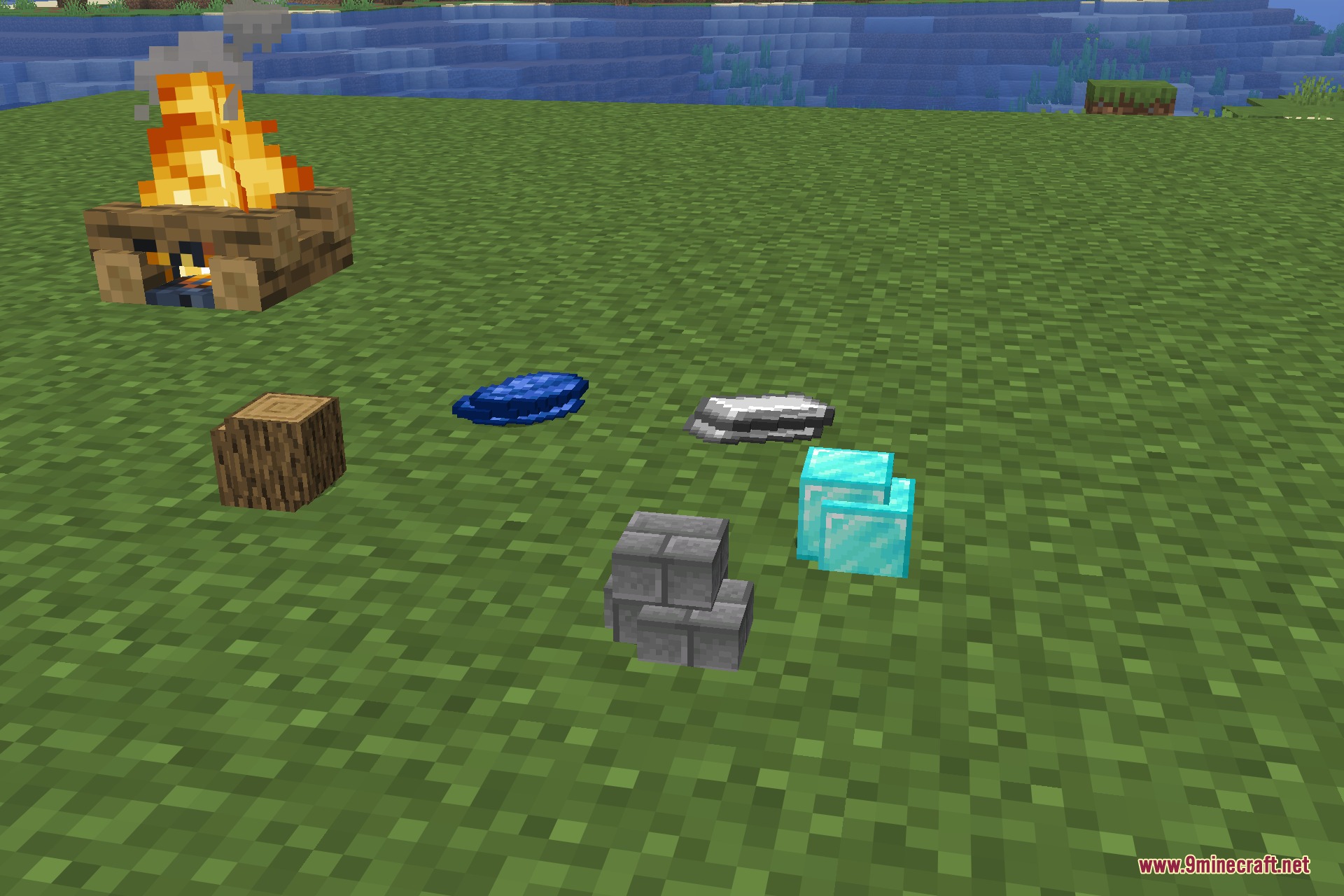
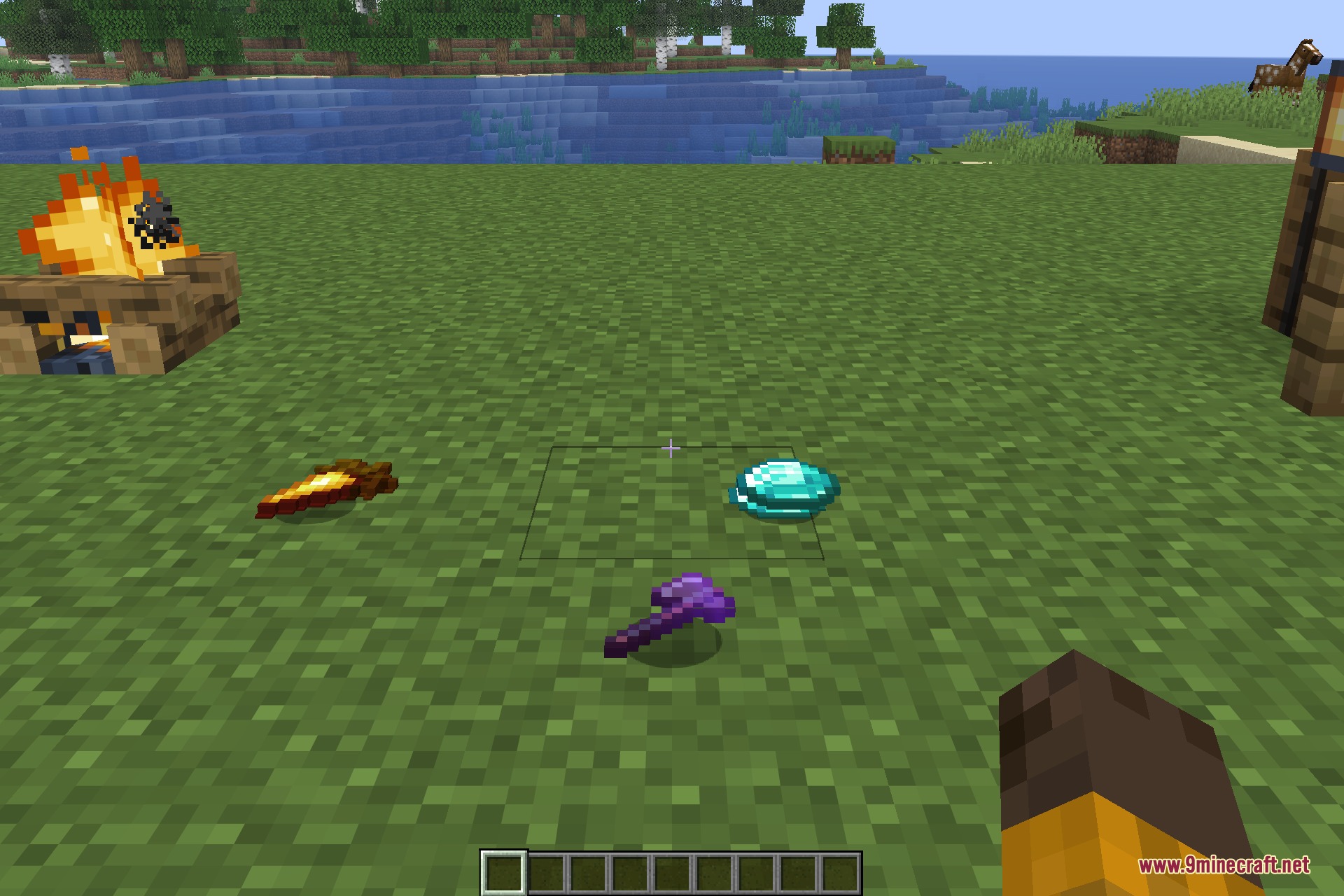
- Dropped items lie flat on the floor and stack into tidy piles instead of bobbing upright.
- Larger stacks show more copies of the item, so a pile of 48 looks different from a single drop.
- The tooltip of the item you are looking at appears right under the crosshair, with its full stats.
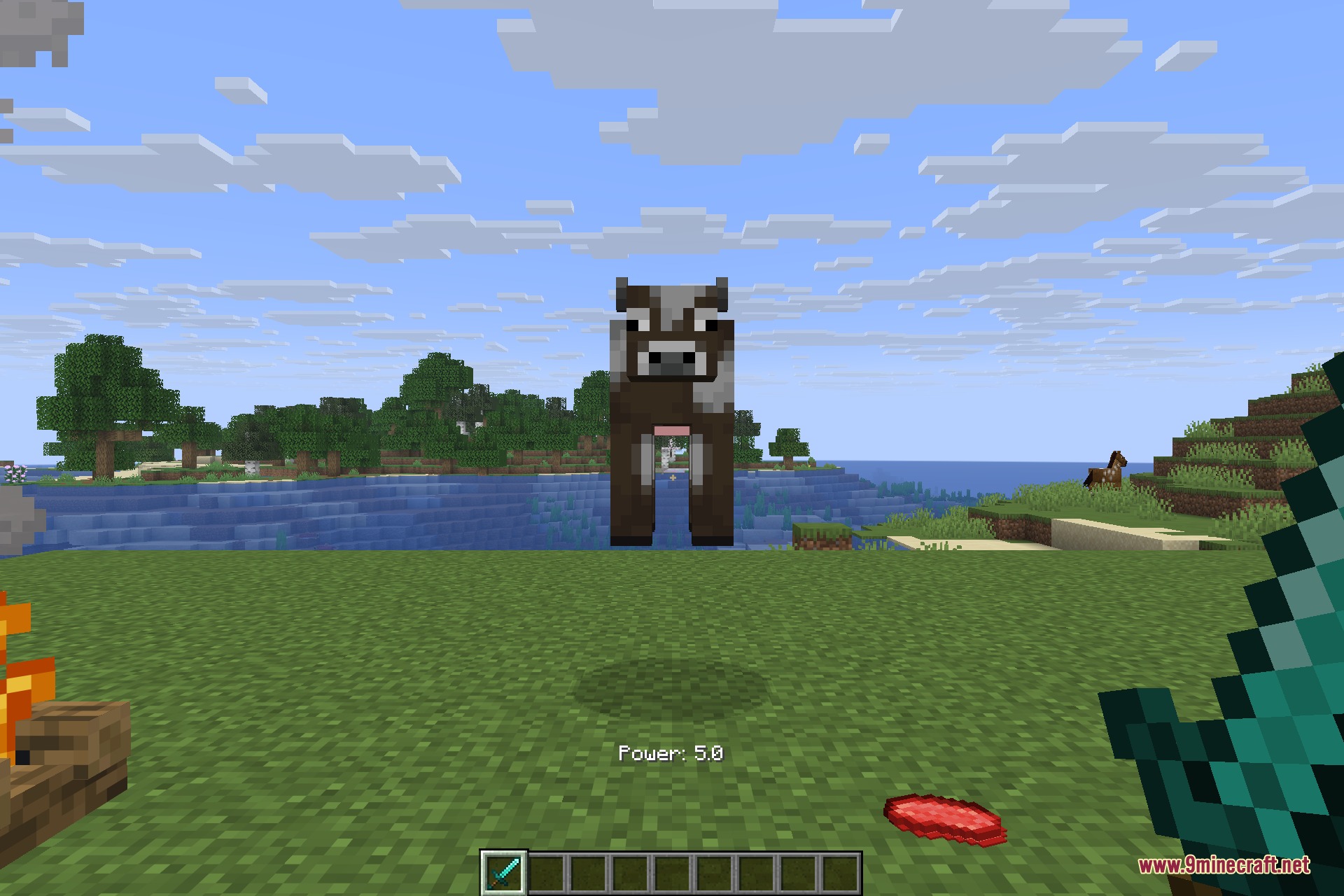
- Hold the drop key to charge a throw – the longer you hold, the harder the item flies.
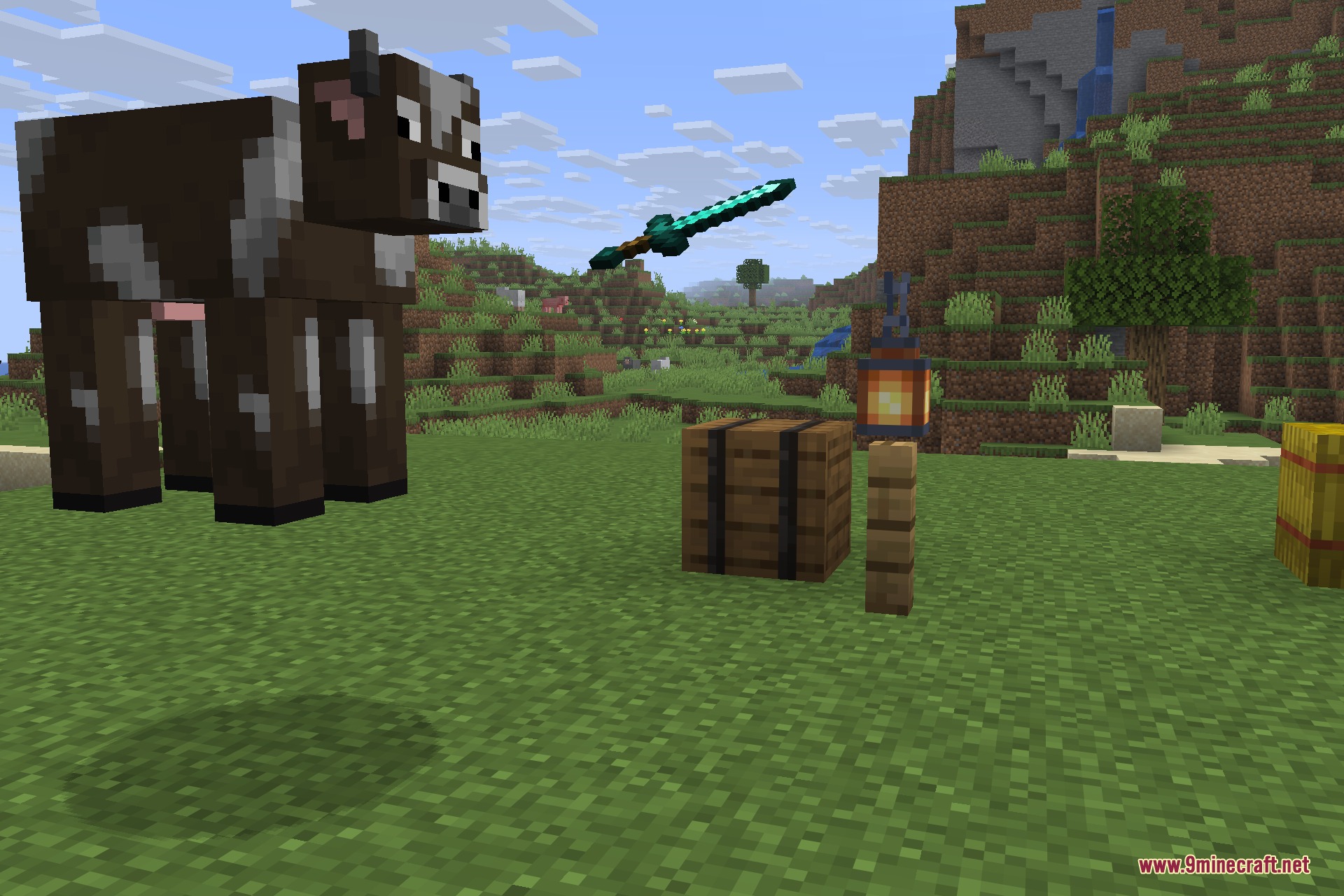
- Thrown swords, axes, pickaxes and shovels act as projectiles and deal their own attack damage.
- Unique death messages name the exact tool that landed the final hit.
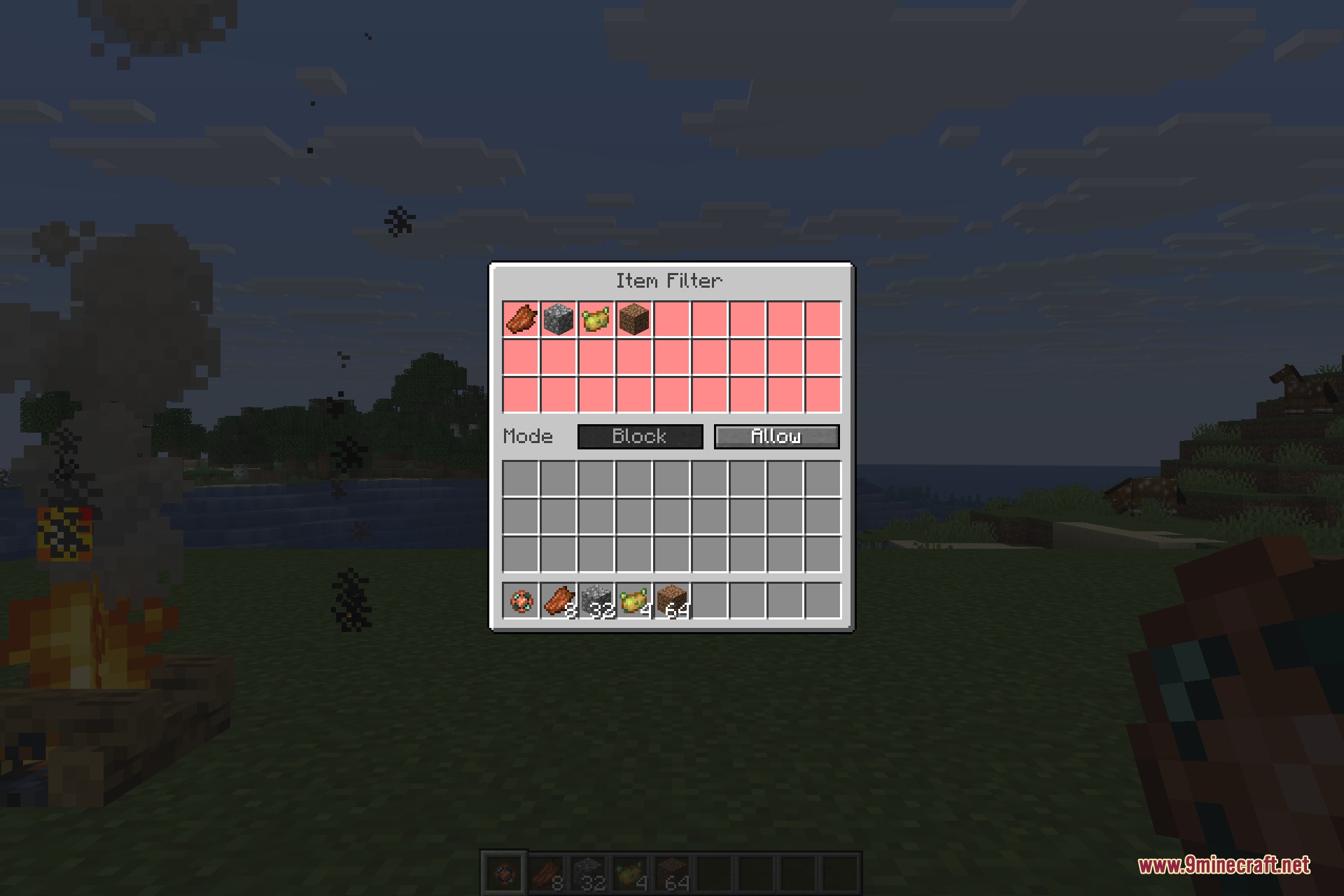
- Craft an Item Filter and choose which items are never picked up automatically, or invert it so only listed items are.
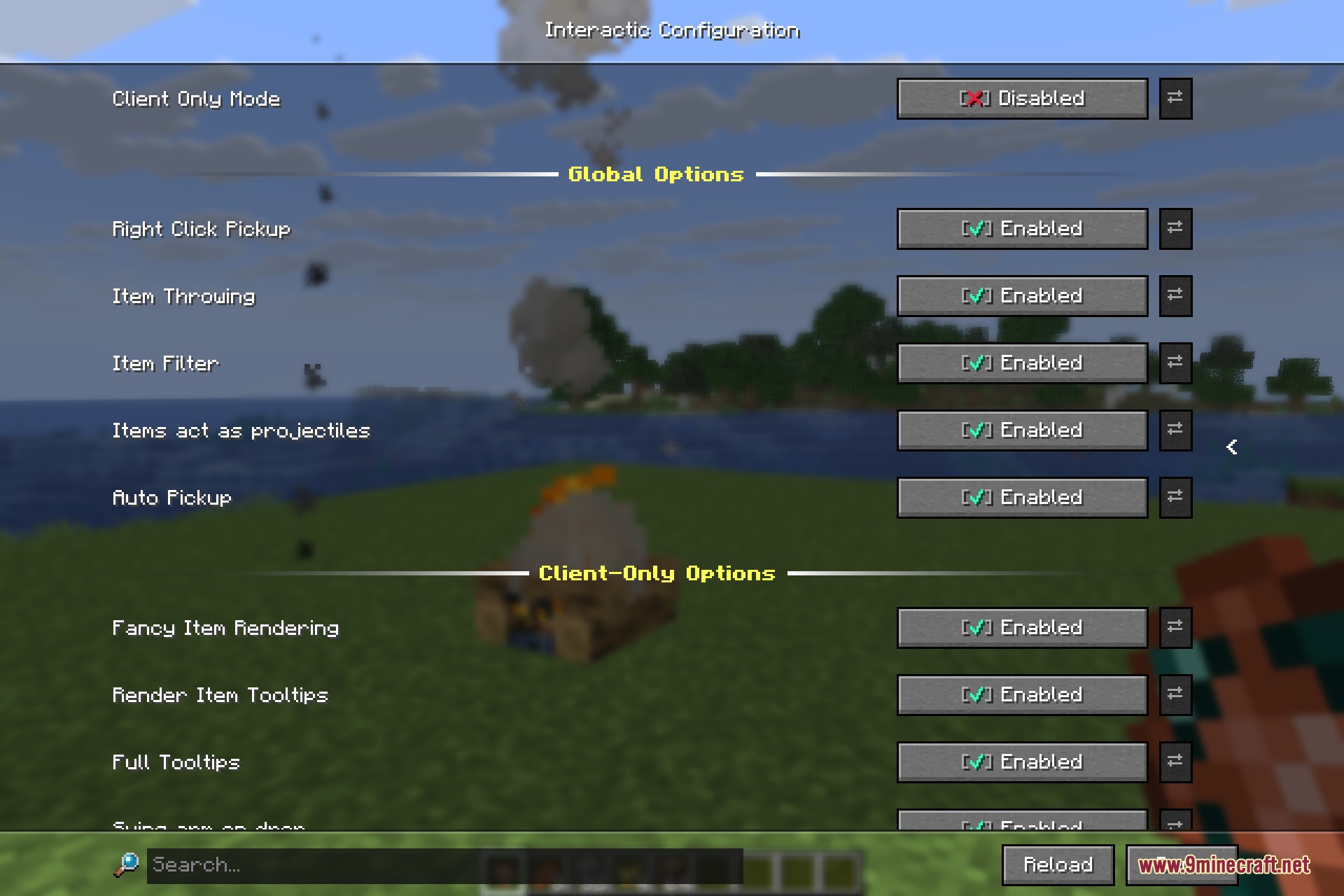
- Every mechanic can be switched on or off separately in the settings screen.
How to Use:
- Pick up an item: look at it and right-click – you do not have to walk over it. The tooltip under the crosshair tells you what it is first.
- Throw an item: hold the drop key. A power value appears above the hotbar as it charges; let go to throw. The higher the power, the further and harder the item flies.
- Drop normally: sneak while pressing the drop key for the plain vanilla drop, or hold the control key to throw the whole stack at once.
- Craft the Item Filter: four copper ingots around one ender pearl.
- Set the filter: right-click the Item Filter to open its screen, then click items from your inventory into the grid at the top. Block mode ignores everything in the grid, Allow mode collects only what is in it. Sneak and right-click the filter to switch it off without clearing it.
Configuration:
All options live in the mod settings screen and can be changed while you play:
| Client Only Mode | Keeps only the visuals and tooltips, turning off everything that touches the server. |
| Right Click Pickup | Picking up items with a right-click. |
| Auto Pickup | Collecting items by walking over them. |
| Item Filter | The Item Filter item and its screen. |
| Item Throwing | Charging a throw by holding the drop key. |
| Items act as projectiles | Thrown items dealing damage on impact. |
| Fancy Item Rendering | Items lying flat and stacking on the ground. |
| Blocks lay flat | Block drops resting flat instead of tilting. |
| Render Item Tooltips | The tooltip under the crosshair. |
| Full Tooltips | Showing the complete tooltip instead of just the name. |
| Swing arm on drop | The arm swing animation when an item leaves your hand. |
Screenshots:
How to Install:
New to Minecraft? Follow our step-by-step guide to install Mods on your PC.View Guide



Interactic 9minecraft Mod Download Links
For Minecraft 26.2
Click to rate this post!
[Total: 0 Average: 0]
You May Also Like




This post has no comments yet. Be the first — your comment will appear here.