


Kinbound Soulmates Mod (26.2, 1.20.1) – Explore Survival Worlds with Loyal
 6
6
 0
0

🌐 Read this article in your language! Choose your preferred language below.
Or pick the one you like:
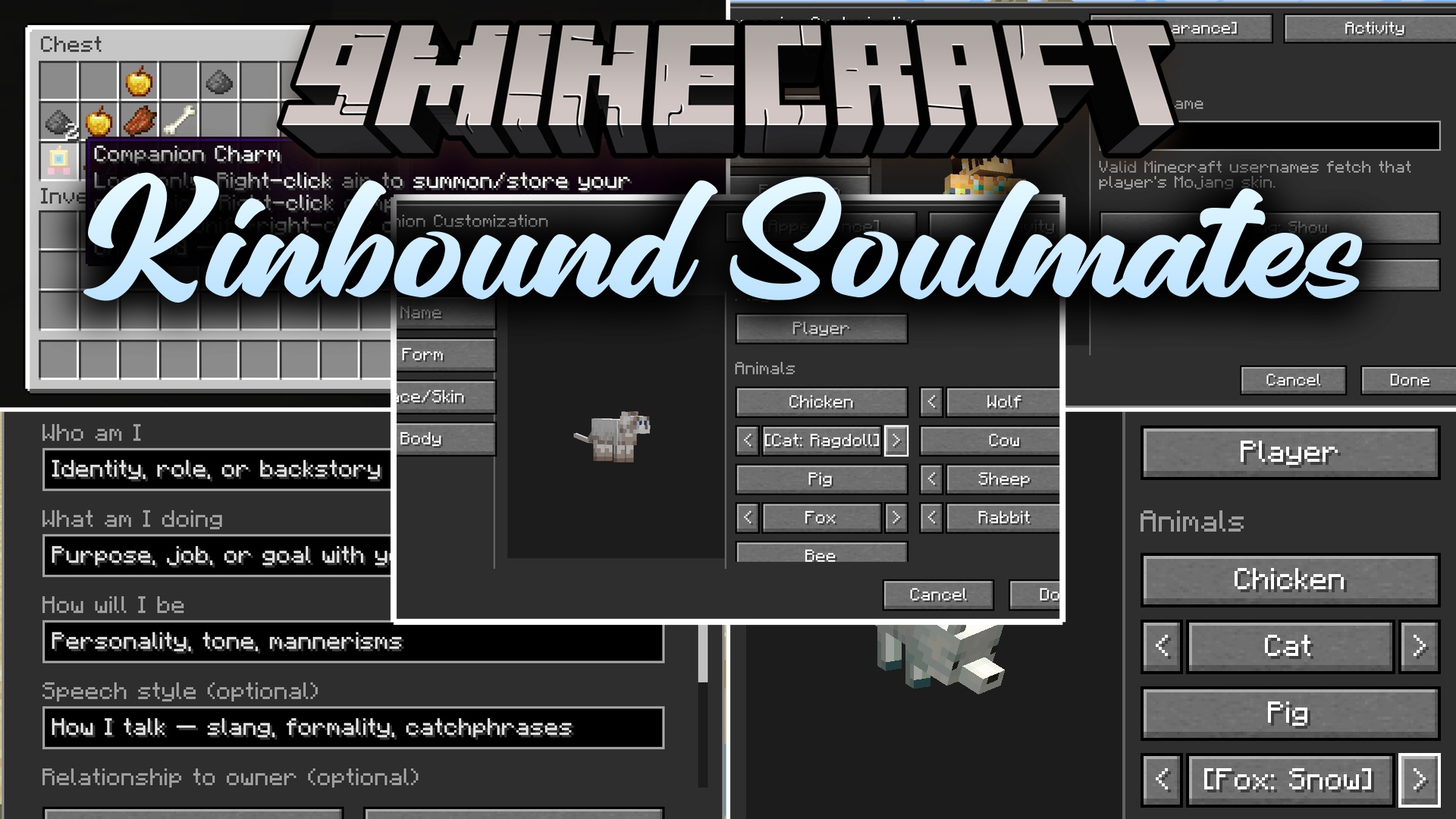
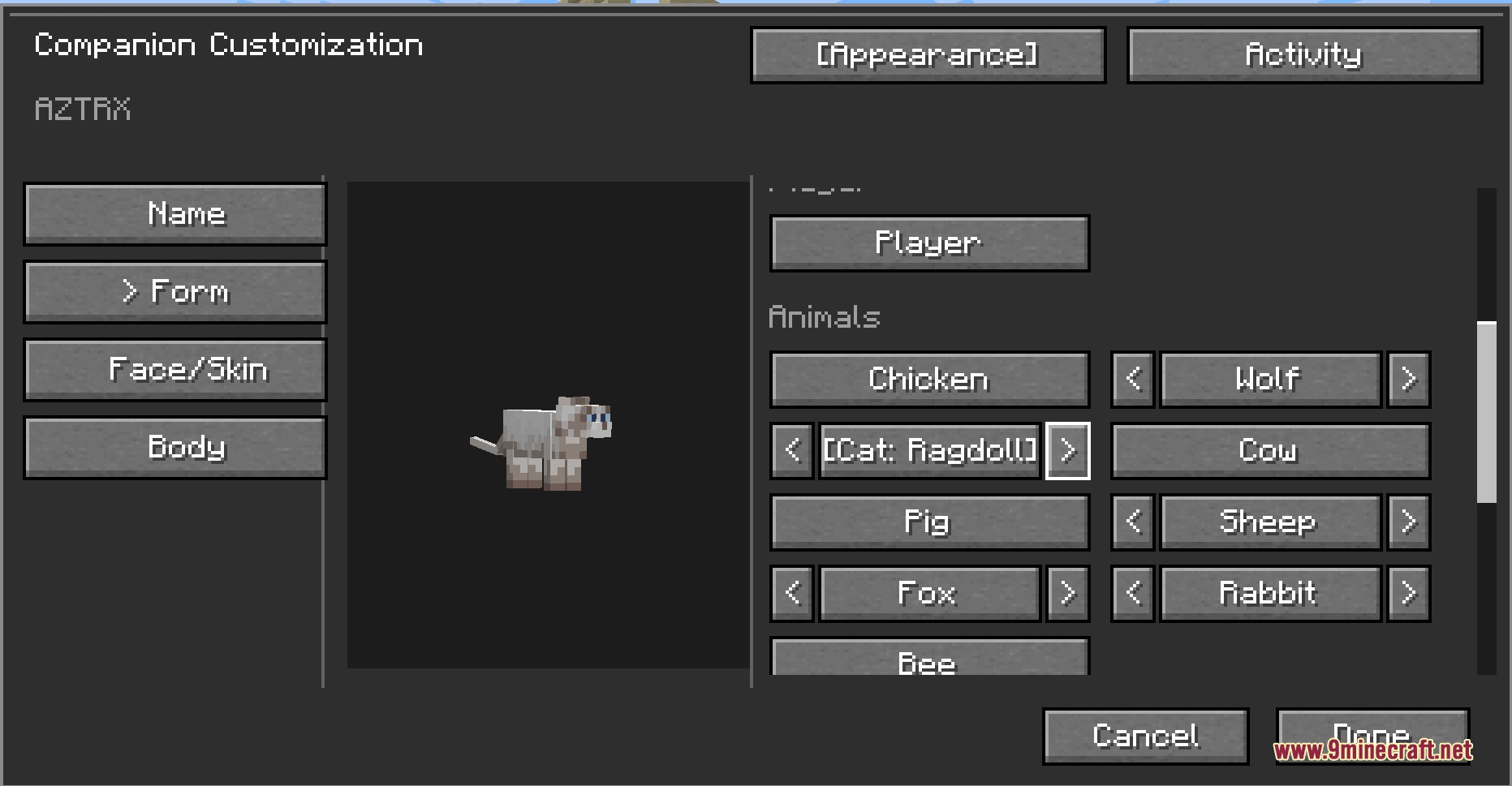
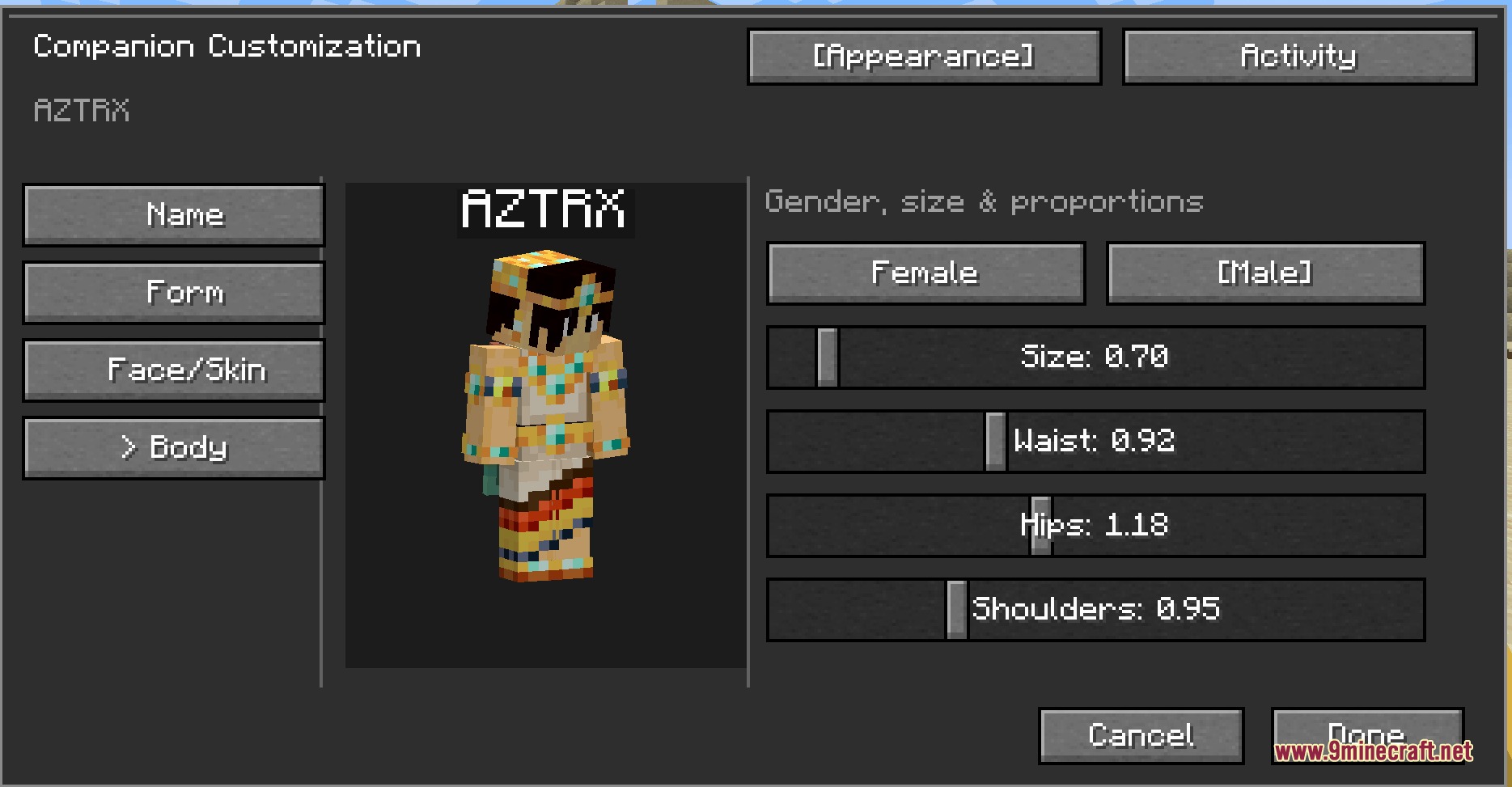
Kinbound Soulmates Mod introduces loyal customizable followers to accompany you on your travels. Your partners can fight hostile mobs, sleep beside you through the dark, and hold extra supplies in their personal bags. You can shape their look with different body forms, outfits, and mob styles to match your playstyle. They can also chat through optional text prompts when you set up an offline or online language model.
Features:
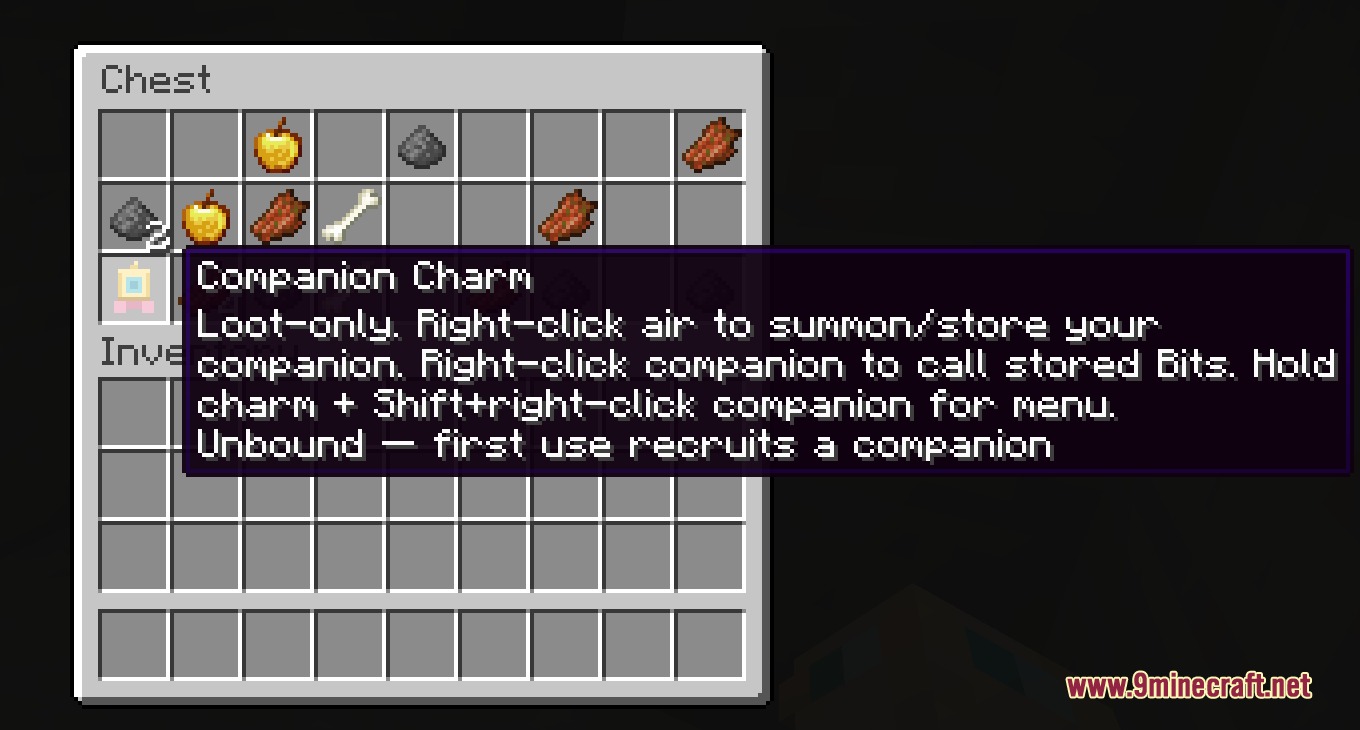
- Companion Charm: Summons your dedicated partner into the game world.
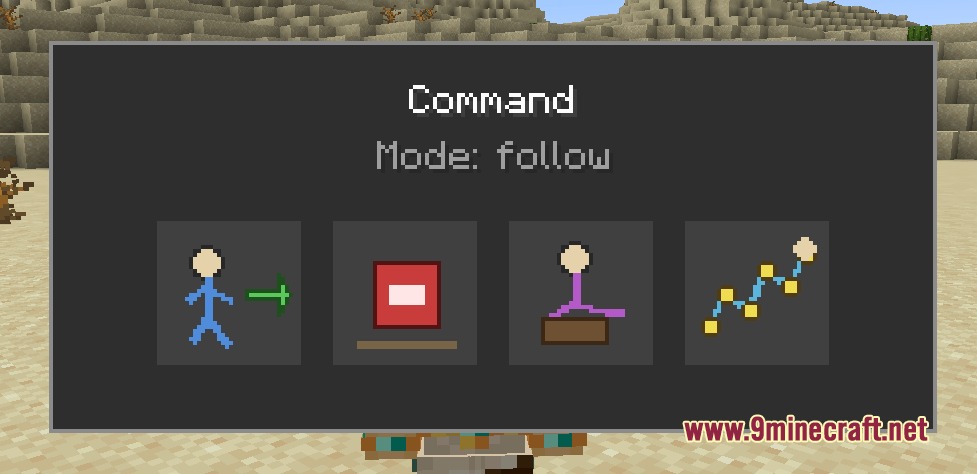
- Command Menu: Gives direct orders to follow, stay, sit, or wander freely.
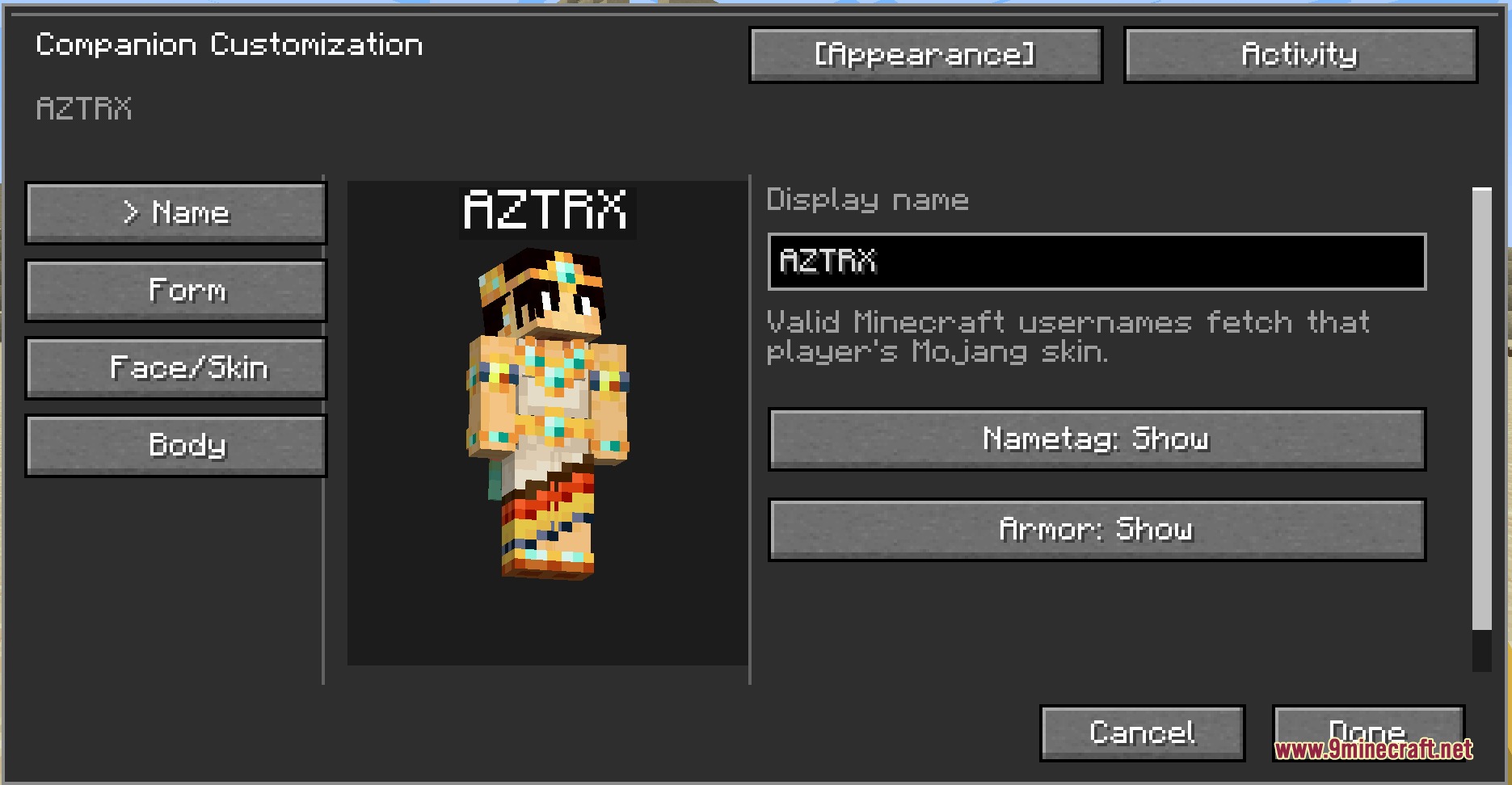
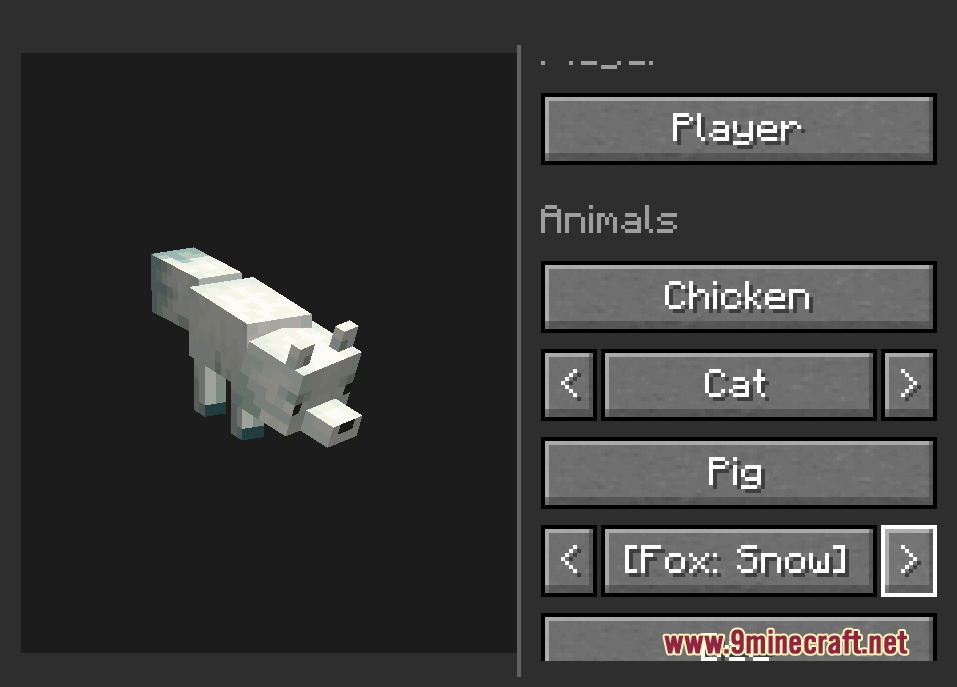
- Offers humanoid models along with animal and mob forms like wolves and cats.
- Includes activity outfits for sleeping, bathing, and adventuring on player models.
- Provides dedicated inventory slots to carry extra gear and tools for you.
- Fights enemies in melee combat with a built-in Netherite sword.
- Cat forms scare away Creepers while wolf forms frighten Skeletons nearby.
- Sleeps through the night in beds and rides mounts alongside you.
- Follows you across dimensions without getting left behind.
- Companions stay loaded near you and never despawn on their own.
- Lets you raise companion children that stay with the family group.
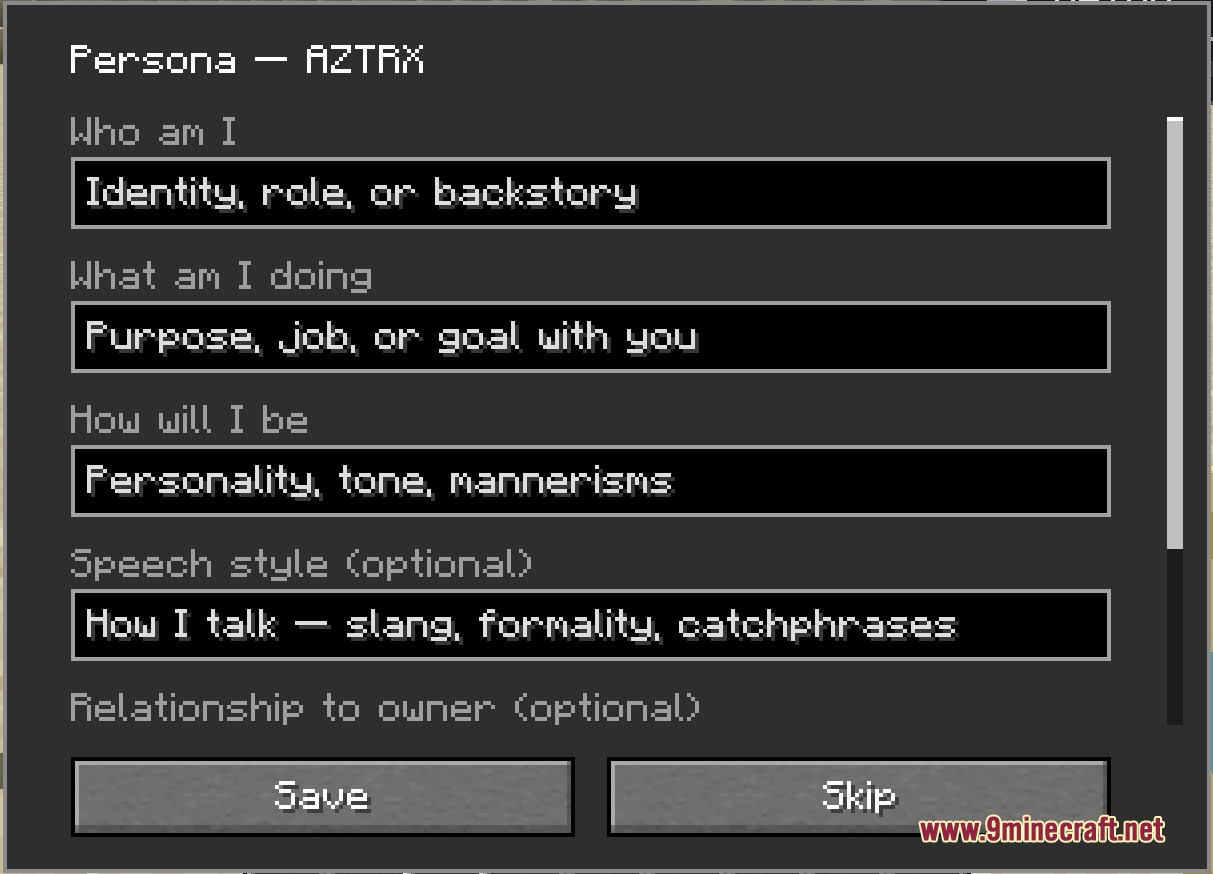
- Features optional text conversations and reactions through local or remote chat setups.
Commands:
/ask <message>: Sends a chat message to your active companion./az ask <message>: Talks directly to a specific named companion./az persona edit: Opens the menu to edit your partner’s persona settings./az admin: Opens the main companion administration menu for hosts and operators./az ai config: Opens the menu to set up language model connections.
How to Use:
- Find a Companion Charm inside desert pyramid chests or get one from the creative menu.
- Use the Companion Charm to summon your companion into the world.
- Press K to open the main companion action menu.
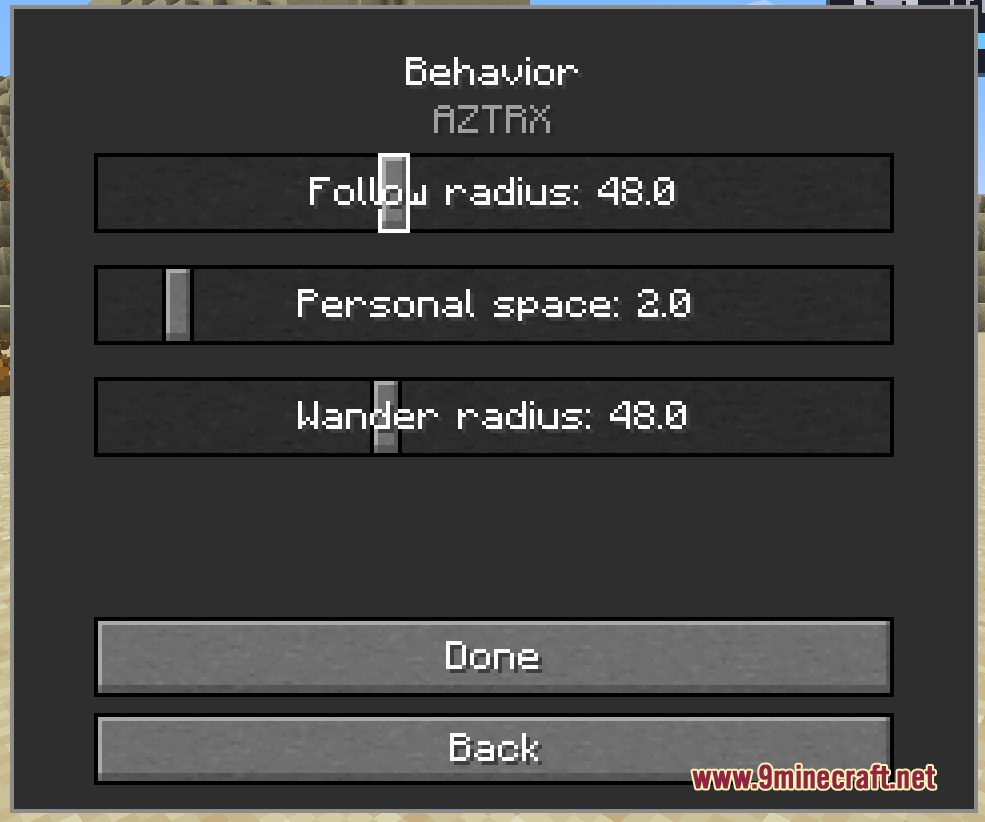
- Hold Shift and right-click with the charm to adjust specific companion settings.
- Type
/ask <message>in the chat box to talk to your partner.
Screenshots:
How to Install:
New to Minecraft? Follow our step-by-step guide to install Mods on your PC.View Guide




Kinbound Soulmates Mod Download Links
For Minecraft 26.2
For Minecraft 26.1.2, 26.1.1, 26.1
For Minecraft 1.21.5
For Minecraft 1.21.1, 1.21
For Minecraft 1.20.1, 1.20
Click to rate this post!
[Total: 0 Average: 0]
You May Also Like









This post has no comments yet. Be the first — your comment will appear here.