
The Old Big Runway Schematic (1.21.x) – Large Landing Strip for Big Aircraft
 19
 0


The Old Big Runway Schematic provides a massive flat space for landing your largest planes. This build fits perfectly into any airport project you have in your world. It uses thousands of blocks to create a long and wide surface. You can place many of these together to make an even longer landing strip. It works with the Create Mod to help you build realistic airfields quickly.

3D Preview & Editor:
Materials
1 types · 4,692 blocks
| Gravel | 4,692 | |||||||
How to place this schematic
.nbt This is a vanilla structure file. It loads through structure blocks with no mod at all, within the 48×48×48 size limit.
| 1 | Put the .nbt file in <your world>/generated/minecraft/structures. |
| 2 | Give yourself a structure block: /give @s structure_block. |
| 3 | Place it, open it and switch the mode to LOAD. |
| 4 | Type the file name without .nbt, press LOAD, then PLACE. |
About this build
| 1 | Open the Create Mod schematic table or placement tool. |
| 2 | Load the file into your world to see the ghost outline. |
| 3 | Position the landing strip on flat ground or over a large open area. |
| 4 | Provide the required materials to the schematic-cannon to start the build. |
Features:
- Adds a long landing strip measuring 138 blocks in length.
- Provides a wide 34-block surface to handle giant aircraft wingspans.
- Uses 4,692 blocks to ensure a solid and detailed look.
- Works as a piece that you can repeat to make longer runways.
- Fits well with airport bases and modern city builds.
Schematic Specs:
 Minecraft1.21.x
 Create Mod6.0.10
 Dimensions138×1×34
 Total Blocks4,692
 Top Blocks Used
Gravel 4,692
Requirements:

The Old Big Runway Schematic Download Links
For Minecraft 1.21.x
Click to rate this post!
[Total: 0 Average: 0]
QUICK MINECRAFT SURVEY · ONE TAP
Mods & Modpacks
How do you usually play Minecraft?
7 responses · See the full results →
You May Also Like
Picked for this page
 SS Venator Endgame Skybase Carrier Factory Schematic (1.21.x) – Massive Endgame Airship Base
 Deepslate Farm Create 6.0 Schematic (1.21.x) – Compact Automated Deepslate Farm Machine
 Sauron’s Tower Schematic (1.21.x) – Giant Dark Fantasy Spire for Create
 800k Generator Schematic (1.21.x) – Massive Power Plant Build for Create
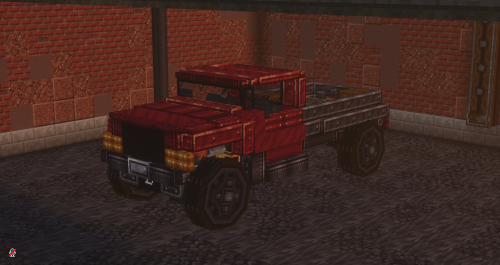 Cargo Pickup Truck Schematic (1.21.x) – Red Transport Vehicle Build for Create
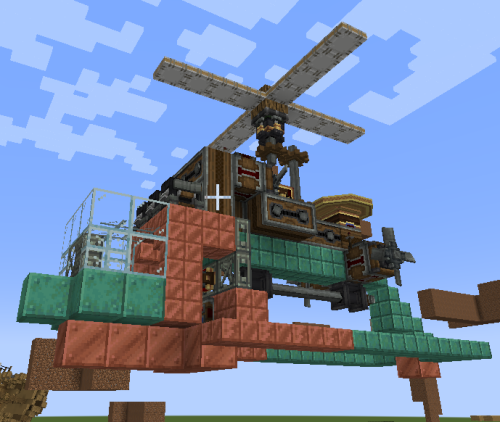 Cargo Helicopter Schematic (1.21.x) – Mechanical Flying Machine Build for Create
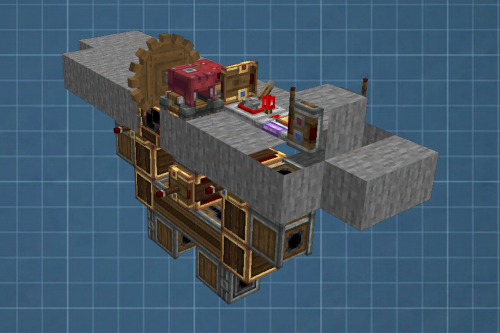 Moonwalker Schematic (1.21.x) – Giant Two-Legged Walking Machine Build for Flat Ground
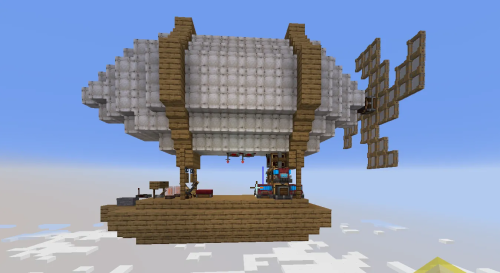 Suvival Frendly My Frist Aireship Nbt Schematic (1.21.x) – Small Flying Machine Build for Survival
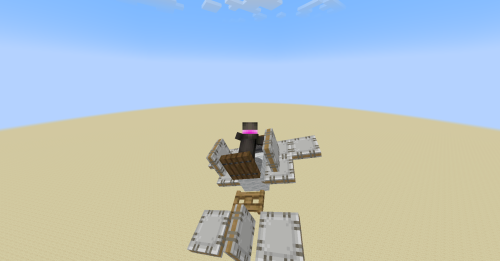 Simple Handle Powered Plane Schematic (1.21.x) – Small and Simple Flying Machine for Create
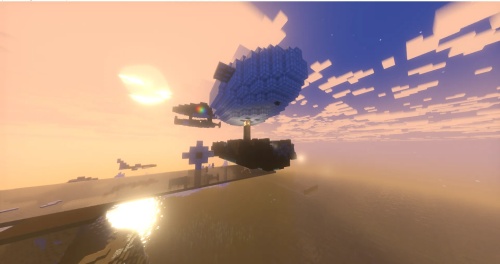 Airship by Exors Schematic (1.21.x) – Fly and Customize Your Own Wooden Airship
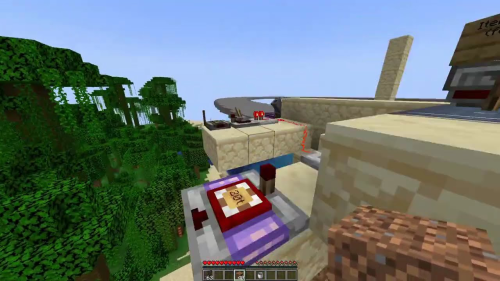 Race Track Timer Schematic (1.21.x) – Mechanical Lap Timer for Custom Tracks
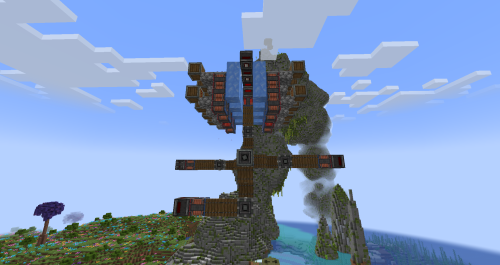 Inline 4 Cylinder Piston Engine V2 Schematic (1.21.x) – Compact Buildable Mechanical Engine Design
Most viewed in Create Mod Schematics over the last 7 days
 Copper Flying Ship That Can Also Act as a Normal Boat Schematic (1.21.x) – Dual Purpose Copper
 Rail Gun Schematic (1.21.x)
 Arasaka Tower Schematic (1.21.x) – Massive Black Industrial Skyscraper Build
 Agrimotor Schematic (1.21.x) – Build a Functional Create Mod Tractor
 Starter Iron Farm Schematic (1.21.x) – Simple Early Game Iron Production Build
 Large Submarine Schematic (1.21.x) – Build a Large Submarine for Travel
 F16 Falcon Schematic (1.21.x)
 Thrall 40ft 53ft Well Car Nbt Schematic (1.20.x) – Legendary Double Stack Container Train Car
 Sd40 2 Blue Nbt Schematic (1.20.x) – Classic Blue American Locomotive
 Diesel Engine Train Schematic (1.21.x) – Heavy Freight Locomotive for Create Mod
 Compacted Alloy Farm Schematic (1.21.x) – Automatic Andesite Alloy Factory for Create
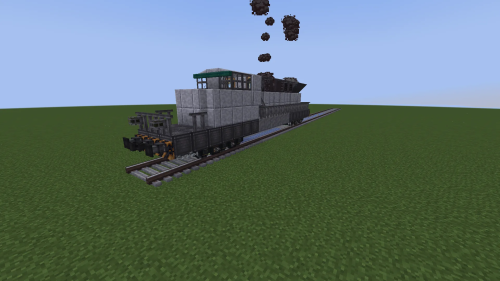 Sd40 2 White Nbt Schematic (1.20.x) – White American Sd40-2 Locomotive
More from Create Mod Schematics
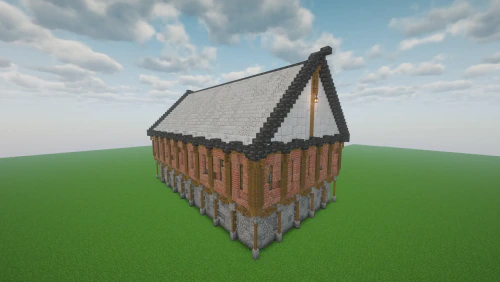 Max’s Starter Base Factory Schematic (1.21.x) – Industrial Factory Building for Create Mod Machines
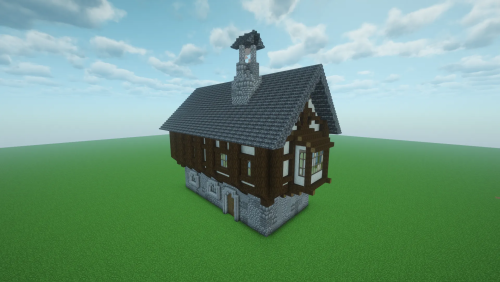 Max’s Starter Base House Schematic (1.21.x) – Detailed Pre-Built Home for Survival Players
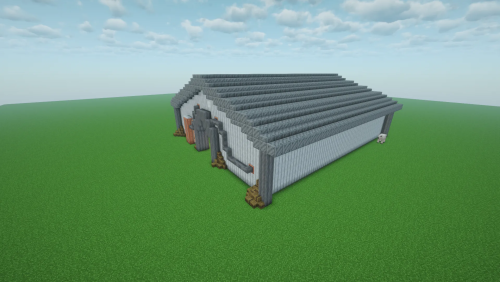 Max Industries Warehouse Schematic (1.21.x) – Large Industrial Building for Item Storage
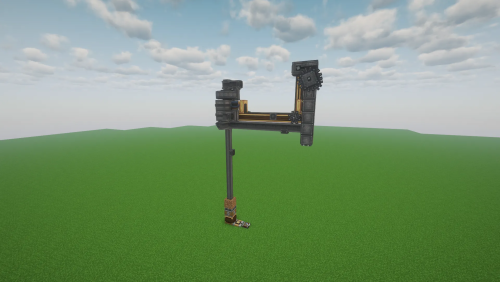 Max’s Unloading Dock System Schematic (1.21.x) – Efficient Package Unloading for Create Trains
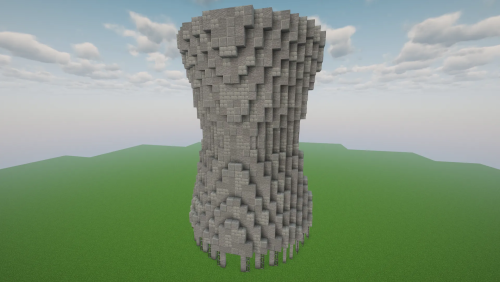 Max’s Coolant Tower Schematic (1.21.x) – Large Industrial Cooling Tower Build for Create Mod
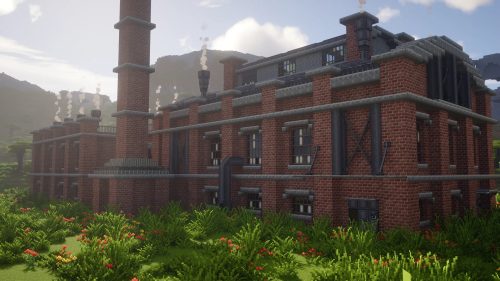 Old Brick Factory Complex Schematic (1.21.x)
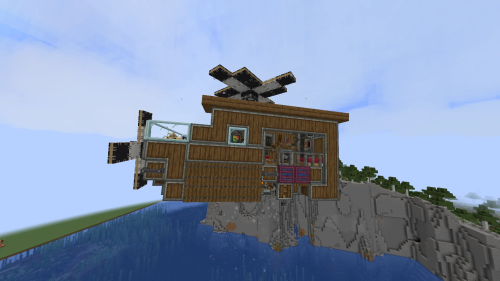 Early Game Helicopter Base Read Description Schematic (1.21.x) – Compact Flying Survival Base
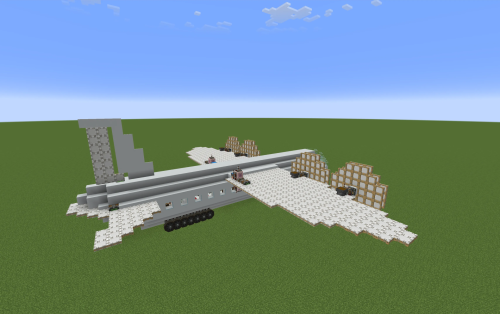 Commercial Plane V2 Schematic (1.21.x) – Build a Solar Powered Electric Aircraft
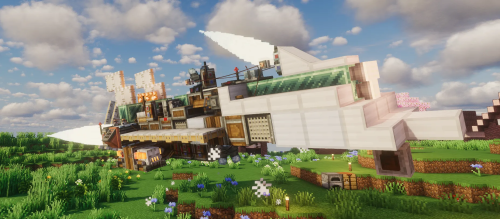 Reactive Hoverbike Schematic (1.21.x) – High Speed Flying Machine for Create Mod
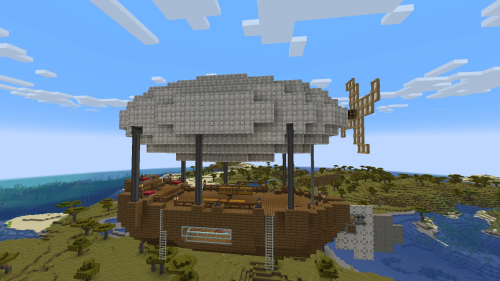 Transport Baloon Schematic (1.21.x) – Large Controllable Airship for Create Mod
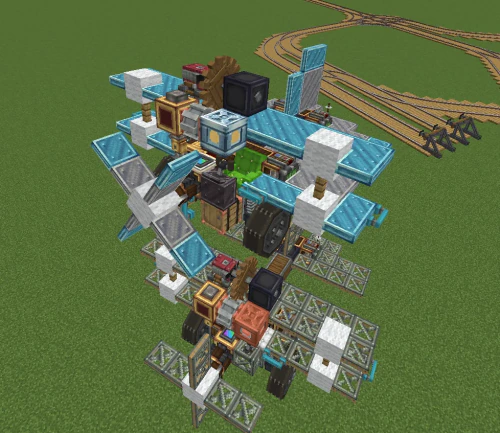 A Small Ish Biplane I Made Schematic (1.21.x) – Compact Custom Biplane for Create Mod
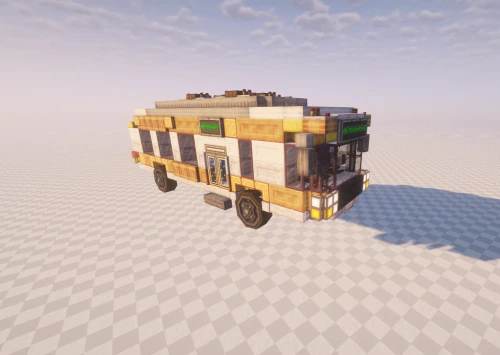 Bus Schematic (1.21.x) – Classic Small Bus for Create Mod

This post has no comments yet. Be the first — your comment will appear here.