


NeBux UI (26+) – MCPE/Bedrock Texture Pack
 0
0
 0
0

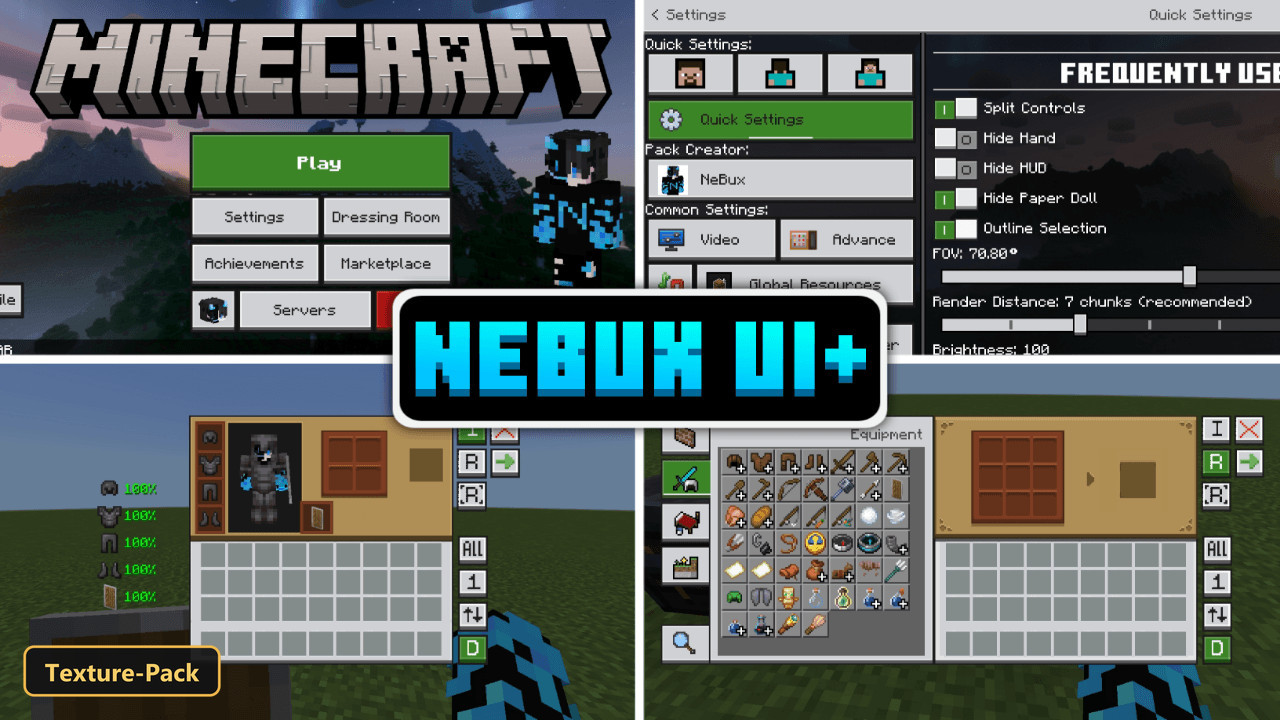
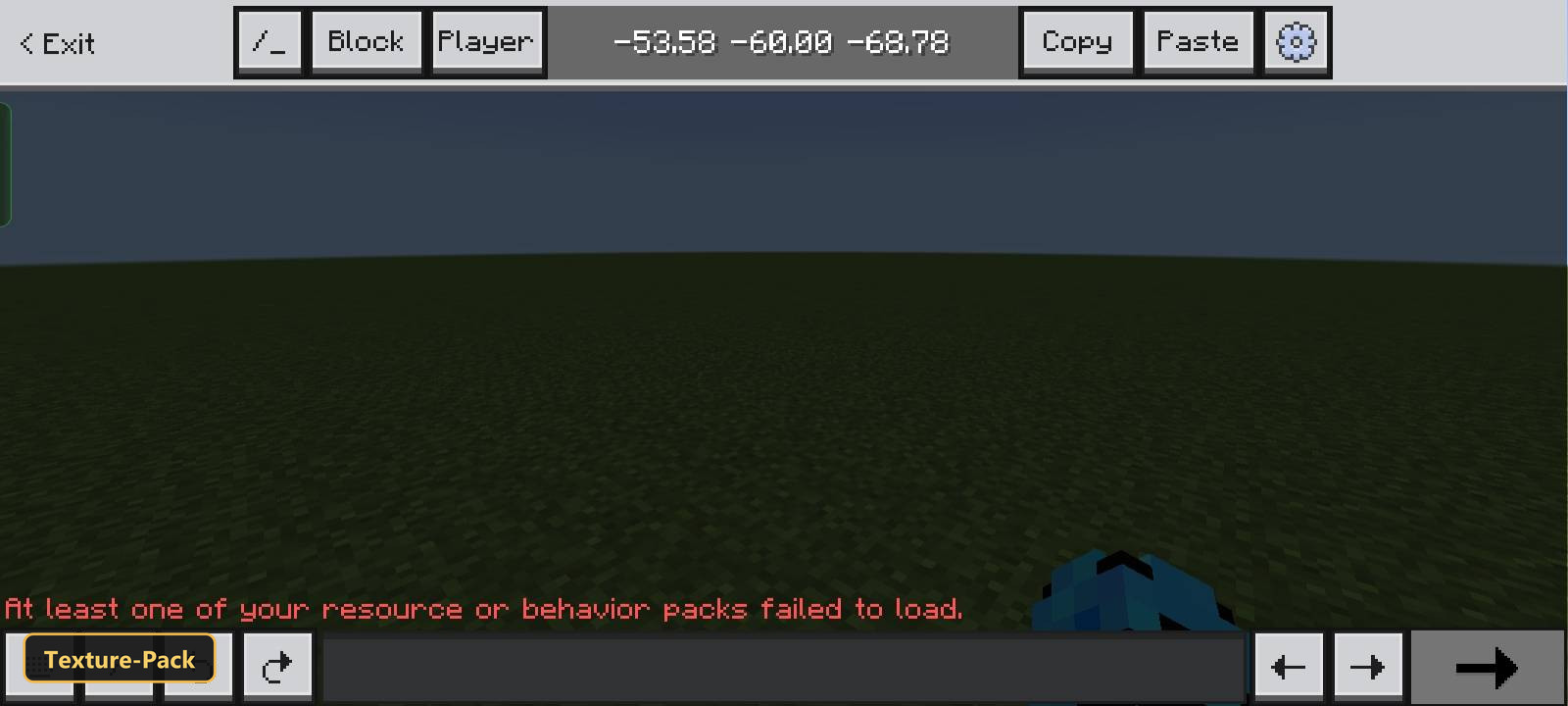
The NeBux UI+ resource pack offers a redesigned user interface for Minecraft Bedrock, aiming to streamline various in-game interactions and visual elements. This pack modifies the game’s graphical user interface, enhancing both its appearance and how players interact with it. To ensure proper functionality, users must adjust specific in-game settings related to the camera perspective button, enabling the pack to display correctly.
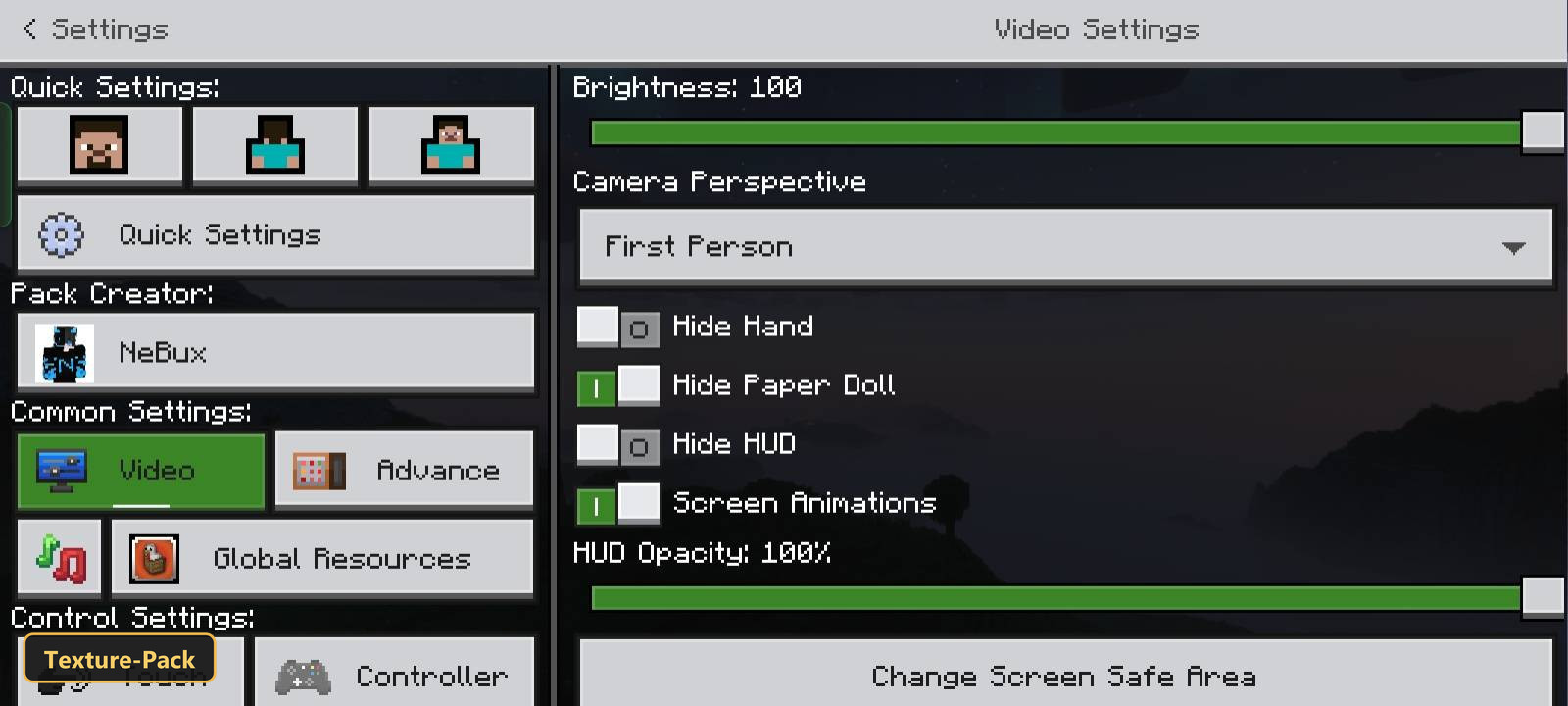
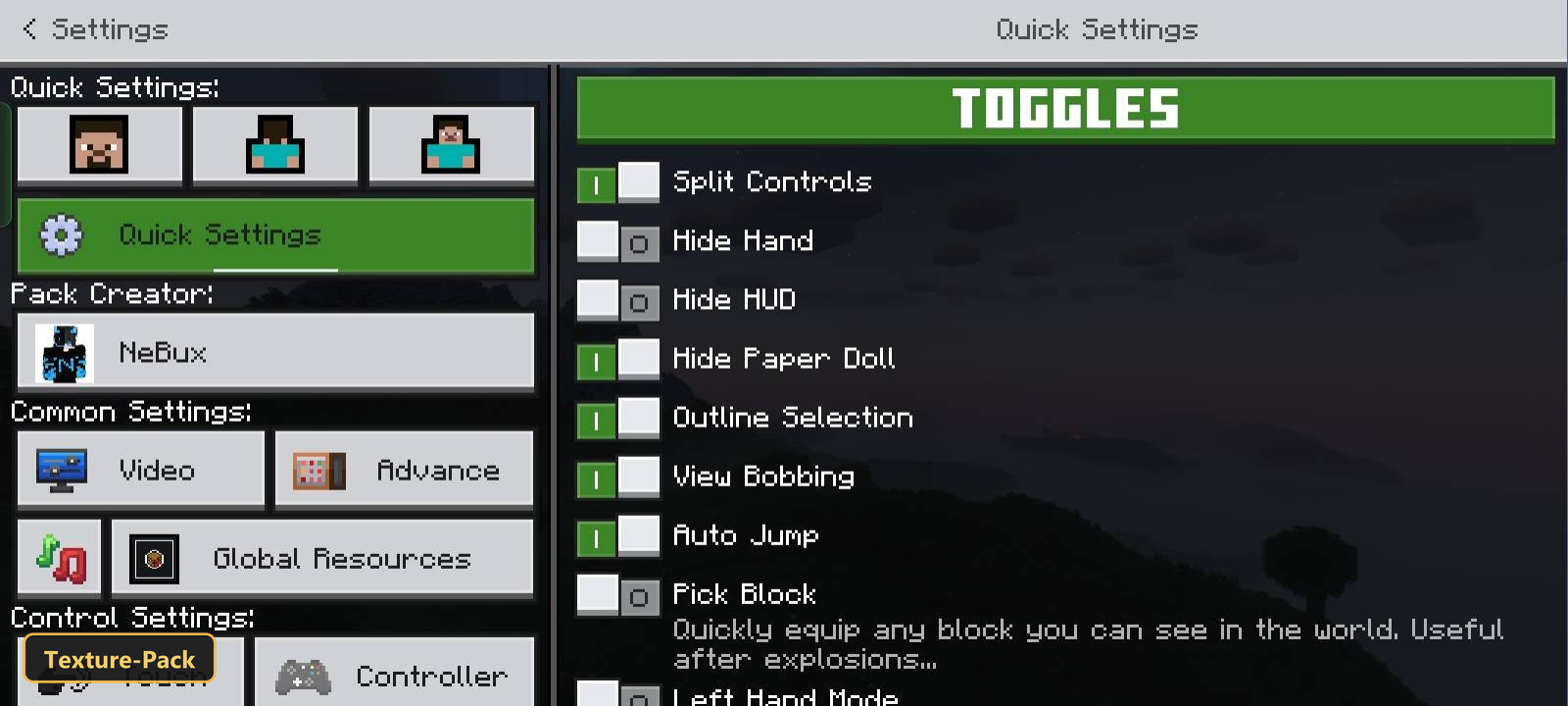
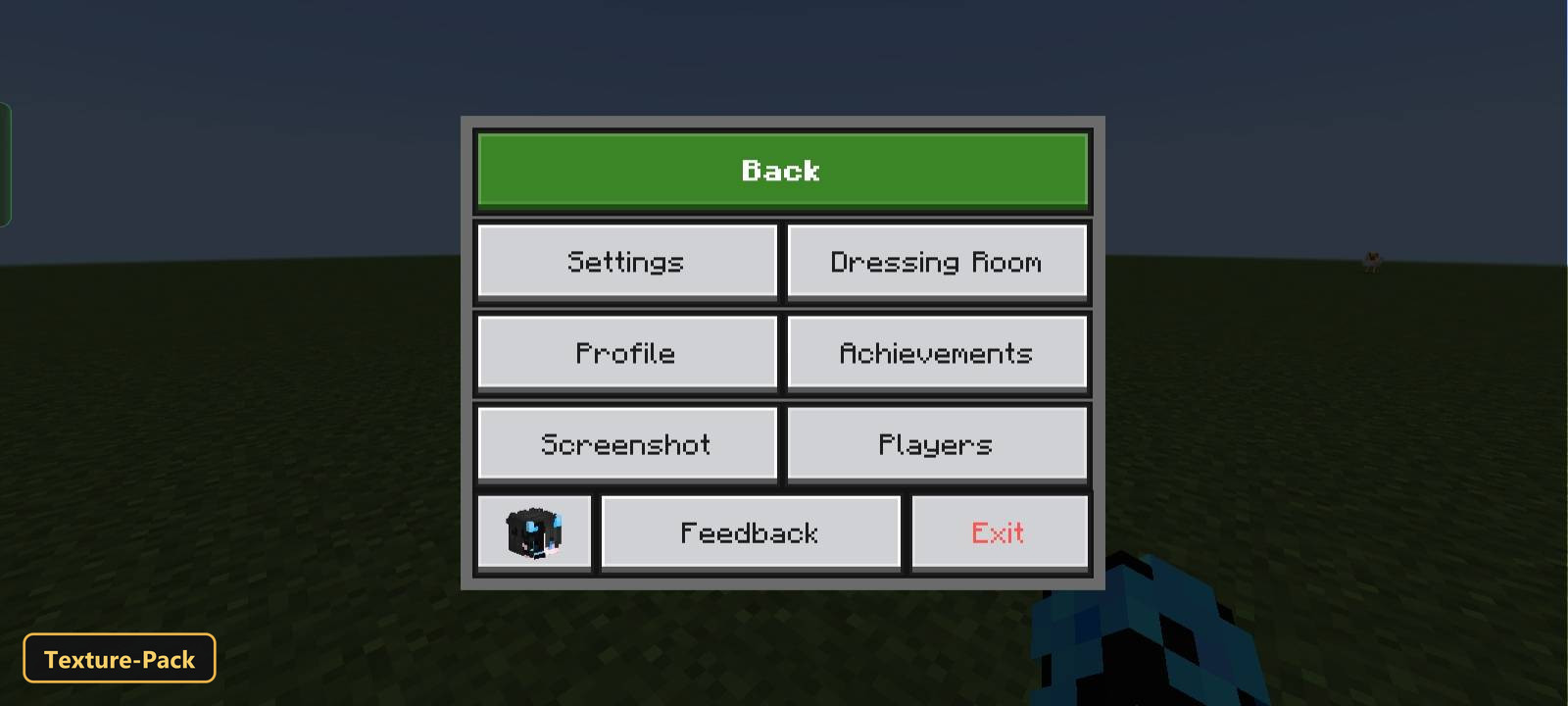
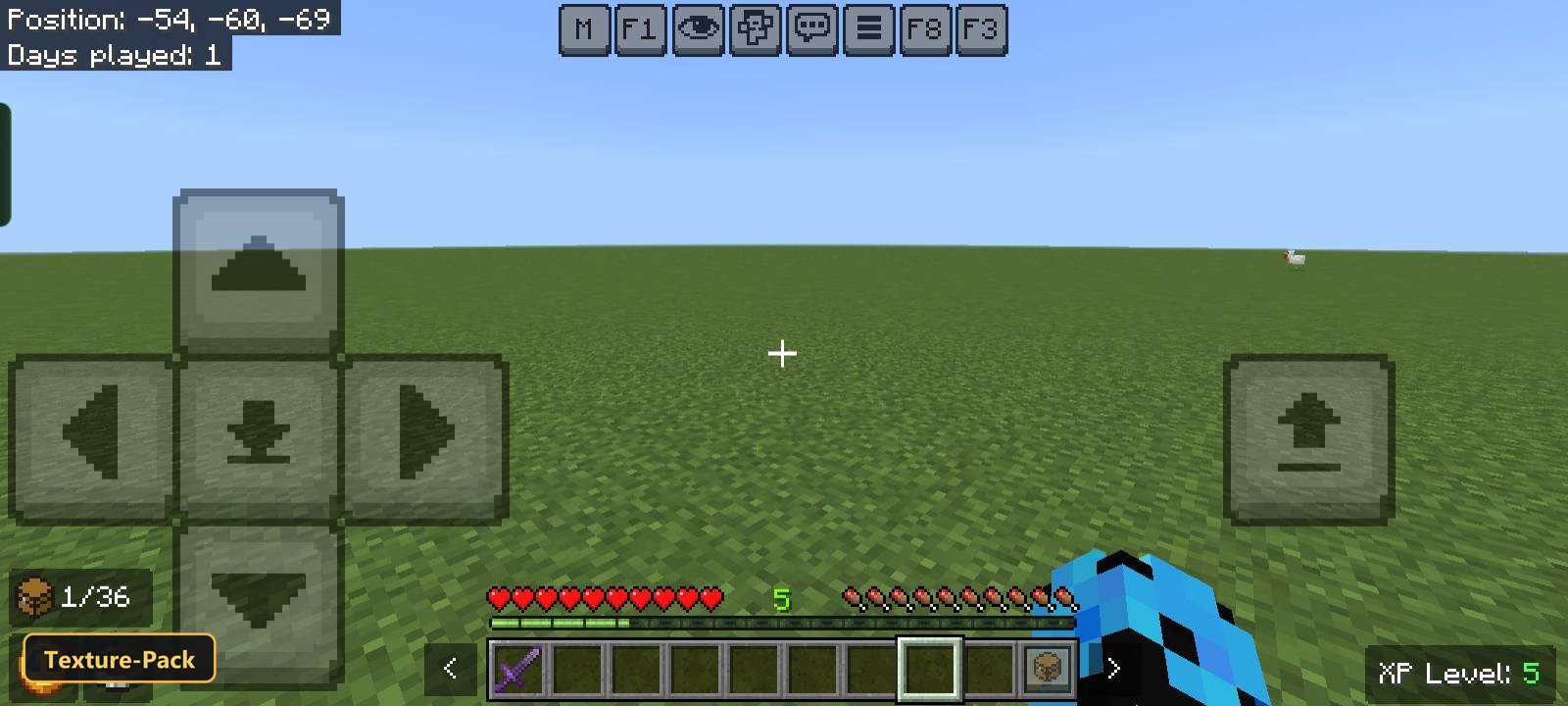
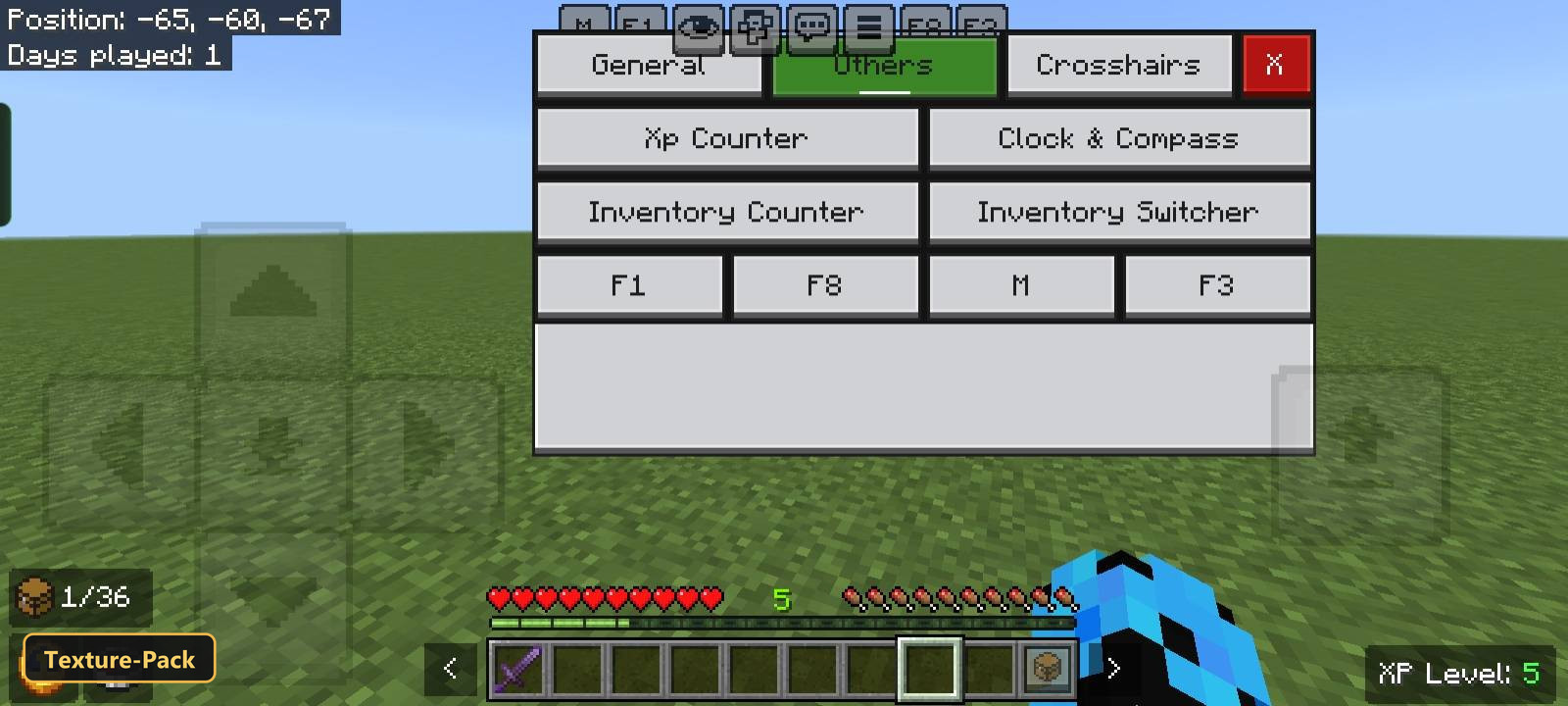
Players will notice several quality-of-life improvements throughout their gameplay. The pack introduces quick-access menus for frequently used settings, such as Field of View and camera angles. Navigation is simplified with additional shortcut buttons for servers and common inventory actions like quick crafting, dropping items, or moving stacks. Crafting and looting processes are also accelerated through optimized UI layouts. Furthermore, the pack incorporates Java Edition-like features, including buttons to hide the HUD and toggle the paper doll display. An exit warning prevents accidental game closures, and UI elements like the inventory or crafting table will remain open even when the player takes damage.
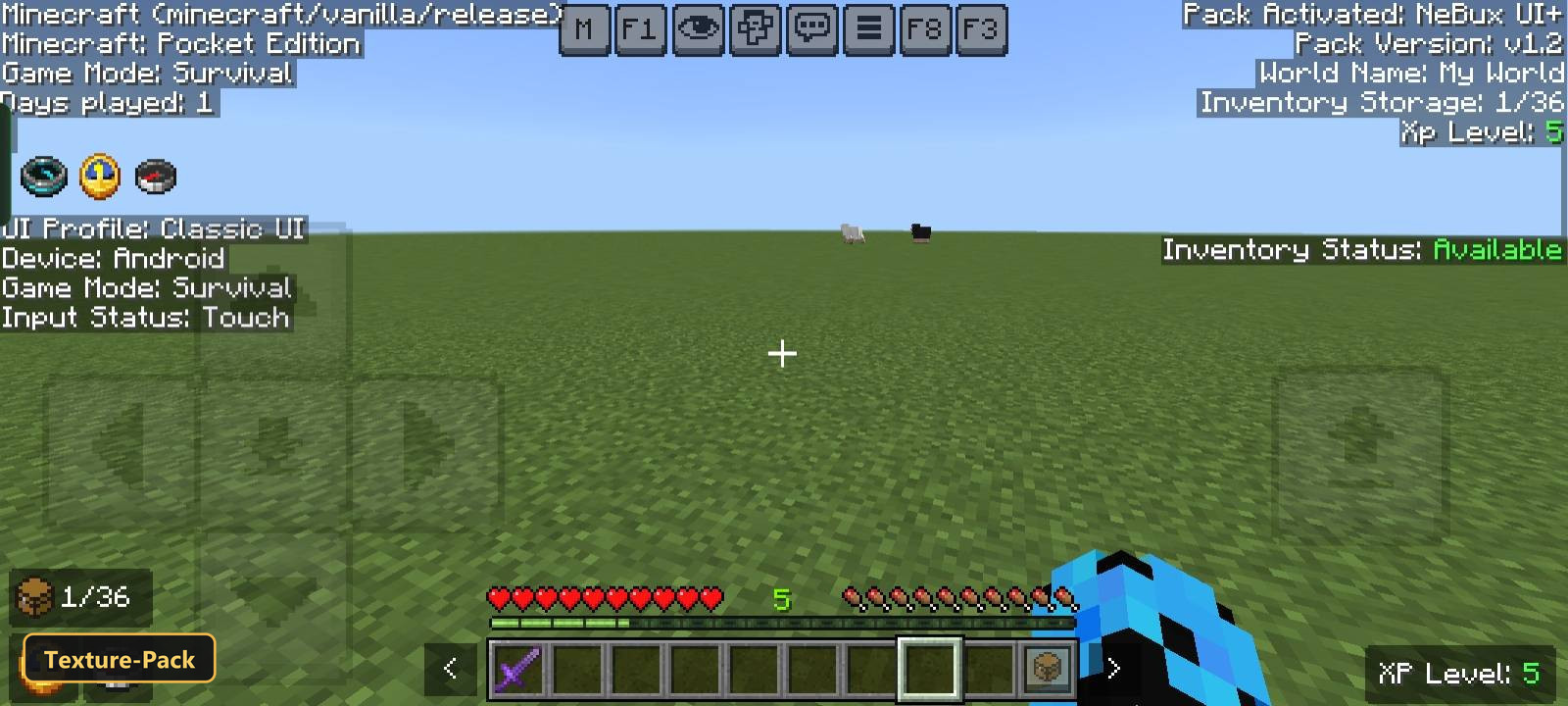
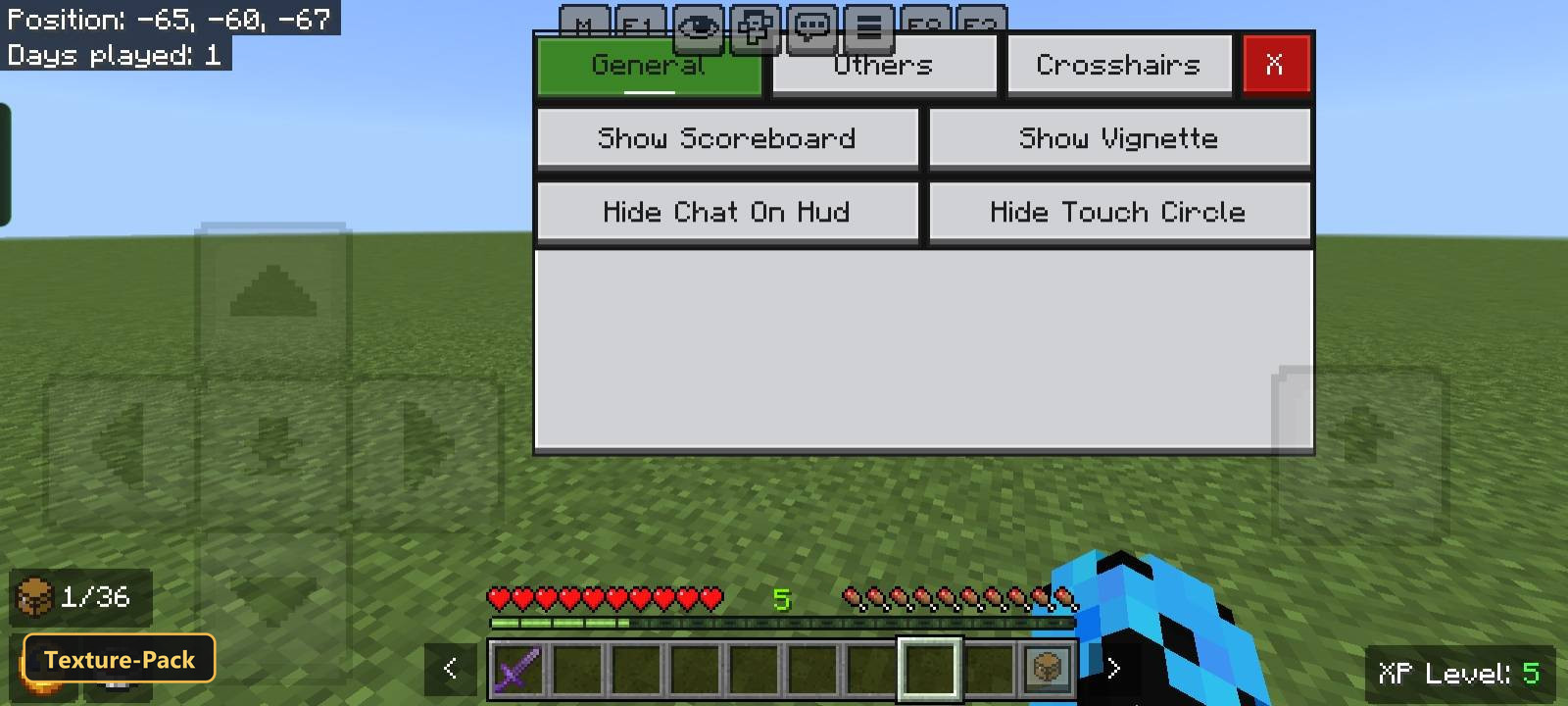
Beyond functional enhancements, NeBux UI+ provides a fresh visual experience. The chat input box no longer has a character limit, and new buttons aid in chat interaction. Smooth animations are integrated into the UI for a more polished feel. Players can monitor the durability of their armor and tools directly from the inventory screen. All villager trades are unlocked from the start, removing the need to level up villagers. The pack also displays an inventory slot counter and a “full inventory” warning on the HUD. A working clock and compass are visible on the HUD without needing to be crafted, alongside an XP counter that functions even in creative mode. Each interactive block, such as crafting tables and furnaces, features a custom graphical interface, and loading screens are tailored to the specific dimension being entered. Custom crosshairs are available and adjustable, complementing new guide screens for enchantments, furnaces, blast furnaces, and smokers. A debug screen, similar to Java’s F3, is also included.
Requirements:
- MCPE/Bedrock 26.0 – 26.0.02
all 2 versions
26.0.02, 26.0
Features:
- 2 in-game options: Keep It On This Side If You Disabled Camera Perspective Button, Keep It On This Side If You Enabled Camera Perspective Button
- Retextures the UI, items at 48x resolution
- Also includes custom UI tweaks, 1 custom sounds
Screenshots:
How to Install:
For MCPE/Bedrock 26+
You May Also Like
![Truly Bedrock+ [v1.2.8 - SUPER MINOR Hotfix] Texture Pack (26.x, 1.21)](https://www.9minecraft.net/wp-content/uploads/2026/09/Truly-Bedrock-v1-2-8-SUPER-MINOR-Hotfix-Texture-Pack-Thumbnail-500x281.jpg)

This post has no comments yet. Be the first — your comment will appear here.