


Japanese Coffee Schematic (1.21.x) – Cozy Japanese Cafe Building

 0
0 

Japanese Coffee Schematic adds a cozy and stylish cafe to your Minecraft world. It uses a Japanese theme to create a unique place for players to relax. This build works well on its own or as part of a larger city. The interior has plenty of room for you to add your own furniture and decorations. You can even connect it to other buildings to make a whole street.
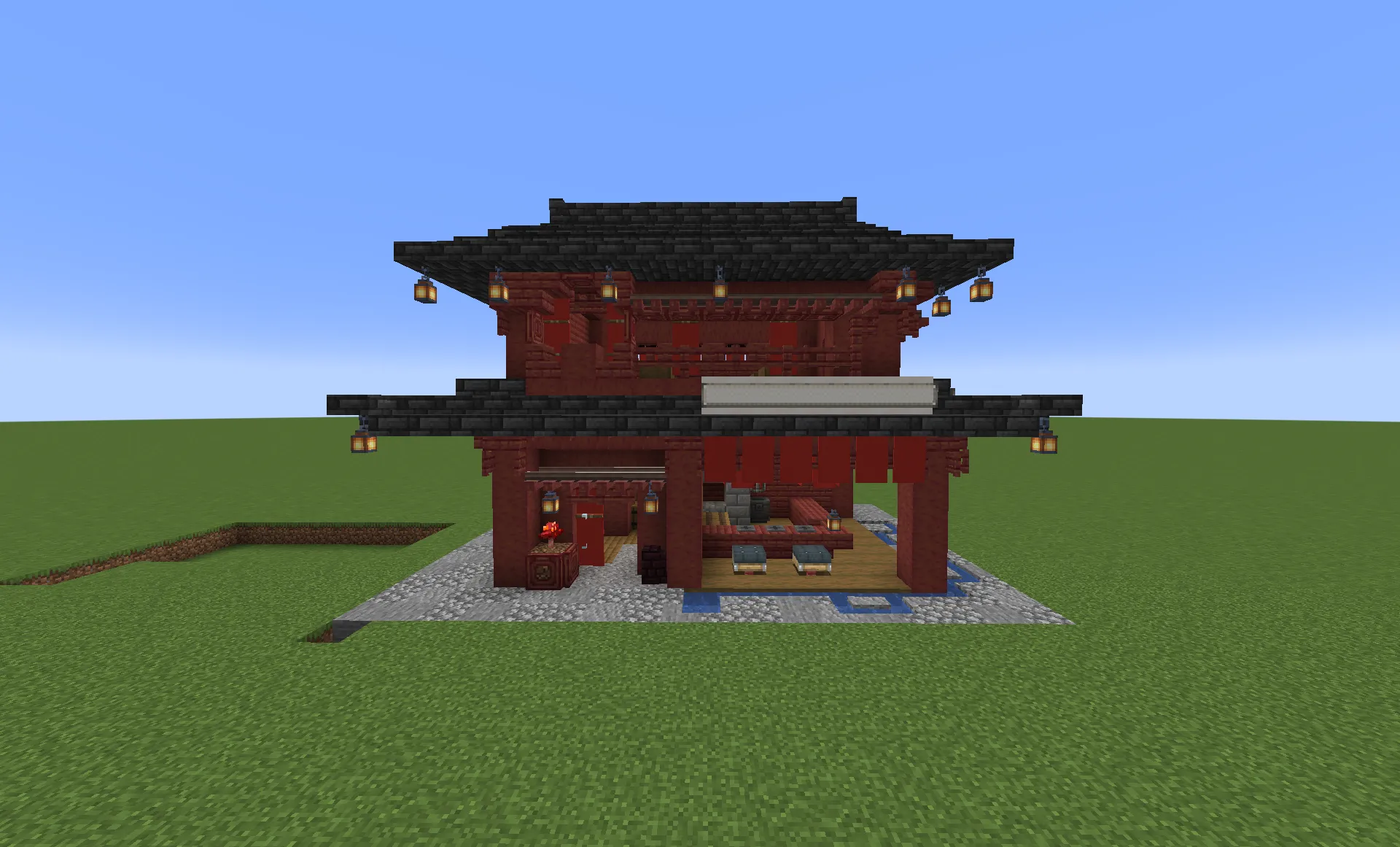
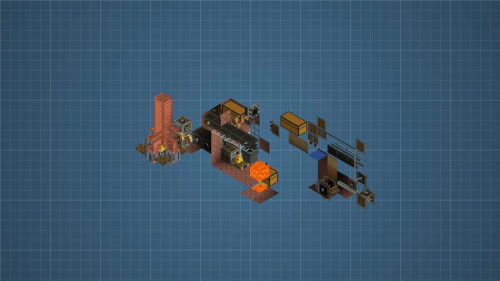
3D Preview:
Features:
- Adds a compact coffee shop with a 13x14x18 block size.
- Features a traditional Japanese style that fits modern or classic builds.
- Provides an empty interior space for custom decorations.
- Lets you attach the structure to other buildings in your world.
- Lets you place food on tables using rivets from the Create: Coasters Simulated mod.
- Uses blocks from several mods to create detailed textures and shapes.
Schematic Specs:


 Top Blocks Used
Deepslate Tile Slab 308Stripped Mangrove Wood 211Mangrove Planks 192Mangrove Stairs 81Cobblestone 73
How to Use:
- Place the schematic file into your world’s schematic folder.
- Use the Schematicannon to load the building into your world.
- Position the blueprint in your desired location.
- Supply the required blocks to the cannon to begin construction.
Screenshots:
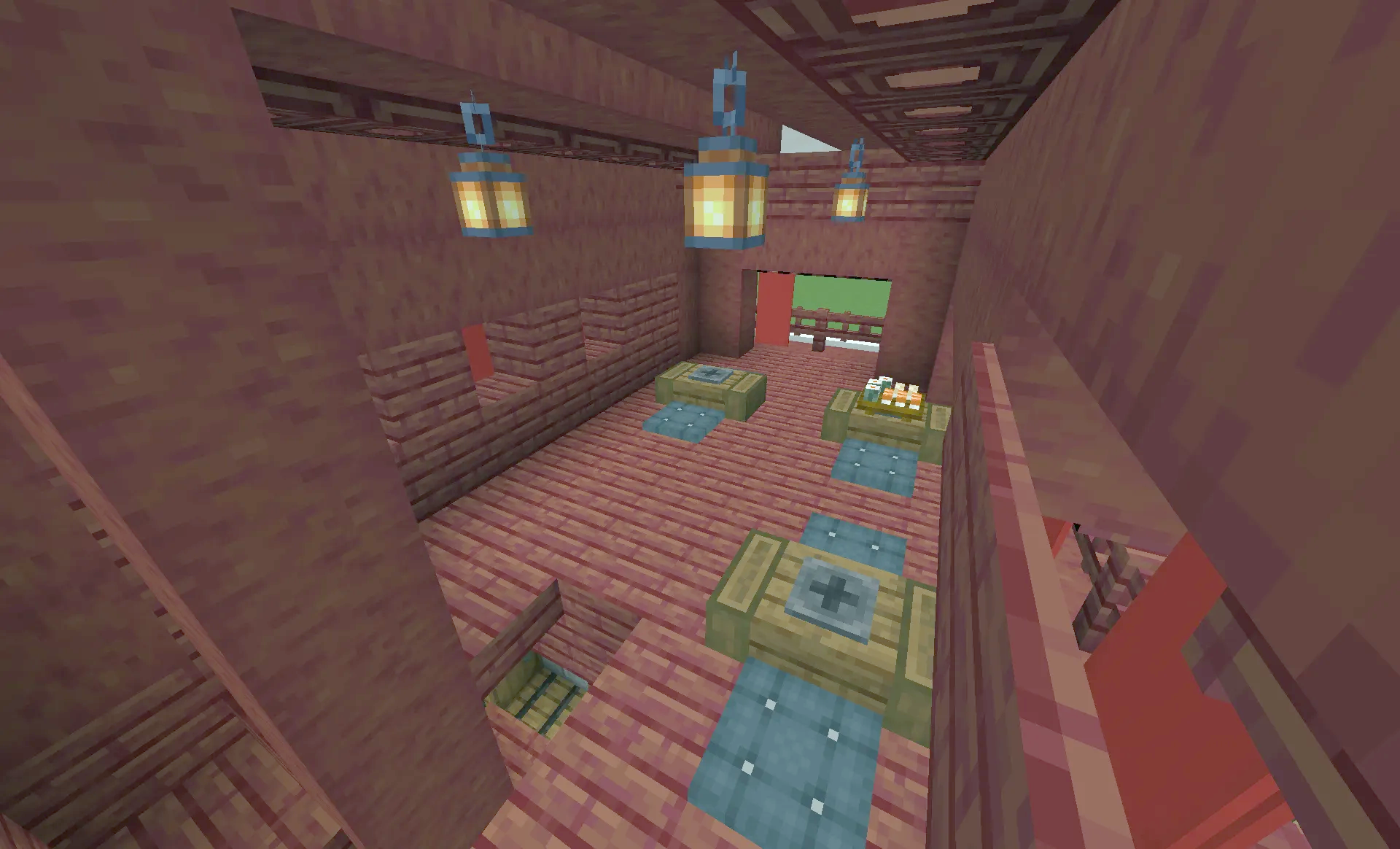
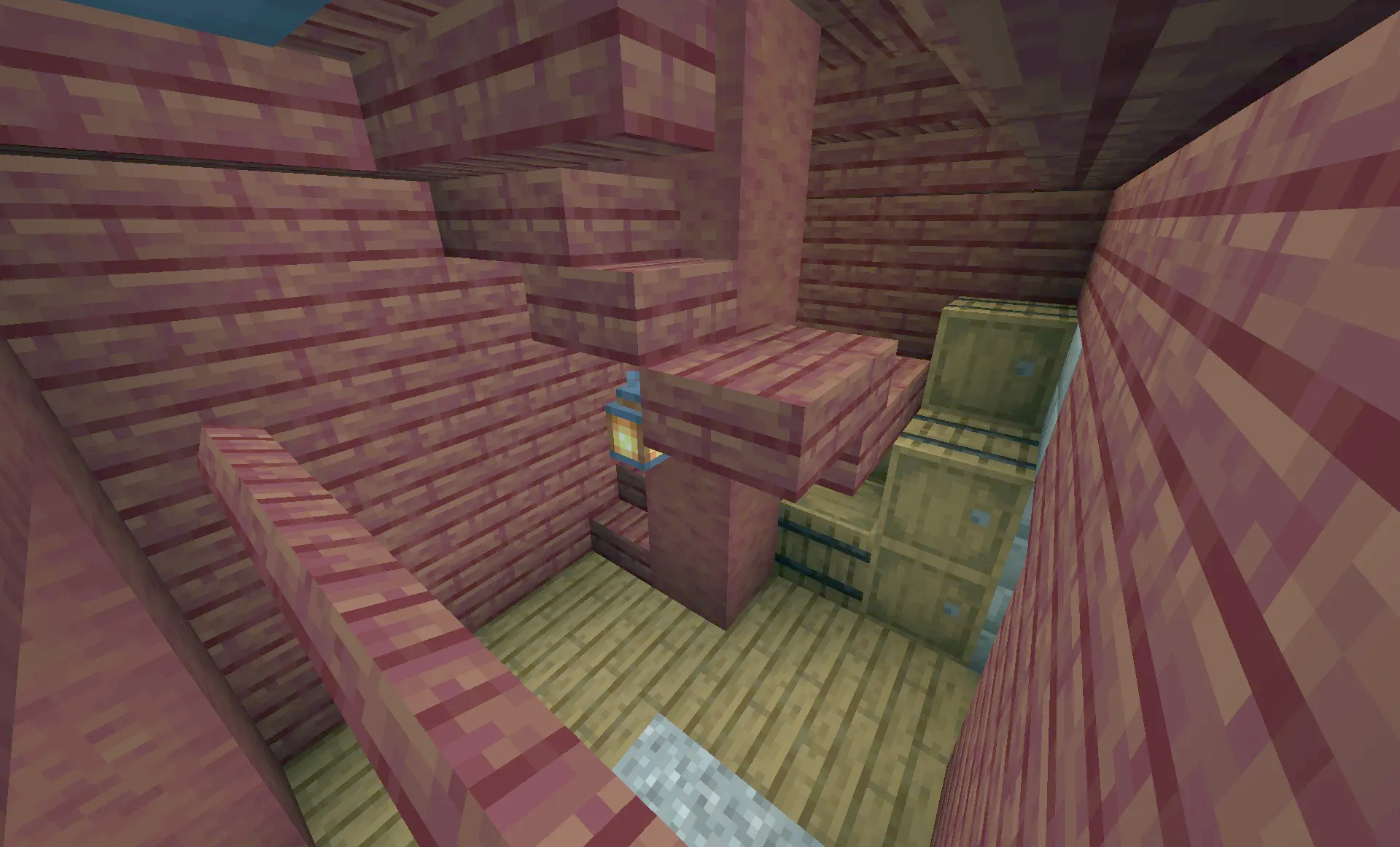
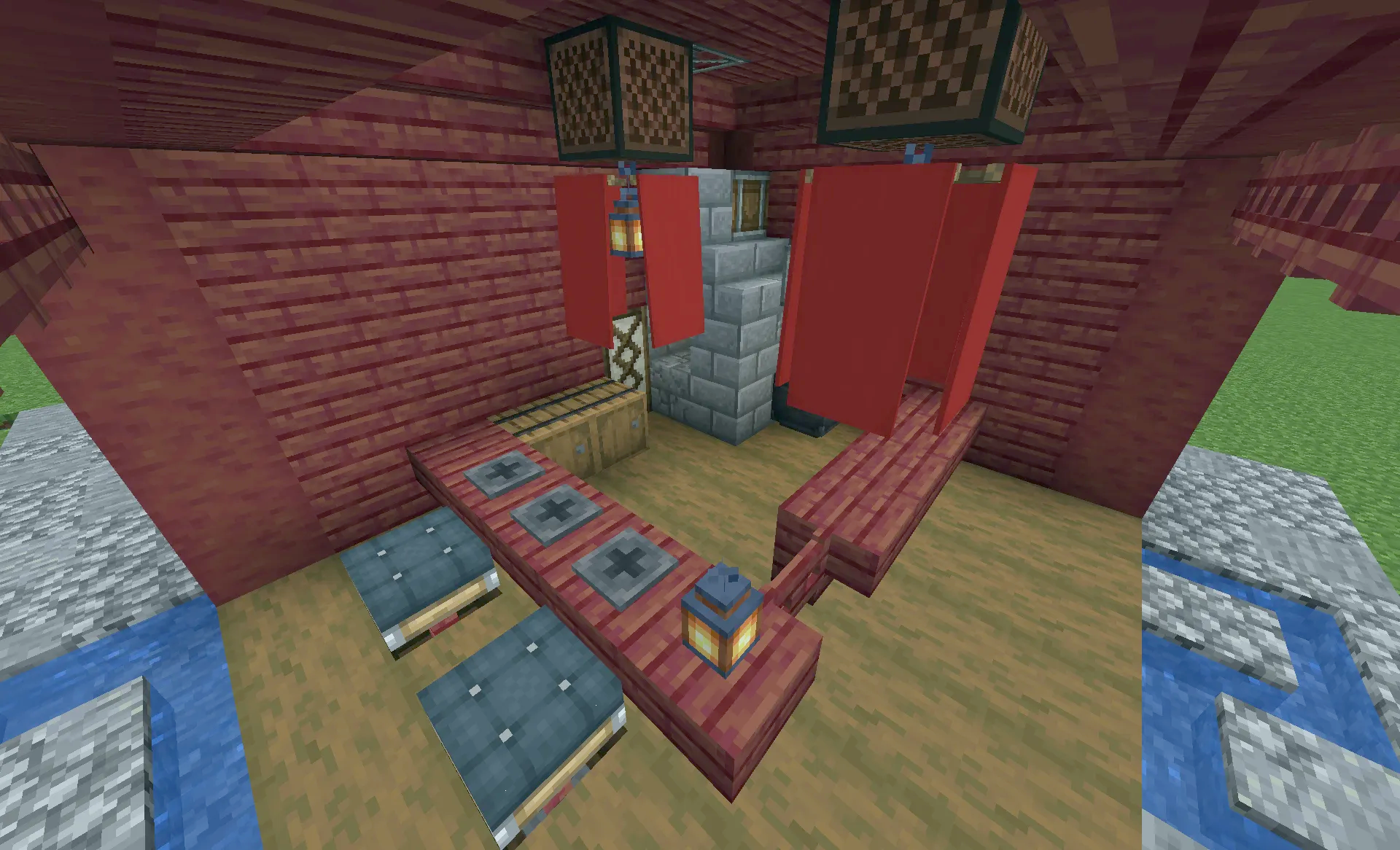
Requirements:

Japanese Coffee Schematic Download Links
For Minecraft 1.21.x
Click to rate this post!
[Total: 0 Average: 0]
You May Also Like


This post has no comments yet. Be the first — your comment will appear here.