
Native Shaders (26.3, 1.20.1) – Bedrock RTX Lighting with Colored Lights
 50
 0

Native Shaders transforms lighting across the world with a clean look inspired by Bedrock RTX visuals. This pack brings colored lights, soft shadows, and semi-realistic details while keeping the classic blocky look intact. It delivers a fake ray tracing effect that runs smoothly across medium and high graphics settings. You can adjust visual options to balance quality and speed to match your computer.

Features:
- Fake Ray Tracing: Mimics Bedrock RTX lighting effects without heavy hardware requirements.
- Colored Lighting: Casts tinted light glows from torches, lanterns, and other bright blocks.
- PBR Compatibility: Works with labPBR material packs to add detailed surface depth.
- Projects clean shadows that adjust based on the sun and moon positions.
- Preserves the vanilla block feel while adding semi-realistic atmosphere touches.
- Includes dedicated presets for both medium and high graphical profiles.
- Lets you adjust custom visual settings directly from the in-game shader menu.
Screenshots:


How to Install:
New to Minecraft? Follow our step-by-step guide to install Shaders on your PC.View Guide
Native Shaders Download Links
Click to rate this post!
[Total: 0 Average: 0]
QUICK MINECRAFT SURVEY · ONE TAP
Shaders & Resource Packs
What is your biggest annoyance with heavy shaders?
3 responses · See the full results →
You May Also Like
Picked for this page
 IterationVX Shaders (26.3, 1.20.1) – Colored Block Lighting and Path Tracing
 Bloop Official Shaders (26.3, 1.20.1) – Lagless Lighting for Old GPUs
 Zephyr Starlight Shaders (26.3, 1.20.1) – Path Tracing with PBR Textures
 Better Voxels Shaders (26.3, 1.20.1) – Path Tracing with Colored Lighting
 Unbound Visual Shaders (26.3, 1.20.1) – Path Tracing with PBR Textures
 Phoxel PT Shaders (26.3, 1.20.1) – Path-Traced Lighting and Colored Shadows
 Lumeon Shaders (26.3, 1.20.1) – Cinematic Path Tracing and PBR Materials
 Flux Prism Elite Shaders (26.3, 1.20.1) – Soft Shadows and Water Reflections
 Luster Shaders (26.3, 1.20.1) – Path Traced Lighting and Colored Lights
 ReLighting Shaders (26.3, 1.20.1) – Path Tracing with Soft Shadows
 Hazy Industrial Glow Shaders (26.3, 1.20.1) – Gritty Industrial Bloom Presets
 Tint Shaders (26.3, 1.20.1) – Path-Traced Lighting with Clean Vanilla Shadows
Most viewed in Shaders over the last 7 days
 OptiFine HD (26.3, 1.20.1) – Run Faster, FPS Boost, Shaders Support
 IterationRP Shaders (26.3, 1.20.1) – Most Realistic Shaders of All Time
 Derivative Shaders (26.3, 1.20.1) – Best Ultra Realistic
 IterationT Shaders (26.3, 1.20.1) – The Best Realistic Graphics in 2025
 Emanrux Shaders (26.3, 1.20.1) – Adds Realistic Skies And Reflections
 Lumenite Shaders (26.3, 1.20.1) – Colored Blocklight with Cascaded Shadows
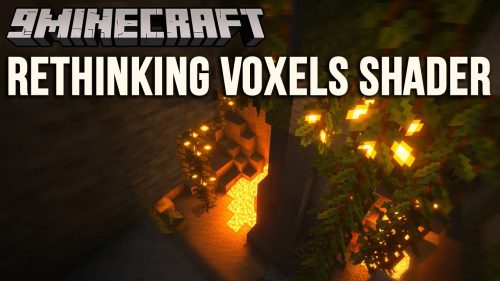 Rethinking Voxels Shaders (26.3, 1.20.1) – Coloured Lights, Sharp Shadows
 Shadow Only Shaders (26.3, 1.20.1) – Dynamic Shadows Shaderpack
 SEUS Renewed Shaders (26.3, 1.20.1) – Best Minecraft Shaders
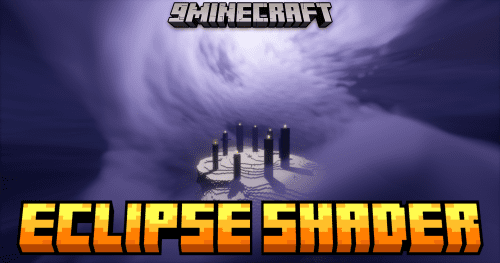 Eclipse Shaders (26.3, 1.20.1) – Advanced Sky And Environmental Effects
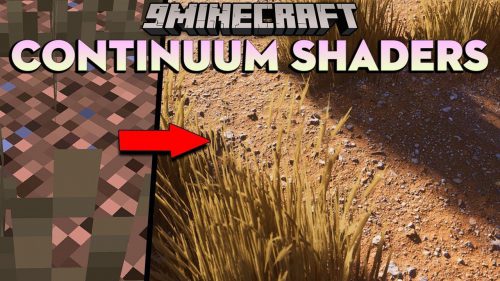 Continuum Shaders (26.3, 1.20.1) – Realistic Textures, Ultra Graphics
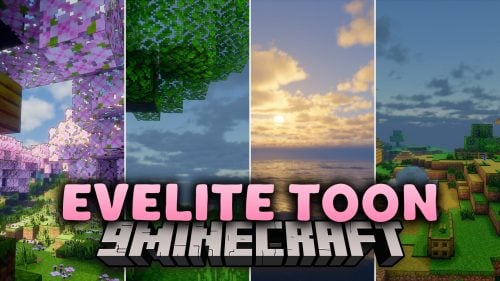 Evelite Toon Shaders (26.3, 1.20.1) – Anime Visuals with Realistic Shading
More from Shaders
 Cursed_kingdoms Shaders (26.3, 1.20.1) – Piercing God Rays and Deep Shadows
 Cookie313’s Shaders (26.3, 1.20.1) – Realistic Lighting for Low-End PCs
 Psychosynthesis Shaders (26.3, 1.20.1) – Fantasy Color Grading and Lighting
 Lively Cinematic Shaders (26.3, 1.20.1) – Path Tracing and Colored Lighting
 Sonnet Shaders (26.3, 1.20.1) – Subtle AI Lighting for Vanilla Visuals
 Clovers Light Shaders (26.3, 1.20.1) – Vanilla Lighting with Minimal FPS Loss
 NeuroLight Shaders (26.3, 1.20.1) – Realistic Lighting with Soft Shadows
 Not So Mcsm Shaders (26.3, 1.20.1) – Stylized Story Mode Block Lighting
 ReVespera VXPT Shaders (26.3, 1.20.1) – Realistic Voxel Path Traced Lighting
 EyeComfort Shaders (26.3, 1.20.1) – Warm Lighting and Tone Sliders
 LumaVale Shaders (26.3, 1.20.1) – Fantasy Lighting and PBR Materials
 Noobie Shaders (26.3, 1.20.1) – Pastel Color Presets for Low-End PCs

This post has no comments yet. Be the first — your comment will appear here.