
Tooltips Improved Mod (26.3, 1.21.1) – Read Every Tooltip Line Without It
 0
 0

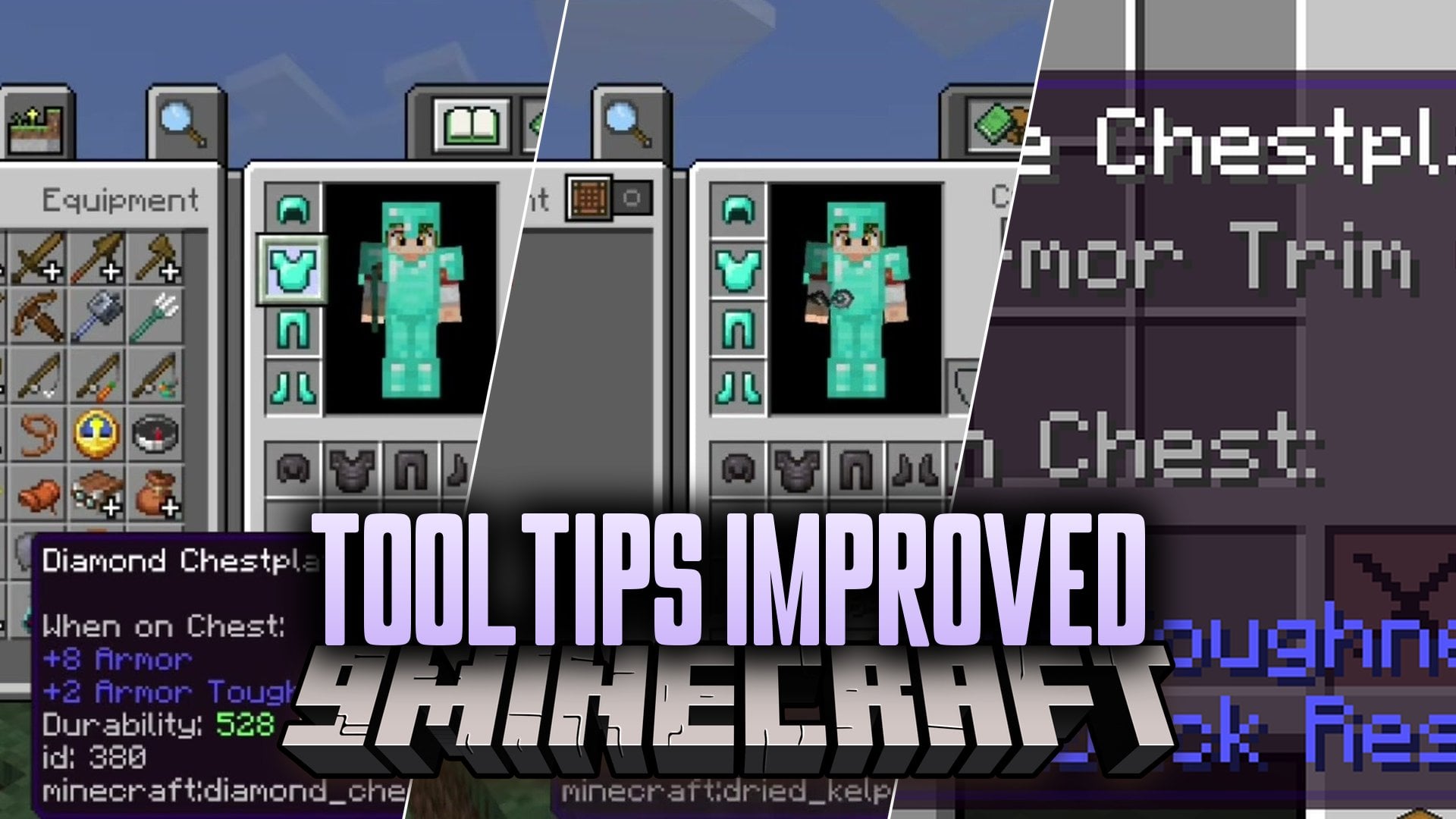
Tooltips Improved Mod reworks Minecraft tooltips so they are easier to read and more useful. It wraps long lines, moves tooltips so they fit on the screen, and lets you scroll the ones that are too tall. The mod also shows exact durability, compares gear with what you have equipped, and previews books, maps, banners and fireworks. It runs on the client side only and needs no other mods.
Features:
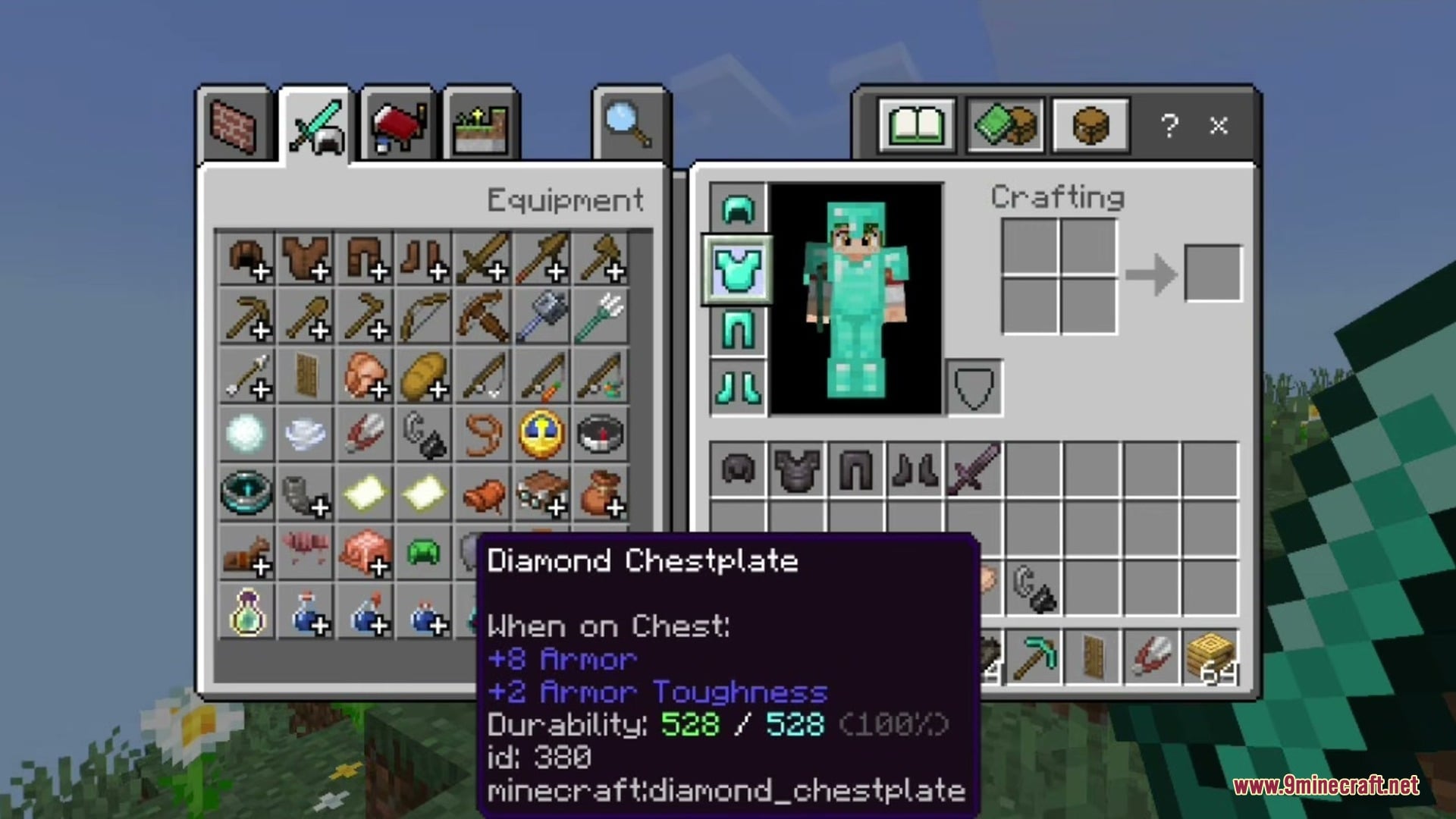
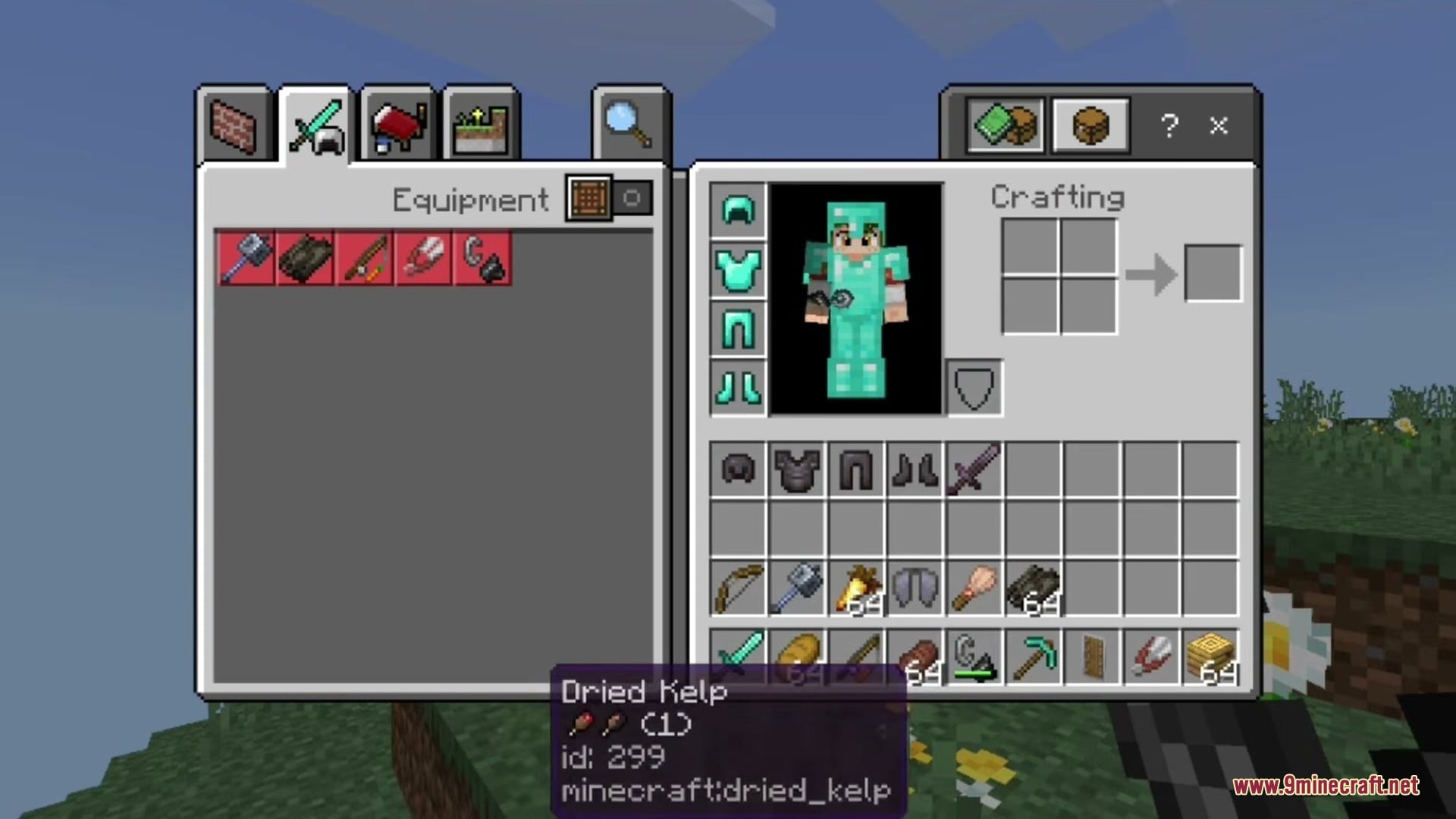
- Exact Durability: Shows how many uses an item has left.
- Equipment Comparison: Shows how armor, weapons and tools compare to what you have equipped, even when the slot is empty.
- Content Previews: Lets you see what is inside an item without opening it.
- Scrolling: Lets you move tooltips that run off the screen so you can read every line.
- Text Wrapping: Breaks long lines so they fit, and keeps their colors.
- Moves a tooltip above, below or to a corner when it does not fit beside the cursor, so it does not cover the thing you hover over.
- Shows the top of very tall tooltips first.
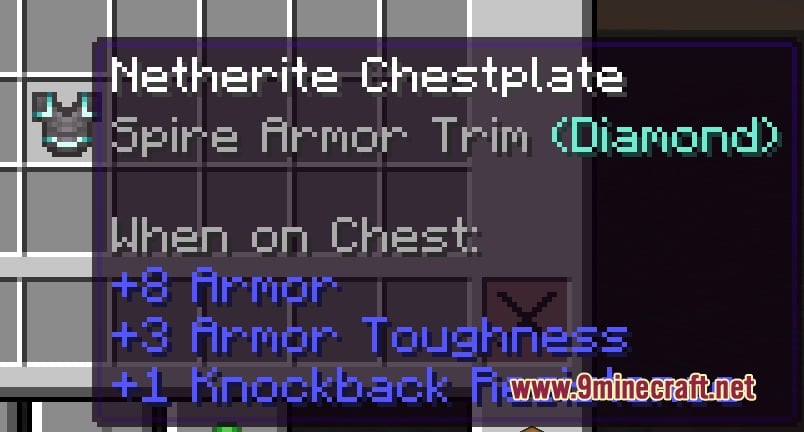
- Shrinks armor trim info from three lines to one, like Sentry Armor Trim (Iron).
- Lets you make the tooltip background see-through.
- Removes the gap under an item’s name if you want a tighter look.
- Keeps scrollable lists working as usual.
Content Previews:
- Books: shows the first page.
- Maps: shows the map.
- Banners: shows the banner pattern.
- Shields: shows the shield pattern.
- Firework rockets: shows the explosions inside.
- Firework stars: shows the explosion.
Text Wrapping Options:
- Beside your cursor.
- On the screen.
- At half the screen width.
- At a width you choose.
How to Use:
- Hover over an item in your inventory to see its tooltip.
- If the tooltip runs off the screen, use the Mouse Wheel or Page Up/Page Down to scroll it.
- Hold Left Alt to move the tooltip sideways.
- Hold Shift while hovering over trimmed armor to see the full trim lines.
- Open the settings from Mod Menu on Fabric, or the Config button in the mod list on Forge and NeoForge. You can also edit
config/tooltipsimproved.json. - Change the keys under Controls → Inventory.
Screenshots:
How to Install:
New to Minecraft? Follow our step-by-step guide to install Mods on your PC.View Guide
Tooltips Improved Mod Download Links
For Minecraft 26.3
For Minecraft 26.2
For Minecraft 1.21.11
For Minecraft 1.21.1, 1.21
Click to rate this post!
[Total: 0 Average: 0]
You May Also Like
Picked for this page
 JourneyMap Integration Mod (26.1, 1.20.1) – Claim Chunks on Your Map
 Sophisticated Core (26.3, 1.20.1) – Power Your Storage Mods
 Horde Nights Mod (1.21.11, 1.20.1) – Survive Brutal Blood Moon Attacks Every
 Pl3xMap Plugin (26.3, 1.20.1) – Spigot
 Eroding Stone Entities Mod (26.3, 1.20.1) – Stone Erosion Mechanic
 Improved Vanilla Mod (1.21.10, 1.20.1) – Refining The Vanilla Experience
 Client Maps Mod (26.3, 1.20.1) – Stores Map Data On Client Side
 Improved Grindstone Mod (26.1.2, 1.20.1) – Enhanced Enchantment Management
 Custom Names Mod (1.21.11, 1.20.6) – Add Custom Names For Players
 Ancient Horizon Rising Mod (1.21.1) – Tame Giant Prehistoric Beasts
 Version Tooltips Mod (26.3, 1.20.1) – See Which Update Added Every Item
 Zhuravel Notes Mod (26.3, 1.20.1) – Jot Down Coordinates and Plans
Most viewed in Mods over the last 7 days
 Ala Industrial Mod (26.3) – Run Electric Power Grids and Automated Factories
 PleasureCraft Mod (26.3, 1.21.1) – Jenny Mod Remake for Fabric
 Jennycraft Mod (26.3, 1.20.1) – Virtual Girlfriend in Minecraft
 Fapcraft Mod (26.3, 1.12.2) – Comprehensive and Detailed Content
 Meteor Client Mod (26.3, 1.20.1) – Xray, HUD, Fly
 Jenny Mod (Fapcraft) Official Complete Guide – How to use, Tutorial
 Let it Walk Mod (1.21.1) – Pilot Spider Tanks and Mechs Built From Your Blocks
 BangCraft Mod (1.20.1) – Jenny, Ellie and Elliot
 OptiFine HD (26.3, 1.20.1) – Run Faster, FPS Boost, Shaders Support
 Fabric Loader (26.3, 1.20.1) – Fabric Installer for All Minecraft Versions
 CatLean Client Mod (26.2, 1.21.11) – ThunderHack Recode Alternatives
 SchnurriTV Mod (1.12.2) – Characters and Features
More from Mods
 Minecraft MCP Mod (26.1.2) – Let AI Agents Automate Mining and Building for You
 Hit Color Mod (26.3, 1.20.1) – Paint Every Hit Flash in Any Hex Color You Like
 No Ore Farms Mod (26.3) – Bring Back Classic Cave Mining Without AFK Grinders
 Create Constellation Mod (1.21.1, 1.20.1) – Level Up Your Factory Skill Tree
 Clapping Cat Meme Mod (26.3) – Adopted Stray Felines Give Standing Ovations
 Neo ECO Prototype Mod (1.21.1) – Build AE2 Multiblocks Without Endgame Grind
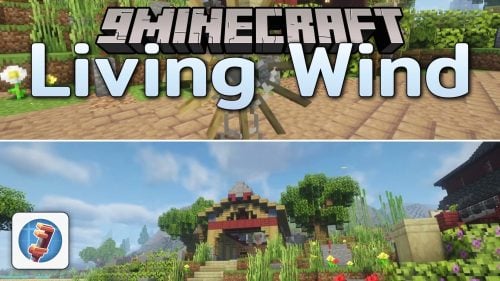 Living Wind Mod (1.21.1, 1.20.1) – Real Weather Gusts Power Your Windmills
 Concrete Lib Mod (1.21.1, 1.20.1) – Run Dependent Create Addons
 Vulky Mod (26.3) – Run Vulkan Rendering on Older Drivers Without Visual Glitches
 TotemCounterV2 Mod (1.21.11, 1.21.1) – Track Enemy Totem Pops Live
 Vanilib Mod (26.3, 1.21.1) – Run Choculaterie Mods Smoothly Without Launch
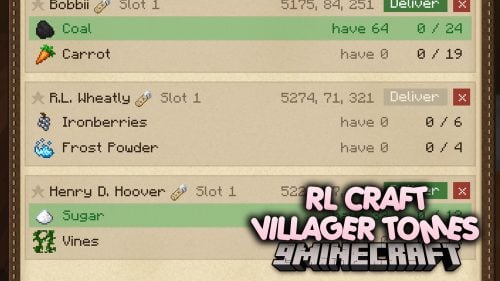 RL Craft Villager Tomes Mod (1.12.2) – Turn Found Enchanted Books

This post has no comments yet. Be the first — your comment will appear here.