
RBZ GUI Resource Pack (26.3) – Regal Red and Gold RPG Menus
 8
 0

RBZ GUI Resource Pack transforms the look of standard game menus with dark crimson backdrops and clean golden borders. The pack updates the interface to double resolution while keeping every item slot in its familiar spot. Players see crisp rounded frames across every container, screen, and HUD element during their adventures. It runs as a standalone resource pack without requiring any mod loaders or extra tools on singleplayer worlds and servers.

Features:
- HD Visual Overhaul: Upgrades interface elements to double resolution with crisp rounded slots and golden trim.
- Faithful Layout: Keeps every inventory and container slot in its original spot so muscle memory stays intact.
- Works on both singleplayer worlds and multiplayer servers without extra client mods.
- Stacks alongside other packs when RBZ GUI Resource Pack sits at the top of your active pack list.
Container Screens:
- Player inventory, creative inventory tabs, crafting table, and crafter screens.
- Smelting and brewing interfaces, covering the furnace, blast furnace, smoker, and brewing stand.
- Storage blocks, including standard chests, barrels, shulker boxes, dispensers, droppers, and hoppers.
- Utility stations, such as the anvil, smithing table, grindstone, stonecutter, loom, cartography table, enchanting table, and beacon.
- Special interaction menus, including villager trading panels, horse inventories, nautilus inventory, and the game mode switcher.
Heads-Up Display:
- Hotbar, active slot selection box, and the off-hand indicator slot.
- Experience bar showing progress across all gameplay levels.
- Status icons for player hearts, hunger level, and armor points.
- Boss health bar displayed during major battles.
Menu Controls and Windows:
- Buttons, slider controls, checkboxes, navigation tabs, and scroll bars across all menus.
- Item tooltips, the recipe book popup, and the advancements window.
- Custom menu backgrounds and interface divider lines.
Screenshots:


How to Install:
New to Minecraft? Follow our step-by-step guide to install Resource Packs on your PC.View Guide
RBZ GUI Resource Pack Download Links
For Minecraft
26.3.x
All Versions Covered
26.3
26.2
All Versions Covered
26.3
26.2
Click to rate this post!
[Total: 0 Average: 0]
QUICK MINECRAFT SURVEY · ONE TAP
Shaders & Resource Packs
How often do you play Minecraft with shaders enabled?
10 responses · See the full results →
You May Also Like
Picked for this page
 Aimz (26.3, 1.20.1) – Tiny Crosshair Resource Pack – Pinpoint Precision
 Hardcore Hearts Resource Pack (26.3, 1.20.1) – Hardcore Vibes Without the Risk
 Slavic Villagers Resource Pack (1.21.1, 1.20.1) – Texture Pack
 Char1ie’s Backrooms Resource Pack (26.3, 1.20.1) – Liminal Horror and Endless
 Cute Hotbar Icons Resource Pack (1.21.11, 1.21.1) – Colorful Icons
 Animated Dragon Elytra Resource Pack (1.21.4) – Flapping Mythical Ender Dragon
 Cyrillic Patchwork Blockbench Resource Pack (26.2, 1.20.1)
 Fullbright TXP Resource Pack (26.2, 1.20.1) – Bright Caves Without Torches
 Confluence PBR Resource Pack (1.21.1) – Gleaming Ores in Sunlit Fantasy Realms
 Better Variety Flowers Resource Pack (1.21.11, 1.20.1)
 CUTE AND BETTER BOATS Resource Pack (26.2, 1.21.11) – Cozy Roofed Vessels
 PW Caxap Pvp Pack Resource Pack (1.21.11, 1.21.1) – Clean Low-Fire Screen
Most viewed in Resource Packs over the last 7 days
 Jenny Mod Skin Pack Mega Collection – 310+ Characters
 Jenny Mod Skins Resource Pack (1.12.2) – Uzaki, Klee, Mita, and More
 750 Models Addon for Yes Steve Model Mod
 Animation Collection for Jenny Mod – 60+ Animations, Updated Regularly
 Patrix Resource Pack (26.3, 1.20.1) – The Peak of Photorealism
 Jennycraft Resource Pack (1.20.1) – Skins for Jennycraft Mod
 Dewier’s 20k Resource Pack (1.8.9) – Texture Pack
 Vanilla+ 3D Crystal Resource Pack (1.21.1, 1.20.1) – Texture Pack
 Dans Winter Pack Resource Pack (1.21.11) – Cool Icy Blue Winter Look
 Shrimp’s Immersive Interfaces Resource Pack (26.1.2, 1.20.1)
 Mizuno’s 16 Craft Resource Pack (1.21.1, 1.20.1) – Texture Pack
 Bloom & Serenity UI Resource Pack (1.21.1, 1.20.1) – Cozy Room-Themed GUI
More from Resource Packs
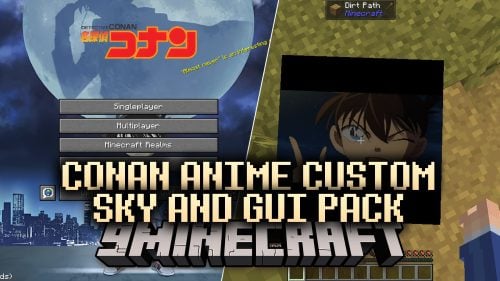 Conan Anime Custom Sky and Gui Pack Resource Pack (1.21.11, 1.20.1)
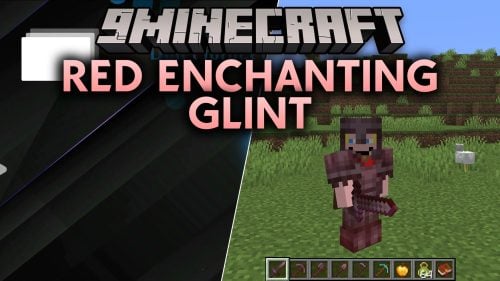 Red Enchanting Glint Resource Pack (26.3, 1.20.1) – Fierce Ruby Magic Aura
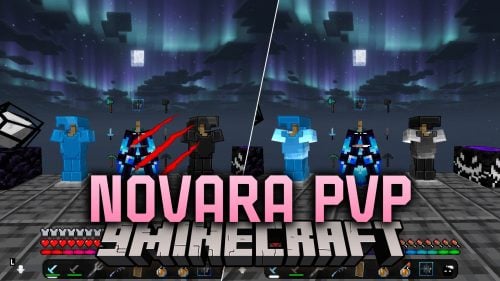 Novara PvP Resource Pack (26.3, 1.20.1) – Vibrant Skies and Crisp Duel Visuals
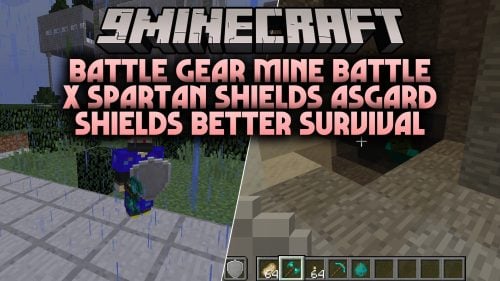 Battle Gear Mine Battle X Spartan Shields Asgard Shields Better Survival Resource Pack (1.12.2)
 JUNGLE EXPLORER UI Resource Pack (26.3) – Ancient Temple Ruins for Your Menus
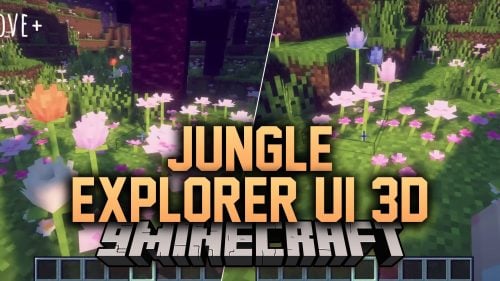 JUNGLE EXPLORER UI 3D Resource Pack (26.3) – Jungle HUD and 3D Workblock Menus
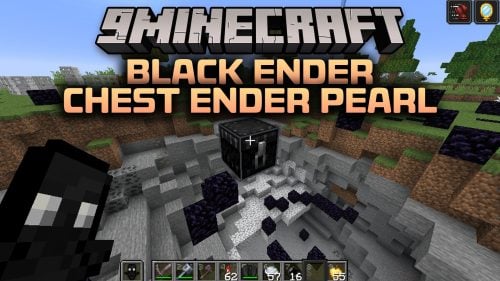 Black Ender Chest Ender Pearl Resource Pack (26.1.2, 1.21.1)
 Jriggs’ PvP Faithful Resource Pack (1.7.4) – Clear Combat with Crisp Visuals
 Smaller Crosshair Addon for Faithful Resource Pack (1.16.5)
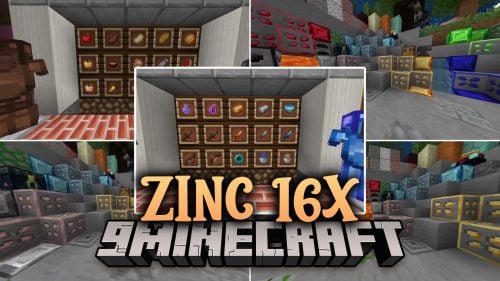 Zinc 16x Resource Pack (1.8.9) – Clean Style for Competitive Bedwars
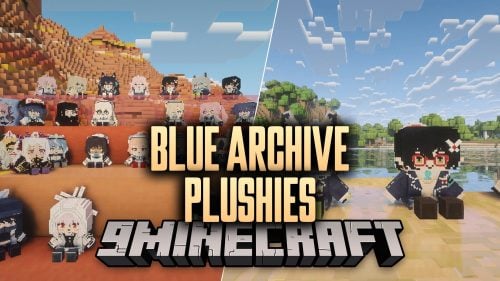 Blue Archive Plushies Resource Pack (26.3, 1.20.1) – Charming Anime Plushies
 Cute Blocky Silverfish Resource Pack (26.3, 1.20.1) – Adorable Cube Critters

This post has no comments yet. Be the first — your comment will appear here.