
Enhanced Visuals Model – Adds Animated Foliage and Crisp 3D Blocks

 0

Enhanced Visuals Model adds custom 3D models and clear visuals to help you during player combat and building. It keeps all original items and blocks from the game while changing how things look on your screen. The pack features over 300 custom models and thousands of texture files to update the game look. It also brings animated textures to make plants and blocks move smoothly. You can use it in survival worlds to get a better view of your surroundings during fights.

Features:
- Adds 328 custom 3D models for various blocks and items across the game.
- Includes 3,737 custom texture files designed to keep the standard game style.
- Features animated textures for items like bamboo leaves and other growing plants.
- Changes the look of bamboo stages including bamboo1_age0, bamboo1_age1, bamboo2_age0, and bamboo2_age1.
- Updates tall bamboo plants with custom models like bamboo_large_leaves and bamboo_small_leaves.
- Redesigns utility blocks such as brewing stands with variants like brewing_stand_bottle0, brewing_stand_bottle1, and brewing_stand_empty0.
- Retextures bells so they fit different placements including bell_ceiling, bell_floor, and bell_wall.
- Gives plant blocks like big_dripleaf new tilt shapes such as big_dripleaf_full_tilt and big_dripleaf_partial_tilt.
- Retextures cactus blocks and buttons like button_pressed and button_inventory.
How to Use:
- Download and install a Minecraft version that supports animated textures.
- Open your Minecraft game menu and click on Options, then go to Resource Packs.
- Open the resource pack folder and place the downloaded pack zip file inside it.
- Activate the pack in your resource pack list and click Done to load the new textures.
- Find updated blocks like brewing stands, bells, and bamboo plants placed naturally in the world or crafted in your inventory to see the new 3D models.
Requirements:
- A Minecraft version that supports animated textures
Screenshots:


Enhanced Visuals Model Download Links
Click to rate this post!
[Total: 0 Average: 0]
You May Also Like
Picked for this page
 Pixel Perfection Fidelity Model – Brings Cozy Medieval 3D Models to Blocks
 Bare Bones X Model – Brings Simple 3D Foliage and Modded Block Visuals
 New Faithful Overlays Model – Brings Smooth Grass and Path Transitions
 Deluxe Model – Transforms Flat Blocks Into Animated 3D Shapes with Fullbright
 Gui’s Better Vanilla Model – Brings Animated 3D Torches and Plants
 ShadowBlade Model – Equips Animated 3D Fantasy Weapons for PvP Combat
 100Follower Bedwars Pack Model – Transforms Arena Blocks for Clearer Fights
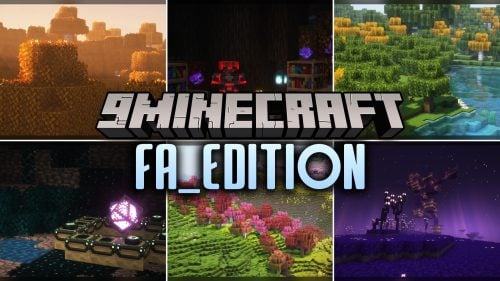 FA_edition Model – Transforms Vanilla Foliage and Blocks with 3D Shapes
 Moons Cuter Bedwars Model – Brings Cute 3D Blocks and Clean PvP Visuals
 Vanilla SMP Model – Brings Clear 3D Weapons and Visible Traps to PvP
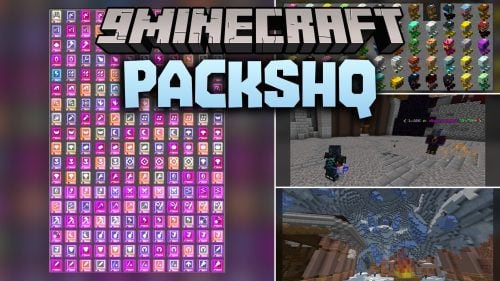 PacksHQ Model – Brings Custom 3D Gear and Animated Textures to Hypixel Skyblock
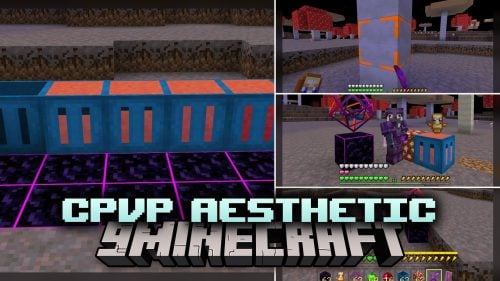 CPVP Aesthetic Model – Transforms Crystal Battles with Clear 3D Visuals
Most viewed in Models over the last 7 days
 Jenny Mod Skin Pack Mega Collection – 310+ Characters
 The Most Complete Collection of Jenny Mod Resources – Models, Animations, Structures,…
 Albedo Rework Jenny Mod Model
 750 Models Addon for Yes Steve Model Mod
 Pomni Jenny Mod Model
 Galath Rework Model – Custom Girl for PleasureCraft Mod
 Power Model – Custom Girl for PleasureCraft Mod
 Ram Model – Custom Girl for PleasureCraft Mod
 Femboy Ellie Rework Jenny Mod Model
 Ellie Rework Jenny Mod Model
 100+ Custom Animations For Jenny Mod
 Ellen Model – Custom Girl for PleasureCraft Mod
More from Models
 KTX_EUM Model – Brings Modern Electric Trains to MTR4 Railway Tracks
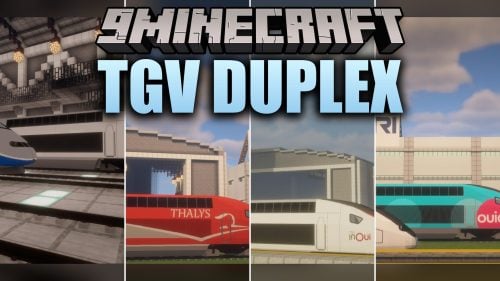 TGV Duplex Model – Adds European High-Speed Passenger Trains to Rail Tracks
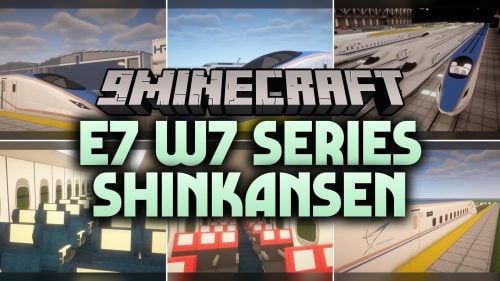 E7 W7 Series Shinkansen Model – Brings Japanese Bullet Trains to Railways
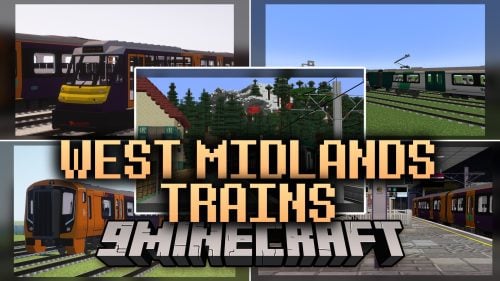 West Midlands Trains Model – Brings British Commuter Trains to Railways
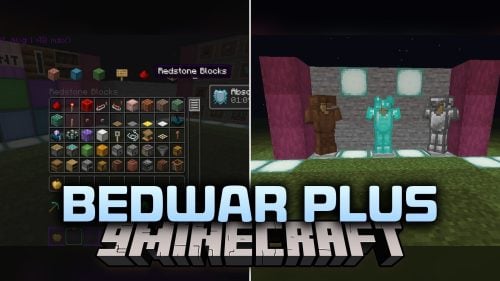 BedWar Plus Model – Brings Interactive 3D Utility Blocks to Match Arenas
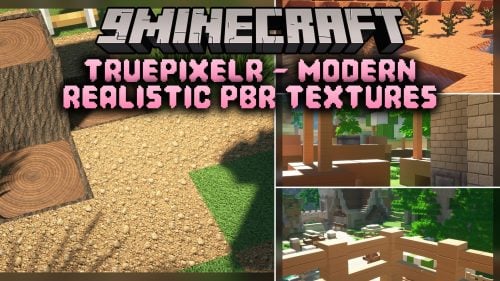 TruePixelR – Adds Physical Depth to Foliage and Articulated Wooden Doors
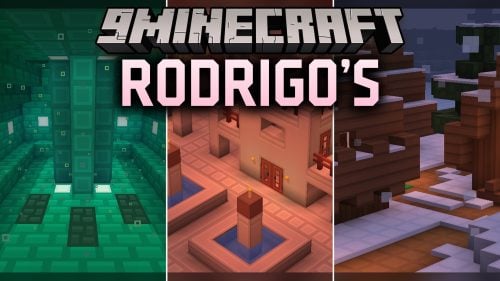 Rodrigo’s Model – Brings Animated 3D Cartoon Shapes to Vanilla Blocks
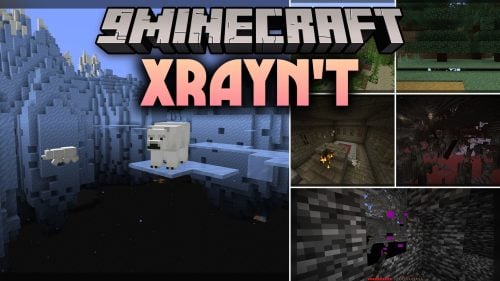 XRAYn’t Model – Transforms Normal Survival Mining Into a Silly Visual Challenge
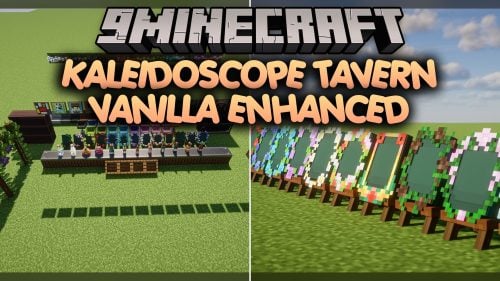 Kaleidoscope Tavern Vanilla Enhanced Model – Brings 3D PBR Tavern Visuals
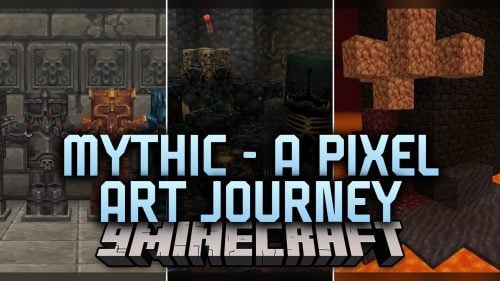 MYTHIC – Transforms Everyday Blocks with Animated 32x Pixel Art 3D Models
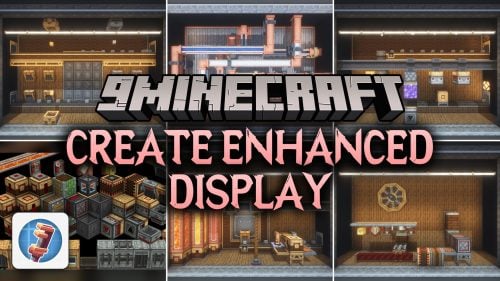 Create Enhanced Display Model – Adds 3D Animated Create Machine Blocks
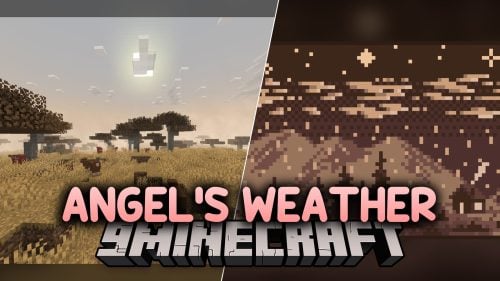 Angel’s Weather Model – Brings 3D Snow Drips and Animated Storm Skies

This post has no comments yet. Be the first — your comment will appear here.